
Many content creators face the same challenges: finding time, staying consistent, and keeping quality high. You might spend hours researching, writing, and editing just one piece of content.
That’s where AI writers come in. They’re not here to replace you but to help you work smarter. These tools can generate ideas, draft content, and even polish your writing so you can focus on the creative parts you enjoy.
The thing is, there are so many options out there now. You might wonder which ones actually work for your specific needs. Some tools are great for social media, others for long-form articles, and some specialise in SEO optimisation.
We’ve tested and researched 12 different AI writing tools to help you find the right fit. Each one serves a different purpose, and we’ll break down exactly what they do best. You’ll see which tools can save you time, which ones improve your writing quality, and which ones might not be worth your attention.
Let’s look at what’s available and find the tools that can actually help with your content creation challenges.
Rundown
- All-In-One Copywriting Toolkit: Copy.ai, “Complete copywriting platform with 100+ expert templates for emails, social posts, blogs, and sales copy across 25+ languages and all platforms.”
- Best for Social Media Copywriting: Simplified, “All-in-one social media toolkit combining AI copywriting, graphic design, video generation, and post scheduling in a single dashboard.”
- Best for All-Purpose Content Creation: Jasper, “Versatile AI writer with expert templates for blogs, social posts, ads, and long-form content, trained on top brand examples with SEO optimisation.”
- Best for Brand-Consistent Custom Writing: TextCortex, “AI writing assistant with custom personas and proprietary knowledge bases for personalised, brand-aligned content across all formats and platforms.”
- Best for Specialised Email Outreach: Smartwriter, “An AI email generator that creates personalised, high-converting emails using LinkedIn profiles and company research to boost reply rates 8x faster.”
- Best for Ad Copy Optimisation: Anyword, “Platform-specific ad copy generator with predictive performance scores for Facebook, Google, LinkedIn, and Pinterest ads using demographic analysis.”
- Best for SEO Content Writing & Optimisation: Frase, “An SEO-focused content platform for research, writing, and optimisation that analyses competitor content and creates search-engine-optimised articles quickly.”
- Best Full-Stack SEO Content Platform: Outranking, “An advanced SEO writing tool combining real-time SERP analysis with AI generation to create 3,000-word optimised articles with one-click WordPress publishing.”
- Best for Long-Form Business Writing: Type.ai, “Professional AI writing assistant specialising in long-form content with intelligent editing, style customisation, and support for books, articles, and business documents.”
- Best for Grammar, Paraphrasing & Enhancement: QuillBot, “Multi-tool writing assistant offering paraphrasing, grammar checking, plagiarism detection, summarisation, and citations with seamless Word and Chrome integration.”
- Marketing Platform Integration: HubSpot AI Content Assistant, “Native AI writing tool integrated into HubSpot’s CMS for blogs, emails, social posts, landing pages, and SMS content with free tier access.”
- Best for E-commerce Product Descriptions: Copysmith, “Specialised AI tool for generating SEO-optimised product descriptions at scale across Amazon, eBay, Etsy, and other eCommerce platforms with bulk import.”
Recommended Content Writing Tools
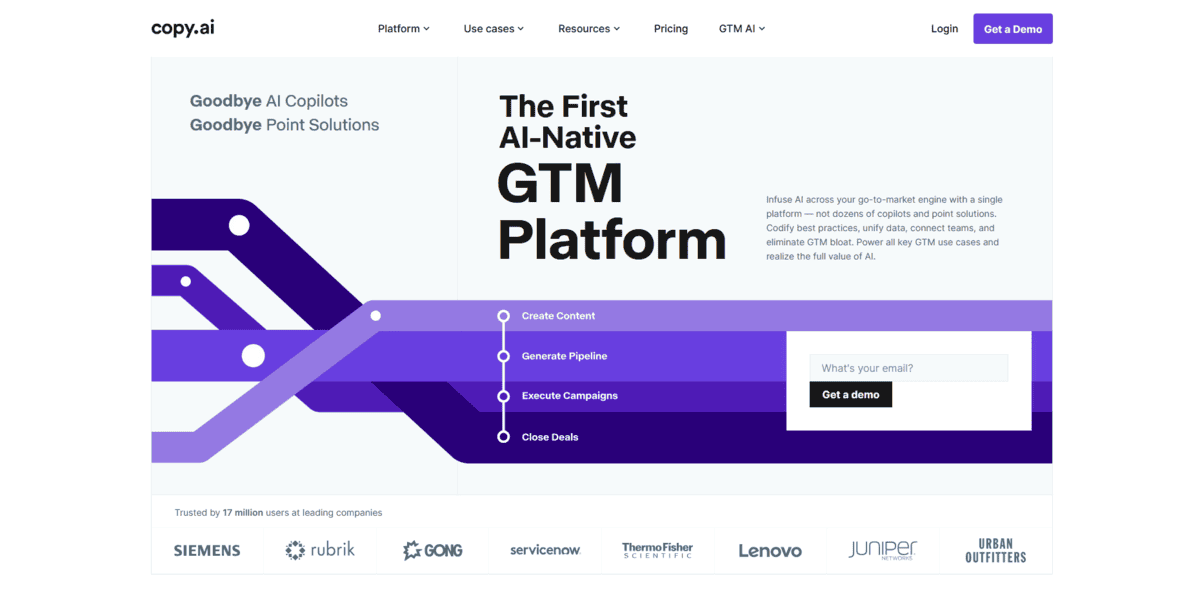
All-In-One Copywriting Toolkit
Copy.ai
Best For | Marketing and sales automation |
Pricing | Free plan, Pro at $49/month, Enterprise custom |
Ease of use | Very user-friendly interface |
Platform | Web-based, browser access |
If you’re in marketing or sales and need to create content across different channels, Copy.ai gives you a complete toolkit. It’s built specifically as a “GTM AI Platform” – that’s go-to-market in business terms. Meaning it helps automate your entire process from finding to winning customers.
What you get is over 90 templates covering everything from social media posts to email campaigns and blog content. The platform supports 95+ languages, which is handy if you’re working with global audiences. You’re not just getting a writing tool; it’s designed to help marketing teams work smarter.
But that’s not all; there’s more:
- You can connect your social media accounts directly and schedule posts across different platforms from one dashboard
- The content idea generator helps when you’re stuck for topics, giving you fresh angles for blog posts and campaigns
- Workflow automation lets you set up multi-step processes that combine research, content creation, and tool integrations
- Brand voice features help maintain consistency across all your marketing materials
While Copy.ai works well for marketing automation, it has some limitations. The free plan only gives you 2,000 words per month, which goes quickly if you’re creating regular content. For long-form content like detailed articles or white papers, you might find it less capable than specialised tools. The workflow credits system can get confusing. Different tasks consume different amounts, and you need to watch your usage if you’re on a tight budget.
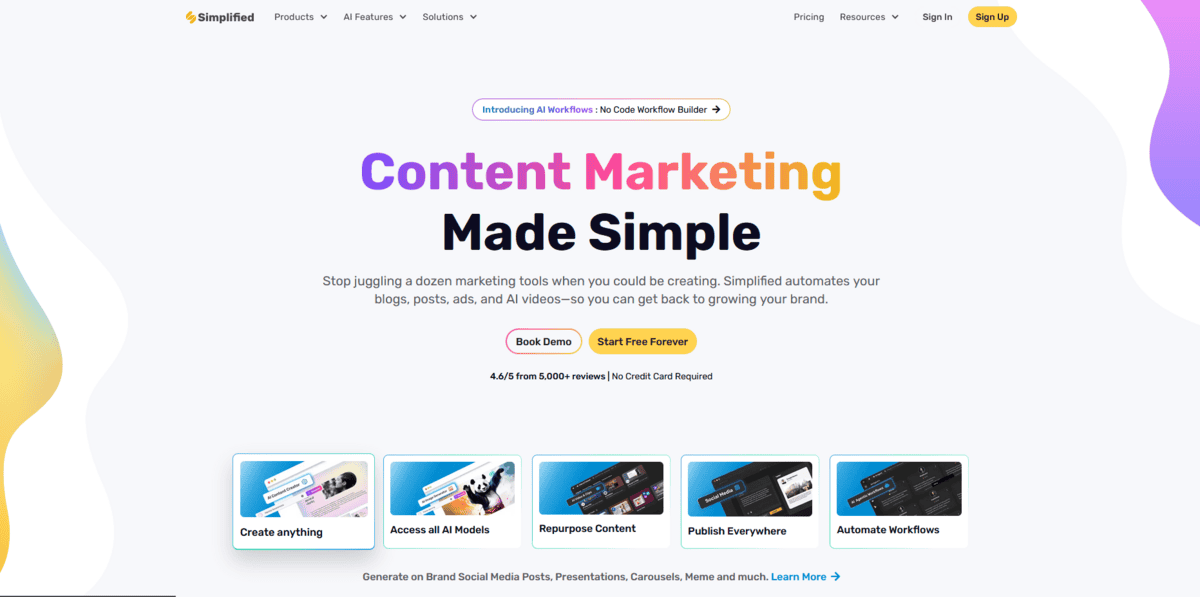
Social Media & Design Powerhouse
Simplified
Best For | Social media managers, content creators, small teams |
Pricing | Free plan, $14.99-$29.99/month for teams |
Ease of Use | Intuitive, all-in-one dashboard |
Platform | Web-based, mobile apps |
If you’re managing social media accounts and need more than just writing help, Simplified gives you everything in one place. It’s not just another AI writer; it combines copywriting, graphic design, video editing, and social scheduling all on a single dashboard.
What makes Simplified different is how it handles the complete social media workflow. You can write a post, design the graphics, edit a video, and schedule everything without switching between different tools. The platform supports over 30 languages and offers 10+ different tones for your content, so you can match your brand voice across all platforms.
But that’s not all; there’s more:
- You can create entire social posts with the AI designer tool, which generates both the copy and visuals together
- The video editing features let you make faceless videos, podcast clips, and carousel content without needing separate software
- You get built-in social media scheduling that works across all major platforms, so you can plan your content calendar in advance
- The AI image generator helps you create custom graphics even if you don’t have design experience
- You can collaborate with team members and get approvals directly in the platform
While Simplified is great for social media content, it has some limitations. The design tools aren’t as advanced as dedicated software like Adobe Creative Suite, and the video editing is more basic than professional tools. You might find the AI writing quality varies depending on the complexity of your request. The platform works better for social media content rather than long-form articles or technical writing.
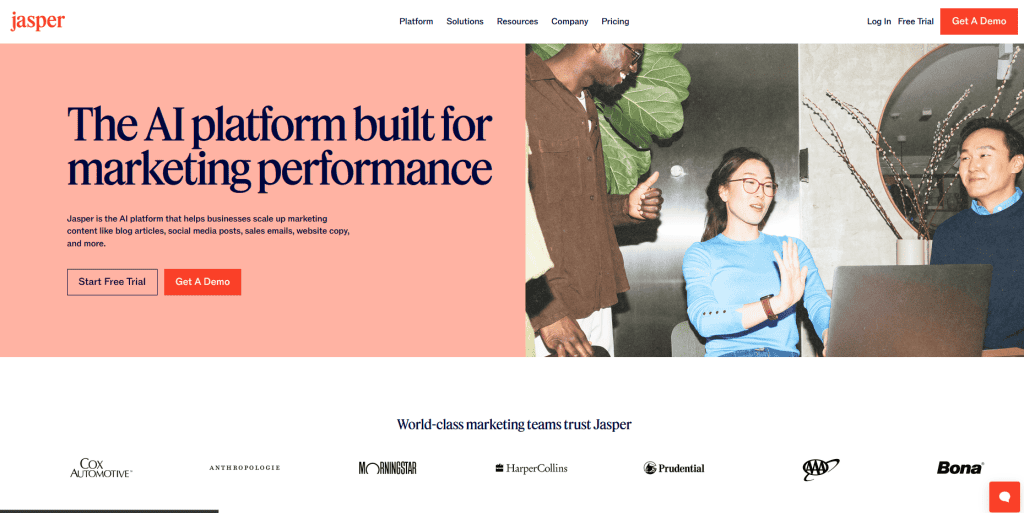
All-Purpose Content Creation
Jasper
Best For | All-purpose content creation, long-form writing |
Pricing | Starts at $39/month, no free plan |
Ease of Use | Intuitive interface, moderate learning curve |
Platform | Web-based, browser access |
Jasper handles everything from blog posts to social media content. It’s like having a writing assistant who knows how to structure different types of content properly.
Jasper uses natural language processing to understand what you’re asking for and generates content that actually makes sense. You’re not just getting random text; you’re getting structured content that follows proper writing formats. The tool has been around since the early days of AI writing, which means they’ve refined their approach based on real user feedback.
What makes Jasper stand out is how it handles different content types. You can:
- Create complete blog posts using their One-Shot Blog Post template that structures everything for you
- Generate social media captions that actually sound like something a person would post
- Write product descriptions that highlight features without sounding robotic
- Develop email sequences that maintain a consistent brand voice throughout
You also get access to around 50 expert-made templates that cover most writing needs. These templates aren’t just generic prompts; they’re designed by people who understand content marketing.
While Jasper and Copy.ai might seem similar at first glance, they actually serve different purposes. According to comparison research, Jasper focuses more on marketing teams needing comprehensive content creation, while Copy.ai leans toward sales workflows. Jasper shines with long-form content like blog posts and articles, while Copy.ai handles short-form marketing copy more efficiently.
The downside is that Jasper doesn’t offer a free plan, and the entry price at $39/month might feel steep if you’re just testing the waters. Some users find that the long-form content can feel generic on technical topics, and there’s no built-in fact-checking tool. You’ll need to verify any statistics or technical details yourself.

Best for Brand-Consistent Custom Writing
TextCortex
Best For | Brands needing a consistent voice, enterprise content teams |
Pricing | Brands needing a consistent voice, enterprise content teams |
Ease of Use | Moderate (enterprise features require setup) |
Platform | Web, browser extension, API integration |
If your brand needs content that sounds exactly like your company wrote it, TextCortex is built for that challenge. This AI writer focuses on brand consistency through custom personas and proprietary knowledge bases, making it different from general-purpose AI writers.
TextCortex uses RAG (Retrieval-Augmented Generation) technology, which means it pulls information from your own documents and data before generating content. This approach helps maintain your brand’s specific language, tone, and messaging across everything it creates.
You can create custom AI personas that mimic your brand’s voice perfectly. Feed it your style guides, previous content, and brand guidelines, and it learns how you communicate. The tool also offers 80+ writing templates for different content types, all customisable to match your brand’s requirements.
But that’s not all; there’s more:
- You can build proprietary knowledge bases with your company’s internal documents, which TextCortex references when creating new content
- The RAG technology ensures content stays accurate and on-brand by pulling from your specific sources
- You get enterprise-ready features like team collaboration, version control, and integration with 30,000+ platforms
- The browser extension lets you use TextCortex anywhere you write online
While TextCortex is great for maintaining brand consistency, it requires more initial setup than simpler tools. You need to upload your brand materials and train the personas. The enterprise features also mean there’s a learning curve for teams new to AI writing tools. This tool works best for companies with established brand guidelines who need scalable content creation that stays on message.
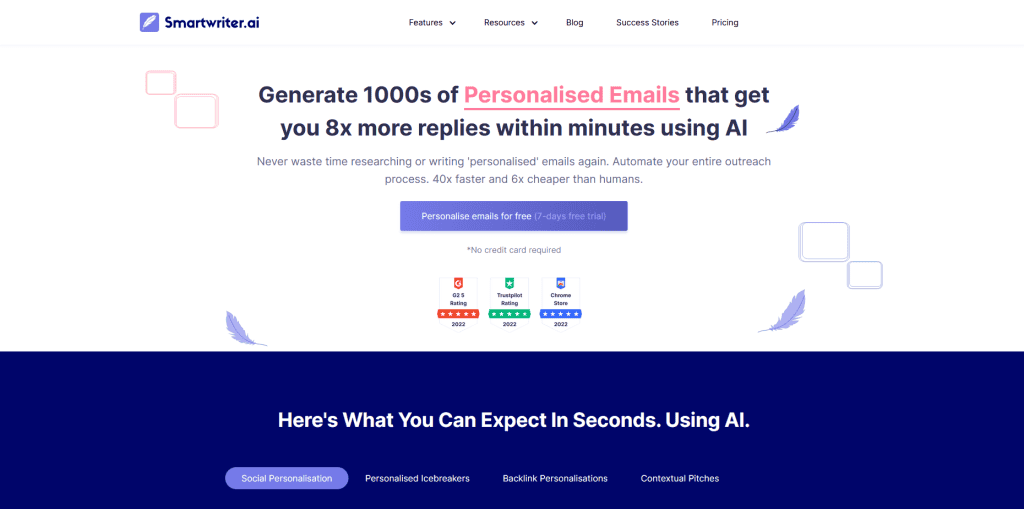
Specialised Email Outreach
Smartwriter
Best For | Sales teams, cold email outreach, and LinkedIn personalisation |
Pricing | From $49/month (Basic plan) |
Ease of Use | Straightforward interface with guided workflows |
Platform | Web-based with browser extension |
Smartwriter automates the research process that makes emails feel personal. It scans LinkedIn profiles, company news, and online activity to find unique talking points for each prospect.
The tool works by analysing your prospect’s digital footprint. You provide a list of contacts, and Smartwriter researches each one, finding recent achievements, shared connections, company updates, or industry mentions. It then crafts emails that reference these specific details, making each message feel hand-written rather than mass-produced.
But that’s not all; there’s more:
- You can generate thousands of personalised emails in minutes instead of spending hours on research
- The tool pulls data from LinkedIn profiles, company websites, news articles, and social media to find relevant personalisation points
- You get email-verified addresses with 95% accuracy, reducing bounce rates significantly
- The platform includes LinkedIn personalisation features that reference specific profile details and recent activity
What’s interesting is that this approach actually works. According to research from The American Genius, Smartwriter users report getting 8x more replies to their cold emails compared to generic outreach.
While Smartwriter excels at personalised outreach, it’s not a general writing tool. You wouldn’t use it for blog posts or social media content. The learning curve comes from understanding how to structure your outreach campaigns effectively. Plus, the personalisation quality depends on available online data about your prospects. If someone has minimal digital presence, the tool has less to work with.
Advanced Ad Copy Optimisation
Anyword
Best For | PPC marketers, ad specialists, platform-specific campaigns |
Pricing | Starts at $39/month |
Ease of Use | Intuitive interface with a learning curve for advanced features |
Platform | Intuitive interface with a learning curve for advanced features |
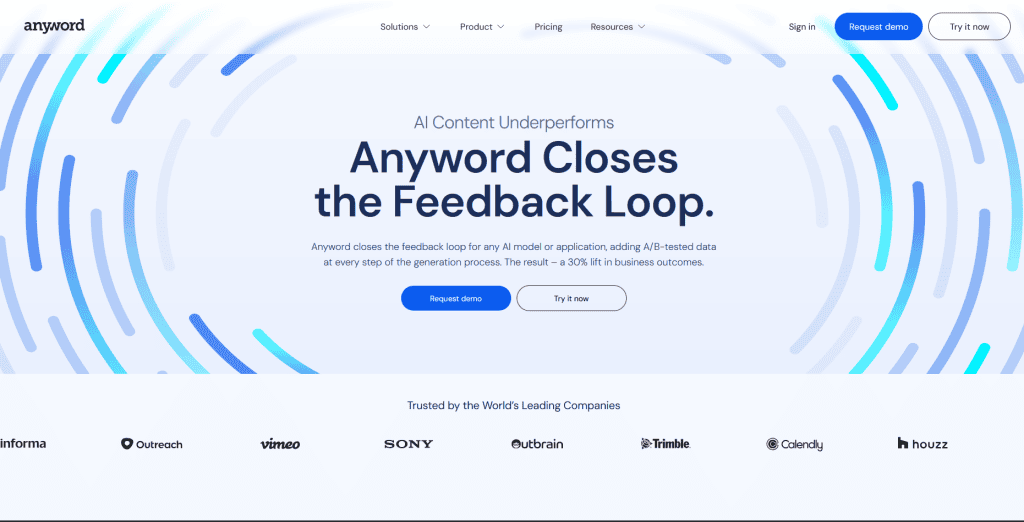
If you’re running paid ads and want to know which copy will perform best before you spend your budget, Anyword gives you that edge. This tool specialises in creating platform-specific ad copy for Facebook, Google, LinkedIn, and Pinterest with built-in performance predictions.
Instead of just generating random ad variations, it analyses billions of data points to tell you which versions are likely to convert better. You get a score from 1 to 100 for each ad variation, showing you which ones to test first.
But that’s not all; there’s more:
- You can create ads tailored to each platform’s algorithm requirements. Facebook ads that work on Facebook, Google ads optimised for search, and so on
- The demographic analysis shows you how different audience segments might react to your copy
- You get multiple variations at once, so you can A/B test without spending hours writing alternatives
- The tool integrates directly with advertising platforms like Google Ads and Facebook Ads Manager
What’s interesting is how Anyword uses actual performance data from millions of ads to make its predictions. According to their platform, this data-driven approach helps marketers make better-informed copy decisions before campaigns even launch.
While Anyword is great for ad specialists who want data-backed copy, it has some limitations. The predictive scores aren’t perfect guarantees; they’re educated guesses based on historical data. You’ll still need to test your ads in the real world. The platform also focuses heavily on ads, so if you need other types of content like long-form blogs, you might need additional tools.
The pricing starts at $39/month, which puts it in the mid-range for AI writing tools. For PPC marketers spending thousands on ads, that investment can make sense if it improves their conversion rates even slightly.
SEO Content Research & Optimisation
Frase
Best For | SEO specialists, content marketers |
Pricing | Subscription-based |
Ease of Use | Moderate learning curve |
Platform | Web-based |
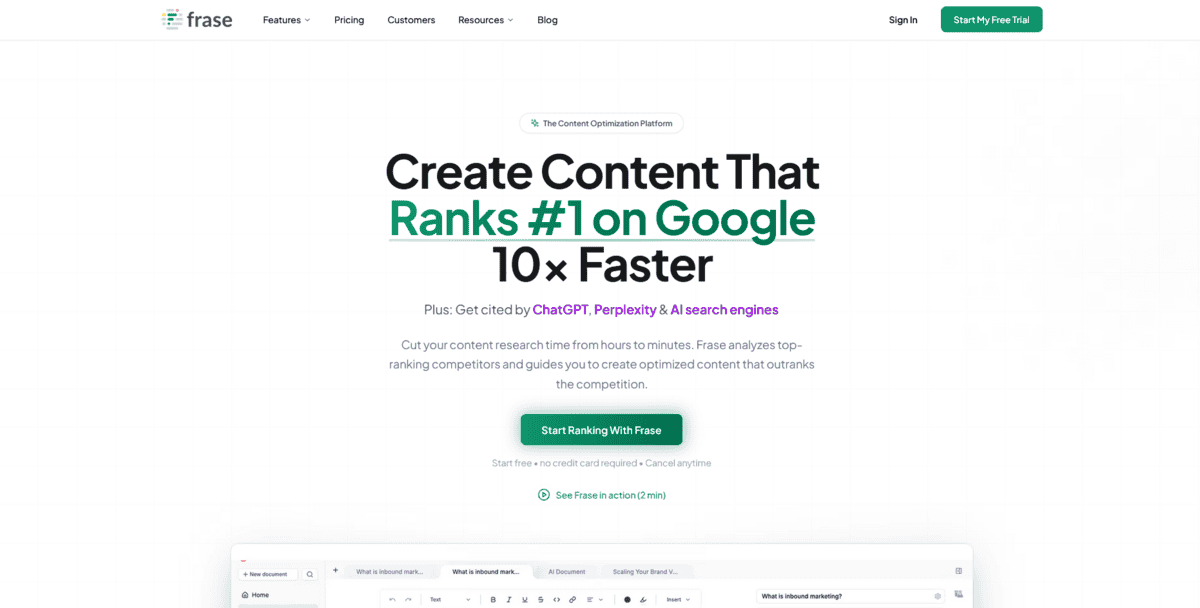
If you’re creating content that needs to rank well on search engines, Frase handles the entire SEO workflow from research to optimisation. It’s an AI-powered tool that analyses what’s already ranking for your target keywords and helps you create content that can compete.
You start by entering a keyword, and Frase automatically pulls data from the top search results. It shows you what your competitors are doing well and where you can improve. The tool then creates a content brief with specific recommendations about topics to cover, word count targets, and even heading structures.
But that’s not all; there’s more:
- You can see side-by-side comparisons with ranking content, which helps you understand exactly what makes top-performing articles work
- The topic modelling feature identifies the specific subtopics and keywords you should include to cover the subject thoroughly
- Frase generates content briefs automatically, saving you hours of manual research and analysis
- You get real-time SEO scoring as you write, so you know immediately if your content needs improvement
Frase works best when you already have some SEO knowledge. While it provides excellent data and suggestions, you still need to understand how to interpret and apply them. The AI writing features are good for drafts, but you’ll likely need to edit and add your own expertise to make the content truly stand out.
Plus, the pricing can be steep for individual creators or small businesses just starting with content marketing. But for SEO specialists and content teams producing at scale, the time savings and improved rankings often justify the investment.
Full-Stack SEO Content Platform
Outranking
Best For | SEO-focused content teams, agencies |
Pricing | Starts at $99/month |
Ease of Use | Steeper learning curve |
Platform | Web-based with a WordPress plugin |
Outranking analyses the top 20 ranking pages for any search query, looking at over 40 different elements. It then builds a content plan to outrank those competitors. The SERP analysis is what sets it apart. You get a 360-degree view of what’s working for your competition.
But that’s not all; there’s more:
- You can generate 3,000-word articles that are already optimised for search engines, with the research built right into the writing process
- The WordPress integration lets you publish directly to your site with one click – no copying and pasting needed
- It handles everything from keyword research to final publishing, making it a true full-stack solution
- You get domain analytics from Google Search Console integrated into the platform
While Outranking is powerful for content teams, it’s not the best choice for everyone. The pricing starts at $99/month, which might be steep for solo creators. It also lacks some integrations that other tools have, like email and social media platforms. If you need quick social posts or emails, you’ll want to use something else alongside it.
The tool really shines for agencies and in-house teams that need to produce long-form, SEO-optimised content consistently. The WordPress plugin makes the publishing workflow smooth, but you need to be comfortable with the technical setup. It’s a serious tool for serious SEO work.
Long-Form Business Writing
Type.ai
Best For | Long-form business writing, books, professional documents |
Pricing | $29/month (currently $23/month with first-year discount) |
Ease of Use | Professional document editor interface |
Platform | Web-based with document import/export |
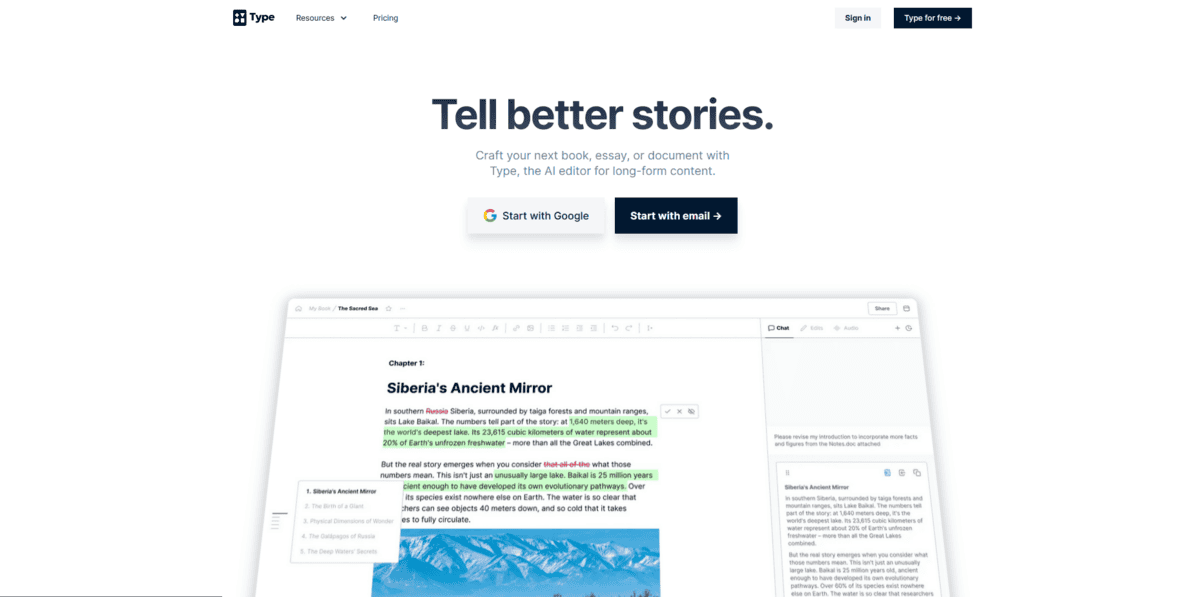
If you’re working on books, business reports, or any long-form content that needs serious editing, Type.ai gives you a professional document editor built around AI assistance. According to their official site, it’s designed as the most popular alternative to ChatGPT and Claude for writing tasks that need more involved editing.
The tool works with documents up to 130,000 words, which is perfect for book-length projects. You get a full document editor where you can import Word files and PDFs, then use AI to help write, edit, and format everything in one place.
Here’s what makes Type.ai different from general AI writing tools:
- You can summon AI help right where you’re typing by pressing the `/` key, getting suggestions without leaving your document
- The editing features are built for long documents, so you’re not just generating text but actually working with it
- You can export your work as Word docs, PDFs, or even AI-narrated audio files when you’re done
- Over 170,000 writers and teams use it for professional documents, according to their blog
You’re not just getting AI-generated text; you’re getting an editor that helps you shape that text into something polished. It’s like having a writing assistant who understands you’re working on something substantial, not just quick social media posts.
But there’s a catch. At $29/month (though currently discounted to $23 for the first year), it’s priced for serious writers. If you only need short copy or social media posts, you might find it overkill. The interface is more like a professional word processor than a quick template tool, so there’s a slight learning curve.
Grammar, Paraphrasing & Enhancement
Quillbot
Best For | Students, writers, professionals needing editing help |
Pricing | Free tier + premium plans |
Ease of Use | Very intuitive, minimal learning curve |
Platform | Web, Chrome extension, Microsoft Word add-in |
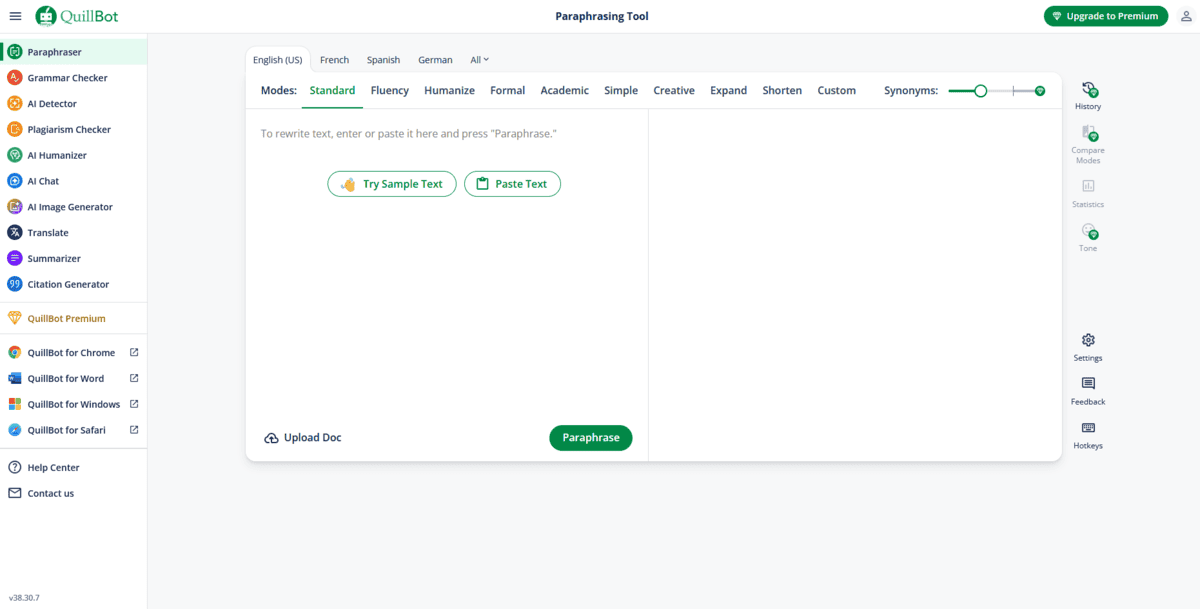
Quillbot helps you polish existing writing rather than create new content from scratch. It’s a multi-tool writing platform that started with paraphrasing but now offers everything from grammar checking to plagiarism detection.
The tool works by analysing your text and suggesting improvements across different areas. You can rephrase sentences to sound more natural, fix grammar mistakes, check for accidental plagiarism, or summarise long documents into key points. What makes it stand out is how it integrates directly into your workflow. You can use it as a Chrome extension while browsing or as an add-in within Microsoft Word.
But that’s not all; there’s more:
- You can paraphrase text in different modes, like formal, creative, or academic, to match your specific needs
- The grammar checker catches errors and suggests improvements for clarity and style
- You get plagiarism detection that scans billions of sources to ensure originality
- The summarizer condenses long articles or research papers into key takeaways
- You can generate citations in APA, MLA, or Chicago style with the citation generator
While QuillBot excels at editing and enhancement, it’s not designed for generating original long-form content like some other tools we’ve covered. The free version has limitations on how much text you can process at once, and some advanced features like the plagiarism checker require a premium subscription.
It’s perfect for students working on papers, professionals polishing reports, or writers refining their drafts, but if you need help creating content from scratch, you might need to pair it with a different tool.
Marketing Platform Integration
HubSpot AI Content Assistant
Best For | Existing HubSpot users, marketing teams, and integrated workflows |
Pricing | Free tier available; paid plans start at $15/user/month |
Ease of Use | Very easy for HubSpot users, native integration |
Platform | Web-based, built into the HubSpot platform |
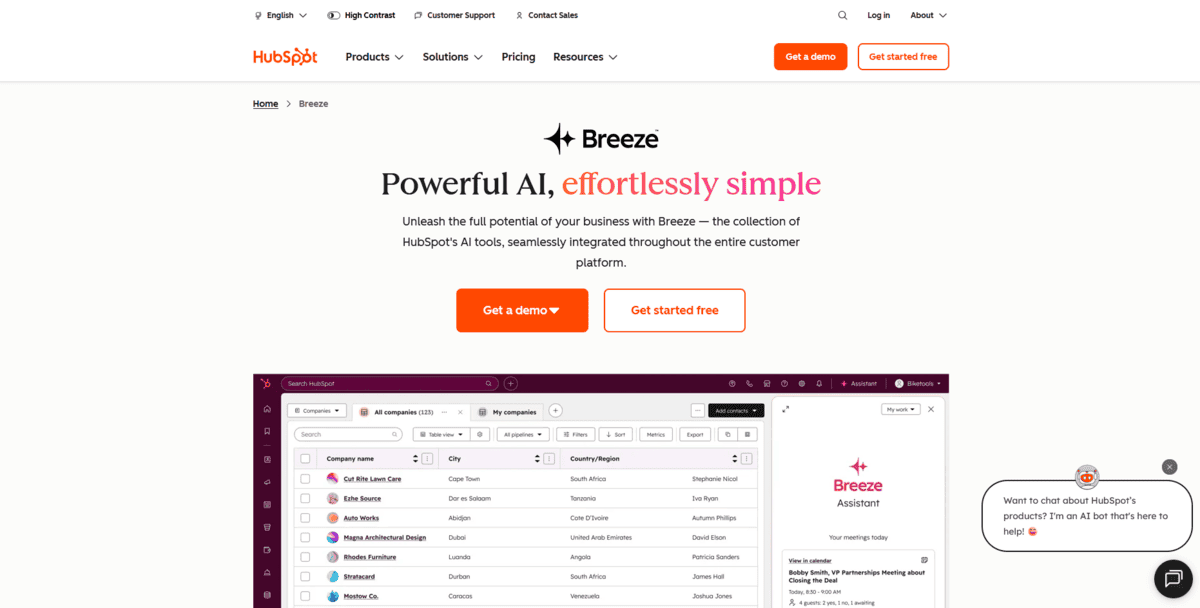
If you’re already using HubSpot for your marketing and CRM needs, the AI Content Assistant feels like a natural extension of what you’re already doing. It’s built right into the platform you’re familiar with, so you don’t have to switch between different tools or learn new interfaces.
The tool helps you create content directly within HubSpot’s CMS, emails, social posts, landing pages, and even SMS campaigns. What’s interesting is how it connects with your existing customer data and workflows. Since it’s native to HubSpot, it understands your contact lists, campaign history, and brand guidelines from the start.
You can use the Campaign Assistant for free to generate marketing copy across different channels. This includes landing pages, emails, and ads for platforms like Google, Facebook, and LinkedIn. The AI agents can also help with customer service and sales tasks, making it more than just a writing tool.
- You can also generate professional emails for your sales team that feel personalised and relevant
- Create platform-specific advertising copy that matches each channel’s requirements
- Work with AI agents that handle customer inquiries and support tasks
- Access basic AI writing features on the free plan, which includes up to 2,000 emails monthly
While HubSpot AI Content Assistant works well for teams already invested in the HubSpot platform, it has some limitations if you’re not. The free tier focuses on writing assistance rather than full automation. You’re also locked into HubSpot’s ecosystem, which means you can’t easily use these AI features with other platforms.
This tool makes the most sense for marketing teams who already use HubSpot and want AI capabilities that integrate seamlessly with their existing workflows. If you’re starting fresh or use multiple platforms, you might find standalone AI writers more flexible.
E-commerce Product Descriptions
Copysmith
Best For | E-commerce businesses, product managers, Amazon/Etsy sellers |
Pricing | Subscription-based (starts at $19/month) |
Ease of Use | Simple interface, bulk operations friendly |
Platform | Web-based with e-commerce integrations |
If you’re running an e-commerce store and need to create hundreds of product descriptions that actually convert, Copysmith is built exactly for that. This tool specialises in e-commerce content, helping you generate SEO-optimised product descriptions that work across platforms like Amazon, eBay, and Etsy.
What makes Copysmith different from general writing tools is its focus on e-commerce workflows. You can import your entire product catalogue via CSV files, and the AI generates descriptions that follow each platform’s specific requirements. This means Amazon listings get the right structure, Etsy gets the storytelling elements, and everything gets the SEO keywords that help with search visibility.
But that’s not all; there’s more:
- You can use the bulk import feature to handle hundreds of products at once instead of writing each description individually
- The tool integrates directly with e-commerce platforms like Shopify and WooCommerce, so you can publish descriptions right from the interface
- You get SEO optimisation built into the generation process, with keyword suggestions and structure that helps products rank better
- There are templates specifically for different ecommerce needs – product titles, feature bullets, FAQs, and full descriptions
What you’ll appreciate is how Copysmith handles the repetitive parts of e-commerce content creation. Instead of staring at a blank page for each new product, you feed the AI your basic product information and get multiple description options that you can tweak to match your brand voice.
While Copysmith is great for e-commerce teams, it’s less useful if you need general content writing. The specialisation means you won’t find blog post templates or social media tools here. This is purely for product-focused content. The pricing can also add up if you have a massive inventory, though for most stores, the time saved on content creation makes it worthwhile.