
You might think email is becoming less important with all the messaging apps around, but here’s what you’re missing. According to recent data, 91% of professionals still use email daily for work communication. That’s nearly everyone in the business world.
The thing is, writing emails that actually get responses feels harder than ever. You’re sending more emails than before, but getting fewer replies. Your inbox is overflowing, and crafting the right message takes time you don’t have.
This is where email writing tools come in. They’re not just grammar checkers anymore. Today’s tools use AI to help you write better emails faster. They can personalise messages, suggest better wording, and even predict what will get responses.
We’ve researched and tested dozens of tools to find what actually works in 2024. This guide shows you the best options for different needs – from quick template tools to advanced AI assistants.
Rundown
- All-In-One AI Email Platform: Jasper, “An AI-powered content generator with 50+ templates that creates personalised cold emails and marketing copy, cutting email creation time in half while boosting open and click-through rates.”
- Best Free AI Email Writer: Feedough’s Email Writer, “A completely free, no-sign-up AI tool that guides you through creating professional emails using customisable templates for various business and personal situations.”
- For Hyper-Personalised Cold Emails: SmartWriter, “An AI-powered tool that researches prospects online and generates personalised cold emails 40x faster, automating the entire research and copywriting process for sales teams.”
- Comprehensive GTM AI Platform: Copy.ai, “An evolved AI platform that generates email copies for every use case while scaling email marketing efforts, reducing writing time by 80% with persona-based templates.”
- To Write Grammatically Perfect Emails: Grammarly, “An AI writing assistant that checks grammar, spelling, tone, and clarity in real-time, ensuring your emails are error-free and professionally polished across all platforms.”
- For AI-Powered Email Workflows: Lindy, “An AI assistant that not only writes emails but also handles inbox triage, follow-ups, and cross-tool workflows, functioning like a full-time email employee.”
- To Write Emails in Your Own Voice: ClosersCopy, “An AI copywriting tool that learns your writing style from previous emails and generates content that sounds authentically like you, using customisable frameworks.”
- For Performance-Optimised Emails: Anyword, “An AI platform that predicts which email variations will perform best with 82% accuracy, using A/B-tested data to optimise for conversions and engagement.”
- For Quick Template-Based Emails: Briskine, “A browser extension that inserts email templates with keyboard shortcuts, saving hours on repetitive emails for customer support, sales, and daily communication.”
- For Personality-Based Communication: Crystal, “A personality assessment tool that analyses communication styles and suggests words and phrases to match your recipient’s natural style, improving response rates.”
- For AI-Generated Email Sequences: Flowrite, “An AI writing assistant that turns brief instructions into professional emails in seconds, perfect for creating complete email sequences and follow-up messages.”
- For Email Marketing with AI: MailerLite, “An email marketing platform with built-in AI tools for generating subject lines, email content, and optimising campaigns based on performance data.”
Recommended Email Writing Tools
All-In-One AI Email Platform
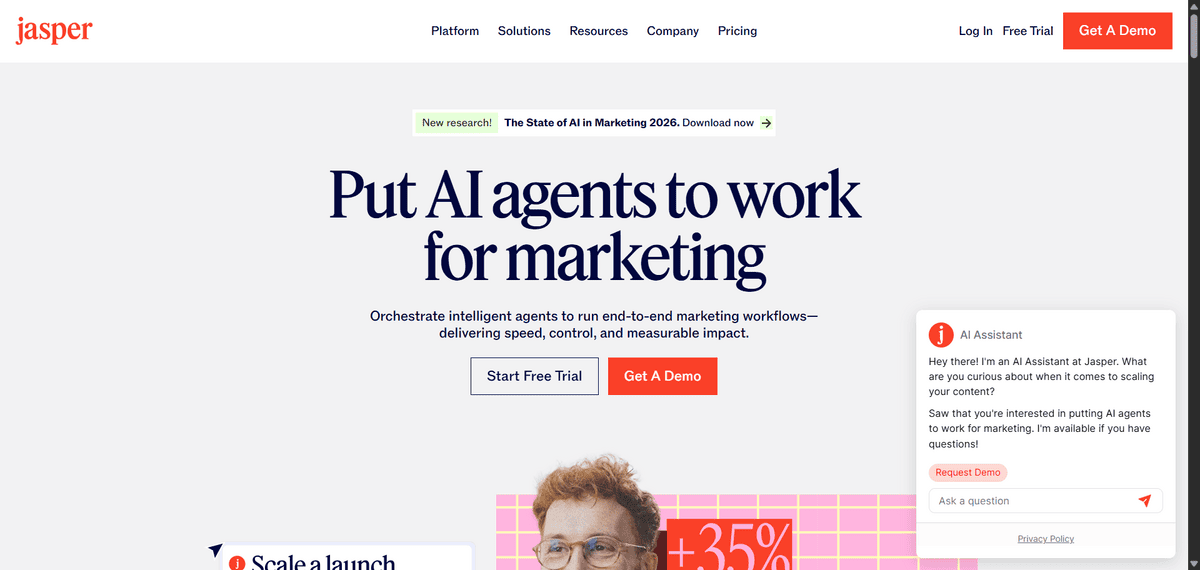
Jasper
Best For | Marketing teams, content creators, sales professionals |
Pricing | Starts at $39/month (Creator plan) |
Ease of Use | Intuitive interface, moderate learning curve |
Platform | Web-based, browser extension |
If you’re looking for a tool that handles more than just emails, Jasper gives you a complete AI writing solution. It’s an AI-powered content generator with over 50 templates, including specific ones for email writing. The Personalised Cold Emails template helps you create emails that actually get responses from prospects.
You can use the template system for structured email creation, or you can use Jasper Commands. With Commands, you just type what you want the email to say, and Jasper builds the complete message for you. It’s like having a writing assistant who understands your goals.
But that’s not all, there’s more:
- You can generate entire email sequences for different scenarios, from sales introductions to follow-up messages
- The tool helps you maintain consistent brand voice across all your email communications
- You get suggestions for subject lines that improve open rates
- There’s a browser extension that works directly in your email client
Jasper is great for comprehensive content creation, it might be more than you need if you only write occasional emails. The pricing starts at $39 per month, which could be steep for individual users.
The interface has a learning curve too – you’ll spend some time figuring out which templates work best for your needs.
Best Free AI Email Writer
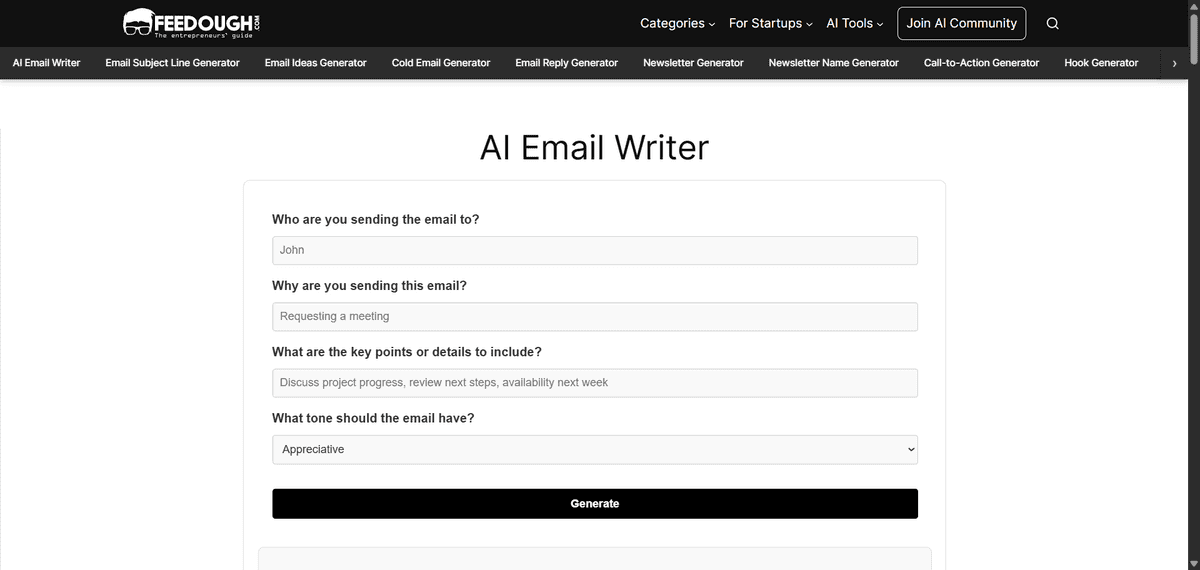
Email Writer
Best For | Anyone needing quick email help without commitment |
Pricing | Completely free, no sign-up required |
Ease of Use | Very simple, guided process |
Platform | Web-based, works on any device |
Email Writer is a completely free tool that doesn’t ask for your email or make you create an account. You just visit the site and start writing.
There’s no complicated interface to learn, no subscription to worry about, and no limits on how many emails you can create. You get exactly what you need: help writing better emails without any commitment.
But that’s not all, there’s more:
- You can generate emails for both business and personal situations, covering most common email needs
- The guided approach helps you include all the important elements in your email
- It works on any device with a web browser, so you can use it anywhere
While Email Writer is great for free, no-commitment help, it doesn’t have the advanced features of paid tools. There’s no AI personalisation based on recipient data, no performance tracking, and no integration with your email client. The templates are helpful but limited compared to what you’d get with subscription services.
For Hyper-Personalised Cold Emails
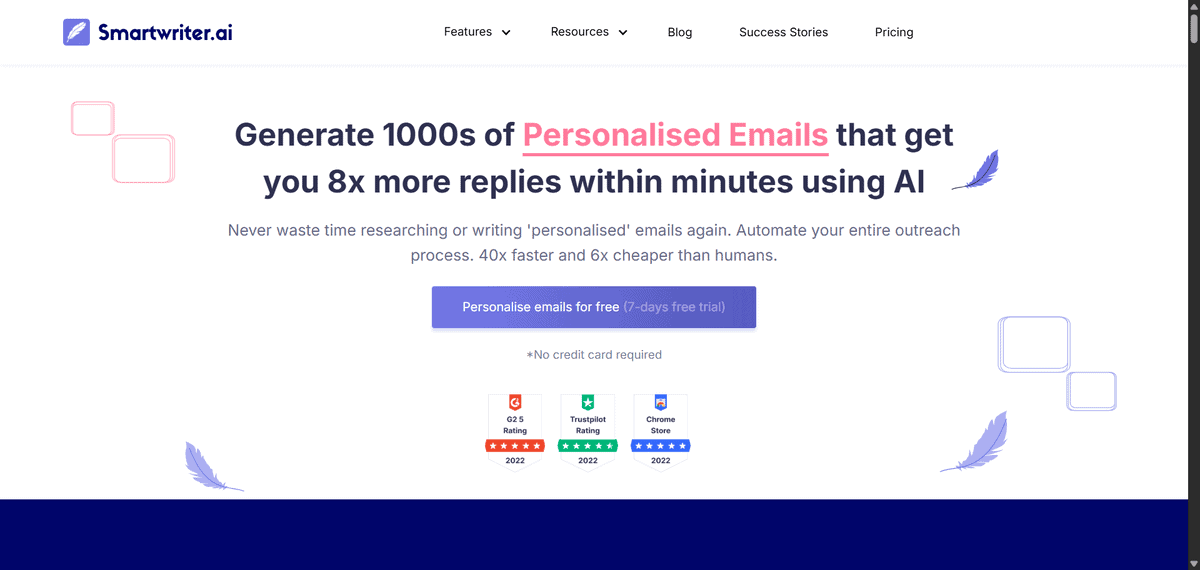
SmartWriter
Best For | Sales teams, cold email outreach, lead generation |
Pricing | Starts at $49/month (Basic plan) |
Ease of Use | Moderate learning curve, automated workflow |
Platform | Web-based, Chrome extension available |
SmartWriter is an AI-powered tool that automates the research and writing process, letting you create personalised cold emails about 40 times faster than doing it manually.
What makes SmartWriter different is how it handles the research part. The tool crawls the internet to find data about your prospects – looking at their websites, social media profiles, and other public information. Then it uses that data to create emails that feel personal and relevant to each recipient. You’re not just changing names in a template; you’re getting emails that reference specific things about the person you’re contacting.
But that’s not all, there’s more:
- You can generate personalised LinkedIn messages alongside your email outreach
- The tool helps with SEO backlink outreach by creating tailored request emails
- There’s a Chrome extension that works directly in your browser for quick access
- You get email verification to ensure addresses are accurate before sending
While SmartWriter excels at cold email personalisation, it’s specifically designed for outreach rather than general email writing. Some users mention needing to review the AI-generated content for accuracy, as the automation can sometimes miss context. The pricing starts at $49 per month, which makes sense for sales teams but might be high for individual users.
This tool works best for sales professionals, business development teams, and anyone doing regular cold email outreach at scale. If you’re just writing occasional personal or internal emails, you might find the features more specialised than you need.
Comprehensive GTM AI Platform
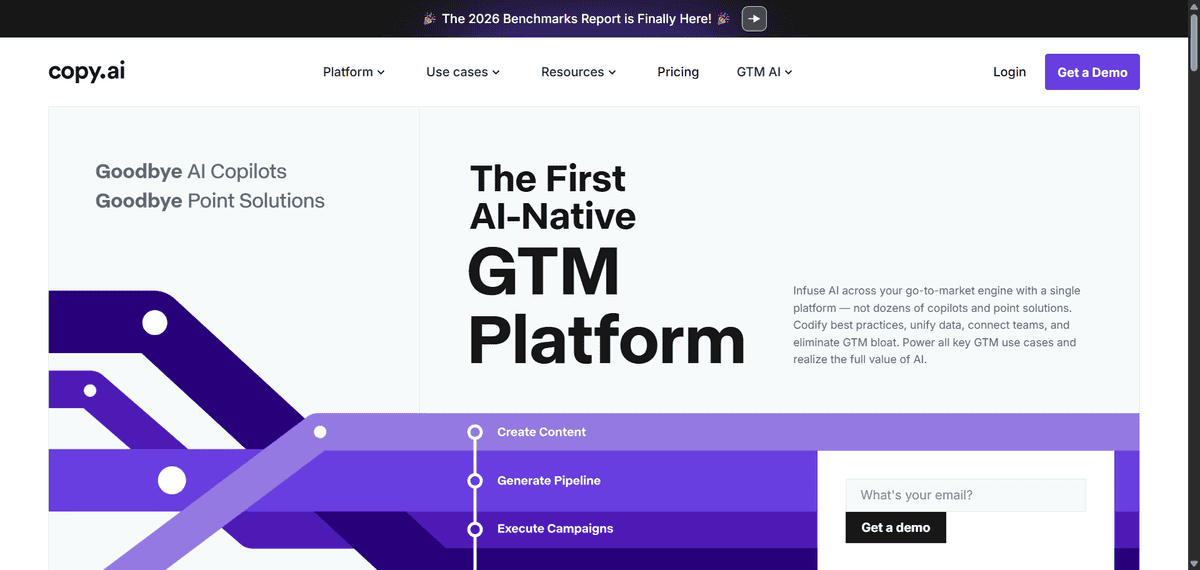
Copy.ai
Best For | Marketing teams, content creators, sales professionals |
Pricing | Starts at $49/month (Pro plan) |
Ease of Use | Intuitive interface, moderate learning curve |
Platform | Web-based, browser extension |
If you’re managing email campaigns across different channels and need more than just basic writing help, Copy.ai has evolved into a complete go-to-market platform. It’s not just an email tool anymore – it’s what they call a GTM (go-to-market) AI platform that handles everything from email writing to broader marketing content.
The platform generates email copies for every use case you can think of – sales emails, welcome sequences, newsletters, follow-ups, and more. According to their own data, users report cutting their writing time by about 80% when using the platform consistently.
But that’s not all, there’s more:
- You can use persona-based templates that adapt to different audience segments
- The platform connects to Google Docs and Microsoft OneDrive for seamless workflow integration
- There are AI workflows that automate repetitive processes like email drafting and follow-ups
- You get content agents that learn from your examples to generate more accurate content
Copy.ai offers comprehensive features; the platform approach means it might be more than you need if you only write occasional emails. You might need time to learn all the features and workflows available.
To Write Grammatically Perfect Emails
Grammarly
Best For | Anyone who writes emails regularly, professionals, non-native English speakers |
Pricing | Free basic version, Premium starts at $12/month |
Ease of Use | Very intuitive, works automatically in background |
Platform | Browser extension, desktop app, mobile keyboard |
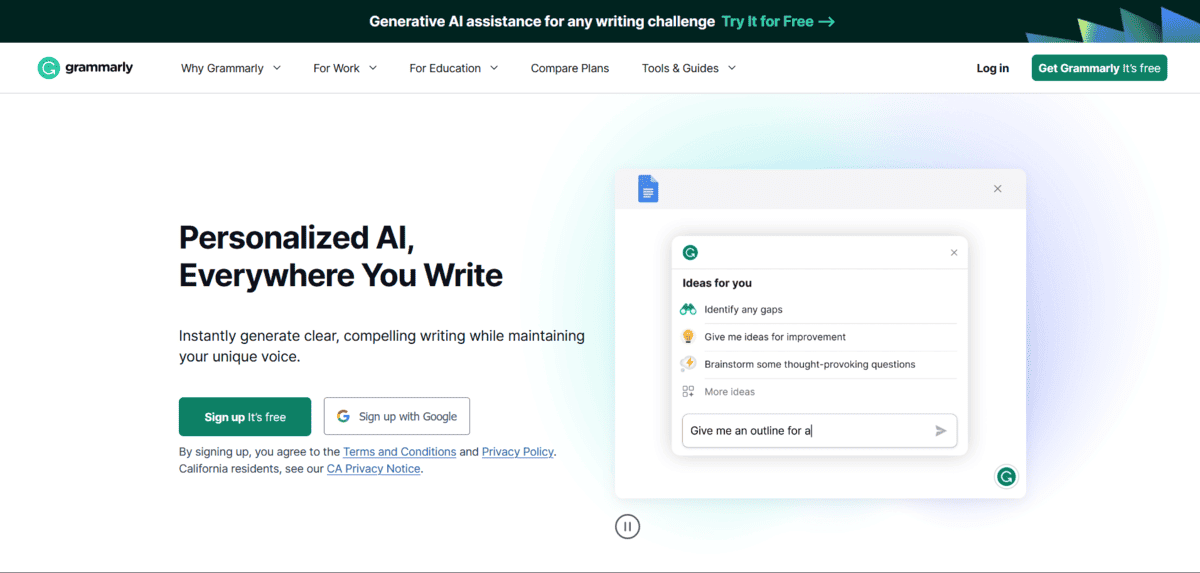
Grammarly is an AI writing assistant that checks your grammar, spelling, tone, and clarity in real-time as you type. The tool works across more than a million apps and websites, including all major email platforms.
What makes Grammarly effective is how it goes beyond basic spell check. The AI now looks at entire sentences together to suggest better wording and corrections. It doesn’t just fix individual words – it helps you express your ideas more clearly and professionally.
But that’s not all, there’s more:
- You can customise Grammarly to match your preferred tone and formality level for different situations
- The tool provides real-time suggestions for improving word choice and sentence structure
- It works seamlessly across devices, so you get consistent help whether you’re on desktop or mobile
- There’s a free version that handles basic corrections, with premium offering advanced features
While Grammarly excels at polishing your writing, it’s mainly a correction tool rather than a content generator. Some users mention that the suggestions can sometimes be overly cautious or miss context-specific nuances. The premium version offers more features but comes with a subscription cost.
For AI-Powered Email Workflows
Lindy
Best For | Professionals needing comprehensive email management, not just writing |
Pricing | Starts at $49.99/month (Pro plan) |
Ease of Use | Moderate learning curve, visual workflow builder |
Platform | Web-based, integrates with Gmail, Outlook, and other tools |
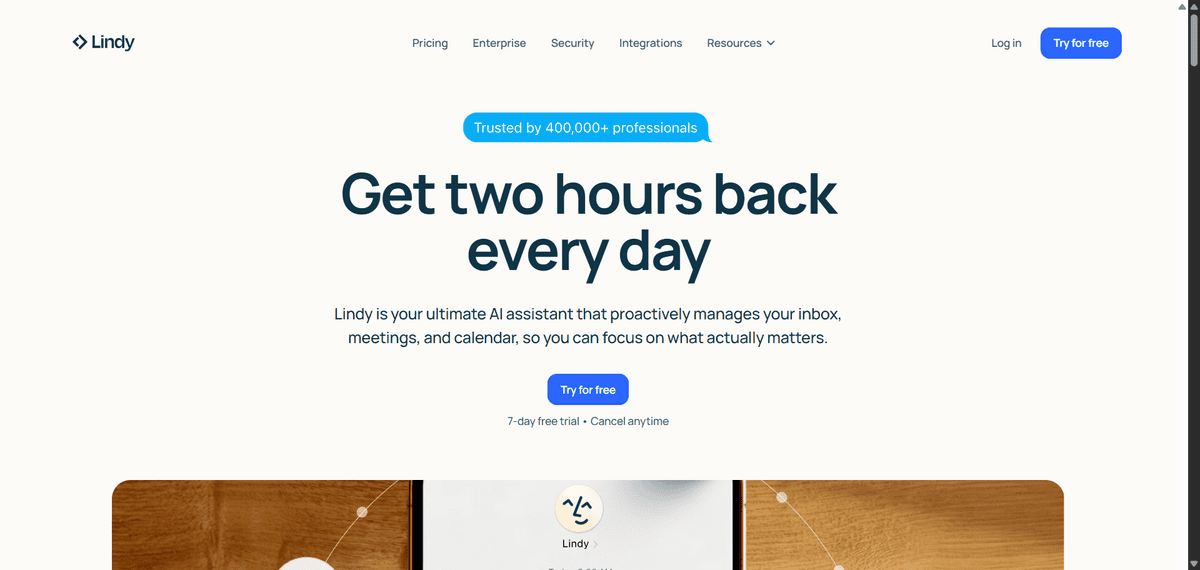
Lindy functions like a full-time email employee. It’s an AI assistant that doesn’t just write emails – it manages your inbox, handles follow-ups, and connects to other tools you use.
The tool can triage your inbox by prioritising important messages, research senders automatically, and even schedule meetings from email threads. You give it rules in plain English, and it handles the rest like a human assistant would.
But that’s not all, there’s more:
- You can create AI agents that draft responses in your own voice after learning from your previous emails
- The tool researches senders automatically so you have context before replying
- It connects to other tools like Slack, Airtable, and calendars for complete workflow automation
- You get visual workflow builders to create custom email management processes
While Lindy offers powerful workflow automation, the comprehensive approach means it has a steeper learning curve than simpler email tools.
This tool works best for executives, managers, customer support teams, and anyone who needs comprehensive email management rather than just writing assistance. If you’re looking for a simple tool that only helps with email composition without the workflow features, there are more focused options available.
To Write Emails in Your Own Voice
ClosersCopy
Best For | Copywriters, marketers, anyone who wants AI to sound like them |
Pricing | Starts at $49.99/month (Power plan) |
Ease of Use | Moderate learning curve, framework-based approach |
Platform | Web-based |
If you’ve tried AI writing tools and thought “this doesn’t sound like me,” ClosersCopy solves that exact problem. It’s an AI copywriting tool that learns your writing style from your previous emails and generates content that sounds authentically like you wrote it yourself.
You can create custom frameworks by training the AI on your own writing samples. The tool analyses how you phrase things, what words you use, and your overall tone. Then when you ask it to write an email, it produces something that matches your natural voice rather than generic AI text.
But that’s not all, there’s more:
- You can choose between three different AI models – each trained for specific purposes like sales, blogging, or storytelling
- The tool offers 65+ use cases and works in 100+ languages for international communication
- You get access to hundreds of pre-existing frameworks that you can customise to your needs
- There’s a Launchpad feature that combines long-form writing, frameworks, and workflows in one place
While ClosersCopy excels at maintaining your writing voice, the framework approach requires some setup time. You need to train the AI on your writing samples first, which means it’s not an instant solution. The pricing starts at $49.99 per month, which positions it as a professional tool rather than a casual option.
This tool works best for copywriters, marketers, business owners, and anyone who wants AI assistance without sacrificing their personal writing style. If you’re looking for quick, one-off email help without the voice training aspect, there are simpler options available.
For Performance-Optimised Emails
Anyword
Best For | Data-driven marketers, A/B testing teams, performance optimisation |
Pricing | Starts at $99/month (Data-Driven plan) |
Ease of Use | Moderate learning curve, data-focused interface |
Platform | Web-based, API available |
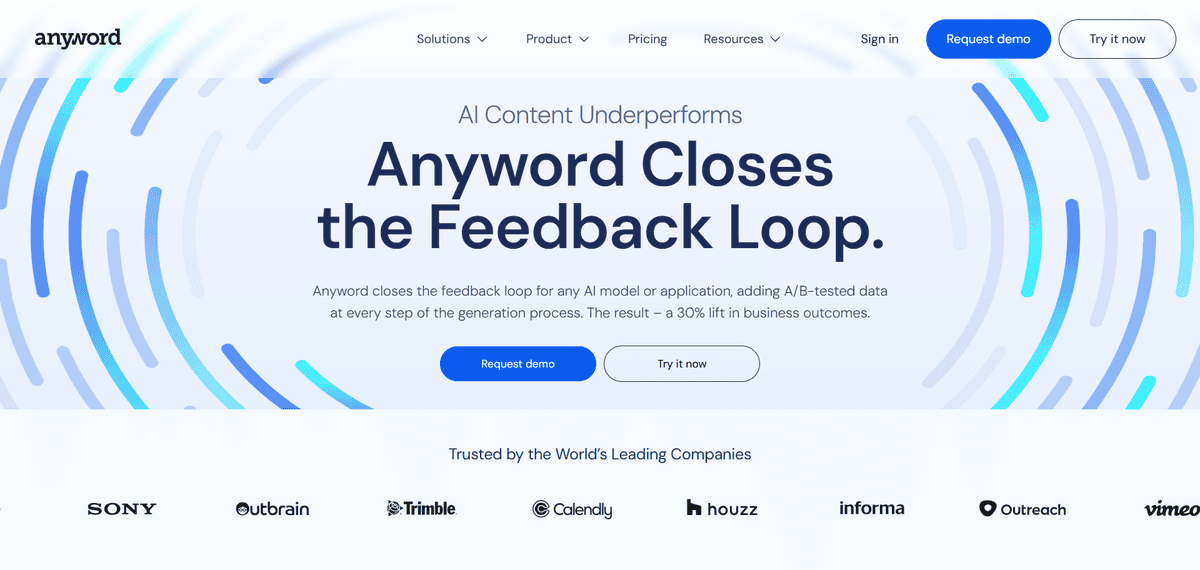
Anyword brings data science to your email writing. It’s an AI platform that predicts which email variations will get better results with 82% accuracy, using real A/B-tested data to optimise for conversions and engagement.
The platform analyses millions of data points from actual email campaigns to understand what works for different audiences and goals. When you create multiple email versions, Anyword scores each one based on how likely it is to perform well with your specific target audience.
But that’s not all, there’s more:
- You can generate multiple email variations and see which ones get the highest performance scores before sending
- The platform connects to your marketing stack to pull in performance data that powers future AI generations
- You get industry-specific A/B test data that shows what works for businesses like yours
- There’s a Content Intelligence feature that compares your published content with high-performing examples
While Anyword offers powerful performance prediction, the data-focused approach means it’s more complex than basic email tools. The pricing starts at $99 per month, which positions it as an enterprise-level solution. Some users mention needing time to understand how to interpret the performance scores and apply them effectively.
For Quick Template-Based Emails
Briskine
Best For | Repetitive emails, customer support, sales templates |
Pricing | Free with Premium options |
Ease of Use | Very simple, keyboard shortcut based |
Platform | Browser extension (Chrome, Firefox), Gmail, Outlook, LinkedIn |
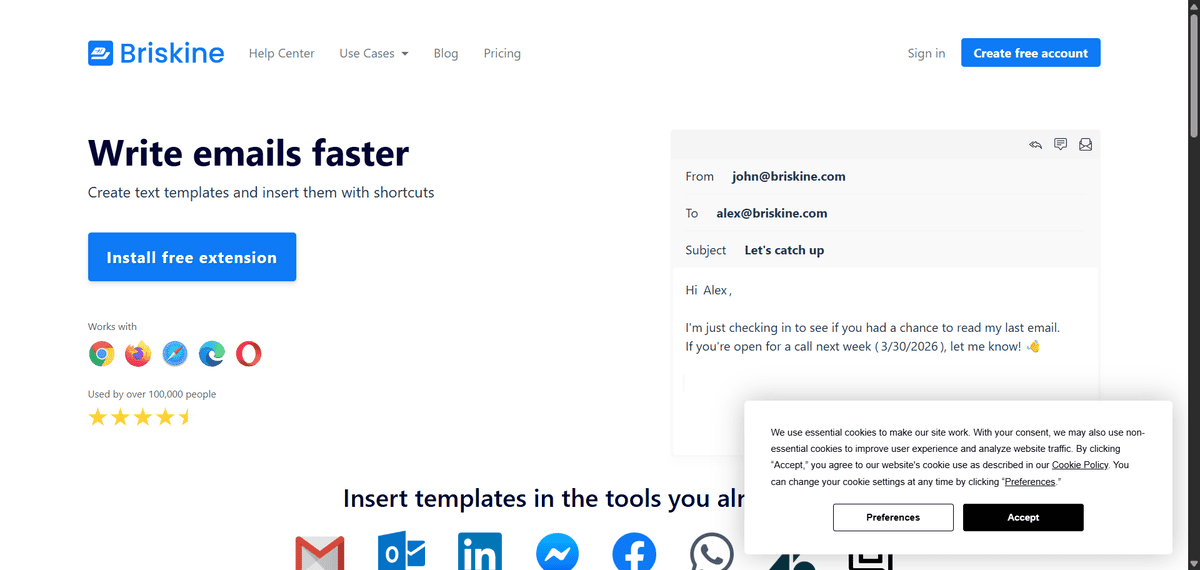
Briskine is a browser extension that turns repetitive email writing into a simple keyboard tap, saving you hours each week on customer support, sales follow-ups, and daily communication.
You set up shortcuts for each template, then when you’re writing an email, you just type the shortcut and press Tab. The tool automatically inserts your full template, complete with any personalisation like the recipient’s name or current date.
- You can add custom variables to templates, so “Dear {{to.first_name}}” automatically becomes “Dear Jane” when you’re emailing Jane
- The tool works across Gmail, Outlook, and even LinkedIn, so you’re covered wherever you communicate
- You can share templates with your team, making sure everyone uses consistent language and responses
- Templates can include text, images, links, and attachments, so you’re not limited to plain text
The catch is that Briskine is really about templates, not AI-generated content. You need to create your templates first, which takes some upfront time. It also works best for predictable, repetitive emails rather than unique, one-off communications.
If you’re looking for creative writing help or complex email generation, you’ll need something different.

For Personality-Based Communication
Crystal
Best For | Professionals wanting personality-based communication |
Pricing | Free trial, $49/month for Premium |
Ease of Use | Intuitive with Chrome extension |
Platform | Web, Chrome extension |
If you’re tired of sending the same generic emails to everyone, Crystal helps you match your communication style to each person’s personality. This tool uses the DISC personality framework to analyse how people prefer to communicate, then gives you real-time suggestions for words and phrases that will resonate with them.
Crystal works by scanning publicly available information to create personality profiles. It then shows you whether someone prefers brief, direct emails or longer, relationship-building messages. The tool even tells you if they respond better to formal business language or casual conversation.
But that’s not all, there’s more:
- You can access unlimited personality profiles to understand how different people prefer to communicate
- You get advanced writing assistance that adapts to each person’s communication style
- You can create meeting playbooks that prepare you for conversations based on personality types
- You learn your own communication style and how it might clash with others
While Crystal is great for professionals who communicate with diverse personalities, it has some limitations. The personality analysis depends on available online data, so it might not work as well for people with minimal digital footprints.
You’re also working within the DISC framework, which simplifies complex human behaviour into four main types. Some people find this reductionist, but for practical communication purposes, it gives you a solid starting point that’s better than guessing.
For AI-Generated Email Sequences
Flowrite
Best For | Quick email generation, follow-up sequences, busy professionals |
Pricing | Part of MailMaestro suite (pricing varies) |
Ease of Use | Very simple, instruction-based interface |
Platform | Web-based, integrated into MailMaestro |
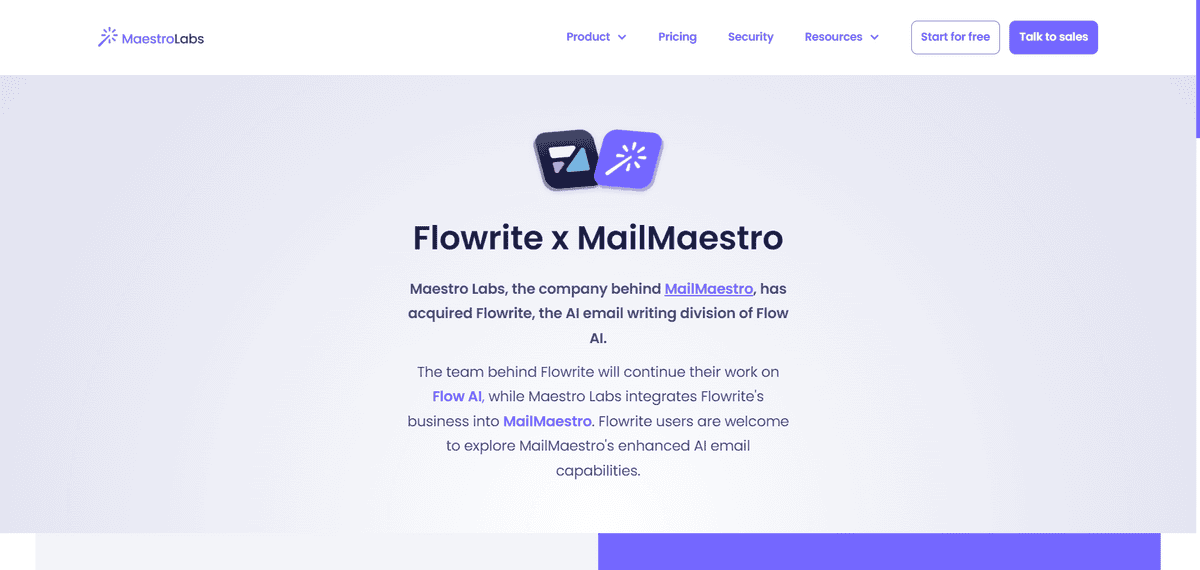
Flowrite turns simple instructions into complete emails in seconds. Originally an independent tool, Flowrite was acquired by Maestro Labs in 2024 and integrated into their MailMaestro platform, bringing its quick-generation technology to a broader email assistant.
What made Flowrite stand out was how it worked. You’d give it brief instructions like “follow up about the meeting next week” or “ask for feedback on the project,” and it would generate a professional email ready to send. The tool understood context and turned your simple prompts into polished, complete messages that sounded like you spent time crafting them.
But that’s not all, there’s more:
- You could create entire email sequences by chaining together multiple instructions for follow-ups and reminders
- The tool handled different email types from quick replies to formal business communications
- You got multiple variations to choose from, so you could pick the tone that worked best
- It worked across languages, making it useful for international communication
People using Flowrite found it particularly helpful for those moments when you know what you want to say but struggle with how to say it professionally. Instead of staring at a blank screen trying to find the right words, you’d just tell the tool what you need, and it would give you a complete email to work with.
For Email Marketing with AI
MailerLite
Best For | Small businesses, email marketers, newsletter creators |
Pricing | Free plan available, paid starts at $9/month |
Ease of Use | Intuitive drag-and-drop interface |
Platform | Web-based, mobile apps available |
MailerLite combines traditional email marketing with modern AI features. It’s a complete email marketing platform that now includes AI email generation tools built right into the system.
You get the drag-and-drop email builder, subscriber management, and campaign analytics that email marketers need, plus AI tools that help with the creative parts. The AI writing assistant helps you craft email content, while the subject line generator suggests options that might improve open rates.
But that’s not all, there’s more:
- You can use the AI email generator to write complete emails or just get help with specific sections
- The Smart Sending feature uses machine learning to time your emails for optimal open rates based on subscriber habits
- You get A/B testing with AI-powered insights about what’s working in your campaigns
- There’s a free plan that lets you try the basic features before committing to paid options
While MailerLite offers solid AI features, they’re part of a broader platform rather than standalone writing tools. Some users mention that the AI capabilities are good but not as advanced as specialised AI writing tools. The platform approach means you’re getting email marketing first, with AI as a helpful addition rather than the main focus.
