
Remember when voice cloning sounded like something from a sci-fi movie? That was just a few years ago. Now it’s real, and it’s changing how we create content, make games, and even dub movies.
The thing is, AI voice cloning has moved way beyond simple text-to-speech. Today’s tools can capture your unique tone, emotions, and speaking style. They can turn your voice into multiple languages, create digital avatars that speak, and even transform voices in real-time during live streams.
But here’s the catch: with so many options out there, how do you pick the right one for what you need? A filmmaker needs different features than a game developer. A content creator has different priorities than someone running a call centre.
That’s exactly why we’ve updated our list. We looked at the latest tools and found the 7 best AI voice cloning options, each with its own strengths. Whether you’re cloning your own voice for videos, dubbing films professionally, or just having fun with voice filters, there’s a tool here that fits.
Let’s get into what each one does best.
Rundown
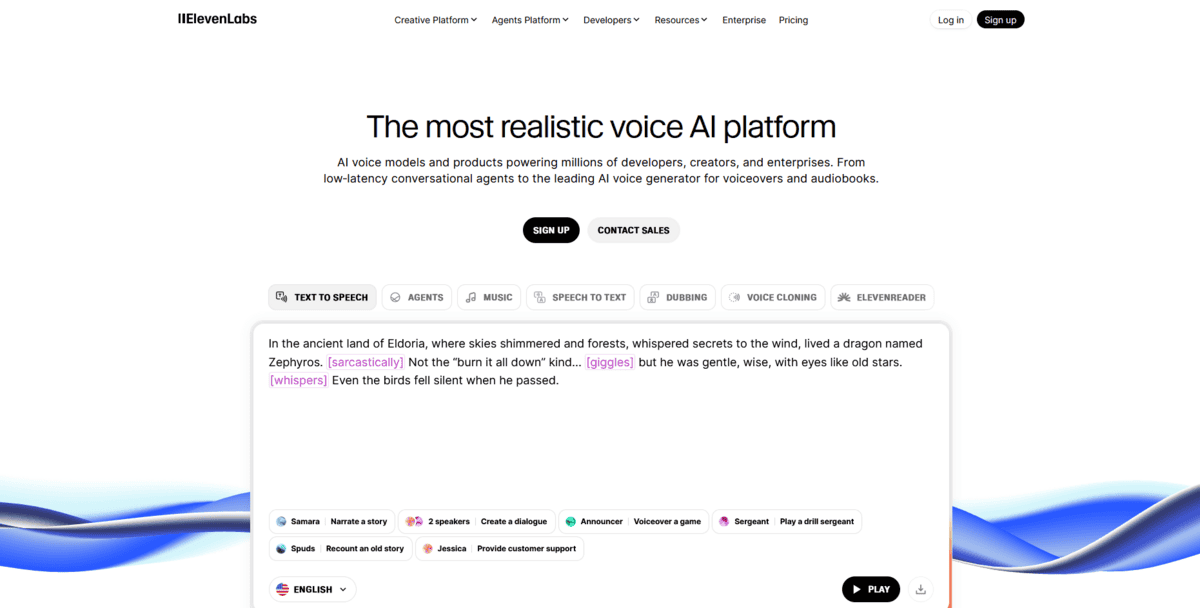
- Industry-Leading Audio Production: ElevenLabs, “Advanced voice cloning from 1-minute audio samples with 1000+ natural voices, emotional speech synthesis, and professional-grade text-to-speech capabilities for content creators and developers.”
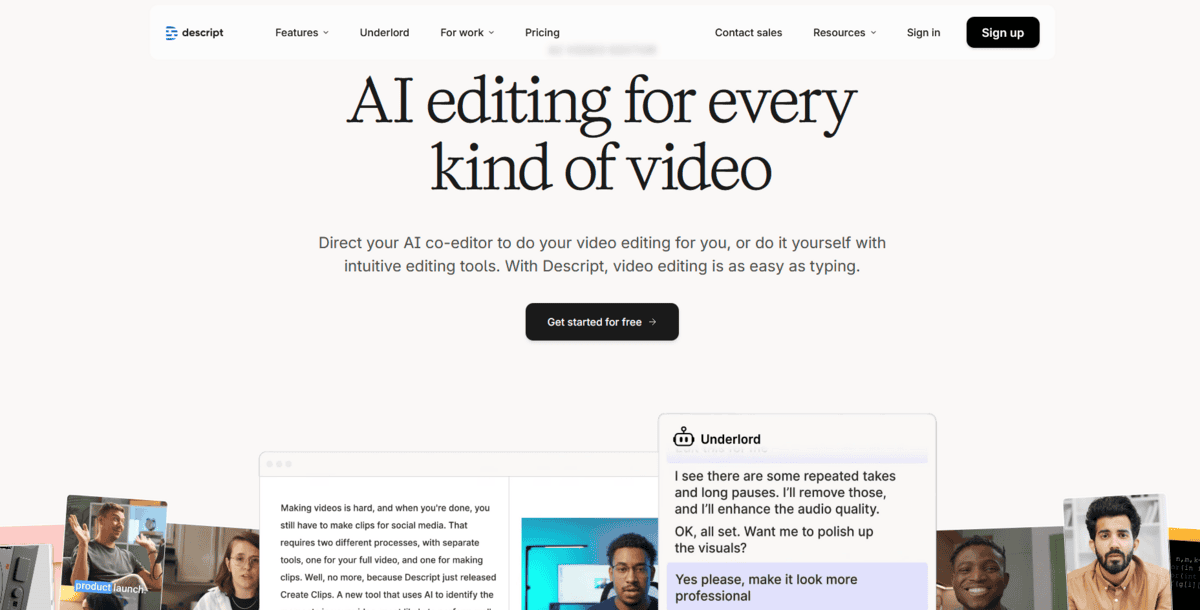
- Integrated Audio-Video Editing: Descript, “Free AI voice cloning (Overdub) combined with comprehensive audio-video editing, transcription, and filler word removal in a single seamless workflow for content creators.”
- Professional Film & Media Dubbing: Respeecher, “Hollywood-grade voice cloning technology for film dubbing and media production with 60+ marketplace voices, preserving original actor performances across multiple languages.”
- Fastest Voice Cloning Speed: Resemble, “Create professional voice clones in just 10 seconds with free tier access, real-time synthesis capabilities, and multi-language support for developers and content teams.”
- AI Video Avatar Creation: HeyGen, “Generate AI-powered videos with custom voice clones and digital twin avatars across 70+ languages using 300+ voices for business training, marketing, and product demos.”
- Emotional Voice Control: Murf, “Create human-like voice clones with emotional expression (anger, happiness, sadness) featuring pitch and tone customisation, with 120+ AI voices and dedicated account manager support.”
- Real-Time Gaming & Streaming: Voicemod, “Ultra-low latency voice transformation with 200+ filters, custom voice cloning, and seamless Discord/gaming platform integration for live streaming and gaming communities.”
How We Found The Best AI Voice Cloning Tools
We started by looking at all the AI voice cloning tools available right now. There are dozens of options, but not all of them deliver what they promise. Some sound robotic, others are too expensive, and some just don’t work well for specific needs.
To narrow it down to the best 7, we focused on what really matters when you’re choosing a voice cloning tool. Here are the key factors we considered for each one:
Factors | What We Analysed |
|---|---|
Voice Quality & Naturalness | Does it sound like a real person? Can it capture emotions and subtle speech patterns? |
Cloning Speed & Ease | How long does it take to create a voice clone? Is the process simple or complicated? |
Features & Functionality | What can you actually do with it? Just voice cloning, or also video avatars, real-time changes, etc.? |
Pricing & Value | Is it affordable for what it offers? Are there free options or trial periods? |
Specific Use Case Fit | Who is this tool really for? Filmmakers, gamers, content creators, or businesses? |
Recommended Voice Cloning Tools
Industry-Leading Audio Production
ElevenLabs
Feature | Details |
|---|---|
Best For | Content creators, developers, and professional audio production |
Pricing | Free tier + paid plans starting at $5/month |
Ease of Use | Intuitive web interface, moderate learning curve |
Platform | Web-based API access ais vailable |
If you need professional-grade voice cloning for content creation or development work, ElevenLabs gives you industry-leading audio production capabilities. This tool creates high-quality spoken audio that sounds remarkably human, with natural intonation and emotional expression.
The platform’s voice cloning works with just one minute of audio. You upload a short sample, and the AI analyses speech patterns, tone, and pronunciation. It then generates new speech that matches your voice’s unique characteristics.
But that’s not all; there’s more:
- You can access over 1,000 natural-sounding voices in the platform’s library for text-to-speech projects
- The emotional speech synthesis lets you add specific feelings like excitement, sadness, or urgency to the generated audio
- Professional voice cloning requires about 30 minutes of audio for higher-quality results, but instant cloning works with much less
- The Voice Lab feature helps you create completely new synthetic voices from scratch
What’s interesting here is how ElevenLabs handles longer content. Instead of generating sentences one by one, it looks at the whole context. This helps the AI understand how sentences connect and express them with appropriate pacing and emotion.
While ElevenLabs is great for professional audio work, it has some limitations. The free tier gives you limited credits, so you’ll need to upgrade for regular use. The quality difference between instant cloning and professional cloning is noticeable, too. Professional cloning needs more audio samples and takes longer to process.
This tool works best for content creators making podcasts or videos, game developers needing character voices, and businesses creating training materials. It’s less suited for casual users who just want to play around with voice changing.
Integrated Audio-Video Editing
Descript
Feature | Details |
|---|---|
Best For | Content creators who need integrated editing |
Pricing | Free tier with Overdub included |
Ease of Use | Intuitive text-based editing |
Platform | Web-based with desktop apps |
Key Feature | Edit audio by editing text transcripts |
If you’re a podcaster or video creator who wants everything in one place, Descript gives you a complete editing suite. Unlike ElevenLabs, which focuses purely on voice generation, Descript combines AI voice cloning with actual editing tools. This means you can record, edit, and polish your content without switching between different apps.
The tool’s standout feature is Overdub, its free AI voice cloning system. You create a digital version of your voice, then fix mistakes by simply typing corrections. No more re-recording entire sections when you stumble over words. The AI matches your tone and pacing so the fix blends naturally.
But here’s what makes Descript different: you edit your audio by editing text. The platform transcribes everything you record, and then you delete words in the transcript to remove them from the audio. It feels like editing a document, not wrestling with complex audio software.
You can:
- Remove filler words like “um” and “uh” automatically with one click
- Fix mistakes by typing corrections instead of re-recording
- Edit multi-track projects where you have multiple speakers or sound sources
- Generate captions and transcripts for accessibility
- Work on both audio and video projects in the same interface
The text-based approach makes editing accessible even if you’ve never used professional software before. You see exactly what you’re removing or changing, which reduces the learning curve significantly.
While Descript is great for creators who want an all-in-one solution, it has some limitations. The voice cloning quality isn’t as advanced as specialised tools like ElevenLabs. You’re also working within Descript’s ecosystem. You can’t easily export your cloned voice to use in other applications. The platform works best for people who produce regular content and want to streamline their workflow from recording to publishing.
Professional Film & Media Dubbing
Respeecher
Feature | Details |
|---|---|
Best For | Professional film/TV production, Hollywood-grade dubbing |
Pricing | Professional tier (starts around $199/month), enterprise custom |
Ease of Use | Advanced (professional workflow required) |
Platform | Web-based with API access |
Voice Library | 60+ marketplace voices + custom cloning |
If you’re working on professional film or television projects that need Hollywood-level voice work, Respeecher is built exactly for that. This isn’t your casual voice tool; it’s what major studios use when they need perfect voice cloning for dubbing and media production.
Respeecher uses AI to analyse every detail of a person’s voice. It captures tone, rhythm, pronunciation, and even emotional delivery. Then it recreates that voice so accurately that you can dub movies in different languages.
The best part is that you can keep the original actor’s vocal performance intact. The tool actually helped de-age Luke Skywalker’s voice for The Mandalorian, showing how Hollywood relies on this technology.
You can access over 60 professional voices in their marketplace or create custom clones for specific actors. The big difference from tools like Descript is that Respeecher preserves acting nuances. The emotional delivery, the subtle pauses, and the way an actor emphasises certain words. This makes it perfect for international distribution, where you want the dubbed version to feel like the original performance.
But here’s the thing: Respeecher is built for professional workflows. The pricing starts around $199/month for standard access, which is significantly higher than consumer tools. You need to understand film production processes to use them effectively. It’s not for casual projects or quick social media content; this is for studios, production companies, and serious media creators who need broadcast-quality results.
The platform works with major Hollywood studios like Lucasfilm, and it’s trusted for projects where voice accuracy really matters. If you’re dubbing a film for international release or need to recreate a specific actor’s voice for continuity, Respeecher gives you that professional-grade control. Just know you’re paying for Hollywood-level quality, which comes with Hollywood-level pricing and complexity.
Fastest Voice Cloning Speed
Resemble
Feature | Details |
|---|---|
Best For | Quick prototyping, developers, and content teams |
Pricing | Free tier + paid plans from $29/month |
Ease of Use | Very easy with sa imple interface |
Platform | Web-based with API access |
Key Strength | Speed – clones in 10 seconds |
If you need voice clones fast and want to test ideas quickly, Resemble is your tool. While other tools take hours or even days, Resemble creates professional voice clones in just 10 seconds. That’s lightning fast compared to what you’ve seen so far.
The tool works by analysing a tiny 10-second voice sample. It learns the unique intonations, pronunciations, and cadences from that short clip. Then it generates an AI voice that sounds remarkably like the original speaker. You get real-time synthesis capabilities too, which means you can hear results as you work.
What’s really helpful is the free tier access. You can create one free voice clone to test things out. This makes it perfect for beginners who want to experiment without spending money upfront.
But that’s not all; there’s more:
- You can dub voices into multiple languages, which is great for reaching global audiences
- The API access lets developers integrate voice cloning directly into their applications
- Real-time synthesis means you get immediate feedback on your voice clones
- Multi-language support helps content teams create localised versions quickly
Resemble is particularly good for quick prototyping. Imagine you’re developing a fitness app and want to test different coach voices. With Resemble, you could clone several voices in minutes instead of days. Or if you’re creating content for different regions, you can quickly generate voiceovers in multiple languages.
The speed advantage is clear when you compare it to tools like Respeecher. Respeecher focuses on Hollywood-grade quality but takes much longer. Resemble gives you good quality results incredibly fast.
There are some limitations, though. The free tier only gives you one voice clone, so serious users will need to upgrade. The 10-second samples work well for many voices, but complex accents might need more data. And while the quality is good for most purposes, it might not match the depth of professional-grade tools that use longer samples.
AI Video Avatar Creation
HeyGen
Feature | Details |
|---|---|
Best For | Business training, marketing videos, product demos |
Pricing | From $29/month for the Creator plan |
Ease of Use | Very user-friendly with high ratings |
Platform | Web-based platform |
Key Feature | Digital twin avatars with voice cloning |
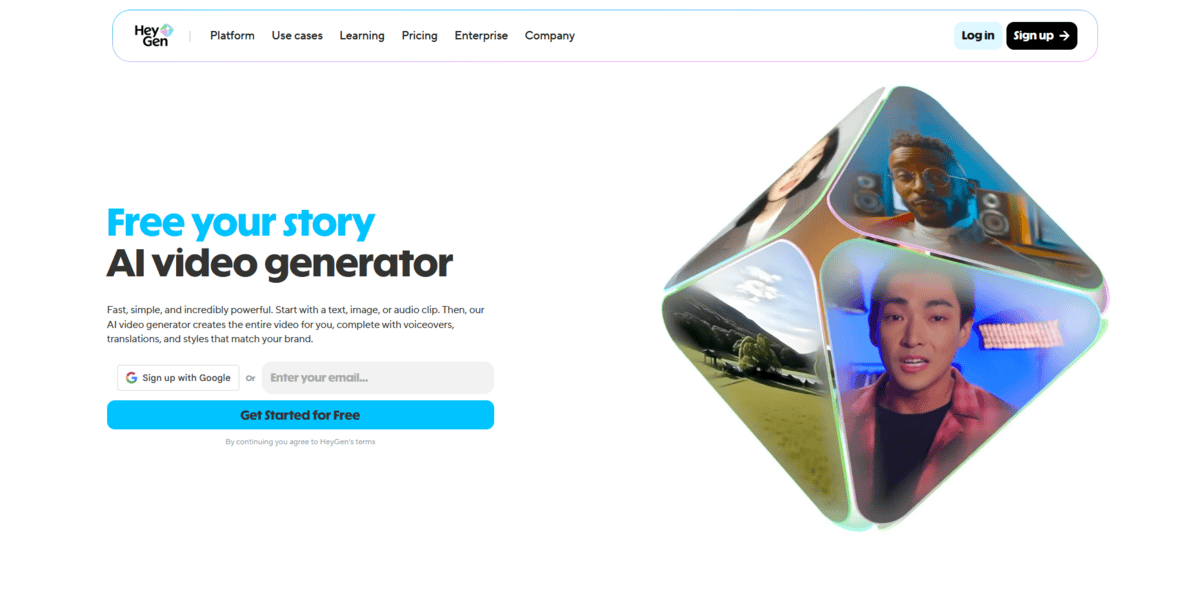
If you need talking head videos for training or marketing but don’t want to film actual people, HeyGen gives you a different approach. This tool creates AI-powered videos where digital avatars speak with cloned voices. It’s like having a virtual presenter who looks and sounds like you.
What makes HeyGen stand out is that it combines voice cloning with visual avatars. You create a digital twin that captures both your appearance and voice. Then this avatar can speak any script you write. The platform offers over 300 voices and works across 70+ languages. That means you can make the same training video in multiple languages without re-recording anything.
But that’s not all; there’s more:
- You can create personalised marketing videos at scale by changing just the script while keeping the same avatar
- The tool helps businesses maintain consistent messaging across different regions and languages
- You get talking head videos without the hassle of scheduling filming sessions or hiring actors
- The avatars look realistic enough for professional business use cases
HeyGen works well for companies that need training materials, product demonstrations, or marketing content. It’s particularly useful when you want to localise content for international audiences. The digital twin feature means your CEO can appear in videos for different markets without actually being there.
The thing is, HeyGen focuses more on the video avatar side than pure voice cloning. While it does voice cloning, the main draw is the visual component. You’re paying for the complete package: avatar creation plus voice synthesis. This makes it different from tools that just handle audio.
Some users mention that the avatar quality varies depending on your source material. You need good lighting and clear audio when creating your digital twin. Plus, at $29/month for the basic Creator plan, it’s priced for business use rather than casual projects.
Emotional Voice Control
Murf
Feature | Details |
|---|---|
Best For | Adding emotional depth to voiceovers, IVR systems, and game characters |
Pricing | A free tier is available; paid plans start at $19/month |
Ease of Use | User-friendly interface with visual controls |
Platform | Web-based Windows app available |
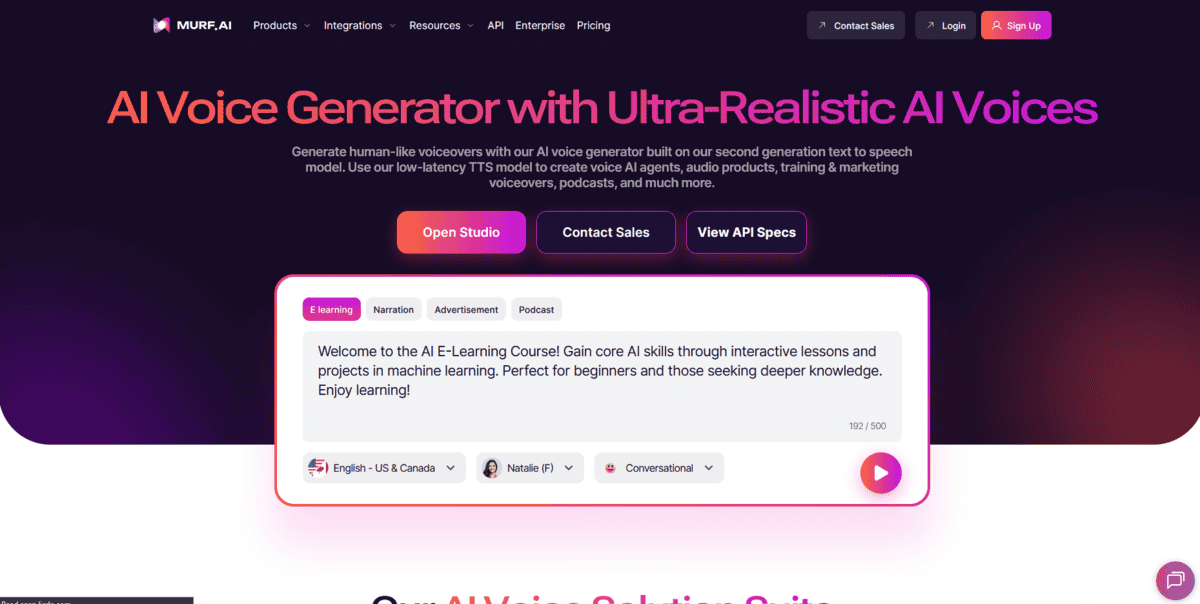
If you need voice clones that can express real emotions, Murf gives you that control. While tools like HeyGen focus on video avatars, Murf is all about audio quality and emotional expression. You can make voices sound happy, angry, sad, or any emotion you need for your project.
Murf creates human-like voice clones with 120+ AI voices across 20 languages. The tool lets you adjust pitch, tone, and speed to get exactly the right sound. You can take a single recording and generate infinite voice-overs without re-recording everything.
But that’s not all; there’s more:
- You can add emotional expression to your voice clones, making them sound genuinely happy, angry, or sad
- The pitch and tone customisation lets you fine-tune voices for specific characters or moods
- Murf Studio gives you background music options and sound effects to enhance your audio projects
- You get 24/7 access to your cloned voices for scaling content production
What’s interesting is that Murf assigns you a dedicated account manager when you sign up. This helps you get the most from the platform’s features. The tool works well for interactive voice response (IVR) systems, game characters, animation, and any project needing emotional voice control.
The thing is, Murf focuses primarily on audio rather than video integration. While you get excellent voice quality and emotional control, you won’t find the video avatar features that tools like HeyGen offer. The platform works best when you need professional voiceovers with emotional depth rather than complete video presentations.
Real-Time Gaming & Streaming
Voicemod
Feature | Details |
|---|---|
Best For | Gamers, streamers, live content creators |
Pricing | Free version + PRO subscription |
Ease of Use | Simple setup, intuitive interface |
Platform | Windows, macOS, mobile apps |
Key Feature | Ultra-low latency voice transformation |
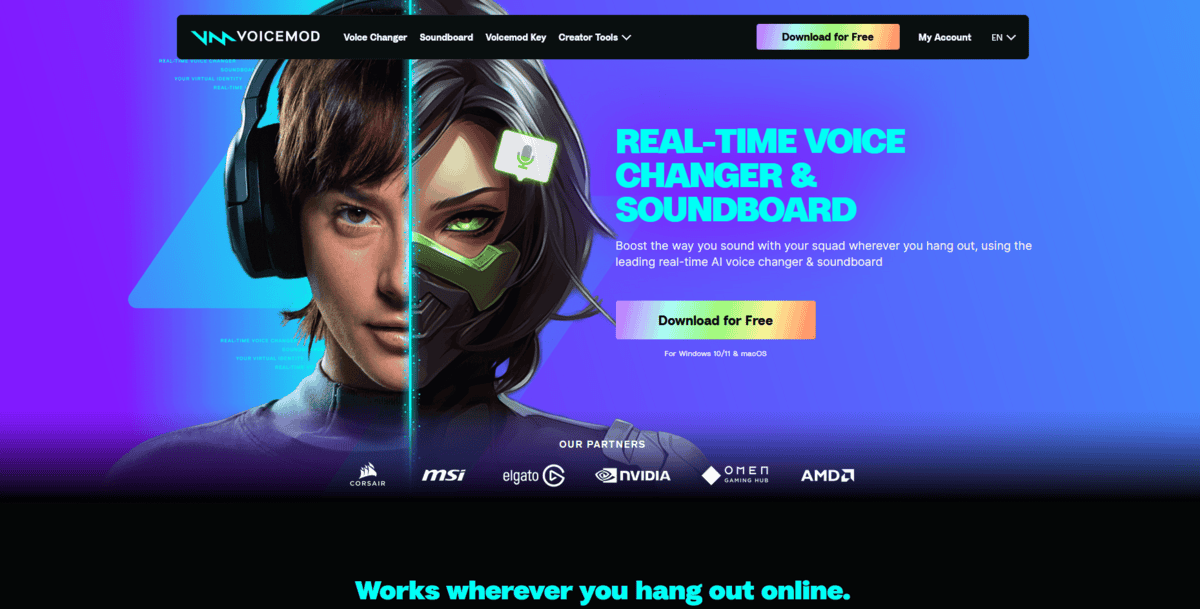
If you’re gaming with friends or streaming live content, you want voice effects that work instantly. That’s where Voicemod comes in. Unlike the other tools we’ve covered that focus on pre-recorded content, Voicemod specialises in real-time voice changing.
The tool transforms your voice as you speak, with almost no delay. You can sound like a robot, a villain, or something completely unique while playing games or chatting on Discord. The AI makes these changes feel natural, like the new voice has always been yours.
What’s interesting is how Voicemod connects with your existing setup. It works directly with Discord, Twitch, YouTube, and most communication apps. You don’t need to record anything first or process files separately. The voice changes happen while you’re talking.
But that’s not all; there’s more:
- You can access over 200 real-time voice filters that instantly transform how you sound
- You can create custom voice clones and design your own unique voice effects
- You can use the free version with rotating voice effects, perfect for casual gaming or chatting with friends
- You can integrate Voicemod with streaming software like OBS and Streamlabs for professional broadcasts
The tool has been downloaded over 40 million times, which shows how popular it’s become in gaming communities. Streamers use it to create entertaining moments during live broadcasts. Gamers use it to surprise their friends during multiplayer sessions.
While Voicemod is great for live entertainment, it has some limitations. The free version offers rotating effects rather than full access to all voices. For professional voice cloning work, you’d still want tools like ElevenLabs or Resemble. But for real-time fun during gaming sessions, Voicemod delivers exactly what streamers and gamers need.
