
You post content regularly. You use hashtags. You engage with followers. But your Instagram growth feels stuck.
With over 500 million daily active users, Instagram is packed with potential customers. But standing out in that crowd is tough. The algorithm keeps changing. Competition gets fiercer. What worked last month might not work today.
That’s where the right tools come in. They help you schedule smarter, analyse deeper, and create better content. They turn hours of manual work into minutes of strategic planning.
We’ve updated our list from 8 to 14 essential tools. These cover everything from scheduling and analytics to design and advertising. Whether you’re a small business owner or a social media manager, you’ll find tools that fit your needs and budget.
Let’s dive into the tools that can actually move the needle for your Instagram growth.
Rundown
With so many Instagram tools out there, it’s easy to get overwhelmed. That’s why we’ve broken down the best options by what they actually do for you. Here’s your quick guide to the 14 tools that can seriously level up your Instagram game:
- All-In-One Social Media Management: Hootsuite, “A comprehensive social media management platform that lets you schedule posts across multiple platforms, monitor engagement, and analyse performance from a single dashboard.”
- Instagram-First Content Scheduling: Later, “A visual-first scheduling tool specifically designed for Instagram that offers drag-and-drop calendar planning, hashtag suggestions, and automatic publishing for Stories and Reels.”
- Professional Instagram Analytics: Iconosquare, “A powerful analytics platform providing deep Instagram insights, competitor analysis, and performance tracking to optimise your content strategy and growth.”
- Advanced Hashtag Research: Flick, “An AI-powered hashtag research tool that analyses performance metrics, suggests trending tags, and tracks hashtag rankings to maximise your Instagram reach.”
- Graphic Design for Social Media: Canva, “An intuitive design platform with thousands of templates for creating professional Instagram posts, Stories, Reels, and graphics without design experience.”
- Link Management Solution: Linktree, “A simple link-in-bio tool that consolidates all your important links into one customisable page, making it easy for followers to access your content and offers.”
- Instagram Advertising Platform: Facebook Ads Manager, “The native advertising tool for creating, managing, and optimising Instagram ad campaigns with advanced targeting, budgeting, and performance analytics.”
- UGC & Shoppable Feeds: Taggbox, “A modern platform that transforms user-generated content and Instagram feeds into shoppable galleries with e-commerce integrations and product tagging.”
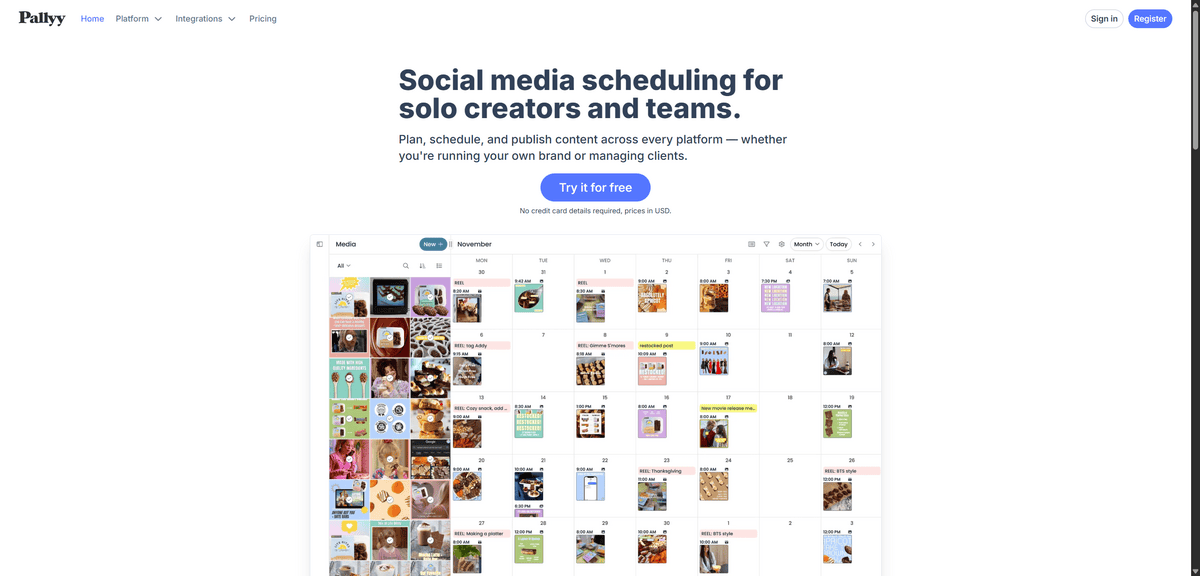
- AI-Powered Social Management: Pallyy, “An all-in-one social media tool featuring AI content generation, smart scheduling, analytics, and a unified inbox for managing multiple Instagram accounts efficiently.”
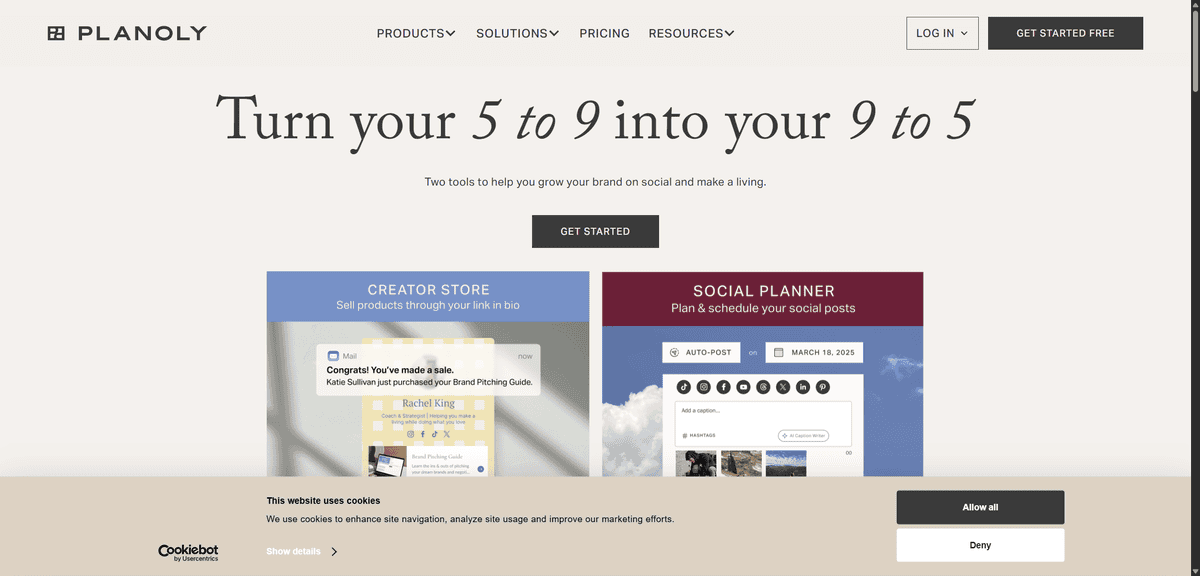
- Content Planning & Collaboration: Planoly, “A visual content planner that helps teams collaborate on Instagram strategy with drag-and-drop scheduling, approval workflows, and performance insights.”
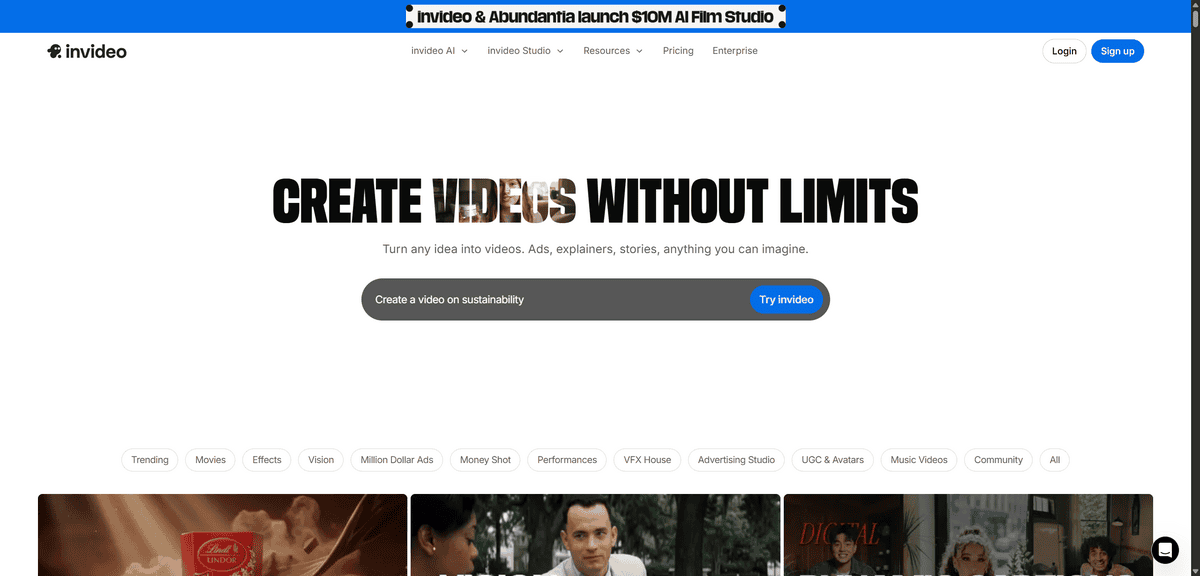
- Instagram Video Editing: InVideo, “A professional video editing platform with Instagram-optimised templates, AI tools, and easy editing features for creating engaging Reels and Stories.”
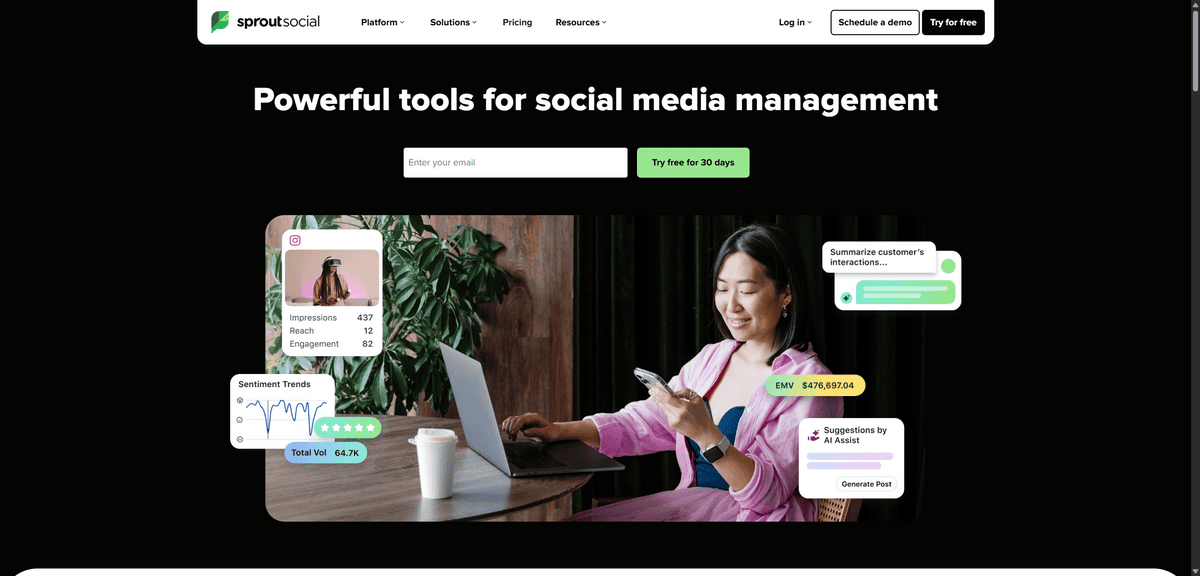
- Instagram Engagement Analytics: Sprout Social, “A comprehensive social media management suite with advanced Instagram analytics, engagement tracking, and social listening capabilities for brands.”
Each of these tools solves a specific Instagram challenge. Whether you’re just starting out or managing a brand’s entire social presence, there’s something here that can make your life easier and your content better.
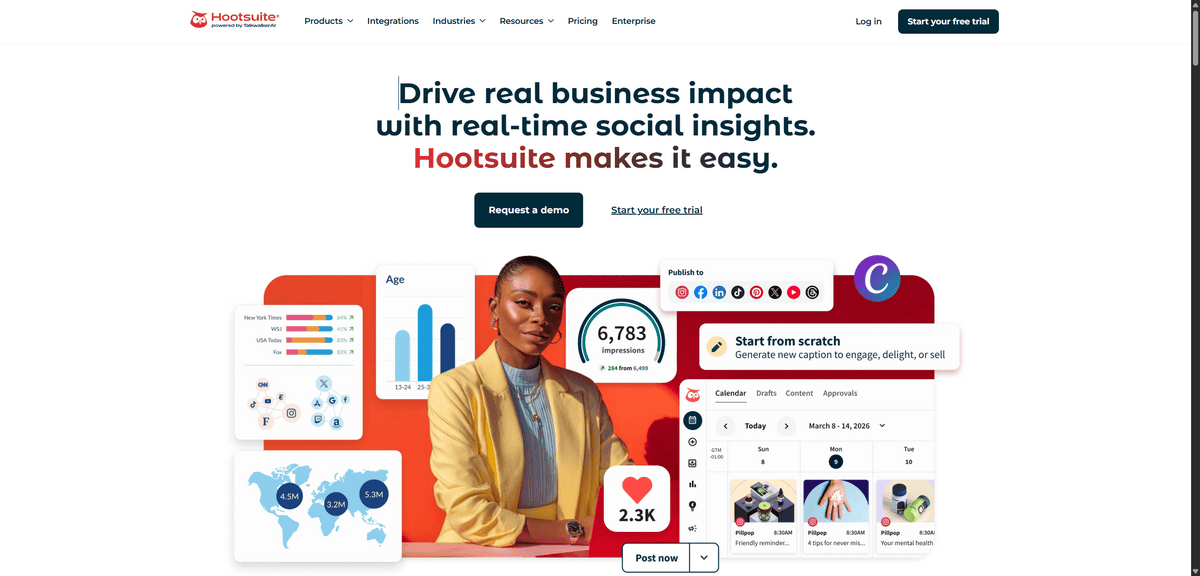
ALL-IN-ONE SOCIAL MEDIA MANAGEMENT
Hootsuite
If you’re managing multiple social media accounts and feeling overwhelmed, Hootsuite can be your central command centre.
Hootsuite lets you schedule your Instagram posts in advance, which changes how you plan and manage your content. Instead of scrambling to post at the right time, you can batch-create content and set it to go live when your audience is most active.
You can see all your social media feeds in one dashboard. That means Instagram, Facebook, Twitter, LinkedIn, they’re all right there. No more switching between apps or browser tabs.
But that’s not all, there’s more:
- You can schedule posts across all your platforms from one place. Just upload your content, write your captions, and pick your posting times.
- The analytics dashboard shows you what’s working. You can track engagement, follower growth, and which posts get the most attention.
- Social listening features let you monitor mentions of your brand or keywords. This helps you join conversations and respond to customers.
- Team collaboration tools mean multiple people can work on social media without stepping on each other’s toes. You can assign tasks and get approvals.
With over 25 million users, Hootsuite has proven itself as a reliable social media management tool. The free plan gives you a taste, but the paid plans unlock more accounts and advanced features.
While Hootsuite is great for managing multiple platforms, it can feel overwhelming at first. The interface has a lot of options, and it takes time to learn where everything is. The pricing jumps significantly when you need more than a few social accounts.
Small businesses with just Instagram might find it more than they need. But if you’re growing and adding more platforms, Hootsuite becomes essential.
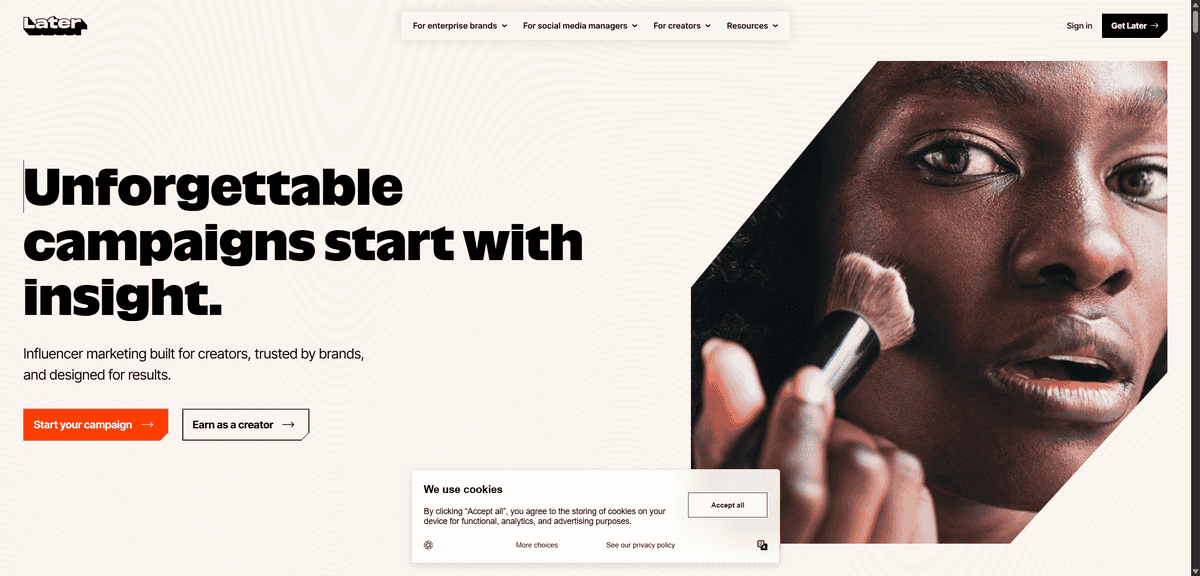
INSTAGRAM-FIRST CONTENT SCHEDULING
Later
If you’re focused mainly on Instagram and want a tool that thinks like Instagram does, Later is built exactly for that. Where Hootsuite handles everything, Later specialises in one thing: making Instagram scheduling visual and intuitive.
Later gives you a drag-and-drop calendar that shows your Instagram feed exactly as it will appear. You can move posts around, see how they’ll look together, and plan your grid visually. This matters because Instagram is all about visual storytelling.
You can’t just schedule posts and hope they look good together. With Later, you see the whole picture before anything goes live.
But that’s not all, there’s more:
- You can schedule Stories and Reels to publish automatically. No more setting reminders to post at specific times.
- The hashtag suggestions help you find relevant tags that actually work. You save time guessing which hashtags to use.
- Analytics show you when your audience is most active. You schedule posts for those exact times.
- The visual planner lets you drag and drop posts to create a cohesive feed. You see how everything fits together.
Later started as an Instagram-only tool, and that focus shows. The interface feels like Instagram itself, clean, visual, and easy to navigate. You’re not learning a complicated dashboard meant for multiple platforms.
What surprised me was how much the visual planning changed my approach. Instead of just scheduling posts, I started thinking about my feed as a whole. The drag-and-drop calendar made it easy to move things around until they looked right.
While Later is perfect for Instagram-focused users, it has limitations. If you need to manage Facebook, Twitter, or LinkedIn seriously, you’ll need another tool. The free plan is generous but limits how many posts you can schedule.
Small businesses that live on Instagram will love Later. But if you’re spreading across multiple platforms, you might feel limited. The good news? The $18/month plan covers most solo creators and small teams.
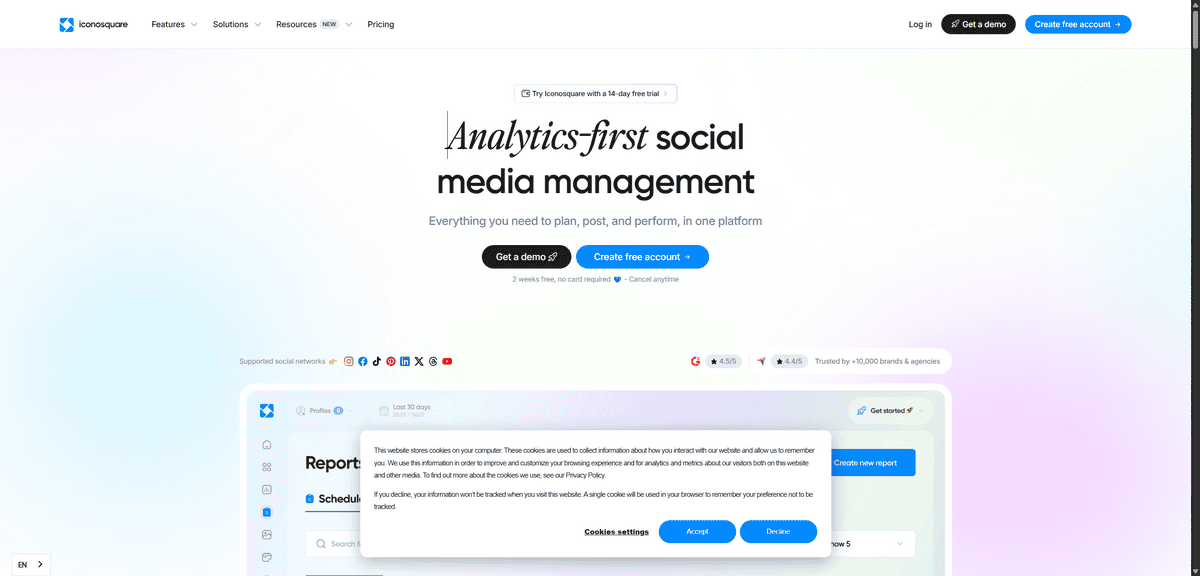
PROFESSIONAL INSTAGRAM ANALYTICS
Iconosquare
You’ve scheduled your posts with Hootsuite or Later. You’re posting regularly. But you’re not sure what’s actually working.
That’s where Iconosquare comes in. It’s like having a microscope for your Instagram account. Where basic tools show you likes and comments, Iconosquare shows you why those numbers matter.
Iconosquare gives you deep analytics that go beyond surface-level stats. You see which posts drive real engagement. You learn when your audience is most active. You understand what content actually converts followers into customers.
But that’s not all, there’s more:
- You can track your competitors’ performance. See what’s working for them and adapt their successful strategies.
- The analytics show you audience demographics in detail. You learn who follows you and when they’re online.
- Performance tracking helps you spot trends over time. You see what content types work best for your specific audience.
- Content optimisation suggestions help you improve future posts based on past performance data.
What surprised me was how much I didn’t know about my own account. I thought I understood my audience, but Iconosquare showed me patterns I’d completely missed.
For example, I discovered my audience engaged most with behind-the-scenes content, not the polished posts I spent hours creating. That insight alone changed my entire content strategy.
While Iconosquare is powerful for serious Instagram growth, it has limitations. The $49/month starting price puts it out of reach for casual users. The interface can feel overwhelming if you’re new to analytics.
Small businesses just starting out might find it more than they need. But if you’re serious about growing your Instagram presence, the insights pay for themselves. The data helps you stop guessing and start making smart decisions about your content.
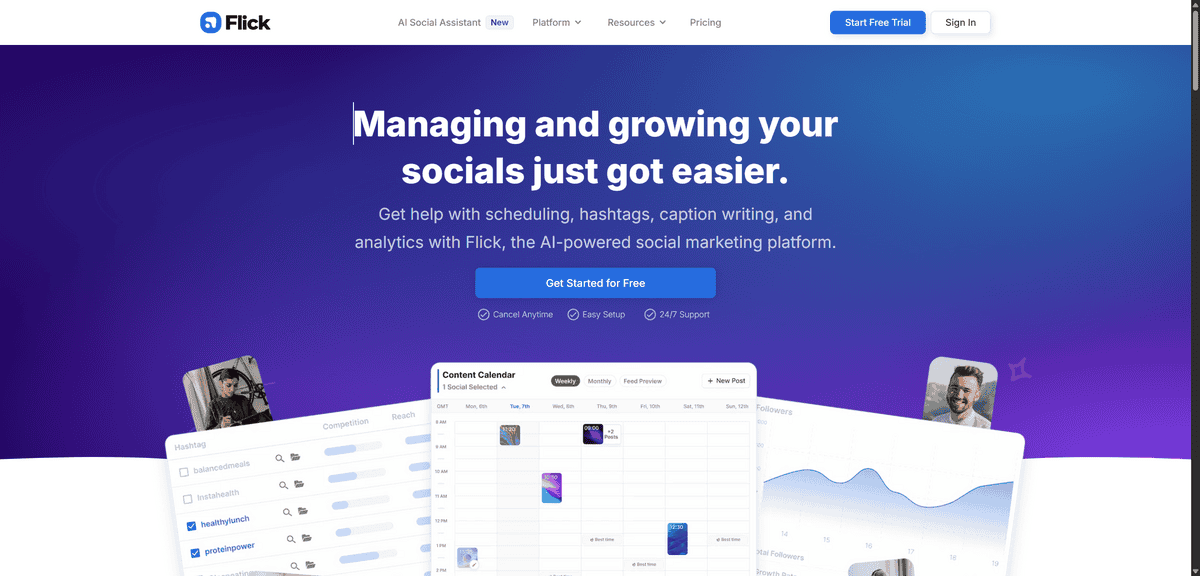
ADVANCED HASHTAG RESEARCH
Flick
You’ve scheduled your posts and analysed your performance. But your content still isn’t reaching enough people. That’s usually a hashtag problem.
Flick is an AI-powered hashtag research tool that helps you find the right tags for your Instagram posts. Where basic tools give you generic suggestions, Flick analyses what actually works for your specific content and audience.
You know hashtags matter for Instagram visibility. But guessing which ones to use is like throwing darts in the dark. Flick turns that guessing into a science.
But that’s not all, there’s more:
- You can analyse hashtag performance metrics to see which tags actually drive engagement. No more using tags that look popular but don’t work.
- The AI suggests trending tags based on your content and niche. It learns what works for accounts like yours.
- You can track hashtag rankings over time to see if your reach is improving. This helps you adjust your strategy.
- The tool helps you optimise your reach by suggesting the right mix of popular and niche hashtags.
What surprised me was how much I was doing wrong with hashtags. I used to just copy what other accounts used. Flick showed me that many of those tags were too competitive or irrelevant to my actual audience.
For example, I discovered that smaller, more specific hashtags actually brought me better engagement than the huge popular ones. My posts got lost in the millions of posts using #instagood, but stood out in niche tags with just thousands of posts.
While Flick is powerful for serious hashtag research, it has limitations. The $14/month starting price might feel steep if you’re just posting casually. The AI suggestions are helpful, but they still require you to understand your own content and audience.
Small businesses that post regularly will get the most value from Flick. If you’re only posting once a week, you might not need this level of hashtag analysis. But if Instagram is a key part of your marketing, good hashtags can double or triple your reach.
GRAPHIC DESIGN FOR SOCIAL MEDIA
Canva
You’ve scheduled your posts with Hootsuite or Later. You’ve found the right hashtags with Flick. But your content still doesn’t look professional. That’s where design matters.
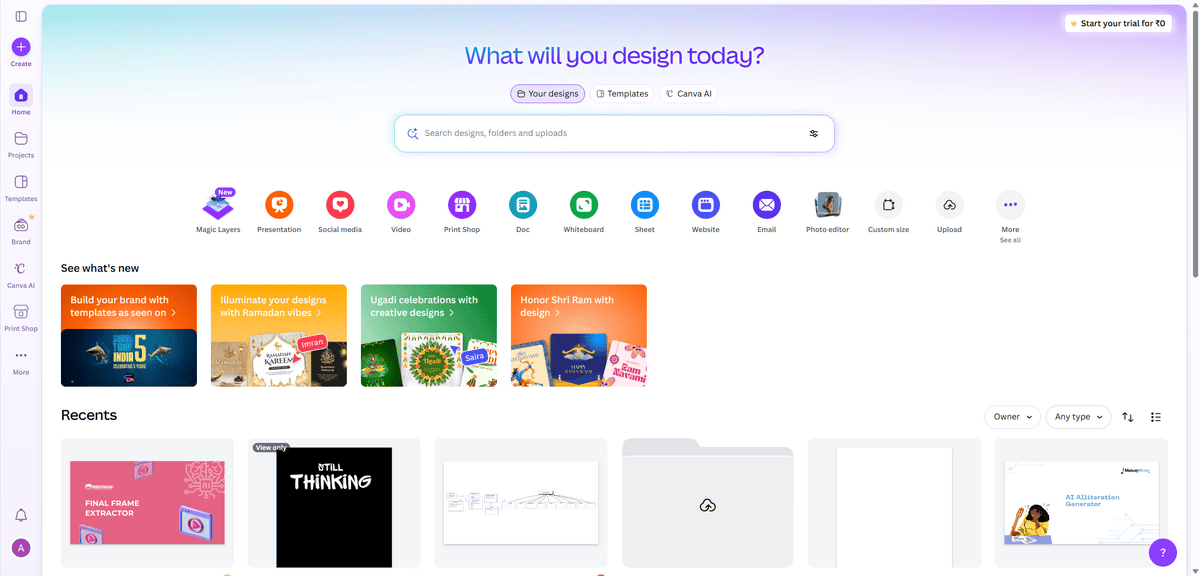
Canva is an intuitive design platform that helps you create professional Instagram graphics without design experience. Where tools like Photoshop feel complicated, Canva makes design simple for everyone.
Instagram is visual. People scroll past poorly designed posts. Good design makes people stop and engage with your content.
But that’s not all, there’s more:
- You can choose from thousands of Instagram templates. These are pre-designed layouts for posts, Stories, and Reels that you just customise.
- The drag-and-drop editor lets you move elements around easily. No technical skills needed, just click and drag.
- You can create a brand kit with your colours, fonts, and logos. This keeps all your Instagram content looking consistent.
- Collaboration tools let teams work together on designs. Multiple people can edit and approve posts before they go live.
What surprised me was how much difference good design made. I used to spend hours trying to make posts look right. With Canva, I create professional graphics in minutes.
For example, I discovered that posts with clean, branded designs got 3x more engagement than my old text-heavy posts. The templates gave me ideas I wouldn’t have thought of myself.
While Canva is great for non-designers, it has limitations. The free plan works well, but you’ll want the paid plan for advanced features. Some designs can look generic if you don’t customise them enough.
Small businesses that need professional-looking content will love Canva. If you’re a professional designer, you might find it too basic. But for most Instagram users, it’s the perfect balance of simplicity and power.
LINK MANAGEMENT SOLUTION
Linktree
You’ve created great content with Canva. You’ve scheduled it perfectly. But your followers can’t find your website or products. That’s where link management breaks down.
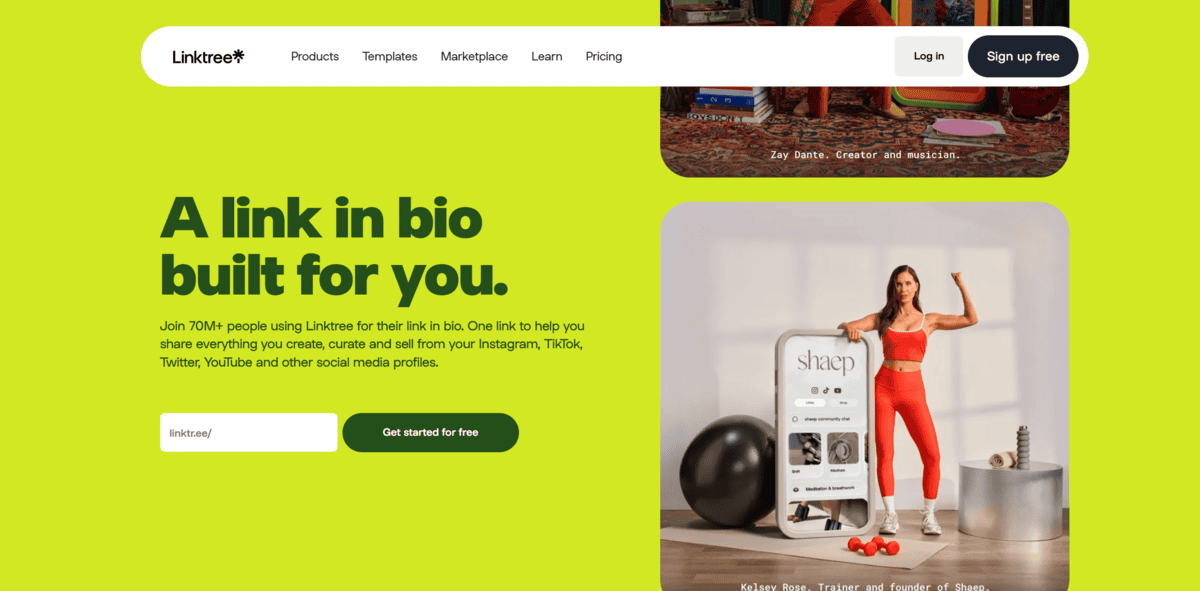
Linktree is a simple link-in-bio tool that consolidates all your important links into one customisable page. Instagram only lets you put one link in your bio. Linktree solves that problem by giving you a page that holds all your links.
Think about it. You want to share your website, latest blog post, product page, and newsletter signup. With Instagram’s one-link limit, you’re constantly changing your bio link. That’s frustrating for you and confusing for followers.
But that’s not all, there’s more:
- You can create a customisable page that matches your brand. Add your logo, colours, and background images.
- The analytics show you which links get clicked most. You learn what your audience actually wants.
- Social media integration means you can add links to all your platforms. Followers find everything in one place.
- E-commerce links let you connect directly to product pages. Turn followers into customers with one click.
What surprised me was how much traffic I was losing before Linktree. I’d post about a new product, but the link in my bio pointed to my homepage. Followers had to search for what I just talked about.
With Linktree, I can link directly to that product. When I post about a blog article, I link to that specific article. Followers get exactly what they’re looking for.
While Linktree is great for managing multiple links, it has limitations. The free plan works well, but you’ll want the paid plan for advanced analytics. Some users find the basic design options limiting.
Small businesses with multiple things to share will love Linktree. If you only have one link to share, you might not need it. But most businesses have websites, products, social media, and content to share.
The thing is, good content needs good links to convert. You can create the best Instagram posts, but if followers can’t find your website or products, you’re missing opportunities.
INSTAGRAM ADVERTISING PLATFORM
Facebook Ads Manager
You’ve created great content with Canva. You’ve scheduled it with Later. You’ve even set up your Linktree. But your organic reach feels limited. That’s where advertising comes in.
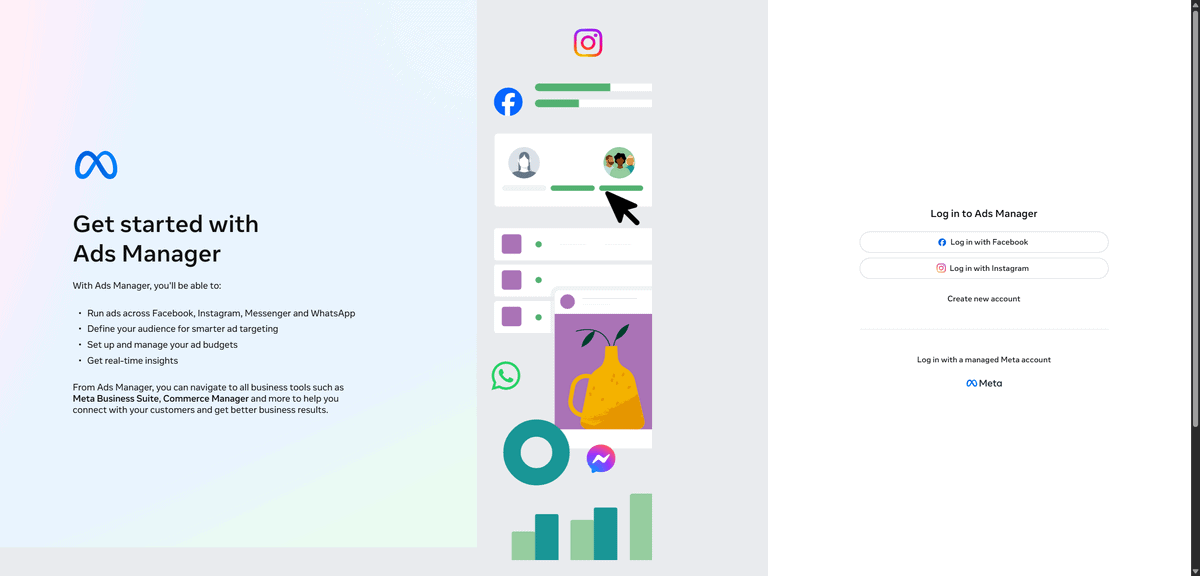
Facebook Ads Manager is the native advertising tool for Instagram. Since Facebook owns Instagram, this is the official platform for running ads. It’s not a third-party tool trying to work around Instagram’s system.
Think about it. You can create amazing organic content, but only a fraction of your followers see it. Instagram’s algorithm decides who sees your posts. Advertising lets you reach beyond your current followers.
But that’s not all, there’s more:
- You can create Instagram ad campaigns with advanced targeting. Reach people based on interests, behaviours, and demographics.
- The campaign management tools let you set daily or lifetime budgets. You control exactly how much you spend.
- Performance analytics show you what’s working. See which ads drive clicks, conversions, and sales.
- A/B testing helps you compare different ad versions. Learn which images, copy, and calls-to-action work best.
What surprised me was how affordable Instagram advertising can be. You can start with just a few dollars a day. The pay-per-click model means you only pay when people engage with your ads.
For example, I discovered that targeted Instagram ads reached people who never would have found my organic content. These were potential customers actively interested in what I offered.
While Facebook Ads Manager is powerful for Instagram advertising, it has limitations. The interface can feel overwhelming at first. There are many options and settings to learn.
Small businesses just starting with ads might find it complex. But if you’re serious about reaching new audiences, it’s the most direct way to advertise on Instagram. The targeting options are unmatched by any third-party tool.
The thing is, organic reach has natural limits. Even with perfect content and hashtags, you’re only reaching a portion of your audience. Advertising extends that reach to people who don’t follow you yet.
UGC & SHOPPABLE FEEDS
Taggbox
You’ve created ads with Facebook Ads Manager. You’ve scheduled content with Later. But your Instagram feed still feels disconnected from actual sales. That’s where user-generated content and shoppable feeds change everything.
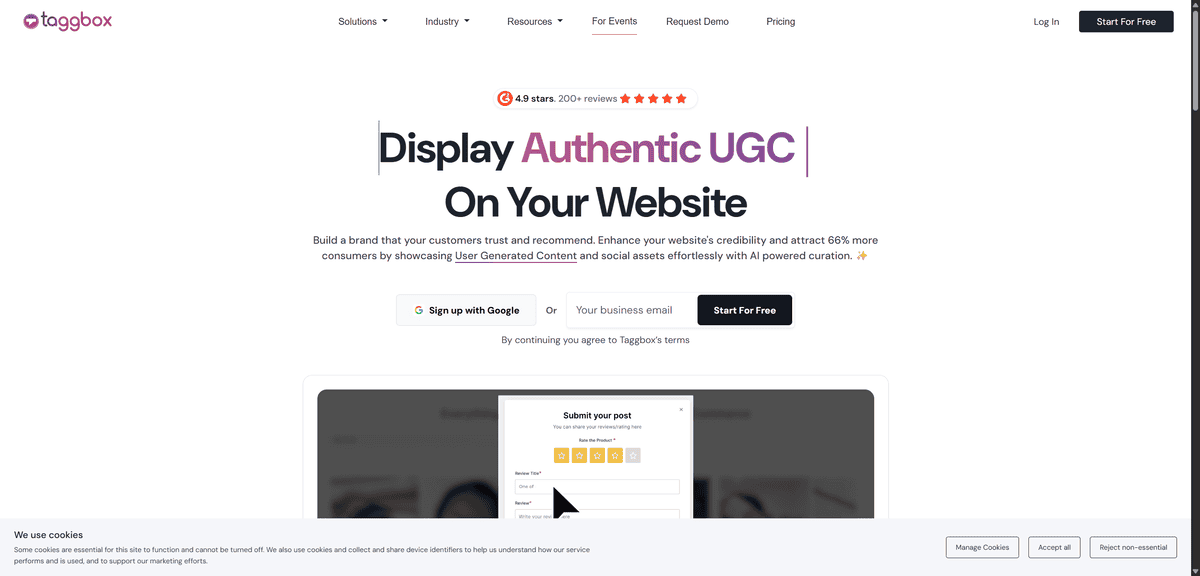
Taggbox transforms your Instagram content into a shopping experience. It takes user-generated content, those posts where customers show off your products, and turns them into clickable galleries that link directly to your online store.
Think about it. People trust other customers more than they trust brand advertising. When someone posts about loving your product, that’s authentic social proof. Taggbox helps you collect and display that content where it can actually drive sales.
But that’s not all, there’s more:
- You can create shoppable Instagram feeds that link directly to product pages. Customers see something they like and can buy it with one click.
- The e-commerce integration works with platforms like Shopify, WooCommerce, and others. Your Instagram content connects directly to your store.
- Content moderation tools let you choose which user posts to feature. You control what appears in your galleries.
- You can display UGC galleries on your website, not just Instagram. This brings social proof to your main sales channels.
What surprised me was how much difference shoppable content made. I used to just post product photos and hope people would visit my website. With Taggbox, customers could buy directly from the Instagram content they were already engaging with.
For example, I discovered that posts featuring real customers using my products got more engagement than my professional photos. When those posts became shoppable, they actually drove sales instead of just likes.
While Taggbox is great for e-commerce businesses, it has limitations. The free plan works for basic needs, but you’ll want paid plans for advanced features. If you don’t sell products online, you might not need shoppable feeds.
Small businesses with physical products will love Taggbox. If you’re a service business or don’t have an online store, it might be more than you need. But for e-commerce, turning Instagram into a sales channel changes how you think about social media.
The thing is, Instagram can be more than just content. With the right tools, it becomes a direct sales channel. Taggbox helps bridge that gap between social engagement and actual purchases.
AI-POWERED SOCIAL MANAGEMENT
Pallyy
You’ve used tools for scheduling, analytics, and design. But you still struggle with what to post. That’s where AI can help.
Pallyy is an all-in-one social media tool that uses AI to help you create and manage content. Where other tools just help you schedule posts, Pallyy helps you come up with ideas and write captions too.
Think about it. You know you need to post regularly, but sometimes you just don’t know what to say. Pallyy’s AI features help you overcome those content creation blocks.
But that’s not all, there’s more:
- You can use AI to generate Instagram captions based on your brand’s tone. Just tell it what you’re posting about, and it gives you options.
- The smart scheduling helps you post at the best times for engagement. It analyses when your audience is most active.
- Analytics show you what content performs best. You learn what your audience likes and can create more of it.
- The unified inbox lets you manage comments and messages from all your social accounts in one place.
What surprised me was how much time the AI saved. I used to stare at a blank screen trying to write captions. With Pallyy, I get multiple options to choose from or adapt.
For example, I discovered that the AI could take a simple product photo and suggest captions that highlighted different angles, one focusing on features, another on benefits, and a third telling a story. This gave me options I wouldn’t have thought of myself.
While Pallyy is great for content creation help, it has limitations. The AI suggestions are helpful, but you still need to review and edit them. The $19/month starting price might feel steep if you’re just posting casually.
Small businesses that struggle with consistent content will love Pallyy. If you already have a content team or don’t need help with ideas, you might not need the AI features. But for solo creators and small teams, it can be a game-changer for keeping your Instagram active.
The thing is, good tools should save you time and help you create better content. Pallyy does both by combining AI assistance with solid scheduling and analytics features.
CONTENT PLANNING & COLLABORATION
Planoly
You’ve used AI tools like Pallyy for content ideas. You’ve scheduled posts with Later. But when multiple people work on your Instagram, things get messy. That’s where team coordination matters.
Planoly is a visual content planner that helps teams collaborate on Instagram strategy. Where solo tools focus on individual scheduling, Planoly adds team features that prevent mistakes and improve consistency.
Think about it. One person creates content, another writes captions, and someone else approves everything. Without coordination, you get duplicate posts, inconsistent branding, or scheduling conflicts.
But that’s not all, there’s more:
- You can use the drag-and-drop calendar to plan your Instagram feed visually. Move posts around until your grid looks right.
- The approval workflows let team members review content before it goes live. No more accidental posts with typos or wrong images.
- Performance insights show what content works best for your audience. You learn from past posts to improve future ones.
- Team collaboration tools mean everyone can work together without stepping on each other’s toes. Assign tasks and track progress.
What surprised me was how much difference team coordination made. I used to think solo tools were enough, but when we added team members, things fell apart. Planoly kept everything organised.
For example, I discovered that approval workflows caught mistakes we would have missed. A team member spotted a typo in a caption that I’d read three times. That one catch saved us from looking unprofessional.
While Planoly is great for team collaboration, it has limitations. The free plan works for solo users, but you need paid plans for team features. If you’re working alone, you might not need the collaboration tools.
Small businesses with multiple team members will love Planoly. If you’re a solo creator, simpler tools might work better. But for teams, good coordination prevents mistakes and keeps your Instagram looking professional.
The thing is, good Instagram strategy needs good teamwork. Planoly helps bridge that gap between individual creativity and team coordination.
INSTAGRAM VIDEO EDITING
InVideo
You’ve planned content with Planoly and scheduled it with Later. But your Instagram videos still don’t look professional. That’s where video editing makes all the difference.
InVideo is a professional video editing platform built specifically for Instagram content. Where basic video tools feel complicated, InVideo makes professional editing simple for everyone.
Think about it. Instagram Reels get nearly 1.5% engagement, while photos get around 0.6%. That’s more than double the engagement. But good video needs good editing.
But that’s not all, there’s more:
- You can choose from thousands of Instagram-optimised templates. These are pre-designed layouts for Reels, Stories, and posts that fit Instagram’s exact dimensions.
- The AI tools help you create videos faster. Just describe what you want, and the AI suggests edits and effects.
- Easy editing features let you trim, cut, and add effects without technical skills. You just drag and drop elements.
- Professional effects make your videos stand out. Add transitions, text animations, and music that matches your brand.
What surprised me was how much difference good video editing made. I used to post raw clips that got lost in the feed. With InVideo, my videos looked polished and professional.
For example, I discovered that videos with clean transitions and branded text got 3x more views than my basic clips. The templates gave me ideas I wouldn’t have thought of myself.
While InVideo is great for Instagram video editing, it has limitations. The free plan works well but adds watermarks to your videos. The $20/month plan removes watermarks and unlocks more features.
Small businesses that need professional video content will love InVideo. If you’re already using advanced editing software like Premiere Pro, you might find it basic. But for most Instagram users, it’s the perfect balance of simplicity and power.
The thing is, good video editing turns casual clips into engaging content. InVideo helps bridge that gap between raw footage and professional Instagram videos.
INSTAGRAM ENGAGEMENT ANALYTICS
Sprout Social
You’ve edited videos with InVideo and scheduled posts with Planoly. But you’re not sure how people actually feel about your brand. That’s where understanding engagement goes beyond just counting likes.
Sprout Social is a comprehensive social media management suite that helps you track how people engage with your Instagram content. Where basic tools show you numbers, Sprout Social shows you what those numbers mean for your brand.
Think about it. You can have thousands of likes, but if people aren’t talking about your brand or sharing your content, those likes don’t mean much. Sprout Social helps you understand the sentiment behind the engagement.
But that’s not all, there’s more:
- You can track advanced Instagram analytics that go beyond basic metrics. See which posts drive real conversations, not just passive likes.
- The engagement tracking helps you understand audience sentiment. You learn what people actually think about your brand, not just how many times they clicked.
- Social listening features let you monitor brand mentions across Instagram. This helps you join conversations and respond to feedback.
- Brand monitoring tools show you how your brand is perceived. You see patterns in how people talk about your products or services.
What surprised me was how much I was missing about audience sentiment. I used to think high engagement meant people loved my content. Sprout Social showed me that some engagement was actually negative feedback disguised as comments.
For example, I discovered that posts with lots of comments weren’t always positive. Some were complaints or questions I needed to address. Understanding that difference changed how I responded to my audience.
While Sprout Social is powerful for serious brand monitoring, it has limitations. The $249/month starting price puts it out of reach for most small businesses. The interface can feel complex if you’re new to advanced analytics.
Larger brands and agencies will love Sprout Social. If you’re just starting out or have a small budget, simpler tools might work better. But for serious brand management, understanding engagement sentiment is crucial.
The thing is, good Instagram strategy needs more than just posting content. It needs understanding how that content makes people feel about your brand. Sprout Social helps bridge that gap between posting and truly engaging with your audience.
