
Here’s something that might surprise you: businesses that create well-optimised landing pages can experience up to a 220% boost in conversion rates compared to generic web pages. Yet the average landing page conversion rate sits at just 6.6% across all industries as of Q4 2024. That gap tells you most people aren’t getting this right.
The thing is, not everyone has coding skills or design expertise. You might think you need to be a “coding whizz” or “design maestro” to create effective landing pages, but that’s where these tools come in. A well-designed landing page could increase conversion rates by up to 400%, which makes finding the right builder pretty important.
That’s why we’ve updated our list with the latest tools and research. Whether you’re launching a startup, promoting a new product, or trying to build your online presence, these nine landing page builders give you what you need to captivate users from the moment they arrive.
Rundown
- Landing Pages For Every Use Case: Swipe Pages, “Create custom AMP landing pages for any use case with 25+ modules, 1M+ stock images, and fast-loading performance across all devices.”
- An All-In-One Solution For Building Landing Pages: Canva, “Design visually stunning landing pages with drag-and-drop simplicity, pre-designed templates, and full brand customisation without coding experience.”
- To Support Your Email Marketing Campaigns: GetResponse, “Build unlimited landing pages with 200+ templates and an intuitive drag-and-drop editor to boost subscriber growth and align with email marketing goals.”
- Best Affordable Landing Page Builder With E-Commerce: Landingi, “Access 400+ templates with AI-powered content tools, advanced A/B testing, and built-in e-commerce integrations at budget-friendly pricing.”
- For Design-First Landing Pages: Framer, “Create interactive, animated landing pages with real-time collaboration and AI design optimisations, perfect for creative brands and SaaS products.”
- Best Landing Page Builder For Email Marketing Integration: MailerLite, “Combine email marketing with conversion-focused landing pages featuring A/B testing, e-commerce blocks, and automation at significantly lower pricing than competitors.”
- For Those With Advanced Marketing Needs: Unbounce, “Access dual builders. ‘Classic’ for pixel-perfect control and ‘Smart’ for AI-powered optimisation, with dynamic text replacement and advanced integrations for expert marketers.”
- To Optimise Conversions And Generate Leads: LeadPages, “Predict landing page performance with exclusive Leadmeter technology, unlimited visitor tracking, and 200+ conversion-focused templates with no bandwidth limits.”
- To Create Landing Pages For Free: Carrd, “Build simple, responsive landing pages instantly with zero signup required, an intuitive editor, and automatic mobile optimisation at no cost.”
How Did We Find The Best Landing Page Builder?
Choosing the right landing page builder can make or break your marketing success, so we took our evaluation process seriously. Here’s how we tested and compared all nine landing page builders to find the best options for different needs:
- Trial And Testing: We used trial versions and free plans to get hands-on experience with each builder. This let us test the interface, ease of use, design flexibility, and loading speed ourselves.
- Use Case Analysis: We recognised that different businesses have unique requirements. We assessed each builder’s features against specific use cases, from email marketing integration to e-commerce functionality and design-first approaches.
- User Feedback And Reviews: We looked at what real users were saying on platforms like Trustpilot, Capterra, and G2. Their experiences helped us understand what actually works well in practice, not just in theory.
- Feature Comparison: We compared customisation options, template libraries, drag-and-drop editors, analytics capabilities, A/B testing tools, SEO optimisation features, and integration possibilities across all nine platforms.
- Cost Considerations: We analysed pricing structures thoroughly, considering affordability, value offered, and any hidden costs for advanced features or integrations.
Keeping these five key factors in mind, we evaluated nine landing page builders that cater to various budgets, marketing objectives, and skill levels. This approach helps you make an informed decision based on what actually matters for your specific needs.
Recommended Landing Page Builders
Best for All-In-One Content Creation
Swipe Pages
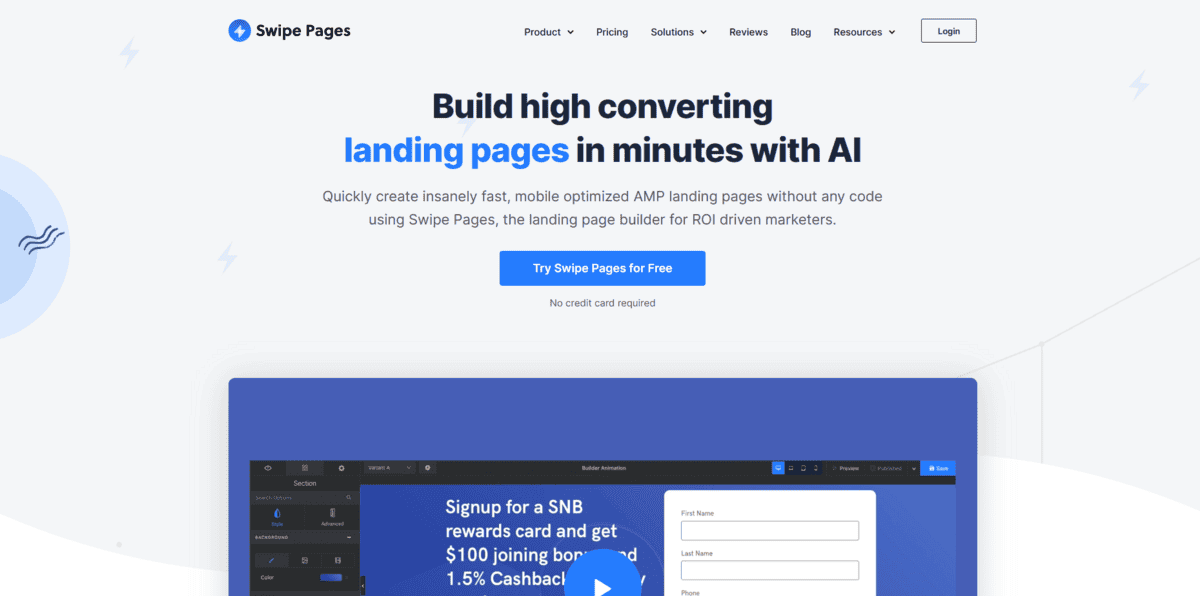
If you need a landing page builder that works for literally any business or campaign, Swipe Pages might be what you’re looking for. It’s earned consistent 5-star ratings on platforms like Trustpilot and Capterra by helping people create fast, mobile-optimised AMP landing pages that load quickly across all devices.
Feature | Details |
|---|---|
Best For | Any use case, AMP landing pages, fast-loading performance |
Pricing | Starts at $29/month |
Ease of Use | Intuitive drag-and-drop editor |
Platform | Web-based |
What makes Swipe Pages stand out is its flexibility. You get access to over 25 modules, more than 1 million free stock images from Unsplash, 8000+ icons, and 1000+ Google fonts. The drag-and-drop editor makes designing fully responsive landing pages straightforward, and it even lets you edit across multiple screens at the same time.
But that’s not all; there’s more:
- You can integrate Swipe Pages with thousands of third-party applications through Zapier and direct integrations, so you can use the tools you already work with
- The publishing process includes code optimisation, caching, SSL hosting, and CDN support. All the technical stuff that makes pages load fast
- You get image compression built right in, which helps with those loading speeds we mentioned
- Team collaboration features let you invite members, assign different roles, and use sub-accounts to keep projects organised.
With all these features, Swipe Pages works whether you’re building a SaaS website, healthcare platform, e-commerce store, or anything in between. The AMP support means your pages will load quickly on mobile devices, which matters since mobile users account for over half of all web traffic.
While Swipe Pages is great for creating landing pages for any use case, it starts at $29/month, which might be more than some beginners want to spend. The extensive customisation options could feel overwhelming if you just need a simple page, and you’ll need to be comfortable with the AMP format if you want to use that feature fully.
Best for Studio-Quality Professional Voiceovers
Canva
Feature | Details |
|---|---|
Best For | All-in-one design, beginners, brand customisation |
Pricing | A free plan available; Pro starts at $12.99/month |
Ease of Use | Very intuitive drag-and-drop |
Platform | Web-based mobile apps |
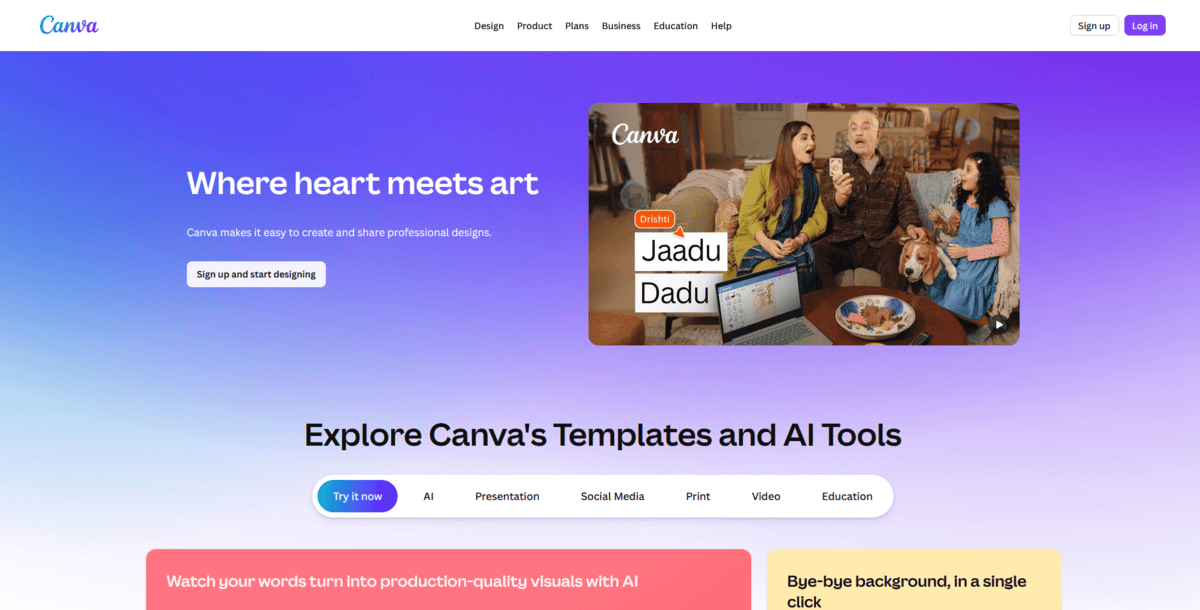
If you’re looking for a landing page builder that doesn’t require any coding experience but still gives you professional results, Canva might be exactly what you need. It’s an all-in-one solution where you can design visually stunning landing pages with drag-and-drop simplicity, using pre-designed templates and full brand customisation tools.
What makes Canva work so well for landing pages is its familiar interface. You can choose from hundreds of landing page templates, then customise them by dragging and dropping your brand logos, fonts, and colours directly into the layout. The editing tools are intuitive enough that you don’t need design experience to create something that looks professional.
But that’s not all; there’s more:
- You can access Canva’s massive media library with illustrations, vectors, and stock photos to enhance your designs
- The platform automatically makes your landing pages mobile-responsive, so they look good on any device
- You get free domains for up to five live websites if you’re on the free plan, which is perfect for testing ideas
- For more flexibility, you can purchase a domain through Canva or connect your existing one
The thing about Canva is that it keeps things simple. You don’t get overwhelmed with complex features you’ll never use. Instead, you get exactly what you need to create landing pages that reflect your brand and drive results. Plus, since Canva is primarily a design platform, you’re working with tools that prioritise visual appeal from the start.
While Canva is great for beginners who want simplicity and visual design control, it might not have the advanced marketing features some businesses need. The free plan limits you to five websites on Canva’s domain.
If you want to use your own domain or need more advanced features, you’ll need to upgrade to a paid plan. The platform works best for straightforward landing pages rather than complex, conversion-optimised pages with advanced tracking.
Best for Voice Cloning and Character Narration
GetResponse
Feature | Details |
|---|---|
Best For | Email marketing integration, subscriber growth, lead generation |
Pricing | A free plan is available; the paid plan starts at $15.58/month |
Ease of Use | Intuitive drag-and-drop editor |
Platform | Web-based |
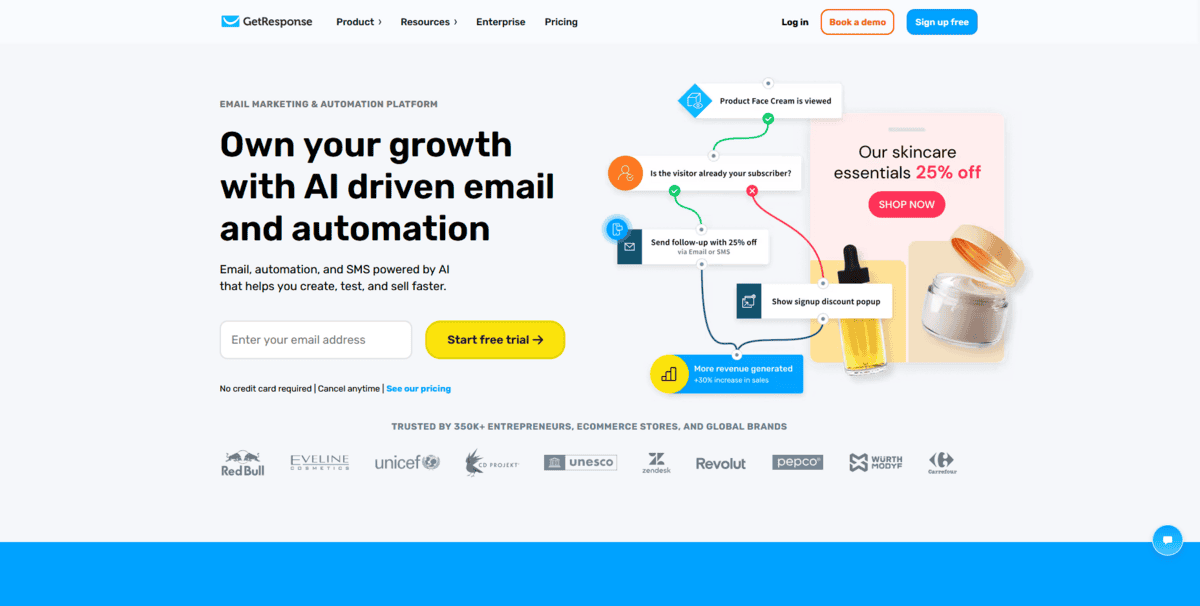
If you’re looking for a landing page builder that works seamlessly with your email marketing efforts, GetResponse might be exactly what you need. It helps you build unlimited landing pages with 200+ templates and an intuitive drag-and-drop editor specifically designed to boost subscriber growth and align with your email marketing goals.
What makes GetResponse stand out is how it connects landing pages directly to your email marketing workflow. You can create custom landing pages that capture leads, then automatically add those leads to your email sequences. The platform offers 200+ mobile-responsive templates, so you can choose designs that match your specific business objectives without starting from scratch.
But that’s not all; there’s more:
- You can use the built-in drag-and-drop editor to personalise templates by moving, cropping, resizing, or recolouring elements exactly how you want them
- The platform lets you add GIFs and free stock photos to make your pages more engaging and unique
- You get mobile optimisation tools that automatically adjust your page layout for different devices
- SEO optimisation features help you add titles and meta descriptions to boost organic traffic
The thing about GetResponse is it gives you essential data right where you need it. You can see how many visits, clicks, and conversions each landing page generates. Plus, you can create multiple versions of a page and run A/B tests to figure out which design and copy elements work best for your audience.
While GetResponse is great for businesses focused on email marketing and subscriber growth, it might not be the best choice if you need advanced design customisation beyond what the templates offer. The platform works best when you’re using it as part of the complete GetResponse ecosystem. If you just need a standalone landing page builder without email marketing features, there might be simpler options available.
Best for Diverse Natural-Sounding Voices
Landingi
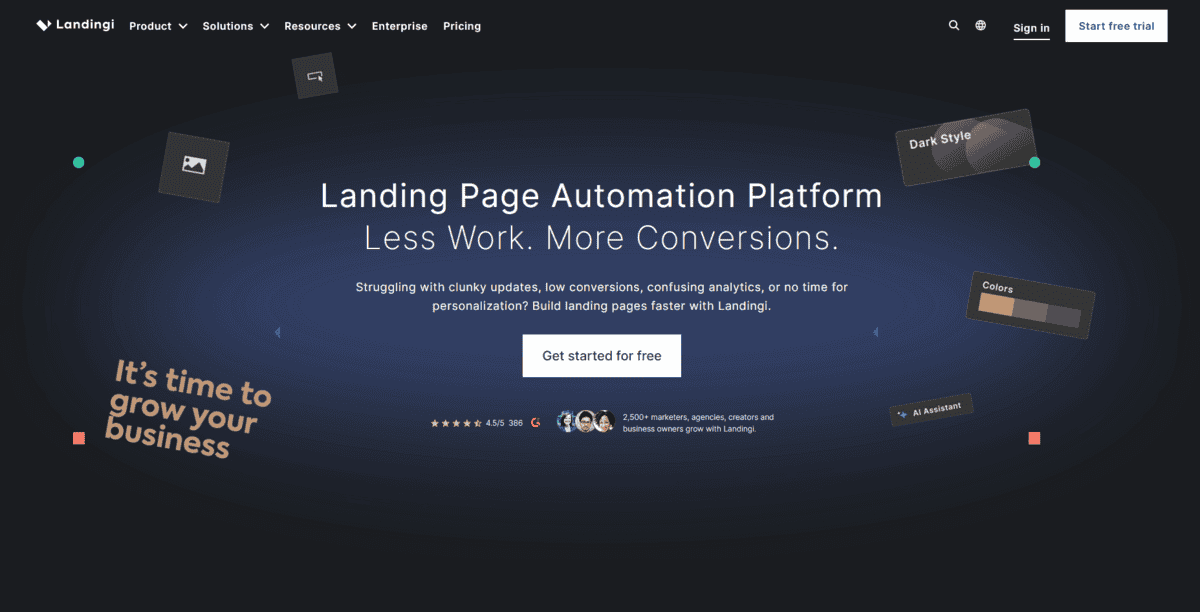
If you’re looking for an affordable landing page builder that doesn’t skimp on e-commerce features, Landingi might be exactly what you need. It gives you access to 300+ templates with AI-powered content tools, advanced A/B testing, and built-in e-commerce integrations, all at budget-friendly pricing that starts at just $29 per month.
Feature | Details |
|---|---|
Best For | Affordable e-commerce landing pages, budget-friendly marketing |
Pricing | Starts at $29/month, 14-day free trial |
Ease of Use | Intuitive drag-and-drop builder |
Platform | Web-based |
What makes Landingi work well for e-commerce is how it connects landing pages directly to your online store. You can create product launch pages, promotional campaigns, or lead capture forms that integrate seamlessly with e-commerce platforms. The platform offers templates specifically designed for different business types and campaign goals, so you don’t have to start from scratch.
But that’s not all; there’s more:
- You can use the AI-powered content tools to help generate copy and optimise your landing pages for better conversions
- The built-in A/B testing feature lets you compare different page versions to see what works best with your audience
- You get e-commerce integrations that connect your landing pages directly to your online store systems
- The drag-and-drop editor supports HTML and JavaScript if you need more advanced customisation.
The thing about Landingi is that it gives you substantial functionality without the premium price tag. You’re getting analytics, custom domains, collaboration tools, and 150+ integrations at a mid-market price point. Plus, with a 14-day free trial, you can test whether it fits your workflow before committing.
While Landingi is great for businesses that need e-commerce features on a budget, it might not have the most advanced design customisation options compared to some premium tools. The platform works best when you’re using the templates as a starting point.
If you need completely custom designs from scratch, you might find the template-based approach somewhat limiting. Also, at $29/month, it’s affordable but not the absolute cheapest option available.
Best for Video and Audio Editing Integration
Framer
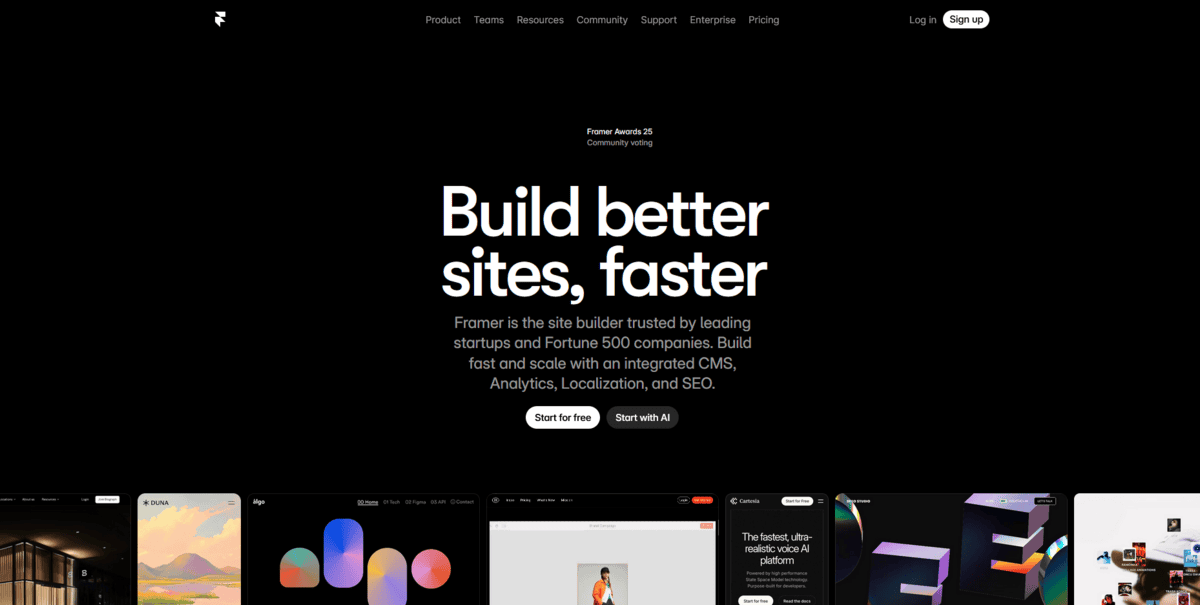
If you’re a designer or creative brand that wants landing pages with stunning animations and interactive elements, Framer might be exactly what you’re looking for. It started as a prototyping tool but has evolved into a full website builder that lets you create interactive, animated landing pages with real-time collaboration and AI design optimisations.
Feature | Details |
|---|---|
Best For | Design-first landing pages, interactive animations, creative brands |
Pricing | A free plan is available, starting at $15/month |
Ease of Use | Designer-friendly with learning curve |
Platform | Web-based |
What makes Framer stand out is its design-first approach. You’re not just dragging and dropping pre-made blocks; you’re creating custom animations, scroll effects, and interactive elements that make your landing pages feel alive. The platform is perfect for creative brands and SaaS products that need to showcase their visual identity and create memorable user experiences.
But that’s not all; there’s more:
- You can create captivating animations and scroll-triggered effects that engage visitors as they explore your page
- The real-time collaboration features let your team work together on designs simultaneously, just like in Figma or Sketch
- AI-powered design tools help optimize your layouts and suggest improvements as you build
- You get comprehensive SEO optimisation features to make sure your beautifully designed pages also rank well
The thing about Framer is that it gives you the control designers want. You can fine-tune every animation curve, create custom interactions, and build pages that feel more like interactive experiences than static websites. Plus, with integrations for design tools like Sketch and Figma, you can bring your existing design assets directly into Framer.
While Framer is great for design-focused teams and creative brands, it has a steeper learning curve than simpler drag-and-drop builders. The platform works best if you have some design experience or are willing to invest time learning its animation and interaction systems.
Also, at $15/month for the basic paid plan, it’s more expensive than some basic landing page builders, though you’re paying for those advanced design capabilities.
Best for AI Avatar Video Generation
MailerLite
Feature | Details |
|---|---|
Best For | Email marketing integration, budget-friendly automation |
Pricing | Starts at $9-10/month, 14-day free trial |
Ease of Use | Intuitive drag-and-drop builder |
Platform | Web-based |
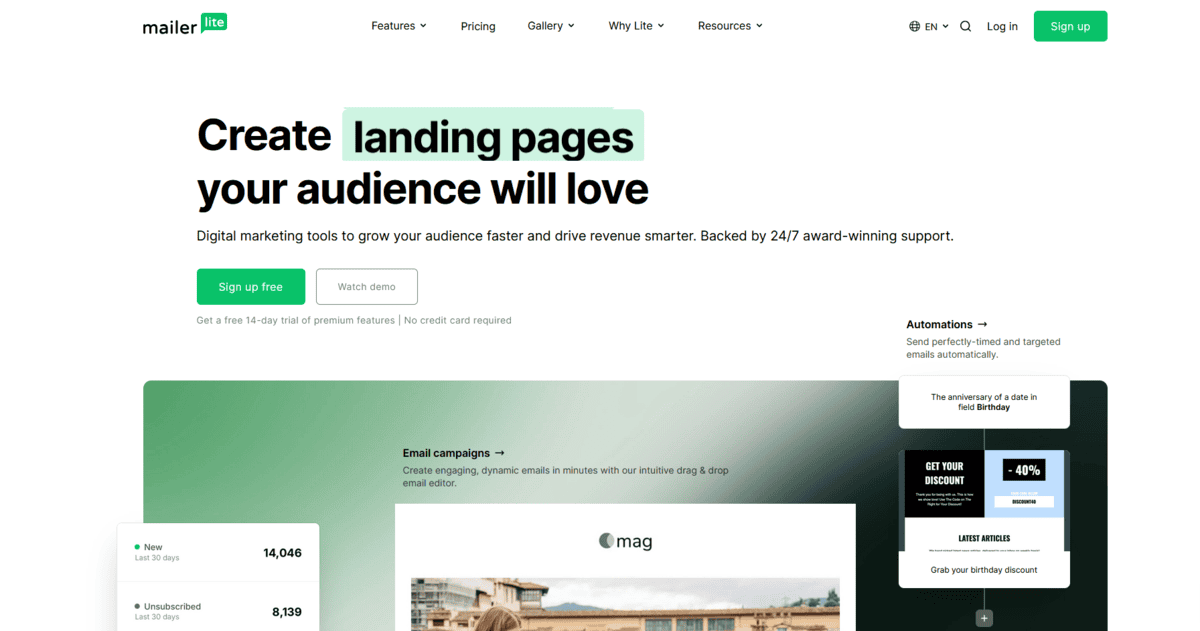
If you’re looking for a landing page builder that combines seamlessly with email marketing at a price that won’t break the bank, MailerLite might be exactly what you need. It helps you create conversion-focused landing pages with A/B testing, e-commerce blocks, and automation features, all at significantly lower pricing than most competitors.
What makes MailerLite stand out is how it bundles everything together. You’re not just getting landing pages; you’re getting email marketing, automation, websites, and landing pages in one affordable package. The platform starts at just $9-10 per month for 500 subscribers, which is considerably cheaper than similar tools that charge separately for each feature.
But that’s not all; there’s more:
- You can use the drag-and-drop builder to create landing pages that connect directly to your email lists and automation workflows
- The A/B testing feature lets you compare different versions of your landing pages to see what converts best
- E-commerce blocks help you showcase products and drive sales directly from your landing pages
- Smart sending uses AI to optimise email timing based on when your subscribers are most likely to engage
The thing about MailerLite is that it gives you substantial functionality without the premium price tag. You’re getting landing pages, email campaigns, automation, and basic websites all in one place. Plus, with a 14-day free trial, you can test whether it fits your workflow before committing any money.
While MailerLite is great for businesses that want integrated email marketing and landing pages on a budget, it might not have the most advanced design customisation options compared to dedicated landing page builders. The platform works best when you’re using it as part of the complete MailerLite ecosystem.
If you just need standalone landing pages without email features, there might be simpler options. Also, the $9-10/month pricing is for up to 500 subscribers, so costs increase as your list grows.
Best for Gaming, Animation, and Advertising Audio
Unbounce
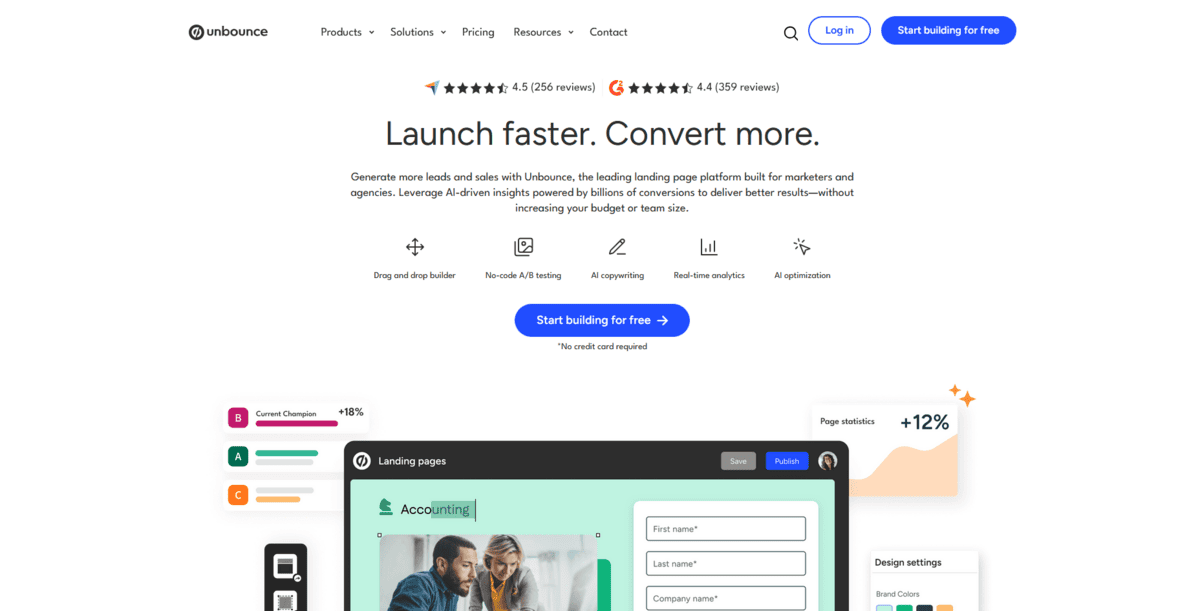
If you’re an expert marketer who needs advanced features and complete control over your landing pages, Unbounce might be exactly what you’re looking for. It allows AI-powered optimisations with dynamic text replacement and advanced integrations specifically designed for expert marketers.
Feature | Details |
|---|---|
Best For | Advanced marketing needs, A/B testing, AI optimisation |
Pricing | Starts at $99/month, 14-day free trial |
Ease of Use | Advanced with dual builder options |
Platform | Web-based |
What makes Unbounce stand out is its two-builder approach. The Classic Builder is the original drag-and-drop landing page builder that offers advanced coding and customisation options. This means you have complete control over the design process, right down to the pixel. The simple drag-and-drop interface lets you add, edit, and arrange page elements exactly how you want them.
But that’s not all; there’s more:
- You can use the Classic Builder’s dynamic text replacement feature, which automatically adapts your landing page copy to match the ad your visitors click on
- The Smart Builder uses AI to offer pre-optimised templates, instant copy generation, and an assisted building experience so you can create landing pages faster
- You get AI-driven smart features that provide data-backed recommendations in real-time, offering insights on how to improve your copy as you build it
- The platform integrates with popular tools and services from brands like Stripe, PayPal, and Shopify, ensuring custom functionality for your landing pages
The thing about Unbounce is that it gives you both options with every plan they offer. So you can mix and match the Classic Builder’s fine-grained control with the Smart Builder’s AI-powered features according to your specific needs. Whether you’re running complex A/B tests, need dynamic text that changes based on ad campaigns, or want AI to help optimise your pages, Unbounce has the tools.
While Unbounce is great for expert marketers who need advanced features, it starts at $99/month, which is significantly more expensive than most other landing page builders. The platform works best if you’re already comfortable with marketing terminology and have experience with conversion optimisation. Also, you’ll need to invest time learning both builders to get the most value from the platform.
Best for Natural Speech Synthesis and Broadcasting
LeadPages
Feature | Details |
|---|---|
Best For | Conversion optimization, lead generation, unlimited traffic |
Pricing | Starts at $49/month, 14-day free trial |
Ease of Use | Intuitive drag-and-drop with Leadmeter guidance |
Platform | Web-based |
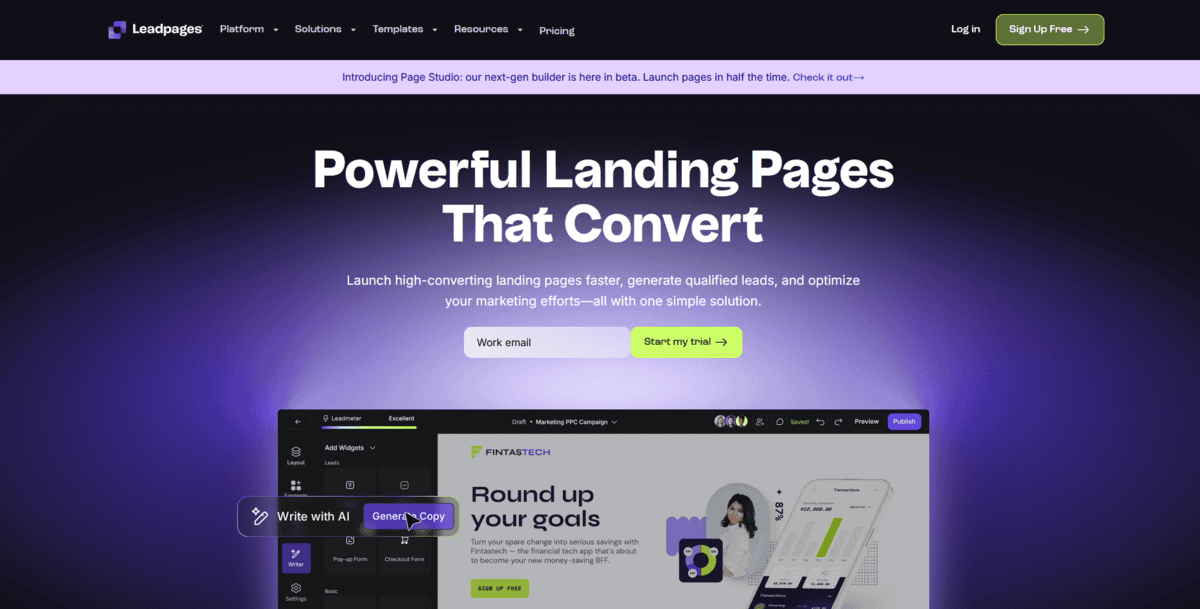
If you’re focused on optimising conversions and generating leads, LeadPages might be exactly what you need. It helps you predict landing page performance with exclusive Leadmeter technology, track unlimited visitors, and access 200+ conversion-focused templates with no bandwidth limits to worry about.
What makes LeadPages stand out is its Leadmeter technology. This feature instantly compares your landing page’s content with other successful pages and rates its conversion potential. It actually predicts how well your page will perform before you even publish it, giving you real-time insights on how to optimise your page as you build it.
But that’s not all; there’s more:
- You get unlimited traffic and lead collection, so you can create dedicated landing pages for each campaign without hitting visitor limits
- The platform offers 200+ expertly designed templates specifically built for conversion, giving you a solid starting point
- The drag-and-drop builder lets you easily add elements like video players, Calendly schedules, countdown timers, and OpenTable widgets
- You can integrate seamlessly with lead generation tools like Salesforce, Zapier, Facebook, and Mailchimp to capture email addresses and nurture leads
The thing about LeadPages is it removes the worry about bandwidth limits or “bandwidth exceeded” error messages. You can publish as many landing pages as you need without restrictions. Plus, with unlimited A/B testing included, you can experiment with different page versions to see what converts best with your audience.
While LeadPages is great for businesses focused on conversion optimisation and lead generation, it starts at $49/month, which is more expensive than some simpler landing page builders. The platform works best when you’re using the templates and Leadmeter guidance.
If you need completely custom designs from scratch without template constraints, you might find the template-based approach somewhat limiting. Also, at this price point, you’re paying for those unlimited features and conversion optimisation tools specifically.
Best for Developer API Integration
Carrd
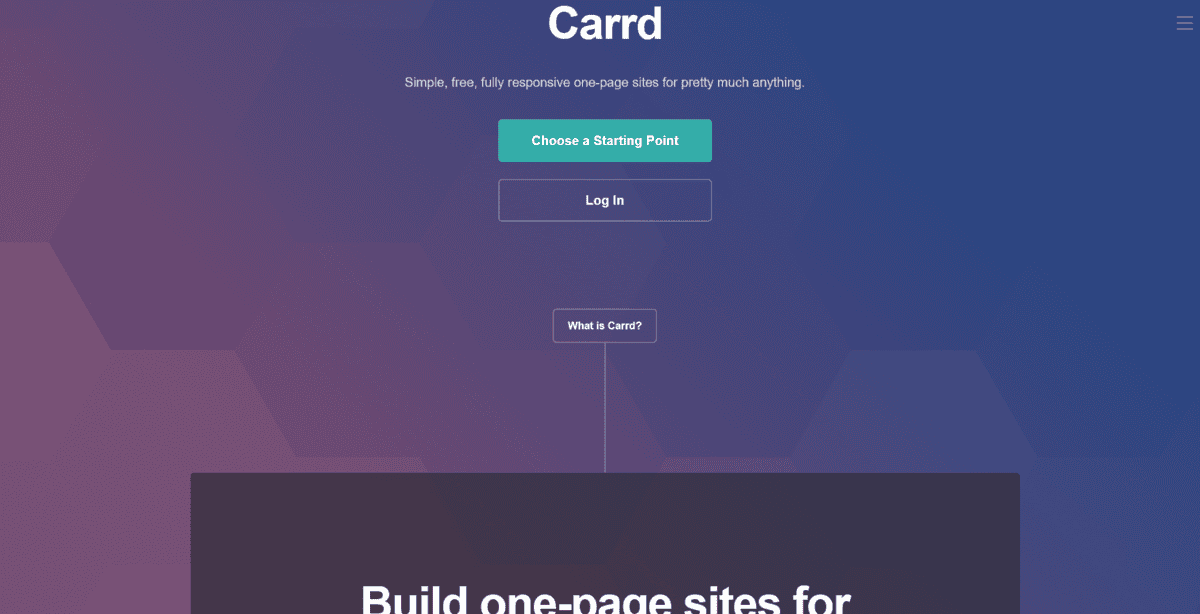
If you’re looking for a completely free and hassle-free way to create landing pages, Carrd might be exactly what you need. It helps you build simple, responsive landing pages instantly with zero signup required, using an intuitive editor that automatically optimises everything for mobile devices, all at no cost.
Feature | Details |
|---|---|
Best For | Free landing pages, simple projects, and beginners |
Pricing | Completely free (Pro starts at $19/year) |
Ease of Use | Very intuitive, beginner-friendly |
Platform | Web-based |
What makes Carrd stand out is its simplicity. You don’t even need to create an account to start building. You can create single-page websites and landing pages right away, choosing from dozens of professionally designed templates or starting with a blank page. The editor is intuitive enough that beginners can figure it out quickly, though editing text might feel a bit confusing at first until you get used to it.
But that’s not all; there’s more:
- You can add various blocks for videos, texts, images, forms, and more using the straightforward editor
- The platform automatically adjusts each block’s size to ensure your page looks great on any device
- You get a preview button that shows how your page will appear on different screens in real time.
- The free plan lets you build up to three sites without paying anything
The thing about Carrd is it removes all the barriers to getting started. There’s no complex setup, no learning curve, and no cost to create basic landing pages. The automatic mobile responsiveness means you don’t have to worry about how your page looks on phones or tablets; it just works. Plus, with the free plan, you can publish your landing pages under Carrd’s subdomain, which is perfect for testing ideas or creating simple personal projects.
While Carrd is great for creating free, simple landing pages quickly, it’s limited to one-page websites, which might not work for more complex projects. The free plan shows “Made with Carrd” branding in the footer, and you’re limited to Carrd’s subdomain unless you upgrade to Pro. The platform works best for straightforward landing pages rather than complex, conversion-optimised pages with advanced tracking or e-commerce features.
