
Social media is only getting bigger and more popular by the day. You can no longer afford to not be present on social media platforms if you want to stay relevant and keep up with your competition. And while manually posting updates on social media can be doable for small businesses, it quickly becomes unmanageable as your venture grows.
That’s where social media schedulers come in – they help you automate your social media posting, making it easier to manage and freeing up time to focus on other tasks – like developing the social media strategy.
In this article, we’ll be taking a look at the 10 best social media schedulers based on:
- Who it is for – influencers have different use-case compared to businesses.
- Their use case – what specific feature does the social media scheduler excel in?
- Integrations – does it integrate with other platforms like Canva, Google Sheets, etc.?
- The overall value they provide – because, at the end of the day, you want a tool that’s worth your money.
Rundown
- Intuitive Cross-Platform Scheduling: Buffer, “Social media scheduler with browser extensions, unlimited team members, and AI caption assistance across all major platforms.”
- For Social Media Teams: Social Bee, “All-in-one scheduler supporting multi-platform posting with concierge content creation, analytics, and growth strategy support for businesses of any size.”
- For Content Creators & Influencers: Later, “Visual-first scheduler with drag-and-drop feed planning, Instagram analytics, automated captions, and aesthetic-focused controls for creators.”
- AI-Powered Analytics & Recommendations: Metricool, “Advanced scheduling tool with AI content recommendations, smart posting predictions, and deep cross-platform analytics for visual-focused brands.”
- For Content Repurposing & Lead Generation: MissingLettr, “AI-driven drip campaign scheduler that auto-extracts quotes and images from blog content, reformats into social posts, and creates lead magnets.”
- For Agencies & White-Label Solutions: SocialPilot, “Agency-focused platform enabling unlimited client accounts, bulk scheduling of 500+ posts, and branded client dashboards for team management.”
- For Team Collaboration: Planable, “Purpose-built collaboration tool with intuitive content calendars, seamless approval workflows, and real-time team communication for smoother content management.”
- For Enterprise Teams & Engagement: Sprout Social, “Enterprise-level solution combining scheduling, unified inbox management, employee advocacy features, and comprehensive analytics across all platforms.”
- For Visual Feed Planning: Pallyy, “Specialised visual scheduler featuring real-time Instagram feed preview, drag-and-drop planning, carousel builders, and Instagram-focused analytics.”
- For AI-Powered Content Creation: Ocoya, “All-in-one AI platform with automated caption writing, drag-and-drop design editor, ecommerce integration, and native ad management capabilities.”
Recommended Social Media Scheduling Apps
Intuitive Cross-Platform Scheduling
Buffer
You’re scrolling through an article and find a quote that’s perfect for your audience. With Buffer, you don’t need to switch tabs or apps. Use the browser extension to highlight it, add your own caption, and schedule it across Instagram, LinkedIn, Facebook, and TikTok, all without leaving the page.
That’s what makes Buffer the go-to choice for teams that need speed. The platform handles unlimited scheduled posts, which means you’re not constantly hitting limits or worrying about overages. You can queue up content for days or weeks ahead, letting you focus on strategy instead of staying glued to posting schedules.
The AI assistant is where things get interesting. It writes captions tailored to each platform. Instagram captions have a different tone than LinkedIn, right? Buffer’s AI knows this. It adjusts the voice for you, so your message lands right no matter where it goes. You can also use it to generate post ideas or turn long content into bite-sized social snippets.
Team collaboration is built in. You can add unlimited team members to one account, assign tasks, and track who posted what. No more bottlenecks waiting for approvals or wondering who did what when.
Buffer works best if you’re managing multiple accounts across different platforms and want a tool that gets out of your way. Whether you’re a solo creator or a growing team, the interface stays simple and doesn’t overwhelm you with options you don’t need.
For Social Media Teams
Social Bee
Most schedulers let you post what you already have. Social Bee actually helps you create it.
The real standout here is their concierge service. Let’s say you’re running a small business and content creation is eating up your day. Instead of you scrambling to write captions, find images, and plan posts, Social Bee’s team can do this work for you. They handle the creation side so you can focus on strategy and growing your business.
You can schedule posts across all the major platforms like Facebook, Instagram, LinkedIn, TikTok, and Twitter. There’s also Google My Business scheduling built in, which is helpful if you want to keep your business profile up to date. Their analytics dashboard shows you what’s actually working, which posts get engagement, when your audience is most active, and how to improve your performance over time.
Beyond scheduling and creation, Social Bee offers growth strategy support. This means their team can help you think through your overall approach, not just post individual updates. Whether you’re a freelancer, small business, or larger company, the platform scales with you and adapts to your needs as you grow.
For Content Creators & Influencers
Later
Instead of posting and hoping it fits your aesthetic, Later let’s you see exactly how your post will look in your grid before you hit publish. You drag and drop images around. You rearrange. You check if colors clash or if the layout feels off. It’s like arranging furniture in a room before committing to it.
Later gives you hashtag research tools so you’re not guessing which tags will work. The automated caption feature writes options for you based on your content. You also get detailed Instagram analytics showing what resonates with your followers.
But Later doesn’t stop at Instagram. You can schedule to Facebook, TikTok, LinkedIn, and Pinterest too. The difference is Instagram gets the full treatment. The Visual Planner, the hashtag finder, the analytics dashboards. Everything is tuned for creators who care about their Instagram presence first.
You can test Later with their free plan. You get limited scheduling to start, which gives you enough room to see if the tool fits your workflow. As you grow, you can upgrade. The platform also includes a Link in Bio feature and hashtag groups so you can organize tags by campaign or season.
AI-Powered Analytics & Recommendations
Metricool
Metricool shifts the question entirely: what should you post and when? If you’re running a visual brand, this tool uses data to make those calls for you.
The platform analyses your past content performance and suggests what kind of posts will resonate with your audience. You’re not guessing anymore. The AI looks at engagement patterns, trending topics, and what works for similar accounts, then recommends content themes and formats that actually perform.
Here’s where it gets useful: scheduling becomes predictive. Instead of picking a time slot and hoping your followers see it, Metricool tells you exactly when your audience is most likely to engage. The tool watches your followers’ activity patterns across time zones and days, then recommends the precise windows when posting gets you the most visibility.
The analytics go deep too. You get cross-platform performance reports that show you what’s working on Instagram versus TikTok versus Pinterest. You can see which posts drive traffic, which build engagement, and which fall flat. That data feeds back into the recommendations, creating a cycle where each post teaches the tool more about your audience.
The tool works best if you’re posting consistently. If you only post once a week, Metricool has less data to learn from. The interface also takes some getting used to compared to simpler schedulers like Buffer. But for visual brands that want to stop guessing and start using real audience data, the learning curve pays off.
For Content Repurposing & Lead Generation
MissingLettr
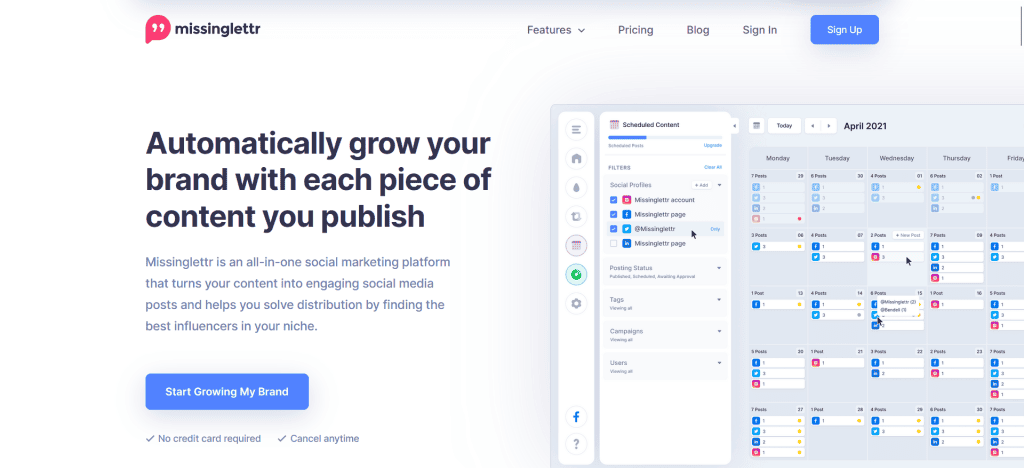
You publish a blog post on Monday. By Wednesday, five social posts are already scheduled across your channels. You didn’t write them. MissingLettr’s AI did. This is what sets MissingLettr apart. While other schedulers help you post what you’ve already created, MissingLettr creates new posts from your existing content.
Here’s how it works: you connect your blog or website, and MissingLettr’s AI reads your new posts. It pulls out the most valuable quotes, highlights key insights, and extracts images. Then it automatically turns these elements into social posts formatted for each platform. Your one blog post becomes multiple social posts spread across months by default (you can customise this schedule).
The real power is in the drip campaign feature. Instead of your content doing its job for one day, it keeps working for months. Each post hits your audience at different times, reaching people who might have missed the original. Over 12 months, a single blog post can generate dozens of social impressions without you writing anything new.
There’s also a lead magnet feature that lets you turn your best content into downloadable resources. You create opt-in offers directly from your blog content, helping you grow your email list while promoting your posts on social media. Plus, you get a custom URL shortener and access to a free image library if you need additional visuals.
The tool works best if you have a consistent blogging routine. If you rarely publish, the benefit diminishes. There’s also a learning curve to customise drip campaigns the way you want them, but once you set it up, it runs on its own.
For Agencies & White-Label Solutions
SocialPilot
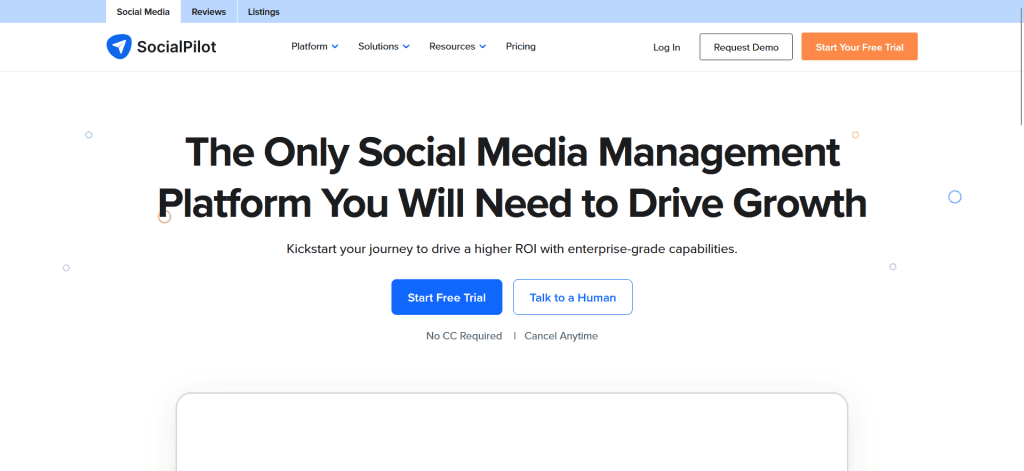
If you run a social media agency or manage multiple client accounts, you already know the headache. You’re logging in and out of different dashboards, jumping between accounts, and losing hours just on account management. SocialPilot fixes this by letting you handle unlimited client accounts from one place.
The best part? You can add as many clients as you want without hitting any limits. No paying extra per account. No restrictions. One dashboard. Every client you manage is accessible from the same interface, which means you’re not wasting time switching between platforms or forgetting where you left off.
Now here’s where things get really powerful. SocialPilot lets you schedule up to 500 posts at once using a simple spreadsheet. Think about this for a second. Instead of scheduling posts one by one (which could take hours), you create a CSV file with all your content, upload it, and you’re done. Posts for multiple clients, multiple platforms, multiple weeks. All scheduled in minutes.
The white-label setup means your clients see your branding when they log in. They’re not reminded that they’re using SocialPilot. They think they’re using your agency’s custom tool. You give clients access to branded performance dashboards where they can track their own results without accessing the full platform. This keeps your agency front-and-centre in their minds.
You can also manage team permissions and give your staff different access levels for each client account. One team member might only see Client A’s data. Another sees Clients B and C. This keeps things organised and secure.

For Team Collaboration
Planable
When you’ve got multiple people creating posts, someone needs to review them, and then they get published, things can get messy fast. That’s where Planable steps in. It’s built specifically for teams who need everyone on the same page before a post goes live.
Here’s how the approval workflow works. A team member drafts a post and submits it for approval. Your manager sees it pop up in Planable, reviews it, and can leave comments directly on the post. If changes are needed, they request edits. If it’s good to go, they approve it. The post goes live. No email chains. No version confusion. No “Did you get my feedback?”
The visual content calendar shows all your posts across all platforms in one view. You see what’s scheduled, what’s pending approval, and what’s live. Everyone on your team can see the same calendar, so there’s no guessing what the plan is.
Communication happens inside the tool too. Team members can comment on drafts and discuss changes without jumping between apps. You stay focused on the work instead of hunting through email threads.
Unlike SocialPilot, which handles multiple external client accounts, Planable is built for your internal team to work together smoothly. With real-time feedback and clear approval steps, posts move from idea to published faster and with fewer mistakes.
For Enterprise Teams & Engagement
Sprout Social
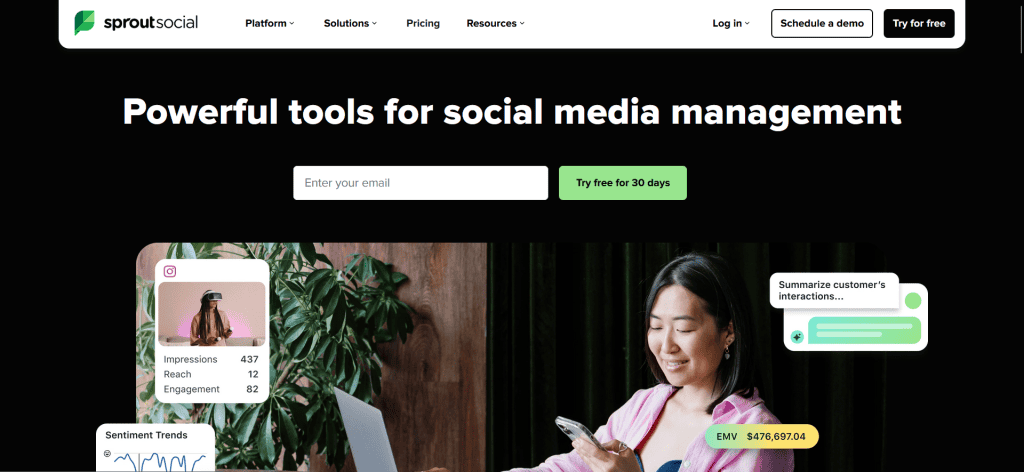
Managing social media across a large organisation can get difficult. Multiple teams. Different platforms. Messages coming in from everywhere. Sprout Social tackles this by giving enterprise teams one central command centre where everything happens.
The real power is in the unified inbox. Instead of checking Facebook messages in one place, Instagram comments in another, and LinkedIn replies somewhere else, everything lands in one spot. Your customer service team, marketing team, and sales team can all see the same conversations. No more duplicate responses. No more confusion about who’s handling what.
But here’s what makes it especially valuable for large organisations: employee advocacy. You can curate content and push it to your entire team, letting employees share company updates from their personal accounts. This extends your reach across multiple networks without your team having to manually hunt for content.
The analytics go deep. You get comprehensive reports on engagement, content performance, and team activity. You can track metrics by content, by platform, and by team member so you know exactly which posts resonate and who’s driving the most engagement.
You can also set up approval workflows where external stakeholders can review posts before publishing without needing full platform access. For large organisations with governance requirements, this keeps everything compliant and on-brand.
For Visual Feed Planning
Pallyy
If you live and breathe Instagram, Pallyy is built for you. Later handles multiple platforms generally. Pallyy is Instagram-obsessed, and that focus shows in every feature.
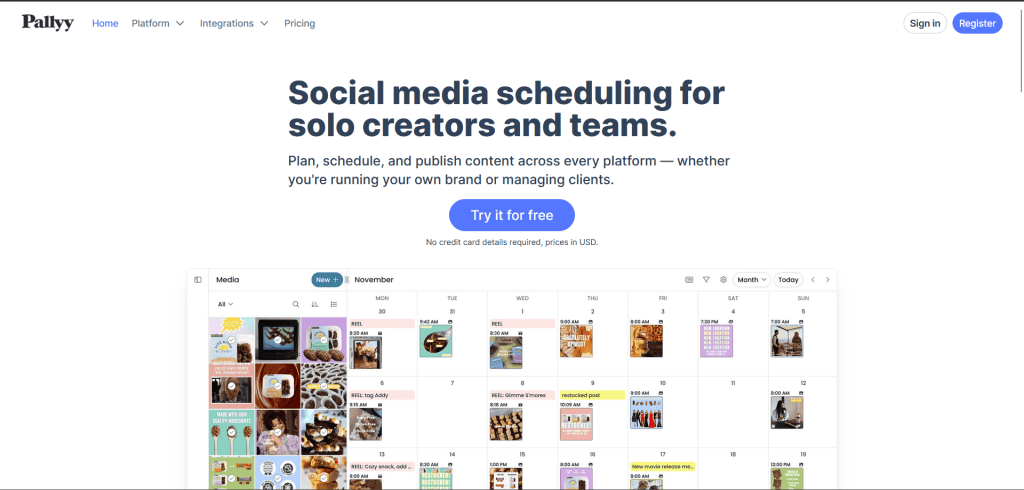
Start with the real-time feed preview. When you schedule posts, you see exactly how your feed will look grid by grid. It’s not a guess or a mockup. You’re literally seeing your Instagram grid as it will appear to followers. Rearrange posts by dragging and dropping. Swap the order of carousels. See the whole visual strategy in one glance.
The carousel builder is built right in. No jumping between tools. Create multi-image posts directly in Pallyy with text overlays, call-to-action buttons, and product tags. The whole workflow stays in one place.
Instagram analytics are focused and practical. You don’t get overwhelmed with data you don’t need. Instead, you get what matters: post performance, follower growth, and engagement trends specific to your audience.
You can also tag collaborators on posts, track comments and messages from one inbox, and find the optimal posting times for your specific followers. For Instagram-obsessed creators and brands, Pallyy does one thing exceptionally well.
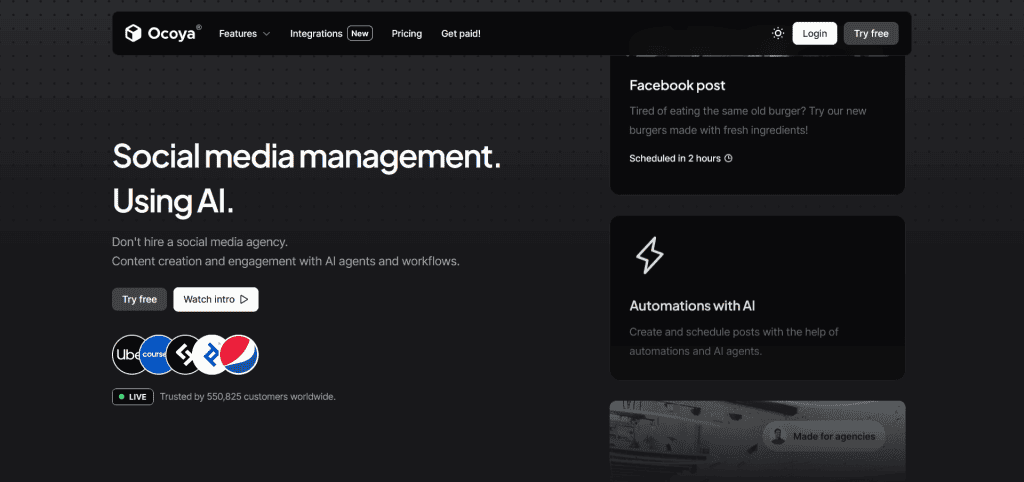
For AI-Powered Content Creation
Ocoya
What if AI handled the tedious part of social media? Writing captions. Editing designs. Formatting content for different platforms. Ocoya handles all of it.
Write your caption once. The AI adapts it for each platform. A long-form caption for LinkedIn gets shortened for Twitter. Hashtag placement changes based on platform best practices. You get platform-specific versions without rewriting everything five times.
The drag-and-drop design editor means you don’t need Canva skills. Pick a template, drop in your images, adjust colours, and you’re done. The platform comes with built-in stock photos and a background remover so your visuals look polished.
For sellers, the e-commerce integration is huge. Connect your store directly to Ocoya. Schedule posts that link to specific products. Run promotions from your social accounts without leaving the platform. Followers can shop directly from your posts.
You can also run native ads from within Ocoya. Set your budget, target your audience, and manage campaigns without jumping to Meta Ads Manager or TikTok Ads. If you’re a solo founder or small business owner drowning in content creation tasks, this consolidation saves serious time. The main tradeoff is price. Ocoya costs more than basic schedulers, and the AI works best when you give it good prompts.