
Creating high-quality content that resonates with your target audience is not easy. It takes a lot of effort, research and great attention to detail. Fortunately, you don’t have to navigate the content writing world alone.
Here is a tightly curated list of the ten best content writing tools designed to help you with everything from brainstorming ideas and conducting research to optimising your content for SEO and polishing your writing.
The best part? You don’t need to be a proverbial expert to use them. With these content creation tools at your fingertips, you can focus on what you do best – creating high-quality content that connects with your audience and drives results.
Rundown
- For Content Research & Optimisation: Semrush, “An enterprise-grade toolkit with keyword research, competitor analysis, and content marketing insights to fuel SEO-driven writing.”
- For AI-Powered Content Generation at Scale: Copy.ai, “A platform to generate high-quality sales, marketing, and blog content at scale with 30+ templates, brand voice consistency, and workflow automation features.”
- For SEO & Content Integration: Writesonic, “AI content platform combining real-time SERP data with content generation, enabling SEO-optimised blogs and copy.”
- For Comprehensive SEO Content Optimisation: Frase, “An AI-powered content intelligence tool merging GPT technology with proprietary algorithms to automate keyword research, content creation, and SEO optimisation in one workflow.”
- For All-In-One Content & Collaboration: Jasper, “Generative AI platform with expert-backed templates, real-time team collaboration, brand voice consistency, and integrated text-to-image features for scaling content production.”
- For Data-Driven Content Brief Generation: Clearscope, “An AI-assisted platform generating detailed content briefs from keyword analysis and SERP data, with user intent analysis and content gap identification for strategic planning.”
- For Advanced Writing Analysis & Editing: ProWritingAid, “A comprehensive writing analysis tool providing 25+ detailed metrics on style, tone, structure, and readability with genre-specific editing and plagiarism detection capabilities.”
- For Real-Time Grammar & Writing Polish: Grammarly, “Market-leading AI writing assistant offering real-time grammar, tone, and clarity corrections across web, desktop, and integrated platforms with built-in plagiarism checking.”
- For Paraphrasing & Content Refining: QuillBot, “An AI paraphrasing and co-writing tool enabling sentence-to-document-level rewrites with grammar checking, summarisation, and seamless Chrome and Word integrations.”
- For Content Optimisation & Real-Time Scoring: Surfer SEO, “All-in-one content intelligence platform delivering real-time optimisation scores, SERP analysis, recommended outlines, and automated SEO workflow management for higher rankings.”
Recommended Content Writing Tools

For Content Research & Optimisation
Semrush
Best For | SEO content research & optimization |
Pricing | Starts at $119.95/month |
Ease of use | SEO content research & optimisation |
Platform | Steep learning curve, but powerful |
If you’re trying to write content that actually ranks on Google, Semrush gives you the data you need to make smart decisions. It knows exactly what people are searching for and what your competitors are doing.
This tool helps you find keywords that people actually use, not just guesses. You can see search volume, competition level, and even related questions people ask. The best part? You don’t need to be an SEO expert to use it effectively.
Here’s what you can do with Semrush:
- You can discover keywords your audience is searching for, complete with search volume and difficulty scores.
- You can analyse what content is working for your competitors and find gaps in their strategy.
- You can get content marketing insights that show you what topics are trending in your industry.
- You can track your rankings over time and see what’s working and what needs improvement.
- You can use their AI-powered content tools to generate SEO-optimised articles based on real search data.
According to Semrush’s research, 73% of marketers now use a combination of AI and human writing. That’s exactly what Semrush offers – data driven insights that you can combine with your own expertise.
But Semrush has a learning curve. There are so many features that it can feel overwhelming at first. The pricing starts at $119.95 per month, which might be steep for individual writers or small teams just starting out.
For AI-Powered Content Generation at Scale
Copy.ai
Best For | AI content generation at scale, enterprise teams |
Pricing | From $49/month, annual discounts available |
Ease of Use | Intuitive templates, moderate learning curve for workflows |
Platform | Web-based API access for enterprise |
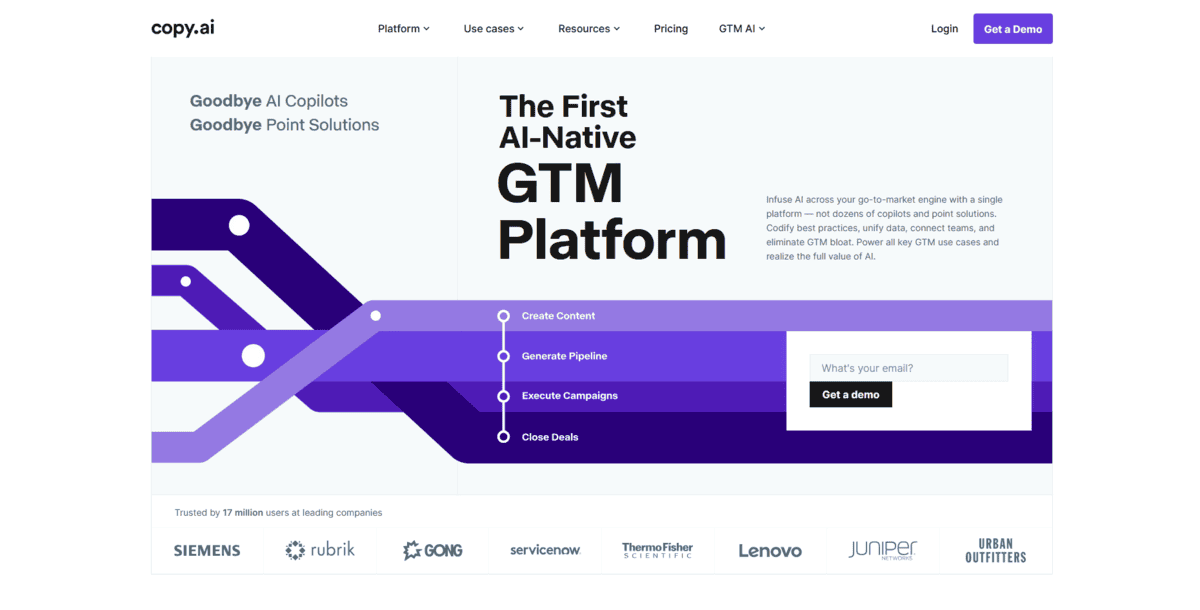
Copy.ai is an enterprise-ready platform that uses AI to generate sales copy, marketing materials, and blog content at scale.
What sets it apart is how it handles brand consistency. You can train the AI on your existing content samples, and it learns your specific tone, style, and voice. This means everything it generates sounds like your brand, not generic AI content.
But that’s not all; there’s more:
- You can access over 30 specialised templates for different content types. From email sequences and social posts to product descriptions and blog outlines.
- The workflow automation lets you string together multiple AI actions into repeatable processes. Think of it as creating your own content assembly line.
- For teams, there are project management features where you can organise content by campaign, share drafts, and track progress across members.
The basic plan starts at $49 monthly, but to unlock the full workflow automation and team features, you’ll have to buy higher tiers. For content teams that need to maintain consistency across multiple writers and produce at volume, though, the time savings often justify the cost.
For SEO & Content Integration
Writesonic
Best For | SEO content integration, real-time SERP data, and AI search optimisation |
Pricing | $20 to $1,499+ per month (five paid plans) |
Ease of Use | Intuitive interface, some learning curve for advanced features |
Platform | Web-based platform with browser extensions |
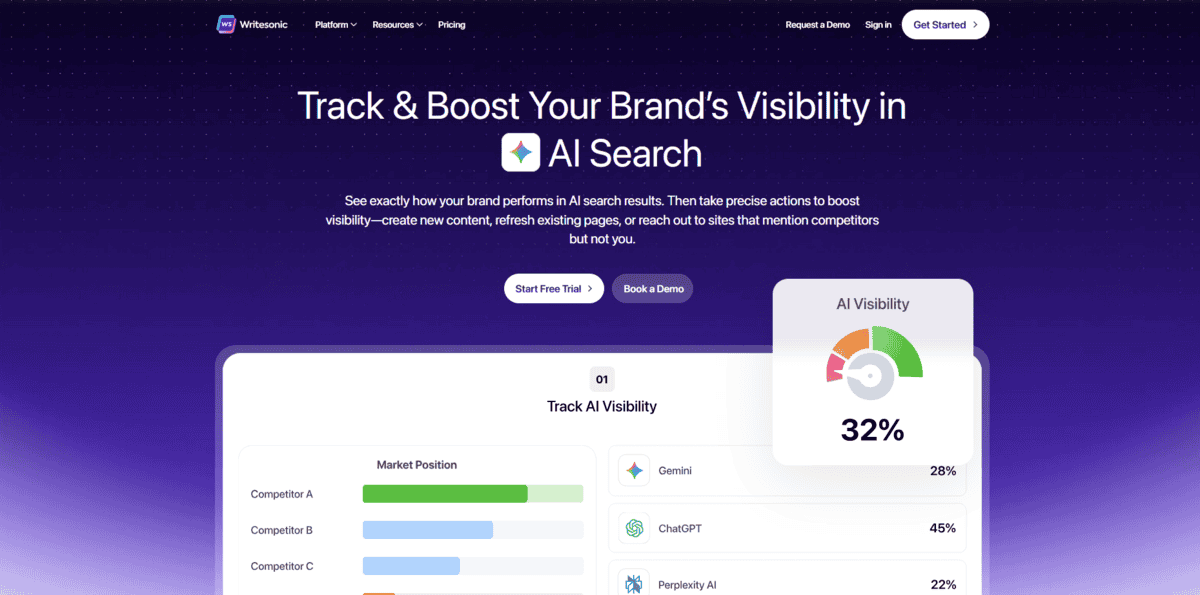
Writesonic is an AI content platform that pulls real-time search data directly into your writing workflow. You create content that actually matches what people are searching for right now.
While you’re writing, the platform shows you what’s ranking for your target keywords today, not last month’s data. This means your blogs and copy stay relevant and competitive from the moment you publish them.
Writesonic also tracks how your content performs in AI search tools like ChatGPT and Google AI Overviews. AI search optimisation is becoming crucial as these tools appear in more searches, and Writesonic helps you stay visible in both traditional and AI-driven results.
You can generate SEO-optimised blog posts with built-in keyword research and competitor analysis. The platform suggests headings, meta descriptions, and content structure based on what’s actually working for your competitors. Plus, you get real-time feedback on how your content might perform before you even hit publish.
While Writesonic makes the SEO-content connection seamless, it does have a learning curve for the advanced features. The pricing can get steep if you need all the bells and whistles, and some users find the interface a bit cluttered compared to simpler writing tools. But if you want one platform that handles both content creation and SEO optimisation without constant tool-switching, Writesonic delivers exactly that.
For Comprehensive SEO Content Optimisation
Frase
Best For | Comprehensive SEO content optimization |
Pricing | $14.99-$114.99/month (annual discounts available) |
Ease of Use | Moderate learning curve, but intuitive once you get it |
Platform | Web-based with browser extension |
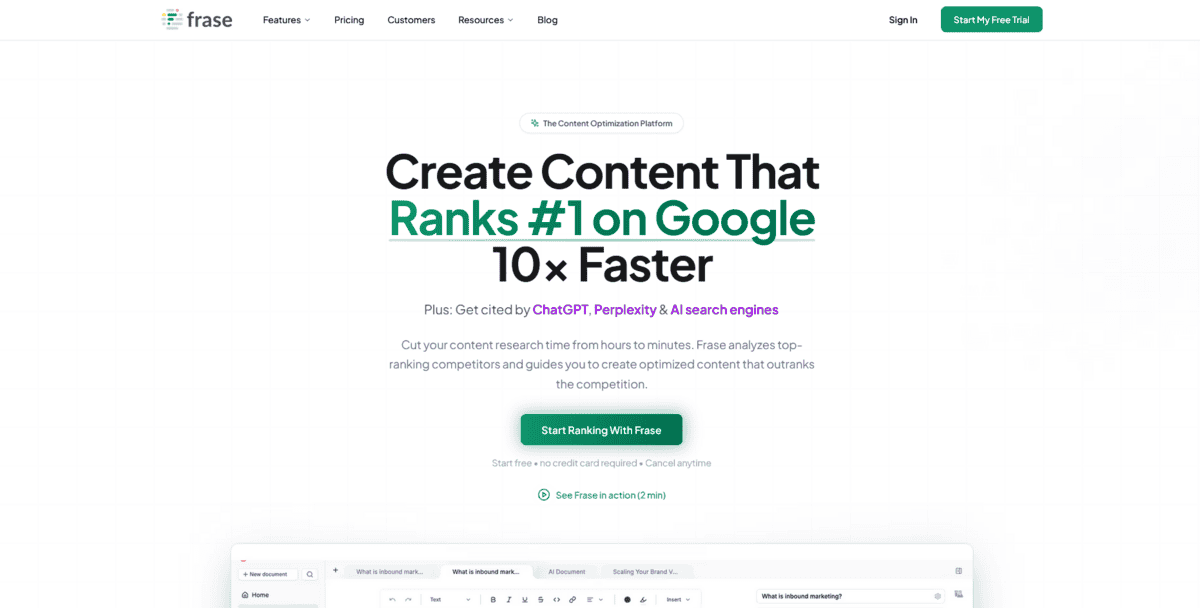
If you’re tired of jumping between different tools for keyword research, content writing, and SEO optimisation, Frase might be exactly what you need. It’s an AI-powered content intelligence tool that brings everything together in one workflow.
What makes Frase stand out is how it merges GPT technology with its own proprietary algorithms. This combination helps you create content that’s not just well-written but also optimised for search engines from the start.
- You can start with a keyword and get a complete content brief that shows what’s already ranking well.
- It analyses top-ranking content for your target keywords, so you know what you’re competing against.
- Then it helps you write content that matches or exceeds what’s already out there.
- The tool looks at things like word count, headings, and even the questions people are asking about your topic. This helps create content that actually answers what people want to know.
While Frase is great for comprehensive SEO optimisation, it does have a bit of a learning curve. Also, the pricing jumps significantly if you need more advanced features or team collaboration.

For All-In-One Content & Collaboration
Jasper
Best For | Teams needing collaborative content creation with brand consistency |
Pricing | Starts at $39/month (Creator plan), higher tiers for teams |
Ease of Use | Intuitive interface with templates, moderate learning curve |
Platform | Web-based with browser extensions |
When your team needs to create content together while keeping everything on-brand, Jasper gives you that all-in-one workspace. It’s a generative AI platform that helps businesses produce different kinds of content – from blog articles to social media posts – while everyone works together in real time.
What sets Jasper apart is how it handles brand consistency. You can teach it your brand voice once, and then every piece of content it helps create sounds like your company wrote it. That’s huge for teams where multiple people are writing, but everything needs to feel unified.
But that’s not all; there’s more:
- You can use over 50 expert-backed templates for different content types, which means you don’t have to start from scratch every time.
- Real-time collaboration features let your team work on documents together, just like Google Docs, but with AI assistance built right in.
- The integrated text-to-image feature means you can create visuals to go with your written content without switching to another tool.
- Jasper really shines when you’re trying to scale content production. Instead of one person struggling to create everything, your whole team can contribute while the AI handles the heavy lifting of writing and formatting.
There are some things to consider, though. The pricing can add up quickly if you have a large team, and while the templates are helpful, you might find yourself tweaking the AI’s output to match your specific needs. The text-to-image feature is handy, but it’s not as advanced as dedicated image generation tools.
For Data-Driven Content Brief Generation
Clearscope
Best For | Data-driven content briefs, strategic planning |
Pricing | From $399/month |
Ease of Use | Straightforward for content strategists |
Platform | Web-based |
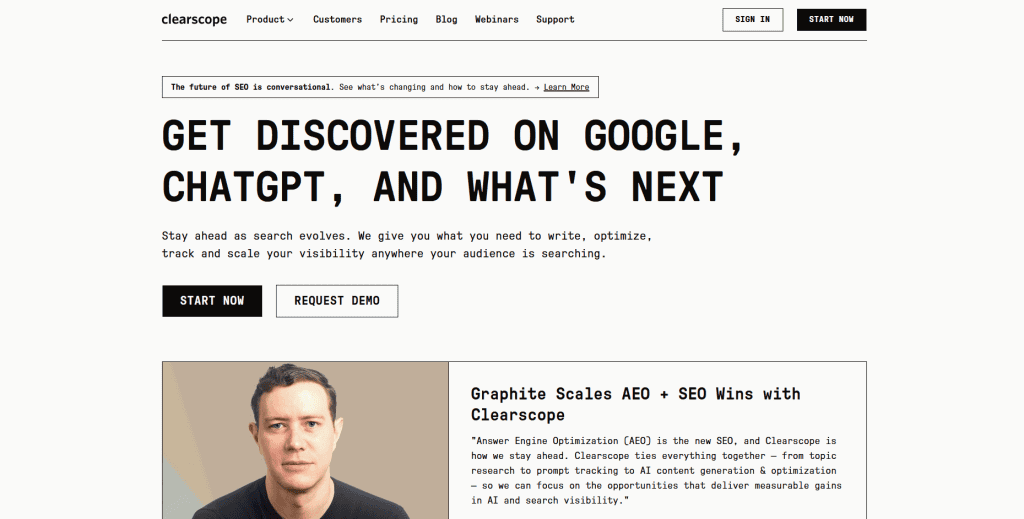
If you’re tired of guessing what content will actually perform well, Clearscope gives you the data to make smart decisions. It’s an AI-assisted platform that creates detailed content briefs based on what’s already ranking in search results.
The tool analyses SERP data to understand user intent and identifies content gaps you can fill. This means you’re creating content that has a real chance to rank, not just hoping for the best.
You can generate SEO-optimised outlines with headings, keywords, and word counts based on competitor analysis. The platform looks at what’s working for others in your space and gives you a roadmap to create something even better.
But here’s what makes it different: Clearscope focuses on the strategic planning phase. While other tools help you write the content, this one helps you plan what to write in the first place. It’s like having a research assistant who analyses search results and tells you exactly what topics to cover.
You can use it to prioritise topics based on what will actually drive traffic. The data shows you which angles are working for competitors and where there are opportunities they’ve missed. This saves you from wasting time on content that won’t perform.
While Clearscope is great for strategic planning, it’s on the pricier side at $399/month. The platform focuses specifically on content briefs and optimisation, so you’ll need other tools for actual writing or broader SEO work. It works best for content teams who need data-driven direction, not solo writers on a tight budget.
For Advanced Writing Analysis & Editing
ProWritingAid
Best For | Advanced writing analysis, deep editing, style improvement |
Pricing | $10/month for Premium, lifetime options available |
Ease of Use | Steeper learning curve, but comprehensive |
Platform | Web, desktop apps, browser extensions |
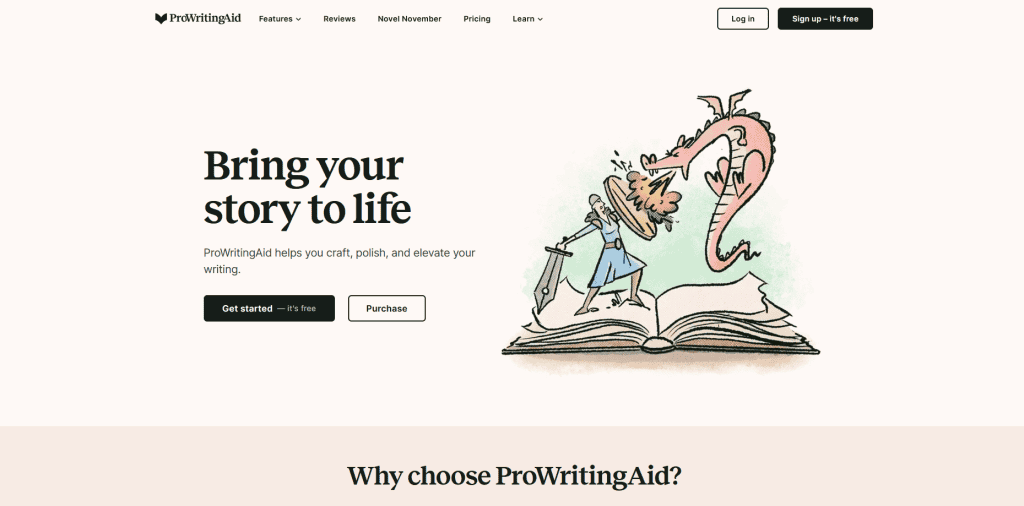
If you’re looking to improve your writing style beyond just fixing grammar mistakes, ProWritingAid gives you the deep analysis you need. This tool goes way beyond basic grammar checking to help you understand what makes your writing work or what’s holding it back.
What sets ProWritingAid apart is its 25+ detailed writing reports. These reports analyse everything from your sentence structure and word choice to your overall readability and tone. You get specific feedback on things like passive voice, repeated words, sentence length variation, and even how engaging your writing is.
Here’s what you can do with ProWritingAid:
- You can run genre-specific editing checks that understand whether you’re writing fiction, academic papers, business documents, or blog posts. The tool adjusts its feedback based on what you’re trying to accomplish.
- You get detailed metrics on your writing style, including readability scores, sentence variety analysis, and pacing feedback that helps you keep readers engaged.
- You can check for unintentional plagiarism with its built-in plagiarism detector, which scans your work against billions of web pages and academic papers.
- You receive specific suggestions for improving word choice, eliminating clichés, and strengthening your overall writing voice.
While ProWritingAid offers incredible depth for serious writers, it does have a steeper learning curve than simpler tools. You’ll need to spend some time understanding all the different reports and what they mean for your writing.
The free version also limits you to 500-word documents, which isn’t enough for most articles or chapters.
For Real-Time Grammar & Writing Polish
Grammarly
Best For | Real-time grammar checking, writing polish, tone adjustments |
Pricing | Free, Premium ($12/month), Business ($15/user/month) |
Ease of Use | Very intuitive, works automatically as you type |
Platform | Browser extension, desktop app, mobile, web editor |
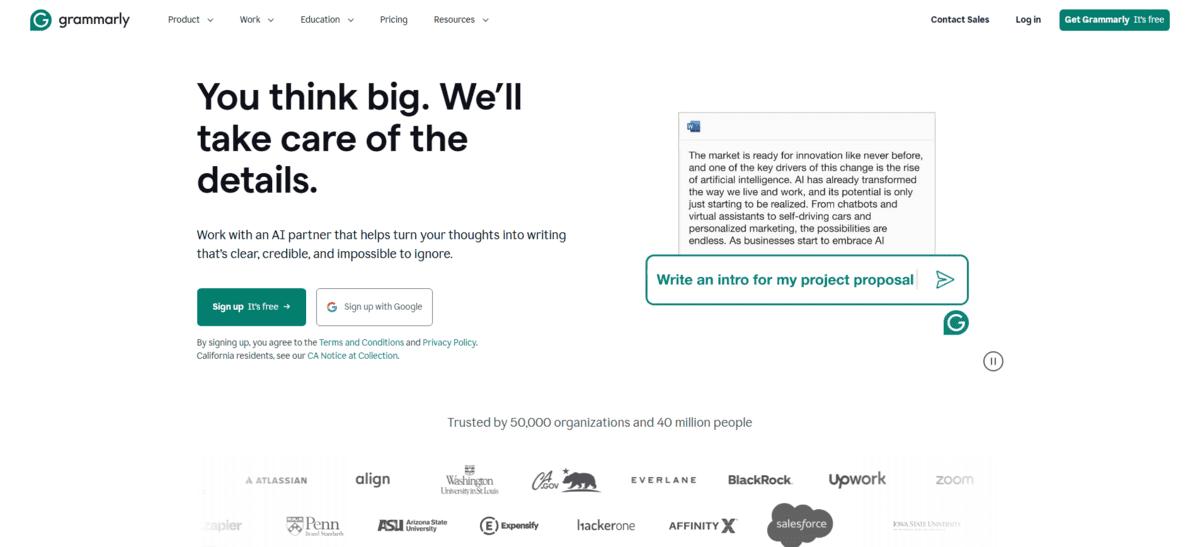
If you want grammar and style corrections to appear right as you type, Grammarly is perfect. It’s the market-leading AI writing assistant that works across pretty much everywhere you write – emails, Google Docs, social media, and even your desktop applications.
What makes Grammarly different from tools like ProWritingAid is its real-time approach. While ProWritingAid gives you deep analysis after you’ve written something, Grammarly works with you as you write. You get those little red and blue underlines that show you exactly what needs fixing, and you can apply corrections with one click.
But that’s not all; there’s more:
- You can adjust your writing tone to match what you’re going for – professional, casual, friendly, or confident. Grammarly’s tone detector tells you how your writing comes across so you can make sure it lands right.
- You get clarity suggestions that help you simplify complex sentences and make your writing easier to read. It points out wordy phrases and suggests cleaner alternatives.
- You can check for plagiarism with the built-in plagiarism checker that compares your text against billions of web pages and academic papers. This is especially useful for students and content creators who need to ensure originality.
- You can use it across all your devices with browser extensions, desktop apps, and mobile keyboards. It works in over a million apps and programmes without breaking your workflow.
While Grammarly is great for real-time corrections, it’s not as deep as some specialised editing tools. The free version covers basic grammar and spelling, but you’ll need Premium for tone adjustments, clarity suggestions, and plagiarism checking.
Some people find the constant suggestions distracting when they’re trying to just get words down, though you can always turn them off temporarily.
For Paraphrasing & Content Refining
QuillBot
Best For | Paraphrasing, content refining, rewriting existing text |
Pricing | Free with limitations, Premium from $8.33/month (annual) |
Ease of Use | Very intuitive, minimal learning curve |
Platform | Web, Chrome extension, Microsoft Word, Google Docs |
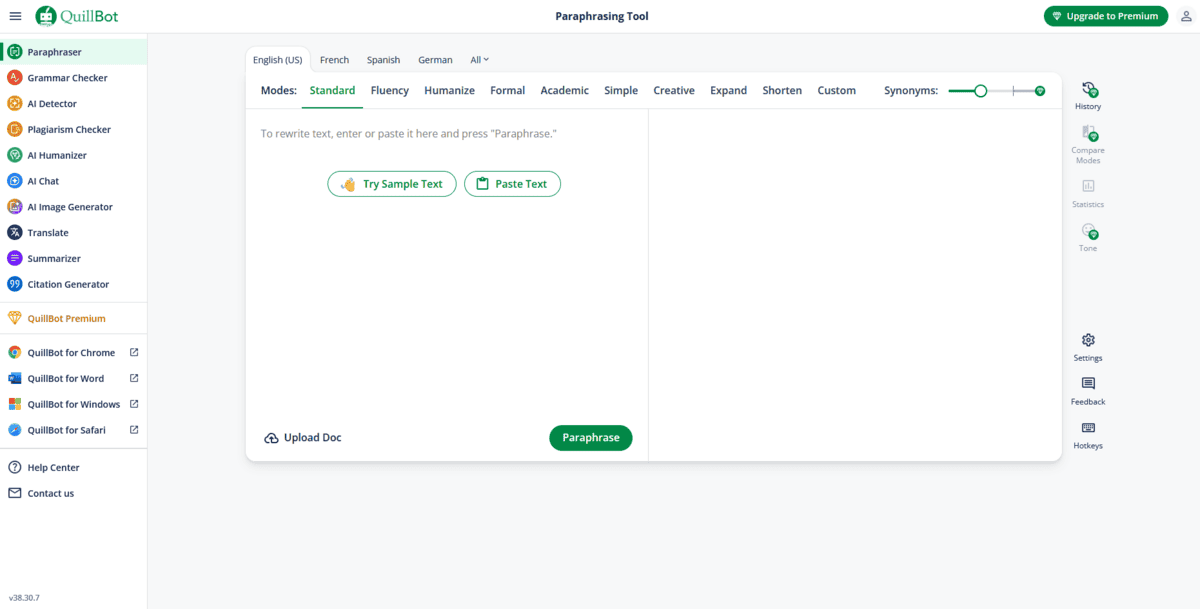
When you need to rephrase existing content or polish your writing without starting from scratch, QuillBot can help. It’s an AI-powered paraphrasing and co-writing tool that helps you rewrite sentences, paragraphs, or entire documents while keeping your original meaning intact.
The tool works by analysing your text and offering multiple ways to say the same thing. You can choose from different writing modes like Standard, Fluency, Formal, or Creative depending on what tone you’re aiming for. This makes it perfect for avoiding repetition in your writing or adjusting content for different audiences.
- You can paraphrase text in multiple languages, which is helpful if you’re working with translated content or writing for international audiences.
- The grammar checker helps catch errors as you rewrite, so you’re improving both the wording and the correctness of your text.
- For longer documents, the summariser can condense key points into shorter versions, saving you time when you need quick overviews.
- The citation generator handles references properly, which students and academic writers will appreciate.
While QuillBot is excellent for rewriting and refining, it’s not designed for creating original content from scratch like some other AI writing tools. The free version has word limits and fewer writing modes, so serious users will need the Premium plan.
Some people find the interface a bit basic compared to more polished writing tools, but it gets the job done efficiently.
For Real-Time SEO & Content Optimisation
Surfer SEO
Best For | Real-time SEO optimization while writing |
Pricing | Starts at $79/month |
Ease of Use | Intuitive with some learning curve |
Platform | Web-based |
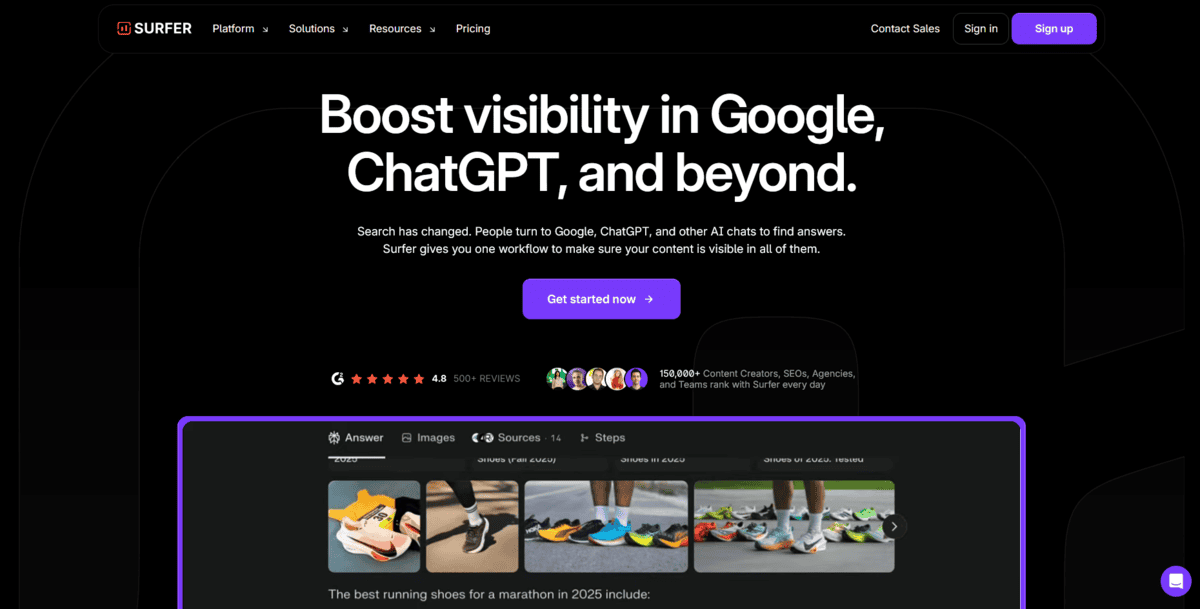
Surfer SEO is a content intelligence platform that gives you real-time feedback on how well your content is optimised for your target keywords.
The tool analyses what’s already ranking in search results for your keyword, then shows you exactly what to include in your own content. You get a live score that updates as you write, telling you if you’re on track to rank well or if you need to make adjustments.
Here’s what you can do with Surfer SEO:
- You can write directly in their content editor and see your optimisation score change in real time as you add keywords and adjust your structure.
- You can get detailed outlines based on what’s working for top-ranking pages, so you know exactly what sections to include and how long they should be.
- You can analyse any existing page on your site to see what improvements would help it rank better for specific keywords.
- You can automate parts of your SEO workflow, like internal linking and content planning, to save time on manual optimisation tasks.
While Surfer is great for real-time optimisation, it does have a learning curve. The interface can feel overwhelming at first with all the data and recommendations. The pricing also starts at $79/month, which might be steep if you’re just starting out or don’t publish content regularly.
This tool works best for content teams, agencies, or serious bloggers who publish regularly and want to maximise their search rankings. If you’re someone who writes occasionally or doesn’t care much about SEO, you might find it more complex than you need.
