
AI copywriting tools have shifted from “nice to have” to pretty much essential for anyone creating content regularly. They’re not about replacing your creativity; they help you work faster, push through writer’s block, and test different angles without burning hours.
The tricky part? There are dozens of these tools out there now, each claiming to be the best. Some excel at blog posts, others nail social media copy, and a few are perfect for emails or product descriptions. We spent time testing the top free AI copywriting tools to see which ones actually deliver.
This article breaks down eleven solid options. You’ll see what each tool does best, where it falls short, and whether it fits your specific needs. Let’s jump in.
Rundown
- All-In-One Copywriting Platform: Copy.ai – Create high-converting copies for blogs, ads, and product descriptions.
- Best for Beginners: Rytr – Generate polished copy in 40+ use cases and 30+ languages with beginner-friendly templates.
- To Write SEO-Optimised Content: Writesonic – Write SEO-friendly marketing copy for blogs, ads, and emails in 24+ languages.
- For Long-Form SEO Content: Scalenut – Create SEO-optimised articles with integrated keyword research, competitor analysis, and topical clustering for better search rankings.
- Specialised Blog Writing: Hypotenuse AI – Generate well-researched blog articles with real-time citations and fact-checked content without credit card required.
- All-In-One Creative Suite: Simplified – Create AI-written content, social media posts, graphic designs, and videos in one unified platform with scheduling capabilities.
- To Rewrite and Rephrase: Wordtune – Transform your writing into clear, compelling, and authentic prose with AI-powered rewriting suggestions and multiple tone options.
- For Sales Email Optimisation: Lavender AI – Craft high-converting personalised emails with real-time reply-rate scoring and AI Sales Agent for automated email generation.
- For E-Commerce Product Descriptions: Copysmith – Generate SEO-friendly product descriptions for Amazon, Shopify, and eBay with bulk generation and platform integrations.
- For Advanced Grammar Checking: Grammarly – Improve writing across all platforms with grammar, spelling, clarity, and tone suggestions integrated into your favourite tools.
Recommended AI Copywriting Tools
All-In-One Copywriting Platform
Copy.ai
Best For | All-in-one copywriting for blogs, ads, and product descriptions |
Pricing | Free plan (2,000 words/month); Paid plans from $39/month |
Ease of Use | Beginner-friendly with template-based interface |
Platform | Web-based (accessible on any device) |
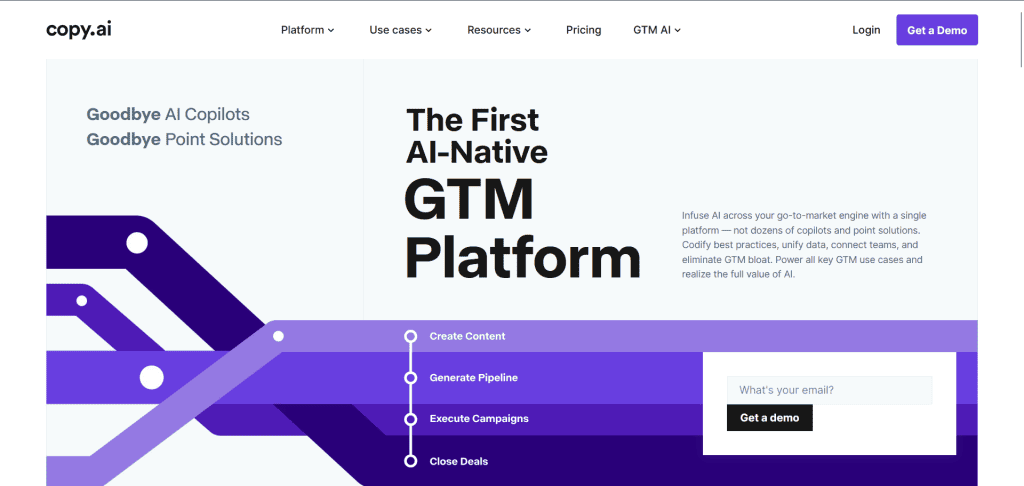
Copy.ai helps you create marketing copy for just about anything without starting from scratch. Whether you’re drafting blog posts, writing product descriptions, or crafting ad copy, this tool gives you 90+ templates designed for different content types. You pick a template, fill in a few details about what you need, and the AI generates multiple versions you can choose from.
What sets Copy.ai apart is Chat by Copy.ai. Unlike ChatGPT, which pulls from older training data, Chat by Copy.ai searches the web in real-time to give you current information with proper citations. According to Copy.ai’s research, this makes it especially useful when you need up-to-date facts or recent trends woven into your content. You’re essentially getting Google’s search power combined with AI writing capabilities.
Here’s what you can do with Copy.ai:
- You can generate copy in 25+ languages, which helps if you’re managing content for global audiences or multilingual campaigns.
- You can create everything from social media captions to full blog outlines using specialized templates that understand different content formats.
- You can ask Chat by Copy.ai conversational questions and get responses with actual source links, so you’re not guessing if the information is accurate.
- You can save your brand voice settings so the AI writes in a style that matches your company’s tone across all content.
The free plan gives you 2,000 words per month, which works if you’re experimenting or have light content needs. But if you’re creating content regularly, you’ll hit that limit quickly. The paid plans start at $39 per month for unlimited words, though the more advanced automation features come at higher price points. Another thing worth mentioning is that while the templates are helpful for beginners, they can feel restrictive if you’re working on something highly specific or unconventional. You might find yourself needing to heavily edit the output to fit your exact needs.
Best for Beginners
Rytr
Best For | Beginners, small businesses, content creators starting with AI writing |
Pricing | Free plan (10k characters/month), Paid plans from $9/month |
Ease of Use | Very beginner-friendly with simple interface |
Platform | Web-based, Chrome extension, API access |
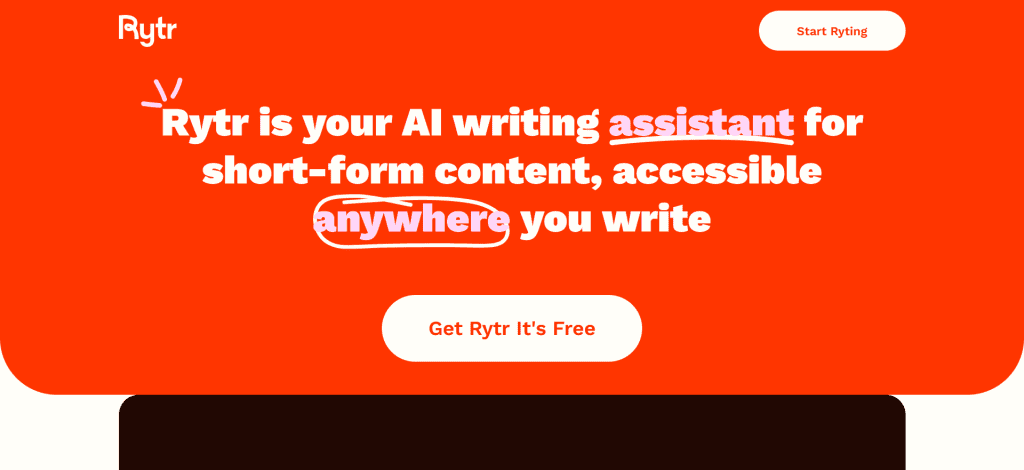
Rytr takes the guesswork out of AI writing for people who’ve never used these tools before. Instead of staring at a blank screen wondering what to type, you pick from 40+ ready-made templates that guide you through the process. Need a product description? There’s a template. Want to write a cold email? Another template. The tool walks you through exactly what information to provide, then generates copy based on your inputs.
What makes Rytr different from other AI writers is how it organises everything. You’re not overwhelmed with technical settings or complicated prompts. The interface shows you clear categories like “Blog Writing,” “Social Media,” or “Business” and you simply choose what you need. From there, you select your tone (professional, casual, funny, etc.) and the language you want to write in. Rytr supports 30+ languages, which helps if you’re creating content for different markets.
Here’s what you can do with Rytr:
- You can generate short-form content like social media posts, product descriptions, and email subject lines without any prior copywriting experience.
- You can switch between 20+ different tones to match your brand voice, from formal business language to friendly conversational style.
- You can join Rytr’s premium community where experienced users share tips, templates, and strategies for getting better results from AI writing tools.
- You can use the built-in plagiarism checker to make sure your content is original before publishing it.
- You can save your favourite outputs in folders and organise your work by project or client.
But here’s the thing: Rytr works best for shorter content pieces. If you’re planning to write long-form articles (2,000+ words) or need to generate large amounts of content daily, you’ll hit that character limit fast. The free tier doesn’t include some advanced features like custom tone of voice or priority support. The tool also doesn’t integrate with content management systems like WordPress, so you’ll need to copy and paste your work manually.
And while the templates are helpful for beginners, experienced writers might find them limiting since there’s less flexibility to customise outputs compared to conversational AI tools like ChatGPT.
To Write SEO-Optimised Content
Writesonic
Best For | SEO-optimised content, marketing copy, blogs, ads |
Pricing | Free plan available; paid plans from $20/month |
Ease of Use | Beginner-friendly with templates and SEO guidance |
Platform | Web-based, Chrome extension availabl |
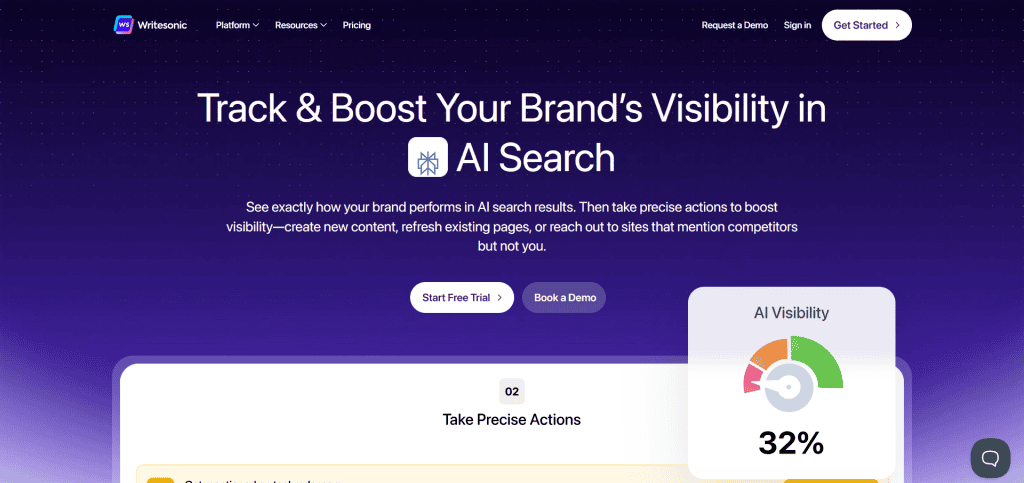
Writesonic helps you create marketing copy that actually ranks on search engines. Built for marketers, agencies, and content teams who need SEO-optimised content fast, this tool generates everything from blog posts to ad copy while keeping search visibility in mind.
What makes Writesonic different is its real-time data capabilities. According to TinyLever Marketing, Writesonic leverages real-time data to generate accurate, relevant, and up-to-date content, making it ideal for articles that need current information. You’re not getting outdated facts or references that make your content look stale.
The tool supports 24+ languages, so you can create content for international audiences without switching platforms. Whether you’re writing Facebook ads, Google Ads, blog articles, sales emails, or product descriptions, Writesonic adapts to your needs.
Here’s what you can do with Writesonic:
- You can integrate your account with Surfer SEO to create content that ranks higher on search results. The integration gives you real-time optimisation suggestions based on what’s already ranking for your target keywords.
- You can check your content’s quality through a ranking meter that shows how well it’s optimised. The tool provides specific guidelines on what to improve, from keyword density to content structure.
- You can skip hours of keyword research since the Surfer integration identifies relevant keywords automatically. Just enter your focus keyword, and the tool suggests related terms to include.
- You can generate factually accurate content that pulls from current data sources. This matters when you’re writing about topics that change frequently, like industry trends or statistics.
The free plan lets you test the platform, but it comes with word limits that won’t cut it for professional use. You’ll need one of the paid plans if you’re creating content regularly. The pricing starts at $20/month, which gets you more word credits and access to advanced features like the SEO optimisation tools. For agencies or teams handling multiple clients, the higher-tier plans offer more users and projects.
One thing to know: while Writesonic handles SEO well, it works best when you have a clear understanding of your target keywords and content goals. The tool gives you optimisation suggestions, but you still need to know what you’re optimising for. It’s not a replacement for an SEO strategy, just a way to execute it faster.

For Long-Form SEO Content
Scalenut
Best For | SEO-optimized long-form content creation |
Pricing | 7-day free trial, paid plans from $49/month |
Ease of Use | Beginner-friendly with guided workflow |
Platform | Web-based |
Scalenut brings together AI writing and SEO research in one platform, which means you’re not jumping between different tools to create content that actually ranks. The platform walks you through keyword research, competitor analysis, and content creation in a structured workflow that makes sense even if SEO isn’t your strong suit.
What makes Scalenut different is its Cruise Mode feature. You feed it a topic, and within about five minutes, it generates a complete blog post draft with proper structure, headings, and SEO optimisation built in. The tool analyses top-ranking pages for your target keyword and incorporates insights from that analysis into your content.
Here’s what you can do with Scalenut:
- You can research keywords and group them into topical clusters using the built-in keyword clustering tool, which helps you build topical authority around specific subjects rather than creating random disconnected articles.
- You can analyse your competitors’ content to understand what’s working in your niche and identify content gaps you can fill.
- You can optimise your content with the SEO Content Editor that gives you a real-time score and specific suggestions for improving your content’s ranking potential.
- You can access AI-generated royalty-free images to complement your written content without worrying about licensing issues.
- You can track your content’s performance with built-in traffic insights and weekly trend digests that keep you updated on what’s working.
But that’s not all, there’s more. The platform integrates the entire content creation workflow, from planning to publishing. You’re not just getting an AI writer that spits out generic content. You’re getting keyword data, SERP analysis, outline suggestions, and optimisation recommendations all in one place.
While Scalenut offers solid value for content creators focused on SEO, it does have limitations. The 7-day free trial gives you a taste of the platform, but you’ll need to commit to a paid plan starting at $49/month for the Essential plan to continue using it. That plan includes 100,000 AI words per month, which might feel restrictive if you’re producing high volumes of content daily.
Specialised Blog Writing
Hypotenuse AI
Best For | Well-researched blog articles with citations |
Pricing | Free trial (no credit card), paid plans from $29/month |
Ease of Use | Simple interface with guided article creation |
Platform | Web-based |
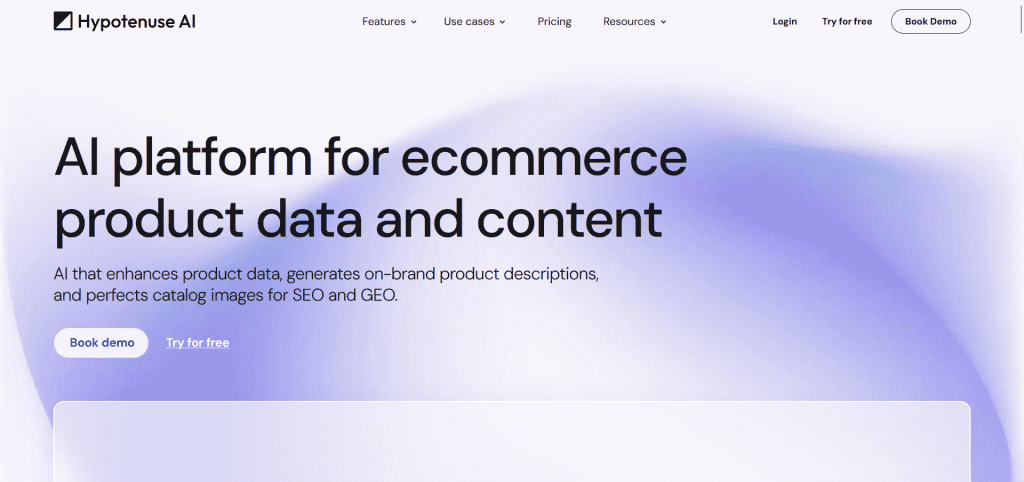
Hypotenuse AI helps you create well-researched blog content without spending hours fact-checking or hunting for credible sources.
Here’s how it works: describe your topic and add your SEO keyword, then the AI generates on-brand content ideas and article titles instantly. You can choose a tone of voice and point of view, from first to third person, to match your writing style. The tool also lets you provide context like your target audience, product details, or company background to weave into the article.
- You can benefit from several features that make blog writing less tedious:
- You can research key talking points for your blog sections in real time, which the AI then uses to generate accurate content with proper citations
- You can fact-check articles and find credible sources with a single click through Content Detective, ensuring your content is trustworthy
- You can use HypoDocs to work with PDF files and incorporate existing research into your articles
- You can generate content in multiple languages while maintaining the same quality and research depth
The best part? You can try Hypotenuse AI for seven days without providing any credit card details. This gives you enough time to test the Content Detective feature and see if the research capabilities meet your needs.
That said, Hypotenuse AI works best for bloggers, content marketers, and small teams who prioritize factual accuracy over speed. If you’re creating basic content or simple product descriptions, this tool might be more than what you need. The pricing starts at $29 per month for the Entry plan when billed annually, which is slightly higher than some alternatives. But if you’re someone who values well-researched, citation-backed content and wants to cut down on fact-checking time, the investment makes sense.
One thing to keep in mind, while Content Detective helps with research and citations, you’ll still want to review the sources yourself. The AI pulls from live internet content, so verifying the credibility of sources remains your responsibility. It’s also primarily focused on blog content, so if you need diverse copywriting formats like ads or emails, you might need to supplement it with other tools.

All-In-One Creative Suite
Simplified
Best For | Teams needing multiple content types (writing, design, video) |
Pricing | Free Forever plan available, paid plans with extended features |
Ease of Use | Intuitive interface, all-in-one workspace |
Platform | Web-based (desktop and mobile scheduling) |
Managing multiple tools for writing, design, video editing, and social media scheduling can quickly become overwhelming. Simplified brings all these capabilities into one unified workspace, so you don’t have to jump between different platforms to create your content.
At its core, Simplified is an all-in-one creative suite that combines AI-powered copywriting with graphic design, video editing, and social media management. You can write your copy, create graphics to match, edit videos, and schedule everything directly from the same platform.
The AI Writing tool lets you generate social media posts, captions, and marketing copy in 10+ tones and 30+ languages. Then, you can immediately turn that copy into fully designed posts using the AI Designer tool.
Here’s what makes Simplified stand out:
- You can create AI-generated content across multiple formats – from social media posts and carousels to faceless videos and podcast clips – all within the same workspace.
- The platform includes a built-in social media scheduler that lets you plan, approve, and schedule up to 10,000 posts when you integrate your social accounts.
- You get access to AI image generation, video editing tools, and design templates that work together with your written content.
- The collaborative features let team members draft, review, and approve content together before it goes live.
- You can monitor social media trends and reply to your audience directly through the platform’s AI-powered social media management tool.
Simplified works best for teams or individuals who need content across multiple formats. If you only need copywriting help, a specialised tool might be simpler. The platform’s extensive features can feel like overkill if you’re just writing blog posts or email copy. Also, while the Free Forever plan gives you access to essential features without requiring a credit card, you’ll need a paid plan to unlock the full scheduling capacity and advanced AI features. The learning curve exists too – with so many tools in one place, it takes time to explore everything Simplified offers.
To Rewrite and Rephrase
Wordtune
Best For | Rewriting and rephrasing existing content |
Pricing | Free plan available; Plus plan at $24.99/month; Advanced and Unlimited plans |
Ease of Use | Very intuitive with real-time suggestions |
Platform | Web-based, browser extension, integrates with Google Docs and other platforms |
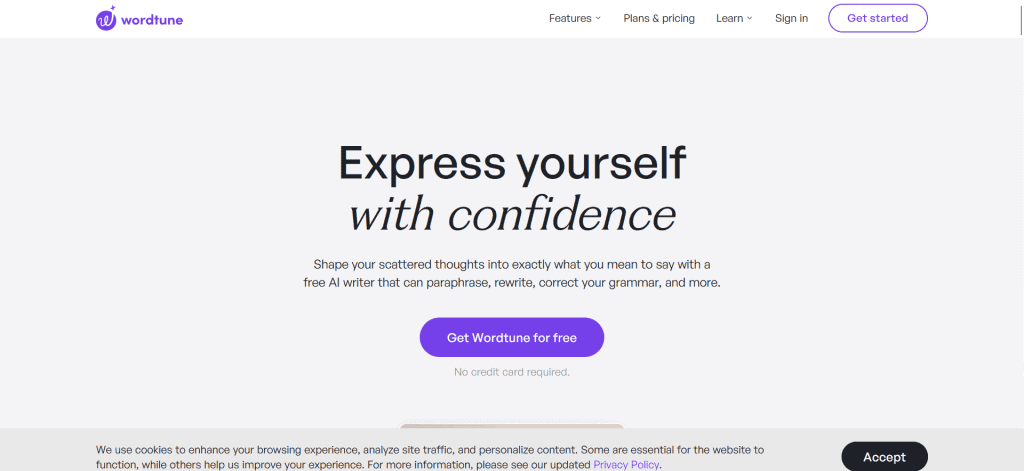
Wordtune helps you transform your existing writing into clear, compelling, and authentic prose. It’s an AI-powered writing companion that goes beyond basic grammar checking to actually understand what you’re trying to say and suggests better ways to express it.
The tool analyses your text in real-time and offers multiple rewriting options for each sentence. You’re not stuck with one suggestion either. Wordtune typically provides several alternatives, letting you choose the version that best matches what you want to communicate. This makes it particularly useful when you know what you want to say but can’t find the right words.
What makes Wordtune stand out is how it handles tone and style. You can:
- Rewrite sentences to be more formal or casual depending on your audience
- Shorten lengthy sentences to make your writing more concise and punchy
- Expand brief points when you need more detail or explanation
- Find better synonyms and word choices that fit your context
- Continue writing based on your existing text when you’re stuck
- Summarise longer texts to pull out key points for articles, essays, or reports
The paraphrasing tool automatically rephrases any word, sentence, or paragraph while maintaining your original meaning. This comes in handy when you’re writing emails, articles, messages, or any content where clarity matters. Wordtune also includes grammar and spelling corrections, catching errors as you write.
While Wordtune excels at improving existing writing, it’s not designed for generating content from scratch. You need to have text written first before it can help you refine it. The daily limits on the free plan can also be frustrating if you’re working on longer projects. That said, for anyone looking to polish their writing and communicate more effectively, Wordtune delivers solid results without requiring technical knowledge or writing expertise.

For Sales Email Optimisation
Lavender AI
Best For | Sales teams, email marketing, personalised outreach |
Pricing | Free plan (5 emails/month), paid plans from $27/month |
Ease of Use | Intuitive with real-time coaching inside your inbox |
Platform | Gmail, Outlook, Outreach, Salesloft, HubSpot, Apollo |
Sales teams know that getting a reply to your cold email can feel like pulling teeth. That’s where Lavender AI steps in as your personal email coach. It’s an AI-powered sales email assistant that sits inside your inbox and helps you craft emails that actually get responses.
The tool analyses your email as you write and gives you a real-time reply-rate score. After analysing billions of sales emails, Lavender knows what works and what doesn’t. For instance, their data shows that using a single informative tone in cold emails reduces reply rates by 26%.
Here’s what makes Lavender stand out for sales professionals:
- You can get instant AI-driven improvements and personalisation suggestions based on actual inbox data, not just generic templates
- The AI Sales Agent feature writes your first draft from simple bullet points, so you’re not staring at a blank screen anymore
- You can see a performance score that tells you how likely your email is to get a reply before you hit send
- The tool integrates directly with Gmail, Outlook, and major sales platforms like Outreach, Salesloft, and HubSpot, so you don’t need to switch between tools
- You get real-time coaching that teaches you while you write, helping you improve your email skills over time
The free Basic plan lets you analyse and personalise up to 5 emails per month, which works if you’re just testing the waters. But let’s be honest, that won’t cut it for active sales teams sending dozens of emails daily.
While Lavender excels at helping sales professionals write better emails and boost response rates, the free plan’s 5-email limit is pretty restrictive. You’ll need to upgrade to the Starter plan at $27 per month for unlimited email reviews, or the Teams plan at $49 per user per month if you’re working with a sales team. The tool is specifically designed for sales outreach, so if you’re looking for general copywriting help beyond emails, other tools might serve you better.
For E-Commerce Product Descriptions
Copysmith
Best For | E-commerce teams and agencies needing product descriptions at scale |
Pricing | Free trial available, paid plans for teams |
Ease of Use | Straightforward for bulk generation and team collaboration |
Platform | Web-based with integrations for Shopify, WooCommerce, Google Ads |
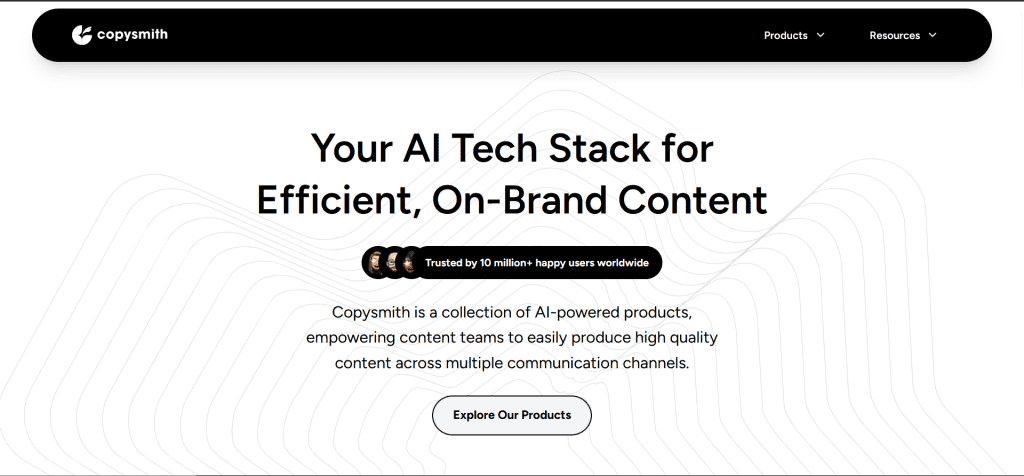
Copysmith focuses specifically on helping e-commerce teams and agencies scale their product content creation. If you’re managing hundreds or thousands of product listings across multiple platforms, manually writing descriptions for each one becomes overwhelming fast. That’s where Copysmith steps in.
The platform uses AI to generate product descriptions, titles, meta tags, and feature bullets that are optimised for both search engines and conversions. What makes it particularly useful for e-commerce businesses is its ability to handle bulk generation. You can upload a CSV file with your product details and generate descriptions for multiple items at once, saving hours of manual writing time.
Here’s what you can do with Copysmith:
- You can generate SEO-optimised product descriptions that highlight features and benefits while incorporating relevant keywords naturally.
- You can create content in bulk by uploading product information via CSV files, making it practical for large catalogues.
- You can integrate directly with e-commerce platforms like Shopify and WooCommerce to streamline your content publishing workflow.
- You can collaborate with team members in real-time from a centralised platform, keeping everyone aligned on brand voice and content quality.
- You can distribute your product content across multiple sales channels, including Amazon, eBay, and your own storefronts.
While Copysmith excels at e-commerce product descriptions, it’s primarily built for teams and larger businesses rather than individual sellers or small shops. The pricing reflects this focus on enterprise and agency clients. If you’re a solo entrepreneur with just a handful of products, you might find other tools more suited to your needs and budget.
Additionally, like most AI writing tools, the generated content works best as a starting point that you’ll want to review and refine to match your specific brand voice and ensure accuracy. The free trial lets you test the platform’s capabilities, but you’ll need a paid plan for ongoing use and access to team collaboration features.
For Advanced Grammar Checking
Grammarly
Best For | Advanced grammar checking and overall writing improvement |
Pricing | Free plan available; Premium starts at $12/month |
Ease of Use | Very intuitive with real-time suggestions |
Platform | Web, browser extensions, desktop apps, mobile apps (iOS & Android) |
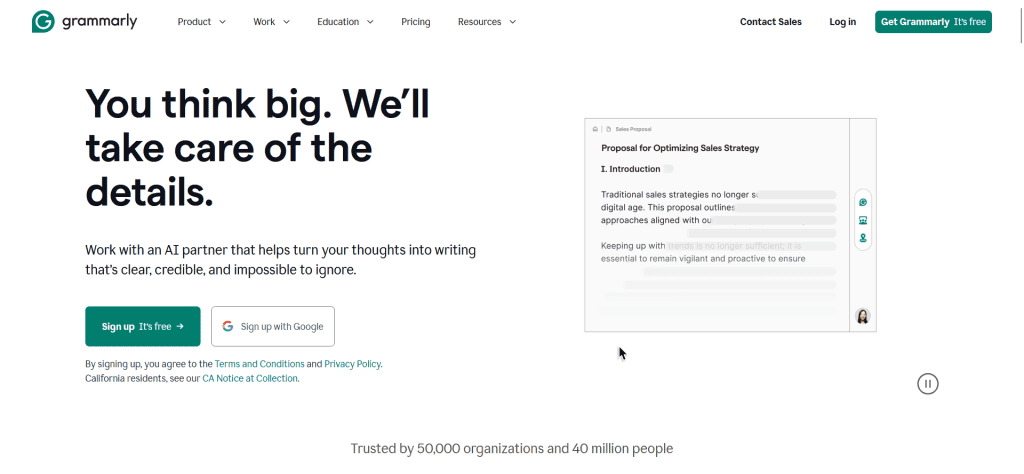
If there’s one writing tool that’s become essential for anyone who writes regularly, it’s Grammarly. This AI-powered writing assistant goes beyond basic spell-check to improve every aspect of your writing, from grammar and punctuation to clarity and tone.
Grammarly works by analysing your text in real-time and offering suggestions as you type. It catches grammar mistakes, spelling errors, and punctuation issues instantly. But what makes it stand out is how it helps you write more effectively by suggesting ways to improve clarity, adjust your tone, and enhance engagement with your audience.
The tool integrates seamlessly into your workflow. You can use it directly in your browser through extensions for Chrome, Safari, Firefox, and Edge, or install the desktop app for Windows and Mac. There’s also a mobile keyboard app for both iOS and Android, so you can write confidently even when sending quick texts or emails from your phone. That means you’re not constantly copying and pasting text into a separate tool; Grammarly works right where you write.
Here’s what you can do with Grammarly:
- You can get real-time grammar, spelling, and punctuation corrections as you type across all your favourite apps and websites.
- You can receive suggestions to improve clarity and tone so your message lands exactly how you intend it to, whether you’re writing a casual email or a formal report.
- You can access automatic citations in APA, MLA, or Chicago style, which is helpful for academic or research writing.
- You can use the built-in AI to brainstorm ideas, draft content, and rewrite sentences for better flow and engagement (available with premium).
- You can check for plagiarism and detect AI-generated content to ensure originality in your work (premium feature).
While Grammarly is excellent for polishing your writing and catching errors you might miss, it does have limitations. The free plan only provides basic suggestions, so you won’t get the deeper insights on tone, formality, or advanced clarity improvements without upgrading. Also,
Grammarly works best for English writing, it’s not designed for multilingual content creation like some other tools. The plagiarism checker and AI detection features are locked behind the premium paywall, which might be a dealbreaker if those are essential for your work.
That said, if you’re a student working on essays, a professional sending important emails, or a content creator who wants to ensure every piece is error-free and reads well, Grammarly is one of the most reliable tools out there. It’s not trying to replace your writing process, it’s there to make you a better, more confident writer.
