
The demand for audio content is exploding. According to the Audio Publishers Association, audiobook sales hit $2.22 billion in 2024, growing 13% in just one year. Meanwhile, the global text-to-speech market is projected to reach $9.3 billion by 2030.
This isn’t just about accessibility anymore. Content creators use TTS for podcasts and videos. Marketers add voiceovers to ads. Educators make learning materials more engaging. Even developers build voice features into apps.
But with so many options out there, how do you choose the right one? We tested dozens of tools to find the best. We looked at voice quality, features, pricing, and ease of use.
What you’ll find here are 12 tools that actually deliver. No hype, just real recommendations based on hands-on testing.
How Did We Find These Text-to-Speech Converters?
With dozens of text-to-speech tools available, we needed a solid method to separate the good from the great. We didn’t just pick tools based on popularity or marketing claims.
We started by testing over 30 different TTS platforms. For each one, we evaluated several key factors. Voice quality and naturalness came first – we listened for robotic tones, awkward pauses, and pronunciation errors. According to research on voice naturalness, this involves assessing how human-like and fluent the synthesised speech sounds.
We also looked at features beyond basic text conversion. Can you adjust the speaking rate or pitch? Are there multiple voice options? What about language support and integration capabilities?
Pricing mattered too. We compared free tools against paid options, looking for value at different budget levels. Ease of use was another big factor – some tools are simple enough for beginners, while others offer advanced controls for professionals.
Finally, we considered real-world use cases. A tool perfect for YouTube creators might not work for developers building apps. We tested each option in scenarios that match how people actually use TTS software.
This thorough approach helped us narrow down to the 12 tools that consistently performed well across all these areas.
Rundown
- Best for All-In-One Content Creation: Speechify, “User-friendly TTS converter powering content creators, podcasters, and professionals with comprehensive audio features and seamless workflow integration.”
- Best for Studio-Quality Professional Voiceovers: Murf AI, “Advanced AI voice generator offering 120+ natural-sounding voices with voice cloning and professional-grade audio output across 20+ languages.”
- Best for Voice Cloning and Character Narration: Eleven Labs, “Leading voice cloning platform enabling creators to generate custom, unique voices for storytelling, games, podcasts, and immersive audio experiences.”
- Best for Diverse Natural-Sounding Voices: Play.ht, “Fast and affordable TTS platform delivering 100+ diverse AI voices with pay-as-you-go pricing for quick content conversion.”
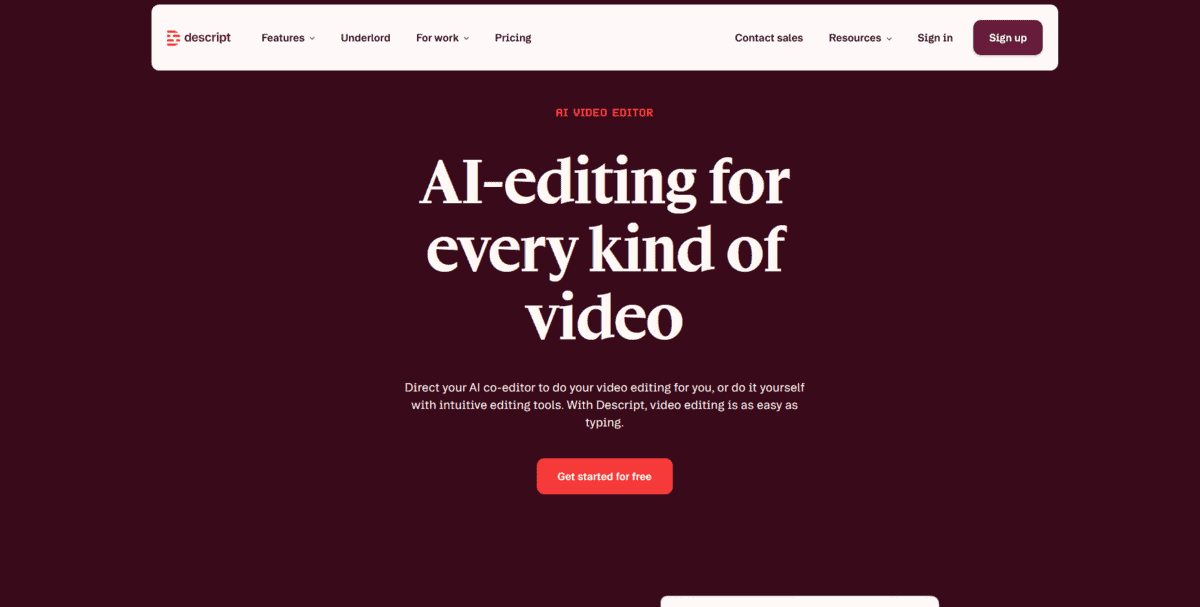
- Best for Video and Audio Editing Integration: Descript, “Revolutionary platform combining text-based video/audio editing with built-in AI voice generation and voice cloning without requiring recording equipment.”
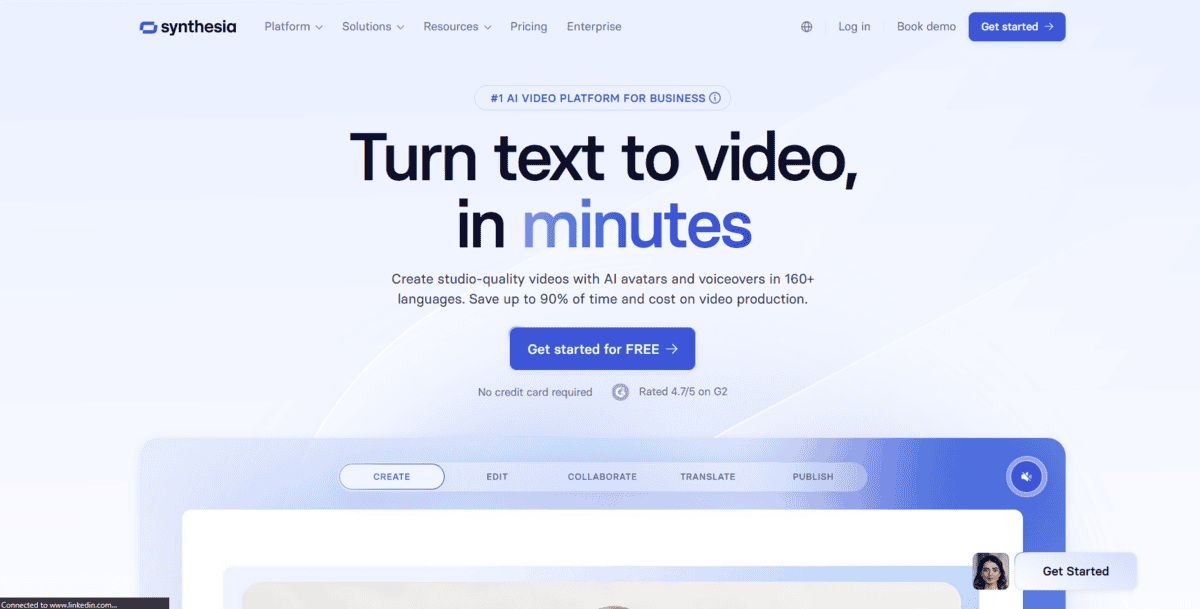
- Best for AI Avatar Video Generation: Synthesia, “Enterprise-grade platform transforming text into professional AI avatar videos for training, demos, and marketing without cameras or actors.”
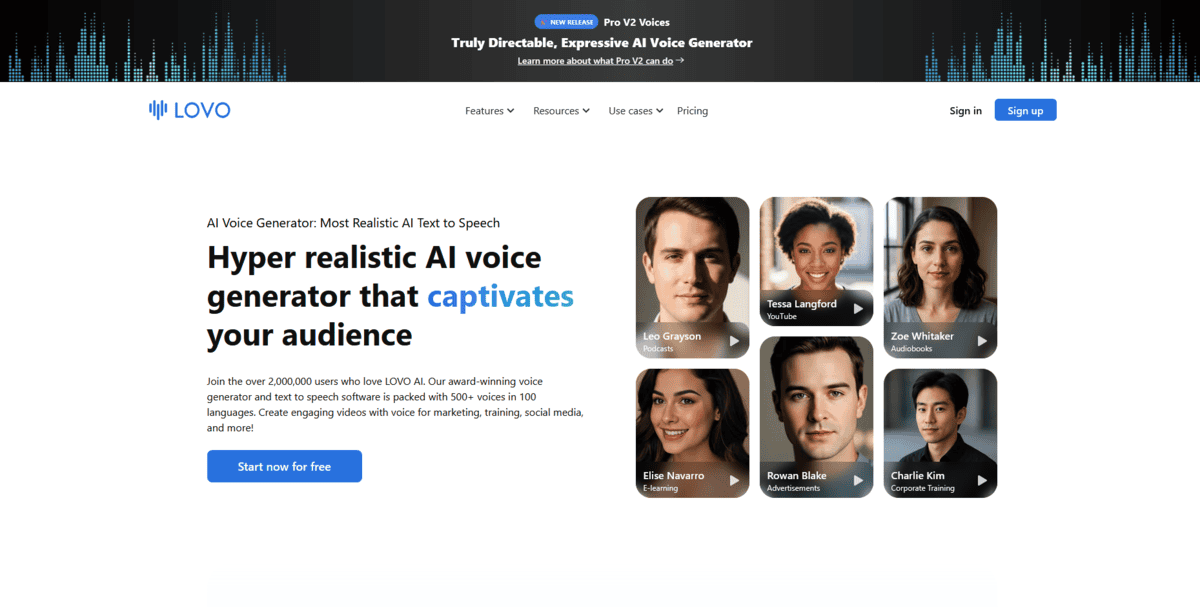
- Best for Gaming, Animation, and Advertising Audio: Lovo, “Advanced phoneme-level control TTS tool delivering professionally engineered audio solutions tailored for games, animations, and commercial projects.”
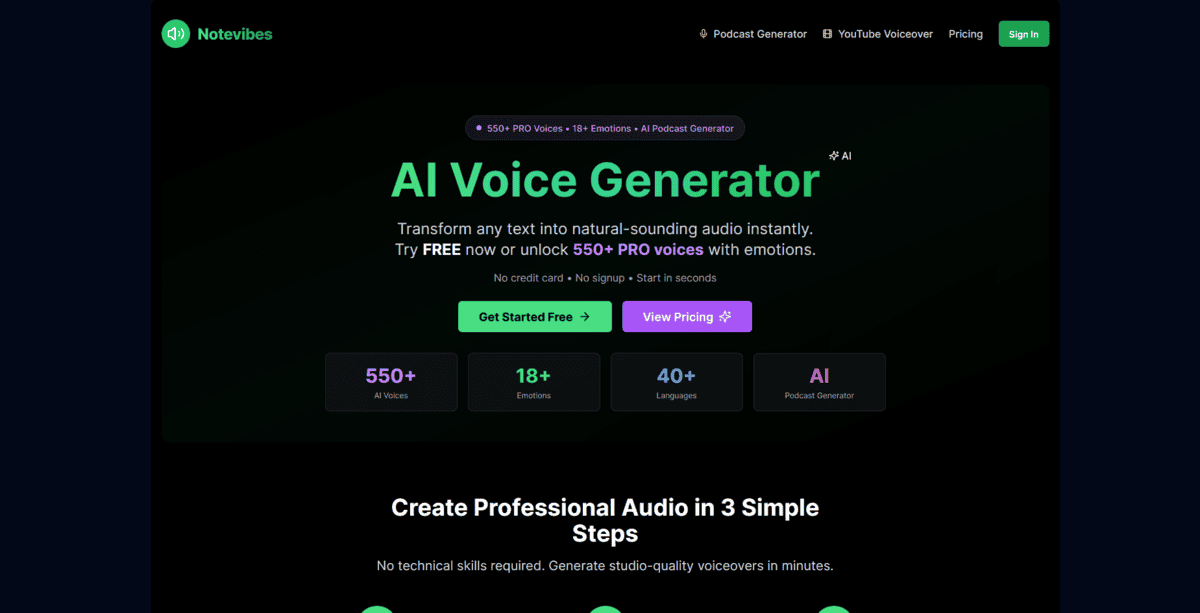
- Best for Natural Speech Synthesis and Broadcasting: Notevibes, “Versatile TTS software creating authentic, natural-sounding audio ideal for educational content, YouTube, commercial broadcasting, and IVR applications.”
- Best for Developer API Integration: Amazon Polly, “Enterprise-grade TTS API leveraging deep learning to synthesise human-like speech with customisation options for scalable application integration.”
- Best for Dual Text-to-Speech and Speech-to-Text Workflows: Kukarella, “Versatile conversion platform handling both text-to-speech and speech-to-text tasks with accuracy and efficiency for content creation and transcription.”
- Best for Accessibility and Multi-Format Document Reading: Natural Reader, “Comprehensive accessibility tool converting text, PDFs, and 20+ document formats into spoken audio for students, professionals, and those with visual impairments.”
Recommended Voice Cloning Tools
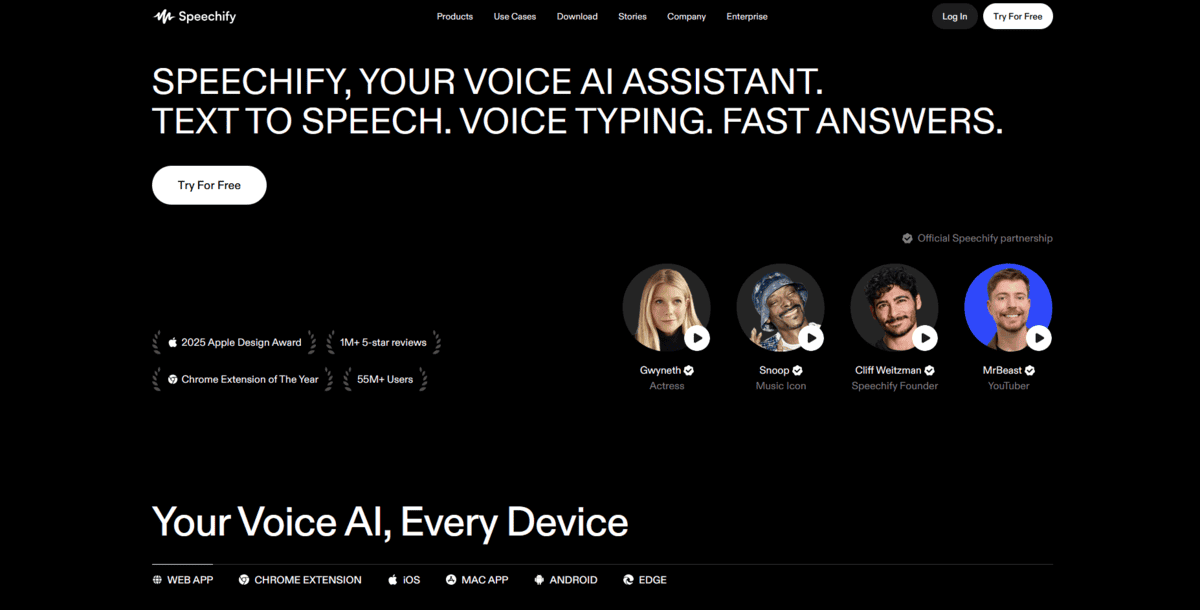
Best for All-In-One Content Creation
Speechify
If you’re creating content regularly and need a text-to-speech tool that fits smoothly into your workflow, Speechify might be what you’re looking for. It handles everything from basic text conversion to professional voiceovers without making you switch between different apps.
Feature | Details |
|---|---|
Best For | All-in-one content creation |
Pricing | Free with robotic voices, Premium at $11.58/month |
Ease of Use | Very user-friendly interface |
Platform | Web, Chrome extension, mobile apps |
You can paste text or upload documents, and it then converts them to speech using natural-sounding AI voices. The interface keeps things simple – you choose a voice, adjust speed and tone if needed, and hit convert.
But that’s not all; there’s more:
- You can access over 200 natural-sounding voices in the premium version, which helps avoid that robotic tone some free tools have
- The Chrome extension lets you listen to web articles, emails, or documents directly in your browser without copying and pasting
- You get offline MP3 downloads so you can work without an internet connection
- It supports multiple document formats, including PDFs, Word files, and web pages
The workflow integration is what really sets Speechify apart. You’re not just converting text – you’re creating content that fits into your existing process.
Speechify is great for content creators who need an all-in-one solution, but it has some limitations. The free version only offers robotic-sounding voices, so you’ll need the premium plan for natural voices. Some advanced voice customisation features available in specialised tools aren’t here. And if you’re a developer needing API access for large-scale applications, you might find the pricing less competitive than dedicated API services.
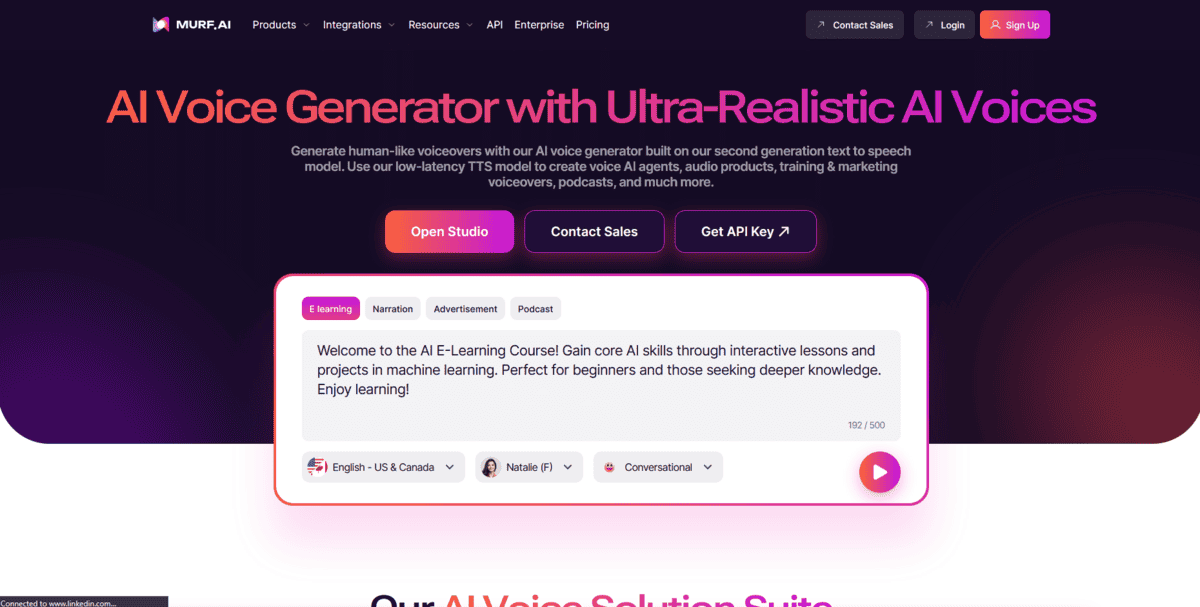
Best for Studio-Quality Professional Voiceovers
Murf AI
When you need voiceovers that sound like they came from a professional recording studio, Murf AI delivers that studio-quality audio. It’s built for creators who can’t compromise on voice quality for their videos, podcasts, or commercial projects.
Feature | Details |
|---|---|
Best For | Studio-quality professional voiceovers |
Pricing | Free trial, Pro plan at $19/month |
Ease of Use | Professional interface with advanced controls |
Platform | Web-based, API available |
Murf AI works by using advanced AI models trained on diverse human speech data. You input your text, choose from over 120 natural-sounding voices, and the system generates audio that avoids the robotic tone cheaper tools produce. What sets it apart is the professional-grade output. The kind you’d expect from voice actors in proper recording studios.
Video production teams use it for commercial ads where voice quality matters. E-learning companies create course narration that keeps students engaged. Corporate trainers make professional presentations without hiring voice talent. The tool handles these high-stakes applications where audio quality can’t be an afterthought.
But that’s not all; there’s more:
- You can clone your own voice or create custom AI voices, which is perfect for maintaining brand consistency across different projects
- The platform supports 20+ languages and multiple accents, making it useful for international content creation
- You get fine control over voice parameters like pitch, speed, and emphasis points in sentences
- There’s built-in audio editing with background music and sound effects integration
The studio-quality aspect comes from Murf’s focus on professional use cases. Unlike Speechify, which aims for all-in-one convenience, Murf targets creators who need broadcast-ready audio. A marketing agency might use it for TV commercials. A game developer could create character voices. An audiobook producer might use it for narration when human voice actors aren’t available.
While Murf AI excels at professional voiceovers, it has some trade-offs. The pricing starts at $19/month for the Pro plan, which is higher than some alternatives. The interface has more advanced controls that might overwhelm beginners. And while the voice quality is excellent, it still can’t perfectly replicate the emotional range of a skilled human voice actor for highly nuanced performances.
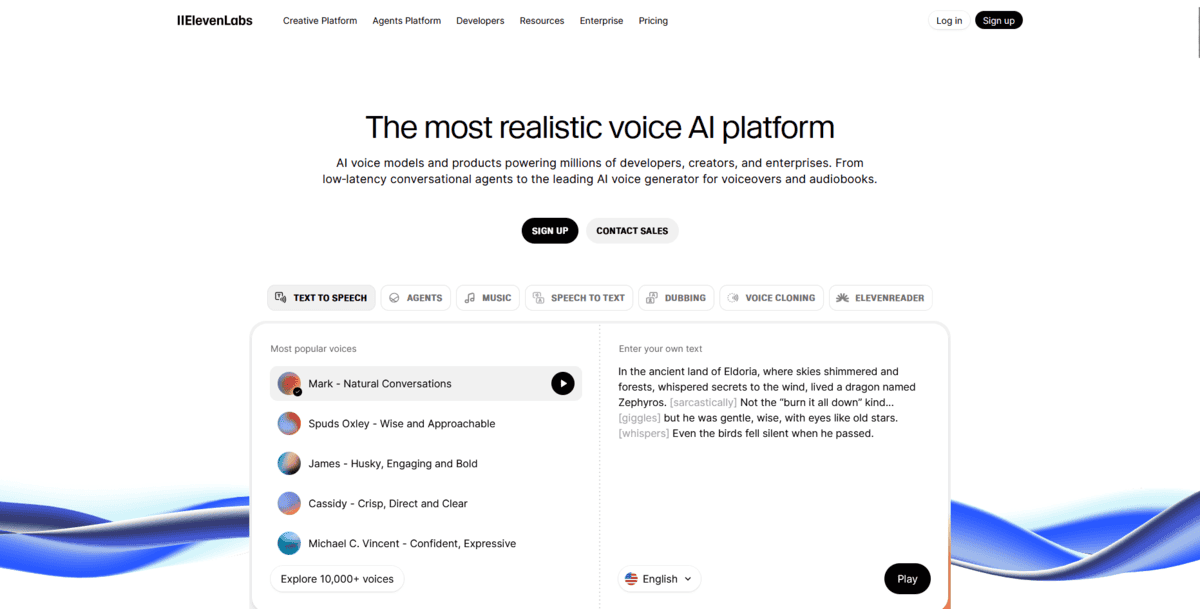
Best for Voice Cloning and Character Narration
ElevenLabs
Feature | Details |
|---|---|
Best For | Voice cloning and character narration |
Pricing | Free plan; Premium starts at $4.17/month |
Ease of Use | User-friendly with advanced cloning options |
Platform | Web-based, API available |
If you’re creating stories, games, or podcasts where each character needs their own distinct voice, Eleven Labs specialises in making that happen. It’s built around voice cloning technology that lets you create custom voices from audio samples, perfect for immersive storytelling.
ElevenLabs works by analysing voice samples you provide, then training an AI model to replicate that voice. You can use as little as a few minutes of audio for instant cloning or provide 30+ minutes for professional-grade results. Once the model is trained, you can generate new speech in that cloned voice for any text you input.
Game developers use it to create unique character voices without hiring multiple voice actors. Podcast producers clone their own voice for consistent narration across episodes. Storytellers build entire casts of characters, each with distinct vocal personalities. The tool handles these creative applications where voice uniqueness matters more than just natural-sounding speech.
But that’s not all; there’s more:
- You can clone voices from just a few minutes of audio samples, which is perfect when you don’t have hours of recordings available
- The platform supports 32 languages, making it useful for international projects or multilingual content creation
- You get both instant voice cloning for quick results and professional voice cloning for higher quality when you need it
- There are voice design tools to create entirely new synthetic voices that don’t exist in the real world
The character narration aspect is what sets Eleven Labs apart. Unlike Murf AI, which focuses on professional voiceovers, Eleven Labs targets creators who need multiple distinct voices. A game developer might create 20 different character voices for an RPG. A novelist could bring each character in their book to life with unique vocal traits. A podcast team might clone their host’s voice for episodes recorded by different team members.
While ElevenLabs excels at voice cloning and character work, it has some limitations. The free plan has usage restrictions that might not work for larger projects. Professional voice cloning requires 30+ minutes of high-quality audio, which can be challenging to obtain. And while the technology is impressive, ethical concerns around voice cloning mean you need permission before cloning someone else’s voice for commercial use.
Best for Diverse Natural-Sounding Voices
Play.ht
When you need a wide variety of natural-sounding voices for different projects without committing to expensive subscriptions, Play.ht delivers that voice diversity with flexible pricing. It’s built for creators who need multiple voice options across different languages and accents.
Feature | Details |
|---|---|
Best For | Diverse natural-sounding voices |
Pricing | Free plan, Professional starts at $39/month |
Ease of Use | User-friendly interface |
Platform | Web-based, API available |
Play.ht works by offering an extensive library of AI voices that cover different languages, accents, and speaking styles. You paste your text, choose from hundreds of voice options, and get natural-sounding audio in minutes. What sets it apart is the sheer variety. You’re not limited to just a few voice options like with some tools.
Content creators use it when they need different voices for various characters or projects. International businesses create multilingual content without hiring separate voice talent for each language. Educators make learning materials accessible in multiple languages. The tool handles these diverse applications where voice variety matters as much as quality.
But that’s not all; there’s more:
- You can access over 800 natural-sounding AI voices across 100+ languages, which gives you options for almost any project
- The platform offers pay-as-you-go pricing alongside subscription plans, making it affordable for occasional users
- You get API integration for developers who want to build voice features into their own applications
- There are voice cloning capabilities in the premium plans for creating custom brand voices
The voice diversity aspect is what makes Play.ht stand out. Unlike ElevenLabs, which focuses on voice cloning, Play.ht gives you ready-made options. A marketing agency might use different voices for various client projects. An e-learning company could create course narration in multiple languages. A podcast network might use different voices for different shows without recording each one separately.
While Play.ht excels at voice variety and affordability, it has some trade-offs. The Professional plan starts at $39/month, which is higher than some entry-level options. The voice quality, while natural, might not match the studio-grade output of tools like Murf AI for high-end commercial projects. And while the interface is user-friendly, some advanced customisation features available in specialised tools aren’t as prominent here.
Best for Video and Audio Editing Integration
Descript
Feature | Details |
|---|---|
Best For | Video and audio editing integration |
Pricing | Free plan; Creator starts at $12/month |
Ease of Use | Intuitive text-based editing |
Platform | Web-based desktop app available |
If you edit videos or podcasts and want to handle everything in one place, Descript changes how you think about editing. It’s a text-based editor where you edit your video or audio by editing the transcript text, not by dragging clips on a timeline.
Descript works by automatically transcribing your video or audio files when you upload them. You then edit the text transcript. Delete words, move sentences around, or add new text. The software automatically makes those changes to your media. This approach means you don’t need recording equipment for fixes since you can generate new voice lines using AI.
Podcasters use it to remove filler words like “um” and “uh” by deleting them from the transcript. Video creators fix mistakes by typing corrections that get voiced by AI. Content teams collaborate by editing the same transcript simultaneously. The tool handles these editing tasks without requiring traditional timeline editing skills.
But that’s not all; there’s more:
- You can use AI voice cloning to fix mistakes without re-recording. Just type the correction, and the AI voices it in your own voice
- The platform automatically removes background noise and improves audio quality with its Studio Sound feature
- You get automatic caption generation that syncs with your edited transcript
- There’s an AI video generation that creates visuals based on your script text
The text-based editing approach is what makes Descript different. Unlike Play.ht, which focuses on voice generation, Descript integrates editing and voice creation. A YouTuber might fix a mispronounced word by typing the correction. A podcaster could remove awkward pauses by deleting them from the transcript. A team might collaborate on editing a video by working on the same transcript document.
While Descript excels at integrated editing workflows, it has some limitations. The free plan has watermarks and limited AI features. You need internet access for transcription and AI features since it’s cloud-based. And while text-based editing is intuitive, it might not replace traditional timeline editors for complex visual effects or advanced video compositing work.
Best for AI Avatar Video Generation
Synthesia
Feature | Details |
|---|---|
Best For | AI avatar video generation |
Pricing | Free plan, Creator at $89/month, Enterprise custom |
Ease of Use | User-friendly, no video editing experience needed |
Platform | Web-based |
If you need professional-looking videos for training, demos, or marketing but don’t have cameras, actors, or a studio, Synthesia changes how you create video content. It’s an enterprise-grade platform that turns text into videos featuring realistic AI avatars that speak your script.
Synthesia works by letting you type your script, choose from over 230 AI avatars, and generate videos where these digital presenters speak your text in natural-sounding voices. The avatars look like real people and move naturally, making your videos feel professional without the production costs. According to eLearning industry analysis, this approach helps companies create training videos that would normally cost thousands per video.
Corporate training departments use it for onboarding videos without hiring presenters. Marketing teams create product explainers in multiple languages. Sales teams make demo videos that show features without recording screen sessions. The tool handles these business applications where video quality matters, but production resources are limited.
But that’s not all; there’s more:
- You can create videos in 140+ languages using the same avatar, which is perfect for global companies needing localised content
- The platform offers over 230 diverse AI avatars representing different ages, ethnicities, and genders for inclusive content
- You get personal avatar creation, where you can make an AI version of yourself from webcam footage
- There’s built-in screen recording and media integration for creating comprehensive tutorial videos
The enterprise-grade aspect comes from Synthesia’s focus on business use cases. Unlike Descript, which integrates editing tools, Synthesia targets organisations needing scalable video production. A multinational company might create training videos in 20 languages using the same avatar. A software company could make product demos without recording actual screen sessions. A healthcare organisation might create patient education videos without filming medical professionals.
While Synthesia excels at AI avatar video generation, it has some limitations. The Creator plan starts at $89/month, which is higher than many text-to-speech tools. The free plan only offers 3 minutes of video per month with limited avatar options. And while the avatars are realistic, they still can’t perfectly replicate the nuanced expressions and body language of human presenters for highly emotional or complex presentations.
Best for Gaming, Animation, and Advertising Audio
Lovo
Feature | Details |
|---|---|
Best For | Gaming, animation, and advertising audio |
Pricing | Free plan, Pro starts at $19/month |
Ease of Use | Professional interface with advanced controls |
Platform | Web-based |
When you need precise control over how every sound in your audio is produced, Lovo gives you that phoneme-level control. It’s built for game developers, animators, and advertisers who can’t compromise on audio quality for their professional projects.
Lovo works by letting you adjust individual phonemes. The smallest units of sound in speech. You input your text, choose from over 500 AI voices across 100+ languages, and then fine-tune how each sound is produced. This granular control means you can fix pronunciation issues or create specific vocal effects that standard text-to-speech tools can’t handle.
Game developers use it to create character voices with unique vocal traits. Animators add professional voiceovers to their projects without hiring voice actors. Advertisers produce commercial audio that matches their brand voice exactly. The tool handles these specialised applications where audio precision matters as much as quality.
But that’s not all; there’s more:
- You can adjust individual phonemes to fix pronunciation or create specific vocal effects, which is perfect when standard voices don’t get words right
- The platform offers over 500 AI voices across 100+ languages, giving you options for international projects
- You get professionally engineered audio output that’s optimised for gaming, animation, and commercial use
- There are voice cloning capabilities for creating custom brand voices that maintain consistency across different projects
The phoneme-level control is what sets Lovo apart. Unlike Play.ht, which focuses on voice variety, Lovo gives you technical precision. A game developer might adjust how a character pronounces fantasy names. An animator could create unique vocal effects for cartoon characters. An advertising agency might fine-tune how their brand name is spoken in commercials.
While Lovo excels at professional audio production with technical control, it has some limitations. The Pro plan starts at $19/month, which might be higher than basic text-to-speech tools. The phoneme-level controls require some audio knowledge to use effectively. And while the voice quality is professional, it still might not match the emotional range of skilled human voice actors for highly nuanced performances in dramatic content.
Best for Natural Speech Synthesis and Broadcasting
Notevibes
Feature | Details |
|---|---|
Best For | Natural speech synthesis and broadcasting |
Pricing | Free plan, Personal at $9/month, Commercial at $90/month |
Ease of Use | User-friendly interface with professional controls |
Platform | Web-based |
When you need audio that sounds genuinely human for broadcasting or educational content, Notevibes focuses on natural speech synthesis. It’s built for creators who can’t afford robotic-sounding voices in their professional projects, especially for YouTube, commercial broadcasting, and IVR applications.
Notevibes works by using advanced AI models that replicate human speech patterns, including natural intonation and proper pronunciation. You input your text, choose from their library of voices, and get audio that avoids the artificial tone that cheaper tools produce. What sets it apart is the studio-quality audio output designed specifically for broadcasting applications where voice quality can’t be compromised.
YouTube creators use it for voiceovers that keep viewers engaged. Educational platforms create e-learning content that sounds like real instructors. Businesses build IVR systems with natural-sounding automated responses. The tool handles these applications where authentic speech matters more than just converting text.
But that’s not all; there’s more:
- You can access premium voices from top providers like Microsoft, IBM, Amazon, and Google text-to-speech, giving you professional-grade options
- The platform offers emotional expression controls to add appropriate tone to your audio, which is perfect for storytelling or educational content
- You get studio-quality audio output optimised for commercial broadcasting, YouTube videos, and IVR applications
- There’s support for multiple languages and accents, making it useful for international content creation
The broadcasting focus is what makes Notevibes different. Unlike Lovo, which targets gaming and animation with technical control, Notevibes prioritises natural speech for mass audiences. A YouTuber might create narration that sounds like a human presenter. An e-learning company could produce course content that engages students. A business might build a customer service IVR that doesn’t frustrate callers with robotic responses.
While Notevibes excels at natural speech synthesis for broadcasting, it has some limitations. The commercial plan starts at $90/month, which is higher than many text-to-speech tools. The voice quality, while natural, might not match the studio-grade output of tools like Murf AI for high-end commercial projects. And while the interface is user-friendly, some advanced customisation features available in specialised tools aren’t as prominent here.
Best for Developer API Integration
Amazon Polly
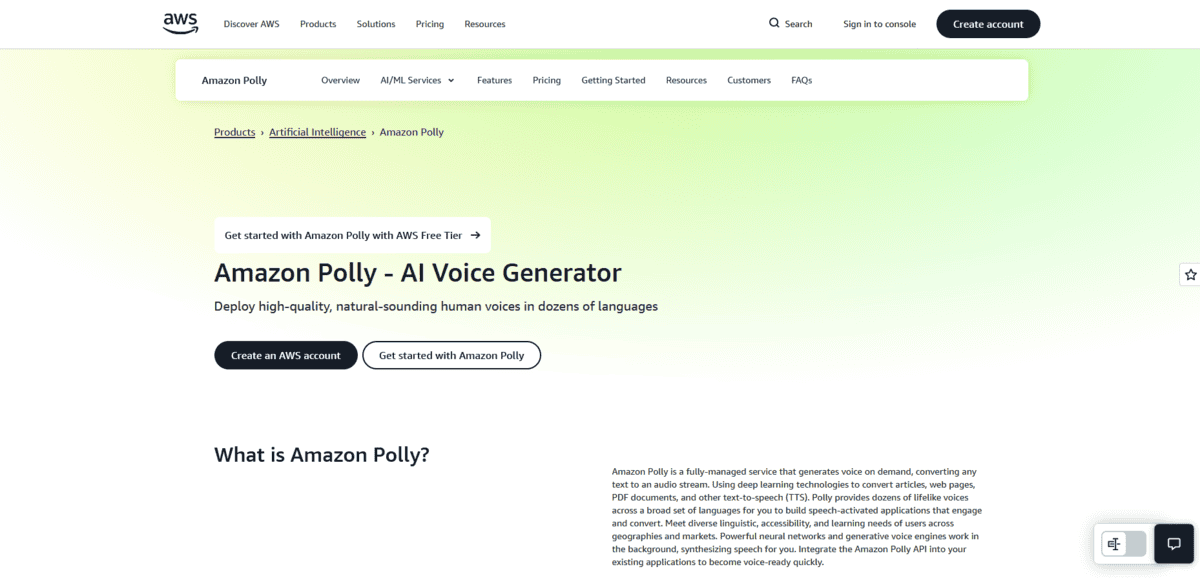
If you’re building applications that need voice features at scale, Amazon Polly gives you enterprise-grade text-to-speech through an API. It’s designed for developers who want to integrate speech synthesis directly into their apps, websites, or services without managing the underlying AI infrastructure.
Feature | Details |
|---|---|
Best For | Developer API integration |
Pricing | Pay-as-you-go, free tier available |
Ease of Use | Technical, requires development knowledge |
Platform | Cloud-based API |
Amazon Polly works by sending text to their API and getting back audio streams or files. You make API calls from your code, and the service handles the speech generation using deep learning models. This approach means you can add voice features to your applications without building your own text-to-speech system from scratch.
App developers use it for accessibility features like screen readers. E-learning platforms add voice narration to courses. Customer service systems build IVR responses that sound natural. The tool handles these scalable applications where you need reliable speech synthesis integrated into your existing infrastructure.
But that’s not all; there’s more:
- You can access multiple voice types, including Standard, Neural, Long-Form, and Generative voices, each optimised for different use cases
- The platform offers custom Brand Voice creation, where you work with Amazon to build exclusive neural voices for your organisation.
- You get pay-as-you-go pricing that scales with your usage, making it cost-effective for both small projects and enterprise applications
- There’s support for Speech Synthesis Markup Language (SSML) to control pronunciation, pauses, and emphasis in your generated speech
The API integration aspect is what sets Amazon Polly apart. Unlike Notevibes, which focuses on natural speech for broadcasting, Amazon Polly targets developers building voice features into applications. A mobile app developer might add text-to-speech for accessibility. A SaaS platform could generate audio versions of user content. An enterprise might build custom voice responses for its customer service system.
While Amazon Polly excels at scalable API integration, it has some limitations. The pricing can get complex with different voice types costing different amounts per million characters. You need technical knowledge to integrate the API into your applications. And while the voice quality is good, it might not match the emotional range of specialised tools like Murf AI for highly expressive content.
Best for Dual Text-to-Speech and Speech-to-Text Workflows
Kukarella
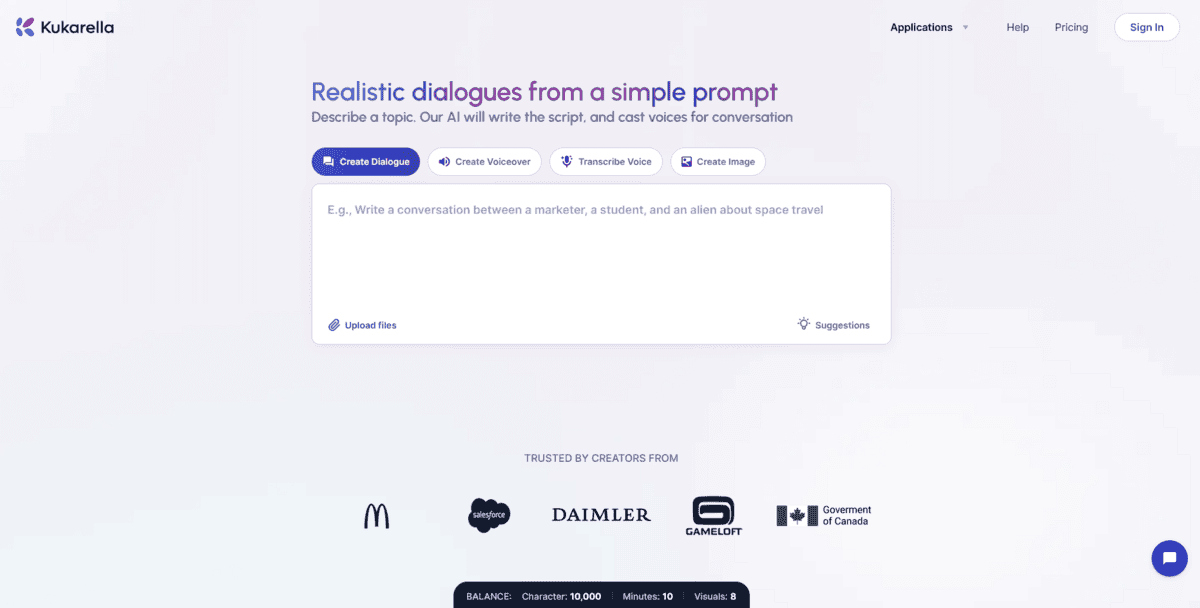
If you regularly switch between creating audio from text and transcribing audio to text, Kukarella handles both directions in one platform. It’s built for content creators, transcribers, and teams who need to work with both text-to-speech and speech-to-text without switching between different tools.
Feature | Details |
|---|---|
Best For | Dual text-to-speech and speech-to-text workflows |
Pricing | Free plan, Premium at $15/month |
Ease of Use | User-friendly interface for both conversions |
Platform | Web-based |
Kukarella works by offering two main functions in the same interface. For text-to-speech, you paste your text and choose from over 270 realistic AI voices across 55+ languages. For speech-to-text, you upload audio files and get accurate transcriptions. This dual approach means you can create audio content and transcribe existing audio without leaving the platform.
Content creators use it to turn blog posts into podcasts, then transcribe those podcasts for written versions. Researchers transcribe interviews and then create audio summaries from their notes. Teams collaborate on projects where some members prefer audio while others work with text. The tool handles these mixed workflows where you need to convert between text and audio regularly.
But that’s not all; there’s more:
- You can access over 270 realistic AI voices across 55+ languages for text-to-speech conversion, giving you options for different projects
- The platform offers high-accuracy speech-to-text transcription that handles different audio qualities and accents
- You get both conversion directions in one interface, saving you from switching between separate text-to-speech and transcription tools
- There’s support for commercial use of generated audio, making it suitable for professional content creation
The dual functionality is what sets Kukarella apart. Unlike Amazon Polly, which focuses on API integration for developers, Kukarella targets users who need both text-to-speech and speech-to-text in their daily workflow.
A podcaster might transcribe their recordings for show notes, then create promotional audio from those notes. A researcher could transcribe interviews and generate audio summaries for presentations. A content team might work with both written and audio versions of the same material.
While Kukarella excels at handling both conversion directions, it has some limitations. The Premium plan starts at $15/month, which adds up if you need both text-to-speech and transcription features. The voice quality, while realistic, might not match the studio-grade output of specialised tools like Murf AI for high-end commercial projects. And while the interface is user-friendly, some advanced customisation features available in specialised single-purpose tools aren’t as prominent here.
Best for Accessibility and Multi-Format Document Reading
Natural Reader
Feature | Details |
|---|---|
Best For | Accessibility and multi-format document reading |
Pricing | Free plan, Personal at $9.99/month, Premium at $59.88/year |
Ease of Use | User-friendly with mobile apps and browser extensions |
Platform | Web, mobile apps, Chrome extension |
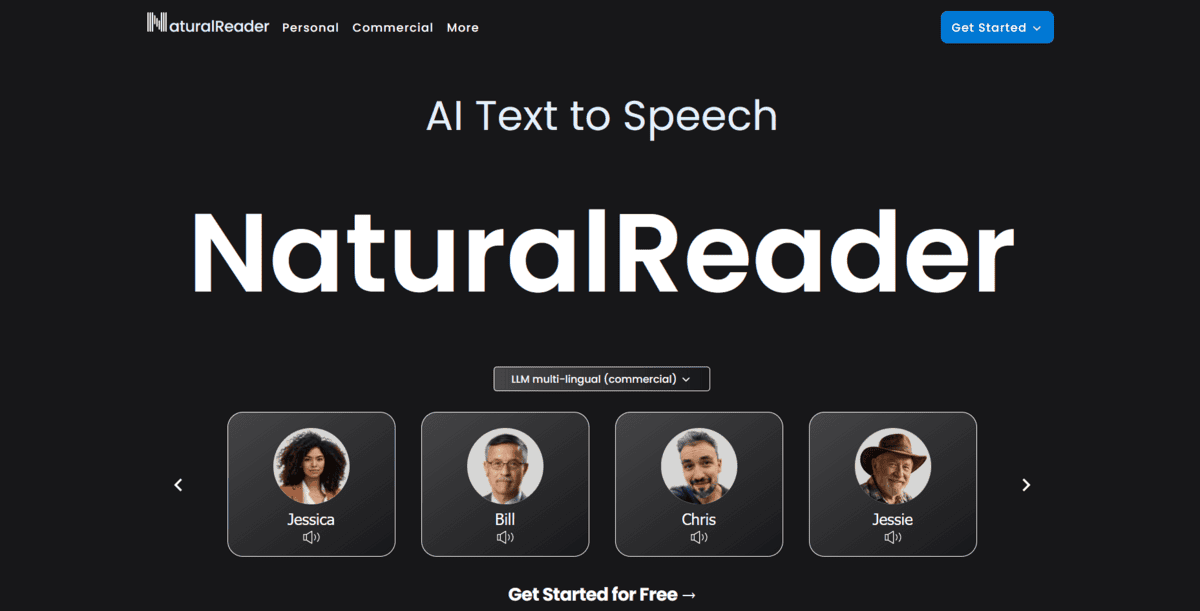
If you need to access written content in audio form because reading is difficult or you want to multitask, Natural Reader focuses on making documents accessible. It’s built for students, professionals, and people with visual impairments who need to convert various document formats into spoken audio.
Natural Reader works by letting you upload documents in 20+ formats, including PDFs, Word files, ebooks, and web pages, then converts them to natural-sounding speech. You can listen to your documents through the web interface, mobile apps, or a browser extension. What sets it apart is the comprehensive format support. You’re not limited to just plain text like with some basic tools.
Students use it to listen to textbooks and study materials while commuting. Professionals convert reports and articles into audio for hands-free consumption. People with visual impairments access written content that would otherwise be difficult to read. The tool handles these accessibility needs where format compatibility matters as much as voice quality.
But that’s not all; there’s more:
- You can convert PDFs, Word documents, ebooks, and 20+ other formats into spoken audio, which is perfect when you have documents in different file types
- The platform offers OCR (Optical Character Recognition) for scanned documents and inaccessible PDFs, making even image-based text readable
- You get mobile apps and browser extensions that let you listen to content on the go without downloading files first
- There’s support for converting text to MP3 files so you can listen offline on any device
The accessibility focus is what makes Natural Reader different. Unlike Kukarella, which handles both text-to-speech and speech-to-text, Natural Reader prioritises making written content accessible through audio. A student might listen to textbook chapters while exercising. A professional could review reports during their commute. Someone with dyslexia might use it to access written materials more comfortably.
While Natural Reader excels at accessibility and multi-format support, it has some limitations. The Premium plan costs $59.88/year, which might be higher than basic text-to-speech tools. The voice quality, while natural, might not match the studio-grade output of professional tools like Murf AI for commercial projects.
