
AI coding assistants have moved beyond simple autocomplete. In 2026, the best tools understand entire codebases, handle multi-file refactors, run tests, and help ship faster without sacrificing quality. Here are some of the best AI tools for developers:
Rundown
- To code directly in your terminal: Claude Code, “An agentic coding tool that understands your codebase, edits files, runs commands, and handles git workflows through natural language.”
- Best AI-first editor: Cursor, “A VS Code fork rebuilt with AI at the centre, offering deep codebase context, multi-file editing, and autonomous agents.”
- For privacy-focused teams: Tabnine, “A code completion platform that can be deployed fully air-gapped, trained only on permissively licensed code.”
- The fastest free option: Windsurf, “An AI IDE by Codeium with Cascade agent mode, live preview, and collaborative editing at a lower price point.”
- If you need terminal-based workflow: Aider, “A command-line AI pair programmer that edits code in your local repo and automatically handles git commits.”
- For zero-to-app prototyping: Replit Agent, “An AI app builder that generates full-stack applications with databases, auth, and deployment from a single prompt.”
- To enforce code quality: Qodo, “An agentic code review platform that catches bugs, validates PRs, and enforces organisational standards across repos.”
- Best for AWS workflows: Amazon Q Developer, “An AI assistant specialised for AWS environments, infrastructure as code, and cloud troubleshooting.”
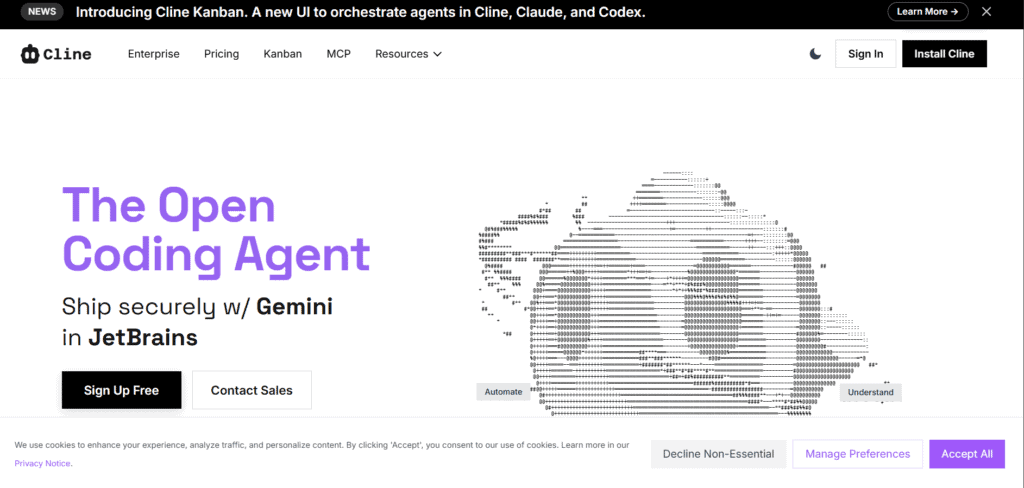
- For model flexibility: Cline, “A VS Code extension that operates as an autonomous coding agent inside the editor and supports multiple LLM providers.”
- The open-source pick: Continue, “An open-source AI coding assistant that lets you use any model, run locally, and maintain full control over your data.”
Recommended AI Tools for Developers
To code directly in your terminal
Claude Code
Pricing | From $20/mo (Claude subscription or API) |
Ease of Use | Moderate |
Best For | Terminal-focused developers |
Learning Curve | Medium |
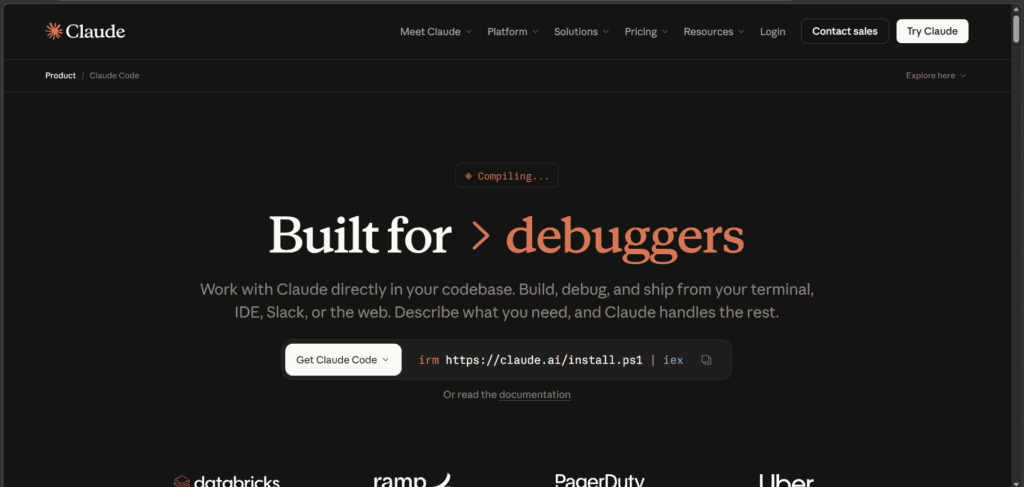
Claude Code is Anthropic’s agentic coding tool that lives in your terminal, IDE, or as a VS Code extension. It understands your entire codebase, makes multi-file changes, runs commands, and handles git workflows through plain language instructions. Instead of copy-pasting code between a chat window and your editor, Claude Code works directly on your files.
Built on Claude Sonnet 4.5, it can trace bugs through your codebase, implement features across multiple files, and write commit messages automatically. The tool includes checkpointing so you can rewind to previous states if an autonomous change goes wrong. It also supports MCP (Model Context Protocol), which means Claude Code can read your design docs in Google Drive, update Jira tickets, or pull data from Slack.
- You can describe a task in plain language and Claude Code will plan the approach, write the code, verify it works, and commit the changes.
- You can use it from the command line, a standalone desktop app, or through a native VS Code extension depending on your preferred workflow.
- You can connect Claude Code to external tools via MCP, including Google Drive, Jira, Slack, and other data sources.
- You can schedule tasks that run on Anthropic-managed infrastructure for overnight CI analysis or weekly dependency audits, even when your computer is off.
Worth knowing before you commit: Claude Code requires a Claude subscription or API access, and pricing is usage-based through the Anthropic API. The terminal interface works best if you are comfortable with command-line workflows. If you prefer a visual editor experience with inline diffs, the VS Code extension is a better fit, but it adds another layer of setup.
Best AI-first editor
Cursor
Pricing | Free / From $20/mo (Pro) |
Ease of Use | Easy |
Best For | Full-time developers |
Learning Curve | Low |
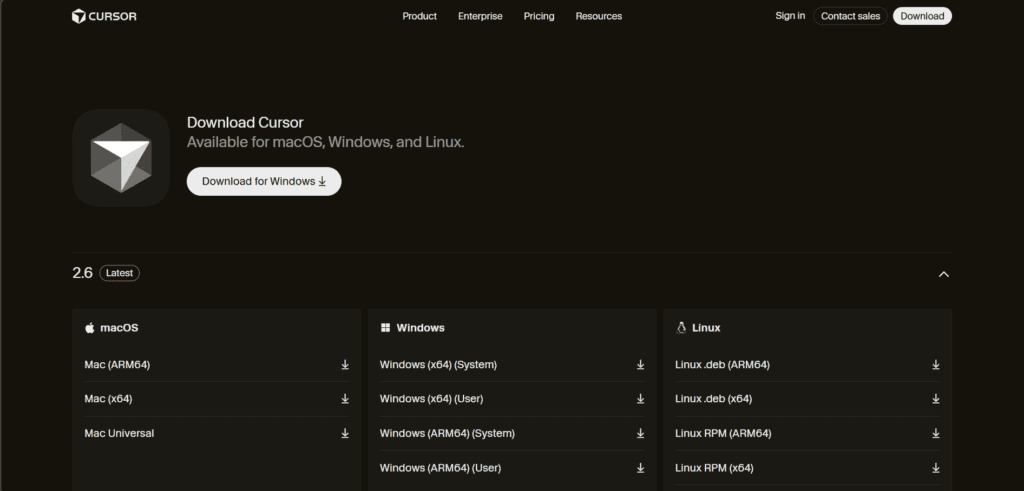
Cursor is VS Code rebuilt with AI at its core. It keeps all your extensions, keybindings, and workflows while adding AI that understands your entire repository and can apply changes across files. The interface is familiar if you have used VS Code, but the AI layer is woven into every interaction, from autocomplete to multi-file refactors.
- You can ask for changes in natural language and Cursor applies edits directly to your code, with Tab completion predicting your next move.
- You can use Cmd+K for targeted inline edits and Composer mode for complex multi-file tasks handled autonomously.
- You can run agents in the background to delegate feature work or debugging while you focus on something else.
- You can bring your own API keys for Claude, GPT, Gemini, or other providers, or use Cursor’s built-in models.
- You can use Arena Mode to compare model outputs side by side and see which performs best for your specific workflow.
Just a heads up: Cursor switched to a credit-based billing model in mid-2025, which caused confusion for users used to flat monthly pricing. Your $20 Pro subscription includes a $20 credit pool that depletes based on which models you use manually. Auto mode is unlimited, but selecting premium models like Claude Sonnet or GPT-4 consumes credits faster. Once your pool is empty, you can enable pay-as-you-go overages or stick to Auto mode.
For privacy-focused teams
Tabnine
Pricing | Free / From $9/mo (Dev) / $39/mo (Enterprise) |
Ease of Use | Easy |
Best For | Enterprise teams in regulated industries |
Learning Curve | Low |
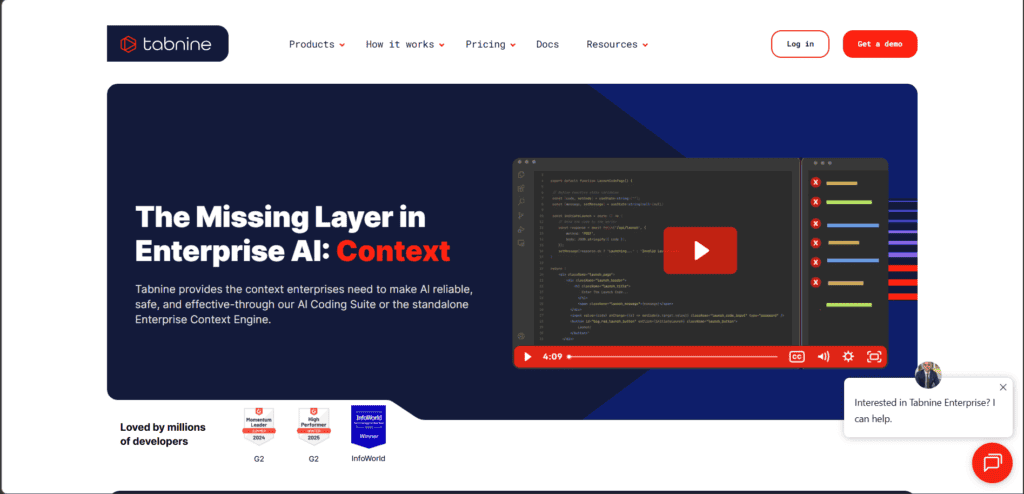
Tabnine is a code completion platform designed for teams that cannot send proprietary code to the cloud. It works inside your IDE, providing AI-powered completions, chat, and test generation, with deployment options that include SaaS, VPC, on-premises, or fully air-gapped setups. This makes it a fit for regulated industries like finance, healthcare, and government.
Tabnine builds a context engine from your codebase, so suggestions are grounded in your architecture, frameworks, and coding standards. You can connect multiple models, including Claude, GPT, Gemini, and open-source options, or use your own internally developed models.
- You can deploy Tabnine fully air-gapped with no code leaving your environment, meeting the strictest data residency requirements.
- You can set up customised validation rules that enforce your quality standards, flag licence conflicts, and block non-compliant code before it gets committed.
- You can use Image-to-Code to convert Figma mockups or diagrams into React components or SQL scripts that follow your existing patterns.
- You can integrate with VS Code, JetBrains, Eclipse, and Visual Studio, covering all major IDEs used across enterprise teams.
One thing to know about Tabnine: the free plan offers basic completions only, and the real power comes with the Dev or Enterprise plans. Some users report that autocomplete can be resource-intensive on large codebases. The model quality has also been criticised as lagging behind newer competitors like Cursor and Windsurf, especially for complex reasoning tasks.
The fastest free option
Windsurf
Pricing | Free / From $15/mo (Pro) |
Ease of Use | Easy |
Best For | Budget-conscious developers |
Learning Curve | Low |
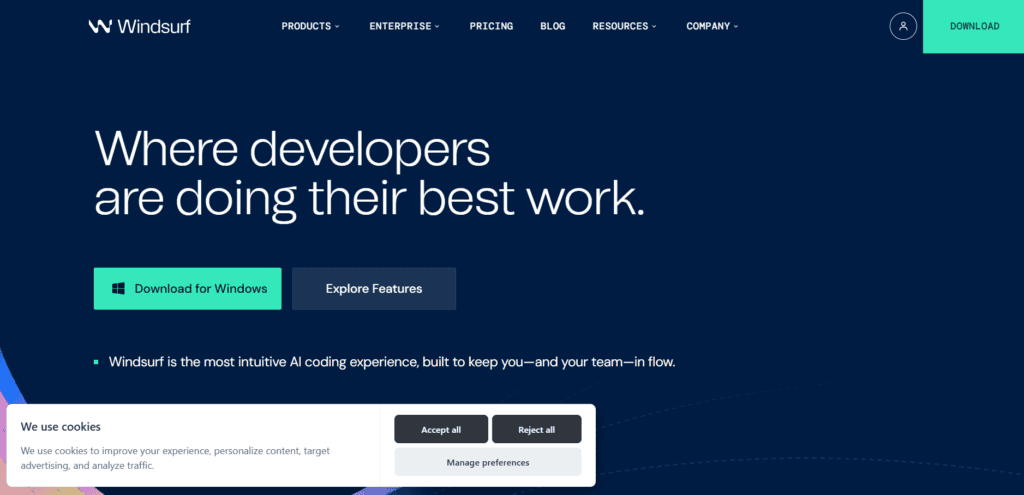
Windsurf is Codeium’s AI-first IDE, offering similar capabilities to Cursor at a lower price. It includes Cascade, an agentic AI assistant that can collaborate in real time, handle multi-file edits, and run tasks autonomously. The interface is built on the same foundation as VS Code, so migration is straightforward if you are already familiar with that workflow.
- You can use Cascade mode to break down complex tasks, assign them to agents, and apply coordinated changes across your codebase.
- You can see changes in live preview as they happen, with built-in linting, testing, and error detection running automatically.
- You can use parallel multi-agent sessions with Git worktrees to work on different branches or features simultaneously.
- You can use Plan Mode to brainstorm and outline tasks before any code is written, useful for scoping larger projects before committing.
- You can compare model outputs in Arena Mode to see which produces the best result for a specific task or codebase.
Do note that Windsurf’s free tier has been criticised for inconsistent availability. Some users report frequent Cascade errors, broken autocomplete, and unresponsive support when switching from paid to free plans. The tool is actively being developed, but reliability has been a recurring complaint compared to more established options like Cursor.
If you need terminal-based workflow
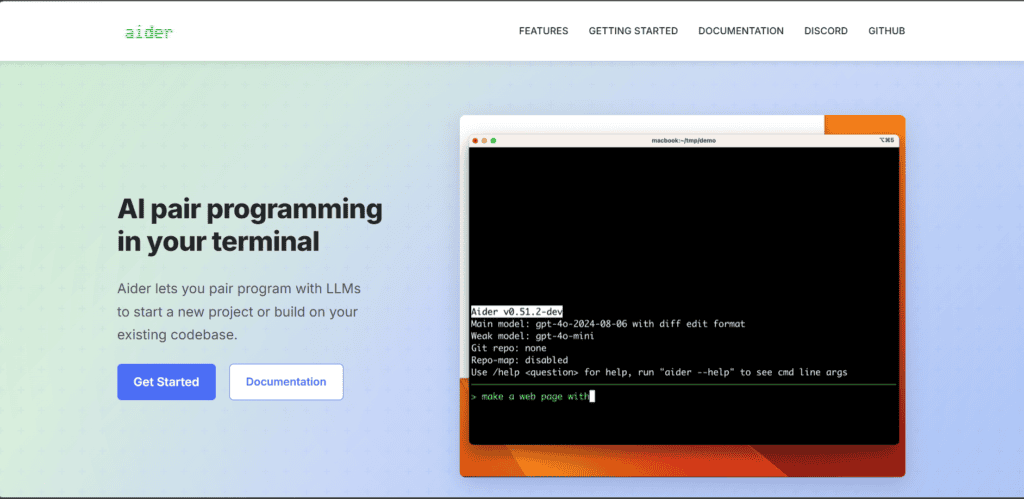
Aider
Pricing | Free / Pay per API usage |
Ease of Use | Moderate |
Best For | Terminal power users |
Learning Curve | Medium |
Aider is an open-source AI pair programmer that works entirely in your terminal. It connects to large language models like Claude, GPT, or DeepSeek and lets you edit code in your local Git repository through natural language commands. Aider automatically commits changes with descriptive messages, so your version history stays clean and easy to review.
The tool builds a repository map of your codebase, which helps it understand the structure and relationships across files. This makes Aider particularly effective in larger projects where context matters.
- You can ask Aider to add features, fix bugs, refactor code, or update documentation, and it handles the file edits directly in your repo.
- You can integrate Aider into your IDE so you can request changes by adding comments directly to your code.
- You can use voice input, automatic linting and testing after every change, and have Aider fix problems detected by your test suites.
- You can use Aider with over 100 programming languages, supporting both cloud-based LLMs and local models for full flexibility.
There is one limitation to flag here: Aider works best with LLM APIs, which means you are paying for token usage on top of the tool itself. Complex tasks can get expensive, especially with premium models. Some users report costs of around 70 cents per command for heavy refactoring work, which adds up quickly on large projects.
For zero-to-app prototyping
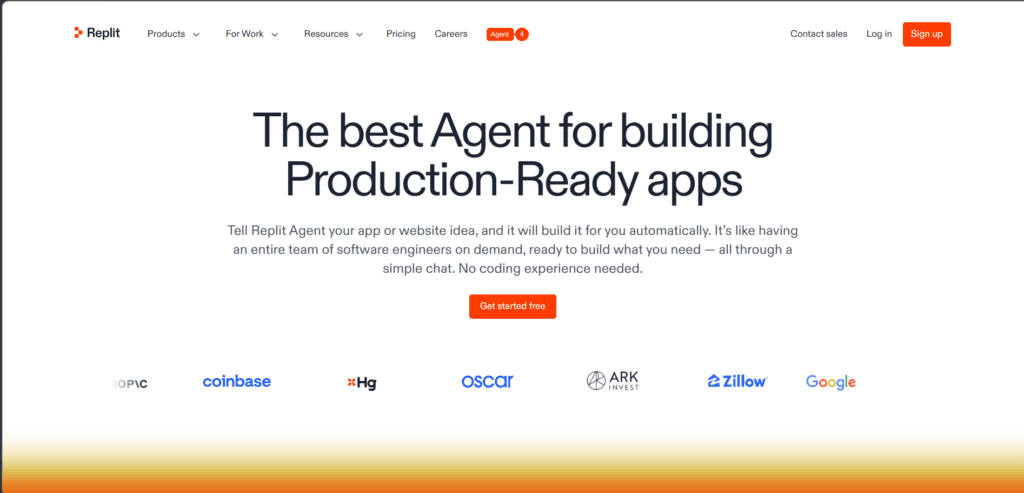
Replit Agent
Pricing | Free / From $25/mo (Core) |
Ease of Use | Easy |
Best For | Non-developers, founders, and prototype builders |
Learning Curve | Low |
Replit Agent is an AI app builder that takes you from idea to deployed application in minutes. You describe what you want in plain language, and the agent scaffolds the entire project including frontend, backend, database, authentication, and hosting. No local setup required — everything runs in the browser.
Agent 4, the latest version, supports parallel execution so multiple AI agents can work on different parts of your project simultaneously. Built-in authentication, database, file storage, and secrets management are configured automatically.
- You can build web apps, mobile apps, slide decks, and data dashboards all in the same workspace from a single plain-language prompt.
- You can use the visual design canvas to tweak UI elements directly, then apply those changes to your live app instantly.
- You can connect to external services like OpenAI, Stripe, and Google Workspace with no API key management needed.
- You can deploy your app with one click and share it publicly as soon as it is ready.
Okay, but there is one thing about Replit Agent worth noting: it is optimised for speed, not production-grade architecture. Apps built with Replit Agent often lack the optimisation and scalability features needed for high-traffic scenarios. You may also hit limitations when integrating custom database queries, caching, or load balancing. It is great for prototypes and MVPs, but if your project needs to scale, expect to rebuild or refactor significant portions.
To enforce code quality
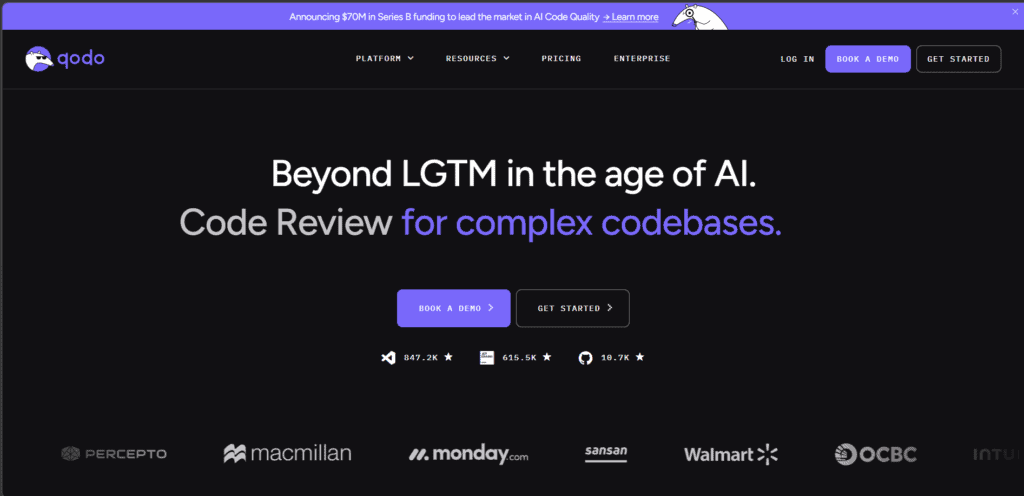
Qodo
Pricing | Free / From $30/mo (Teams) |
Ease of Use | Moderate |
Best For | Quality-focused development teams |
Learning Curve | Medium |
Qodo is an agentic code review platform built specifically for validating AI-generated code at scale. It runs across your IDE, pull requests, and CLI, providing a dedicated review layer that catches bugs, enforces organisational standards, and reduces PR backlog. Unlike tools that generate code, Qodo focuses on making sure the code you ship is correct and compliant.
The platform uses 15 specialised review agents that analyse diffs locally, detect logic errors, flag security risks, and identify breaking changes that span multiple repos. Qodo’s context engine indexes your entire codebase including dependencies and pull request history, so it understands patterns and constraints that generic models miss.
- You can define custom validation rules that enforce your quality, security, and compliance standards automatically across every PR.
- You can get agent-generated fix prompts for every issue found, so developers can copy the resolution directly into their coding assistant.
- You can integrate Qodo with GitHub, GitLab, Jira, and run it in CI pipelines for automated review on every commit.
- You can catch breaking changes that span multiple repos, which is a common blind spot for standard code review processes.
Note that Qodo is purpose-built for code review and does not generate code or provide autocomplete. It is a quality layer, not a coding copilot. If you are looking for a tool that writes code for you, Qodo is not that tool. It is designed to validate and improve code that has already been written, whether by humans or AI.
Best for AWS workflows
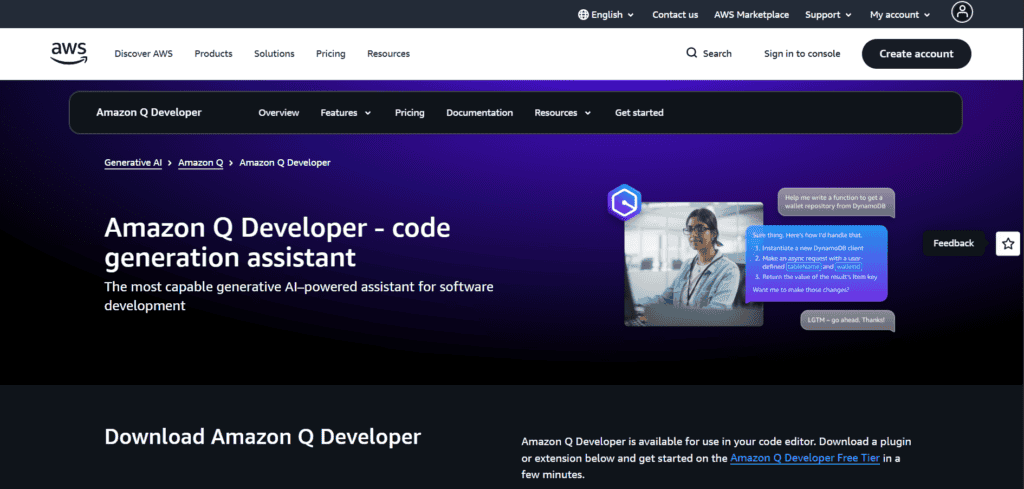
Amazon Q Developer
Pricing | Free tier / From $19/mo (Pro) |
Ease of Use | Moderate |
Best For | AWS-focused developers and teams |
Learning Curve | Medium |
Amazon Q Developer is an AI coding assistant specialised for AWS environments. It helps with infrastructure as code, troubleshooting deployments, and writing code for AWS services like Lambda, CloudFormation, and S3. If your stack is heavily AWS-based, Q Developer provides context that general-purpose assistants consistently miss.
- You can generate boilerplate for AWS service configurations, CloudFormation templates, and Lambda functions that follow AWS best practices.
- You can debug deployments with assistance tracing errors through CloudWatch logs and other AWS monitoring tools.
- You can scaffold new AWS services, refactor existing ones, and get suggestions based on your existing infrastructure setup.
- You can get guidance on service limits, pricing models, and common AWS configuration pitfalls specific to your architecture.
Worth knowing before you commit: Amazon Q Developer is optimised for AWS workflows. If your stack is primarily Google Cloud, Azure, or multi-cloud, the tool’s value drops significantly. It also lacks the general-purpose coding capabilities of tools like Cursor or Claude Code, so it works best as a secondary assistant for AWS-specific tasks rather than a primary coding tool.
For model flexibility
Cline
Pricing | Free / Pay per API usage |
Ease of Use | Moderate |
Best For | Developers experimenting with multiple LLM providers |
Learning Curve | Medium |
Cline is a VS Code extension that operates as an autonomous coding agent inside your editor. It breaks large tasks into smaller executable steps, reads documentation and existing code before making changes, and applies coordinated edits across multiple files. What sets Cline apart is model flexibility — you can use any LLM provider, including local models, making it a good fit for developers who want to experiment or avoid vendor lock-in.
- You can use Claude, GPT, Gemini, local open-source models, or custom endpoints, switching between providers based on cost or task requirements.
- You can give Cline a structured task and it will plan the approach, execute the work across files, and verify the results autonomously.
- You can use Cline for file creation, editing, terminal commands, and browser automation all through a conversational interface in VS Code.
- You can connect external tools and data sources via MCP support, extending Cline’s reach beyond the codebase itself.
Do note that Cline is a community-driven project, which means development pace and support are less predictable than commercial tools. The tool requires some setup to configure API keys and model endpoints, especially if you are using local models. If you prefer a plug-and-play experience with minimal configuration, Cursor or Windsurf may be a better fit.

The open-source pick
Continue
Pricing | Free (open-source) |
Ease of Use | Moderate |
Best For | Privacy-focused developers and self-hosters |
Learning Curve | Medium |
Continue is an open-source AI coding assistant that works inside VS Code and JetBrains IDEs. It supports autocomplete, chat, and code generation, with the key difference being full control over which models you use and where your data goes. You can connect to any LLM provider, run models locally, or use your own self-hosted endpoints — no proprietary code needs to leave your environment.
- You can connect to Claude, GPT, Gemini, Llama, DeepSeek, and other open-source models, or configure different models for different tasks.
- You can use Continue for inline autocomplete, chat-based code generation, and codebase-aware Q&A without sending data to third parties.
- You can rely on automatic context retrieval so the AI pulls relevant files and documentation without you needing to specify them manually.
- You can define custom prompt templates to control exactly how the AI responds to specific types of requests in your workflow.
There is one limitation to flag here: Continue is open-source, which means it does not have the polish or integrated features of commercial tools like Cursor. Setup requires more configuration, especially if you are using local models or custom endpoints. Support is community-driven through GitHub discussions rather than a dedicated support team, so resolution times for issues can be unpredictable.
