[Reader Disclosure]Our content is reader-supported. This means we may earn a commission if you click on some of our links.
Payroll management is no longer just about calculating salaries and issuing payslips. It includes compliance tracking, tax automation, employee self-service portals, and whatnot.
As regulations evolve and workforces become more global and remote, businesses need a structured payroll process, the right tools, and clear best practices to avoid costly mistakes.
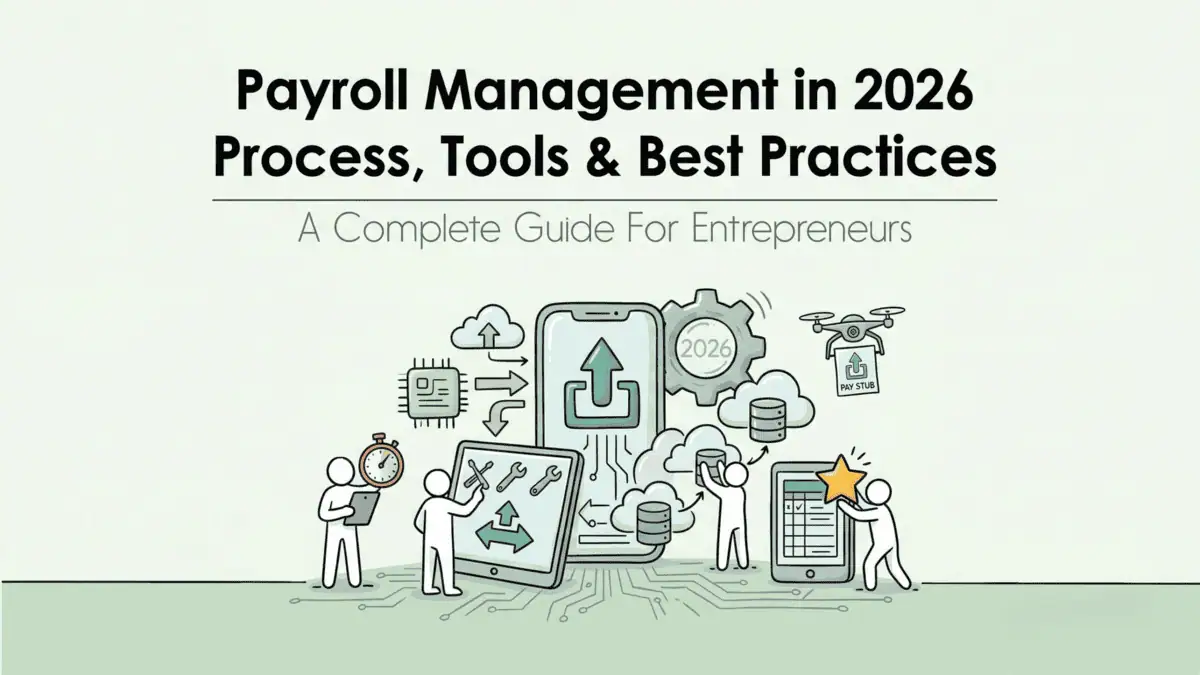
This guide breaks down payroll management in 2026, including the setup process, recommended tools, and proven best practices to help you run payroll efficiently and stay compliant.
Payroll management is how a business pays its employees accurately and on time, every pay period. That sounds simple, but it covers more than most people expect.
It includes calculating gross and net pay, withholding the right taxes, handling benefits deductions, paying contractors, filing with the IRS and state agencies, and keeping records in case anything is ever questioned.
When any part of that breaks down, it costs money. The National Federation of Independent Business found that small businesses pay an average of $845 per year in IRS penalties from payroll mistakes alone.
It’s one of those business functions where getting it right goes unnoticed, but getting it wrong has real consequences.
Why Is Payroll Management Important?
Payroll is not just an administrative task. It touches nearly every part of your business.
It keeps you legally compliant: Payroll involves federal, state, and local tax obligations. Miss a deadline or miscalculate a withholding and you are looking at IRS penalties, state fines, or in serious cases, audits.
It affects how employees feel about working for you: People depend on their paycheck. A late or incorrect payment creates immediate stress and erodes trust fast.
It protects you during audits: Clean payroll records are your first line of defence if the IRS or Department of Labour ever comes knocking. Having a reliable pay stubs template ensures your records stay consistent and complete. Disorganised or incomplete records make a routine audit much harder than it needs to be.
It helps you understand your actual labour costs: Payroll data shows you exactly what you are spending on people, including base pay, overtime, benefits, and employer-side taxes.
Payroll Management Methods
Before setting up a system, you need to choose how you want to manage payroll. There are three main approaches, each with different trade-offs depending on your team size, budget, and internal capacity.
Manual Payroll
Manual payroll means handling calculations yourself using spreadsheets or paper records. No software, no automation.
This works for very small operations like a sole proprietor with one or two employees. But it does not scale. The American Payroll Association estimates that manual payroll for a 10-person team takes around 5 hours per pay period. More time also means more room for error, and manual processes give you zero automatic updates when tax laws change.
Outsourced Payroll
Outsourcing means hiring a third-party provider, such as a Professional Employer Organisation (PEO) or a payroll bureau, to handle everything for you.
Pros:
Compliance responsibility is largely transferred to the provider
Built-in expertise on tax law and filings
Frees up internal HR time
Cons:
Higher cost than software-only solutions
Less direct control over your data
Data security depends on your provider’s standards
Outsourcing works best for businesses without dedicated HR or finance staff who need compliance handled without building internal capacity.
Payroll Software
Cloud-based payroll software automates calculations, tax withholdings, filings, and compliance updates. This is now the dominant method for small and mid-size businesses.
In 2026, the gap between manual and software-assisted payroll has widened significantly. Most mid-tier platforms now include AI features that were enterprise-only two years ago, including anomaly detection, automatic tax table updates, and predictive labour cost reporting. More on that in the AI section below.
How to Set Up a Payroll Management System
Whether you are starting fresh or rebuilding a process that has gotten messy, the setup follows the same core steps.
1. Register as an employer with your tax authority: Every country requires businesses to register before running payroll. The process and the authority you register with will vary depending on where you operate, so check with your local tax office before your first pay run.
2. Classify your workers correctly: Determine who is a salaried or hourly employee and who is an independent contractor. Getting this wrong is expensive regardless of where you operate. Misclassification can trigger back taxes, penalties, and in some countries retroactive benefits obligations.
3. Collect employee information: Before the first pay run, you need completed tax forms, employment eligibility documentation, and bank transfer details. The specific forms vary by country, so make sure you are using the correct ones for each location you hire in.
Also decide on pay frequency. This varies by country and industry. Weekly and biweekly schedules are common in North America while monthly pay is more standard across much of Europe.
4. Set up deductions and withholdings: Configure all deductions before the first pay run. While the specifics differ by country, most payroll systems will include:
Income tax withheld at source
Social security or national insurance contributions
Pension or retirement contributions
Health insurance premiums where applicable
Any voluntary deductions the employee has elected
5. Set up documentation and recordkeeping: Most countries require payroll records to be kept for several years, though the exact timeframe varies. Every pay period, each employee should receive a pay stub documenting their gross pay, deductions, and net pay. This is a legal requirement in most jurisdictions and is your primary paper trail for compliance and disputes.
6. Run payroll and file: Once everything above is in place, the pay run follows this sequence:
Calculate gross pay including overtime, bonuses, and commissions
Apply all deductions and withholdings
Distribute wages via direct deposit or bank transfer
File payroll taxes with the relevant authority on time
Issue annual income statements to all employees at year end
Filing frequencies and deadlines differ by country, so build a payroll calendar that accounts for every jurisdiction you operate in.
AI in Payroll Management
AI in payroll is no longer a future trend. As of 2026, the major payroll platforms all include AI-assisted features in some form. The question is not whether to use them but whether you are using them well.
McKinsey’s research on workplace automation estimates that more than half of payroll processing tasks can be automated with current AI technology. ADP’s Research Institute has found that businesses using fully automated payroll spend significantly less time on processing compared to manual or semi-manual methods.
What AI Does in Payroll Today
1. Anomaly detection – AI scans payroll data before a run and flags irregularities like duplicate payments, outlier hours, or tax rate mismatches. It catches the kind of errors that are easy to miss when you are reviewing hundreds of lines manually.
2. Automatic tax table updates – When federal or state tax laws change, AI-powered platforms update their tax tables automatically. This matters a lot given recent federal tax structure changes. You should not have to manually update a withholding table.
3. Predictive labour cost reporting – Some platforms now forecast upcoming payroll costs based on scheduled hours, planned headcount changes, and benefits enrollment data. This helps finance teams plan ahead instead of reacting.
4. Natural language reporting – Tools like Rippling and Workday let HR managers ask payroll questions in plain English. Instead of pulling a custom report, you can ask “What was our overtime spend in Q1 versus Q4?” and get an instant answer.
What AI Still Cannot Replace
AI handles the mechanical layer of payroll well. It does not handle judgment calls.
Worker classification edge cases still require human review and sometimes legal counsel
Compensation strategy and pay equity decisions are not something you should automate
Final payroll approval should always sit with a human who owns accountability
When a new law is ambiguous, AI can flag the issue but a person or attorney has to interpret it
Payroll Management Software to Use
Choosing payroll software isn’t just about brand recognition; it’s about pricing structure, automation depth, and whether the tool fits your team size and operational complexity.
Here’s a side-by-side comparison of widely used payroll platforms based on publicly available pricing and feature capabilities to help you consider what actually matters.
Tool
Best For
Starting Price
AI Features
Gusto
SMBs, 1–100 employees
~$46/mo + $6/employee
Basic
ADP Run
Growing SMBs
Custom
Advanced
Rippling
Tech-forward teams
~$8/employee/mo
Strong
Paychex Flex
Mid-market
Custom
Moderate
Deel
Global or contractor-heavy teams
~$19/contractor/mo
Moderate
QuickBooks Payroll
Existing QuickBooks users
~$45/mo + $6/employee
Basic
Verify current pricing on each vendor’s site before making a decision. Payroll software pricing changes frequently.
Beyond price, ask these four questions before committing to any platform:
Does it automatically update tax tables when federal or state law changes?
What are your data export rights if you want to switch vendors later?
Does it integrate with your existing accounting and HR tools?
Is AI anomaly detection included in the base plan or is it a paid add-on?
The base subscription price is rarely the full cost. Factor in implementation, onboarding, and any migration fees if you are switching from another system.
Best Practices For Payroll Management
Knowing the process is one thing. Running it consistently without errors or compliance gaps is another.
These six practices keep payroll clean throughout the year.
1. Verify compliance rules before each tax year begins: Tax thresholds, contribution rates, and minimum wages change regularly in most countries. Confirm your software has updated its rules before your first pay run of the year.
2. Build a payroll calendar for every country you operate in: Filing deadlines, payment dates, and annual reporting requirements differ everywhere. A shared calendar that maps out every key date across your operating locations is one of the simplest ways to avoid missed deadlines.
3. Audit payroll more than once a year: Most businesses only check payroll at year-end. By then, errors have compounded. Quarterly audits for teams over 50 and semi-annual for smaller teams catch misclassifications and deduction errors before they become expensive.
4. Separate who processes payroll from who approves it: No single person should both process and approve payroll. According to reports, the median loss per payroll fraud incident is $50,000.
5. Keep pay documentation consistent and complete: Pay stub requirements vary by country and sometimes by region within a country. A standardised template applied every pay period protects you during audits and gives employees the documentation they need for taxes, rental applications, and loan approvals.
6. Take data privacy seriously: Payroll systems store highly sensitive employee data including bank details, tax records, and personal identification. Data privacy laws govern how this information must be stored and accessed, and these laws vary by country. Role-based access and multi-factor authentication are not optional anymore.
7. Get local expertise when expanding into new countries: Every new market brings new payroll rules. If you are entering a country for the first time, work with a provider that has in-country compliance knowledge or consider an Employer of Record model until you are established.
A startup consultant, digital marketer, traveller, and philomath. Aashish has worked with over 20 startups and successfully helped them ideate, raise money, and succeed. When not working, he can be found hiking, camping, and stargazing.
Each week I share research backed AI oriented content in my newsletter.
There are AI ideas, AI trends, tutorials, and guides.
24k entrepreneurs read it. I'd love you to join.