
Free AI Browser Extensions by Feedough
Use Feedough’s free AI browser extensions to improve your prompts, track AI searches, and get more out of tools like ChatGPT, Claude, and Gemini.
Browse the extensions below, see what each one does, and install directly from the Chrome Web Store or Firefox Add-ons.
All AI Extensions:
01Prompt optimizer
AI Prompt Generator & Optimizer
A free AI browser extension that rewrites your prompt inside ChatGPT, Claude, Gemini, DeepSeek and more, before you send it. Use this to get better outputs from AI tools.
- Type or paste your prompt
- Pick a framework
- Click Optimize
- 11 prompt frameworks
- Saved prompts with
//shortcuts - Usage stats in the popup
Free. Feedough does not collect or sell your personal data. Prefer not to install? Use the AI Prompt Generator on the web.
02AI search trackingNew
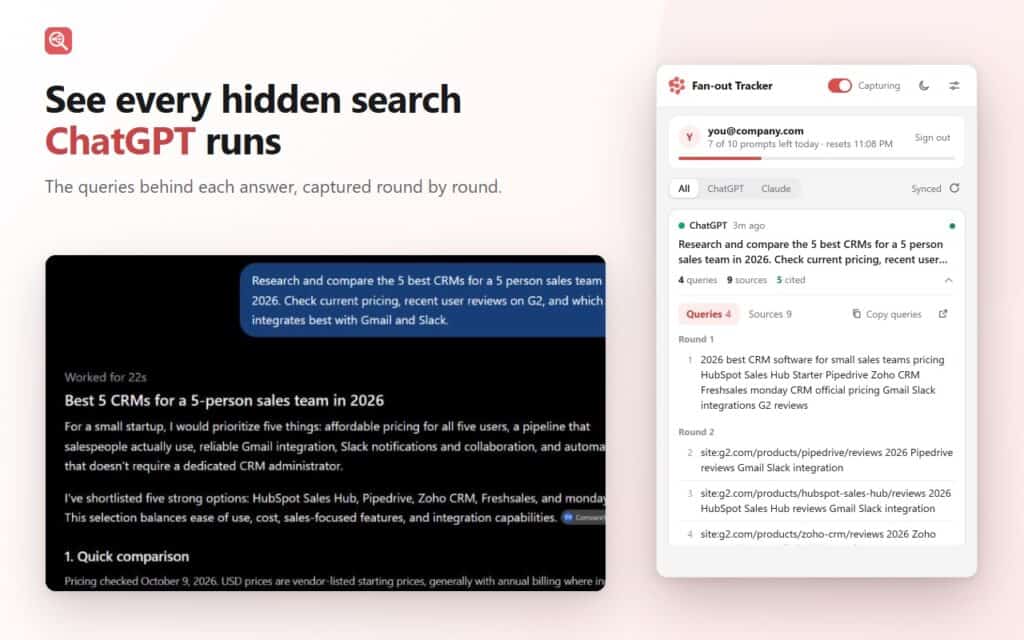
Query Fan-out Tracker
See what ChatGPT and Claude search on the web before giving you an answer. This free AI browser extension tracks the search queries they run, the websites they visit, and the sources they cite.
- Ask ChatGPT or Claude a question
- It captures every search
- Review queries and sources
- Queries grouped by round
- Cited sources marked
- Prompt history
- Firefox for Android
Free for 5 prompts without an account, then 10 a day with a free account. Runs only on chatgpt.com and claude.ai. Not affiliated with OpenAI or Anthropic.
How to Install Chrome and Firefox Extensions
Every Feedough extension installs the same way in Chrome and Firefox, in three steps. You can remove an extension any time from your browser’s extensions page.
Click Add to Chrome or Add to Firefox
Use the Add to Chrome or Add to Firefox button on any extension above. The official store page opens.
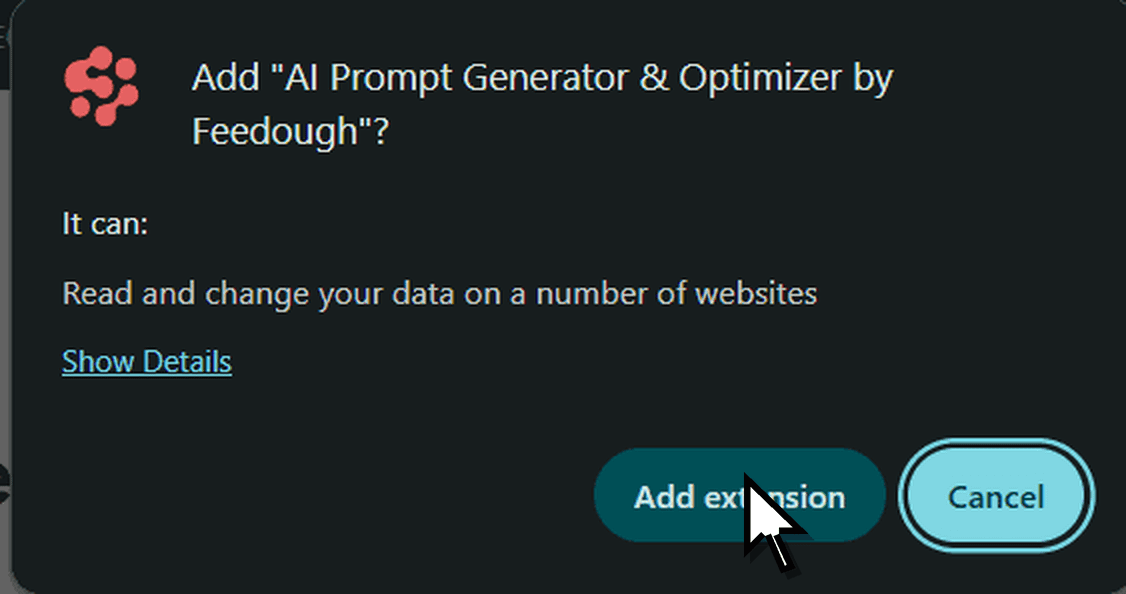
Confirm the install
Click Add extension in Chrome, or Add in Firefox. If Chrome shows Proceed with caution first, click Continue to install.
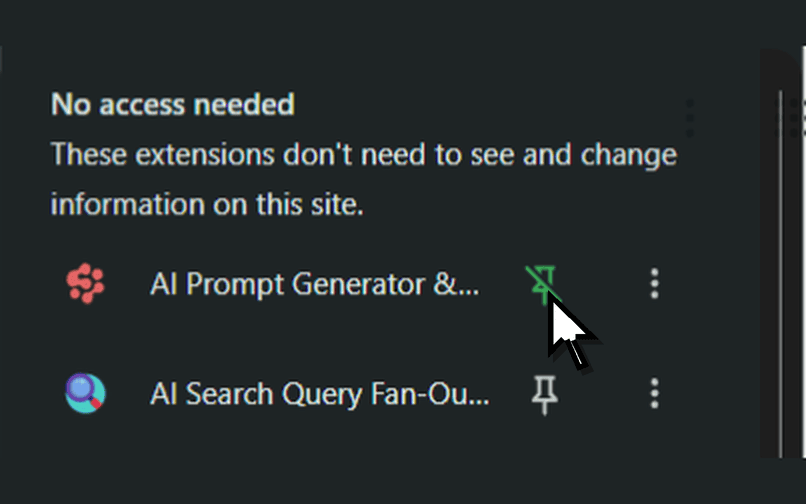
Pin it to your toolbar
Open the extensions menu (the puzzle icon) and pin the extension so it is one click away.
Frequently Asked Questions
AI browser extensions are add-ons that bring extra features to your browser. Feedough’s AI browser extensions help you improve prompts, track AI searches, and use tools like ChatGPT and Claude more effectively.
Yes. All Feedough AI extensions are free to install and use. Some have daily usage limits. You can check the limits for each extension before installing it.
Feedough’s AI extensions are available for Google Chrome and Mozilla Firefox. You can install them directly from the Chrome Web Store or Firefox Add-ons.
It depends on the extension. The AI Prompt Generator & Optimizer works with ChatGPT, Claude, Gemini, DeepSeek, and Kimi. The Query Fan-out Tracker works with ChatGPT and Claude.
No. You can start using both extensions without creating an account. Some features or higher usage limits may require a free account.
Feedough’s extensions are published by Ideanab Private Ltd on the official Chrome Web Store and Firefox Add-ons. You can review the permissions and privacy practices on each store listing before installing. Feedough does not sell your personal data.
Click the Add to Chrome or Add to Firefox button for the extension you want. Follow the instructions on the official store page to complete the installation.
In Chrome, open the Extensions menu, click the three dots next to the extension, and select Remove from Chrome. In Firefox, open Add-ons and themes, find the extension, and click Remove.
Prefer Not to Install? Try Free AI Prompt Tools
Use Feedough’s free AI prompt generator, prompt optimiser and prompting course in any browser tab, with nothing to install.
