
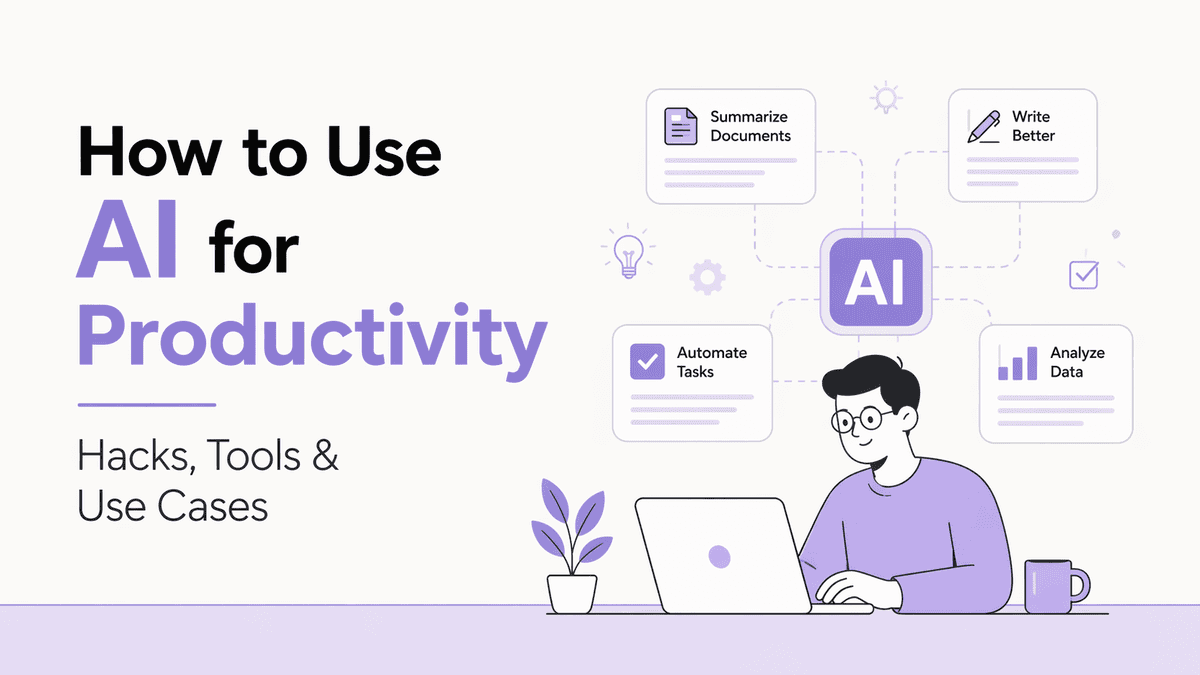
A few years back, using AI at work meant experimenting with a chatbot for fun. Maybe you’d ask it to write a silly poem or summarise a long article. But now things look very different. According to a survey from early 2026, half of all employed Americans now use AI in their jobs at least a few times a year, with 28% using it weekly or more. That’s a massive shift from just two years prior.
What’s driving this change? Simple. People realised that AI isn’t just a fancy toy. It’s a genuine productivity booster. Generative AI users save an average of 5.4% of their work hours, which translates to roughly 2.2 hours per week. That’s basically one full workday reclaimed every month.
But here’s the thing. Just having access to AI tools doesn’t automatically make you more productive. It’s about knowing how to use them the right way.
This guide will walk you through what AI for productivity actually means, the benefits, real use cases, practical hacks, the best tools out there, and the limitations you should be aware of.
What Does Using AI for Productivity Actually Mean?
AI for productivity simply means using artificial intelligence tools to help you get more done in less time, with better quality, and without burning yourself out.
For example, need to draft 15 email responses? AI can batch-draft them in seconds. Stuck on how to structure a presentation? AI can generate an outline based on your key points. Got a 40-page report to go through before a meeting? AI can summarise the key takeaways in under a minute. These are all real, everyday tasks that AI can handle or speed up significantly.
The key idea here is augmentation, not replacement.
The best results come when you use AI to handle the repetitive, time-consuming parts of your work so you can focus on the stuff that actually requires your brain, like strategy, creativity, and decision-making.
Benefits of Using AI for Productivity
The advantages of bringing AI into your workflow go beyond just saving a few minutes here and there. Here are the most impactful ones:
- Significant time savings: As mentioned, the average AI user saves about 2.2 hours per week. Frequent users report saving even more, with 27% of daily AI users clawing back over 9 hours per week. That’s time you can redirect toward high-value work, or honestly, just towards a better work-life balance.
- Improved output quality: AI helps catch errors, improve clarity, and refine your work. Whether it’s a Grammarly suggestion that tightens your writing or a data analysis tool that spots patterns you missed, the quality of your output goes up when you have an intelligent second pair of eyes.
- Reduced mental fatigue: Context switching, like jumping between emails, documents, research tabs, and spreadsheets, is a huge productivity killer. AI tools that consolidate information and automate transitions between tasks help you stay focused and reduce that “brain drain” feeling by the afternoon.
- Ability to tackle new tasks: 75% of enterprise AI users say they can now complete tasks they previously couldn’t do at all. That’s a game-changer, especially for small teams or solopreneurs who need to wear multiple hats.
- Cost efficiency: Hiring a full-time specialist for every function (writing, design, data analysis, scheduling) is expensive. AI tools let you access specialised capabilities at a fraction of the cost, making them especially valuable for startups and small businesses.
- Scalability: When your workload doubles, you don’t necessarily need to double your team. AI can absorb a lot of that extra volume, whether it’s handling more customer queries, generating more content, or processing more data.
Top Use Cases of Using AI Tools for Productivity
AI for productivity isn’t limited to one type of work. Here are some of the most common and high-impact use cases people are already benefiting from:
Content Creation and Writing
This is probably the most popular use case right now. Writers, marketers, and business owners are using AI to draft blog posts, social media captions, ad copy, email campaigns, and more. You can generate a rough draft in minutes and then spend your time refining it rather than staring at a blank page. Tools like ChatGPT, Claude, and Jasper are widely used for this purpose.
Meeting Notes and Summarisation
Meetings eat up a massive chunk of the workweek. AI meeting assistants like Fireflies and Otter can automatically transcribe conversations, identify key action items, and even generate follow-up emails. Some teams report reclaiming 2 to 3 hours per week just from automating meeting notes.
Email Management
Instead of drafting every email from scratch, AI can help batch-draft responses, categorise your inbox by priority, and even suggest replies. Tools like Superhuman and Shortwave use AI to make email triage significantly faster.
Research and Information Gathering
Need to quickly understand a new topic, compare competitors, or summarise a report? AI research tools like Perplexity pull information from multiple sources and present cited answers in seconds. This saves hours of manual Googling and tab-hopping.
Data Analysis
You don’t need to be a data scientist to analyse data anymore. AI tools can clean datasets, spot trends, create visualisations, and even generate plain-language summaries of complex data. This is especially useful for marketing teams, finance professionals, and small business owners who don’t have dedicated analytics staff.
Scheduling and Calendar Management
AI calendar tools like Motion and Reclaim go beyond simple booking. They analyse your schedule, protect focus time, reschedule flexible meetings automatically, and turn your to-do list into time-blocked calendar entries.
Coding and Development
Developers are seeing some of the biggest productivity gains from AI. Research shows that programmers using AI coding assistants produce up to 126% more output per week. Tools like GitHub Copilot and Claude Code help with everything from writing boilerplate code to debugging and documentation.
How to Use AI for Productivity
Knowing about AI tools is one thing. Actually using them effectively is another. Here are some practical approaches to get the most out of AI in your daily workflow.
1. Start with Your Biggest Time Wasters
Before jumping into any tool, take a step back and figure out where your time actually goes. Track your tasks for a week. Are you spending hours on emails? Drowning in meeting notes? Manually compiling reports? Once you identify your top time sinks, you’ll know exactly where AI can make the biggest difference. The goal is to solve a specific problem, not to adopt tools for the sake of it.
2. Use AI as a First-Draft Creator
One of the most effective productivity hacks is to let AI create the first draft of anything, be it emails, reports, presentations, or social media posts. Here’s a simple workflow:
- Give the AI your key points and context.
- Let it generate a rough draft.
- Spend your time editing and adding your personal touch.
This approach cuts the time spent on creative work by roughly half while keeping the final output authentically yours. Think of AI as a sparring partner rather than a ghostwriter.
3. Batch Similar Tasks Together
Context switching kills productivity. Instead of using AI for one email here and one social post there, batch similar tasks together. For example, set aside 30 minutes to draft all your email responses for the day using AI. Then switch to another batch, like generating social media captions for the week. This way, you maintain focus and let AI handle the heavy lifting within each batch.
4. Automate Repetitive Workflows
This is where AI goes from “nice to have” to genuinely transformative. Using automation platforms, you can create workflows where one action triggers a chain of automated steps. For example:
- A new lead fills out a form → AI adds them to your CRM, sends a personalised welcome email, and notifies your sales team.
- A meeting ends → AI generates a summary, creates action items, and posts them to your project management tool.
- A new blog post is published → AI generates social media captions and schedules them across platforms.
Tools like Zapier, Make, and n8n are built specifically for this kind of cross-app automation.
5. Build a “Second Brain” with AI
The volume of information we deal with daily is overwhelming. AI-powered note-taking and knowledge management tools like Notion AI can act as your second brain. Dump all your notes, meeting summaries, documents, and ideas into one place, and let AI handle the organisation and retrieval. When you need to recall a specific decision from three months ago, you don’t have to dig through folders. You just ask.
6. Always Review AI’s Output
This one’s important. No matter how good AI gets, it’s not perfect. It can hallucinate facts, miss context, or produce generic-sounding content. Always review, fact-check, and refine what AI gives you. The best productivity results come from a human-in-the-loop approach, where AI handles the grunt work and you add the judgment, nuance, and quality control.
Best AI Tools for Productivity
There’s no shortage of AI tools out there, and new ones pop up every week. But not all of them are worth your time (or money).
Here’s a curated list of tools that are actually delivering results for people, organised by category:
Tool | Category | Best For |
|---|---|---|
ChatGPT | General AI Assistant | Writing, brainstorming, research, coding, and all-purpose tasks |
Claude | General AI Assistant | Long document analysis, complex writing, and detailed reasoning |
Perplexity | Research | Quick, cited answers from multiple sources without tab-hopping |
Grammarly | Writing Assistant | Grammar, tone, and clarity improvements across all your writing |
Jasper | Marketing Content | High-volume marketing copy with brand voice consistency |
Notion AI | Knowledge Management | Organising notes, docs, and projects with AI-powered search |
Motion | Scheduling & Task Management | AI-driven calendar management and automatic task prioritisation |
Fireflies | Meeting Assistant | Auto-transcription, summaries, and action item extraction |
Zapier | Automation | Connecting apps and automating multi-step workflows |
Canva (Magic Studio) | Design | Quick graphic design, presentations, and visual content creation |
GitHub Copilot | Coding | Code suggestions, autocompletion, and debugging for developers |
Superhuman | Email | AI-powered email triage, drafting, and inbox management |
A quick tip: don’t try to use all of these at once. Pick two or three that address your biggest pain points, master them, and then expand from there. The most effective AI productivity stack is usually just three to four well-chosen tools, not a dozen half-used ones.
Challenges & Limitations of AI for Productivity
AI is powerful, but it’s far from perfect. Before you go all in, it’s worth understanding where the limitations lie so you can plan around them.
- Accuracy issues: AI can generate confident-sounding answers that are completely wrong. This is known as “hallucination,” and it’s still a common problem. Always fact-check important outputs, especially when it comes to data, statistics, or claims you plan to share publicly.
- Generic output: If you rely on AI for everything without adding your own perspective, your work can start to sound the same as everyone else’s. This “sea of beige” problem is real, and it’s why the human touch in editing and refining matters so much.
- Privacy and data security: When you feed sensitive information into AI tools, you need to be mindful of where that data goes. Not all tools handle data with the same level of security. Check the privacy policies, especially if you’re working with client data or proprietary business information.
- Over-reliance risk: There’s a fine line between using AI as a tool and becoming dependent on it. If AI goes down or gives you a bad output and you can’t course-correct on your own, that’s a problem. Make sure you’re building skills alongside your AI usage, not replacing them.
- Training gap: A ManpowerGroup report from 2026 found that 56% of workers globally have received no recent AI training. This means most people are figuring things out on their own, often inefficiently. If you’re a team leader, investing in proper AI training for your team will give you significantly better results.
- Integration headaches: According to industry reports, 78% of enterprises struggle to integrate AI with their current tech stacks. Getting AI tools to play nicely with your existing systems can take time and effort, particularly for larger organisations.
- Cost creep: While individual AI tools are affordable, subscriptions add up. If you’re paying for five or six different tools, audit regularly. Cancel what you’re not using and consolidate where possible.