
You’re trying to create great content every single day. But there’s a problem – you only have so many hours, and writer’s block hits hard. About 70% of content writers struggle with idea generation, calling it their biggest hurdle.
That’s where AI writing tools come in. They’re not here to replace you; they’re here to help you work smarter. The thing is, AI writing tool usage grew by 50% from 2023 to 2024, and now over 70% of businesses use them. But with so many options out there, how do you pick the right one?
You’re looking at this article because you want to cut through the noise. You need tools that actually help, not just add more complexity. We’ve tested and researched the current landscape to bring you this updated list of the 10 best AI content writing tools.
Rundown
- All-In-One Content Writing Platform: Jasper, “A generative AI content platform offering 50+ expert-led templates to create 100% unique, plagiarism-free content in 25+ languages, 10X faster with real-time team collaboration.”
- For Budget-Friendly AI Content Generation: Rytr, “A cost-effective AI writing assistant with 40+ content templates, 30+ languages, and built-in plagiarism detection, SEO optimisation, and editing tools for freelancers and small teams.”
- For Long-Form Content & SEO: Writesonic, “An AI content platform offering superior long-form content generation with integrated SEO optimisation, supporting blogs, product descriptions, and e-commerce templates at better pricing than competitors.”
- For Advanced SEO Content Optimisation: Surfer SEO, “Combines AI-powered content generation with real-time SERP analysis and content scoring, providing actionable optimisation recommendations based on top-ranking pages and content gaps.”
- For Content Planning & Strategy: Scalenut, “An AI-powered content planning tool generating comprehensive topic ideas, targeted keywords, and multi-keyword reports to establish topical authority and drive organic traffic with an integrated content suite.”
- To Write SEO-Focused Content: Frase.io, “An AI-powered content generator helping you write SEO-focused content from scratch with comprehensive keyword research, competitor analysis, and automatic optimisation for top Google rankings.”
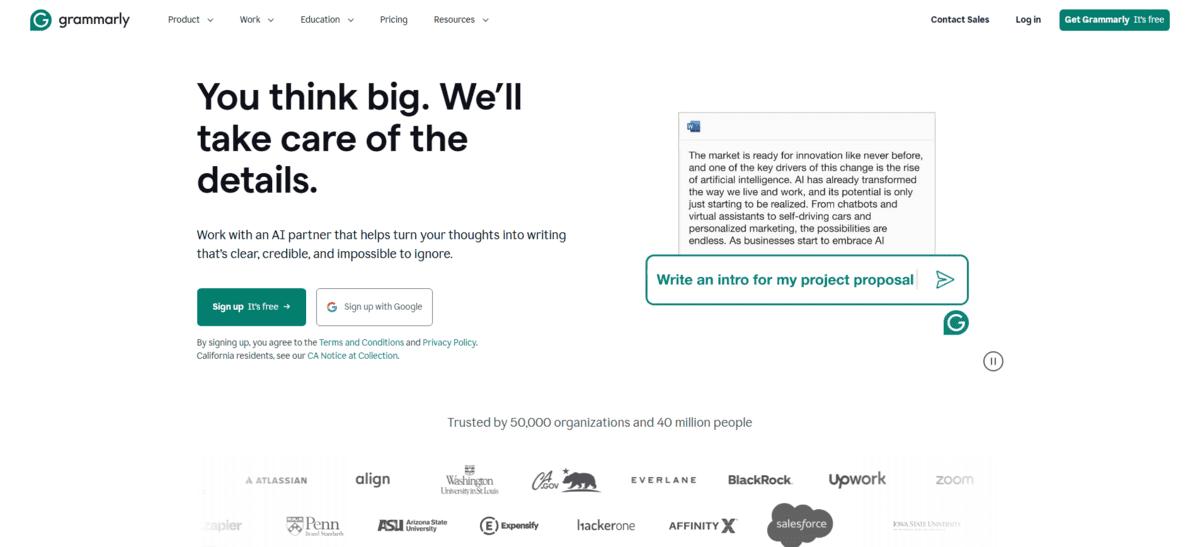
- For Editing and Proofreading: Grammarly, “Provides comprehensive, real-time feedback on spelling, grammar, punctuation, clarity, and writing style with plagiarism detection across web, desktop, and mobile applications.”
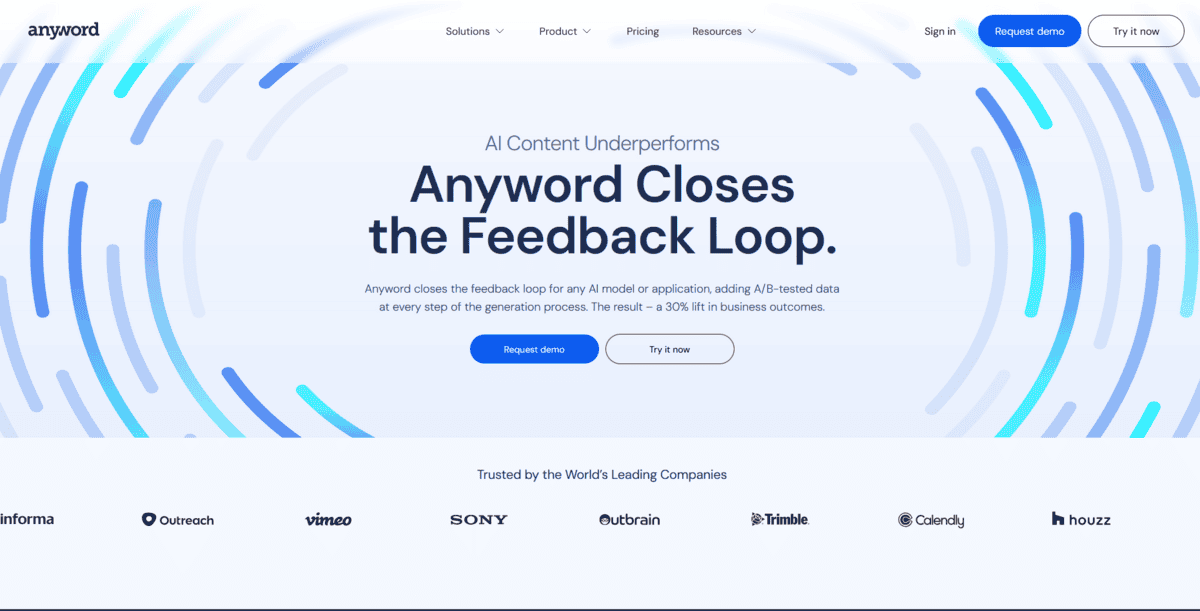
- For Performance Marketing & Social Content: Anyword, “An AI copywriting tool specialised for creating high-performing social media ads and marketing copy with predictive performance scoring and platform-specific optimisation for ads, email, and social.”
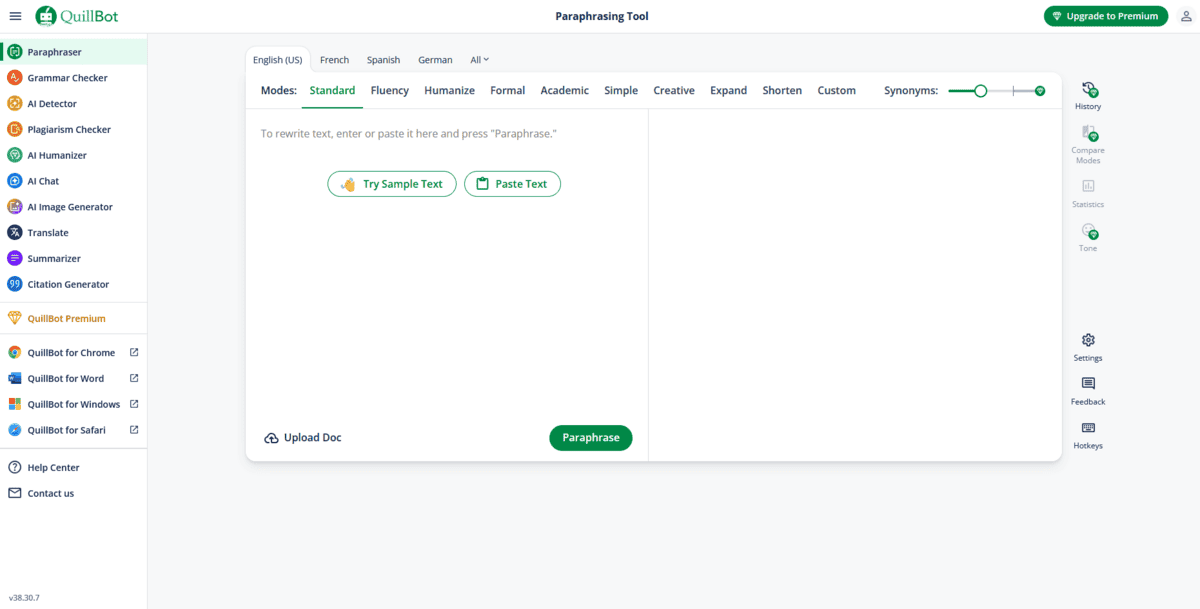
- For Paraphrasing and Summarising: QuillBot, “An AI-powered writing tool offering advanced paraphrasing in multiple modes, plagiarism detection, summarisation, grammar checking, and citation generation with browser and Word extensions.”
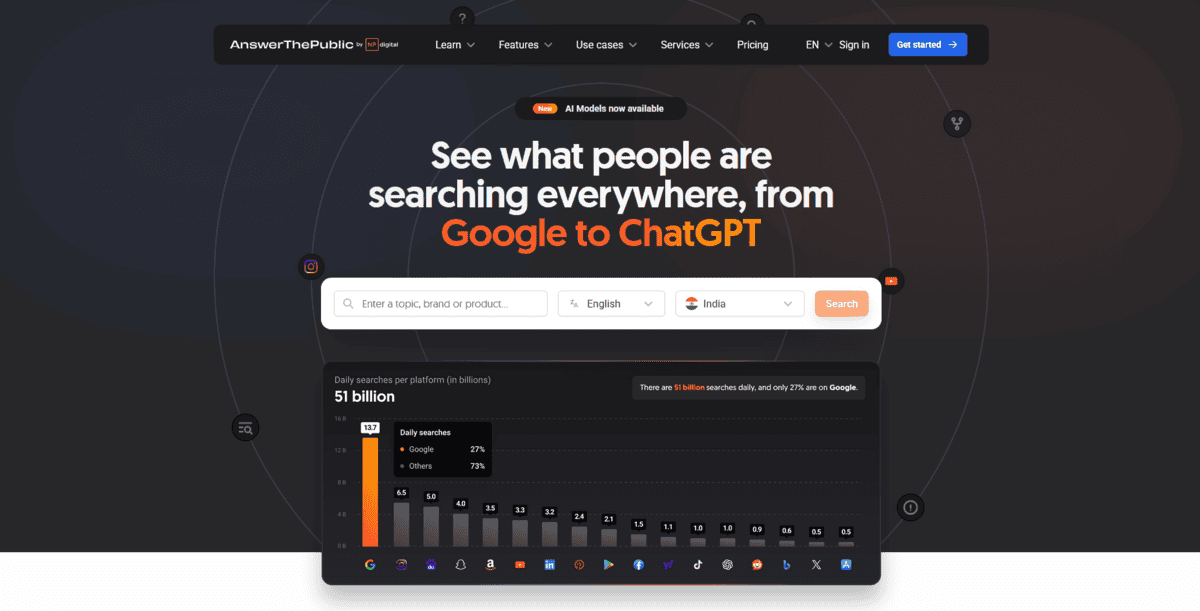
- To Generate Content Ideas: Answer the Public, “A search listening tool analysing autocomplete data from Google to generate comprehensive lists of questions and phrases people are actively searching for, perfect for content ideation and keyword research.
Recommended AI Content Writing Tools

All-In-One Content Writing Platform
Jasper
Feature | Description |
Templates | 50+ expert-led templates for different content types |
Languages | Creates content in 25+ languages |
Speed | Works 10X faster than manual writing |
Collaboration | Real-time team collaboration features |
Integrations | Works with Grammarly, Copyscape, and Surfer SEO |
Special Features | AI Commands, Recipes, text-to-image, chatbot |
If you’re looking for one tool that handles all your content needs, Jasper is worth checking out. It’s a generative AI platform that helps you create everything from social media posts to blog articles and PPC ads. The thing is, you get over 50 expert-drafted templates that save you time while delivering professional results.
What makes Jasper stand out is how it handles different content types. You can work on blog posts, video scripts, social media updates, and marketing copy all in one place. Plus, you get real-time collaboration features so your team can work together smoothly.
But that’s not all; there’s more:
- You can use AI commands to input any idea and ask the AI to develop it further, which helps when you’re stuck on what to write next.
- Jasper’s Recipes feature gives you framework-based long-form content with nested commands, making complex writing projects easier to manage.
- The platform integrates with tools you probably already use, like Grammarly for editing, Copyscape for plagiarism checking, and Surfer SEO for optimisation.
- You get text-to-image and chatbot features included in your subscription, which adds more versatility to your content creation.
Jasper creates 100% unique, plagiarism-free content in 25+ languages, which is helpful if you’re working with international audiences. According to reviews, it can save significant time for users who need to produce quality content regularly.
While Jasper is great for all-around content creation, it does have some limitations. The learning curve can be steep if you’re new to AI writing tools, and the pricing might be higher than some alternatives. Some users find that while it generates content quickly, you still need to edit and refine the output to match your specific voice and requirements.
For Budget-Friendly AI Content Generation
Rytr
Feature | Description |
Templates | Free plan, Pro at $49/month, Enterprise custom |
Languages | Very user-friendly interface |
Plagiarism Detection | Web-based, browser access |
SEO Optimization | Integrated SEO tools and keyword optimization |
Editing Tools | Integrated SEO tools and keyword optimisation |
Target Users | Freelancers, small teams, and budget-conscious creators |
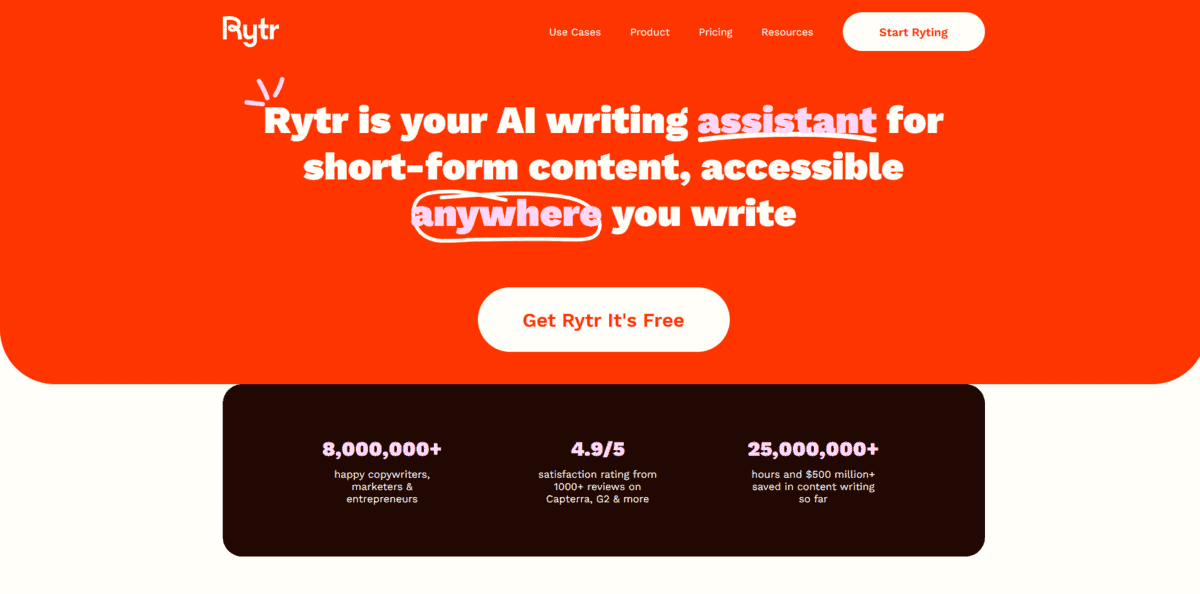
If you’re working with tight budgets but still need quality AI writing help, Rytr is worth your attention. It’s a cost-effective AI writing assistant that gives you solid features without breaking the bank. The thing is, Rytr delivers superior value through its specialised content creation focus, offering over 40 built-in use cases at a fraction of what some competitors charge.
What makes Rytr stand out is how it bundles everything you need. You get 40+ content templates covering everything from blog posts to social media updates. Plus, it supports 30+ languages, which helps if you’re creating content for international audiences.
But that’s not all; there’s more:
- You get built-in plagiarism detection to ensure your content is original, which saves you from using separate tools
- The integrated SEO optimisation features help you create content that ranks better in search results
- You can use the editing tools to refine your content right within the platform, making the workflow smoother
- The platform offers Chrome extensions and API access, so you can work where you’re already comfortable
Rytr uses GPT-3 technology to generate content quickly, and according to user reviews, it offers different pricing tiers, including a free plan with basic features. This makes it accessible if you’re just starting out or testing AI writing tools.
While Rytr is great for budget-friendly content creation, it does have some limitations. The output quality might not match premium tools for complex or highly specialised content. Some users find that while it handles short-form content well, longer pieces might need more editing. The interface, while functional, might feel less polished compared to more expensive alternatives.
For Long-Form Content & SEO
Writesonic
Feature | Description |
Content Type | Superior long-form content generation, including blogs and articles |
SEO Integration | Built-in SEO optimization and tracking features |
Templates | 80+ AI writing tools for different content needs |
Pricing Advantage | More affordable than many premium competitors |
Use Cases | Blogs, product descriptions, e-commerce content, marketing copy |
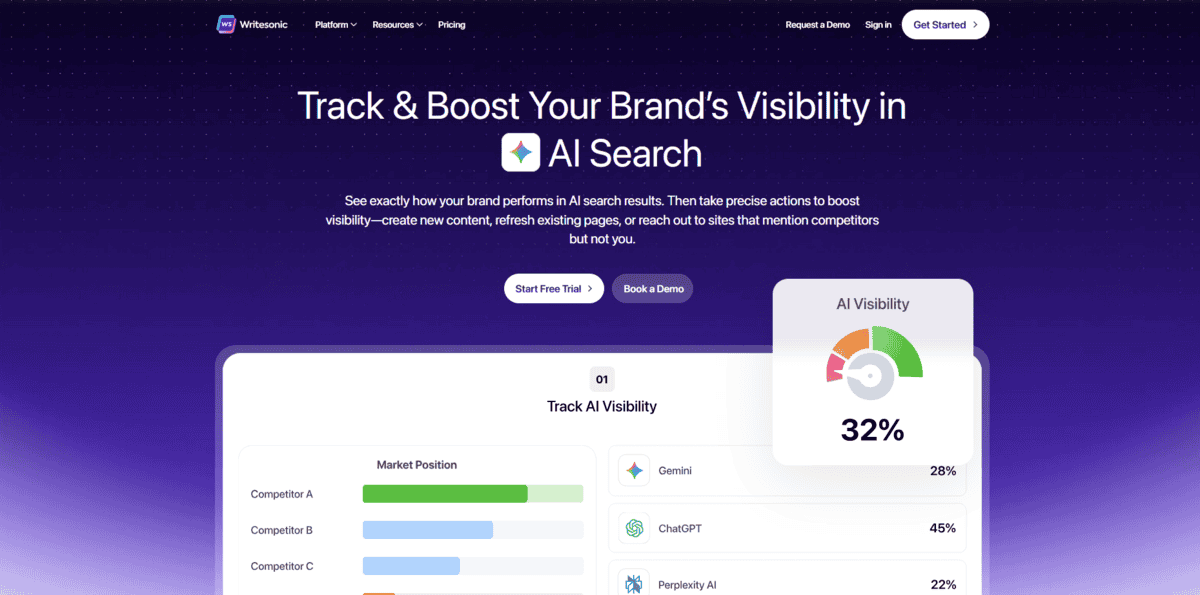
If you’re creating long-form content like blog posts or articles and need solid SEO features, Writesonic might be what you’re looking for. It’s an AI content platform that focuses on generating quality long-form content with built-in optimisation. The thing is, Writesonic combines content generation, optimisation, and publishing in one unified workspace, which helps streamline your workflow.
What makes Writesonic stand out is how it handles longer content pieces. You can generate complete blog articles in seconds by just adding your topic idea. Plus, it offers 80+ different AI writing tools covering everything from product descriptions to marketing copy.
But that’s not all; there’s more:
- You get built-in SEO optimisation that helps your content rank better in search results.
- The platform supports e-commerce templates specifically designed for product descriptions and online store content.
- You can create persuasive ad text and Google ad descriptions following platform guidelines.
- It offers competitive pricing that makes it more accessible than some premium alternatives.
Writesonic uses multiple AI models, including GPT-4 and Claude 3.5 Sonnet, to generate content. According to reviews, it delivers solid AI content generation with strong SEO features at competitive pricing points. This makes it a good option if you need quality long-form content without the highest price tag.
While Writesonic is great for long-form content and SEO, it does have some limitations. Some users report trust issues with the platform, and the output might need editing to match your specific brand voice. The interface, while functional, might not be as polished as more expensive tools. For very specialised content needs, you might still need additional editing or refinement.
For Advanced SEO Content Optimisation
Surfer SEO
Feature | Description |
Content Generation | AI-powered content creation with SEO optimization built-in |
SERP Analysis | Real-time analysis of search engine results pages |
Content Scoring | Numerical score (0-100) measuring content relevance and quality |
Optimization Recommendations | Actionable tips based on top-ranking competitor pages |
Content Gap Analysis | Identifies missing topics and keywords from your content |
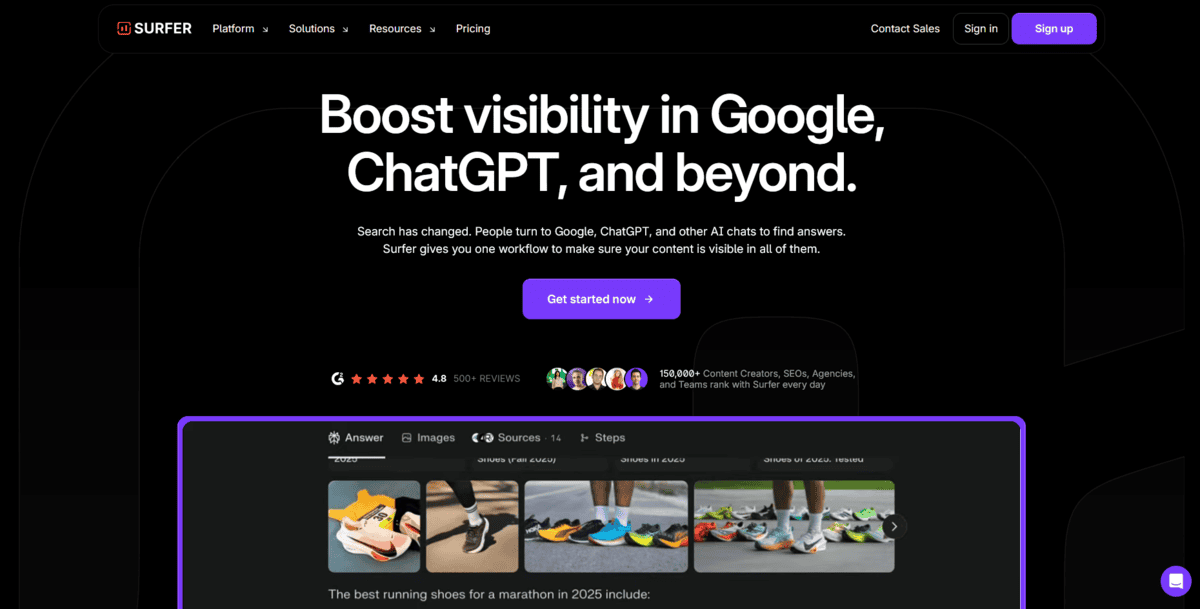
If you’re serious about getting your content to rank higher in search results, Surfer SEO is worth your attention. It’s an advanced SEO optimisation tool that combines AI-powered content generation with real-time SERP analysis. The thing is, Surfer analyses why top pages are ranking well for your keywords, giving you specific recommendations instead of vague advice.
What makes Surfer SEO stand out is how it looks at your competitors. It analyses the top-ranking pages for your target keywords and tells you exactly what they’re doing right. You get a content score from 0 to 100 that shows how well your content matches what’s already ranking.
But that’s not all; there’s more:
- You can use the Content Editor to write while getting real-time feedback on keyword usage, structure, and formatting
- The SERP Analyzer helps you understand SEO elements like word count, keyword density, and common backlinks used by top pages
- You get specific recommendations about which keywords to include and how often to use them
- The Content Gap Analysis shows you what topics and phrases you’re missing compared to competitors
- You can generate ready-to-rank content quickly using Surfer AI, then optimize it further based on the recommendations
Surfer SEO works by analysing the top 20-30 pages ranking for your target keyword. According to reviews, it provides actionable tips based on actual ranking pages rather than general SEO advice. This helps you create content that matches what Google already favours for your topic.
While Surfer SEO is great for advanced SEO optimisation, it does have some limitations. The tool can sometimes suggest keywords just because they appear in top pages, even if they don’t fit your content perfectly. Some features now require additional subscriptions or usage-based costs. For beginners, the amount of data and recommendations might feel overwhelming at first.

For Content Planning & Strategy
Scalenut
Feature | Description |
Topic Generation | Generates comprehensive topic ideas based on search trends and audience interests |
Keyword Research | Provides targeted keywords with metrics like CPC, volume, and relevancy |
Multi-Keyword Reports | Creates reports analyzing multiple keywords to establish topical authority |
Topical Authority | Helps build authority by covering related topics and keyword clusters |
Content Suite Integration | Seamlessly connects planning with writing, editing, and optimization tools |
Planning Tools | Topic Cluster Tool and content strategy features for organized planning |
If you’re struggling to plan your content strategy and need help figuring out what topics to cover, Scalenut might be exactly what you’re looking for. It’s an AI-powered content planning tool that helps you generate topic ideas and find the right keywords to target. The thing is, Scalenut’s Keyword Planner helps businesses and marketers plan their SEO content wisely by analysing what people are actually searching for.
What makes Scalenut stand out is how it handles content planning. You can generate a wide range of topic ideas that are relevant to your target audience, and you get keywords to go with them. Plus, you’ll see metrics like CPC, keyword volume, and keyword relevancy, which help you pick the best topics for your content.
But that’s not all; there’s more:
- You can use the Topic Cluster Tool to create a content plan designed to drive traffic and improve your organic reach
- The platform generates multi-keyword reports that help you publish high-ranking blogs and establish topical authority
- You get social listening features that show location-specific top-page statistics, competitor trends, and customer intent
- The content suite integration means you can ideate, brief, write, edit, and get feedback all in one place
- You can analyze data from around the web to get keyword clusters you should address in your content
Scalenut works by grouping keywords into “Topic Clusters” based on SERP data, which helps you create more organised content strategies.
According to user reviews, the platform simplifies the content creation process with ease of use and robust keyword research capabilities. This helps you align your content with actual user behaviour, so you create content that truly resonates with your audience.
While Scalenut is great for content planning and strategy, it does have some limitations. The tool might feel overwhelming if you’re just starting with content strategy, and some features require learning to use effectively. For very simple content needs, the comprehensive planning features might be more than you need.
The pricing, while competitive, might be higher than basic keyword research tools if you’re only looking for simple keyword suggestions.
SEO Content Research & Optimisation
Frase
Feature | Description |
Content Generation | AI-powered creation of SEO-focused content from scratch |
Keyword Research | Comprehensive keyword analysis and competitor insights |
Competitor Analysis | Analyzes top-ranking pages to identify key themes and questions |
Automatic Optimization | Optimizes content for both traditional search and AI platforms |
Custom Templates | Create custom brief templates for controlled outputs |
Writing Assistance | “Write for me” feature autocompletes sentences and paragraphs |
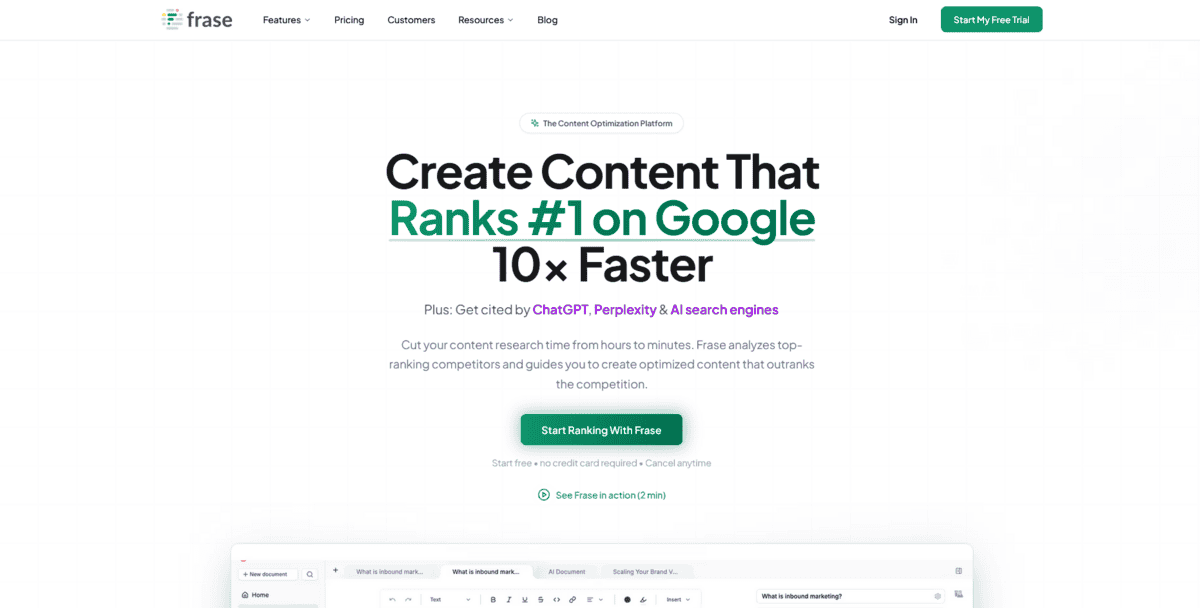
If you’re tired of spending hours on keyword research and writing content just to optimise it for search engines, Frase.io might be exactly what you need. It’s an AI-powered content generator that helps you write SEO-focused content from scratch. The thing is, Frase analyzes your competitors’ SEO strategies to help you identify opportunities to outrank them without years of trial and error.
What makes Frase.io stand out is how it handles the entire content creation process. You can create full-length, optimised content briefs in seconds by analysing what’s already ranking well. Plus, it uses a mix of GPT technology and its own proprietary AI to extract key themes and questions from competitor content.
But that’s not all; there’s more:
- You can use the “write for me” feature to autocomplete your sentences or generate entire new paragraphs when you’re stuck
- The platform lets you create custom brief templates to streamline your workflow and produce controlled outputs like blog intros, FAQs, and headings
- You get automatic paraphrasing and rewriting features to enhance your content quality and avoid plagiarism
- Frase optimizes content for both traditional search engines like Google and AI platforms like ChatGPT and Perplexity
- You can compare your content’s keywords with top competitors and identify pages that need ranking improvements
Frase.io works by analysing the top-ranking pages for your target keywords and creating content briefs that tell you exactly what to include. According to reviews, it helps speed up the writing process while creating optimised content. This means you spend less time researching and more time creating content that actually ranks.
While Frase.io is great for SEO-focused content creation, it does have some limitations. The generated content sometimes needs significant editing to sound natural and match your brand voice. Some users find that while it provides good keyword suggestions, you still need to understand SEO fundamentals to use it effectively.
The tool can feel overwhelming if you’re just starting with SEO content creation, and the pricing might be higher than basic writing tools if you’re only looking for simple content generation.
For Editing and Proofreading
Grammarly
Feature | Description |
Real-time Feedback | Instant suggestions as you type across all platforms |
Coverage Areas | Spelling, grammar, punctuation, clarity, and writing style |
Plagiarism Detection | Built-in checker that scans for unoriginal content |
Platform Support | Web, desktop applications, and mobile apps |
Integrations | Microsoft Word, Google Docs, email clients, and 1M+ apps |
Writing Improvement | Overall writing quality enhancement beyond basic corrections |
If you’re writing anything from emails to blog posts and want to catch mistakes before they go out, Grammarly is probably already on your radar. It’s an AI-powered writing assistant that gives you real-time feedback as you type. The thing is, 72% of Grammarly users use the tool at least once a week, and 63% of students find it useful for improving their writing skills.
What makes Grammarly stand out is how it works everywhere you write. You can install it as a browser extension, desktop app, or mobile keyboard, and it catches mistakes across 1 million+ apps and websites. Plus, it doesn’t just fix basic errors; it helps improve your overall writing quality.
But that’s not all; there’s more:
- You get suggestions for making your writing clearer or giving it a more engaging tone, which helps when you’re trying to connect with specific audiences.
- The plagiarism checker scans your content against billions of web pages to ensure it’s original, which is crucial for professional writing.
- You can integrate Grammarly directly into Microsoft Word and Google Docs, so you don’t have to switch between tools while working.
- The tool works across platforms, including iOS and Android, so you can write confidently on your phone or tablet too.
- You receive feedback on writing style, tone adjustments, and word choice improvements beyond basic grammar corrections
Grammarly uses AI to analyse your writing patterns and provide personalised suggestions. According to their documentation, it works in Microsoft Office apps, email clients, and most web browsers through extensions. This means you can write with confidence whether you’re drafting a business report, academic paper, or social media post.
While Grammarly is great for editing and proofreading, it does have some limitations. The free version has basic features, while advanced suggestions require a paid subscription. Some users find that while it catches most errors, it can occasionally miss context-specific issues or suggest changes that don’t fit the intended meaning. For highly technical or creative writing, you might still need human review alongside Grammarly’s suggestions.
For Performance Marketing & Social Content
Anyword
Feature | Description |
Copy Specialization | AI copywriting focused on high-performing marketing and social content |
Performance Scoring | Predictive scoring that estimates conversion potential before publishing |
Platform Optimization | Platform-specific optimization for ads, email, and social media |
Marketing Focus | Specialized for performance marketing and conversion-driven content |
Conversion Focus | Creates copy designed to drive sales and conversions |
Content Types | Social media ads, marketing copy, email campaigns, landing pages |
If you’re creating marketing copy that needs to convert, Anyword is worth your attention. It’s an AI copywriting tool built specifically for performance marketing and social content. The thing is, Anyword’s predictive performance scores help you make smarter copy decisions by estimating how well each variation will perform before you even publish it.
What makes Anyword stand out is how it focuses on conversion. While other tools might help you write content, Anyword helps you write content that sells. You get predictive scores that estimate the conversion potential of your copy, which means you’re not just guessing what might work.
But that’s not all; there’s more:
- You can create platform-specific content optimised for Facebook ads, Instagram posts, Google ads, and email campaigns.
- The tool analyses actual conversion data from ad spots to connect copywriting style with audience demographics.
- You get different variations of your copy with performance scores, so you can pick the highest-converting option.
- The platform helps you write copy that resonates with specific target audiences and their pain points.
- You can generate multiple personas and adjust content directly to address their specific needs.
Anyword works by using machine learning algorithms that have analysed billions of data points from actual marketing campaigns. According to reviews, it’s purpose-built for performance-driven ad and marketing copy rather than general content creation. This means you’re getting a tool designed specifically for marketers who need to drive results, not just create content.
While Anyword is great for performance marketing and social content, it does have some limitations. The tool is specialised for marketing copy, so it might not be the best choice for long-form blog content or technical writing. Some users find that while the predictive scores are helpful, you still need to test your copy in real campaigns to see actual results. The pricing might be higher than general AI writing tools if you’re only creating occasional marketing content.
For Paraphrasing and Summarising
QuillBot
Feature | Description |
Paraphrasing Modes | Multiple modes, including Standard, Fluency, Formal, Simple, and Creative |
Plagiarism Detection | Built-in checker that scans content against billions of web pages |
Summarization | Condenses long texts into shorter versions while keeping key points |
Grammar Checking | Real-time grammar and spell checking with suggestions |
Citation Generation | Creates accurate citations in multiple formats (APA, MLA, Chicago) |
Extensions | Browser extensions and Microsoft Word add-on for seamless integration |
If you’re rewriting content or trying to make your writing clearer, QuillBot is worth checking out. It’s an AI-powered writing tool that helps you paraphrase text in different ways while checking grammar and avoiding plagiarism. The thing is, QuillBot serves a staggering 150 million users worldwide by helping them transform and enhance their writing.
What makes QuillBot stand out is how it bundles multiple writing tools in one place. You get a paraphraser with different modes, a grammar checker, plagiarism detection, summarisation features, and citation generation all in one platform. Plus, you can use browser extensions or the Word add-on to work where you’re already comfortable.
But that’s not all; there’s more:
- You can use different paraphrasing modes like ‘Formal’ for professional documents, ‘Fluency’ for natural-sounding text, or ‘Simple’ for easier readability.
- The Summariser tool helps you condense long articles or research papers into shorter versions while keeping the main points.
- You get a built-in plagiarism checker that scans your content against billions of web pages to ensure originality.
- The citation generator creates accurate citations in multiple formats like APA, MLA, and Chicago style.
- You can install browser extensions or use the Microsoft Word add-on to work directly in your preferred writing environment.
QuillBot works by using AI to understand your text and suggest different ways to express the same ideas. According to reviews, it offers several features in one place, including a paraphraser, plagiarism checker, summariser, citation generator, grammar checker, and translator. This means you can handle multiple writing tasks without switching between different tools.
While QuillBot is great for paraphrasing and summarising, it does have some limitations. The free version has usage limits and fewer features compared to the premium plan. Some users find that while it helps with rewriting, the output sometimes needs manual editing to sound completely natural. For very complex or technical writing, you might still need human review alongside QuillBot’s suggestions. The tool is focused on rewriting and editing rather than generating completely new content from scratch.
To Generate Content Ideas
Answer the Public
Feature | Description |
Data Source | Analyzes Google autocomplete data and search suggestions |
Content Generation | Generates comprehensive lists of questions and phrases people search for |
Search Analysis | Organizes data by question words (what, why, how) and alphabetical terms |
Use Cases | Perfect for content ideation, keyword research, and understanding audience questions |
User Accessibility | Free version available with limited daily searches, easy-to-use interface |
Research Focus | Shows what people are actually asking, not just what they’re searching for. |
If you’re struggling to come up with content ideas or want to understand what your audience is really asking, Answer the Public is exactly what you need. It’s a search listening tool that taps into Google’s autocomplete data to show you what people are actually searching for. The thing is, Answer the Public generates auto-complete terms organised by question signifiers and alphabetical order, giving you a clear picture of what questions people have about any topic.
What makes Answer the Public stand out is how it organises search data. You enter a keyword or phrase, and it generates a visual map of questions and phrases people are asking. You’ll see questions organised by words like “what”, “why”, “how”, “where”, and “when”, plus alphabetical lists of related search terms.
But that’s not all; there’s more:
- You can see the exact questions people are typing into Google, which helps you create content that directly answers what your audience wants to know
- The tool organizes data visually with question wheels and alphabetical lists, making it easy to spot patterns and popular topics
- You get insights into both informational searches (questions) and commercial searches (comparisons and buying terms)
- The free version gives you limited daily searches, which is enough for basic research if you’re just starting out
- You can export your results to use in content planning tools or share with your team
Answer the Public works by analysing billions of search queries and organising them into meaningful patterns. According to reviews, it automates keyword research and saves valuable time by gathering data from search engines rapidly. This means you spend less time guessing what to write about and more time creating content that actually addresses what people are searching for.
While Answer the Public is great for generating content ideas, it does have some limitations. The free version has daily search limits, and you might need the paid version for extensive research. Some users find that while it shows what people are searching for, you still need to interpret the data and decide which topics are most relevant to your audience.
The tool focuses on search data rather than competitive analysis or ranking difficulty, so you might need to combine it with other SEO tools for a complete content strategy.
Finding the Best AI Conternt Writing Tool for Your Needs
You’ve seen ten different AI writing tools, each with its own strengths. The key is matching the tool to what you actually need.
If you want an all-in-one solution, Jasper covers everything from social media to blog posts. For budget-friendly options, Rytr gives you solid features without high costs. When you need long-form content with SEO built in, Writesonic handles that well.
For serious SEO optimisation, Surfer SEO analyses competitors and gives specific recommendations. If content planning is your struggle, Scalenut helps with topic ideas and keyword research. Frase.io is great when you need SEO-focused content from start to finish.
Grammarly catches mistakes and improves your writing quality. Anyword specialises in marketing copy that converts. QuillBot helps with rewriting and summarising existing content. And Answer the Public shows you what people are actually searching for.
The right tool depends on what you’re trying to accomplish. Some tools work better for specific tasks, while others cover broader needs. What matters most is finding something that fits your workflow and helps you create better content more efficiently.
Remember that these tools work best when you use them as assistants rather than replacements. They can handle the heavy lifting, but your unique perspective and understanding of your audience still make the biggest difference in creating content that truly connects.
