
You know your brand needs a great logo, but figuring out where to get it designed can leave you scrolling through endless options. Should you use an AI tool for speed, hire a freelance designer for custom work, or run a design contest for more ideas?
The truth is, no single platform works for everyone. What’s perfect for a startup on a tight budget won’t work for an established company needing premium branding. That’s why we’ve tested and vetted numerous platforms to create this updated list of 11 options.
Whether you want AI-generated logos in minutes, access to top-tier designers, or creative contests with hundreds of submissions, you’ll find the right fit here. We’ve included both traditional freelance marketplaces and newer AI-powered tools so you can make an informed decision based on your specific needs and budget.
Rundown
- Best for Self-Service Logo Design with Full Brand Identity: Design.com: “Generate, edit, and download a professional logo and complete brand kit without hiring anyone.”
- Best for Creative Logo Design Contests: 99Designs: “Run logo design contests and receive multiple custom concepts from vetted designers.”
- Best for AI-Powered Logo Design with Complete Branding: Looka: “Generate AI logos and get full brand kits including social media assets and brand guidelines.”
- Best for Quick, Low-Cost Logo Design: Fiverr: “Hire freelance logo designers across budgets with fast delivery options.”
- Best for Premium Crowdsourced Design Contests: crowdspring: “Launch curated design contests focused on quality and originality.”
- Best for Top-Tier Professional Services: Toptal: “Work with rigorously screened, top-tier professional logo designers.”
- Best for Hiring Elite Designers from Portfolios: Dribbble Talent: “Discover and hire designers directly from high-quality portfolio showcases.”
- Best for AI-Powered Logo Design with Subscription: Tailor Brands: “Create AI logos and manage branding assets through a subscription platform.”
- Best for Highly Vetted Freelance Designers: Upwork: “Find rated logo designers with verified reviews and flexible contracts.”
- Best for Hourly or Project-Based Logo Design: PeoplePerHour: “Hire logo designers for fixed-price or hourly projects.”
- Best for Hybrid AI and Human Design Options: Designhill: “Choose between AI logo generation or working with freelance designers.”
Best for Self-Service Logo Design with Full Brand Identity
Design.com
Best For | Founders who want professional results without outsourcing |
Pricing | Free to design and download / From $3/month billed annually |
Ease of Use | Very easy, no design skills needed |
Platform | Web-based platform |
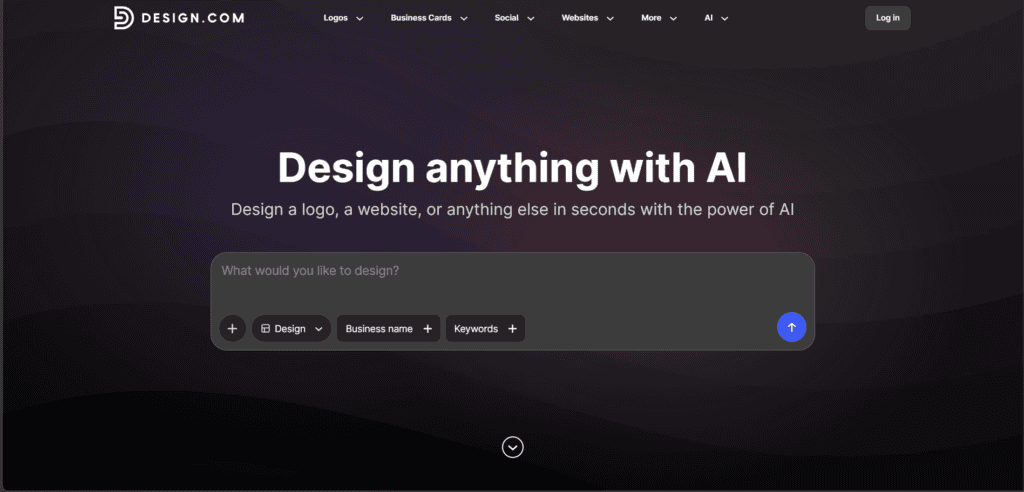
Every other platform on this list connects you with someone else. A contest, a freelancer, an agency. Design.com skips that entirely. It’s built for founders who would rather generate, edit, and finalise their own logo design in one sitting than manage a designer relationship.
You enter your business name and industry, and the AI generates multiple logo concepts from a library of over 500,000 templates. All of them are created by professional designers and checked for originality. Once you find a direction you like, you describe the change you want in a chat window. Swap the icon, adjust the typography, shift the colours. The AI applies it instantly.
But that’s not all, there’s more:
- You can access over 750 fonts, including more than 525 exclusive typefaces not available on other platforms
- You can use over 62,000 custom vector shapes to build out icon work without needing a designer
- You can download your finished logo in PNG, JPG, SVG, EPS, PDF, GIF, and MP4 formats, including animated versions
- You can have your logo’s colours, fonts, and design automatically applied across business cards, social media graphics, email signatures, and letterheads
- You can design, customise, and download a finished logo completely free, with no contest fee, no hourly rate, and no minimum budget
The thing is, this approach won’t suit everyone. If you specifically want a human designer’s strategic thinking, a contest format with multiple competing concepts, or someone to manage brand positioning conversations, Design.com won’t replace that. It’s a tool, not a collaborator. The customisation is deep, but it still works within its own template and editing system rather than starting from a blank page.
This platform works best for founders who are confident in their visual direction and want to move fast. If you already know you need a human’s creative input or want multiple competing perspectives, the contest and freelance platforms on this list will serve you better.

Best for Creative Logo Design Contests
99Designs
Best For | Creative logo design contests, multiple design options |
Pricing | Contest packages: Bronze $349, Silver $549, Gold $999, Platinum $1,499 |
Ease of Use | User-friendly interface, guided contest process |
Platform | Web-based platform |
If you want to see dozens of creative logo ideas from different designers competing for your project, 99Designs is built exactly for that. It’s the gold standard for design contests where you get multiple designers submitting concepts for your logo, giving you a wide range of creative options to choose from.
Here’s how it works in practice: You launch a contest by outlining your requirements, brand vision, and any specific preferences. Designers then submit their logo concepts, and you can provide feedback, request revisions, and collaborate with them throughout the process. The contest format gives you access to diverse design perspectives you might not get from working with just one designer.
But that’s not all, there’s more:
- You can choose from different contest packages (Bronze, Silver, Gold, Platinum) depending on your budget and how many design concepts you want to receive
- You get to see multiple design approaches and styles from different designers competing for your project
- The platform handles secure payments and provides a structured workflow for feedback and revisions
- You can work directly with designers after the contest if you need additional design work
- There’s a money-back guarantee if you’re not satisfied with the designs you receive
This approach is great for businesses that want to explore different creative directions before committing to a final logo. But if you’re looking for a quick, one-and-done solution or have a very tight budget below $300, you might find other platforms more suitable.

Best for AI-Powered Logo Design with Complete Branding
Looka
Best For | AI-powered logo design with complete branding packages |
Pricing | Basic: $20 one-time, Premium: $65 one-time, Brand Kit: $96/year |
Ease of Use | Very easy, no design skills needed |
Platform | Web-based |
If you want a professional logo and complete brand identity without hiring a designer, Looka’s AI-powered platform can get you there in minutes. This tool uses artificial intelligence to generate logos and then builds out your entire brand kit around them.
The process starts with you answering a few simple questions about your business style and preferences. Looka’s AI then creates dozens of logo options based on your input. You pick your favourite and customise it using their easy editor. What’s interesting is how the AI applies design principles like colour contrast, visual hierarchy, and font pairings automatically – things that would normally require design expertise.
But that’s not all, there’s more:
- You can access 300+ branded templates for business cards, social media posts, invoices, and email signatures that automatically match your logo’s design
- The Brand Kit subscription gives you unlimited logo edits and professional file formats (PNG, EPS, SVG, PDF) for just $96 per year
- You get ready-to-use social media versions of your logo that save you from resizing and reformatting for different platforms
- The platform even includes website building capabilities if you need an online presence to go with your new brand
The thing is, Looka works best for entrepreneurs and small businesses who need a complete brand identity quickly and affordably. You’re getting what would normally cost hundreds or thousands with a designer for a fraction of the price.
There are some limitations though. The logo templates can feel somewhat generic compared to custom designs from human designers. You’re also working within Looka’s design system rather than getting completely original concepts. And while the AI does a good job, you might find yourself wanting more creative control than the platform allows.
Looka makes sense if you need a professional-looking brand fast and don’t have design skills or a big budget. But if you’re looking for truly unique, custom logo design, you might want to consider platforms with human designers instead.

Best for Quick, Low-Cost Logo Design
Fiverr
Best For | Quick, affordable logo design |
Pricing | $20 to $2,500+ |
Ease of Use | Very user-friendly |
Platform | Web, mobile app |
When you need a logo designed quickly without spending a fortune, Fiverr is where you want to look. It’s this massive freelance marketplace where you can find logo designers offering services at every price point, from budget-friendly options starting around $20 all the way up to premium packages costing $2,500 or more.
What makes Fiverr work so well for quick projects is how straightforward the process is. You just type what you’re looking for into the search bar – something like “minimalist tech logo” or “vintage coffee shop logo” – and you’ll see dozens of designers pop up. Each profile shows you their portfolio, client reviews, and pricing upfront, so you can quickly figure out who might be a good fit.
But that’s not all, there’s more:
- You can browse through designer portfolios and see exactly what kind of work they’ve done before, which helps you match their style with what you’re imagining for your brand
- The platform makes communication easy with built-in messaging, so you can discuss your project details and provide feedback directly
- You get to request revisions within the agreed scope of your project, which means you can fine-tune the design until it’s just right
- For really basic needs, Fiverr has its own AI logo maker tool that generates logos for free with just a few inputs
The thing is, while Fiverr gives you access to tons of designers quickly, you do need to put in some work vetting them. You’ll want to check their reviews carefully, look at their portfolio samples, and maybe even message a few designers before deciding who to hire. Some designers specialise in certain styles or industries, so finding someone who’s done work similar to what you need can make a big difference in the final result.
Fiverr works great when you’re on a tight budget or timeline, but keep in mind that you often get what you pay for. The lower-priced options might be more template-based or have limited revision rounds. If you need something truly custom or complex, you’ll probably want to look at the higher price tiers or consider other platforms that focus more on premium design work.

Best for Premium Crowdsourced Design Contests
Crowdspring
Best For | Premium crowdsourced design contests, quality-focused projects |
Pricing | $299 to $1,199+ (Silver to Platinum packages) |
Ease of Use | Professional platform with guided process |
Platform | Web-based design contest platform |
When you want premium design contests with higher quality standards than typical crowdsourcing platforms, crowdspring offers a more curated approach. This platform focuses on quality over quantity, with a rigorous vetting process that ensures you’re working with skilled designers rather than just getting dozens of mediocre submissions.
The thing is, crowdspring takes a different approach than other contest platforms. Instead of opening your project to anyone who wants to participate, they have a strict vetting process where designers must submit samples of their best work and verify their identity before they can work on projects. This means you’re getting submissions from proven professionals rather than amateurs.
Here’s how it works: you choose between four different packages – Silver, Gold, Elite, and Platinum – each with increasing levels of privacy and access to their top designers. Logo projects start at $299 for the Silver package and go up to $1,199 for Platinum. The higher-tier packages give you access to their very best designers and more control over who sees your project.
But that’s not all, there’s more:
- You get a 100% money-back guarantee if you’re not completely happy with your design project
- Every project includes a custom legal contract that gives you full rights to the winning work
- You can invite friends, colleagues, and customers to vote and comment on designs through free focus groups
- The platform provides award-winning customer support throughout your project
What makes crowdspring stand out is their commitment to quality. They regularly review designer accounts and have minimum standards that creatives must maintain. This vetting process helps ensure that the work you receive meets professional standards.
While crowdspring is great for businesses that want higher quality design contests, it does have some limitations. The pricing starts higher than some other platforms, with the Silver package at $299 compared to lower entry points elsewhere. Some users mention that the platform keeps part of your money even if you’re unhappy with results, though they do offer a satisfaction guarantee. The process can also feel more formal and less flexible than working directly with individual freelancers on other platforms.
This approach works best for established businesses or startups with sufficient budgets who want professional-quality designs without the hassle of vetting designers themselves. It’s less suited for those on very tight budgets or who prefer direct one-on-one collaboration with a single designer throughout the entire process.
Best for Top-Tier Professional Services
Toptal
Best For | Premium logo design, enterprise branding |
Pricing | Premium (starting around $120/hour) |
Ease of Use | Professional matching service |
Platform | Web-based |
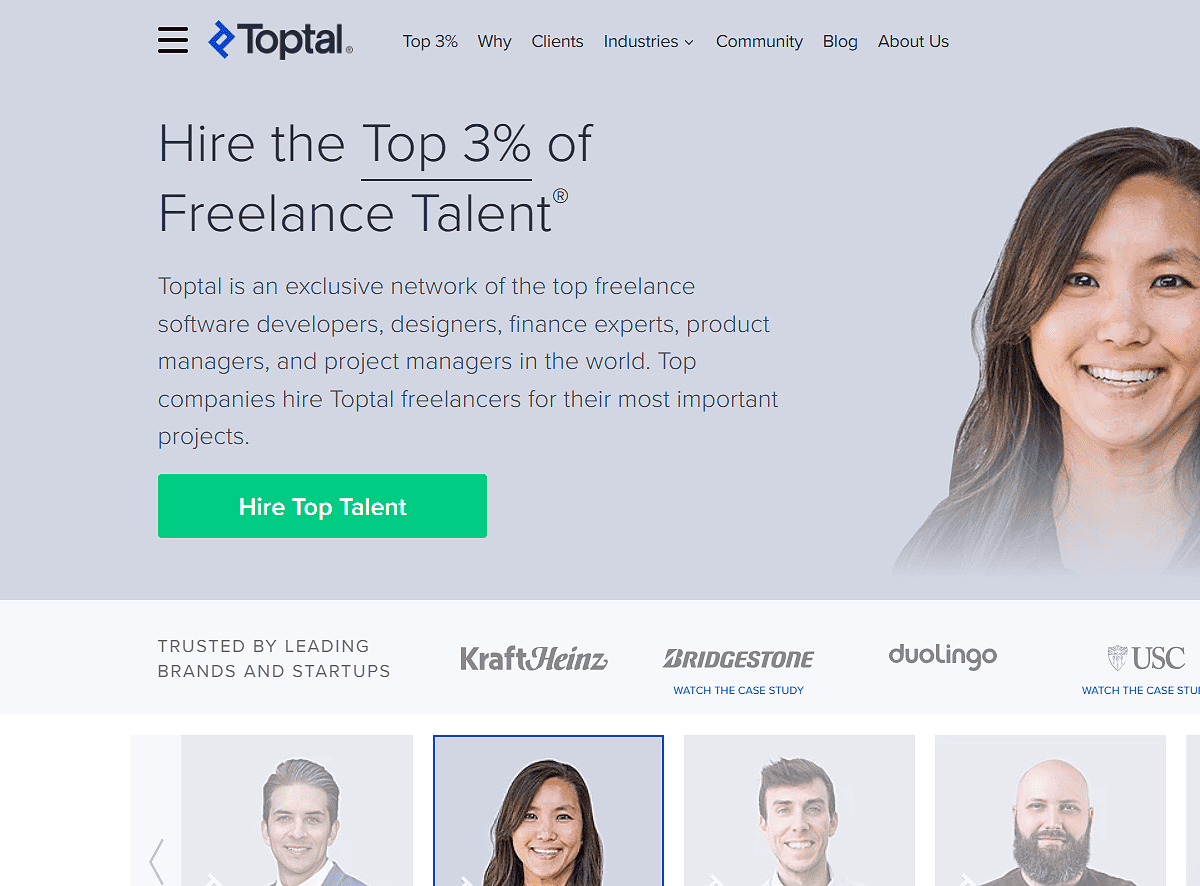
When you need elite logo design services and have the budget to match, Toptal connects you with the top 3% of logo designers worldwide. This isn’t your typical freelance marketplace – it’s more like an exclusive talent agency for premium design work.
What sets Toptal apart is their rigorous screening process. They claim that 97% of applicants don’t make it through their vetting system, which means you’re only seeing designers who’ve proven their skills at the highest level. These aren’t just people who can make pretty logos – they’re strategic thinkers who understand how branding drives business results.
But that’s not all, there’s more:
- You get a dedicated matching service where Toptal’s team analyses your project needs and pairs you with the perfect designer
- You can start with a trial period where you only pay if you’re satisfied with the work
- You work with designers who bring both creativity and business strategy to your branding
- You get access to professionals who typically work with top companies and startups on mission-critical projects
The process is straightforward. You tell them what you need, their team finds the right match, and you’re usually connected with a designer within 48 hours. There’s a project manager involved too, which helps keep communication smooth and ensures everyone stays on the same page.
Now, here’s the thing about Toptal: it’s expensive. Starting rates hover around $120 per hour, and full projects can easily run into the thousands. According to pricing research, a senior designer at this rate could cost over $200,000 annually for full-time work. This puts Toptal firmly in the “premium services” category – you’re paying for elite talent, not budget options.
While Toptal delivers exceptional quality, it’s not for everyone. If you’re a small business on a tight budget or just need a simple logo, you’ll find better value elsewhere. But if you’re building a serious brand and need strategic, high-impact design work, Toptal gives you access to talent that’s hard to find through other channels.

Best for Hiring Elite Designers from Portfolios
Dribbble Talent
Best For | Hiring elite designers through portfolio browsing |
Pricing | Free to browse, $150/month for job listings, 7.5% platform fee |
Ease of Use | Intuitive portfolio browsing, direct designer contact |
Platform | Web-based portfolio showcase and hiring platform |
If you want to see what designers can actually do before hiring them, Dribbble Talent gives you that direct portfolio access. It’s a platform where designers showcase their best work, and you can browse through millions of portfolios to find exactly the right talent for your logo project.
What makes Dribbble Talent different is that you’re not just reading profiles or reviews – you’re seeing actual design work. You can explore portfolios, check out designers’ styles, and see if their aesthetic matches what you’re looking for. This portfolio-first approach means you’re hiring based on demonstrated skills rather than just credentials or client ratings.
The platform works pretty straightforwardly. You can browse designers for free, looking at their work and getting a sense of their style. When you find someone you like, you can contact them directly through the platform. If you want to post a job listing to attract multiple designers, that costs $150 per month, and there’s a 7.5% platform fee when you hire someone.
But that’s not all, there’s more:
- You can filter designers by location, skills, and availability to find the perfect match for your project
- You get to see designers’ creative process through their portfolio presentations, not just final results
- You can contact designers directly without going through a complicated bidding or contest system
- You’re browsing a community of designers who actively showcase their best work to attract clients
The thing is, Dribbble Talent attracts serious designers who want to show off their skills. Designers on Dribbble tend to be more established professionals, with mid-level designers charging $3,000–$7,000 for professional small business projects. This isn’t the place for bargain-basement pricing – it’s where you find quality talent.
While Dribbble Talent is great for seeing actual work before hiring, it has some limitations. The pricing tends to be higher than platforms like Fiverr since you’re dealing with more established designers. There’s no built-in project management or payment protection like some other platforms offer. You’re also relying on your own judgement when evaluating portfolios, which can be tricky if you’re not design-savvy yourself.

Best for AI-Powered Logo Design with Subscription
Tailor Brands
Best For | AI logo design with ongoing subscription support |
Pricing | Subscription model (starts around $9.99/month) |
Ease of Use | Very intuitive, AI-guided process |
Platform | Web-based |
If you’re starting a business and want everything in one place – logo design, website creation, and ongoing branding support – Tailor Brands takes a subscription approach that keeps giving you value month after month. Unlike platforms where you pay once for a logo and that’s it, Tailor Brands offers continuous access to design tools and business resources.
Their AI logo generator works by asking you a few questions about your business style, industry, and preferences. The algorithm then creates multiple logo options that match your brand identity. You can customise colours, fonts, and layouts until you get exactly what you’re looking for. The thing is, their AI doesn’t just stop at logo creation – it builds a complete brand system around your design.
But that’s not all, there’s more:
- You get full commercial rights to your logo files after purchase, so you own what you create
- The platform includes brand guidelines that show you how to use your logo consistently across different materials
- You can access ongoing business asset creation, including social media graphics, business cards, and website elements
- There’s even LLC formation services integrated into their higher-tier plans
What sets Tailor Brands apart is their all-in-one approach. They want to make starting and growing a business simple by having all the tools in one place. You’re not just getting a logo – you’re getting a complete branding ecosystem.
While Tailor Brands is great for entrepreneurs who want everything handled in one platform, it has some limitations. The subscription model means you’re paying monthly or yearly, which might not make sense if you only need a one-time logo. Some users find their designs less customisable than what you’d get from a human designer, and the AI-generated options can sometimes feel generic compared to custom work.
This platform works best for small business owners who need ongoing design support and want to build their brand gradually over time. If you’re launching a business and need logo, website, and branding help all together, Tailor Brands’ subscription approach gives you continuous access to tools as your business grows. But if you just need a single logo without ongoing services, you might find the subscription commitment unnecessary.
Best for Highly Vetted Freelance Designers
Upwork
Best For | Finding pre-vetted logo designers with proven track records |
Pricing | $15–$200+ per hour, plus 7.99% platform fee |
Ease of Use | Intuitive platform with search filters and matching tools |
Platform | Web-based with mobile apps |
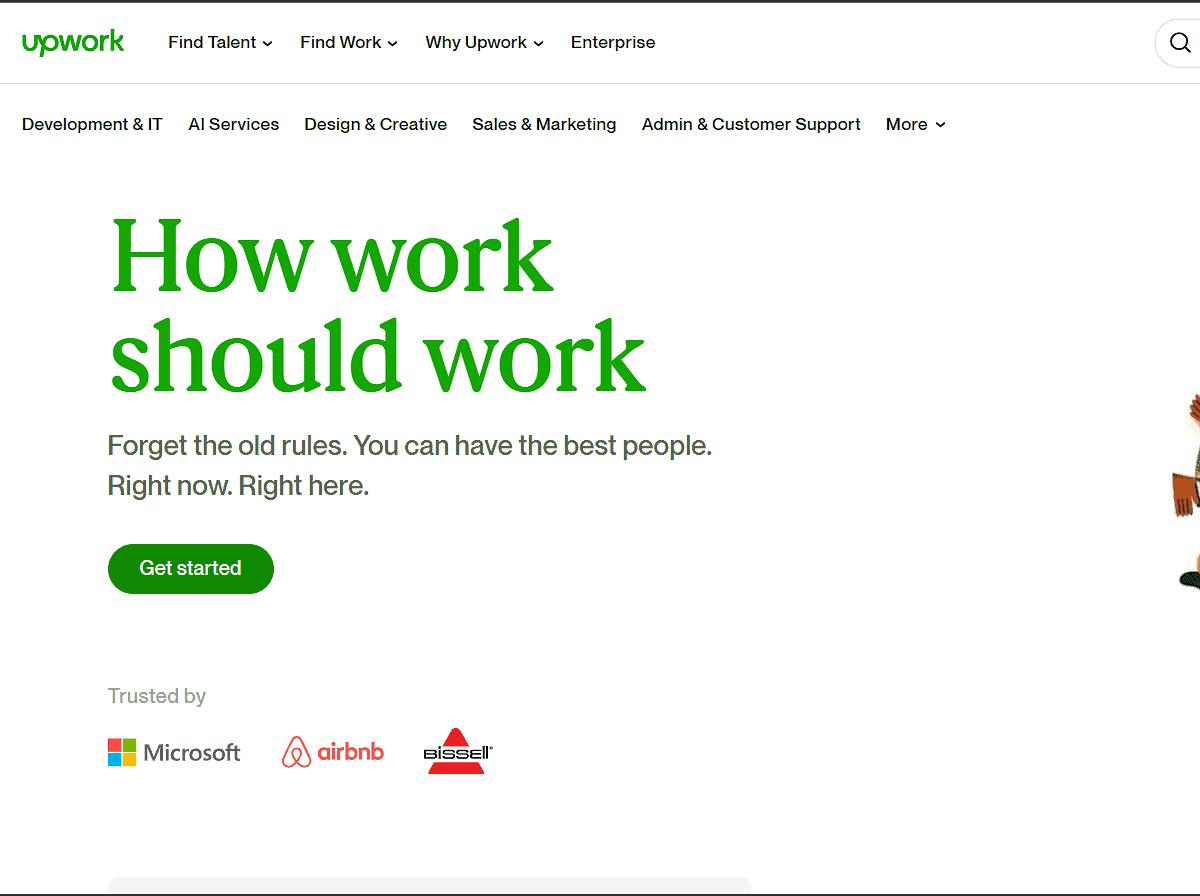
When you need to find logo designers who’ve already proven themselves with real clients, Upwork gives you access to one of the largest pools of vetted professionals. It’s not just about quantity though – the platform’s rating system and talent scout service help you identify designers who consistently deliver quality work.
What makes Upwork stand out is how it shows you each designer’s track record right up front. You can see their job success scores, client reviews, and completed projects before you even contact them. This transparency means you’re not taking a shot in the dark – you’re hiring based on actual performance data.
But here’s the real game-changer: Upwork’s talent scout service. Instead of sifting through hundreds of profiles yourself, you can let Upwork’s team do the matching for you. You tell them what you need – your industry, style preferences, budget, and timeline – and they’ll present you with pre-screened designers who fit your exact requirements.
Here’s what you can do with Upwork:
- You can browse through thousands of logo designer profiles, each with detailed portfolios and client feedback
- You can use the talent scout service to get personalised recommendations from Upwork’s matching experts
- You can see each designer’s job success score and client ratings to gauge their reliability
- You can communicate directly through the platform’s messaging system and track project progress
- You can pay securely through Upwork’s payment protection system that holds funds until work is approved
The platform’s scale means you’ll find designers at every price point, from $15 per hour for newer professionals to $200+ per hour for established experts. According to Upwork’s own data, the median hourly rate for logo designers sits around $25, but you’ll see the full range based on experience and specialisation.
One thing to keep in mind: Upwork charges a 7.99% service fee on payments, which increased from 5% in late 2024. This fee covers payment protection and platform maintenance, but it does add to your overall cost. Also, while the rating system is helpful, you still need to do your own vetting – look at actual portfolio work, not just star ratings.
Upwork works best when you want that combination of choice and confidence. You get access to a massive talent pool, but with enough data to make informed decisions. It’s less ideal if you want a completely hands-off experience or if you’re working with a very tight budget where every percentage point counts.

Best for Hourly or Project-Based Logo Design
PeoplePerHour
Best For | Hourly or project-based logo design, flexible hiring |
Pricing | Freelancer-set rates, service fee of £0.6 + 10% for clients |
Ease of Use | Straightforward posting and hiring process |
Platform | Web-based marketplace |
When you need a logo designer for a specific task or want to pay by the hour rather than a fixed project fee, PeoplePerHour gives you that flexibility. It’s a specialised platform that focuses on hourly and project-based engagements, which works well if you have clear, defined logo needs but don’t want to commit to a long-term arrangement.
PeoplePerHour connects you with freelance logo designers who work either by the hour or on fixed-price projects. You post your logo design requirements, and freelancers submit proposals with their rates and approach. The platform uses AI to match you with suitable designers, but you still get to review each proposal and choose who you want to work with.
What makes PeoplePerHour stand out is how it handles different types of work. You can hire someone for just a few hours to tweak an existing logo, or you can set up a complete project for a brand-new logo design. The payment goes into escrow until you’re satisfied with the work, which gives you some protection.
But that’s not all, there’s more:
- You can see detailed freelancer profiles showing their skills, previous work samples, and client reviews before making a decision
- You get to communicate directly with designers to discuss your specific logo needs and timeline
- You can request custom proposals if the standard offerings don’t match what you’re looking for
- You have the option to hire the same designer for additional design work through their add-on services
The platform charges a service fee of £0.6 plus 10% on payments made by credit card or electronic payment services like PayPal. Freelancers set their own rates, which means you’ll find a wide range of pricing from entry-level designers to more experienced professionals.
While PeoplePerHour is great for flexible hiring, it has some limitations. The quality of designers varies significantly since there’s no rigorous vetting process like some other platforms. You’ll need to do your own research by checking portfolios and reviews. Also, the bidding process means designers are making blind offers, which can sometimes lead to misunderstandings about project scope.
This platform works best for businesses that know exactly what they need and want to hire someone for specific tasks rather than ongoing work. It’s less ideal if you’re looking for premium, top-tier designers or need extensive brand identity work beyond just a logo.

Best for Hybrid AI and Human Design Options
Designhill
Best For | Hybrid AI and human design options |
Pricing | AI: $15–$100+; Human: $40–$200+ |
Ease of Use | Beginner-friendly for AI, moderate for human collaboration |
Platform | Web-based |
If you want both the speed of AI-generated logos and the option to work with human designers when you need something more custom, Designhill gives you that flexibility in one place. It’s a platform that combines automated efficiency with professional human creativity, so you don’t have to choose between fast results and personalised design.
Designhill’s approach is unique because you can start with their AI logo maker to generate concepts quickly, then either customise those designs yourself or hire one of their freelance designers to refine them further. The AI tool works by asking you about your business type, style preferences, and keywords, then generates multiple logo options based on your inputs. You can tweak colours, fonts, and layouts right in their online editor.
But that’s not all, there’s more:
- You can access their marketplace of freelance designers if you decide you want a completely custom logo designed from scratch
- Their Studio tool lets you create additional brand assets like business cards and social media graphics to maintain consistency
- You get to choose between one-time payments for AI-generated logos or project-based pricing when working with human designers
- The platform offers a money-back guarantee if you’re not satisfied with the designs you receive
The hybrid approach means you’re not locked into one method. You might use the AI generator for a quick first draft, then bring in a designer to polish it. Or you could start with a designer for your main logo, then use the AI tools for smaller brand elements.
While Designhill is great for businesses that want options, there are some limitations. The AI-generated logos can sometimes feel generic compared to what a skilled human designer creates. You’ll also find that working with designers takes more time and costs more than using the AI tools alone. The platform’s interface, while user-friendly, can feel a bit cluttered with all the different options available.
Designhill works best for startups and small businesses that need flexibility in their design process. If you’re on a tight budget but want the option to upgrade to professional help later, this platform gives you that pathway. It’s less ideal for large corporations needing complex brand systems or businesses that already know they want exclusively human-designed work from the start.