
Research shows that 90% of students prefer studying with ChatGPT over traditional tutoring methods, which highlights the effectiveness of AI in providing personalised and interactive learning experiences. By integrating AI tools in a way that encourages critical thinking, problem-solving, and collaboration, you can help students harness the power of AI while still exploring their own creative ideas.
AI tools can also assist by automating tasks such as grading, attendance tracking, plagiarism checking, lesson planning, and data analysis, leaving you more time to focus on teaching and engaging with your students. We’ve curated a list of the ten best AI tools for teachers by considering factors like accessibility, support, price, and user reviews.
Rundown
- Best AI content detector tool: Originality.ai, “An easy-to-use AI detector tool with a high accuracy rate that can help you detect AI-generated content in just a matter of seconds.”
- Go-to AI tool for all your needs: ChatGPT, “A completely free, easy-to-use AI tool that helps you with a multitude of teaching tasks, whether it’s automating administrative duties or generating engaging educational content.”
- Best AI tool for creating slides: Simplified, “An easy-to-use AI tool that allows you to transform text into stunning professional presentations in seconds without any design skills needed.”
- Best AI tool for rephrasing: Quillbot, “An AI-powered rephrasing tool that can help you create new teaching materials and worksheets from existing resources without starting from scratch.”
- Best AI tool for essay writing: Rytr, “Rytr’s advanced AI algorithms can generate high-quality customised essays in no time, allowing you to focus on providing tailored feedback and guidance to your students.”
- Best AI tool for editing and proofreading: Grammarly, “Grammarly improves your written content by checking and correcting grammar, spelling, punctuation, and style errors, ensuring your content is well-written and error-free.”
- Best AI tool for grading: Gradescope, “Gradescope helps you save hundreds of hours by seamlessly administering and grading all of your assessments, whether online or in class.”
- All-in-one teaching tool: Fetchy, “It allows you to effortlessly create interactive lessons, generate assessments, and explore a wide range of teaching resources without the hassle of using multiple tools.”
- Best AI tool for generating quizzes: QuizGecko, “QuizGecko’s advanced algorithms let you effortlessly create engaging and interactive quizzes in diverse question formats without the need for manual input.”
- Best AI tool for transcription: Otter.ai, “A go-to AI tool for reliable and efficient audio transcription. With real-time transcription, you can instantly capture and view transcriptions as your audio is being recorded.”
Recommended AI Tools for Teachers
Best AI content detector tool
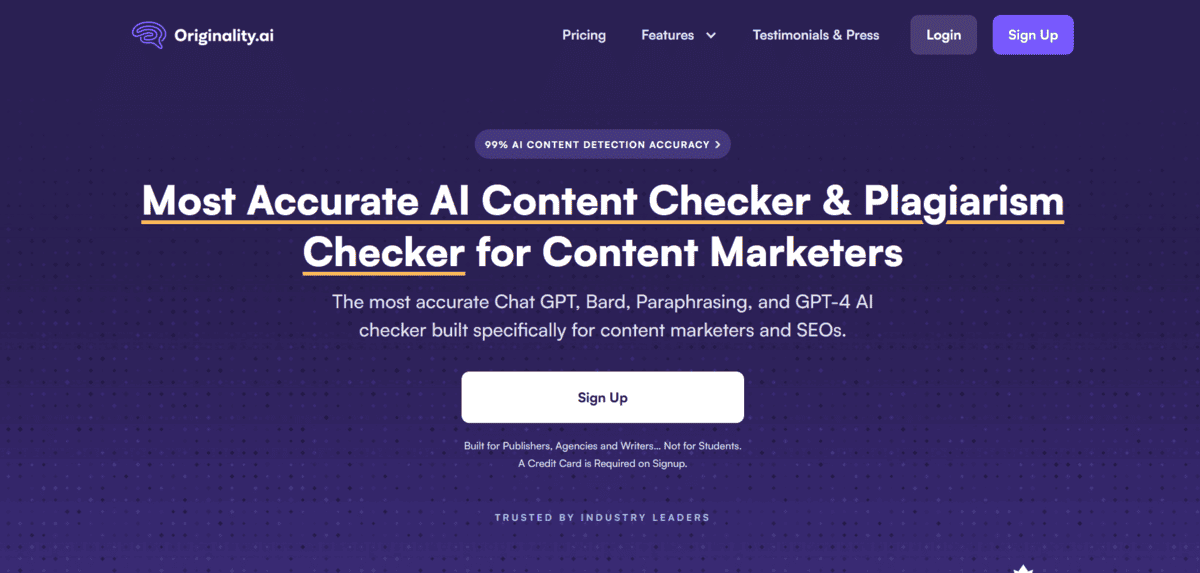
Originality.ai
Platform Type | AI content and plagiarism detection tool |
Best For | Teachers checking for AI-generated student work |
Pricing Model | Pay-as-you-go / From $14.95/mo |
Key Feature | One of the highest AI detection accuracy rates available |
Supported Formats | Word documents, PDFs, online content |
AI-generated content is a common issue in education, and identifying instances of copied or AI-written student work can be challenging. Originality.ai uses advanced algorithms and machine learning to thoroughly scan and analyse text, identifying instances of AI-generated content with remarkable accuracy. It also provides a fact-checking aid, an AI-powered plagiarism checker, and a readability score checker.
- You can detect AI-generated content with one of the highest accuracy rates of any tool currently available.
- You can receive detailed reports highlighting the specific parts of the text that have been flagged, including the sources.
- You can upload and check documents in just seconds, with support for Word documents, PDFs, and online content.
- You can significantly reduce the time and effort spent on manual AI content detection across large volumes of student work.
Note that Originality.ai operates on a credit-based or subscription model, so costs can add up if you are checking a high volume of documents regularly. It is also worth being aware that no AI detection tool is 100% accurate, so results should be treated as indicators rather than definitive proof.

Go-to AI tool for all your needs
ChatGPT
Platform Type | Conversational AI assistant |
Best For | Teachers needing a versatile all-in-one AI assistant |
Pricing Model | Free / From $20/mo (Plus) |
Key Feature | Adapts to virtually any teaching task or subject area |
Ease of Use | Easy |
ChatGPT is a conversational AI that serves as your brainstorming partner. Whether it’s generating lesson plans, answering student queries, or providing feedback, ChatGPT can adapt to different scenarios and assist you with a wide range of teaching needs. It allows you to automate time-consuming administrative tasks like creating schedules, charts, and templates, and can help you draft communication to parents, colleagues, and administrators.
- You can generate lesson plans, learning objectives, and teaching strategies tailored to your subject and student level.
- You can automate administrative writing tasks such as welcome letters, newsletter copy, and parent communications.
- You can use it as a brainstorming tool to explore new angles, activities, and content ideas for any topic.
- You can customise outputs by adjusting your prompts to match your preferred teaching style, tone, and complexity level.
Worth knowing before you commit to the paid plan: the quality of ChatGPT’s responses depends heavily on the detail and precision of the prompts you give it. If you are new to working with language models, there may be an initial learning period before you can harness its capabilities effectively. The free version also has usage limitations during peak times.

Best AI tool for creating slides
Simplified
Platform Type | AI-powered design and content creation platform |
Best For | Teachers who need polished slides without design skills |
Pricing Model | Free plan available / From $12/mo |
Key Feature | Text-to-presentation generation with templates and media library |
Language Support | All major languages |
Not everyone has advanced design skills, which can limit your ability to create visually appealing slides to engage students. Simplified solves this by letting you paste text into the platform and automatically generating professional slide content, including bullet points, images, and relevant visuals. It also summarises long paragraphs, paraphrases content, and offers suggestions to keep slides clear and concise.
- You can generate professional, structured slide decks in seconds simply by pasting your lesson text into the platform.
- You can access an extensive library of high-quality images, icons, and templates to add visual interest to your presentations.
- You can create presentations in all major languages, making it useful for multilingual classrooms or international curricula.
- You can use Simplified’s summarising and paraphrasing tools to condense dense content into student-friendly slide copy.
Just a heads up: Simplified is a broad content creation platform, not a dedicated presentation tool. Its slide generation capabilities are strong for speed and simplicity, but if you need highly granular control over slide design and animations, a dedicated tool like PowerPoint or Google Slides may still be necessary for the finishing touches.

Best AI tool for rephrasing
Quillbot
Platform Type | AI paraphrasing and writing assistance tool |
Best For | Teachers repurposing existing materials and resources |
Pricing Model | Free / From $8.33/mo (Premium) |
Key Feature | Context-aware rephrasing that preserves original meaning |
Integrations | Chrome extension, Microsoft Word |
Quillbot is one of the simplest rephrasing AI tools available for when you need to paraphrase content quickly. Its AI-powered algorithms analyse and understand the context of given text, forming alternative sentences that keep the original meaning while avoiding repetition or plagiarism. This allows you to create unique teaching materials and worksheets from existing resources without having to start from scratch.
- You can rephrase text at different formality and complexity levels to match the reading ability of your students.
- You can use the advanced grammar-checking feature to improve sentence structure and readability in your teaching materials.
- You can integrate Quillbot directly with Chrome and Microsoft Word to rephrase text without leaving your existing workflow.
- You can streamline research and writing tasks, boosting your productivity when creating worksheets, handouts, and lesson notes.
Do note that the free version of Quillbot limits the number of words you can rephrase per session. To access unlimited rephrasing, co-writing, automatic citations, advanced grammar checking, and faster processing, you will need to upgrade to the Premium plan.
Best AI tool for essay writing
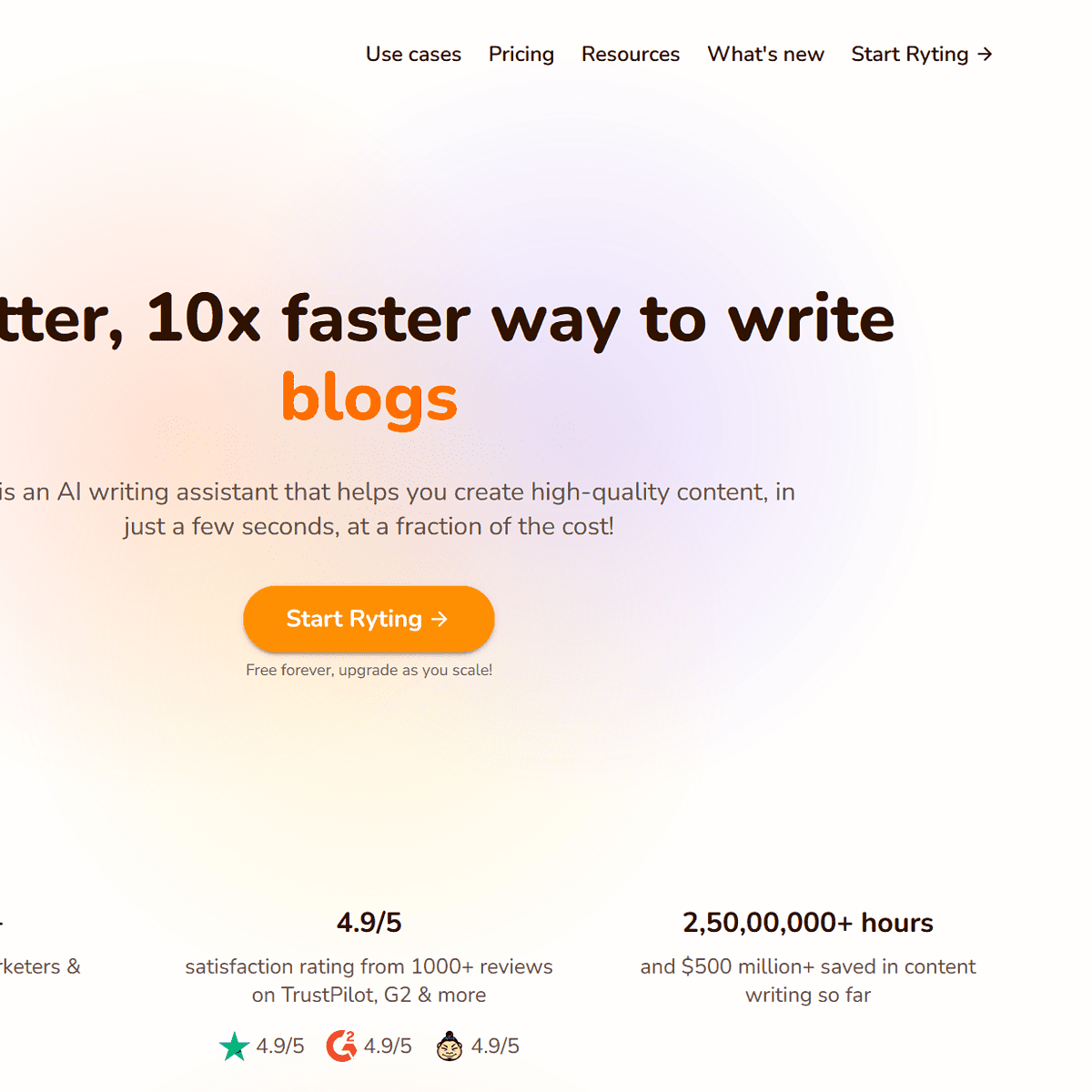
Rytr
Platform Type | AI writing assistant |
Best For | Teachers generating essay content and writing assignments |
Pricing Model | Free (10,000 chars/mo) / From $7.50/mo |
Key Feature | 30+ language support with built-in plagiarism checker |
Ease of Use | Easy |
Writing essays can be time-consuming for teachers, especially when producing individual assignments for students. Rytr is a beginner-friendly AI writing assistant that generates personalised, engaging essays with just a few clicks. It produces content that aligns with your voice and tone, and can swiftly gather relevant data, statistics, and facts to support the writing, saving you precious research time.
- You can generate essays and long-form content in a distraction-free doc-style editor built for focused writing.
- You can write in 30+ languages, making Rytr practical for multilingual or international teaching environments.
- You can use the built-in plagiarism checker to get instant feedback on the originality of generated content before sharing it.
- You can customise the tone, creativity level, and use case to match your writing style and the assignment’s requirements.
There is one limitation to flag here: the free version of Rytr has a 10,000-character limit per month, which may not be sufficient if you have a high volume of essays to produce. Upgrading to a paid plan unlocks unlimited characters and additional features at a competitive price point.

Best AI tool for editing and proofreading
Grammarly
Platform Type | AI writing and grammar correction tool |
Best For | Teachers ensuring error-free written communication |
Pricing Model | Free / From $12/mo (Premium) |
Key Feature | Real-time grammar, spelling, punctuation, and style corrections |
Integrations | Microsoft Word, Google Docs, social media platforms |
As a teacher, ensuring grammatical accuracy across student assignments, your own written materials, and communications is essential. Grammarly is an online writing tool that checks content for errors in grammar, spelling, punctuation, and style, helping both you and your students write more clearly and professionally. It keeps your communication with colleagues, students, and guardians polished and error-free.
- You can get real-time suggestions to improve the clarity, tone, and style of your writing as you type.
- You can use Grammarly across Microsoft Word, Google Docs, and social media platforms without switching tools.
- You can rely on its user-friendly interface to make proofreading fast and accessible, even for non-technical users.
- You can use Grammarly to help students improve their own writing by sharing feedback on clarity, structure, and accuracy.
Okay, but there is one thing about Grammarly worth noting: feedback on tone, style, clarity, and plagiarism checking are all locked behind the Premium plan. The free version covers basic grammar and spelling corrections, which is a good starting point, but teachers who want deeper writing insights will need to upgrade.
Best AI tool for grading
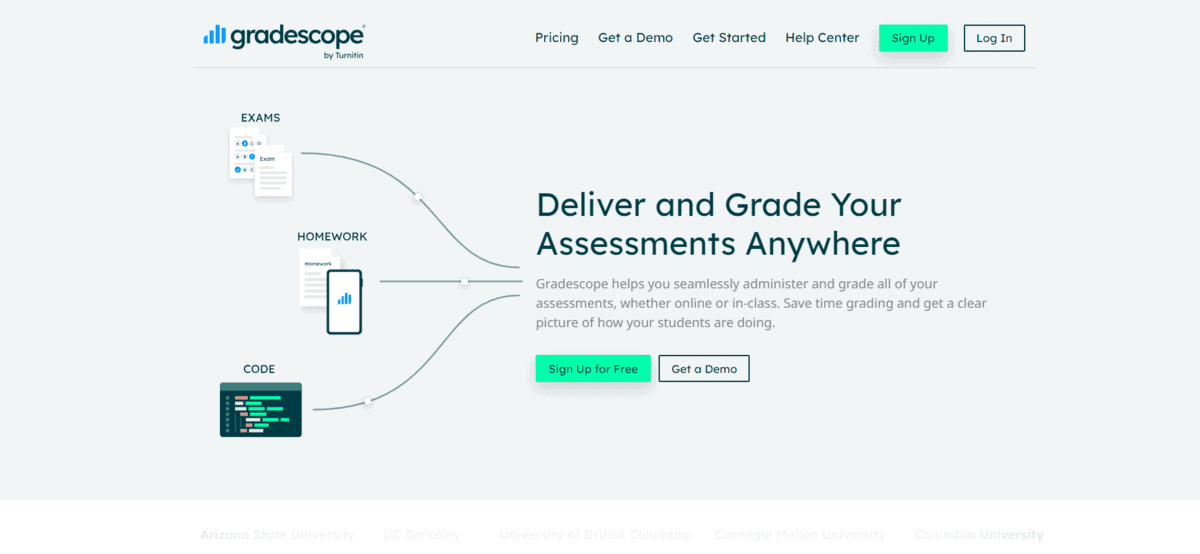
Gradescope
Platform Type | AI-assisted grading and assessment platform |
Best For | Teachers managing large volumes of assignments and exams |
Pricing Model | Free for basic / Institution plans available |
Key Feature | Horizontal grading, detailed analytics, and multi-format assignment support |
Assignment Types | Handwritten work, code, group projects, online submissions |
Grading assignments can be one of the most time-consuming aspects of teaching, especially when managing large classes. Gradescope uses machine learning to automate the grading process, saving you hours of manual work. It also allows you to provide instant, detailed feedback to students, helping them learn from their mistakes more quickly while reducing subjective bias in your assessments.
- You can use time-saving horizontal grading, which lets you grade all student responses to one question before moving on to the next.
- You can grade handwritten work, code submissions, and group projects all within the same platform.
- You can provide detailed feedback and annotations directly on student submissions, promoting a constructive learning environment.
- You can access detailed analytics and visualisations to understand student performance patterns and identify areas for improvement.
- You can rely on the platform’s objective evaluation framework to ensure fair grading and minimise subjective bias across your class.
Gradescope works best in institutional settings and is most powerful when used across a whole class or department. Individual teachers outside of a subscribing institution may find the full feature set harder to access, and setup requires some initial time investment to configure rubrics and assignment types correctly.

All-in-one teaching tool
Fetchy
Platform Type | All-in-one AI teaching assistant platform |
Best For | Teachers wanting a single tool for multiple classroom needs |
Pricing Model | Free plan available / Paid plans for full access |
Key Feature | 40+ teacher support tools covering lessons, quizzes, and admin |
Learning Curve | Low |
Fetchy is an easy-to-use AI tool built specifically for teachers, catering to a wide range of classroom needs in one place. Its user-friendly interface lets you create interactive and engaging presentations, quizzes, and learning materials without juggling multiple platforms. It is designed to enhance student participation and comprehension while simplifying your day-to-day teaching workload.
- You can access 40+ teacher support tools covering lesson creation, assessment generation, and classroom management from a single dashboard.
- You can use real-time assessment and feedback features to monitor student understanding as lessons progress.
- You can streamline administrative tasks including attendance tracking, grade management, and assignment submission through Fetchy’s classroom management tools.
- You can benefit from a personalised learning approach, as Fetchy’s algorithms adapt to individual students’ learning styles to improve engagement and outcomes.
One thing to know about Fetchy: as a newer platform, its feature set is still growing compared to more established education tools. Some teachers may find the breadth of tools slightly overwhelming at first, and depth within individual features may be more limited than dedicated single-purpose tools like Gradescope for grading or QuizGecko for quiz creation.

Best AI tool for generating quizzes
QuizGecko
Platform Type | AI-powered quiz and assessment generator |
Best For | Teachers creating fast, varied assessments from existing content |
Pricing Model | Free plan available / From $8/mo |
Key Feature | Generates questions from any text, URL, or uploaded file |
Analytics | Smart analytics reports on student performance |
Creating quizzes for assessments can be a time-consuming task. QuizGecko addresses this by using AI to streamline quiz creation, letting you generate quizzes, exams, and assessments in seconds from existing content. You can input any text, paste a URL, or upload a file, and QuizGecko’s algorithms will automatically generate relevant questions across a range of formats.
- You can generate quiz questions from any text, URL, or uploaded file, eliminating the need for manual question writing.
- You can create questions in diverse formats including multiple choice, true/false, short answer, and fill-in-the-blank.
- You can customise quizzes to your specific curriculum, difficulty level, and assessment objectives.
- You can access smart analytics reports to understand how individual students and the class as a whole are performing on assessments.
Just a heads up: the free plan limits the number of quizzes and questions you can generate per month. For teachers with larger classes or frequent assessment needs, the paid plan will be necessary to get full value from the platform. Question quality can also vary depending on the complexity of the source material you input.
Best AI tool for transcription
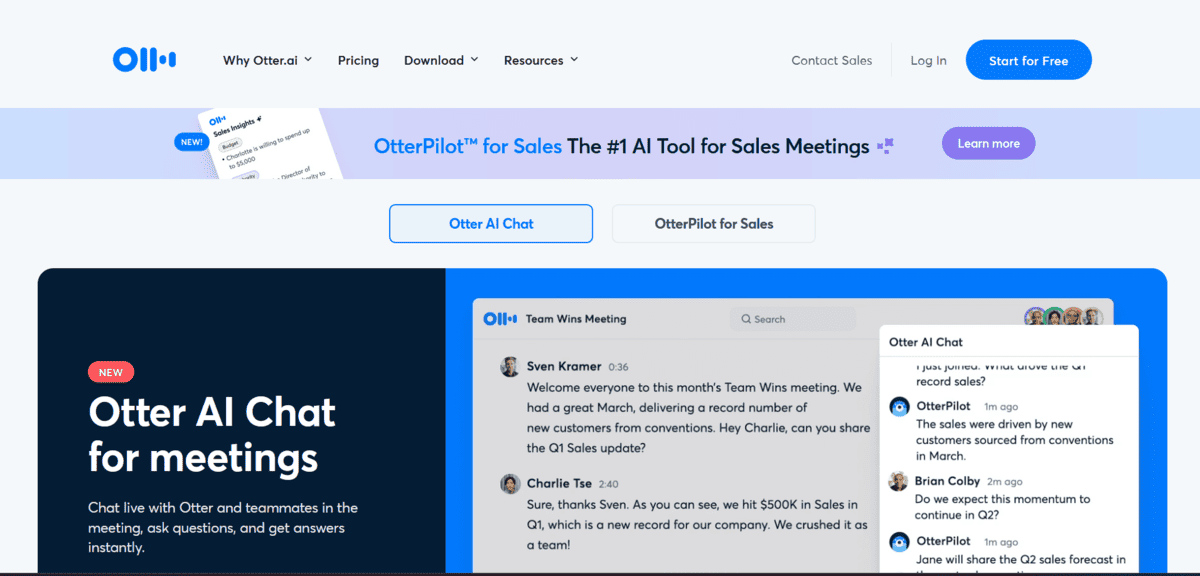
Otter.ai
Platform Type | AI transcription and meeting notes platform |
Best For | Teachers transcribing lectures, discussions, and meetings |
Pricing Model | Free (300 mins/mo) / From $8.33/mo (Pro) |
Key Feature | Real-time transcription with automatic summaries and action items |
Integrations | Zoom, Microsoft Teams, Google Meet |
Transcription is an essential task for teachers who want to make lecture recordings accessible, review class discussions, or create written records of meetings. Otter.ai uses advanced AI technology to provide highly accurate and efficient transcripts, reducing the time and effort required for manual transcription significantly. It can accurately transcribe lectures, discussions, and other educational content in real time.
- You can access real-time transcription, allowing you to instantly view and share transcriptions with students as audio is being recorded.
- You can share transcriptions with colleagues and students to facilitate collaboration and improve accessibility for all learners.
- You can upload audio or video files for transcription through Otter.ai’s user-friendly interface, with no technical setup required.
- You can automatically generate summaries of meetings and lectures, extract action items, and integrate with Zoom, Microsoft Teams, and Google Meet.
The free plan limits transcription to 300 minutes per month, which may not be sufficient for teachers with frequent recordings or long lectures. Accuracy can also vary with strong accents, background noise, or technical subject-specific vocabulary, so transcripts should be reviewed before being shared with students as final reference material.