
As a YouTuber, your journey is filled with various stages, each presenting unique challenges. From content creation and production to editing, optimising thumbnails, and analysing data, the workload can quickly become overwhelming. Fortunately, AI tools can help you streamline your work and overcome these challenges.
AI tools can help you generate content ideas, automate repetitive editing tasks, optimise tags and thumbnails for better discoverability, provide analytics insights, and aid in productivity management. We have curated a list of the top ten AI tools for YouTubers, considering factors like accessibility, support, price, and user reviews.
Rundown
- Best AI tool to find viral content: BuzzSumo, “A go-to AI tool for identifying the most engaging and trending content by scanning millions of articles and social media posts in just a matter of seconds.”
- Best AI tool for professional video editing: Adobe Premiere Pro, “An AI-powered, pro-level video editor that helps you achieve professional-looking videos with ease.”
- Best AI tool to convert text to video: InVideo, “A user-friendly video creation tool that converts text prompts into professional-looking videos.”
- Best AI tool for copywriting: Copy.ai, “An all-in-one AI-powered tool that helps you generate high-quality and engaging content quickly, saving you hours of work.”
- Best AI tool for multistreaming: Wave.video, “Allows you to conveniently stream your content to multiple platforms at once, maximising your visibility and connecting with viewers across various social networks.”
- Best AI tool for video enhancement: Vmake, “An AI-powered video enhancer that upscales low-resolution footage to 2K, 4K, or AI 4K+ with scene-specific models for portraits, gameplay, animation, and more.”
- Best AI tool for all-in-one video editing: Clideo, “A browser-based video editing suite that brings together dozens of tools, from trimming and merging to subtitles, translation, and AI voiceover, without needing to install any software.”
- Best AI tool for video transcription: VEED.IO, “An easy-to-use AI-powered tool that transcribes your videos with high accuracy in just one click, saving you significant time and effort.”
- Best tool for analytics: SocialBlade, “Provides comprehensive global analytics of your channel, giving you access to valuable data and insights about performance, as well as the ability to compare your progress with other YouTubers.”
Recommended AI Tools for YouTubers

Best AI tool to find viral content
BuzzSumo
Platform Type | Content intelligence and trend analysis tool |
Best For | YouTubers researching trending topics and viral content |
Pricing Model | 7-day free trial / From $199/mo |
Key Feature | Real-time social trend monitoring across millions of posts |
Ease of Use | Moderate |
Staying ahead of the competition and finding viral content ideas can be a difficult task for YouTubers. BuzzSumo provides valuable insights into popular content topics and trends by analysing the best-performing content across various social media platforms. It helps you identify topics that resonate with your audience and generate fresh ideas for your videos, doing the time-consuming job of scanning social media to find what people are engaging with most at any given time.
- You can use real-time monitoring and analysis of social media trends to spot rising topics before they peak.
- You can conduct competitor analysis to understand what other channels in your niche are doing well, and use that to refine your own content strategy.
- You can gain influencer insights to identify key creators worth collaborating with in your space.
- You can optimise your content creation process by understanding the most popular and engaging video formats and topics in your niche.
Just a heads up: BuzzSumo is a premium tool and its paid plans are priced at the higher end of the market, which may be a barrier for smaller or newer channels. The 7-day free trial is available to test it before committing, but the full feature set requires a subscription.

Best AI tool for professional video editing
Adobe Premiere Pro
Platform Type | Professional AI-powered video editing software |
Best For | YouTubers needing pro-level video editing and multi-platform output |
Pricing Model | From $22.99/mo (or included in Creative Cloud) |
Key Feature | Auto Reframe, Text-Based Editing, and AI Audio Cleanup via Adobe Sensei |
Ease of Use | Advanced |
Editing videos to achieve a professional-level output can be a time-consuming task. With the power of Adobe Sensei, Adobe Premiere Pro simplifies the editing process and helps you create top-notch videos more efficiently. AI-powered features including Auto Reframe, Text-Based Editing, and Intelligent Audio Cleanup automate and enhance various aspects of video editing, making it easier to produce high-quality content at scale.
- You can use Auto Reframe to automatically resize and reposition footage for different aspect ratios, optimising your videos for YouTube, Shorts, Instagram, and other platforms simultaneously.
- You can search, highlight, and edit your video using the transcript through Text-Based Editing, making the editing process significantly faster.
- You can remove unwanted background noise using AI-based audio cleanup, ensuring clearer and more professional-sounding audio for your audience.
- You can customise templates for different platforms and easily navigate the interface with its clear, instructive prompts.
Note that Adobe Premiere Pro is a professional-grade tool with a learning curve that may feel steep for beginners or part-time creators. It works best for those who already have some video editing experience or are willing to invest time in learning the platform. If you already have an Adobe Creative Cloud subscription, you have access to it at no additional cost.

Best AI tool to convert text to video
InVideo
Platform Type | AI text-to-video creation platform |
Best For | Beginner YouTubers creating videos quickly from scripts or prompts |
Pricing Model | Free (watermarked) / From $20/mo |
Key Feature | Drag-and-drop video builder with unlimited animated elements and transitions |
Ease of Use | Easy |
Creating videos manually can be a time-consuming and labour-intensive task. Using AI technology, InVideo automates the process of converting text to video, reducing the overall time and effort involved. It understands your text’s underlying meaning and intent, allowing you to create contextually relevant videos that capture the attention of your viewers without needing advanced editing skills.
- You can use the drag-and-drop functionality to create professional-looking videos without any video editing experience.
- You can add unlimited elements to your videos including filters, emojis, animated scene transitions, and other animated objects to make your content stand out.
- You can customise your videos with a wide range of tools including transitions, animations, and overlays to create unique and engaging content.
- You can convert scripts, blog posts, or text prompts directly into completed video drafts in a fraction of the time it would take to edit manually.
Worth knowing before you commit: InVideo is well suited to beginners and creators who need videos quickly, but the AI-generated output can feel formulaic for channels that rely heavily on personality-driven content or complex visual storytelling. The free plan adds a watermark to all exports, so a paid plan is required for watermark-free publishing.
Best AI tool for copywriting
Copy.ai
Platform Type | AI-powered copywriting and content generation platform |
Best For | YouTubers generating scripts, titles, descriptions, and video copy |
Pricing Model | Free (2,000 words/session) / From $36/mo (Pro) |
Key Feature | NLP-powered content generation across multiple formats and languages |
Ease of Use | Easy |
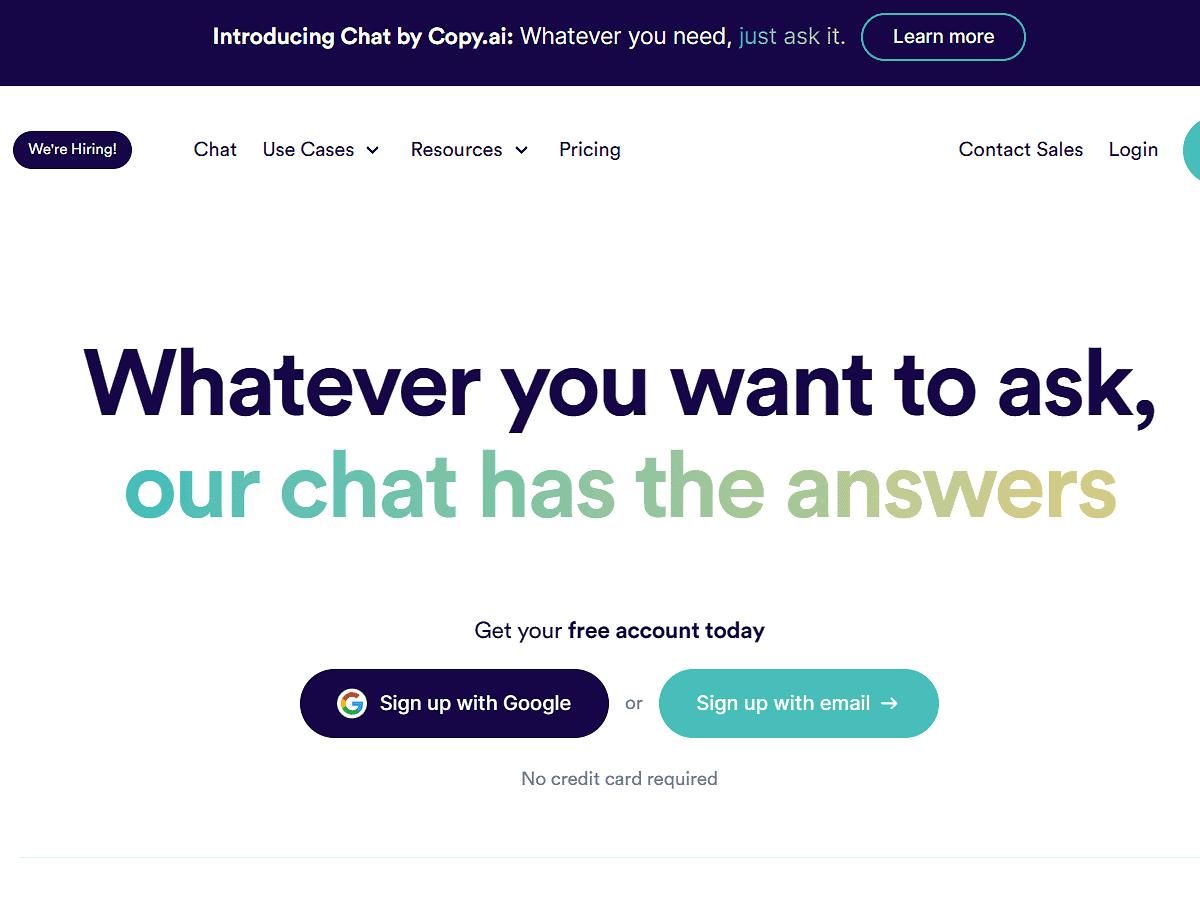
Creating captivating, high-quality content that connects with your audience is a major challenge for YouTubers. Copy.ai solves this problem by providing a range of AI-powered tools to help you generate ideas, write scripts, and produce engaging written content quickly and easily. It uses natural language processing to help you generate content ideas, titles, descriptions, and even full scripts for your videos.
- You can generate versatile content that resonates with your audience across multiple formats including scripts, hooks, descriptions, and social captions.
- You can benefit from quick turnaround times for content generation, helping you stay on track with your video production schedule.
- You can use the user-friendly interface to generate content without any technical expertise, making it accessible to creators at all experience levels.
- You can access multiple language support and an unlimited word count on the paid plan, which is useful for channels targeting international audiences.
Do note that even though Copy.ai is connected to the internet, there is a possibility of it producing inaccurate information, so outputs should always be reviewed before publishing. The free version is good for personal use but is capped at 2,000 words per session, which may be limiting for higher-volume content creators.
Best AI tool for multistreaming
Wave.video
Platform Type | Video creation and multistreaming platform |
Best For | YouTubers streaming live content across multiple platforms simultaneously |
Pricing Model | Free (watermarked, 2 channels) / From $20/mo (Streamer) |
Key Feature | Multistream to YouTube, Facebook, Instagram, and more simultaneously |
Ease of Use | Easy |
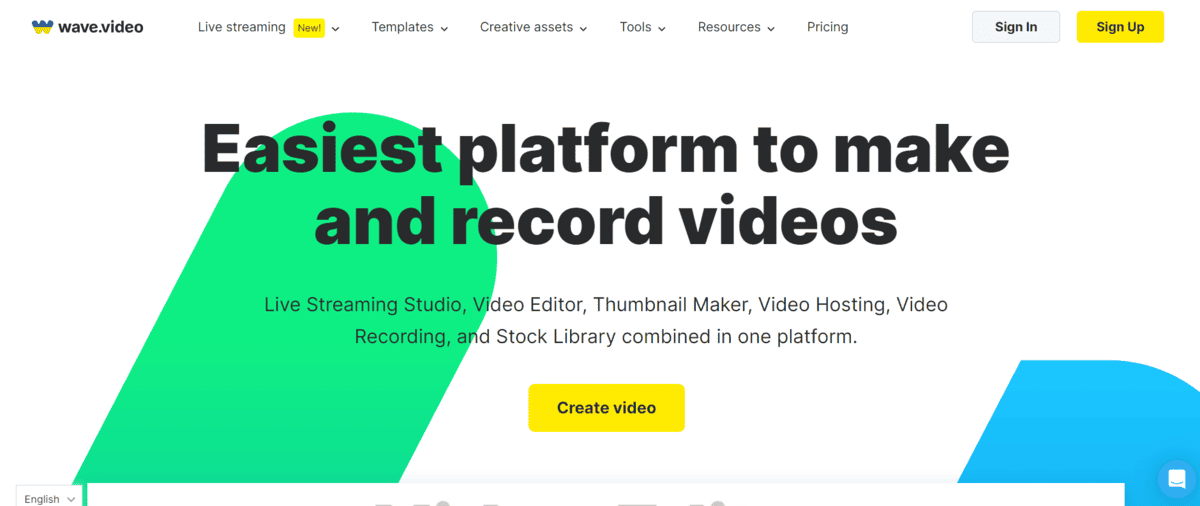
Promoting and streaming your videos across multiple platforms is crucial for reaching a wider audience as a YouTuber. Wave.video allows you to automate and streamline your multistreaming process, saving valuable time and effort. It integrates seamlessly with popular social media platforms including YouTube, Facebook, and Instagram, enabling you to share your videos and live streams across multiple channels at the same time.
- You can stream simultaneously to multiple platforms, maximising your reach without having to manage separate streams for each channel.
- You can choose from over 300 preset sizes and templates to ensure your video content is formatted correctly for each platform.
- You can use auto-captions, video enhancement, and thumbnail generation to improve the engagement and discoverability of your content.
- You can access a stock library of 2 million assets and templates on the free plan to supplement your live or recorded content.
One thing to know about Wave.video: the free plan adds a watermark to your streams and limits you to two channels. For watermark-free live streaming in 1080p across up to five channels, you will need the Streamer plan at $20 per month. If you primarily create pre-recorded content rather than live streams, other tools on this list may be a better fit for your workflow.

Best AI tool for video enhancement
Vmake.ai
Platform Type | AI-powered video enhancement platform |
Best For | YouTubers improving video clarity and resolution |
Pricing Model | Free / Paid plans available |
Key Feature | AI 4K+ generative scene reconstruction with scene-specific enhancement models |
Ease of Use | Easy |
Vmake is a browser-based video enhancer that upscales low-resolution footage to 2K, 4K, or its most advanced tier, AI 4K+. Rather than applying filters on top of existing pixels, AI 4K+ uses generative scene reconstruction to rebuild missing detail from scratch, which makes a noticeable difference on heavily compressed or AI-generated clips.
It comes with six scene-specific enhancement modes covering portraits, products, low-light footage, gameplay, and animation. This makes it practical for a wide range of YouTube content types rather than being a one-size-fits-all upscaler.
- You can upscale footage to 2K, 4K, or AI 4K+ in one click, with Vmake automatically selecting the most suitable enhancement model after upload.
- You can use Portrait Restoration Mode to sharpen facial features and skin texture without the over-smoothed, waxy look common in AI-enhanced video.
- You can use De-AI Mode to make AI-generated footage from tools like Sora or Kling look more natural, fixing texture repetition and unnatural light balance.
- You can enhance gameplay clips, screen recordings, and anime uploads to reduce blur and jagged edges without losing the original visual style.
- You can run it entirely in the browser with no downloads or sign-ups required, and uploaded files are automatically deleted after seven days.
Vmake does not publish transparent pricing on its landing page, so it is worth checking the current plans before committing. The free tier appears to be available, but its export limits and resolution caps are not clearly stated upfront. It is also a browser-based tool only, so it may not suit creators working with very long or high-volume batches of footage where a desktop application would be more practical.
Best AI tool for all-in-one video editing
Clideo
Platform Type | Browser-based all-in-one video editing suite |
Best For | YouTubers needing a flexible online toolkit for quick edits and format changes |
Pricing Model | Free (watermarked) / Paid plans available |
Key Feature | Multi-track timeline editor combined with AI subtitle generation and video translation |
Ease of Use | Easy |
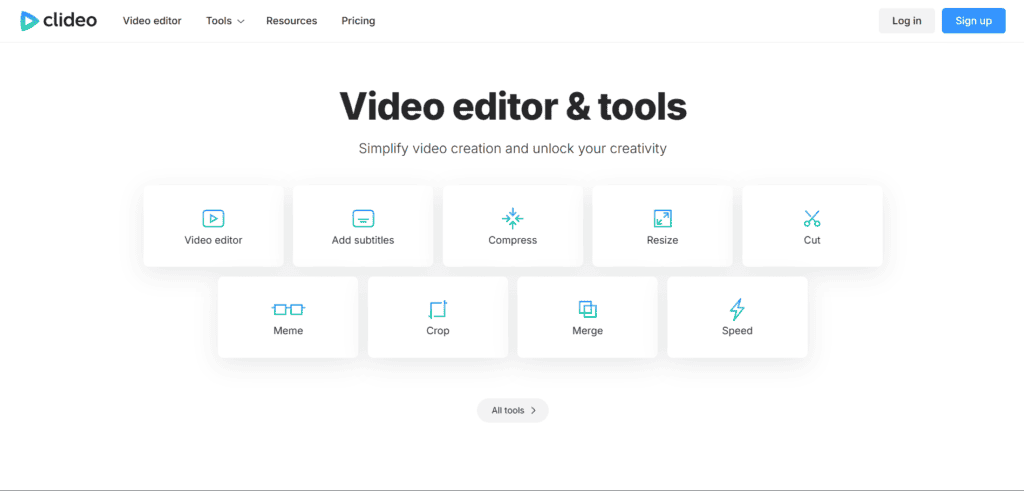
Juggling multiple apps for different editing tasks can slow down your workflow and bloat your desktop with software you only use occasionally. Clideo solves this by bundling dozens of video, audio, and image tools into a single browser-based platform, so you can handle everything from quick cuts to subtitle generation without installing anything.
Whether you need to resize a clip for Shorts, translate a video for international viewers, or stitch together a slideshow, Clideo gives you a single workspace to get it done.
- You can use the multi-track video editor to combine clips, images, text, and music on a timeline, giving you full creative control without needing desktop software.
- You can automatically generate and translate subtitles using the auto subtitle generator and video translator, helping you reach international audiences without hiring a translator.
- You can quickly convert, compress, resize, crop, trim, merge, loop, or rotate videos using dedicated single-purpose tools, which is ideal for preparing the same video for YouTube, Shorts, Instagram, and TikTok.
- You can use the built-in screen recorder, camera recorder, and audio recorder to capture new content directly in the browser, then edit it in the same tool without exporting anywhere else.
Worth knowing before you commit: Clideo’s free plan adds a watermark to your exported files, so a paid subscription is required for clean, publish-ready output. Because it runs entirely in the browser, performance can also depend on your internet connection and file size, making it better suited to short- and medium-length videos rather than hour-long productions that demand heavy desktop-grade processing.

Best AI tool for video transcription
VEED.IO
Platform Type | AI-powered video editing and transcription platform |
Best For | YouTubers adding subtitles, transcriptions, and video enhancements |
Pricing Model | Free (watermarked) / From $18/mo |
Key Feature | One-click AI transcription with high accuracy and translation support |
Ease of Use | Easy |
Manually transcribing videos is time-consuming and tedious, especially for busy YouTubers. VEED.IO uses AI technology to automate video transcription, with advanced speech recognition that ensures every word is captured with precision. With just a few clicks, you can generate accurate and fast transcriptions, eliminating manual typing and saving significant time and effort. The platform is simple and efficient, making the transcription process manageable for beginners and experienced creators alike.
- You can transcribe your videos with high accuracy in one click, without spending hours typing out what was said manually.
- You can use AI-powered video translation to reach global audiences and make your content accessible to viewers who speak different languages.
- You can remove background noise, add music, apply filters, and use other effects to create more professional-looking videos beyond just transcription.
- You can export subtitles and captions directly from the transcription to improve accessibility and boost your video’s SEO performance on YouTube.
Just a heads up: VEED.IO’s free plan adds a watermark to exported videos, and the transcription character limit may be restricting for longer videos. For watermark-free exports and higher usage limits, a paid plan is required. Transcription accuracy can also vary slightly with strong accents or technical terminology, so it is worth reviewing the output before publishing captions.

Best tool for analytics
SocialBlade
Platform Type | Channel analytics and benchmarking platform |
Best For | YouTubers tracking channel growth and benchmarking against competitors |
Pricing Model | Free / From $3.99/mo (Bronze) |
Key Feature | Real-time channel statistics with competitor comparison and earnings estimates |
Ease of Use | Easy |
SocialBlade solves the problem of tracking and understanding YouTube analytics by providing comprehensive insights and data that allow you to monitor your channel’s performance, benchmark against competitors, and make informed decisions. While not AI-powered, it provides real-time data updates and tools to identify patterns and trends in your data, as well as estimate possible earnings from your content.
- You can access real-time data updates to track your channel’s subscriber count, view counts, and growth metrics as they happen.
- You can compare your channel’s performance directly against other YouTubers in your niche to understand where you stand competitively.
- You can use customisable reporting options to focus on the metrics that matter most to your channel’s specific goals.
- You can use the earnings estimator to get a rough sense of the revenue your channel and competitor channels may be generating from YouTube.
SocialBlade is a useful benchmarking and tracking tool, but it is worth noting that it is not AI-powered and its data is based on publicly available statistics rather than YouTube’s internal analytics. Its earnings estimates are approximations only, and for deeper channel insights including audience demographics and watch time, you will need YouTube Studio’s native analytics alongside SocialBlade.