
Product management sits at the intersection of strategy, delivery, and customer insight. The right tools help you stay on top of all three without switching context every hour. This list covers 16 of the best product management tools available in 2026, spanning roadmapping, issue tracking, analytics, collaboration, and feedback, so you can build a stack that fits how your team actually works.
Rundown
- For agile issue tracking and sprint planning: Jira, “An agile project management tool for software teams to plan, track, and manage sprints, backlogs, and releases.”
- Best for fast-moving engineering teams: Linear, “A streamlined issue tracking and project management tool built for speed and clean workflows.”
- To connect customer feedback to your roadmap: Productboard, “A product management platform for centralising customer feedback, prioritising features, and sharing roadmaps.”
- The enterprise roadmapping pick: Aha!, “A product development platform for building strategy, roadmaps, and managing ideas from discovery to delivery.”
- If you want one tool for everything: ClickUp, “A customisable work management platform combining tasks, docs, goals, and dashboards in one workspace.”
- Best for non-technical stakeholders: Monday.com, “A work OS for planning, tracking, and managing cross-functional projects with visual boards and dashboards.”
- To manage docs, wikis, and lightweight tasks: Notion, “A connected workspace for notes, wikis, databases, and lightweight task management.”
- For team documentation and knowledge management: Confluence, “A team wiki and documentation platform for creating, organising, and sharing product knowledge.”
- To collect and prioritise feature requests: Canny, “A feedback management tool for capturing, organising, and prioritising feature requests from users.”
- Best for distributed team workshops: Miro, “An online collaborative whiteboard platform for brainstorming, mapping, and planning across distributed teams.”
- To track user behaviour and funnels: Mixpanel, “An event-based product analytics platform for tracking user behaviour, funnels, retention, and feature adoption.”
- The enterprise analytics pick: Amplitude, “A product intelligence platform for analysing user journeys, measuring feature impact, and running experiments.”
- To run usability tests and prototype studies: Maze, “A rapid product research platform for running usability tests, prototype studies, and concept validation.”
- For coordinating work across departments: Asana, “A project management tool for organising tasks, managing workloads, and coordinating cross-functional work.”
- The open-source analytics option: PostHog, “An open-source product analytics platform combining event tracking, session replay, feature flags, and A/B testing.”
- If you need structured prioritisation frameworks: airfocus, “A modular product management platform for building prioritised roadmaps and aligning teams on strategy.”
Recommended Product Management Tools
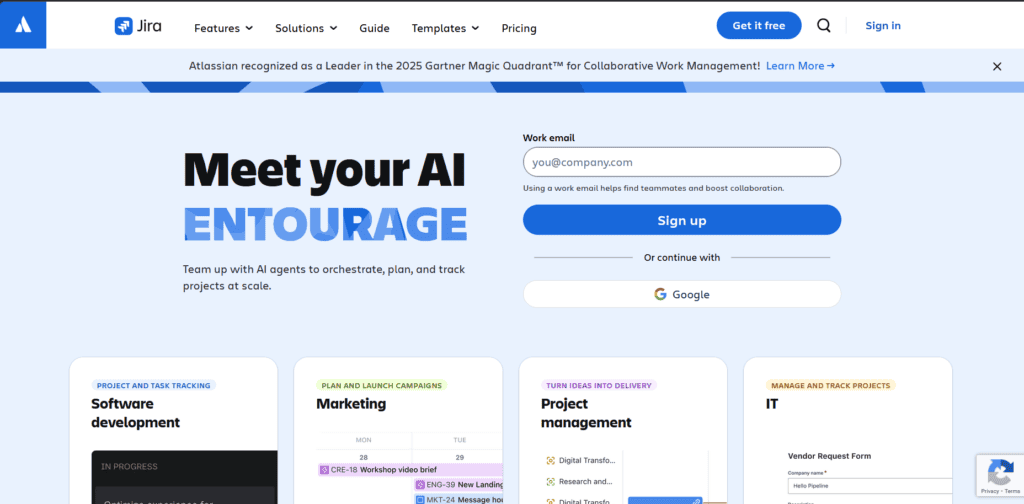
For agile issue tracking and sprint planning
Jira
Pricing | Free up to 10 users / From $8.15/user/mo |
Ease of Use | Moderate |
Best For | Software development teams |
Learning Curve | High |
Jira is Atlassian’s project management tool for software and product teams. It is built around agile methodologies and supports Scrum, Kanban, and custom workflows. It is the default choice for many engineering teams and integrates deeply with other Atlassian tools like Confluence, Bitbucket, and Jira Product Discovery.
Atlassian also added Rovo AI across paid plans, which brings AI-powered issue summarisation, workflow automation suggestions, and smart search into the core product.
- You can plan and track sprints with Scrum boards, manage work in progress with Kanban boards, and visualise the backlog across both.
- You can build custom workflows with configurable statuses, transitions, and automation rules to match how your team ships.
- You can generate sprint reports, burndown charts, velocity graphs, and release summaries directly from Jira’s reporting dashboard.
- You can connect Jira to over 3,000 apps via the Atlassian Marketplace, including GitHub, Slack, Figma, and Confluence.
- You can use Jira Product Discovery as a companion tool to manage ideas, prioritise features, and link discovery work directly to delivery tickets.
Jira’s power comes with real complexity. New users often find the interface confusing, and setting up workflows, permissions, and project structures takes meaningful admin time. Non-technical stakeholders regularly struggle with it. It is most effective when your team has someone who knows Jira well enough to configure and maintain it.

Best for fast-moving engineering teams
Linear
Pricing | Free / From $8/user/mo (Basic) |
Ease of Use | Easy |
Best For | Startups and engineering-led teams |
Learning Curve | Low |
Linear is a project management tool built specifically for software teams who want speed and simplicity. It strips away the complexity of tools like Jira and replaces it with a clean, fast interface that gets out of the way. It is used by over 25,000 product teams including OpenAI, Ramp, and Cursor.
- You can create issues, set priorities, assign owners, and move work through cycles in seconds using keyboard shortcuts and a minimal interface.
- You can manage roadmaps and initiatives at a higher level while keeping them linked to the underlying issues your team is working on.
- You can sync Linear with GitHub, GitLab, and Figma so pull requests and design changes automatically update the relevant issues.
- You can use Linear’s AI features to draft issue descriptions, summarise project updates, and surface relevant context from your workspace.
- You can track team velocity, cycle times, and lead times through Linear’s built-in analytics and insights dashboards.
Linear is opinionated by design. If you need highly customised workflows, complex permission structures, or advanced enterprise reporting, you will hit its limits. It is also primarily built for technical teams. Non-developers and business stakeholders sometimes find the issue-centric structure less intuitive for their type of work.
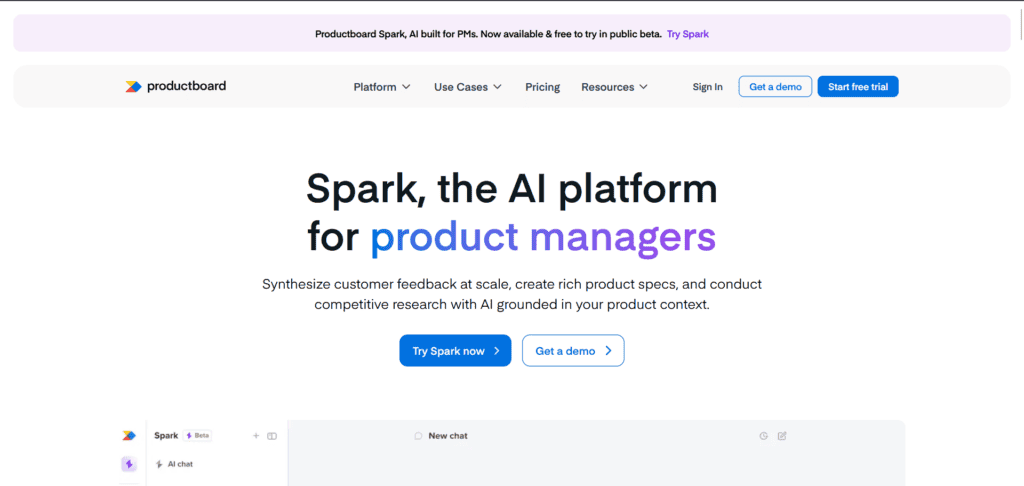
To connect customer feedback to your roadmap
Productboard
Pricing | Free (Starter) / From $19/maker/mo |
Ease of Use | Moderate |
Best For | Product managers at growing SaaS companies |
Learning Curve | Medium |
Productboard is a product management platform focused on connecting customer feedback to what gets built. It sits between your customer-facing tools and your development backlog, helping PMs centralise insights, score feature ideas, and communicate priorities through shareable roadmaps.
- You can centralise customer feedback from Intercom, Zendesk, Salesforce, Slack, and other sources into a single inbox for analysis.
- You can score and rank feature ideas using prioritisation frameworks based on user impact, effort, and strategic fit.
- You can build stakeholder-specific roadmaps that show different levels of detail depending on the audience, from engineering to leadership.
- You can sync priorities directly to Jira or Azure DevOps so discovery decisions flow automatically into your development backlog.
- You can use AI-assisted insight extraction to surface themes and patterns from large volumes of customer feedback without manual tagging.
Note that Productboard is not a standalone development tool. It is designed to sit alongside Jira or Linear, not replace them. That means you are paying for an additional tool on top of your existing stack, which adds up. Pricing is per maker seat, and the cost can feel steep for smaller teams who only have one or two active product managers.
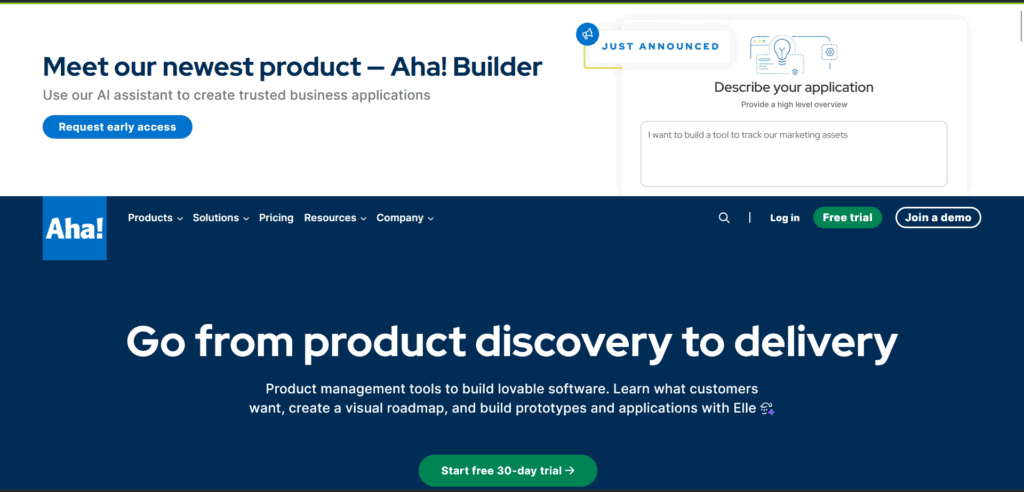
The enterprise roadmapping pick
Aha!
Pricing | From $59/user/mo (Roadmaps) |
Ease of Use | Moderate |
Best For | Mid-size to enterprise product teams |
Learning Curve | High |
Aha! is a comprehensive product development suite covering strategy, roadmapping, idea management, whiteboards, and documentation. It is designed for product managers who want a structured, end-to-end system for connecting business goals to product delivery. Companies using Aha! tend to have dedicated product operations functions or senior PMs who want full control over the planning process.
- You can define product vision, strategic goals, and initiatives, then cascade them down to features and delivery milestones in a linked hierarchy.
- You can build visual roadmaps with multiple views including timeline, Kanban, and list, then share them with tailored access for different audiences.
- You can run an ideas portal where customers and internal teams can submit feedback, vote on requests, and track status updates.
- You can use Aha! Whiteboards to brainstorm, map flows, and run workshops using over 100 templates, all linked back to your roadmap.
- You can integrate with Jira, Azure DevOps, GitHub, Salesforce, and Slack to keep product plans connected to execution and customer data.
Aha! is one of the more expensive tools on this list, starting at $59 per user per month for Roadmaps. For smaller teams or startups, that cost is difficult to justify. The platform also has a steep learning curve. Its depth is its strength, but new users often feel overwhelmed before they feel productive.

If you want one tool for everything
ClickUp
Pricing | Free / From $7/user/mo (Unlimited) |
Ease of Use | Moderate |
Best For | Teams wanting one tool for everything |
Learning Curve | Medium |
ClickUp is a work management platform that combines tasks, docs, goals, whiteboards, dashboards, and time tracking in one workspace. It is positioned as the tool that replaces the rest of your stack. Teams use it across product, engineering, marketing, and operations to manage everything in one place without switching apps.
- You can manage work across 15+ views including list, board, Gantt, calendar, and timeline, all from the same set of tasks.
- You can create Docs and wikis directly inside ClickUp and link them to tasks, goals, or projects for connected context.
- You can automate repetitive actions like status changes, assignments, and notifications using ClickUp’s no-code automation builder.
- You can use ClickUp Brain, its AI assistant, to summarise threads, generate task descriptions, draft docs, and answer questions about your workspace.
- You can build custom dashboards with charts, workload views, and KPI trackers to monitor project health across teams.
ClickUp’s biggest strength is also its biggest weakness: it has a lot of features. New users regularly feel overwhelmed by the number of settings, views, and options available. Performance can also slow down noticeably on large workspaces with many tasks. Teams that want a lighter, more focused tool often find ClickUp heavier than they need.
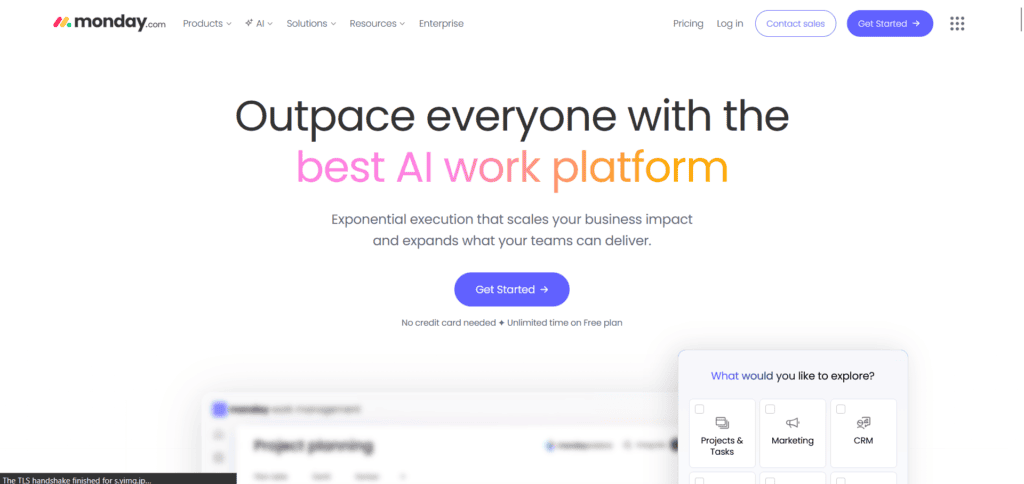
Best for non-technical stakeholders
Monday.com
Pricing | Free up to 2 seats / From $13/seat/mo |
Ease of Use | Easy |
Best For | Cross-functional teams and non-technical PMs |
Learning Curve | Low |
Monday.com is a work management platform built around visual boards and dashboards. It is widely used across departments, not just product teams, and is particularly popular with non-technical stakeholders who want a clear, intuitive view of project status. Monday also has a dedicated product called Monday Dev, aimed at engineering and product teams managing the full development lifecycle.
- You can build boards for any workflow using a drag-and-drop interface with columns, statuses, and colour-coded labels that require no training to understand.
- You can connect boards to dashboards that aggregate data across projects, giving leadership a high-level view without drilling into individual tasks.
- You can automate repetitive workflows like status updates, email notifications, and task assignments using Monday’s no-code automation builder.
- You can manage sprints, backlogs, and releases using Monday Dev, which adds agile-specific views and Git integrations on top of the core platform.
- You can integrate with over 200 tools including Jira, GitHub, Slack, Salesforce, and Google Workspace.
Monday can get expensive quickly. Pricing starts at $13 per seat per month with a minimum of three seats, and automation actions are capped per plan tier. Teams that rely heavily on automations often find costs climbing faster than expected once they pass the included limits. It is also less specialised than dedicated product tools like Linear or Jira for deep engineering workflows.
To manage docs, wikis, and lightweight tasks
Notion
Pricing | Free / From $10/seat/mo (Plus) |
Ease of Use | Easy |
Best For | Small teams and early-stage startups |
Learning Curve | Low |
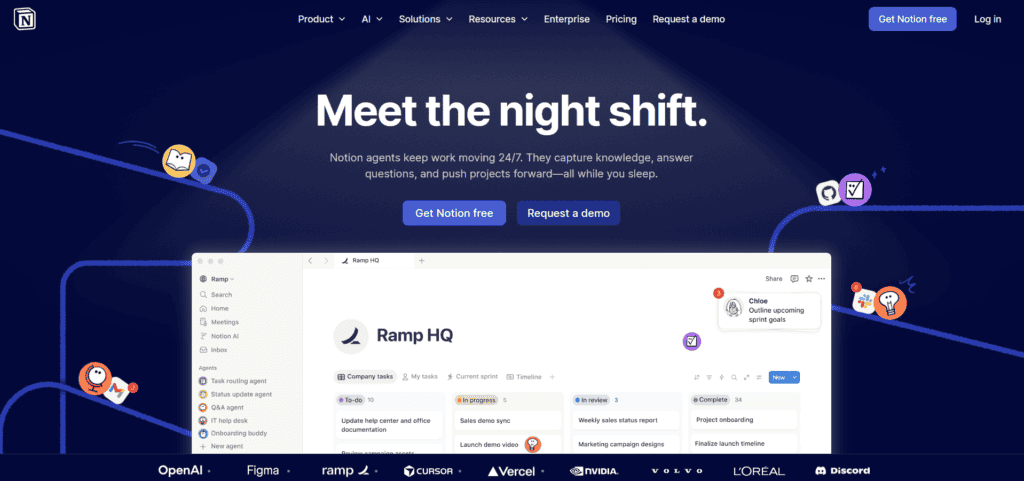
Notion is a flexible workspace that combines notes, wikis, databases, and lightweight task management. It is used widely by product teams for PRDs, roadmaps, meeting notes, and project tracking. Its freeform structure makes it adaptable to almost any workflow, though that same flexibility means you usually need to invest time setting it up the way you want.
- You can create linked pages, databases, and wikis that connect your product documentation, roadmaps, and meeting notes in one place.
- You can build Kanban boards, tables, timelines, and calendars from the same database, switching views without duplicating data.
- You can use Notion AI to draft documents, summarise meeting notes, generate project plans, and extract action items from text.
- You can share pages publicly or with specific collaborators, making it easy to create external-facing product changelogs or specs.
- You can integrate with tools like GitHub, Slack, Jira, and Figma to pull in context without leaving your Notion workspace.
Just a heads up: Notion is not a replacement for a dedicated issue tracker. For teams that need sprint management, release tracking, or engineering-level workflow customisation, it falls short. AI features are only available on the Business plan at $20 per seat per month, which is a noticeable jump from the Plus plan. Performance can also slow down with very large databases.
For team documentation and knowledge management
Confluence
Pricing | Free up to 10 users / From $5.42/user/mo |
Ease of Use | Moderate |
Best For | Teams already using Jira and Atlassian tools |
Learning Curve | Medium |
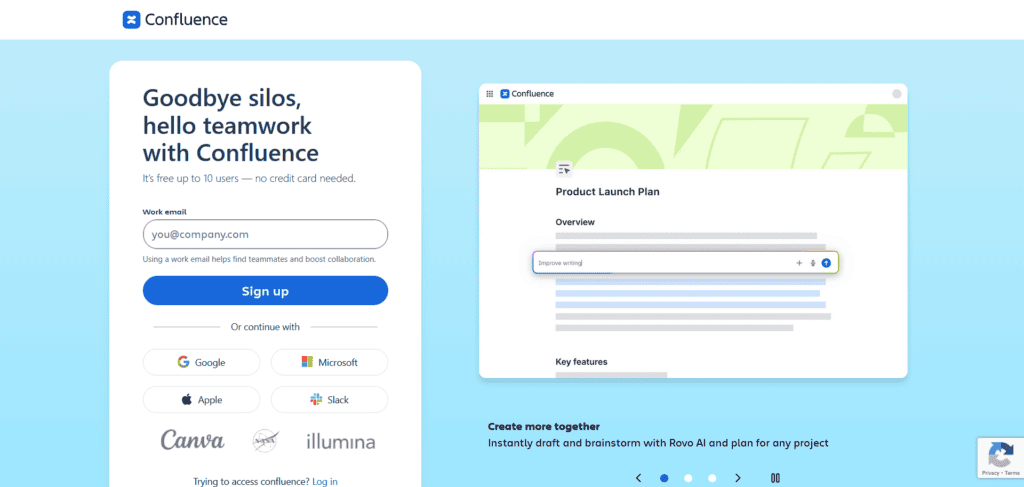
Confluence is Atlassian’s team wiki and documentation platform. It is designed for creating, organising, and sharing knowledge across product, engineering, and design teams. It is most valuable when used alongside Jira, as the two tools are deeply connected and allow you to link documentation directly to issues, sprints, and releases.
- You can create structured spaces for different teams or products, with pages, templates, and hierarchical organisation built in.
- You can link Confluence pages directly to Jira issues, epics, and releases so documentation stays connected to the work it describes.
- You can use Rovo AI, included in all paid plans, for content generation, page summarisation, and intelligent search across your workspace.
- You can collaborate in real time on pages with inline comments, reactions, and version history tracking for all edits.
- You can build product requirements documents, decision logs, retrospectives, and onboarding guides using Confluence’s library of templates.
Confluence can feel heavy for teams that do not live in the Atlassian ecosystem. The interface is less intuitive than newer tools like Notion, and its search has historically been a weak point despite recent improvements. If you are not already using Jira, the value proposition is less compelling and tools like Notion may serve you better at a lower cost.
To collect and prioritise feature requests
Canny
Pricing | Free / From $99/mo (Growth) |
Ease of Use | Easy |
Best For | SaaS teams managing feature requests |
Learning Curve | Low |
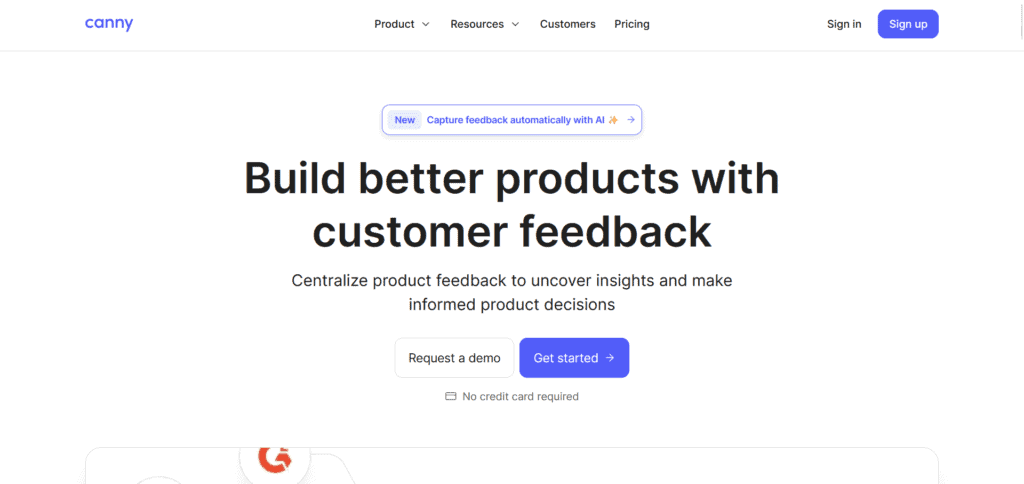
Canny is a feedback management tool built for SaaS product teams. It gives you a public or private board where users can submit feature requests, vote on existing ones, and track the status of what gets shipped. It removes the noise from scattered feedback in emails, support tickets, and Slack threads and puts everything in one structured place.
- You can create a branded feedback portal where users submit and vote on feature requests, giving you a clear signal of what matters most.
- You can segment feedback by company, plan type, or revenue to understand which requests come from your most important customers.
- You can push approved features to Jira, Linear, or Asana and sync status updates back to Canny automatically as work progresses.
- You can send automated changelogs to notify users when a feature they voted for has been shipped, closing the feedback loop.
- You can use Canny’s AI to detect duplicate submissions, summarise feedback themes, and surface patterns from large volumes of requests.
Canny’s free plan is limited to a single board and 100 tracked users, which is not much for most growing products. The jump to the Growth plan at $99 per month is significant for early-stage teams. It is also primarily a feedback and changelog tool, so you will still need a separate roadmapping or issue tracking tool alongside it.
Best for distributed team workshops
Miro
Pricing | Free / From $8/member/mo (Starter) |
Ease of Use | Easy |
Best For | Distributed product and design teams |
Learning Curve | Low |
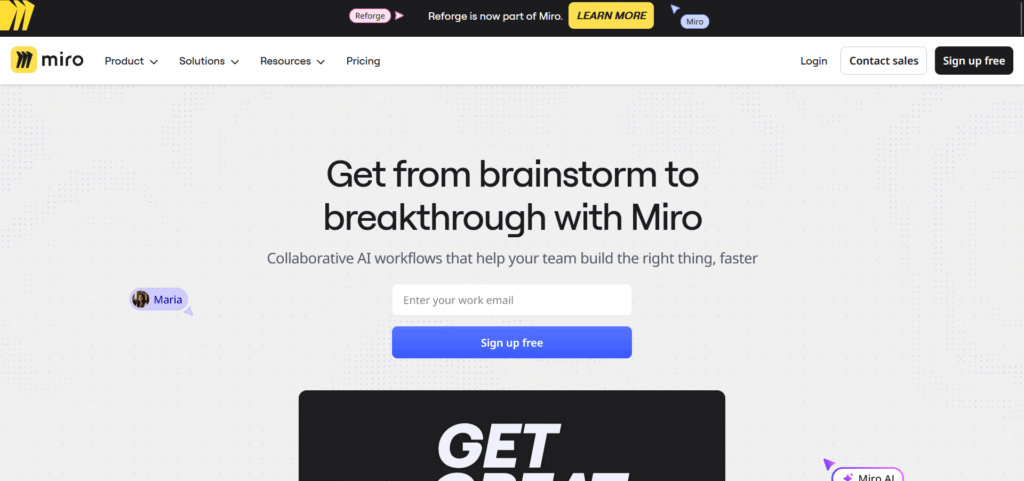
Miro is an online collaborative whiteboard used by product teams for brainstorming, user story mapping, sprint retrospectives, and workshop facilitation. It is particularly useful for distributed teams that need a shared visual space for real-time or asynchronous collaboration. It has grown well beyond basic whiteboarding and now includes AI-assisted planning tools, tables, and Kanban-style boards.
- You can run live collaborative sessions with sticky notes, shapes, connectors, and voting tools that work smoothly for teams across multiple time zones.
- You can use pre-built templates for user story maps, product roadmaps, retrospectives, journey maps, and wireframing to get started quickly.
- You can use Miro AI to generate mind maps, summarise sticky note clusters, and create planning boards from document content.
- You can embed Miro boards inside Notion, Confluence, and other tools so your visual work stays connected to the rest of your documentation.
- You can integrate with Jira, Asana, Monday, and Linear to link boards to issues and sync work without duplication.
Miro is a whiteboarding and facilitation tool, not a task or project management system. It does not replace your issue tracker or roadmapping tool. Boards can also get unwieldy as they grow, and performance can lag on large, content-heavy canvases. The free plan is limited to three editable boards, which is quickly outgrown by active teams.
To track user behaviour and funnels
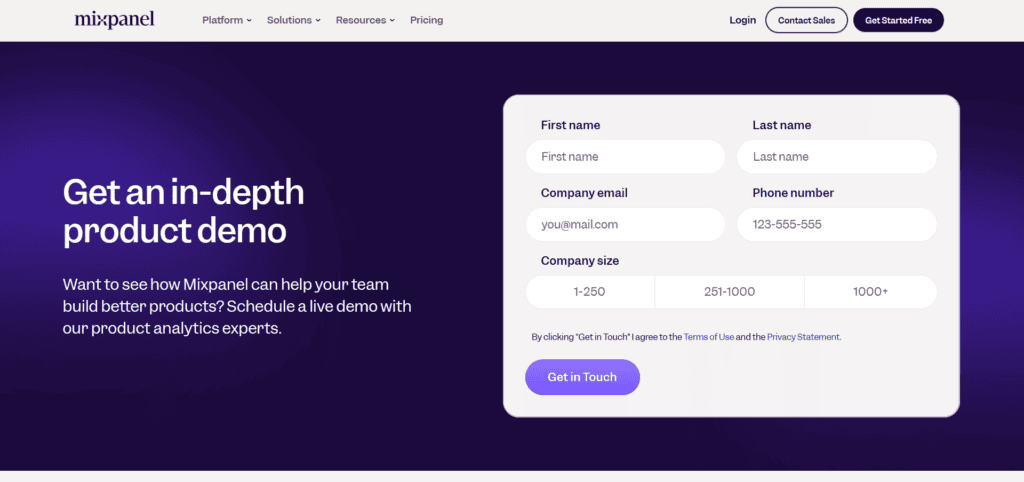
Mixpanel
Pricing | Free up to 1M events/mo / Growth from $0.28/1K events |
Ease of Use | Moderate |
Best For | SaaS and mobile product teams |
Learning Curve | Medium |
Mixpanel is an event-based product analytics platform. It tracks what users do inside your product, not just where they go. You can measure funnel conversion, feature adoption, retention curves, and user cohorts to understand why engagement rises or falls. In February 2025, Mixpanel moved entirely to event-based pricing, making costs more predictable for growing products.
- You can track any user action as an event and build custom funnels, retention analyses, and flow reports without writing SQL.
- You can create cohorts based on user behaviour and segment your analysis to understand how different types of users interact with your product.
- You can use session replay to watch individual user sessions and add qualitative context to the patterns your quantitative data shows.
- You can set up A/B tests and measure the impact of product changes on conversion and retention directly within Mixpanel.
- You can connect Mixpanel to your data warehouse via Data Pipelines to include it in broader business intelligence workflows.
There is one thing to flag about Mixpanel’s pricing: several features that feel essential for B2B products, like Group Analytics for account-level data and Data Pipelines for warehouse exports, are paid add-ons even on the Growth plan. Costs can scale unpredictably if you are not careful about which add-ons you enable. The setup also requires proper event instrumentation upfront, which takes engineering time to get right.
The enterprise analytics pick
Amplitude
Pricing | Free up to 10M events/mo / Paid from ~$50K/yr |
Ease of Use | Moderate |
Best For | Mid-market and enterprise product teams |
Learning Curve | High |
Amplitude is a product intelligence platform for analysing user journeys, measuring the impact of features, and running experiments. It goes beyond standard analytics to include a full A/B testing suite, customer data platform features, and cross-team collaboration tools for sharing insights. It is used by companies like Walmart, DoorDash, and Adidas for large-scale product decision-making.
- You can analyse user journeys end-to-end with charts, funnels, retention curves, and pathways that show exactly where users engage or drop off.
- You can run A/B experiments directly in Amplitude using its Experiment product, with statistical significance calculations built in.
- You can build shared metric libraries and north star dashboards that align product, engineering, and growth teams around the same definitions.
- You can use Amplitude’s session replay to observe individual user sessions and connect qualitative behaviour to quantitative patterns.
- You can ingest data from your warehouse via Amplitude’s CDP features, reducing the need for a separate data pipeline for product analytics.
Worth knowing before committing: Amplitude’s paid plans start at around $50,000 per year, which puts it out of reach for most startups and early-stage teams. The free tier is generous for basic analytics, but most of the platform’s power sits behind enterprise pricing. Initial setup also requires meaningful engineering investment to instrument events correctly and build a clean data taxonomy.
To run usability tests and prototype studies
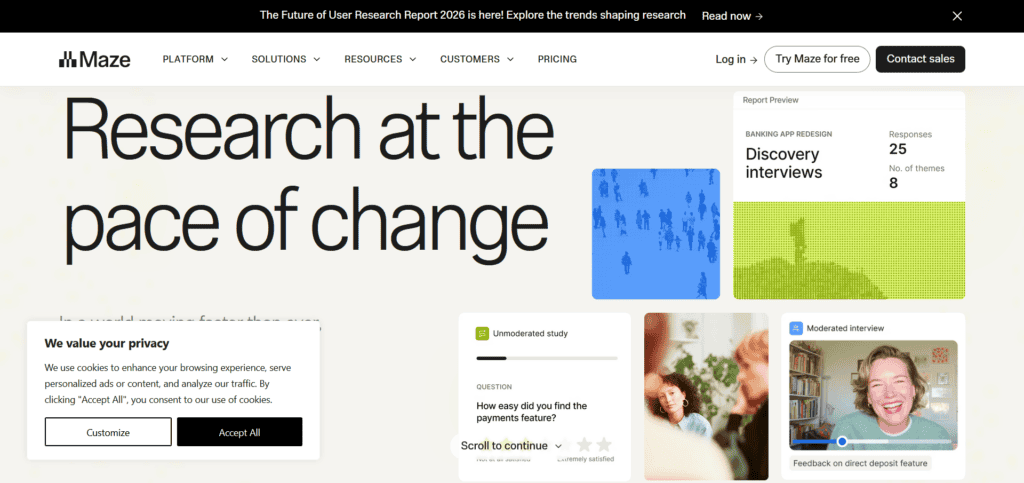
Maze
Pricing | Free (1 study/mo) / From $99/mo (Professional) |
Ease of Use | Easy |
Best For | Product and design teams running usability tests |
Learning Curve | Low |
Maze is a rapid product research platform for running usability tests, prototype studies, and concept validation. It integrates directly with Figma and InVision, allowing you to turn designs into testable studies without writing a line of code. Results come back with quantitative data including task success rates, misclick rates, and time-on-task, not just written responses.
- You can import prototypes from Figma, InVision, or Marvel and build a usability test in minutes using Maze’s study builder.
- You can distribute tests to your own users via a link or recruit participants through the Maze Panel, which has testers across hundreds of demographics.
- You can analyse results with built-in heatmaps, path flows, and quantitative metrics that are automatically calculated from participant responses.
- You can run multiple research types including prototype tests, card sorting, tree testing, live website testing, and surveys from one platform.
- You can share results through a live report link so stakeholders and designers can explore findings without needing a Maze account.
Maze is built for fast, unmoderated research. It is not a replacement for in-depth qualitative studies or moderated user interviews. Recruiting through the Maze Panel adds cost per participant on top of the subscription fee. The free plan is limited to one published study per month, which is enough to evaluate the tool but not enough for regular research cadences.
For coordinating work across departments
Asana
Pricing | Free / From $10.99/user/mo (Starter) |
Ease of Use | Easy |
Best For | Cross-functional teams and launch coordination |
Learning Curve | Low |
Asana is a project management tool for organising tasks, coordinating teams, and tracking work across multiple projects. It is widely used for product launches, cross-functional initiatives, and any work that spans multiple departments. It is less specialised for software development than Jira or Linear, but that also makes it more approachable for mixed teams.
- You can organise work into projects, sections, and tasks with multiple views including list, board, timeline, and calendar.
- You can build cross-project portfolios to track progress across multiple initiatives from a single dashboard.
- You can set up rules and automations to move tasks, assign owners, and send notifications when conditions are met, without writing any code.
- You can use Asana AI to generate task summaries, draft project briefs, and surface blocked or at-risk items across your workspace.
- You can integrate Asana with over 300 tools including Jira, Slack, Figma, Salesforce, and Google Workspace.
Asana is not the right tool if your team needs deep engineering workflows like sprint planning, release tracking, or code integration. It is primarily a task and coordination layer. At scale, the per-user pricing adds up, and some advanced features like workload management, portfolios, and goals are only available on the Advanced plan at $24.99 per user per month.
The open-source analytics option
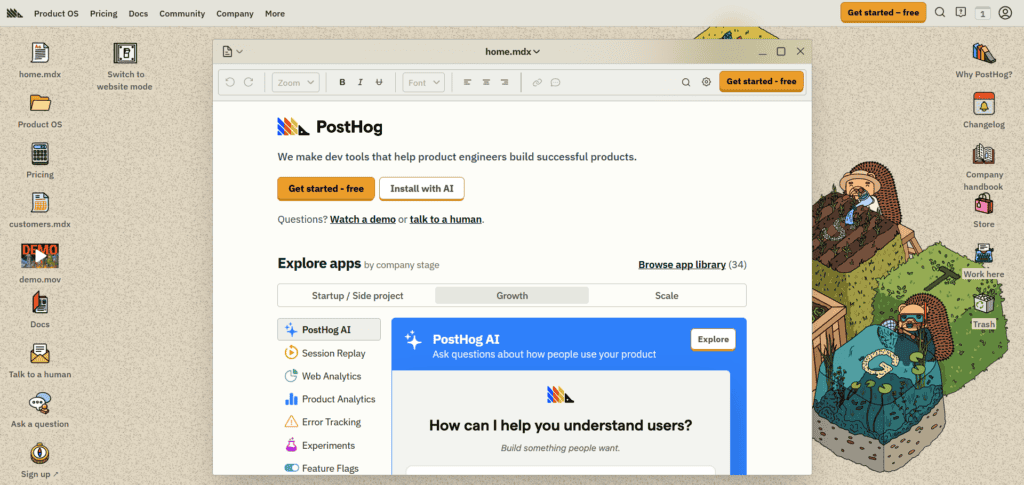
PostHog
Pricing | Free up to 1M events/mo / Usage-based beyond that |
Ease of Use | Moderate |
Best For | Technical teams wanting full data control |
Learning Curve | Medium |
PostHog is an open-source product analytics platform that combines event tracking, session replay, feature flags, A/B testing, and surveys in a single tool. It can be self-hosted for complete data control or used as a cloud product. It is particularly popular with technical teams and privacy-conscious companies who do not want their user data sitting in third-party infrastructure.
- You can track user behaviour with event-based analytics including funnels, retention, paths, and cohort analysis, similar to Mixpanel.
- You can use feature flags to roll out features to specific user segments and manage releases without redeploying your application.
- You can run A/B tests and multivariate experiments with built-in statistical analysis, all within the same platform as your analytics.
- You can watch session replays with console logs and network activity attached, making it easier to debug user-reported issues.
- You can self-host PostHog on your own infrastructure using the open-source version, giving you full ownership of your data.
PostHog requires more technical setup than Mixpanel or Amplitude, especially for self-hosted deployments. Non-technical team members may find the interface less polished and the feature surface more complex to navigate. Self-hosting also means you are responsible for infrastructure maintenance, which adds engineering overhead if your team is not set up for it.
If you need structured prioritisation frameworks
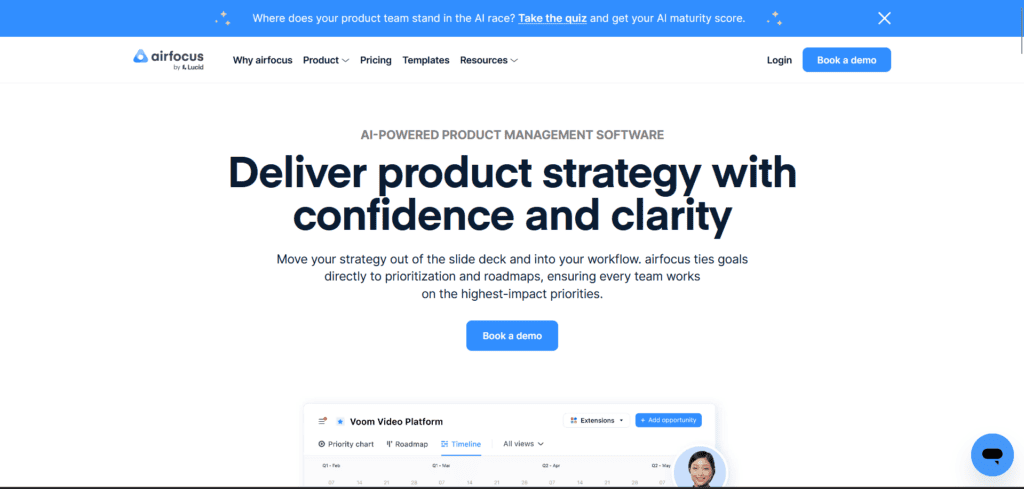
airfocus
Pricing | From $59/editor/mo |
Ease of Use | Moderate |
Best For | Product teams managing multiple products or portfolios |
Learning Curve | Medium |
airfocus is a modular product management platform focused on prioritisation and roadmapping. It is designed for teams who want structured frameworks for deciding what to build, not just a list of features. It supports scoring models, OKR alignment, and portfolio-level roadmaps, making it particularly useful for product teams managing multiple products or working across large organisations.
- You can build prioritised roadmaps using customisable scoring frameworks like RICE, value versus effort, or your own custom criteria.
- You can manage multiple products or product lines from a single workspace, with separate roadmaps that roll up into a portfolio view.
- You can collect and manage customer feedback through a built-in insights module that links requests to roadmap items.
- You can align roadmap items to OKRs and strategic goals so every feature on your roadmap connects to a measurable objective.
- You can share read-only roadmap views with external stakeholders without giving them access to your full workspace.
Okay, but there is one thing about airfocus worth noting: at $59 per editor per month, it is priced at the higher end for what is primarily a roadmapping tool. Teams that also need deep issue tracking, analytics, or delivery management will still need additional tools alongside it. For smaller teams or those just getting started with product management, the cost-to-value ratio may not be easy to justify.