
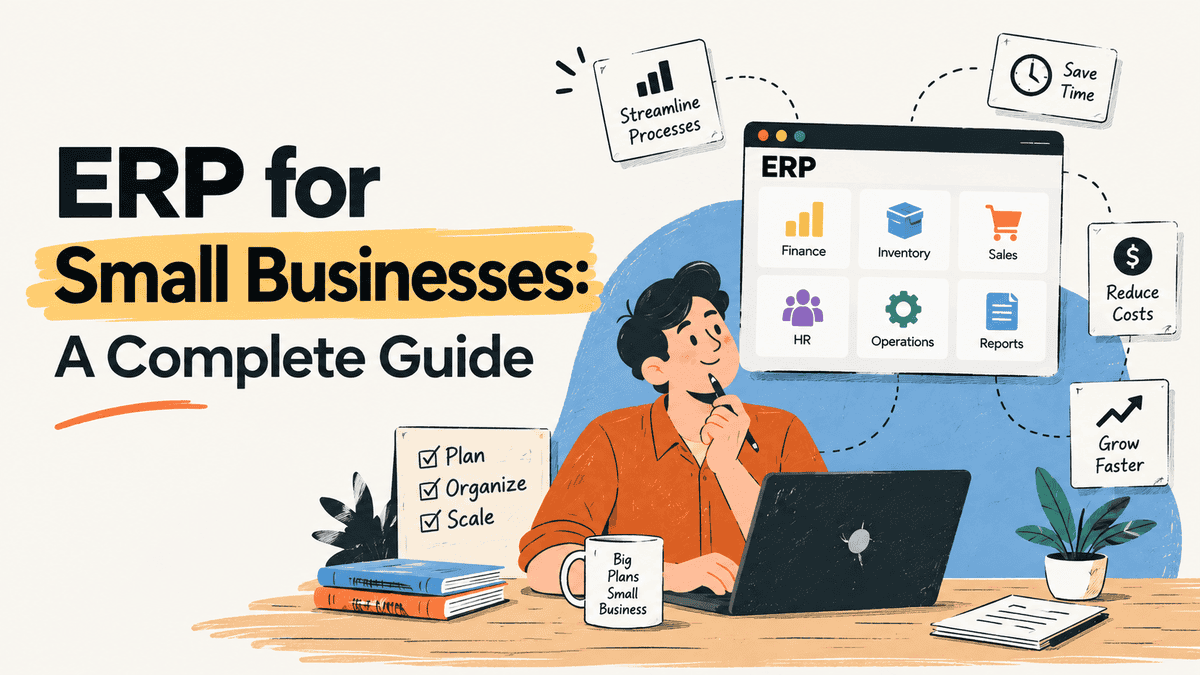
You used to need a Fortune 500 budget to run ERP software. Not anymore.
ERP for Small Businesses has gone from luxury to necessity. According to recent data, over 80% of small businesses with revenue under $50M now use ERP systems. The market is projected to hit $78.4 billion in 2026, per industry research.
So what changed? Should you care?
This guide covers what ERP for small businesses is, why it matters for your business, the top systems worth considering, what they cost, and how to implement one without losing your mind. You’ll also learn the mistakes that trip people up and what’s coming next in 2026.
What Is ERP?
ERP stands for Enterprise Resource Planning. It’s software that brings together your business’s finance, inventory, sales, and operations.
So, instead of having separate systems that don’t talk to each other, with ERP, everything works from the same data. It’s like the central nervous system for a business. Just like your brain coordinates your body’s movements, ERP connects all the important parts of a company into one place.
How ERP Works in Everyday Business
Okay, so let’s say you have a small retail store. Without ERP, you’ll have to track inventory on a spreadsheet, sales in a separate cash register system, and accounting in yet another program.
When a customer buys the last blue sweater, the inventory spreadsheet doesn’t update automatically. The accountant doesn’t see the sale until days later.
But with ERP, that same sale updates inventory, records the revenue, and even tracks which customer bought it. All in real time. You can see everything on one dashboard.
Signs Your Small Business Needs an ERP
Most small businesses don’t need an ERP on day one. But there’s a point where the tools you’ve outgrown start costing you more than a new system would. Here’s how to know you’ve hit that point.
Signal | What It Looks Like in Practice | What It’s Costing You |
|---|---|---|
You live in spreadsheets | Inventory, schedules, and reports all managed in Excel | Hours of manual work, constant errors |
Month-end close takes forever | Your accountant needs a week to reconcile everything | Delayed decisions, cash flow blind spots |
Departments don’t share data | Sales doesn’t know what’s in stock, finance doesn’t know what’s been ordered | Overselling, stockouts, customer complaints |
You’re growing fast | Adding staff, locations, or product lines | Your current tools can’t scale with you |
Reporting is guesswork | You can’t get a real-time view of revenue, margins, or cash flow | You’re making big decisions on stale data |
You’re paying for 5+ disconnected tools | CRM here, accounting there, inventory somewhere else | High software costs, data silos everywhere |
If three or more of these match your situation, the cost of staying where you are is probably higher than the cost of switching.
Top ERP Systems for Small Businesses
Now that you know why ERP matters, let’s look at your options. Not all ERP systems fit every business. Here’s what actually works for small companies.
Microsoft Dynamics 365 Business Central
Already using Excel, Outlook, or Teams? This one fits right in. Business Central connects with the Microsoft tools your team already knows.
Pricing starts at $80 per user per month for Essentials. Premium costs $110. The real advantage? It works with your existing Microsoft setup. Less training time. Fewer headaches.
If you want a smooth setup, working with a certified Microsoft partner can save time and reduce errors.
Oracle NetSuite
NetSuite is cloud-native. That means no servers to maintain. It’s built for businesses that are growing fast and need room to expand. The price is higher than some options. But you get strong scalability. When your business doubles in size, NetSuite keeps up without major changes.
Sage Intacct
Service-based businesses love this one. Sage Intacct shines in financial management. Think accounting firms, consultants, or agencies.
It handles complex billing and revenue recognition well. If your business runs on projects and time tracking, this is worth a look.
Acumatica
Here’s something different. Acumatica charges based on resources used, not per user. Got 50 employees who only need occasional access? You pay for what they actually use. This model works great for businesses with many occasional users. No surprise bills when you add temporary staff.
How Much Does ERP Cost?
ERP costs vary widely, but you can plan with real numbers.
First-Year Cost Breakdown
For small businesses, expect these ranges:
- Software subscription: $1,500 to $10,000 per year
- Implementation fees: $1,500 to $15,000
- Total first-year cost: $3,000 to $25,000
According to industry data, that’s the typical range. But here’s a real example: a 10-user setup costs about $33,000 in the first year.
Hidden Costs to Watch For
The sticker price isn’t the whole story. Watch for these extras:
- Data migration from old systems – Moving your existing data takes time and money.
- Staff training time – Your team needs to learn the new system.
- Customisation requests – Tailoring the software to your needs adds cost.
- Ongoing support and updates – Maintenance fees continue after setup.
How to Implement ERP: Step-by-Step
Here’s how to implement ERP for your small business. Most small businesses follow a similar path, and it works.
Step 1: Assess Your Business Needs
Start by listing your pain points. Where do things break down? Maybe inventory counts are always wrong. Or financial reports take days to pull together. Pick the biggest problems first. You can’t fix everything at once.
Step 2: Choose the Right ERP System
Don’t just watch generic demos. Ask vendors to show how their system handles your specific processes. Then check references from businesses like yours. What worked for a manufacturer might not work for a service company.
Step 3: Build Your Implementation Team
Get people from finance, operations, and IT involved early. Assign one person as the project lead. This team will make decisions and keep things moving. Without them, you’ll hit delays.
Step 4: Clean Your Data
This step saves headaches later. Remove duplicates. Fix errors in your current records. It’s tedious work, but messy data causes problems during migration. Data cleansing is a key best practice that prevents issues down the road.
Step 5: Configure and Test
Set up the system to match your workflows. Then test with real scenarios. Run a fake order from start to finish. See where things break. Better to find problems now than after you go live.
Step 6: Train Your Team and Go Live
Invest in proper training. Don’t rush this part. If possible, start with a soft launch. Maybe run the old and new systems side by side for a week. Small businesses typically go live in 8 to 16 weeks with standard cloud deployments.
The whole process usually takes 3 to 6 months from start to finish. That timeline includes planning, setup, and getting your team comfortable with the new system.
Common Mistakes to Avoid
ERP projects fail for predictable reasons. Here’s what to do and what to skip.
Do This
- Define clear goals before starting. Know exactly what you want the system to fix. Vague goals lead to messy results.
- Configure the system instead of customising it heavily. Use built-in settings first. Custom code costs more and breaks during updates.
- Invest in training early. Train your team before go-live. Not after. People need time to learn.
- Choose a system that fits your current size. Don’t buy enterprise software for a 10-person shop. Start small, scale later.
Don’t Do This
- Don’t skip data cleaning. Dirty data causes errors. Clean your records before moving them.
- Don’t try to do everything at once. Phase your rollout. Start with core functions like finance and inventory.
- Don’t ignore employee feedback. Your team uses the system daily. Listen to their pain points.
- Don’t choose based on price alone. The cheapest option might cost more in fixes later. Request process-specific demos and check references from similar-sized businesses.
ERP Trends to Watch in 2026
ERP keeps changing. Here’s what’s coming next year that small businesses should pay attention to.
- Cloud-native ERP: Systems built for the cloud from the start. They scale easily and let your team work from anywhere. No more worrying about servers or on-site maintenance. According to industry analysis, this provides the agility small businesses need for 2026 demands.
- Automation: More tasks happen without manual work. Think automatic invoice processing or inventory updates. This saves hours each week and reduces errors. Research shows AI-powered systems are driving this trend.
- Better integrations: ERP systems connect smoothly with other tools you use. Your email, CRM, and e-commerce platform all talk to each other without custom coding. This creates better visibility and smarter decision-making, as noted in recent trends.


