
The newest face swap tool is rarely the best one, and I have stopped ranking them by polished demo clips. What matters is what the tool does with your footage. You have seen the giveaway already: eyes that never quite sit right, a jawline that drifts on every head turn.
My own exports kept proving it. A swap that looked flawless in preview turned waxy the moment the clip ran long. Independent testing this year says the same. Free-tier realism plateaus around 4 out of 5 across every major tool, and video swaps break down past 30 seconds according to a 2026 hands-on comparison of five leading free tools.
So I stopped trusting demos. I ran the same face, the same clips, and the same harsh lighting through every serious option I could find, watching for where each one lost the identity it promised to hold.
These are the 7 AI face swap tools in 2026 I would actually trust with my own footage.
The Rundown
- Keep Identity Across Long Videos: HeyGen, “Build a digital twin from a 15-second webcam clip that holds your expressions, voice, and lip-synced translation intact.”
- Run Free Batch Swaps Locally: FaceFusion, “Queue swapper, enhancer, and occlusion mask steps headlessly on your own machine, with no cloud signup or monthly fee.”
- Go Live Straight from the Browser: AKOOL, “Your camera feed swaps faces in real time with sub-100-millisecond latency across Zoom, Teams, and Meet, nothing to install.”
- Rescue Hard Shots with Masks: VisoMaster, “Its occlusion mask and CLIP text masking keep glasses, hands, and mics out of the swap on your NVIDIA rig.”
- Tune Every Frame Yourself: Rope, “Drop per-frame markers to fix glitchy stretches only, since LAB color matching keeps skin tones close to your source.”
- Wire Swaps Into ComfyUI Graphs: ReActor, “Install through ComfyUI Manager in three nodes, then reuse saved face models and masks across your entire workflow daily.”
- Handle Long Clips and Crowds: DeepSwap, “Upload up to 30 minutes of footage with six faces at once, output at 4K, all from a browser tab.”
The Best Ai Face Swap Tools

HeyGen
Best for | Presenter-led and face-swapped talking video |
What it does | Swaps faces in photos, videos and GIFs; builds a digital twin from a short webcam clip |
Standout feature | Identity, expressions and voice held across long videos, with lip-sync translation |
Plans | Free tier, Creator, Pro and Business |
Main drawback | Premium avatar renders get pricey fast on credit burn |
The first thing I checked was the Face Swap app. I dropped in a clip, picked a face, and the mapping handled skin tone and lighting frame by frame. Multi-face swaps worked in a single pass, which saved me a second run. It also chains into translation, so one swapped clip can go out in other languages.
Then I tried the digital twin path. A 15-second webcam recording was enough to capture gestures and micro-expressions. Watching the avatar replay my delivery felt oddly accurate. An independent 2026 hands-on review scored it 8.2/10, with lip sync and ease of use both near nine.
Why I rank it best overall. Face swaps on their own are easy to find. What sold me here is the swap staying attached to a real identity. Expressions, head movement and voice keep matching across the whole clip, and the same twin can speak other languages later. The raw open-source swappers give you a face and not much else.
Money is where you should pay attention. An independent credit-math review put the real numbers on the table: the Creator plan runs $29 a month ($24 billed annually), and Avatar IV and V cost 20 credits per minute. I ended up drafting on cheaper models and only rendering final cuts on premium.
One limit I kept hitting. This is not a cinematic generator. It does not build film scenes the way Runway or Veo attempt. It excels at presenter-led, face-swapped talking video. If that is your format, I would start here over a raw open-source swapper. If you need movie-like shots, look elsewhere.
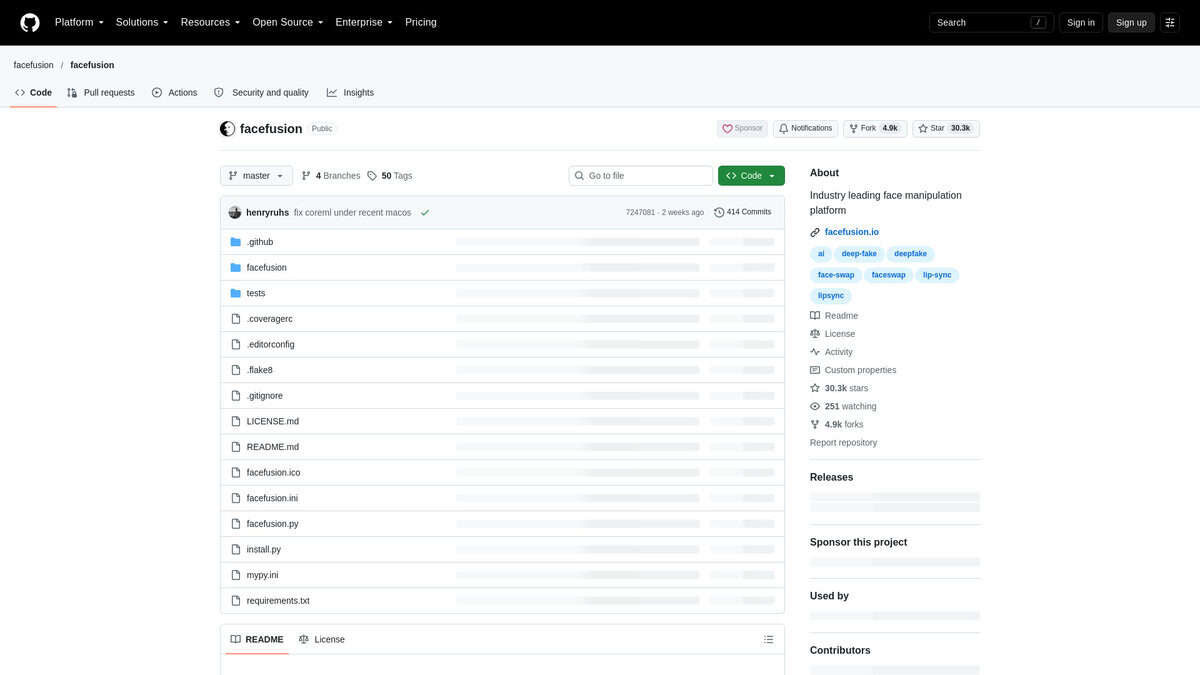
FaceFusion
Price | Free, open-source (MIT) |
Best For | Local batch swaps without a subscription |
Standout Feature | Multiple swapper models plus a restoration chain |
Learning Curve | Moderate; some command-line setup |
Watch Out For | Turning faces and a soft look without enhancers |
What stood out to me first: this thing just keeps shipping. Plenty of free face swap tools go quiet after a few months, but FaceFusion kept landing real updates through 2026.
Install took me a conda environment, a git clone, and a choice of onnxruntime flag. Nvidia users grab CUDA, Intel folks use the default. Then python facefusion.py run opens a WebUI in your browser. First launch pulls down the models, so give it a few minutes. It is not a cloud signup. Everything runs on your machine.
I started with a group photo where I only wanted one face changed. It detected both faces, let me pick the target, and I dropped the face mask blur to 0.7. The gfpgan enhancer cleaned up the result nicely.
The default hyperswap_1a_256 swapper is fine for quick work. I found that if I skipped the enhancer, the face looked a bit soft. That matches what I saw in a four-way comparison from MatteoGuide. Run the enhancer at blend 80 to 90 with pixel boost and the softness mostly goes away.
Batch jobs are the real draw. You queue multi-step runs: swapper, enhancer, occlusion mask, chained together. Headless mode means no clicking through a UI for every file.
My main issue: head shapes need to broadly match, which a practitioner note on r/StableDiffusion spells out clearly. In my own tests, turning profiles and close-ups stayed tricky even when the head shapes lined up. You also want a decent GPU; CPU-only is slow.
If you want free, local, tunable, and no subscription, this is my pick.
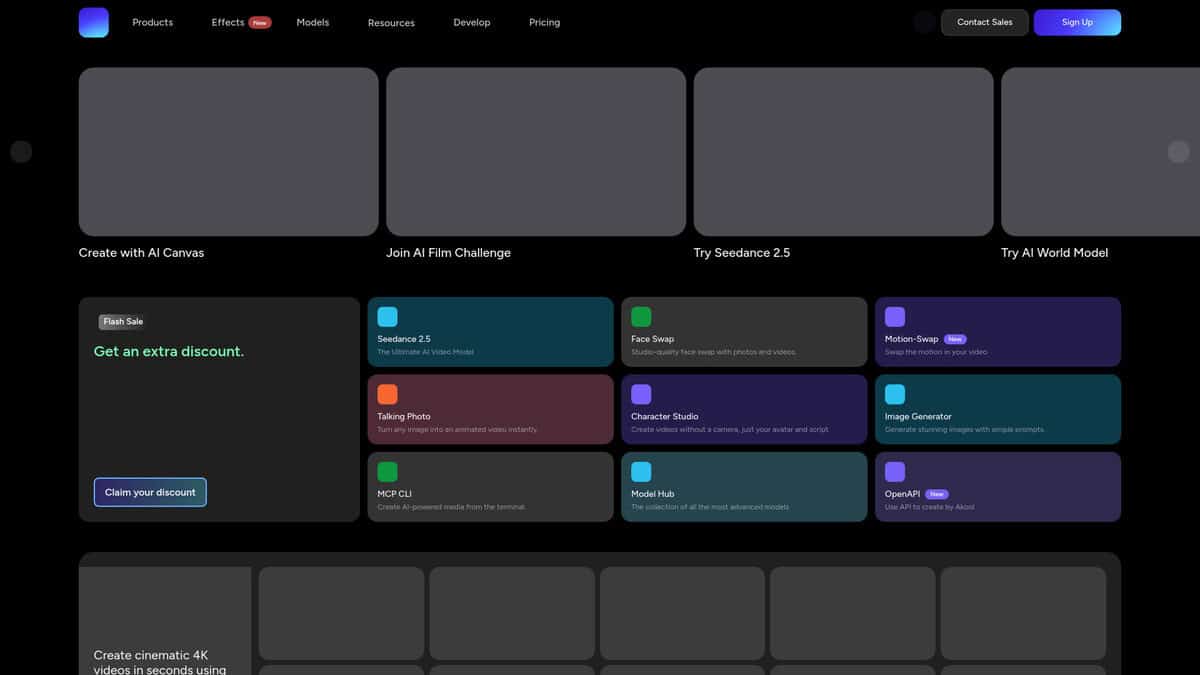
AKOOL
Best For | Live webcam swap on Zoom, Teams, Meet |
Free Plan | 100 one-time credits, watermarked ~720p output |
Pricing | Paid plans from about $30/month, credits reset monthly |
Ease of Use | No install, runs in the browser on web and mobile |
Weak Spot | Extreme 90-degree profile angles still struggle |
Best for swapping your face live on camera, straight from the browser.
The first thing I did was open the Live Face Swap page, click Go Live, allow my camera, and pick a target face. My face swapped in the preview within a second, and I could just hit record. GamesBeat reported sub-100-millisecond latency across Zoom, Microsoft Teams and Google Meet, which matched what I saw.
That matters because most alternatives here need a GPU install or only handle uploaded files. AKOOL just runs in the tab. I liked that I could test it in two minutes with nothing to download.
Credits are the real friction. AKOOL’s own tutorial puts live swap at 10 credits per 30 seconds, and Atlas Cloud’s pricing breakdown put the 100 free credits at roughly 25 photo swaps or about 1.5 minutes of video, with output watermarked at about 720p until you pay. Paid plans start around $30 a month, credits reset, no rollover. My main issue: the meter keeps running while you experiment.
I also ran a single still through Face Swap Pro. Lighting, skin tone and angle were matched well enough that the face looked native to the image. A video clip with Kling 2.6 motion control kept the original identity and copied only the style.
Two caveats. Extreme profile angles near 90 degrees still struggled in my side-on clip, and the free tier runs out fast. Quick note on consent: only swap people who said yes, since platforms move fast on this stuff.
If live video is the job, AKOOL is the only browser-based option in this group. FaceFusion and ReActor stay on the desktop. HeyGen is avatar-first. DeepSwap handles files. For live, I’d start here.
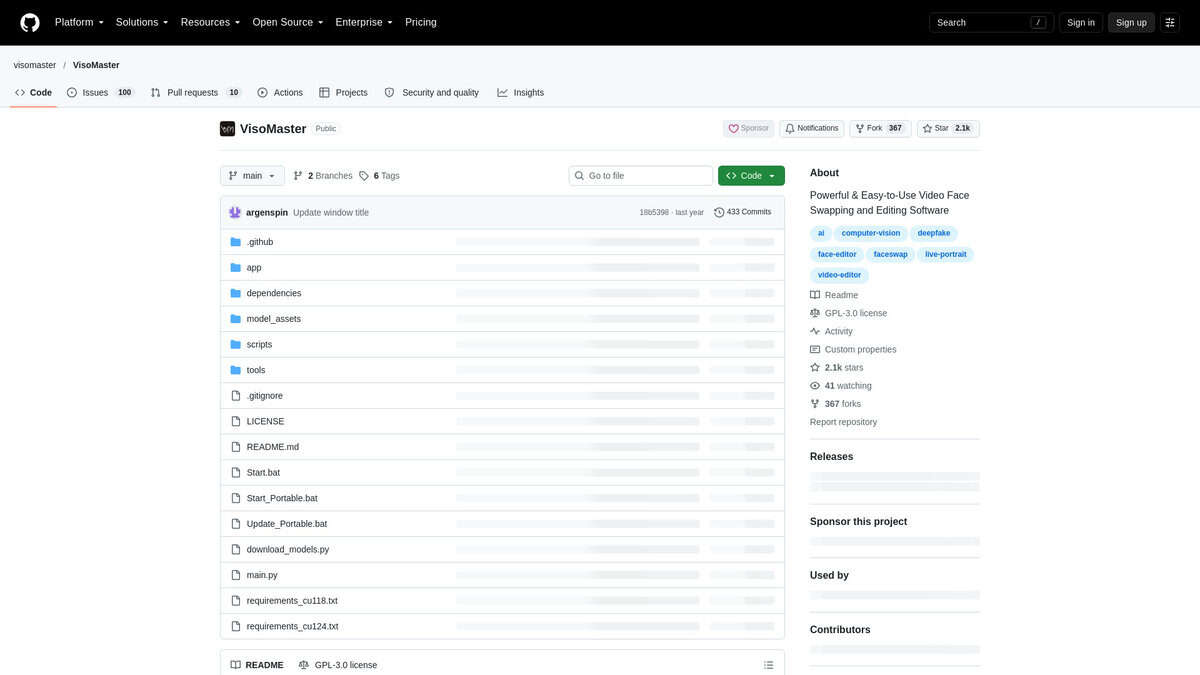
VisoMaster
Pricing | Free under GPL v3.0; optional Patreon Windows package |
Best For | Hard shots: occlusions, multi-face frames, profile turns |
Platforms | Windows desktop app running locally, NVIDIA GPU required |
Learning Curve | Moderate to steep; the mask controls reward practice |
I grabbed the portable Windows build, unzipped it, and had the preview open on localhost:7860 the same evening. I gave it close to 50 GB of SSD. CUDA worked on first launch, and once the TensorRT engine cache finished building itself, scrubbing got much smoother. That one-time build is the price of running everything on your own machine. Nothing ever left my disk.
What sold me was the occlusion mask. I threw a clip at it with glasses, a hand drifting across the jaw, and a microphone in frame. The mask kept all three out of the swap, so the face underneath stayed intact. A detailed 2026 tutorial calls it the single most valuable setting in the app. I agree. There is also CLIP text masking: type “glasses” or “hand” and it builds the region for you.
Group scenes hold up nearly as well. Find Faces tracks each person separately, and you can point each track at a different source face. I locked one mask setup before a cut and a different one after it using Standard Markers on the timeline. Tweaking a single scene no longer means redoing the whole clip.
The LivePortrait expression restorer earned its keep too. Swapped faces go slack around the eyes and mouth. Simple mode fixed most of mine. Advanced mode hands you per-region sliders when it doesn’t.
FaceFusion is the closest free local alternative, yet it lacks the per-part masks, the expression restorer, and the marker workflow. Cloud tools like HeyGen and DeepSwap trade all that control for a one-click upload. For one stubborn shot, I know which side I want.
One honest ceiling. An independent 2026 academic comparison found every 2D swap tool, VisoMaster included, still flickers and warps past about 60 degrees of head turn. The masking stack is the best mitigation I have found. Not a fix.
I would run it if you own an NVIDIA card and have specific hard shots to rescue. I would skip it if you want clicks instead of controls.

Rope
Pricing | Free, open source |
Platform | Windows desktop, NVIDIA GPU |
Setup | Manual install with Python and CUDA |
Best for | Precise, frame-level control |
License caveat | inswapper_128 weights are non-commercial |
What caught my attention was the control surface. Rope ships an occluder that handles hair, hands, glasses, and a phone held near the face. A walkthrough by TheAIHobbyGuy shows how the likeness and occluder sliders tune a swap when something blocks the face.
I also liked the per-frame markers. When a short stretch of frames glitches, you drop a marker there and change settings only for those frames. Everything else keeps its old values. Live preview meant I caught problems before sitting through a full render. Color matching runs in LAB, which kept skin tones closer to the source than I expected in mixed lighting.
The install is not friendly. You need Windows, an NVIDIA GPU, Python, CUDA, a manual venv setup, and a separate models download. Give yourself an evening if you have not done this before. There is no one-click path here.
The license deserves attention too. As WaveSpeed’s 2026 breakdown notes, the inswapper_128 weights are non-commercial research only, and commercial work needs a separate InsightFace license. That changes the calculus if this is client work.
Results also have a ceiling. In my testing, frontal faces came out clean and fast, but extreme angles softened. Rope’s XSeg mask, likeness sliders, and occluder compensate on the user side, which is exactly why the control panel matters so much.
I would recommend Rope to power users who want a local app and tight control over every frame. If you want cloud convenience and zero setup, skip it. If long-term maintenance is your main worry, I’d look at FaceFusion instead.
ReActor
Best for | Wiring face swaps into existing ComfyUI graphs |
Pricing | Free, open source (GPL-3.0) |
Platform | ComfyUI extension, Windows/Linux |
Hardware | 4-6 GB VRAM, CPU mode on stills |
Model footprint | Roughly 1.2 GB total |
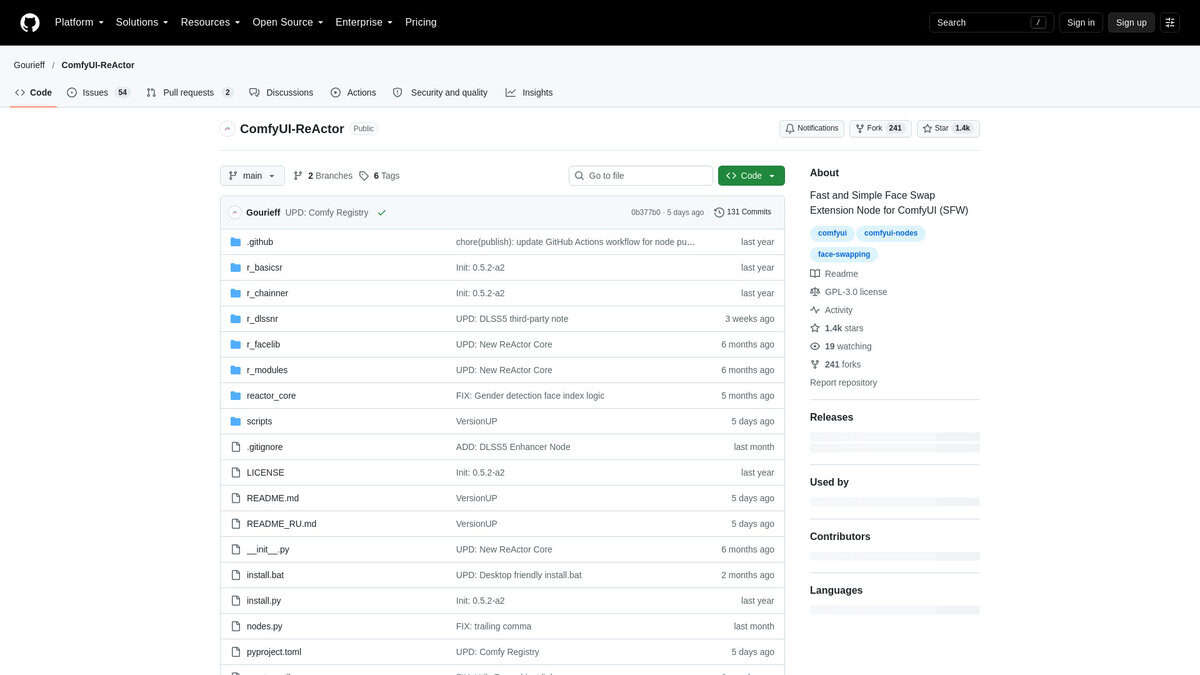
The free, local face swap node built right into ComfyUI.
I put off installing this for ages. Older versions needed InsightFace plus C++ build tools, and that wall broke plenty of setups. According to the repo’s own changelog, 0.7.0 finally dropped both. I installed through ComfyUI Manager and wired my first swap in three nodes.
The models are small. inswapper_128 is 529 MB, buffalo_l downloads itself, and a restorer adds about 350 MB. Nothing huge lands on my card. Four to six gigabytes of VRAM is genuinely enough, and that matters when you compare it with paid browser tools like HeyGen or AKOOL.
My first swap looked soft though. Raw output sits at 128×128, so faces come out mushy without help. I stack GPEN-BFR-512 or CodeFormer after the swap node. This 2026 Civitai guide suggests dropping restoration weight to about 0.6, otherwise you get that fake plastic AI skin. I did, and it fixed the waxiness.
Video is where I got realistic fast. A ten-second clip means hundreds of swaps, hours of waiting. I added RIFE interpolation after the swap node, and the motion stopped swimming. One RTX 4060 Ti head-to-head called ReActor the speed king for exactly this reason.
What keeps me coming back is the node set. SaveFaceModel and LoadFaceModel let me reuse a face across a whole graph. MaskHelper, SetWeight and FaceBoost turn it into something I compose with, not a filter I click once. If I need maximum detail on one portrait, FaceFusion or a diffusion setup wins. For daily pipeline work, ReActor stays in my graph.
One caveat worth checking before any paid work: the code is GPL-3.0, but the bundled InsightFace weights are research-only.
DeepSwap
Best for | Long clips, group scenes |
Video length | Up to 30 minutes |
Faces per clip | Up to 6 at once |
Setup | None, browser only |
Main catch | Credits disappear fast |
The first thing I checked was setup. FaceFusion, Rope and ReActor all want a local install and a capable GPU. HeyGen sidesteps the whole idea with avatars. DeepSwap opens in a browser tab. I dropped in a two-minute clip with two people in it and never touched a terminal.
Group shots are where it earns its place. The company claims up to six faces in the same clip, and it says a one-minute clip comes back in roughly 10 seconds. My timing landed close to that. Output goes up to 4K, though expect the source photos to decide how convincing the result looks. Weak uploads, obvious seams.
Then the credit math hit me. A DIY AI review breaks it down: 1 credit per 15 seconds, 20 credits a month on the standard tier. That is about five minutes of video monthly. A 61-second clip rounds up to 5 credits, and rendering the full 30 minutes would cost 120. Great for shorts, rough for anything longer.
Billing deserves a heads-up. A hands-on SeeGen review found the cancellation path buried inside Account Profile, with confirmation that was not instant. Similar complaints appear in community threads. I would diarise the trial end date.
Honestly, this is the closest thing to the classic deepfake workflow I have used in a browser: upload, pick a face, collect the result. If your clips are long and your scenes have a crowd in them, it fits. Just watch the credits.


