
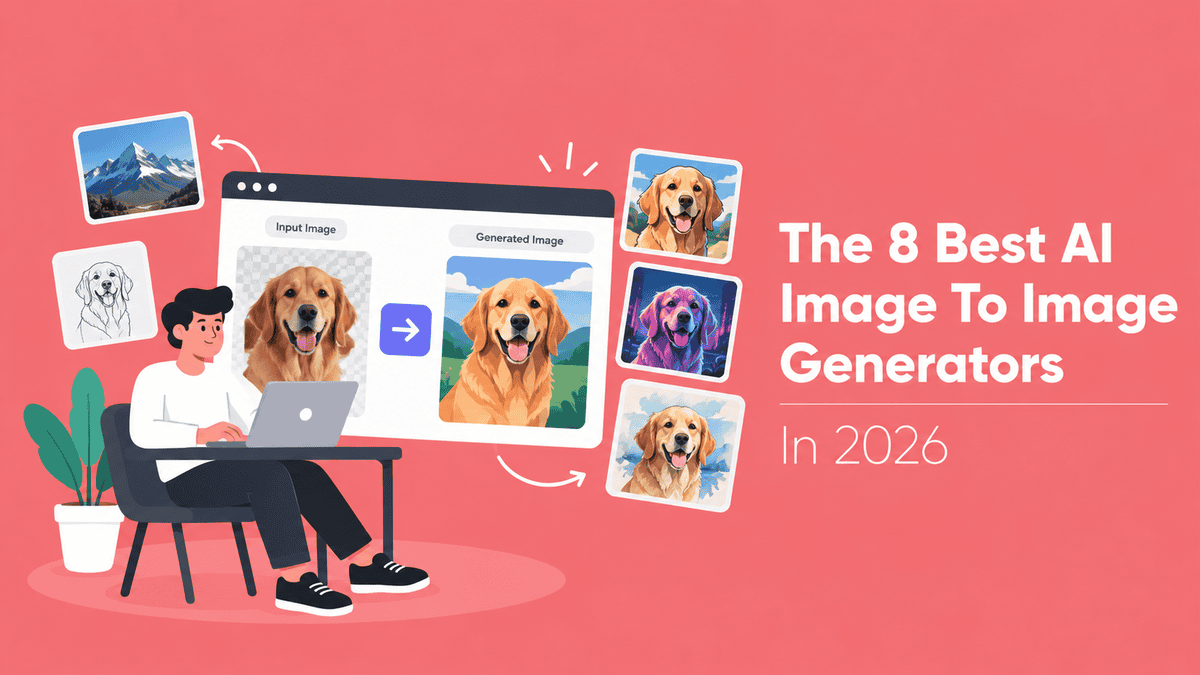
You have the image already. A product shot on a plain table. A portrait that is almost right. A sketch that needs real lighting. I start most of my image work right there.
That is the work I actually do, and 2026 made these generators worth a serious look. When I dug into Straits Research’s 2026 market analysis, the shift was obvious: reference-guided generation, where your existing image steers the result, is now the top trend in the category. Google shipped its Pics editing tool; Meta shipped Muse Image.
What still frustrates me is how most tools transform your image by quietly replacing it. Faces drift. Product shapes warp. Signage turns to mush. I have lost good source images to exactly that, and you probably have too.
So I kept the ones that hold your original in place while changing everything around it. Here are the 8 best AI image to image generators in 2026.
The Rundown
- When You Want One Editing Window: ChatGPT, “Describe edits in plain text, brush over objects you want swapped, and get top-ranked results at 1,526 Elo.”
- Keep One Face Consistent: Gemini Nano Banana, “Keep your character’s face recognizable across a series by fusing up to three references, then swap single objects cleanly.”
- Test One Prompt, Many Models: Krea, “Push one reference through Nano Banana, ChatGPT Image, and FLUX side by side, starting at a couple credits per run.”
- Separate Structure From Style: Adobe Firefly, “Give one image for composition and another for style, adjust each with named strength sliders, and ship commercially licensed work.”
- When The Look Matters Most: Midjourney, “Restyle photos with Style Reference for looks no other tool matches, starting at $10 a month, no free tier.”
- Mask It, Then Patch It: Leonardo AI, “Brush a mask in Canvas, dial Generation Strength to protect surroundings, then train a LoRA on 150 free daily tokens.”
- Run Your Own Weights: FLUX Kontext, “Host the Dev variant locally or pay about $0.04 per Pro image, keeping characters locked across one change per turn.”
- Keep Whole Sets Consistent: Recraft, “Save a style from 1 to 10 references, reuse it across a batch through style_id, and export editable SVG vectors.”
The Best Ai Image To Image Generators
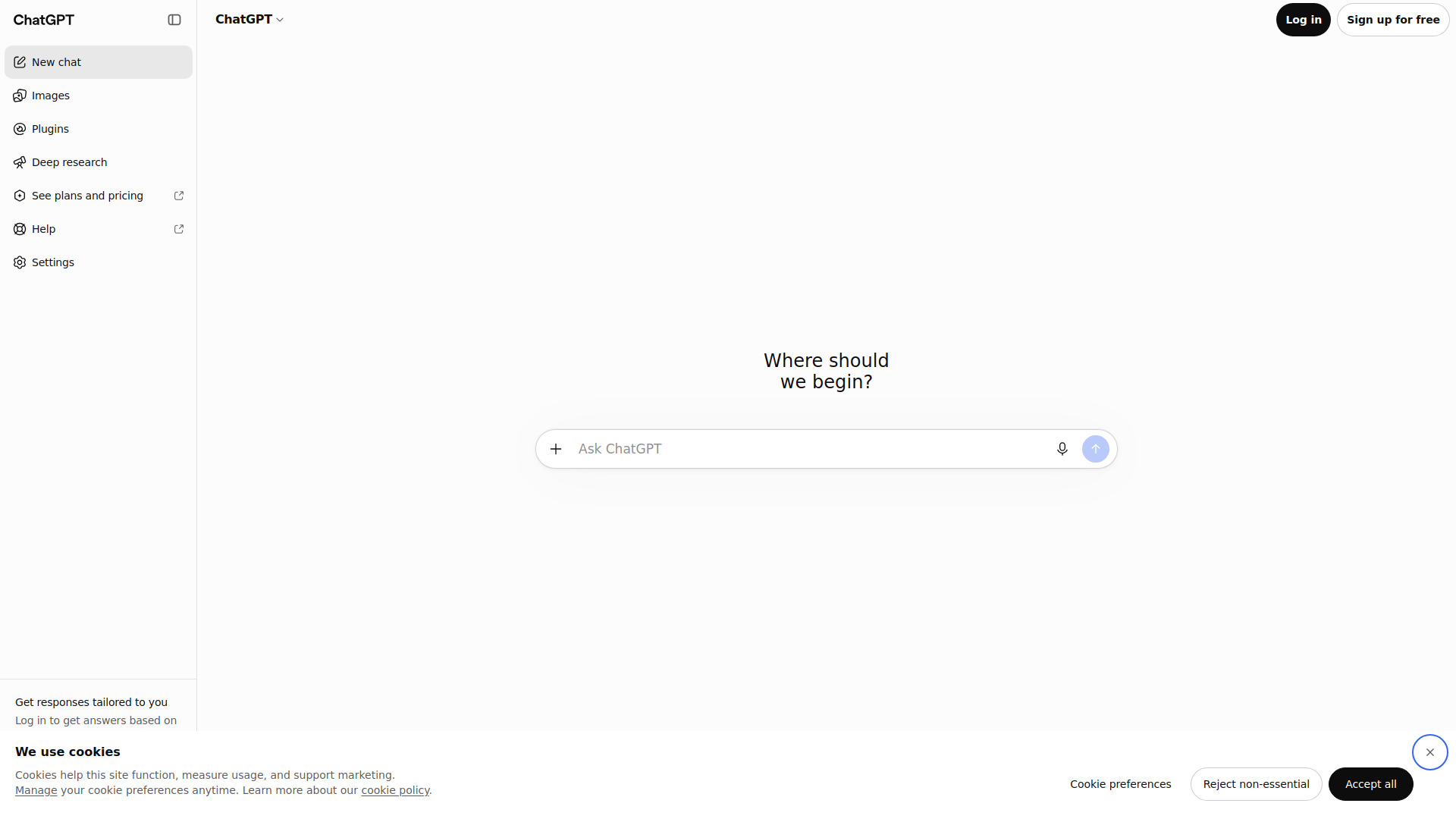
ChatGPT
Best for | Restyling, object swaps, background changes, repeated tweaks |
Pricing | Free tier with daily limits; Plus around $20/month |
Editing arena rank | First place, 1,526 Elo |
Output ceiling | No native 4K mode |
Learning curve | Low, as long as you can describe the change |
Best overall for anyone who wants one chat window to handle every kind of image edit.
I uploaded a plain product shot and asked for a matte studio look. One sentence later the background was gone, the colors cooled, the shadow softened. The label on the bottle stayed legible. That single test is why this tool earned the top spot for me.
The Select brush became my main tool. I would highlight a mug, ask for a glass version, then write a keep list: keep the hands, keep the shirt text, keep the crop. The list matters more than the highlight. As Growth Cab’s walkthrough points out, selections are guidance rather than pixel-perfect masks, and edits can spill past the edge.
My impressions matched the public boards. On the arena.ai image-editing leaderboard, GPT-Image-2.5-Sunburst holds 1,526 Elo, ahead of Grok and Google’s Nano Banana Pro. Blind votes, not marketing copy.
It is not perfect. Complex renders took up to two minutes in my testing. Generation caps interrupt longer sessions on the free tier, and content filters occasionally blocked harmless requests. Sketch mode helps when words fail you, though you still pay in wait time.
If you need 4K output or strict mask control, look elsewhere. For everything else, I’d start here.
Gemini Nano Banana
Current model | Nano Banana 2 (released Feb 26, 2026) |
Pricing | Free tier available, with visible SynthID watermark |
Best for | Character-consistent edits and local changes |
Reference images | Up to 3 fused into one composition |
Access | Gemini app, plus API for Pro |
I dropped in a reference photo of a character and asked for a neon-lit Tokyo alley. The face came back recognisable. That consistency is the whole reason to try this tool. If you are building a series around one subject, it saves a lot of re-rolls.
What surprised me was how plain the workflow is. No masks, no LoRA training, no hidden parameters. I typed “swap the mug for a glass” and only the mug changed. A practitioner review of Nano Banana 2 picked it as the default choice for most jobs, and my results matched that take.
I also tried fusing three inputs: a product shot, a background, and a colour reference. The output kept all three recognisable instead of averaging them into mush. Google claims up to five characters and ten objects survive a single workflow. I got three or four clean generations before poses drifted.
The local edit flow is where I would point you first. Mark an object, add a short instruction, and the rest of the frame stays put. Creative pro Chase Jarvis called the inpainting the most powerful he has seen. After markup-plus-reference edits, I understood why.
Failures follow a pattern. Ask it to slide the camera sideways and it rotates the subject instead. Hands and small props drift unless the prompt locks them down. Free tier images carry a watermark in the bottom-right corner, which matters for commercial work.
Against FLUX Kontext, this wins on character resemblance. ChatGPT stays more general, Adobe Firefly leans safer for licensed work. For consistent edits, it is the one I keep coming back to.
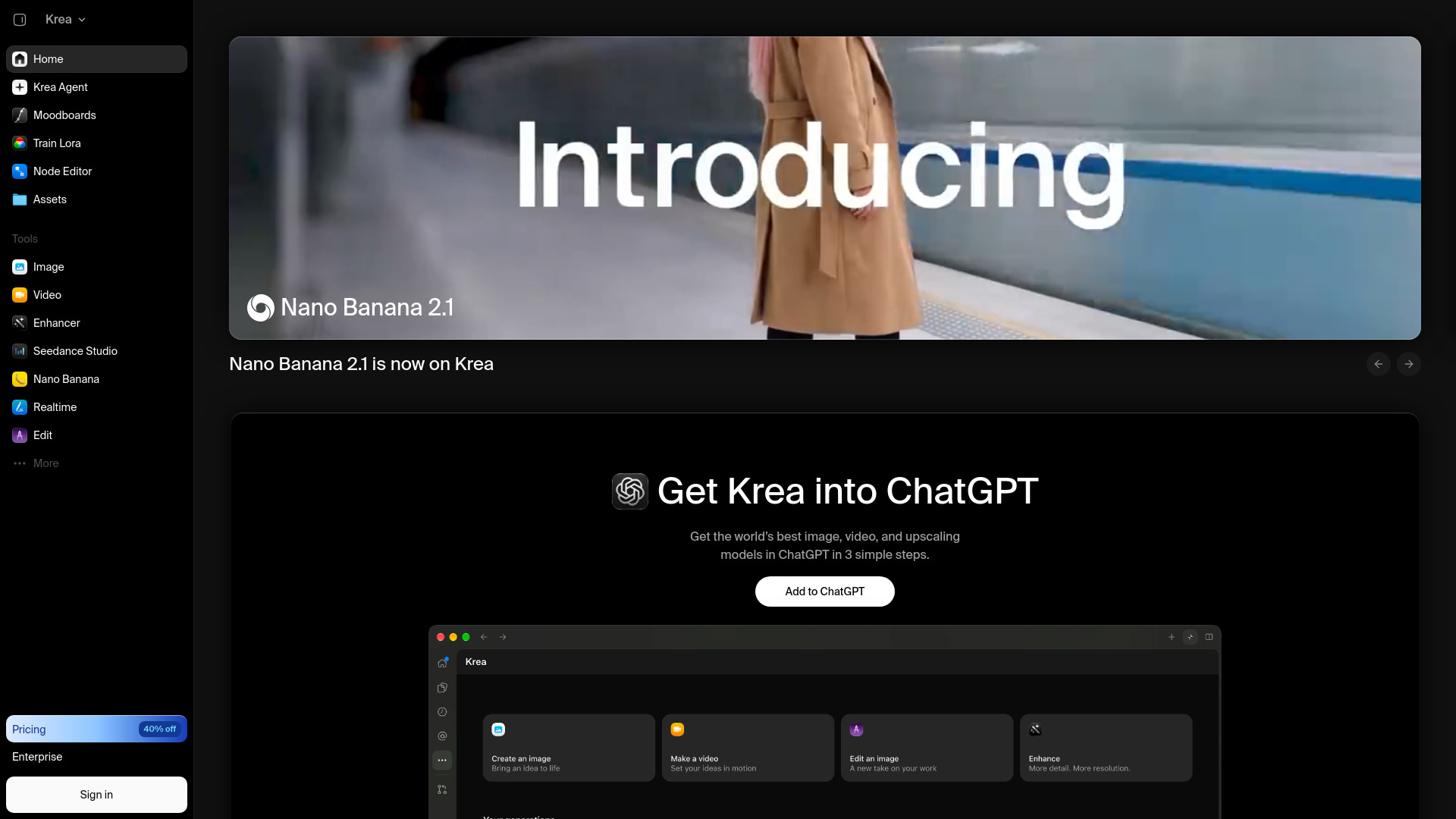
Krea
Best For | Trying multiple image models in one workspace |
Free Plan | 100 compute units per day |
Pricing | Credits-based, varies by model; unused units don’t roll over |
Learning Curve | Low to start; model quirks take time |
Standout Feature | Run the same reference image through different models |
What I liked first was the setup. One prompt box sits at the bottom, a model dropdown in the corner. I uploaded a reference photo, typed a prompt, and ran it through Nano Banana, ChatGPT Image, and FLUX without switching tools or re-uploading anything. A Tech Insider walkthrough confirms this exact aggregator flow, with a dozen-plus models sharing one interface.
Here is what surprised me. The models don’t just restyle the same way. Nano Banana and ChatGPT Image are reasoning models, so you reference the uploaded image right inside your text prompt, something like “put the woman from image one in the dress from image two.” FLUX Kontext handled precise edits better in my tests. Switching models changes the output meaningfully, which is the entire point.
The credit spread is what makes casual experimenting possible. Krea’s own cheap models cost a couple of units per run, while heavier ones like ChatGPT Image burn credits far faster. I started on a cheap model to nail composition, then escalated to a pricier one only for the keeper. Going straight for the heavy models would have drained my free daily allowance in a few clicks.
My main issue is the billing. Credits don’t roll over, so unused units vanish monthly, and heavy models get expensive fast. I also noticed ongoing grumbles about mobile app gaps and some enhancer quality regression. Even so, practitioners on r/StableDiffusion have been re-evaluating Krea positively, which matched my own experience. If you only ever need one model, a dedicated tool may suit you fine. For comparing models head to head, nothing else I tried came close on convenience.
Adobe Firefly
Best For | Reference-guided composition and style |
Key Controls | Structure Reference and Style Reference, each with its own strength settings |
Models | Image Model 4 / 4 Ultra baseline, Model 5 as the newer flagship |
Commercial Safety | Adobe says models are trained on licensed data, with Content Credentials attached |
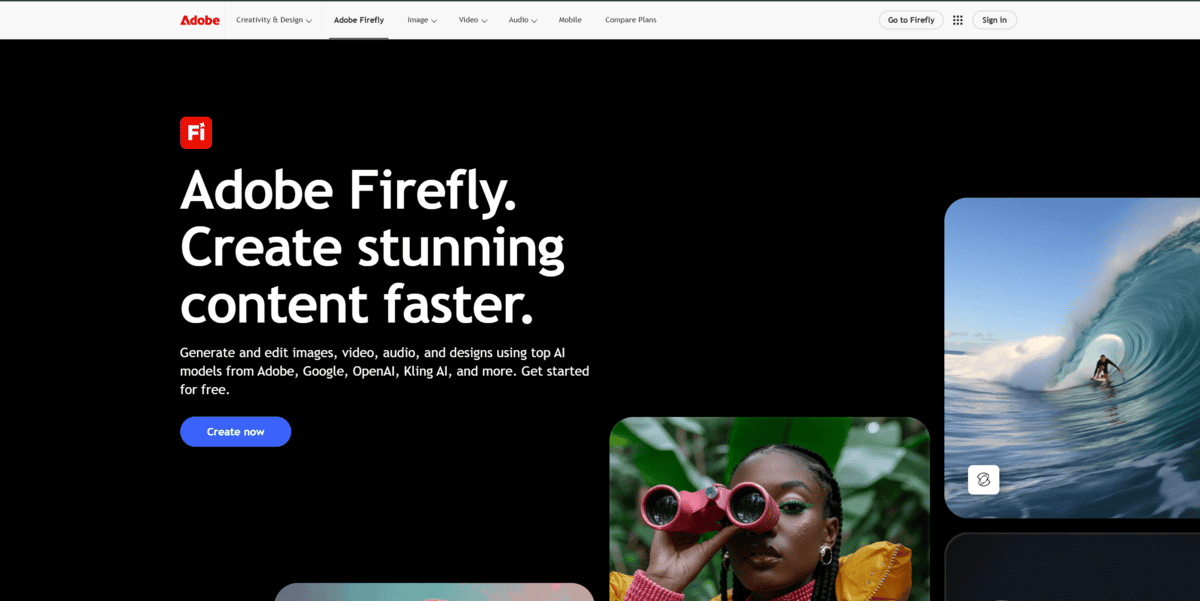
Most image-to-image tools I tried treat one reference as a single instruction. Firefly splits the job in two. You get a Composition Reference panel covering layout, camera angle, object placement, outline, and depth, plus a separate Style Reference for color, lighting, and texture. I ran both at once: one image holding the pose, another setting the mood. The output tracked the composition far closer than any single-reference setup I tested.
The named controls are what sold me. Structure Reference gives you Low, Medium, and High. Style Reference exposes Visual Intensity plus a Strength slider that appears once you upload a reference. Tech Insider’s 2026 walkthrough confirms the split I kept bumping into: Structure locks layout, camera angle, and object placement while Style locks the visual treatment, and both run in parallel. I spent most of my session nudging those two sliders back and forth.
In a 2026 hands-on video, Mike Russell, who discloses a paid partnership with Adobe, attached his own photo as a reference and had Firefly re-render it as a comic book illustration and a 3D animated character. Watching his face survive both transforms is what made me try the same trick with my own headshot.
Honest limits. Image Model 4 and 4 Ultra are what you meet first, and the reference controls work fine there. Model 5 is the newer flagship and adds prompt-based editing on top of the reference controls. In my runs, highly stylized references drifted toward a polished commercial look, and hands occasionally rendered imperfectly.
If you want named, adjustable controls instead of one vague reference image, this is where I would start.
Midjourney
Best for | Artistic restyling from a source image |
2026 model | V8.2, default since July 24, 2026 |
Image controls | Image Prompt, Style Reference, Edit Model |
Pricing | From $10/mo, no free tier |
Main weakness | Edit instructions only partly followed |
The first thing I noticed is that Midjourney gives me three different ways to feed an image in, and they behave quite differently. An Image Prompt steers composition, subject and color, with Image Weight, which Midjourney specs at 0 to 3. A Style Reference copies only the vibe: colors, medium, textures, lighting, never the objects or people. That separation is what lets me restyle a picture without it turning into a copy.
The third lever is the one I kept using. Midjourney’s own documentation describes the Edit Model as shipping with V8.2 and replacing Omni Reference, Character Reference and Retexture. You attach a source image and simply say what to change: an outfit, the lighting, the whole medium. V8.1, which was released April 14, 2026, also added native 2K output, so results come back sharp enough to judge fine detail.
It is fast. My runs matched what Vlad Solomakha found in his hands-on test: four variations in roughly 10 seconds. His caveat matched mine too. Edit prompts were often ignored or only partly followed. Ask for three specific changes and you may get one. I found myself rerolling the same edit two or three times before it stuck. I’d treat it as a creative collaborator rather than a precision tool.
Where Midjourney lands for me: it wins on look, not on literal accuracy. If a transformation needs to feel hand-crafted, this is the pick. For readable signs, exact product shapes or anything that has to follow a brief line by line, I’d go elsewhere.
Leonardo AI
Pricing | Free 150 tokens/day; Essential $12, Premium $30, Ultimate $60 monthly |
Best For | Inpainting, outpainting and reference-guided edits |
Standout Feature | Canvas masking with Generation Strength control |
Free Plan | Inpainting and outpainting included, 150 tokens daily |
User Rating | 4.7/5 on Trustpilot from 1,512 reviews |
The biggest surprise was how rarely I had to start over. I’d open an image in Canvas, brush over the weak spot, and prompt only that region. Dropping the Generation Strength slider kept surrounding pixels intact, and the edit blended back on its own. Canvas also handles outpainting, so extending a crop never means leaving the page.
The free tier gave me 150 tokens a day, and inpainting and outpainting both worked on that plan, so I could test real edits before paying anything. One serious session burned most of it, though.
Realtime Canvas behaves differently. I sketched rough blocks, watched them fill in, and used the Creativity Strength slider to decide how far the model wandered from my lines. Style presets sit next to Instant Refine, and the Output-to-Input button drops the render back onto the canvas. A Skillshare class walkthrough by the instructor describes this same loop, which matched what I built. I ran one composition through four rounds and still had every earlier version.
Model choice lives in the same workspace, which saved me from juggling separate logins. Phoenix 1.1 felt noticeably more photorealistic to me than what I was getting last year. Lucid Origin, Lucid Realism, GPT Image-2, Nano Banana, FLUX.2 Pro, Krea 2, and Seedream 5 all sit under that one login too, so switching models takes seconds.
For consistent characters, I trained a LoRA on a small set of reference images. The same face held across a dozen outputs, which cut the back-and-forth I used to do with reference prompts. Midjourney’s –cref never quite managed that for me.
My main issue is token burn. Inpainting chews through credits fastest, and those 150 free tokens vanish quickly. Trustpilot’s 4.7/5 average from 1,512 reviews shows praise for fast support sitting next to complaints about unexpected billing charges and credits lost on cancellation. If you plan real edit work, I’d go straight to Premium and skip the free tier entirely.
FLUX Kontext
Variants | Dev (open weights), Pro, Max |
Pricing | Pro around $0.04 per image, Max about double, per Black Forest Labs’ own numbers; Dev free under non-commercial license |
Hardware | About 24GB VRAM full weights, about 7GB quantised |
Where it runs | Photoshop beta Generative Fill, ComfyUI, Hugging Face, FAL, Replicate, Runware, Together AI, Leonardo AI, Krea, Freepik |
Best for | Character-consistent, one-change-at-a-time edits |
For creators and developers who want to edit images with plain sentences, locally or inside Photoshop.
What sold me first was the open weights. A 12B rectified-flow transformer you can drop into ComfyUI or Diffusers means nobody can quota you mid-project. That matters more than it sounds once you have hit a daily limit in Photoshop’s Generative Fill panel.
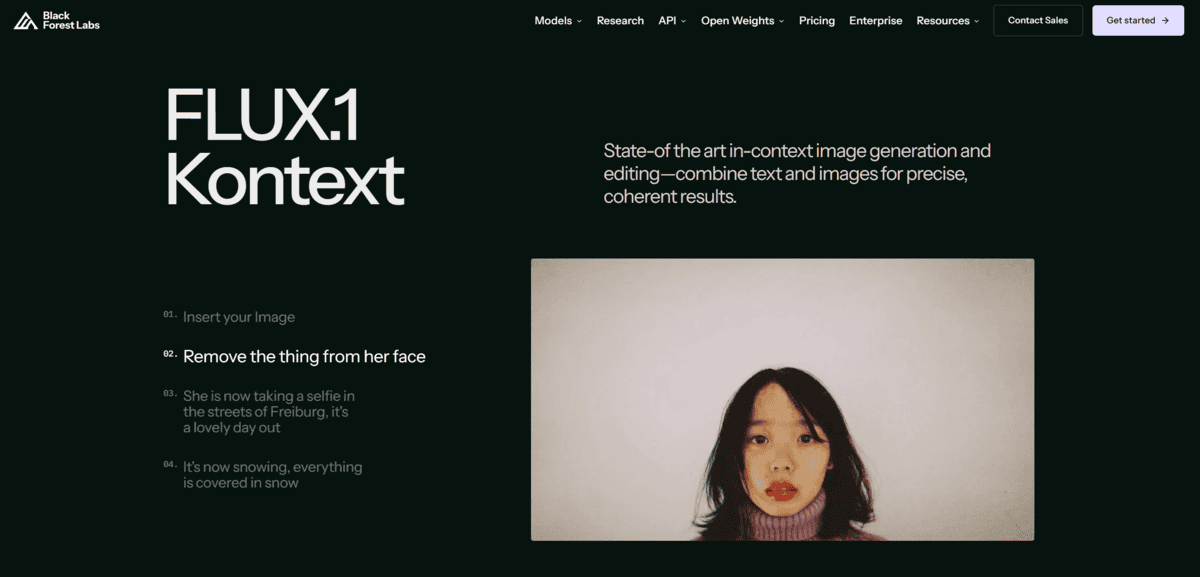
Inside Photoshop, Kontext Pro sits next to Firefly and Gemini as a partner model. PhotoshopCafe’s six side-by-side tests there were the most useful thing I read before trying it. Kontext won on realism and lighting detail, and kept proportions locked: the guitar stayed the same size, the woman’s face, hair and pose never drifted. It lost on simple object removal, where Nano Banana was cleaner, and on a heavy composite prompt where the lettering came out wrong.
My own pattern matched that. Narrow single-target changes are its home turf. Swap a jacket, recolor a guitar, quote old text and give new text. Kontext holds the rest of the frame still while it works. It also takes up to 4 reference images, which is enough to pin a character across a run of edits. That consistency is the real differentiator here.
My main issue was multi-part prompts. Fuser’s 2026 seven-model test gave every model the same three-change café instruction, and Kontext Pro drifted furthest: it misread “wool coat” as a dark hooded jacket, darkened everything, and left ghosted lettering. It did keep the pose and bag strap. Long multi-turn sessions also slowly pile up artefacts.
So the honest workflow is one change per turn. Batch three requests into one sentence and you will fight it. Split them and it behaves. Given how cheap Pro is and how completely the dev variant runs on your own machine, that trade is worth making for iterative character work. For one-shot multi-element composites, look elsewhere.
Recraft
Best For | Consistent multi-image sets and vector output |
Style References | 1 to 10 reference images per saved style |
Matching Modes | Precise and Flexible |
Output | Raster plus native vector SVG |
Pricing | About $0.044 per image-to-image call, per Recraft’s published API rate |
What stood out to me was how it keeps one look alive across a whole batch of images.
Recraft’s V4 Styles treats a reference image as a blueprint for many images, not a one-off you rebuild from scratch each time. You hand it 1 to 10 reference images, pick Precise or Flexible matching, and the saved style comes back later through a style_id in the web app or API. I liked that reuse angle a lot. One approved look can drive twenty variations without me re-explaining it.
An independent DesignWhine review called style consistency “finally first-class” and listed superior consistency across generations as a genuine pro. It also flagged the honest caveat: style consistency still requires art direction. I ran into exactly that. My outputs stayed on-style, but I still nudged composition and rejected a few frames.
I also sat through a 2025 practitioner walkthrough where one Mona Lisa upload became the style reference, then generated a cat with matching colors, textures and composition. The host noted drift that needed manual cleanup before client work. That matched my experience.
On the numbers, Recraft’s own announcement says a blind test on Aug 14, 2026 preferred V4 Styles 92% of the time over seven other models. That is the company’s claim, not mine. I’d weigh it lightly.
The MindStudio walkthrough covers the brand kit, which stores colors, style preferences and reference images for new generations. Useful for logo and SVG batches. And a Series B press release names Amazon, NVIDIA, Salesforce and Uber as enterprise customers, though that is company framing rather than an independent case study.
My main issue is residual drift plus occasional manual cleanup. The free tier works for testing, but commercial rights need a paid plan. For photoreal one-offs, Nano Banana or FLUX will beat it. Pick Recraft when the set must stay consistent and editable as vector.


