

Everyone obsesses over AI video quality. I used to think that was the right metric too. But quality is not what separates the best from the rest anymore. Consistency is.
Most generators nail a single impressive clip but fall apart the moment you need a character who looks the same in shot five as they did in shot one. The market hit 124 million monthly active users in early 2026, and revenue reached $847 million according to Fortune Business Insights.
The most-hyped platform just shut down its consumer app, reportedly burning through $15 million per day in compute costs. I tested the remaining generators to find which ones actually deliver past a single good clip.
My shortlist has exactly 6 best AI video generators, and every one earned its spot through real output.
TL;DR –
The best AI video generators in 2026 are Veo for realistic clips with native audio, Seedance 2.5 for 30-second clips, Kling AI for motion transfer, Runway for building short films, Hailuo AI for cheap audio-synced video, Pika for fast social content, and DeeVid for testing multiple models in one place.
The Rundown
- Native Audio with Every 4K Clip: Veo, “You get dialogue, SFX, and ambient sound generated alongside 4K video for short clips that feel filmed.”
- 30-Second Clips in One Pass: Seedance 2.5, “You generate 30-second single-pass clips at 720p with 50-reference inputs, ideal for pre-viz and social content.”
- Transfer Motion from Any Video: Kling AI, “Upload a dance clip with a character image, and Kling maps that exact motion for your social content.”
- Complete Pipeline for Short Films: Runway, “Story Panels, node-based Workflows, and editing utilities give you the strongest pipeline for building short films.”
- Audio-Synced Video Under a Dollar: Hailuo AI, “You spend roughly a dollar per 15-second clip for native stereo audio and 2K video on a tight budget.”
- One-Click Effects That Stop the Scroll: Pika, “Pikaffects like Melt, Explode, and Morph give you a scroll-stopping visual punch no other generator matches.”
- Every Top Model in One Login: DeeVid, “You can switch between Veo 3.1, Kling, Hailuo, and more without opening another site or rebuilding your prompt.”
Recommended AI Video Generators
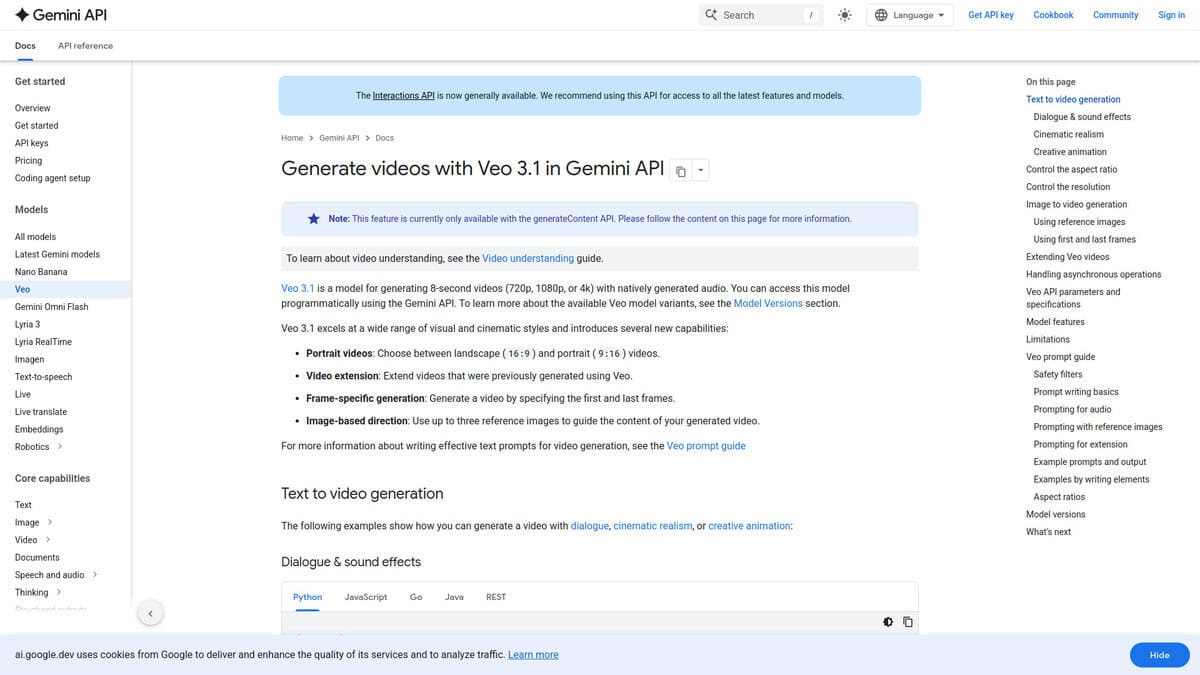
Veo
Pricing | $7.99/mo (Fast) to $249.99/mo (Standard quality) |
Resolution | Up to 4K |
Native Audio | Yes (dialogue, SFX, ambient) |
Video Length | Up to 8 seconds |
Best For | Cinematic scenes, nature footage, B-roll |
When I started testing Veo 3.1, what hit me immediately was how little it looks like AI. Nature scenes, city streets, close-up portraits. The light behaves like real light. Textures don’t shimmer or warp the way other generators do. A motion design agency’s hands-on review captured it perfectly: “the lighting feels intentional, textures look natural, and the camera movement actually feels directed.”
The native audio is what really sets it apart. Veo generates dialogue, sound effects, and ambient noise in one pass. Lip sync doesn’t feel pasted on. In my testing, this alone saved a step that every other tool on this list requires separately.
An independent benchmark from Vidguru AI Lab scored Veo 3.1 at 34/40 across eight test categories, earning perfect 5/5 on character consistency, text rendering, physics, and audio sync. MindStudio’s technical analysis found frame consistency improved 40-60% over Veo 3, and motion prediction jumped roughly 35%. The generational leap is real.
Where it falls short is character consistency. Keep a person across multiple shots and things start drifting. I found it works best for environmental footage, B-roll, and short cinematic clips rather than character-driven sequences. And getting the best quality (Standard tier) requires the $249.99/mo AI Ultra plan. The cheaper $19.99/mo Pro plan locks you to Fast quality, which is noticeably softer.
If realism is your top priority and you’re working with short clips, Veo is hard to beat right now.
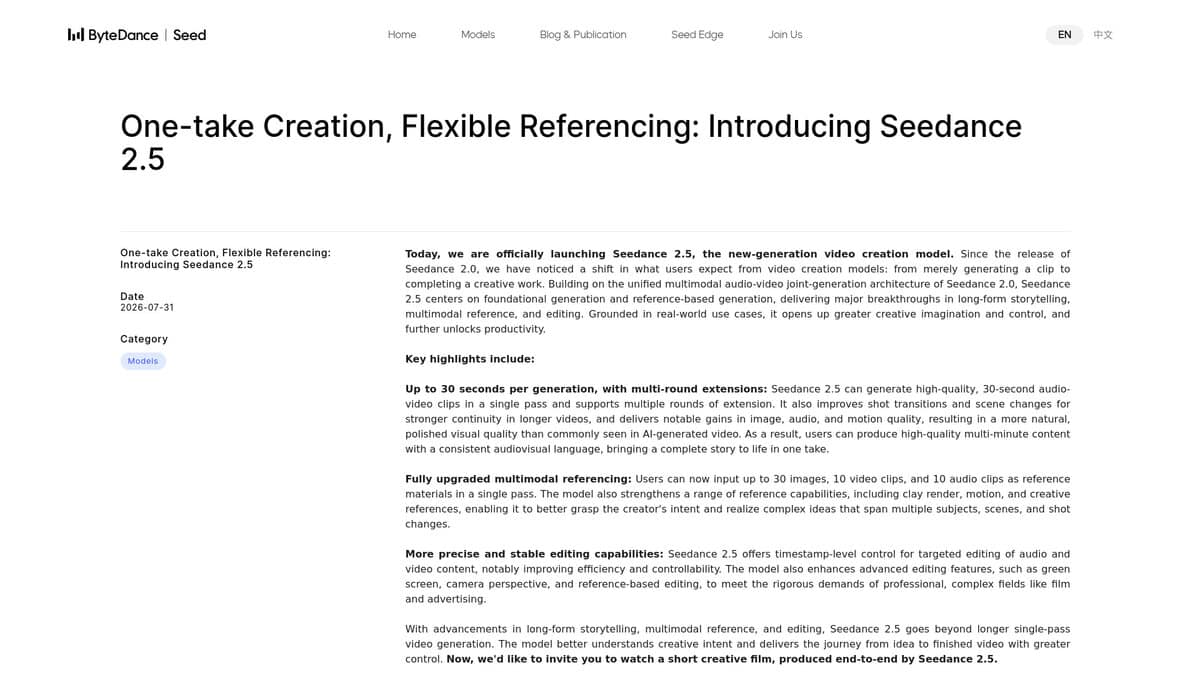
Seedance 2.5
Pricing | ~$0.34/sec at 720p, ~$0.15/sec at 480p |
Max Duration | 30 seconds single-pass |
Resolution | 720p maximum (no 1080p or 4K) |
Reference Inputs | Up to 50 (30 images, 10 video, 10 audio) |
Audio | Native co-generated, 32kHz stereo AAC |
Every other major AI video generator caps out somewhere between 5 and 16 seconds per clip. Seedance 2.5 generates 30 seconds in a single pass. That’s not a minor spec bump. It changes how you actually build a video.
The resolution trade-off is the catch. Seedance 2.0 could do 4K. This one tops out at 720p. ByteDance chose to sacrifice resolution for duration. If you’re making social content or pre-visualization, 720p works fine. For broadcast? It won’t hold up.
I kept waiting for generation times to stabilize, and they never did. One reviewer measured identical requests returning anywhere from 77 to 223 seconds. Same prompt, same settings, nearly 3x spread. Budget for batch work, not live turnaround.
The 50-reference system genuinely helps with scene consistency. You can feed in character photos, motion references, and audio direction all at once. One 30-second clip at 720p costs about $10, but it replaces six stitched 5-second clips plus the manual editing labor that comes with them.
Availability is the biggest friction point right now. It launched China-first through Dreamina and Doubao, with a developer API opening in August 2026 via BytePlus. International access exists but the global rollout has no confirmed date. If you can get in, it’s worth testing for any project where clip length has been the bottleneck.
Kling AI
Pricing | From $6.99/mo (Standard plan, intro rate) |
Best For | Motion transfer from reference videos |
Motion Control | Version 3.0 (launched March 2026) |
Credit Cost | 9-12 credits per second |
Free Plan | 66 credits/day (Standard plan required for Motion Control) |
I tested a lot of AI video generators for motion control in 2026. Kling is the only one that does it natively. Upload a reference video of someone dancing, pair it with a character image, and Kling extracts that movement onto your character. No other major AI video platform offers a native equivalent as of mid-2026.
Version 3.0 launched in March 2026 improved facial consistency more than I expected. Earlier iterations warped faces during fast action sequences. Now expressions hold steady through complex multi-angle shots. According to a PureAILabs review, Kling remains the only consumer-grade platform with this kind of motion transfer built in.
Dance content is where Motion Control went viral. TikTok and Instagram were flooded with choreography transfers throughout early 2026. Record yourself dancing, upload a character image, let Kling handle the rest. Some creators film entire music videos from a single performance placed into multiple environments.
On pricing, Kling 2.6 Standard consumed 160 credits for a clip that cost 200 on Runway Act 2. According to Higgsfield’s pricing comparison, Kling 3.0 costs $1.00 per 10-second 720p clip versus $1.30 on Runway. Motion Control starts at the $6.99 Standard plan, consuming 9 credits per second in Standard or 12 in Professional.
The real limitation is consistency. I kept running into a 30-40% usable clip rate across multiple generations. Batch-generate and cherry-pick the best result. That’s just the state of AI video right now. Kling is also built by Kuaishou Technology, a Chinese company, so data jurisdiction could matter for sensitive enterprise projects.
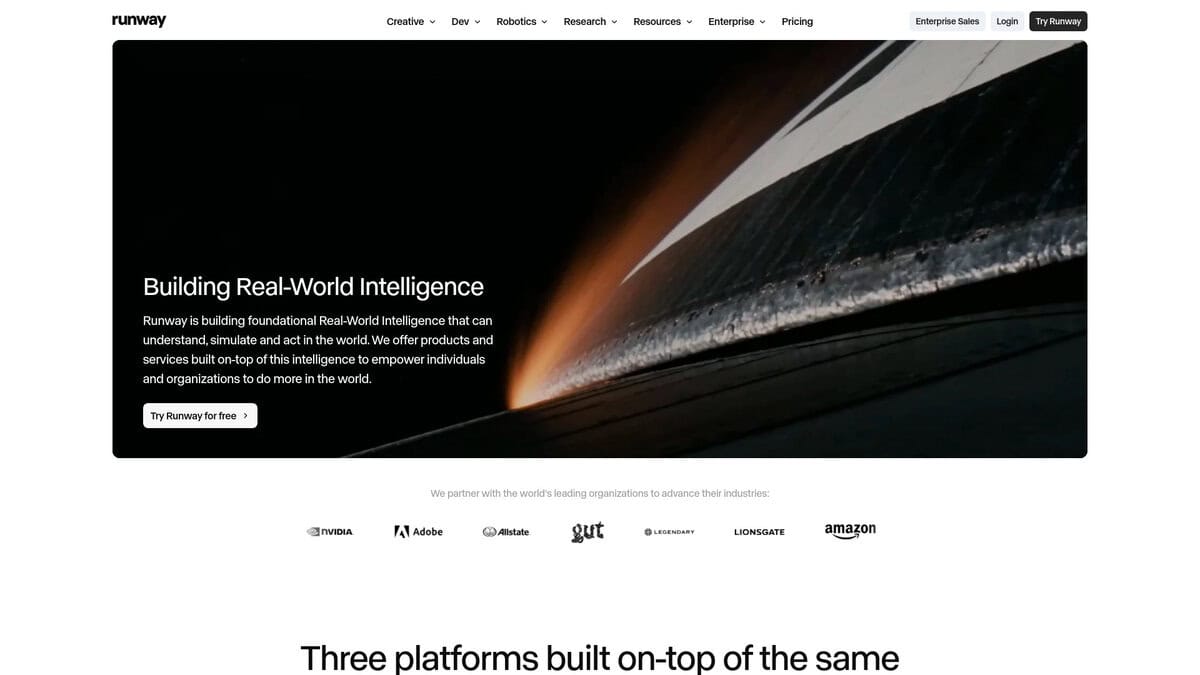
Runway
Best For | Filmmakers needing integrated workflow tools |
Pricing | Standard $12/mo, Pro $28/mo |
Free Plan | 125 credits/month (watermarked) |
Key Feature | Node-based Workflows and Story Panels |
Audio Generation | No (Veo 3.1 and Kling include this) |
Runway is no longer the best raw generator. Curious Refuge ran head-to-head comparisons against Kling and Veo 3.1 and ranked it eighth overall. Kling beat it on background stability and fire rendering. Veo 3.1 won dialogue scenes because it generates audio natively and Runway simply does not.
So why does it still matter for filmmakers? The answer is the workflow ecosystem. Story Panels builds consistent multi-shot sequences from a single reference image. The node-based Workflows editor includes utility nodes for stitching, trimming, reversing, and extracting audio. You can pipe in Claude MCP for story development. No competitor packages all of this in one place, and that matters more than raw quality when you are actually producing something.
Freelance editor Tanner Notch uses Runway specifically for what he calls “cinematic hero shots.” His reasoning is straightforward. It costs more than alternatives but delivers broadcast-quality polish that paying clients expect. He saves money on experimental shots by using Veo instead.
Camera control is a mixed bag though. Skills Factory confirmed that detailed shot-list prompts with specific timing can produce accurate movements. But Kimberly Offord found the named camera presets were not followed in her tests. Curious Refuge observed Runway adding unprompted camera moves while ignoring the ones you actually requested. I would stick to writing camera directions as natural-language shot descriptions rather than using preset buttons.
Gen-4.5 outputs clips up to 10 seconds at aspect ratios from 9:16 to 21:9. No Film School called the improvements over Gen-4 incremental. They are not wrong.
Budget at least the Pro plan at $28/mo if you plan real production work. Workflows require the Standard plan minimum at $12/mo. Actual filmmaking eats credits fast because every shot needs multiple iterations with re-prompting. The free tier with 125 credits and watermarked exports is only good for testing.
Runway is not the flashiest generator anymore. But for building a complete production pipeline with consistent characters, multi-shot sequences, and editing utilities in one place, it remains the strongest option I have found for filmmakers.
Hailuo AI
Pricing | From $9.99/month or ~$0.13/sec pay-as-you-go |
Free Plan | Limited credits on signup |
Resolution | Up to 2K with native 32kHz stereo audio |
Clip Length | 4 to 15 seconds |
Best For | Social content, product B-roll, rapid prototyping |
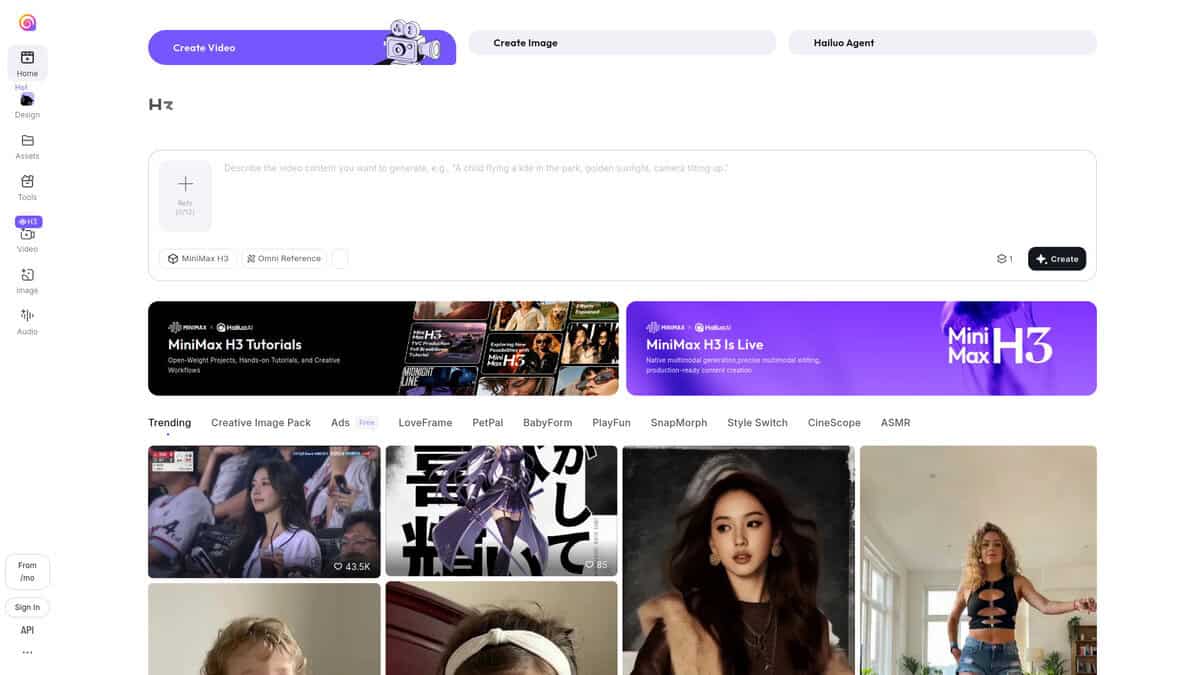
For creators who need video with synced sound on a budget, Hailuo AI (also called MiniMax H3) makes a solid case. What caught my attention is that audio and video come from one model in a single pass. Not a separate audio stage layered on top. Lip movements, ambient sound, and background effects actually line up without extra work.
Under my testing, a 15-second 2K clip ran about a dollar, and shorter HD pieces cost less than fifty cents. That’s roughly one-third the cost of equivalent Veo output and about 23% cheaper than Kling 3.0.
The audio itself is functional and perfectly fine for social clips and product ads. But it trails Seedance 2.0 in refinement. Voice cloning introduces some distortion, and dialogue is decent rather than premium. For B-roll with ambient sound, none of that matters.
The reference system is surprisingly flexible. I could feed it up to 12 inputs: images, video clips, even audio tracks, and the model ties them together. That makes it practical for keeping a character consistent across multiple short shots.
Instruction-based editing also surprised me. Instead of regenerating an entire clip, I could swap a character or change a line of dialogue on existing footage. That saved real time and credits when iterating.
The 15-second cap is the main constraint. Longer pieces need stitching from multiple clips. Complex multi-subject scenes can also look muddy at 2K. Single-character realism shots hold up well though.
At $9.99 a month, it doesn’t need to beat Kling 3.0 Pro or Veo 3.1 in a blind quality test. For solo creators and small teams who need audio-synced video fast and cheap, that’s the whole point.
Pika
Pricing | Free / $8 Standard / $28 Pro / $76 Fancy (annual) |
Free Plan | 80 credits/mo, 480p only, watermarked |
Best For | Social media clips, quick prototypes, trend-jacking |
Max Resolution | 1080p |
Generation Speed | 30-90 seconds per standard clip |
The first thing I noticed is Pikaffects. Explode, Melt, Morph, Squish, Inflate. These are one-click effects that no other video generator offers right now. Drop a product photo in and watch it dramatically transform in seconds. For social content, that kind of scroll-stopping visual does more than any photorealistic clip ever could.
Here’s the catch though. That $8/month Standard plan sounds like a steal. But you can’t remove watermarks and you don’t get commercial use rights. That bumps you to $28/month on the Pro plan, where the real value begins.
Credits matter too. A 5-second 1080p clip costs 40 credits. Your 700 monthly credits on Standard give you maybe 17 clips on paper. In reality, AI generation rarely nails it on the first try. I consistently needed 3-5 attempts per usable clip. That Standard plan actually yields roughly 3 to 6 keeper videos per month.
Where Pika genuinely impressed me was speed. Most clips finish in 30 to 90 seconds. When a trending moment hits and you need to jump on it fast, that matters. You can go from idea to posted Reel in under five minutes.
My biggest frustration was human motion. A person running through a forest consistently produced distorted limbs and warped faces. It’s Pika’s weakest area by far. But image-to-video workflows work much better. Give it a strong static image instead of starting from text, and results improve noticeably.
Pika 2.5 brought better coherence with fewer flickering frames and native audio. With Sora shutting down in April 2026, Pika quietly dropped prices while competitors raised them. The Reddit community consistently ranks it as the budget pick for social content. At 5 to 10 second clips max and no 4K, this isn’t competing on cinematic power. It’s built for speed, personality, and social virality. If that’s your lane, it’s the cheapest way in.

Deevid
Video Modes | Text-to-video, image-to-video, video-to-video, reference-to-video |
Free Plan | 20 free credits (about 1-4 videos) |
Best For | Multi-model AI video generation |
Key Advantage | Access to multiple AI video models in one platform |
What I liked the most about DeeVid AI Video Generator is that I didn’t have to commit to one model. Veo 3.1, Kling, Hailuo, Runway, Pika, Luma and Vidu all sit behind one login. If a generation misses, you switch models and rerun the idea. You don’t open another site, rebuild your prompt or move your files.
That matters because no model is best at everything. One handles camera movement better. Another keeps faces and objects steadier. With DeeVid, you match the model to the shot instead of forcing every shot through one model.
There’s also reference-to-video, which lets you add visual or audio references next to your prompt. Instead of explaining everything in text, you show the AI what you mean. This helps if prompts alone keep giving you inconsistent results.
I liked the video-to-video too. It keeps the motion and structure of your original footage and changes how it looks.
I can save a character to Assets once and every new scene pulls the same face. That is the consistency problem this article started with, so it’s worth testing.
The catch: DeeVid is a gateway, not a model. Your output is only as good as the model you pick. The free plan gives you 20 credits, which is about 1 to 4 videos. That is enough to try it, but not enough to compare the same prompt across several models.


