

The most common complaint I see about free AI headshot generators in 2026 is not about image quality. It is about face likeness. I keep hearing the same thing: the tool makes you look like a completely different person.
Traditional headshot photographers still charge between $200 and $500 per session, according to LinkedIn News. Most professionals I talk to know they need a decent headshot but refuse to pay that much, so they settle for a blurry selfie or skip the photo entirely. Most free AI tools either watermark your output or generate faces that belong to a stranger.
I narrowed it down to 7 free AI headshot generators that actually preserve your likeness and let you download the results without paying a cent.
I judged each option on face accuracy, output resolution, and whether the free tier is genuinely free.
The Rundown
- Conversational Refinement With No Signup: ChatGPT, “Upload a selfie, then refine outfits and backgrounds through chat, though facial likeness drifts noticeably across generations.”
- Face-Consistent Edits On Free Tier: Gemini, “Modify your actual photo rather than repainting it, preserving more facial features with up to 20 free images daily.”
- Zero-Budget LinkedIn Photos That Score Well: Google Flow, “Upload one selfie, save it as a Subject reference, then generate across different lighting and wardrobe setups.”
- Dedicated Workflow But Limited Free Access: Aragon AI, “Built exclusively for headshots with industry-specific onboarding, though the free tier delivers just one lower-resolution result.”
- Resume-Ready Headshots In One Workflow: Canva, “Generate a professional headshot and drag it directly into thousands of resume templates without switching tools.”
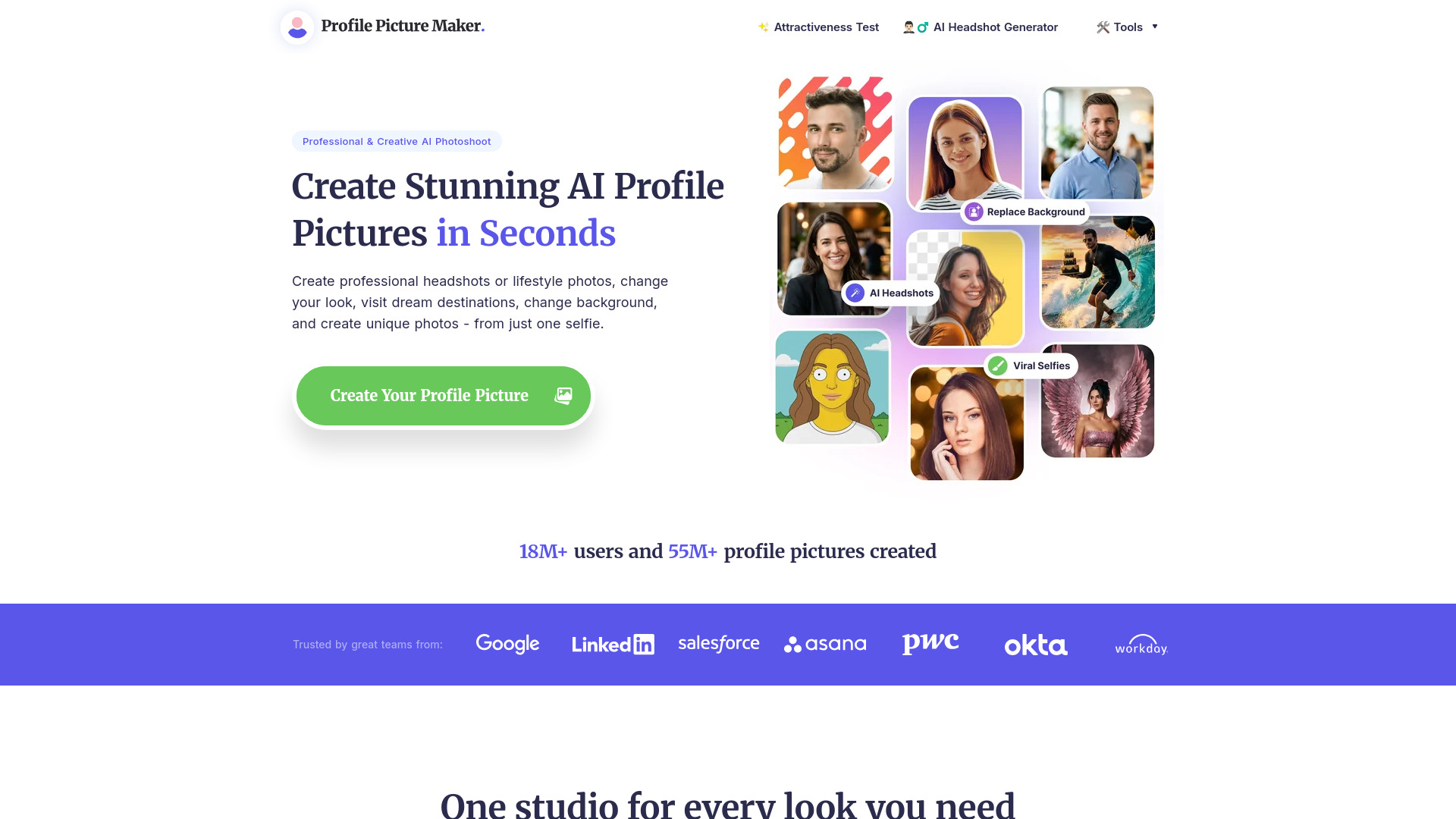
- No-Signup Background Swap In Seconds: PFPMaker, “Removes your background and drops you into a professional setting in fifteen seconds with zero account creation required.”
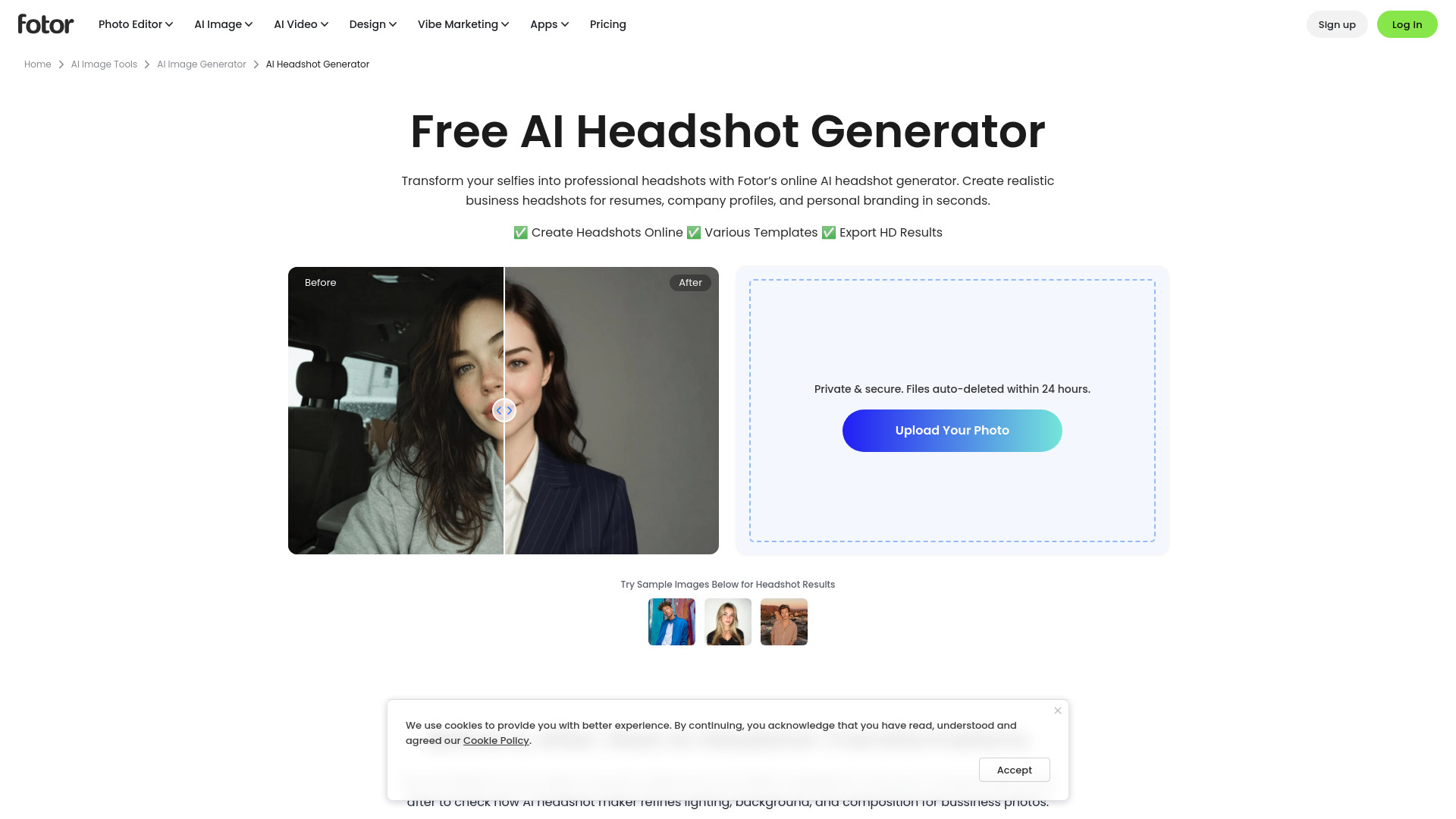
- Preset Styles For Rapid Batch Generation: Fotor, “Pick from 50-plus preset styles and get 40-plus headshots in under three minutes without writing a single prompt.”
The Best Free Ai Headshot Generators
ChatGPT
Pricing | Free tier available; Plus at $20/month |
Best For | Stylized portraits, placeholders, and quick concept headshots |
Ease of Use | Very easy; just upload and prompt |
Identity Accuracy | Weak; face often drifts from your actual appearance |
I’ll be honest: ChatGPT is the easiest way to get a professional headshot for free. Upload a selfie, describe what you want, and you get eight images in about 30 seconds. The speed is absurd.
What I liked most was the control. Want a navy blazer instead of a gray one? Just ask. Prefer a darker background? Type it out. You keep refining until something clicks. No other free tool gives you that conversational back-and-forth.
But here’s the thing I kept running into. ChatGPT was never trained to reproduce your face. It uses your selfie as a loose visual reference, then reconstructs the face from scratch. The jawline shifts. The nose is slightly off. The eye spacing isn’t quite yours. You end up with someone in your general age range with approximate facial features, not an actual likeness of you. This exact frustration shows up across Reddit threads where users keep asking the same question: how do I stop ChatGPT from changing my face?
Multiple LinkedIn users reported the same thing: the pictures “look like a totally different person.” Uploading six neutral selfies and explicitly prompting to preserve facial identity helped somewhat, but didn’t fully fix the drift.
Where ChatGPT genuinely shines is when perfect likeness isn’t the goal. Stylized portraits, stock-style headshots, concept exploration, social media avatars. If resemblance matters, the dedicated tools in this list will do better.
OpenAI’s content policies can also block headshot generation from your own selfies sometimes. Rewording your prompt usually gets past it.
Gemini
Pricing | Free (Basic tier), Pro plan at $19.99/month |
Free plan | Up to 20 images/day with Nano Banana 2 |
Best for | Face-consistent headshots with outfit/background changes |
Ease of use | Moderate, requires careful prompt crafting |
Platforms | Web app, iOS, Android |
The first thing I noticed was how Gemini handles image editing differently from ChatGPT. It modifies the actual image rather than repainting it from scratch. This isn’t just a technical detail. It directly explains why Gemini preserves faces better. When ChatGPT “repaints” your photo, it essentially creates a new image inspired by yours. Gemini keeps the original and changes specific parts.
Face consistency requires a specific workflow. I upload 3-5 clear reference photos from different angles. Then I lead every prompt with an identity-preservation instruction. Something like “Preserve the exact same facial features and hairstyle from the reference image” before describing the professional setting. ZDNET’s hands-on test confirmed this three-part structure works best: identity plus wardrobe, lighting plus background, camera plus editorial style.
The golden rule: change one variable per generation. I swap the outfit OR the background, not both simultaneously. Changing too many things at once causes significant face drift. I generate several versions of each variation and pick the closest match. Fine details like exact eye spacing and moles still shift between runs. Gemini reconstructs faces rather than photographing them.
The free tier gives you up to 20 images daily with Nano Banana 2. That’s enough for iterating on a few headshot concepts. You’ll hit limits if generating dozens of variations. Every image includes a small Gemini watermark that needs removal with photo editing software. For casual to semi-professional use, the results impress. For strict LinkedIn-perfect likeness, dedicated headshot tools still outperform. Reddit users consistently note input photo quality matters more than the tool itself.
Google Flow
Pricing | Free (50 daily credits); AI Plus from $4.99/mo |
Best For | Single professional headshots on zero budget |
Ease of Use | Moderate; requires decent prompting skill |
Key Feature | Ingredients system for consistent character references |
Watermark | SynthID embedded in all outputs |
Google Flow launched in February 2026 as Google’s unified creative studio, merging Whisk AI, ImageFX, and the original Flow video tool into one place. What caught my attention for headshots is its Nano Banana model, which works directly with your uploaded photo rather than generating a face from text. That distinction matters more than you’d think.
The Ingredients system is the real draw here. You upload a clear selfie, save it as a Subject reference, then generate portraits across different lighting setups, backgrounds, and wardrobe styles. I tested this with a basic living room photo and was surprised how well it preserved facial identity across iterations. One independent test by Austin Belcak measured the results on Photofeeler, and competency scores jumped to 8.1, landing in the top 20%. That’s not a casual claim.
Google says the free tier includes 50 daily credits with Nano Banana Pro access and 2K upscaling. For occasional headshot needs, that’s more than enough runway.
But I’ll be honest about the ceiling. Flow generates one image at a time from one input photo. Dedicated headshot tools take a completely different approach. They train on multiple photos of you and generate dozens of consistent headshots in a single session. Flow can’t match that. You also need solid prompting skills. Vague prompts produce vague results, and quality drops fast with blurry input photos.
I think for job seekers who need one strong LinkedIn photo and don’t want to spend money, Google Flow is genuinely the best free option right now. Just don’t expect it to replace a full headshot portfolio.
Aragon AI
Free Tier | Yes, waitlist-based |
Output | 1 headshot, ~30 min |
Paid Plans | $35 to $75 per package |
Photos Required | 6 to 10 selfies |
Best For | Quick professional headshot on a budget |
For anyone specifically looking for a dedicated free AI headshot generator.
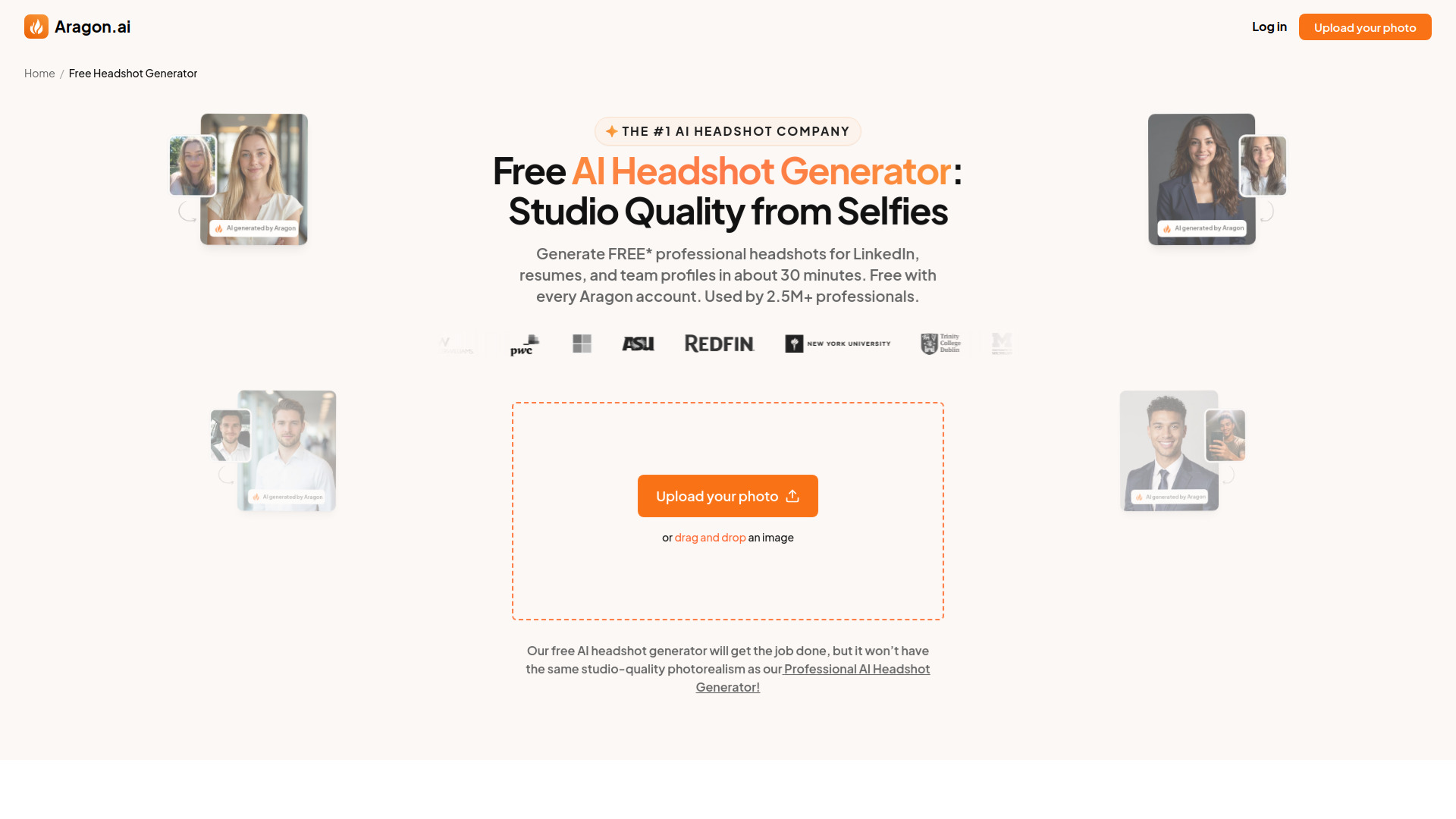
I’ll be honest. I went in expecting a decent free headshot from Aragon, and what I got was… fine. But not the “usable for LinkedIn” kind of fine. The free tool gives you exactly one headshot after you join a waitlist, and the result feels more like a preview of what Aragon’s AI can do rather than something you’d actually put on your professional profile. Resolution is lower, customization options are limited, and you’re stuck waiting until the system has capacity.
The paid side is a completely different story. Over 7,000 Trustpilot reviews land at a 4.7 rating, with users consistently praising the realism of the output. When you pay $35 or more, you’re getting 40 to 100 headshots in under an hour with multiple outfit and background options. The jump from free to paid is massive, almost feels like two different products.
Independent reviews back that up. An assessment from GetMatches.ai put it bluntly: “There is no free tier that produces usable photos.” They noted that user reports consistently describe the free tool as significantly lower quality than the paid packages. That tracks with what I saw.
What makes Aragon different from tools like ChatGPT or Gemini, which also generate headshots for free, is that Aragon is built exclusively for headshots. The onboarding asks about your industry, hair color, ethnicity, body type, and preferred attire. You get a focused, professional workflow instead of a general AI doing headshots as a side task.
But that focused approach means nothing if the free version doesn’t deliver. And right now, it doesn’t. If you’re truly budget-constrained and need something immediately, tools like PFPMaker or Canva might get you a quicker result. If you can stretch to $35 though, Aragon’s paid Basic plan is genuinely impressive. The gap between its free and paid tiers is the widest I’ve seen in this category.
Canva
Pricing | Free plan available |
Free Tier | 2 headshot credits per day |
Best For | Resume and LinkedIn headshots |
Platforms | Web, iOS, Android, Desktop |
Key Feature | Generate headshot and add to resume template in one workflow |
What stood out to me immediately was the workflow. You upload a selfie, pick your gender and style (go with “corporate” for resumes), and get a headshot. Then you drop it right into one of thousands of resume templates. No export, no import, no switching tabs.
In my testing, the results looked polished enough for LinkedIn and casual profile photos. But I’ll be honest, the skin sometimes appeared too smooth. Like someone painted a face on. One tester on the Mepis Forum put it well: “good enough for general use” but “slightly too airbrushed” for a main CV shot.
That airbrushed quality is the trade-off. The headshot won’t blow you away compared to paid tools like HeadshotPro. But the magic isn’t the image itself. It’s the pipeline. Generate your headshot, adjust brightness, smooth edges, swap backgrounds, then drag it into a resume template. Download. Done.
ChatGPT and Gemini can generate headshots too, but you’ll need to export manually and open a separate resume builder. Canva skips that entire step. Career advice expert Alison Doyle specifically recommends it for LinkedIn profile updates.
The two-credit daily limit is frustrating if you want to experiment. You get two shots, then you wait 24 hours. Even Pro users report hitting AI generation caps. So plan your first upload carefully. A well-lit, front-facing selfie with good lighting makes a real difference here.
I’d recommend Canva if you already use it for resume design or want everything in one place. If you need the absolute best headshot quality, look elsewhere. But for a free, practical workflow from selfie to finished resume? It’s hard to beat.
PFPMaker
Pricing | Free (basic headshot generator) |
Free Plan | Yes, no signup or credit card required |
Processing Time | Approximately 15 seconds |
Style Options | 30 professional background styles (free tier) |
Best For | Quickly replacing a selfie background for a professional look |
I’ll be honest. When I first landed on PFPMaker, I wasn’t expecting much from a tool that asks for nothing. No account, no credit card, no catch. But after uploading a mediocre selfie, I had a clean, professional-looking headshot in about fifteen seconds. That surprised me.
The thing is, PFPMaker’s free tool isn’t really generating a new portrait from scratch. It takes your existing selfie, removes the background, sharpens the image, and drops you into one of thirty professional settings. Think clean office backdrops, soft gradients, solid colors. It’s a background replacer with polish, not an AI portrait artist.
For what it is, though, it works well. I picked a style, downloaded the result, and there was no watermark. The whole process took less time than filling out a signup form on most competing tools. If you need a LinkedIn photo updated before a deadline, this gets the job done fast.
My main issue was likeness. Some backgrounds preserved my face accurately. Others shifted things just enough to feel off. Trustpilot reviews reflect this mixed bag, with the tool sitting at a 4.3 out of 5 from 192 reviews. Most people are happy, but a noticeable chunk report that the output doesn’t quite look like them.
If I were comparing it to something like ChatGPT or Gemini’s image generation, PFPMaker isn’t in the same league. Those tools create entirely new portraits. PFPMaker polishes what you already have. That’s a meaningful difference depending on your starting point.
According to PFPMaker’s own headshot page, the paid version unlocks over four hundred styles and more advanced AI generation, but the free tier is genuinely useful on its own. For a quick, no-commitment headshot, it’s one of the fastest options I tried.
Fotor
Pricing | Pro $4.99/mo, Pro+ $8.33/mo, Max $19.99/mo |
Free Plan | 7-day trial, then credits required |
Style Options | 50+ preset styles |
Speed | 40+ headshots in under 3 minutes |
Best For | Budget-friendly, prompt-free headshot generation |
I tested Fotor expecting another template tool that spits out generic portraits. What I got was genuinely surprising. You pick a style, upload one photo, and it cranks out dozens of options in minutes. According to Fotor’s own page, it generates 40+ headshots in under 3 minutes from a single upload, making it one of the fastest tools I’ve tried.
The style catalog is the real draw here. You get options like Classic Corporate, Executive, Smart Casual, Modern Startup, and even fun ones like Comic and Vintage. No prompt writing required. I just clicked through the presets and picked what matched each platform I needed headshots for.
Fotor trades photorealism for speed and variety. The results lean artistic rather than hyper-realistic. The faces look polished and clean, but they can feel a bit too smooth, like someone ran a beauty filter on them. If you need LinkedIn headshots that pass as real photos, you might notice the artificial edge.
The free tier is actually a 7-day trial. After that, you need credits or a subscription. One-time packs start around $27 for 20 photos. Compared to tools like BetterPic or Aragon, Fotor costs less but produces fewer photorealistic results. In my testing, the facial structure occasionally went too smooth, which could be a dealbreaker for high-stakes professional use.
If you need headshots for LinkedIn, a resume, or a company profile and you want variety without spending much time, Fotor handles that well. If you need photorealistic results for high-stakes purposes, you might want something pricier.


