

I asked Claude for a scroll animation on a client page last month. It gave me a CSS loop that jittered in Safari and froze on mobile.
The model was fine. It had just never been taught how motion should behave.
Claude Code ships with zero skills out of the box, and most people still run it vanilla, according to a 2026 guide to Claude Code skills and plugins. Without an animation skill loaded, you rewrite the same broken keyframes by hand every time.
The right skill changes the same prompt into clean Manim scenes, smooth Lottie files, or React motion that survives real browsers. I built small test animations with each one this year to see which actually hold up.
Only 8 Claude animation skills in 2026 made the cut.
The Rundown
- If You Over-Animate: Animate, “It asks whether your element should animate at all, then writes exact curves, durations and origins when it should.”
- When Scroll Gets Complicated: GSAP Skills, “You get GreenSock’s own rules for pinning, scrubbed timelines, and the ScrollTrigger bugs Claude usually writes.”
- Audit Motion You’ve Shipped: Claude Design Skills, “Run review-animations on your CSS and you get a before, after, why table and a hard verdict.”
- Build Scenes You Can Orbit: Three.js Animation, “Claude pins the correct Three.js animation API for your interactive 3D scenes, though the repo went quiet after January 2026.”
- When UI Must React: Rive Skills, “You wire hover, click and trigger inputs into Rive state machines that react to the user, not just play.”
- Ship A Logo Animation: Wiggle, “It’s tiny at three commits, but a static logo becomes Lottie, GIF and MP4 files you can ship.”
- Batch Renders From Spreadsheet Data: Claude Remotion Skill, “Your spreadsheet becomes dozens of customised lower thirds rendered as ProRes or MP4 you can post.”
- Own Your Lottie JSON: Text-to-Lottie, “You describe the motion, Claude writes the Lottie JSON, and a local Skia player updates as you watch.”
The Best Claude Animation Skills
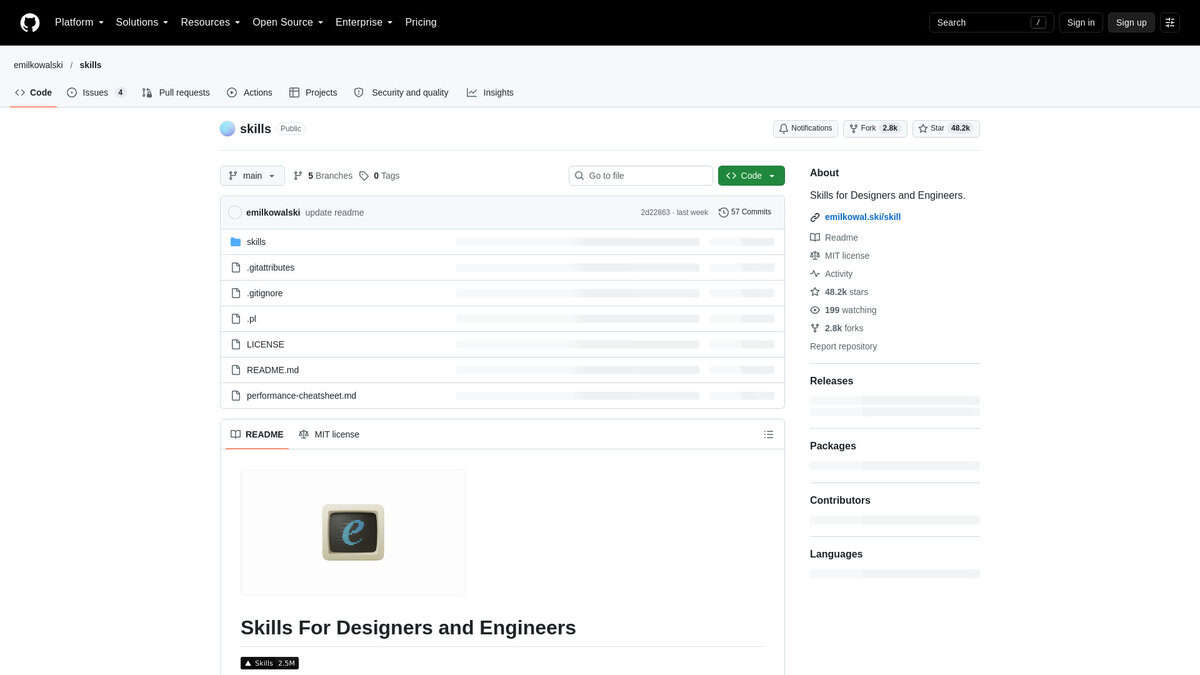
Animate
Price | Free, MIT license |
Install | One npx command |
Platforms | Claude Code, Codex, Cursor, Windsurf |
Best for | Everyday UI motion calls |
Learning curve | Low, Claude does the reading |
The opening question caught me off guard. Before touching a curve or a duration, the skill asks whether the element should animate at all. A button you press fifty times a day gets nothing. I expected styling tips. I got permission to ship less motion.
When motion does happen, the values are specific. I ran it on a dropdown and a modal, and the numbers came straight from the skill’s tables. Strong ease-out at cubic-bezier(0.23, 1, 0.32, 1). Entrances at scale(0.95) plus opacity, never scale(0). UI durations kept under 300ms. Popovers scale from their trigger, not the center. That last one is where most AI output goes wrong.
Independent testers hit the same notes. AISeeKing’s walkthrough called out how agents pick ease-in for entrances and animate width and height instead of transform. Animate fixes those habits by default.
I also liked that hover states sit behind @media (hover: hover) and (pointer: fine). Reduced motion gets a gentler variant rather than nothing, which is easy to forget. Mohit Vaswani’s test run put it well: dropdowns and modals suddenly felt like a real product.
Keep expectations straight. This is guidance for Claude, not a runtime you import. Long timelines, 3D scenes and video generation belong to other skills here. For buttons, menus, modals and page transitions, this is the one I’d reach for first.

GSAP Skills
Best for | Scroll pinning, scrubbed timelines, complex transitions |
Install via | Claude Code plugin marketplace or npx skills add |
Maintained by | GreenSock, the GSAP authors |
Price | Free, MIT licensed |
Modules | Eight, only the one you need loads |
Setup took about a minute through the plugin marketplace in Claude Code. The npx skills add route works too.
What stood out first: GreenSock wrote this themselves. It has been versioned since April 2026 and split into eight modules, so a scroll request only pulls the ScrollTrigger guidance. Claude doesn’t drag in React or plugin trivia it never needed.
The real pitch is the do-not list. I prompted a simple parallax and watched Claude dodge mistakes a bare session usually makes: no ScrollTrigger on a child tween inside a timeline, never scrub and toggleActions together, ease:’none’ on containerAnimation, refresh() after fonts load, no markers in production. Those show up in QA, not code review.
The output matched what I’d hand-write on a good day: one pinned timeline scrubbed across a 0-to-1 scroll scale, phases overlapping, Lenis on gsap.ticker with lagSmoothing off.
I’ll be honest about the ceiling. Native CSS scroll-driven animations took simple reveals this year, and two write-ups back that up. Pravin Kumar reported an 18-point mobile Lighthouse gain dropping GSAP from three sites. Mintec cut critical JS from 47KB to 16KB in a similar swap. Both are self-reported numbers from small samples.
So I’d save this skill for pinning, multi-phase scrubbed timelines, snapping, resize handling, cross-browser quirks. A fade-in? Just CSS.
Scope matters too. Three.js owns 3D scenes, Remotion renders video, Rive handles state machines. This one stays in scroll-linked DOM choreography. Its closest rival is the community gsap-framer-scroll-animation skill, aimed at Copilot rather than Claude Code.
Pair it with a taste skill. Mechanics are solved now. Direction isn’t.

Claude Design Skills
Install | npx skills@latest add emilkowalski/skills |
Skills included | 13 single-purpose, including animate and review-animations |
License / traction | MIT, 39.0k GitHub stars |
Best for | Interaction states, transitions and motion review in shipped UI |
First-party counterpart | Anthropic’s Design skill, free on every Claude plan |
Claude Design Skills is a category name, not one product. The installable thing is Emil Kowalski’s motion pack, from the maker of Sonner and Vaul. Anthropic’s own design skills sit beside it as the official version. I added the pack with one command.
What it fixes is predictable. Claude picks ease-in for entrances, scales dropdowns from 0, animates layout properties that stutter the page. The author says it himself: agents lack taste. The pack turns those corrections into exact values.
I followed one tester’s walkthrough of review-animations aimed at a CSS file stuffed with those mistakes. It returned a before/after/why table and a hard Block verdict. The command palette animation got deleted outright, because that shortcut fires a hundred times a day.
Then animate ran on a dropdown and named every choice. Origin at the trigger. Scale 0.95, not 0. The exact cubic-bezier at 180ms. Hover gated behind pointer:fine, reduced motion keeping the fade.
My own before and after matched one tester’s three-page comparison. Ease-in stopped appearing everywhere. Dropdowns and modals started feeling like a real product.
My main issue is scope. This encodes one person’s taste, so a deliberately bouncy product will fight some of its rules. Stacking it with other aesthetic skills gives Claude a confused mix, not a better result. I load it on demand instead of leaving it on.
Worth knowing in 2026: Anthropic announced Claude Motion in beta, so first-party animation generation exists now. That generates motion. This pack decides when not to animate, which GSAP, Remotion, Rive and Lottie skills never do. Those hand Claude a library API to embed instead.
I’d recommend it if you ship dropdowns, modals and command palettes and want them to read as crafted. If your brand wants springy overshoot, expect to overrule some rules.
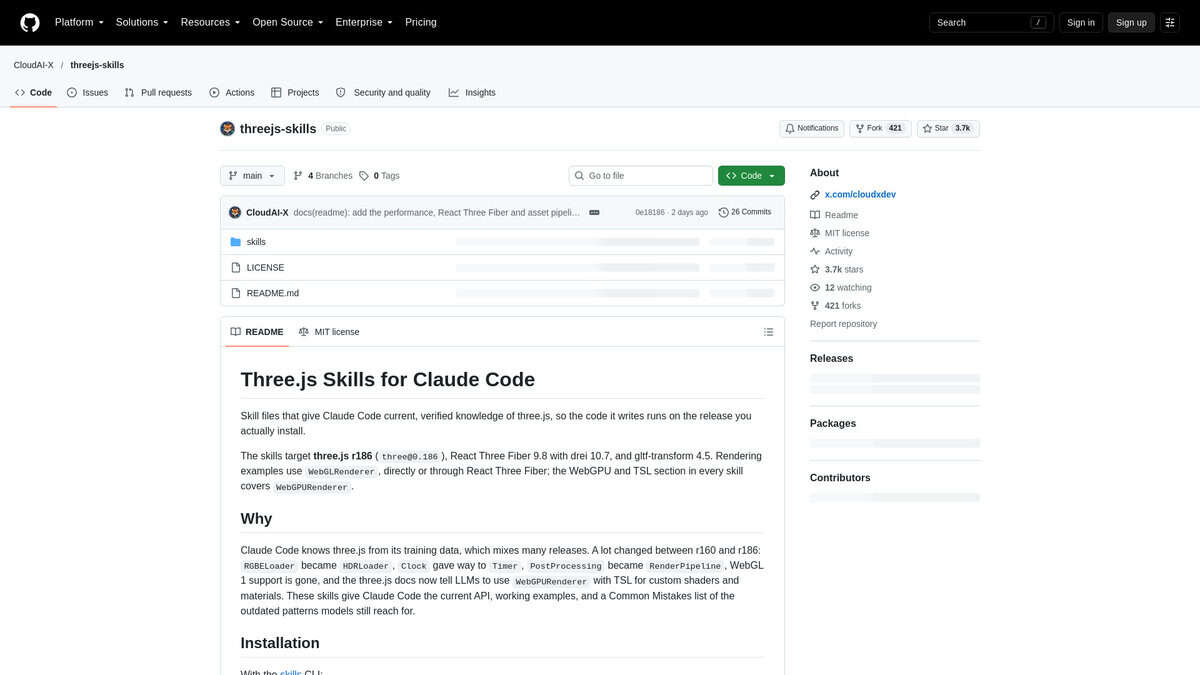
Three.js Animation
Best for | Interactive browser 3D with real motion |
What it covers | Keyframes, skeletal animation, morph targets, mixing |
Part of | CloudAI-X/threejs-skills bundle (10 skills) |
Format | Standalone SKILL.md, 552 lines, 12.3 KB |
Install via | Claude Code, from the repo |
My test case was deliberately small: a GLTF model, orbit controls, a looping idle animation. It worked. The model loaded, the animation played, the camera behaved.
What stood out to me is the wiring. The animation skill cross-references threejs-loaders, so “load this GLTF and play its animations” pulls two skill files automatically. I never prompted for plumbing.
The coverage went deeper than I expected. AnimationClip, AnimationMixer, AnimationAction, six keyframe track types, three interpolation modes, crossFadeTo, additive blending, bone access, morph targets. Plus procedural motion: springs, sine, bounce, figure-8 paths. Performance tips round it out.
Why it exists: language models blend Three.js API versions from memory. outputEncoding against outputColorSpace. examples/jsm against three/addons. The code looks right, then dies at runtime. This skill pins the correct surface.
My main issue is upkeep. The repo sits at roughly 3.5k stars but only six commits from a single contributor, last touched 2026-01-19. Adoption outruns maintenance. One 2026 update worth checking: THREE.Clock may be deprecated in favor of THREE.Timer since r182, while the skill teaches Clock throughout. Three.js ships roughly monthly and ignores semver, so I’d check the current Three.js docs myself before committing to that pattern.
Fine tuning stays hard. Jon Radoff’s report from building Threelab notes that graphics work is significantly slower to iterate on with AI than text work, and I hit the same wall. Bloom, particle feel, camera taste. Those stay a lossy text conversation.
October 2026 walkthrough by Matt Penny gave me a fix. Render the scene in a headless browser, screenshot roughly 60 times a second, check for overlapping elements and undersized text. He reports 37,000 tokens for 15 seconds, about $0.05 on a Claude subscription.
For comparison, GSAP Skills is vendor first-party and far more starred, but it animates DOM and SVG. This one is for scenes people can orbit. The broad Claude Design Skills bundle ships a Three.js file too, yet handles animation in three lines and hands motion to GSAP. Rive, Remotion, and Lottie emit video or vector files, not a live scene.
I’d recommend it for anyone comfortable in JavaScript who wants shippable interactive 3D in the browser.
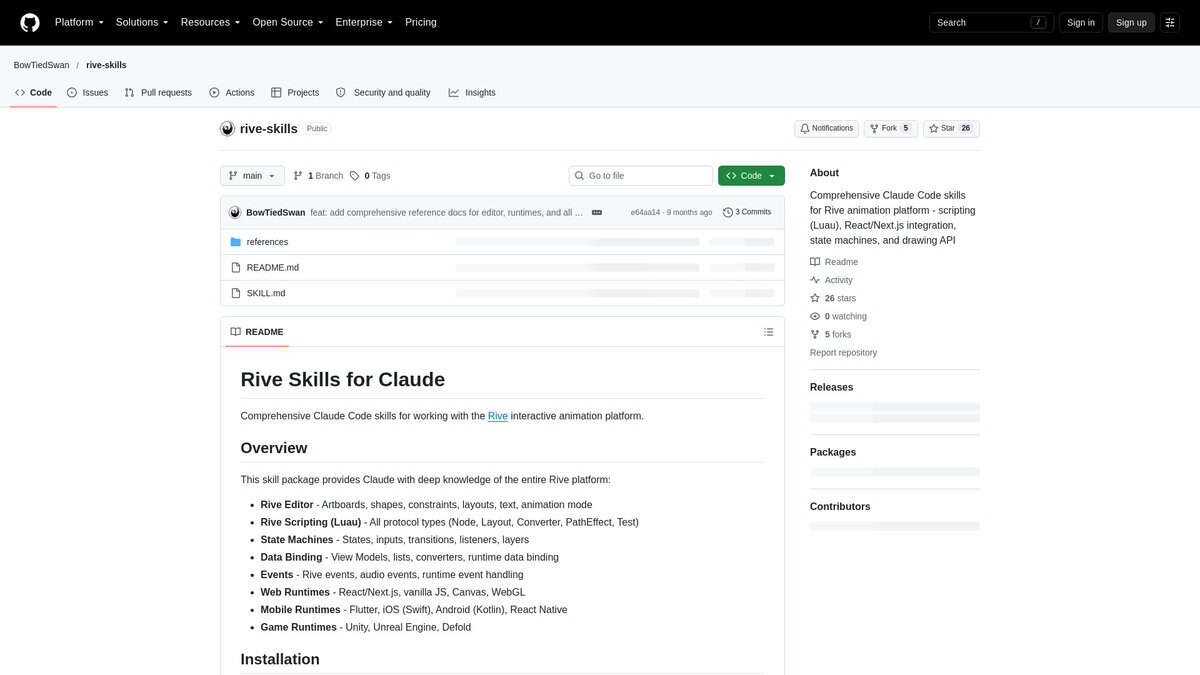
Rive Skills
Best For | Interactive buttons, hover/click states, ViewModel-driven UI |
Install Command | npx skills add bowtiedswan/rive-skills |
Standout Feature | State machine inputs (boolean, number, trigger) plus data binding docs |
Watch Out For | Hover states misbehave on touch; last-mile easing still manual |
I wanted to know whether Claude had actually absorbed Rive’s vocabulary. It had. My prompts started turning out isHovered booleans, number inputs, trigger fires, useStateMachineInput. That shift told me the skill loaded properly.
Depth matters here, too. Beyond the state machine inputs, the skill carries notes on listener layers and ViewModel data binding. Once Claude read those, it stopped guessing at flags like autoBind and handled Rive events without me pasting documentation into every chat.
I asked it to build a hover-toggle button. Claude wired states, transitions and a listener without me naming any of them. Compare that to the timeline skills on this list. GSAP and Wiggle give you a scrub bar. Lottie gives you playback. This gives you a machine that reacts to the user.
That difference has teeth. Callstack’s React Native benchmark measured Rive at ~60 FPS against Lottie’s ~17, with the same animation at ~2KB versus ~24KB. Interactive and small. Rare combo.
My testing matched what Lukas Margerie’s walkthrough shows: simple prompts yielding hover-reactive elements and click-driven timers, close on the first shot but never quite finished. His lock animation still looked rough before hand-polishing. Same for me. Easing curves and chained transitions want time in the editor.
I’d also test on a real phone. Hover simply doesn’t exist on touch, and my desktop-perfect states felt odd under a thumb.
If you only need a looping loader, skip this. A Lottie skill is lighter. But for genuinely interactive UI, nothing else on the list comes close.

Wiggle
Type | Claude Code skill |
Inputs | PNG, SVG, JPG logo files |
Outputs | Lottie JSON, GIF, MP4, PNG sequence |
Pricing | Free and open source, no subscription |
Best for | One static logo, one finished animation |
This one starts from a file you already own, which is rarer than it sounds. Drop in a PNG, SVG, or JPG and you get finished animation files back. Six motion patterns come with fixed timings, like a 1.5 second fade entrance and a 1.2 second bounce. Before it writes any keyframes, Wiggle makes me name the brand personality and the target emotion, then it picks an easing curve to match. I liked being forced to decide the feel first.
I also liked how it treats a two-part logo. It can split an icon from a wordmark and stagger them by 15, 30, or 45 frames at 60fps. That is the difference between a logo landing as one flat block and one that reads as designed.
The setup is not frictionless, though. GIF rendering runs through pycairo, and MP4 needs FFmpeg installed on your machine. I had to keep external file references during development, because embedded base64 images over 100KB hit a memory ceiling in the Cairo renderer. Asset files must sit in the same directory as the Lottie JSON, or the render fails with “asset not found.”
My main issue is trust, not capability. The repo shows one release, v1.0.0 from October 19 2025, three commits, and about 24 GitHub stars, while skills.rest indexes roughly 21 installs. I could not find a single independent hands-on review of it. Watch the name too: another author ships an unrelated skill also called wiggle that converts images to animated WebP. An independent listing on LobeHub also flags that it is not suitable for non-SVG sources or very complex multi-layer animations, and it routes that kind of work to GSAP or Framer Motion skills.
Still, for a single-layer logo needing a loop or an entrance, I would recommend it. You get Lottie, GIF, and MP4 files you can ship, instead of an artifact you must export yourself. That narrow job is why it earns a spot, even at this size of project.

Claude Remotion Skill
Best for | Animated text, captions, explainers, social clips |
Install | One terminal command |
Setup difficulty | Easy, with one catch |
Strength | Batch renders from spreadsheet data |
Watch out for | Not a footage editor |
Worth clearing up before anything else: this isn’t one skill. It’s a pack of 12 instruction sets injected into Claude’s context, so the code it writes actually compiles and animates correctly.
One warning from my own fumble. I asked Claude in plain English to install it and got nowhere. The one-line terminal command is what works. After installing, I asked it a Remotion-specific question. If the answer uses interpolate() and useCurrentFrame(), you’re loaded. CSS transitions? Not loaded.
The reason I’d keep this over opening After Effects is batch work from data. I watched a working Final Cut designer feed a spreadsheet of names and titles, then pull dozens of customised lower thirds as ProRes 444 with real alpha, in minutes. Mark Spencer’s walkthrough is where I first saw it.
It is not a footage editor. My attempt at trimming a blooper out of real footage came out rough. No sophisticated particles, no advanced 3D type either. And generic briefs give generic output. Every single time.
What saved me most was the prompting pattern. Name safe zones, minimum font sizes, exact frame counts. Preview in Studio, then iterate one axis at a time. When I tried copying a style from a reference clip, I hit a wall: Claude can’t read video. Fix is ffmpeg. Extract frames, let Claude read the design, rebuild from there.
Rendering is slower than you’d guess. Every frame is a headless browser screenshot, so a 30-second clip at 30fps means 900 screenshots. The frame-count breakdown from OpenReplay matches what I saw on my laptop. Free licence covers individuals and small companies. Larger orgs need to pay.
Honestly, the payoff lands on the second render. Build one template matching your style, then reuse it. And unlike the Rive and GSAP skills in this list, this one hands you a finished MP4 you can actually post.

Text-to-Lottie
Pricing | Free, MIT open source |
Install | npx skills add diffusionstudio/lottie |
Best For | Short single-scene Lottie motion |
Works In | Claude Code, Cursor, Codex |
Setup | Scaffolds a local Skia player |
What landed on my machine was a SKILL.md plus a player harness. The agent writes the Lottie JSON itself: layers, keyframes, easing curves, group transforms. Nothing queues up in the cloud.
The loop is the part I liked. I described the motion, lottie.json landed under public/projects/, and the local Skia player updated while I watched. I scrubbed with ?frame=60 to pin a frame, asked for a tweak, kept going. No renders to sit through.
Setup was not one command. It scaffolds a CanvasKit wasm player, and the SKILL.md insists you use the official player instead of hand-rolling a page. Worth the five minutes, but go in knowing it is a project scaffold.
Adoption looks healthy for a 2026 skill: 5.6k stars, 291 forks, MIT. Trendshift recorded it as the #1 TypeScript repo of the day on 9 June 2026. And a creator’s own test that month framed the appeal the same way I felt it: loaders, icons and hero animations described, generated and iterated inside one agent session.
Quality came down to my prompt. “Make a loader” gave me something vague. Naming ease-in-out, a 400ms fade, FPS and frame count, plus an SVG of my first frame, produced work I shipped.
Two rough edges. Only a background-colour control ships by default, so I had to ask for colour and stroke slots explicitly. And editing an existing lottie.json does not hot-reload; I refreshed the page every time.
Scope is honest here. The vendor says short, single-scene, SVG and data-driven work is the sweet spot, and my big scenes needed iteration. Pair it with LottieFiles’ motion-design skill for taste. If you want a visual editor in the loop, the LottieFiles MCP route exists, but this one wins on owning the JSON locally.


