
You upload a photo expecting a clean 3D model. What comes back looks like melted wax. The edges bleed together, textures stretch weirdly, and you spend more time fixing the output than you would have spent modeling it by hand.
I have been through that exact cycle more times than I care to admit. The AI 3D market hit $3.23 billion in 2026 with dozens of tools claiming production-ready results. The problem is that quality varies wildly. Some generators deliver meshes you can actually rig and export. Others give you geometry so messy you scrap the entire thing.
I tested every major generator I could find this year, feeding them the same prompts and images to compare output side by side.
Here are the 8 AI 3D model generators in 2026 that actually hold up for real work.
The Rundown
- Prompt To Rigged Asset In One Place: Meshy, “Take a text prompt or image through texturing, retopology, auto-rigging, and 600+ animations without leaving the interface.”
- Iterate Ten Times Before Rivals Finish One: Tripo AI, “Generate usable models in roughly 15 seconds with native quad topology and push them straight into Unity or Unreal.”
- Push Mesh Detail To 10 Million Polygons: Hyper3D Rodin, “Produce extreme-density geometry with 12K PBR textures baked 3D-natively, then edit any region by describing the change in text.”
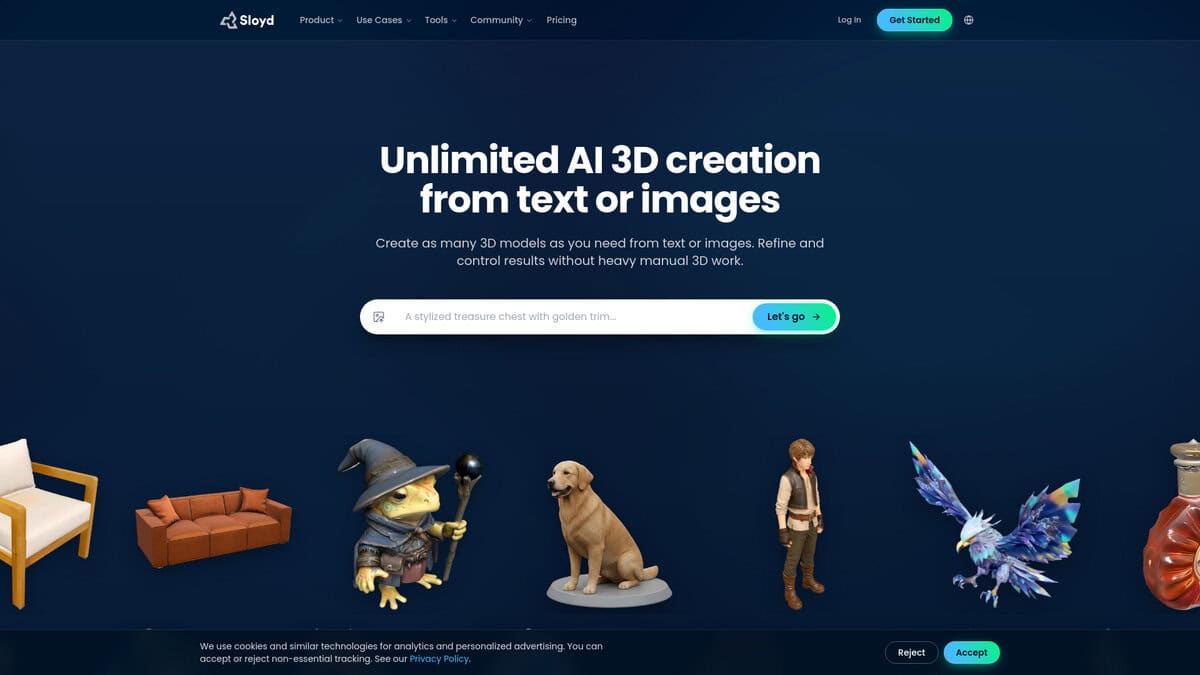
- Game-Ready Props That Skip Cleanup: Sloyd, “Adjust sliders instead of prompts and get 1k to 15k triangle meshes with correct UVs every single time for $15 a month.”
- Self-Host PBR Generation For Free: Hunyuan3D, “Run the only open-source pipeline that outputs albedo, metallic, and roughness maps alongside the mesh, assuming you have 29GB of VRAM.”
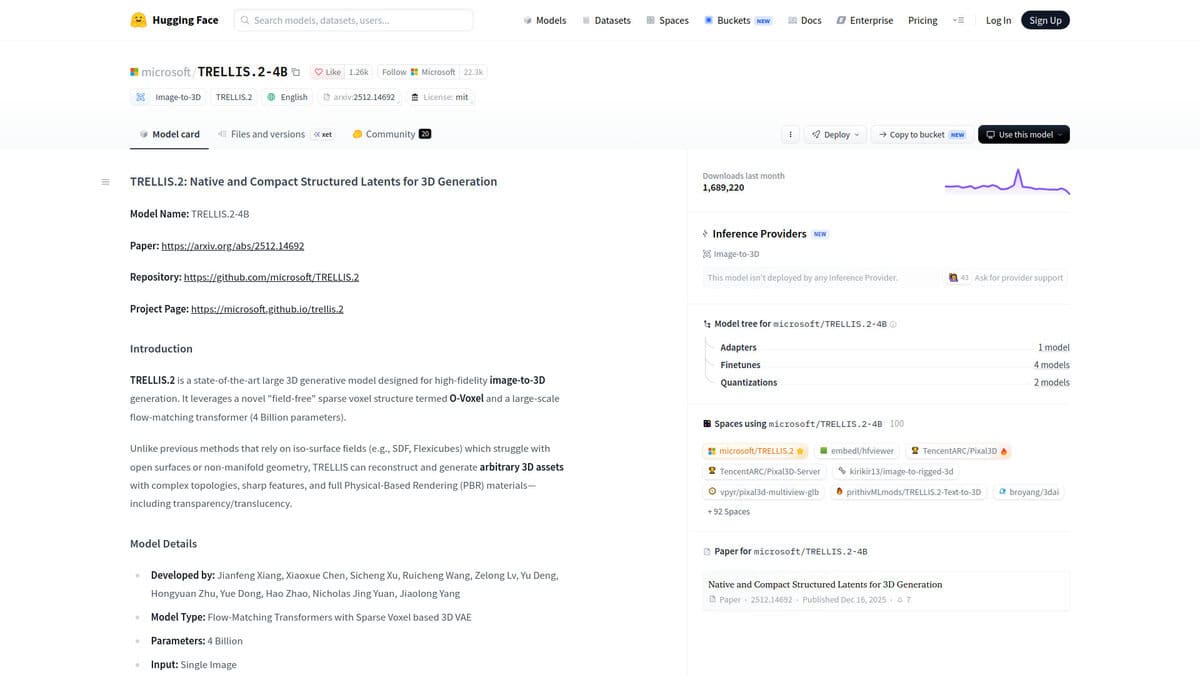
- Commercial Rights With Zero Cost: TRELLIS.2, “Reconstruct a full 3D asset from one reference image under an MIT license, with community workflows running it on 6GB GPUs.”
- Rig And Animate Without Paying Extra: Autodesk Wonder 3D, “Generate for 20 credits, rig for free, then animate and render cinematically inside Flow Studio and export clean .OBJ to Maya or Blender.”
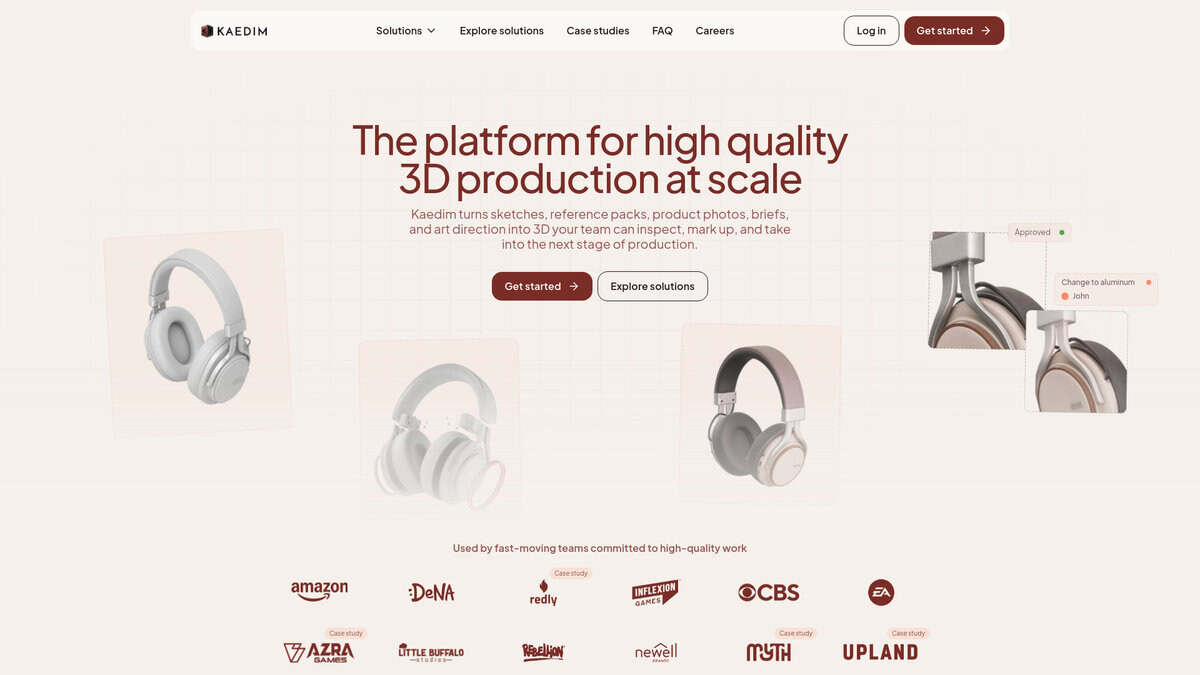
- Concept Art Returned As Production Topology: Kaedim, “Trade seconds for hours and get back human-reviewed quad meshes, watertight and split into subparts, that no competitor matched on topology quality.”
The Best Ai 3d Model Generators
Meshy
Pricing | Free ($0) / Pro ($20/mo) / Premium ($40/mo) / Ultra ($100/mo) |
Free Plan | 100 credits/month, CC BY 4.0 license, no downloads |
Best For | Indie game devs, 3D printing hobbyists, creators needing a full pipeline |
Integrations | Blender, Unity, Unreal, Godot, Roblox Studio, 3ds Max, Maya |
Key Feature | Text-to-3D, image-to-3D, AI texturing up to 8K, auto-rigging, 600+ animations |
I kept hearing the same thing from people using Meshy in production: it went from interesting tech demo to actual workflow tool. That shift happened this year. Reddit users noted the difference comes down to higher resolution generation, better PBR textures, and much cleaner mesh output. Models that used to need an hour of cleanup now take about ten minutes in Blender.
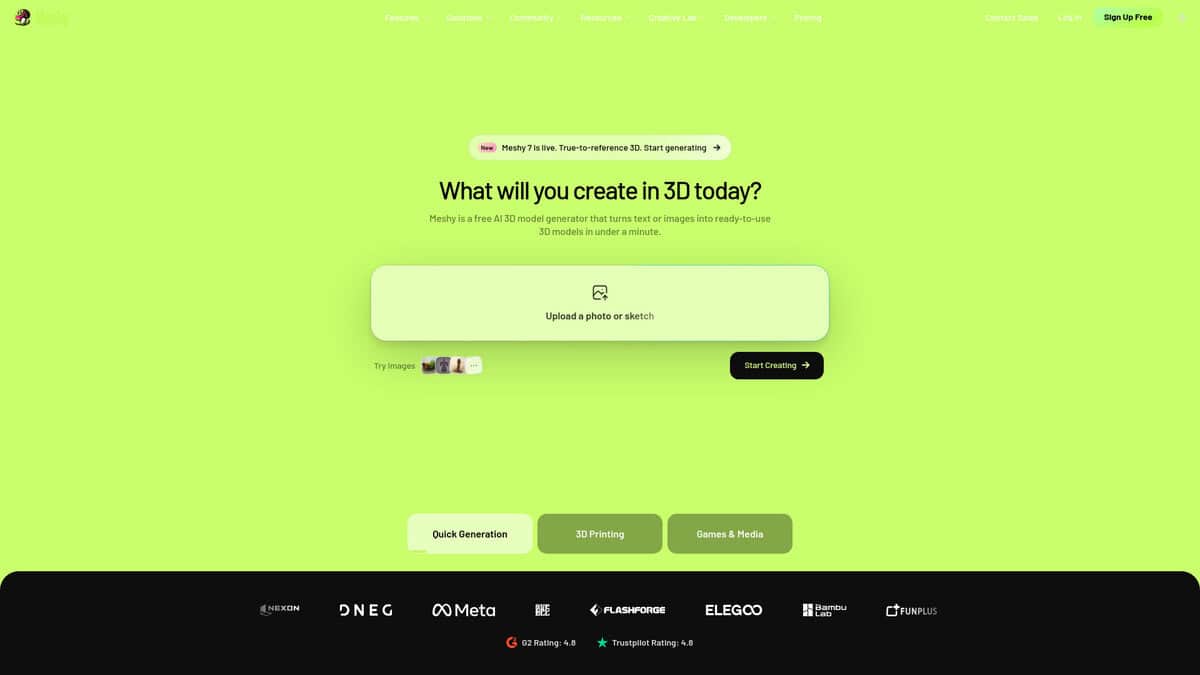
What convinced me is the pipeline. Most AI 3D tools stop at model generation. Meshy takes you from text prompt or image all the way through texturing, retopology, rigging, and animation in one interface. The 3D Agent even asks whether your asset is headed for a printer or a game engine before generating anything. That kind of contextual thinking saves real time.
The benchmarks back it up too. Meshy 7, launched August 10, leads every tested competitor on image-to-3D geometry alignment, scoring 81.0% on overall proportion and 59.8% on surface details. As Unite.AI reported, these are vendor-reported numbers on a benchmark Meshy itself designed, so apply the usual skepticism. That surface detail score still sits 5.3 points ahead of the next best tool though. With over 12 million users and 100 million models generated, adoption is hard to ignore.
Pricing makes sense. A full textured generation costs 30 credits. Remesh, rigging, and animation cost nothing extra. Pro at $20 per month gives you 1,000 credits, commercial rights, API access, and 4K texturing. If you’re selling prints or shipping game assets, that license alone justifies the upgrade from free.
It’s not perfect. Faces still get distorted. Extra fingers show up. Loose hair fuses into clumps. And for hero characters, the free quad remeshing won’t replace manual retopology in Blender or Maya. But these are category-wide problems, not Meshy-specific failures.
If you need photorealistic characters, Rodin does that better. For fast game pipeline value, Tripo is worth a look. But for the most complete path from idea to production-ready 3D asset, this is where I’d start.
Tripo AI
Speed | ~15 seconds per model |
Pricing | Free / Pro $20/mo / Max $90/mo |
Mesh Quality | Smart Mesh P2.0 with native quads |
Textures | 8K resolution in under 2 minutes |
Best For | Rapid prototyping, game assets, concept art |
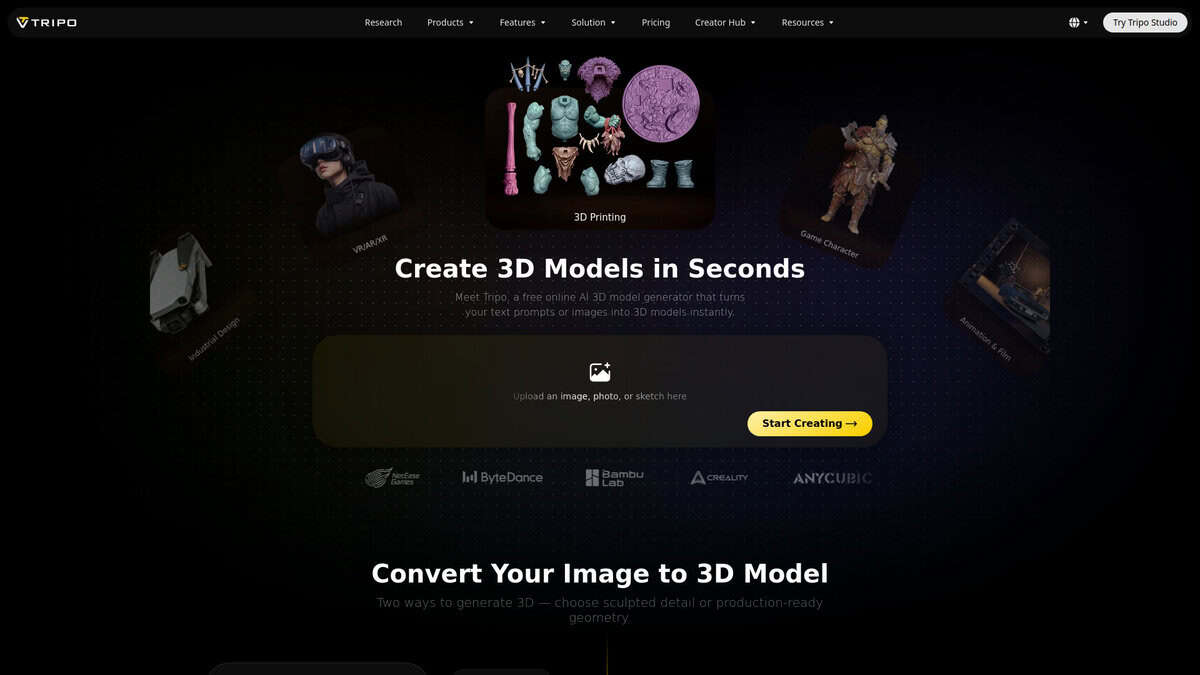
The first thing I tested was generation speed, and honestly, it delivered. I’d type a prompt and have a usable 3D model in about 15 seconds. That’s not marketing copy. That’s what I actually saw. Independent reviewer Stef from top3d.ai called it “next gen in terms of speed,” and I’d agree.
Other tools I tested took a full minute or more. Tripo doesn’t. I could iterate on a design ten times in the time competitors take for a single draft. When you’re brainstorming or prototyping, that speed compounds into real time savings.
The mesh quality surprised me too. Smart Mesh P2.0 produces native quad topology with up to 50,000 triangles or 25,000 quads, and it supports local editing so you can refine a specific region without regenerating the whole model. A Reddit user in r/generativeAI reported that AI models now need “10 minutes in Blender instead of an hour” for cleanup, and my experience matched that.
Tripo’s own pricing page shows Pro at $20/month for roughly 200 models. That’s about $0.16 per model, which I found fair for rapid iteration. The free tier gives you 200 credits monthly, enough to test things out before committing.
For game developers, the Tripo Bridge plugin is where things get interesting. It pushes models directly from the browser into Unity or Unreal with materials and textures already set up. The plugin auto-detects your render pipeline too, whether you’re on Standard, URP, or HDRP. I also tried the H3.1 model, which debuted at GDC 2026. It targets hero props and cinematic renders with dense geometry that looks great up close, though you’ll likely need to run some decimation before putting it in a real-time game scene.
Thin geometry like wires and antennae doesn’t hold up well, and textures are basic diffuse maps. Meshy offers full PBR sets. But for speed? Tripo wins by a wide margin.
Hyper3D Rodin
Pricing | Free ($1.50/credit per download), Creator $30/mo, Business $120/mo |
Best For | High-detail static 3D meshes |
Speed | 1M+ poly in ~4s to 10M poly in ~80s |
Export Formats | GLB, FBX, OBJ, STL, USDZ |
Free Plan | Pay-per-download, 10 private assets |
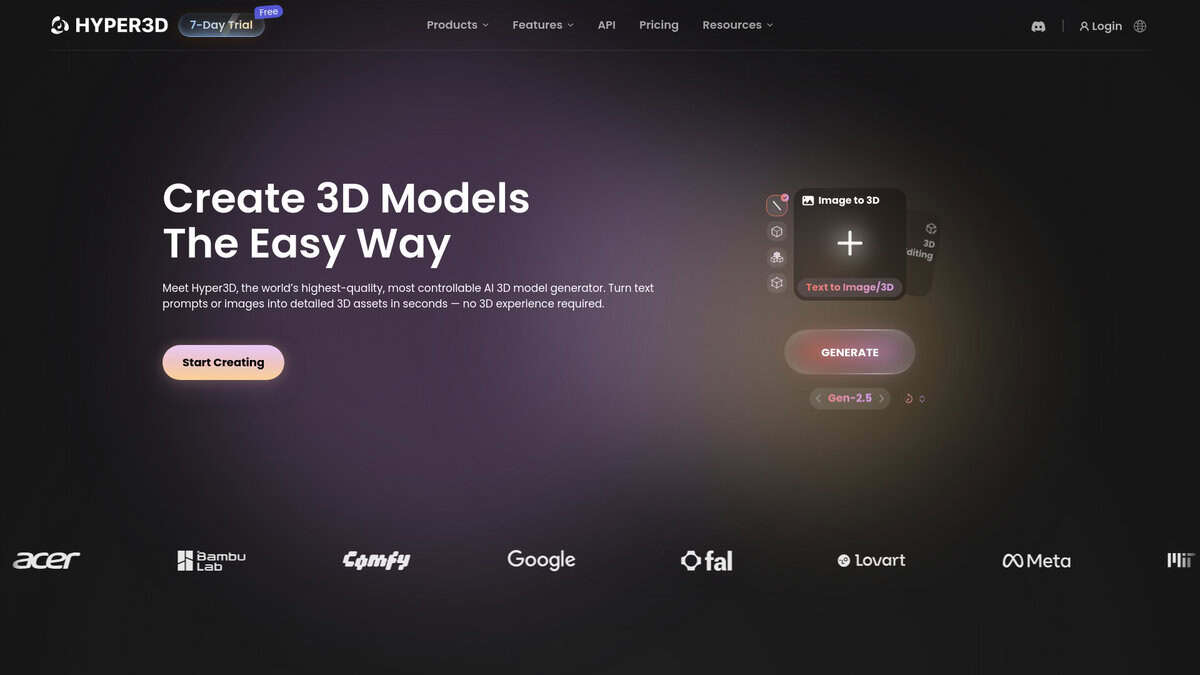
What first caught my attention was how dense the geometry gets. In extreme-high mode, Rodin can produce meshes with up to 10 million polygons and apply 3D-native 12K PBR textures directly onto the surface. No stretched textures on the back, no blind spots when you rotate the model. For hero assets or close-up product renders, that level of detail gives you a genuinely strong starting point.
The Gen-2 Edit feature is what separates Rodin from most competitors. You select a region on an existing 3D model and describe the change in text. It’s essentially 3D inpainting. I used it to tweak a jacket collar without touching the rest of the mesh and it worked well. But you need to define the selection area carefully or the tool gets confused.
Community feedback backs this up. A thread on r/aigamedev called Rodin’s output “the highest production-ready rate” with “hyper-detail level noticeably above the others.” Another user on r/meshyai reached the same conclusion: “When it works, the detail is noticeably above the rest.”
But Rodin has real gaps. It outputs static meshes only. No auto-rigging. No animation library. Meshy includes auto-rigging and a large animation library on every paid plan. If you need a finished, animated character quickly, Rodin stops at the mesh and you handle the rest.
Pricing sits at the premium end. Creator runs $30 per month for around 60 models. Business is $120 monthly and unlocks API access, 4K textures, and high-poly quad output. The free tier charges $1.50 per credit when downloading, which adds up. On Trustpilot, Rodin scores 3.0 out of 5 from 60 reviews. About 40 percent are one-star ratings, mostly complaints about subscription cancellation difficulties.
If raw mesh fidelity matters most and you can handle rigging and animation elsewhere, Rodin is the hardest AI tool to beat right now.
Sloyd
Pricing | $15/mo (monthly) or $11/mo (annual) |
Free Plan | Yes, limited generations, no commercial use |
Best For | Game-ready props and environment assets |
Ease of Use | Slider-based, no 3D modeling experience needed |
Engine Support | Unity, Unreal, Godot, Roblox, Blender, Maya |
Sloyd works differently from every other AI 3D generator on this list. Instead of typing a prompt and hoping for the best, you pick a template category, adjust sliders, and get a mesh with clean topology and correct UV mapping. It sounds less exciting than diffusion. In practice, it saves hours of cleanup.
A 9-tool comparison by Ziva.sh tested Sloyd against Meshy, Tripo, Rodin, and others using the same prompts. They rated it “Best game-ready out of the box.” Output stays between 1k and 15k triangles, with correct UVs, every time. That consistency matters more than any single impressive render.
The pricing surprised me. At $15/month for unlimited parametric generation, the math gets interesting fast. One independent review calculated that at 1,000 models per month, Sloyd’s effective cost lands at $0.015 per model. Meshy charges roughly $0.40 per model at equivalent volume. The break-even point against per-generation tools sits around 37 to 50 models per month, depending on the competitor. And retries don’t multiply your bill since the subscription stays flat.
One caveat worth knowing: the unlimited pricing only covers parametric generation. Text-to-3D and image-to-3D modes burn through 200 monthly credits on the Plus plan. If you mostly use the slider-based templates, this never matters. If you want freeform generation, the credit limit hits quickly.
Platform presets exist for specific use cases. Low Poly targets around 5,000 triangles at 512×512 textures. Roblox gets its own preset under 10,000 triangles. A LOD slider lets you adjust poly count dynamically from one template, which is genuinely useful for cross-platform projects.
Where Sloyd falls short is honest and consistent across reviews. The template library is the ceiling. If your asset type isn’t in the catalog, you’re stuck. Character quality, especially faces, hands, and anatomical detail, is noticeably weaker than diffusion-based alternatives. No auto-rigging exists. A production assessment from Wavect rates Sloyd as “good” for static background props but “weak without parametric control” for modular kits.
If your game needs hundreds of props, buildings, and environment pieces, Sloyd earns its spot. For hero characters or organic creatures, look elsewhere.

Hunyuan3D
Pricing | Free and open-source |
Best For | Self-hosted 3D asset pipelines |
VRAM Needed | 29 GB for full pipeline |
Ease of Use | Steep (technical setup required) |
License | Tencent Community (EU/UK/South Korea excluded) |
For technical creators who want open-source 3D generation with production-quality textures.
Hunyuan3D is the only open-source tool that generates PBR-textured 3D models from scratch. The system uses a 3.3B shape model paired with a 2B texture model, according to the arXiv paper. Together they output albedo, metallic, and roughness maps alongside the mesh. That matters if you care about how assets behave under different lighting.
I ran several prompts through it and the geometry surprised me. In a side-by-side comparison with Meshy by 3DRedBox, Hunyuan3D produced cleaner edges up close. Meshy looked sharper from a distance but lost ground on close inspection. The PBR textures held up well too.
Speed is reasonable. In my testing, geometry generated in 10 to 25 seconds. Full PBR textures brought total time under 7 minutes. But those numbers assume serious hardware. The shape model needs 10 GB VRAM. Textures alone eat 21 GB. Running both requires 29 GB total. That puts the self-hosted version out of reach for most consumer GPUs. Tencent does offer a hosted platform with free daily generations if self-hosting isn’t realistic.
Here’s what most people miss. The Tencent Community License blocks commercial use in the EU, UK, and South Korea. You also can’t use outputs to train competing AI models. If you’re in one of those regions, MIT-licensed alternatives like TRELLIS.2 might be the legally safer path.
Community support is genuinely strong though. Reddit users have reported generating 30K-face assets with full PBR maps and rigging in a couple of hours. ComfyUI integration works well with dedicated nodes for text-to-3D and image-to-3D. It’s earned that top reputation across the open-source community, and my testing agrees.
If you have a capable GPU and you’re comfortable with setup, this is hard to beat for free. If you need plug-and-play or you’re based in Europe, commercial options may fit better.
TRELLIS.2
Developer | Microsoft Research |
License | MIT |
Parameters | 4 billion |
Min. VRAM | 24GB official (6-8GB possible) |
Max Resolution | 1536³ voxels |
The first thing that hit me was the price. Zero. Every model you generate costs you nothing, and the MIT license means you can use the output for literally any commercial project. No vendor lock-in, no usage caps, no hidden clauses. For a tool of this caliber, that still surprises me.
TRELLIS.2 takes a single reference image and reconstructs a full 3D asset complete with PBR materials. I tested it on everything from simple objects to characters with exposed internal geometry, and the O-Voxel sparse representation genuinely handles complex topologies that older methods choked on. Inference is fast too. Around 3 seconds at 512³ resolution on an H100, scaling to roughly 60 seconds at the maximum 1536³.
Here’s where I need to be honest though. A 15-year VFX professional ran TRELLIS.2 through real production scenarios and concluded that while generating geometry and textures together is a genuine leap forward, the output still needs cleanup before it lands in a final pipeline. Topology is messy, edge flow is inconsistent, UV unwrapping needs work, and the metallic PBR maps often miss the mark. I noticed the same issues. The assets look impressive at first glance but fall apart under scrutiny.
ComfyUI made the whole experience drastically smoother as of September 2026. The native integration removed those annoying NVIDIA non-commercial license dependencies that previously complicated things. Now it just works in ComfyUI 0.34.0 without custom nodes.
According to ComfyUI’s own assessment, closed-source tools like Hunyuan3D, Tripo, and Rodin still produce better results. But none of them run locally for free with an MIT license. That trade-off matters depending on your situation.
I’d reach for TRELLIS.2 when prototyping concepts, generating background assets, building base meshes for manual refinement, or feeding game engines like Nanite that handle dense geometry gracefully. I would not use it for hero assets without significant retopology work. Community members have even gotten it running on 6GB VRAM GPUs through optimized workflows, which lowers the barrier considerably from the official 24GB requirement.
The 11,000+ GitHub stars reflect genuine community investment, and newer models like Pixal3D are already building on top of it. It may not be the flashiest tool in this list, but as a free, open foundation for 3D generation, it’s remarkably solid.

Autodesk Wonder 3D
Pricing | Free (300 credits/mo), Lite ($10/mo), Standard, Pro ($40/mo), Enterprise |
Free Plan | Yes, 300 credits/month, rigging preview only |
Best For | Animators, indie game developers, VFX artists |
Ease of Use | Cloud-based, moderate learning curve for full pipeline |
Exports | USD, STL, OBJ, FBX (to Maya, Blender, Unreal) |
What stood out to me is that Wonder 3D isn’t just another text-to-3D generator. It sits inside Autodesk Flow Studio, which means you can generate a character, rig it, animate it with AI mocap, and render it cinematically without leaving the platform.
The pipeline is straightforward. According to Autodesk, each generation costs 20 credits while AI Rigging is free. Most competitors charge extra for that step, so this matters when you’re rigging multiple characters across a project.
I checked how real studios use this. According to Autodesk’s own published case study, Boxel Studio delivered 134 creature shots in 6 weeks for Superman & Lois Season 4, where similar work previously took three weeks per shot. That kind of throughput jump is hard to ignore.
Harvey Newman, an animation director with 20+ years on games like Crysis and Horizon, described Wonder 3D as fitting at the beginning of the pipeline for ideation. He called it “not a replacement for your pipelines, but a really amazing addition.”
3D Printing Industry independently confirmed what I found: the .OBJ export lets you move generated models into Maya, Blender, or Unreal without conversion hassles.
The August 2026 launch of 3D Editor + Canvas shows Autodesk is actively expanding. You can now direct scenes in 3D, then render via AI video models like Veo and Kling. It’s still early, but the direction is promising.
When I compared it against standalone generators, the differences were obvious. Tripo and Meshy handle quick model generation well, and Meshy offers a large library of preset animations. But neither gives you the full pipeline from idea to animated, cinematic output in one place. That’s where Wonder 3D earns its spot.
Kaedim
Pricing | From ~$300/month (Indie tier) |
Free Plan | No (free trial with 3 generations) |
Best For | Concept art to production-ready 3D |
Topology | Quad-based, watertight, separated subparts |
Turnaround | Hours, not seconds |
The first thing I noticed about Kaedim is that it doesn’t try to be everything. There’s no text-to-3D prompt box. You upload a concept image and wait. That patience is the price of getting back something a human artist actually reviewed before delivery.
In a head-to-head benchmark against Meshy, Tripo, Rodin, and Luma, Kaedim earned the only “Excellent” rating for topology quality. Every other tool landed at Good or Fair. That gap matters when you’re shipping assets into a game engine and can’t afford retopology surprises.
The tradeoff is speed and cost. Tripo spits out a mesh in ten seconds. Meshy takes about ninety. Kaedim takes hours. Starting pricing sits around $300 per month for the Indie tier, which puts it in a different conversation than Meshy’s $20 or Tripo’s $10. I kept thinking about who actually pays that. The answer is teams running high-volume concept-to-production pipelines, not solo devs prototyping ideas.
One thing that surprised me: hard-surface objects like vehicles and props come back with 85 to 90 percent accuracy according to 3D Next’s testing. Organic shapes like characters lag behind at 70 to 80 percent. If your pipeline is prop-heavy, Kaedim feels like a genuine time saver. For characters, you’ll probably still spend meaningful time refining.
Exports cover what you’d expect: OBJ, FBX, GLB, GLTF, USD. Plugins exist for Unity and Nvidia Omniverse. Everything arrives quad-topology, watertight, and split into subparts, which means less cleanup on the other end.
I wouldn’t pick Kaedim for rapid iteration or exploratory blockouts. That’s Meshy and Tripo territory. But if you have a finalized concept library and need clean production assets at scale, this is the closest thing to outsourcing that runs inside your pipeline.


