
Nearly 1 in 3 small businesses still have no website in 2026, and cost is the main reason they stay offline.
The AI website builder market hit $3.24 billion this year, according to Hostinger research. But many of these tools still hide the essentials behind paywalls. That means you can generate a site in minutes, but publishing it without a credit card? Different story.
I spent the last few weeks testing every free AI website builder I could find. Some are genuinely free. Others just pretend to be. The difference matters when you’re trying to get something live without pulling out your wallet.
I narrowed it down to the 8 free AI website builders that actually let you build and launch a real site for $0.
The Rundown
- Build Full-Stack Apps from Plain English: Replit, “You describe what you want in natural language, and Replit’s AI builds and deploys a working site with a built-in database in under two minutes.”
- Launch Your First Site Today: Wix AI, “You answer a few questions about your business, and the Aria chatbot generates a complete multi-page website you can customize in a visual editor.”
- Prototype Single-Page Sites via Chat: Claude, “You describe what you want in a conversation, and Claude generates a working single-page site you can publish and share with anyone for free.”
- Code Full-Stack Apps with AI Agents: Antigravity, “You dispatch AI agents to build complete applications with parallel task execution and self-healing debugging, all in a free VS Code fork.”
- Prototype UIs Directly in Figma: Figma Make, “You describe a design and Figma Make generates editable layouts right on your canvas, though you’ll need another tool to make them live.”
- Recreate Sites from Screenshots or Video: Kimi Websites, “You upload a screenshot or screen recording, and Kimi rebuilds it as a working website you can download as clean, portable HTML/CSS/JS.”
- Describe It, Get a Working Website: Lovable, “You type what you want in plain English, and Lovable builds a polished, responsive website in minutes with no coding or design skills required.”
- Get Online in Minutes as a Service Business: Neo Sites, “You tell Neo what your business does, and it generates a website bundled with a custom domain and business email under one subscription.”
The Best Free Ai Website Builders
Replit
Free Plan | Yes, with daily credit cap |
Generation Speed | Under 2 minutes |
Published Projects | 1 (link expires after 30 days) |
Built-in Database | Yes, even on free tier |
Best For | Full-stack sites from plain English |
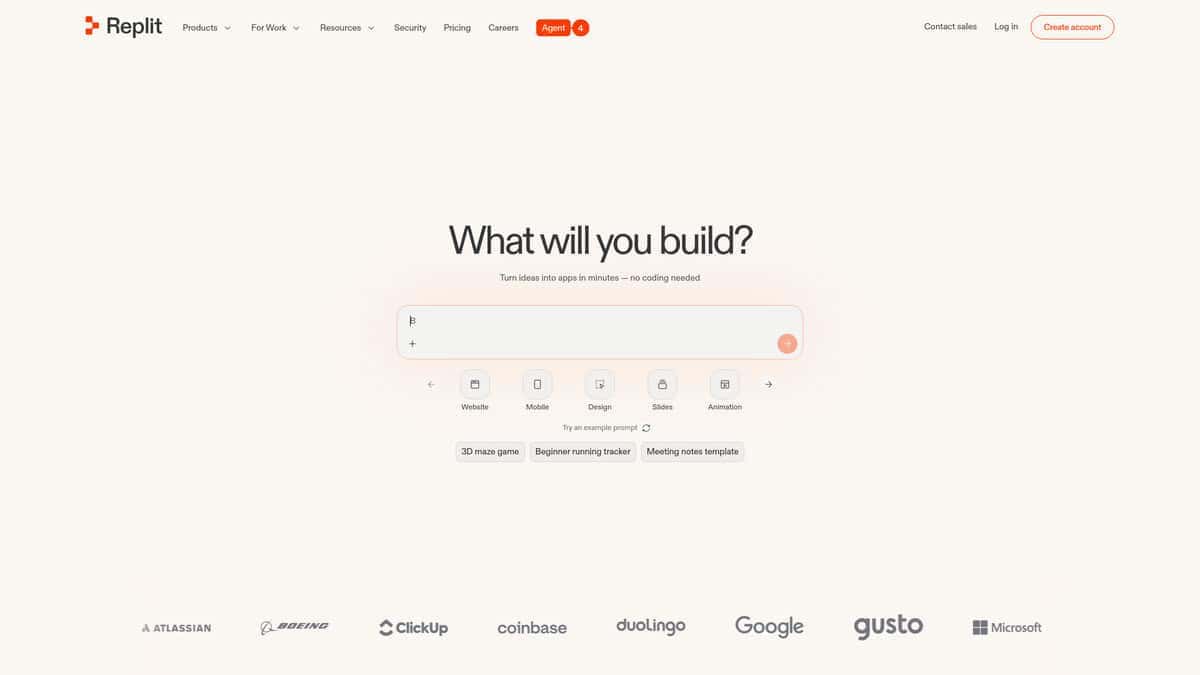
You describe what you want in plain English. Replit’s AI Agent builds it, wires up a database if needed, and deploys a live URL. When I tested it, the whole process felt surprisingly fast. Sites generate in under two minutes, which puts it ahead of most alternatives I tried.
What makes Replit interesting for non-technical users is the depth. You’re not just getting a landing page. The free Starter plan includes a built-in database, so you could build a functional web app with real data handling. According to Digital Applied, 75% of Replit users never write code directly, which tracks with my experience.
The free tier has real limits though. You can only publish one project, and that link goes down after 30 days. Daily credits refresh but they burn out fast during multiple rounds of edits. The free plan is locked to “Lite build” mode too, meaning no plan mode or autonomous builds. Upgrading to Core ($20/month) is the only way around these gates.
If you do upgrade, watch your spending closely. Replit uses effort-based billing where charges depend on how complex each request is. Multiple users have reported surprise bills, with one claiming nearly $2,000 in 24 days on a pre-launch app. Set a hard spending cap immediately if you go paid.
The free plan works best as a generous sandbox. Build something real, test the platform, and decide if it fits before spending a dime.
Wix AI
Best For | Complete beginners launching a first site for free |
Free Plan | 500 MB storage, Wix subdomain, Wix ads, no time limit |
Key AI Feature | Aria chatbot builds a full multi-page site from a short conversation |
Starting Paid Price | $17/mo (Light plan, removes ads, adds custom domain) |
Biggest Limitation | Every AI change triggers a full site reload that tests your patience |
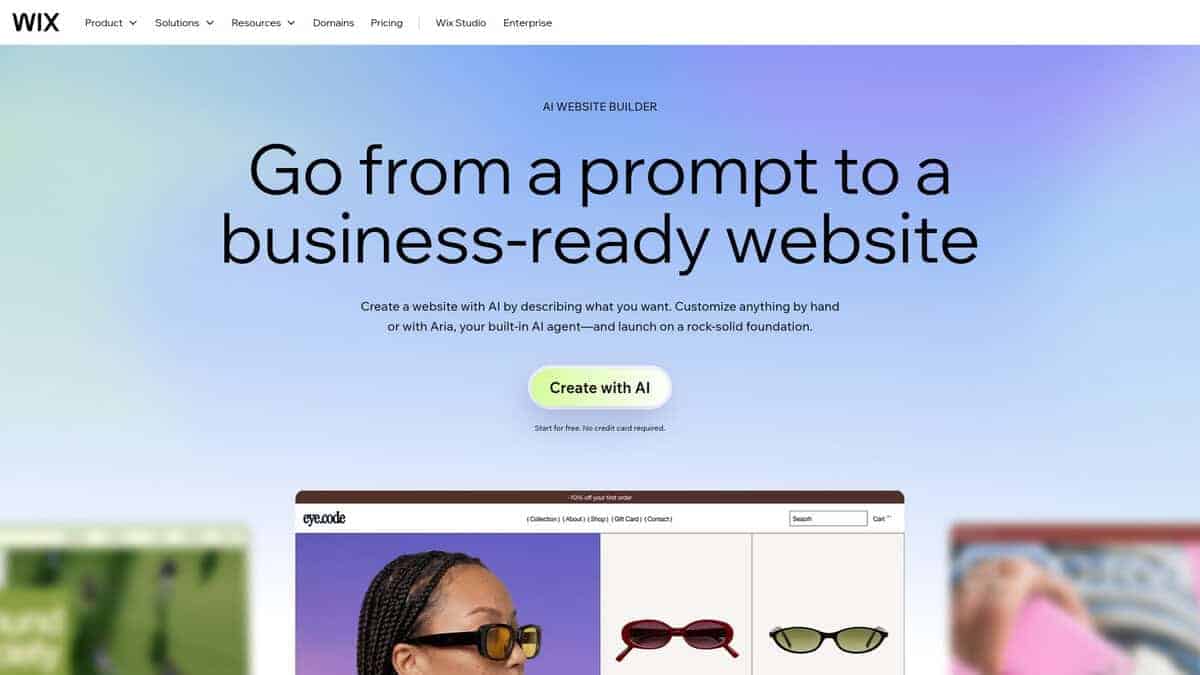
If you’ve never built a website and want one running today, start here. I tested Wix AI specifically to see how a total beginner would fare, and the setup surprised me. You answer a few questions about your business, goals, and preferred style, and the AI chatbot called Aria generates a complete multi-page website in roughly one to two minutes. Charlie Chang’s walkthrough clocked the entire process from sign-up to live site at about ten to fifteen minutes, and I found that timing realistic for basic sites.
The free plan is where Wix AI hooks you. You get the full AI builder, access to over 800 templates, and no credit card required. No expiration date either. Network Solutions’ hands-on review confirmed the free tier includes 500 MB storage, one GB of bandwidth, and a Wix-branded subdomain, but also Wix ads plastered on every page and no e-commerce or analytics. For a portfolio or a side project, it works fine. For anything professional, you’ll hit those walls fast.
The loading times are worth mentioning honestly. Every single AI tweak, whether you change a color or add a page, forces a full regeneration. In my testing, this was the main friction point. I also noticed mobile layouts often need separate manual adjustments, which nobody warns you about upfront. And once you pick a template path, you cannot switch without rebuilding from scratch.
If you want a polished business site, the paid Light plan at $17 per month removes ads and gives you a custom domain. But if you just need something live today without spending anything, Wix AI gets you there faster than most competitors in this space. Just don’t expect a smooth ride once you start making changes.
Claude
Pricing | Free plan available; Pro at $20/month |
Free Plan | Yes, includes Artifacts and publishing |
Best For | Single-page prototypes and client demos |
Platforms | Web, desktop apps |
Claude isn’t a traditional website builder. There are no templates, no drag-and-drop editor, no hosting dashboard. Instead, you describe what you want in a chat, and Claude generates a working single-page site as an Artifact in a side panel next to your conversation. You iterate by typing more instructions, then publish it to get a shareable link. That’s the entire workflow.
I tried this by asking for a personal portfolio page. Within minutes, Claude had generated a responsive layout with hover effects and animations. I asked for ten different styling variations in the same session and got all of them. One creator had a similar experience, building a full portfolio and publishing it for client feedback. The free plan runs on Sonnet 4.6, which is genuinely capable for this kind of work.
The real draw here is sharing. Anyone can view a published Artifact without a Claude account. You send a link, they open it. That makes it perfect for quick client demos, internal feedback, or showing a prototype before committing to a real build. The Masset guide puts it well: ask yourself whether you’d hire someone on Upwork to build this thing. If yes, an Artifact makes sense. If no, just chat.
But there are hard limits. Published Artifacts live on claude.ai URLs. No custom domain, no SEO metadata, no form submission storage, and a 16 MiB size cap. There is no backend. You cannot call external APIs at view time. The free plan is stateless, meaning nothing persists between sessions. For anything beyond a prototype, you need to export the code and deploy it yourself elsewhere.
I’ll be honest: the free plan is enough to test things out and validate an idea. You will not build anything serious on it due to token limits. But for a quick, shareable single-page site with zero cost and zero setup, Claude’s Artifacts feature gets the job done.
Antigravity
Pricing | Free (public preview); Pro tier anticipated at ~$20/month |
Best For | Developers building full-stack apps and prototyping |
Models | Gemini 3 Pro/Flash, Claude Sonnet 4.6, GPT-OSS |
Platforms | macOS, Windows, Linux (VS Code fork) |
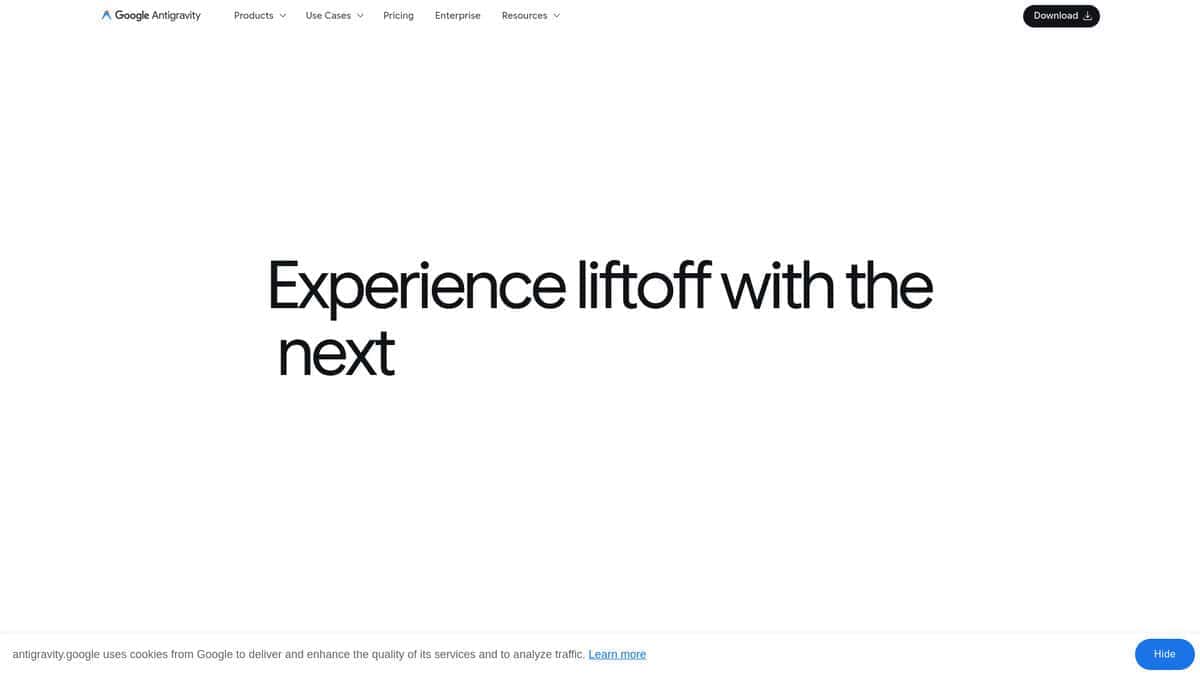
Calling Antigravity a website builder undersells what it actually is. It’s a full agentic coding environment that happens to build websites. The difference matters.
What stood out immediately was the Manager View. I could dispatch multiple agents to work on different parts of a project simultaneously, watching their progress in real time. According to independent testing, this parallel approach delivers a 3-4x throughput improvement on independent tasks. That’s not marketing language. I noticed it when splitting frontend and backend work across separate agents.
The three development modes give you real control. Agent-Driven handles prototyping on autopilot. Review-Driven stops before each action for approval. Agent-Assisted, which I’d recommend starting with, lets you code normally while the AI handles safe automations.
Full-stack capability surprised me. I watched it spin up React frontends, Node.js backends, and PostgreSQL databases. When a database connection failed, the agent diagnosed the root cause and deployed a Docker fix without being asked, as confirmed by independent testing. Self-healing debugging isn’t perfect, but when it works, it saves real time.
My main issue was reliability on complex tasks. Agents sometimes spiral. The MCP support added in early 2026 helps with integrations, but Gemini 3 still trails Claude Opus for tricky reasoning. And while it’s a VS Code fork, not all extensions work cleanly.
Still, it’s free. No credit card, no trial period. For prototyping MVPs or experimenting with agent workflows, that’s hard to beat.

Figma Make
Pricing | Free Starter plan (500 AI credits/mo); Professional at $16/seat/mo |
AI Models | Claude Sonnet 4, GPT-5.6 |
Best For | Rapid UI prototyping inside Figma |
Key Limitation | Generates designs, not live websites |
Platforms | Web (inside Figma canvas) |
I’ll be honest. Figma Make is not really a website builder. It generates editable designs inside Figma, not published pages. You still need another tool to make them live. That ceiling matters.
What I liked was the speed. You type a prompt or point it at an existing design, and it builds layouts directly on your Figma canvas. Everything stays editable. You can tweak colors, swap components, restructure sections. It feels natural if Figma is already your workspace.
The free tier gives you 500 AI credits per month on the Starter plan. That sounds generous until you realize a single screen design with GPT-5.6 can burn 30 to 50 credits. You get maybe 10 to 15 screens before hitting the wall.
GPT-5.6 was the recent upgrade that caught my attention. First-pass results are noticeably sharper, especially for creative layouts. One tester on LinkedIn described asking for checkboxes and getting side panels and radio buttons instead. I had similar misreads. The tool sometimes overcomplicates simple requests. But Figma’s version history saves you here. You can roll back, adjust the prompt, and try again in seconds.
Where it really shines is prototyping complex interactions from existing designs. One practitioner noted it excels at translating designs to interactive prototypes with high accuracy. That’s the sweet spot. Not building from scratch, but accelerating what you already designed.
Compared to Lovable or Replit, Figma Make is design-first, not production-first. No backend, no hosting. If you need a working app out of the box, look elsewhere. But if your workflow starts in Figma and you want to prototype faster, it earns its spot.
Kimi Websites
Best For | Recreating websites from screenshots, images, or video |
Free Tier | ~6 agent credits/month; unlimited K2.6 chat |
Paid Plan | $19/mo (Moderato) |
Output | Portable HTML/CSS/JS or React components |
Unique Feature | Native video-to-website recreation |
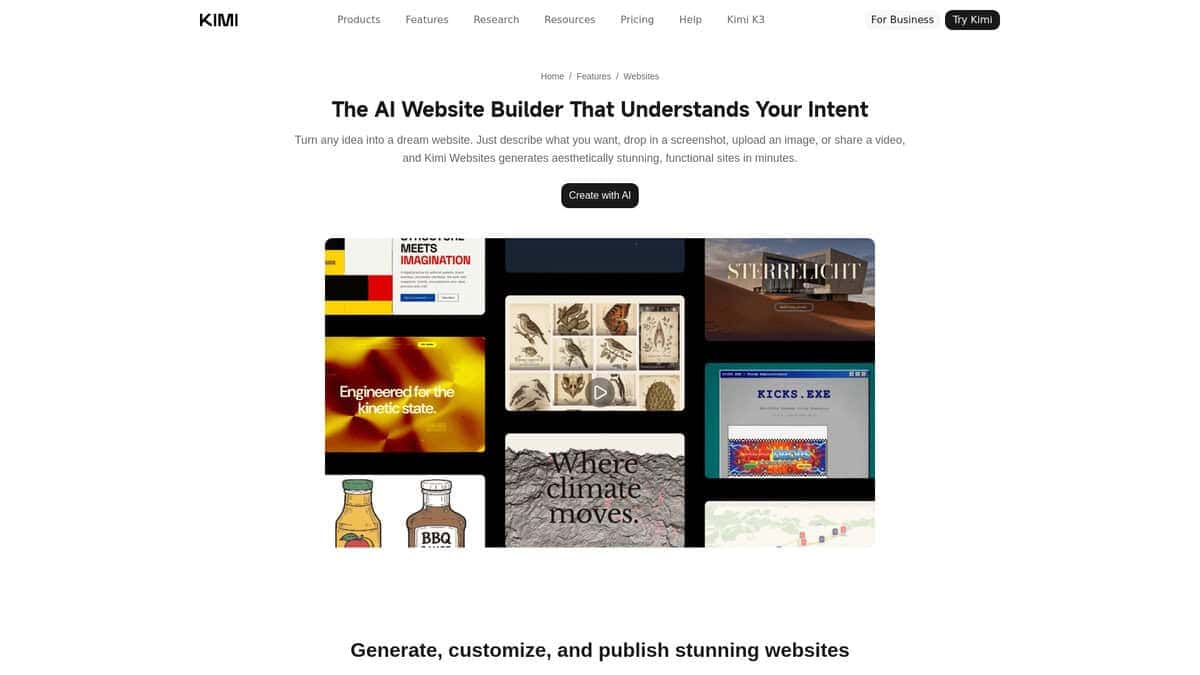
I uploaded a screen recording of a landing page with parallax scrolling and fade-in effects. Kimi rebuilt it as a working HTML page with those animations intact. That level of fidelity from a video input is something I haven’t seen from any other builder on this list.
What makes Kimi technically credible is the model behind it. Kimi K3 holds the #1 spot on both the Frontend Code Arena (1,679 points) and DesignArena’s Frontend Web App Arena (Elo 1,326), ranking ahead of every Anthropic and OpenAI model on frontend work. That’s not marketing. It’s independently verified leaderboard data.
The workflow itself is simple. You give Kimi a prompt, screenshot, image, or video recording. It generates a complete, responsive website from scratch. No templates involved. The output is clean HTML/CSS/JS or React components that you download as files and deploy on Netlify, Vercel, your own server, wherever you want. Compare that to Wix AI, which modifies templates but keeps you locked to Wix hosting. Or Neo Sites, which depends on its own platform. With Kimi, you own the code outright.
A third-party demo from Codex Community on YouTube showed someone uploading a screen recording of a luxury jet website with parallax scrolling, fading text overlays, and smooth section transitions. Kimi cloned the entire landing page, including the zoom-in effect and SVG overlays. It even turned a static image into what the creator said looked better than the original.
The free tier gives you unlimited K2.6 chat, but website building draws from a pool of about six agent credits per month. Published sites continue consuming credits daily just to stay online. Enough to test the tool. Not enough to build anything serious.
The $19/month Moderato plan is where real use begins. Though all paid tiers were temporarily sold out in July 2026 when K3 demand outstripped GPU capacity. That situation may have resolved by now, so check before planning around it.
The bigger limitation is what happens after generation. You can’t visually edit individual elements. Want a different layout? Regenerate the entire page. The first draft usually looks solid, but making specific design tweaks requires patience and a willingness to start over.
If recreating sites from screenshots or video is your main goal, nothing else on this list does it natively.
Lovable
Pricing | Free, Pro ($25/mo), Business ($50/mo) |
Free Plan | 5 daily credits, up to 30/month, public projects only |
Best For | Non-technical users building websites and simple apps |
Ease of Use | Very easy, zero coding or design skills required |
Platform | Browser-based, no download needed |
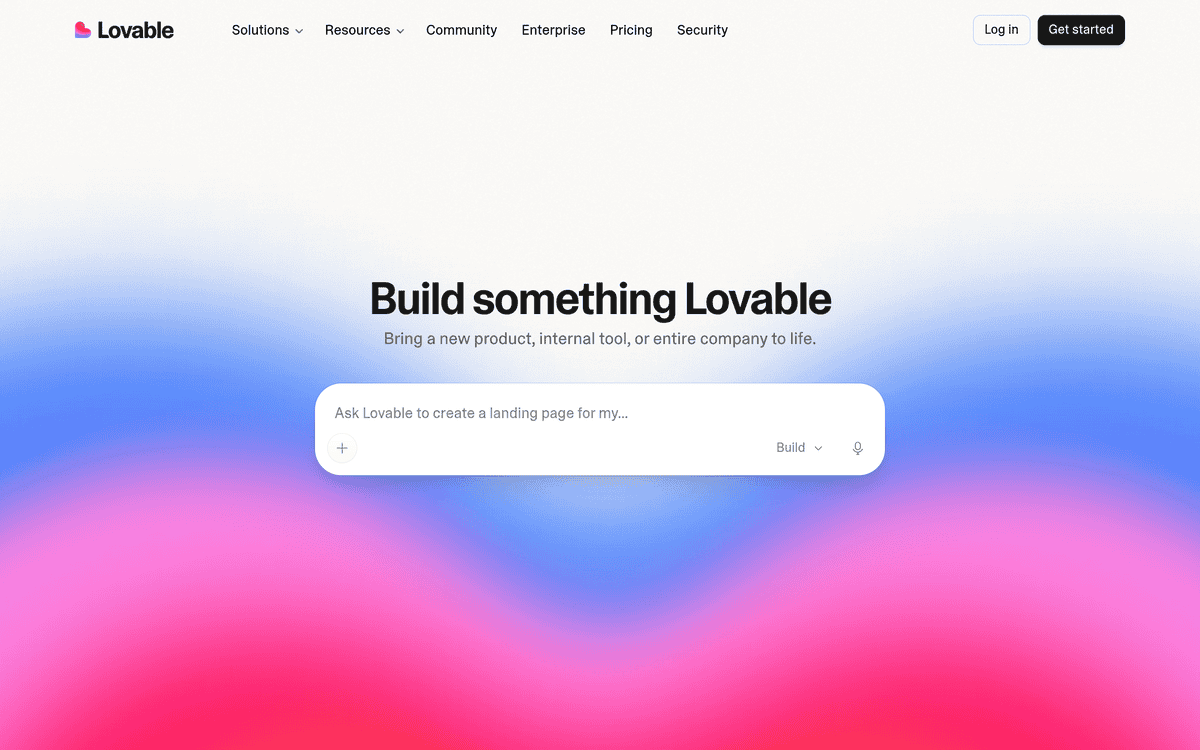
Lovable works like a conversation. You type what you want in plain English, and it builds a working website in minutes. No drag-and-drop editor. No templates to browse. Just you and a chat window.
I tested it with a simple prompt: “build a landing page for a coffee shop.” Under ten minutes, I had a fully designed page with proper colors, layout, and mobile responsiveness. That initial build cost me 2.8 credits out of my 30 monthly free credits. Not bad at all.
The free plan is real but tight. Five credits per day means you can build one page and make a few tweaks before hitting the limit. Over a month, you get 30 credits total. That’s enough for a basic site across a few sessions, but don’t expect to iterate wildly without running out.
When I compared it against Wix AI using the same prompt, Lovable produced a more polished first version. Wix made me answer a series of questions before building anything. Lovable just needed one prompt and got to work.
One Reddit user claimed they built 25 websites for businesses using Lovable, including a 450-page manufacturing site. That’s an extreme case, but it shows what’s possible once you understand how the tool thinks.
Here’s what bothered me.
Every single edit costs credits, even tiny ones like swapping an icon. You can’t choose which AI model powers your builds either. All customization happens through chat prompts, which feels restrictive compared to traditional editors where you just click and drag. One head-to-head test from WPGIZ confirmed that while Lovable produces better initial output, its prompt-only editing is more restrictive than Wix’s visual editor.
If you want to describe a website and have it appear, Lovable does that better than anything else I tried. If you want fine-grained control over every pixel, look elsewhere.

Neo Sites
Best For | Service businesses, consultants, freelancers |
Starting Price | $2.49/month (with 20% discount) |
Setup Time | 3 to 5 minutes |
Free Trial | 15 days |
Key Feature | Website + domain + business email in one |
The first thing I noticed about Neo Sites is that it doesn’t ask what kind of website you want. It asks what your business does. That might sound like a small distinction, but it changes the whole setup experience.
I tested it with a few small business profiles. A local plumber, a freelance designer, a consultant. Each time, the AI asked about the business niche, then generated five to seven template options in roughly 30 seconds. Simpletivity’s hands-on walkthrough confirmed the same speed. The templates aren’t flashy, but they’re relevant to the business type, which matters more than aesthetics for a solo operator just trying to get online.
Where Neo Sites really clicks is the all-in-one bundle. You get a website, a custom domain, and a business email under one subscription. That eliminates the headache of stitching together separate services from different providers. For a small business owner who just wants things to work, that simplicity has real value.
Titan Email ranked Neo Sites number one among website builders for small businesses in 2026, which tracks with my experience. The setup is genuinely fast, and the output is professional enough for most service-based businesses.
My main issue was with customization. You’re working within a section-based editor with predefined layouts. If you want something experimental or highly branded, you’ll bump into walls quickly. Titan Email flagged this too, noting the design system prioritizes efficiency over flexibility. It’s a fair trade-off for speed, but worth knowing upfront.
According to Neo’s own plan details, the Basic tier limits you to 20 AI generations, 50 stock images, and 10 product listings. No contact forms either. If you’re serious about lead capture, you’ll need the Plus or Growth tier, which also removes Neo branding. For a brand new business testing the waters, though, the entry plan covers the essentials.
I’d recommend Neo Sites to anyone running a service business who wants a working website this afternoon, not next week.


