

I spent three hours last week testing every AI website builder I could get my hands on. Some blew me away. Others felt like a glorified template picker with an AI sticker slapped on.
You know the feeling. The market jumped 26% in a single year. According to UI Things, AI website builders hit $6.3 billion in 2026, and every platform is racing to claim they are the smartest one. Most of them are lying.
I tested each builder on real tasks. How fast can I go from zero to a live site. How much control do I actually get. Does the AI do real work or just shuffle templates around. Here are the 8 best AI website builders in 2026, based on what actually matters.
Let me walk you through what I found.
The Rundown
- Speed-First Prompt Builder: Lovable, “Generate full React and TypeScript apps from a single prompt, with hosting, custom domains, and Supabase backend included.”
- Your Free Option: Claude, “Get clean, portable HTML through Artifacts and host it wherever you like, all on a generous free tier.”
- AI Chat Plus Drag-and-Drop: Wix AI, “Generate a site with AI chat, then refine it visually, with ecommerce, bookings, and blogs built right in.”
- Pick Your AI Model: Cursor, “Build websites in a code editor where you choose between Claude, GPT, and Gemini, keeping full ownership of your code.”
- Google’s Free Design Tool: Google Stitch, “Turn text prompts or screenshots into polished UI designs you can export to Figma or HTML, completely free with 550 generations monthly.”
- Turn Screenshots Into Sites: Kimi AI, “Upload a screenshot or mockup and get a working website recreating about 70% of the design on the first pass.”
- No Setup Needed: Replit, “Build and deploy full-stack apps with built-in database, authentication, and hosting, all from your browser without touching a terminal.”
- Ship Without Engineering: Manus, “Describe your business and get a full-stack website with code export and zero platform lock-in, though watch your credit burn rate.”
The Best Ai Website Builders
Lovable
Pricing | Free, Pro ($25/mo), Business ($50/mo) |
Free Plan | Yes, 5 daily credits (up to 30/month) |
Best For | Non-technical founders needing speed |
Ease of Use | Very easy, prompt-based interface |
Code Output | React + TypeScript with Supabase backend |
I gave Lovable a prompt for a SaaS landing page and had something presentable in under ten minutes. That speed is real. The tool generates actual React and TypeScript code, not just a pretty template you can’t touch.
The free plan is useful for testing but tight. Five daily credits disappear fast when you start iterating. The Pro plan at $25 per month gives you 100 monthly credits, which covers a solid landing page and a few rounds of edits.
What impressed me most is the full package. Hosting, custom domains, SEO scanning, and Supabase backend all come built in. You don’t need to stitch together five different services. An independent review at HostAdvice built a complete SaaS landing page with navigation, pricing tiers, and Stripe integration in a single session.
But I’ll be honest about the limits. Complex features like role-based permissions take multiple prompts and often throw errors. A Reddit user who shipped 12 client projects reported that three hit walls after nine months because the AI-designed database schema couldn’t handle new tables without rewriting workflows.
SEO works for quick wins. One-click scanning fixes headlines and alt text automatically. But it lacks the depth WordPress offers for serious search strategies.
For getting a website live fast without hiring developers, Lovable is the best option right now. Just know that the long-term maintenance story is less glamorous than the initial build.

Claude
Best For | Rapid prototypes and landing pages |
Free Plan | Yes, 30-100 messages daily with Artifacts |
Key Feature | Generates full HTML/React code from prompts |
Limitation | No integrated hosting or custom domains |
Price Range | Free to $20/month |
Claude isn’t marketed as a website builder. That’s what makes it interesting. Through its Artifacts feature, you describe a website in plain English and it generates actual HTML or React code in a side panel. You can download that code, host it anywhere, and you own it completely.
I tried this with a simple landing page scenario. The free plan gave me enough messages to generate a layout, tweak colors, swap sections, and add a contact form. The generated HTML loaded fast. One tester even noted it was noticeably quicker than PHP-based alternatives.
Where Claude surprised me was how well it handled multi-page consistency. After nailing a homepage design, I asked it to expand into three more pages using the same style. It kept the visual language intact without me repeating design instructions.
The catch? You need to feed it specifics. If you just say “make me a restaurant website,” you get something generic and forgettable. I had to include my business location, services, and even target keywords to get output worth using.
Image handling also tripped me up. Asking Claude to grab photos from Unsplash produced errors and broken references. Uploading my own images fixed that immediately.
Here’s what makes Claude different from Wix or Squarespace. It doesn’t lock you into a platform. You get clean, portable code. But that means no built-in hosting, no database, no e-commerce backend. If you want those, you handle setup yourself through a separate service.
The free tier also has message limits. Complex iterative builds can burn through your daily allowance quickly. I’d suggest keeping prompts tight and using Claude’s section editing to change specific parts without rewriting everything.
For freelancers or small business owners who need a quick landing page or portfolio without paying for a builder subscription, Claude’s free plan is a genuinely usable starting point. Just know you’ll need to do the hosting legwork yourself.
Wix AI
Pricing | Free to start; paid plans from $17/mo |
AI Features | Included on all plans at no extra cost |
Best For | Non-technical users, small businesses, freelancers |
Editor | Hybrid AI chat + drag-and-drop |
Limitations | No CMS, no dynamic pages, limited customization |
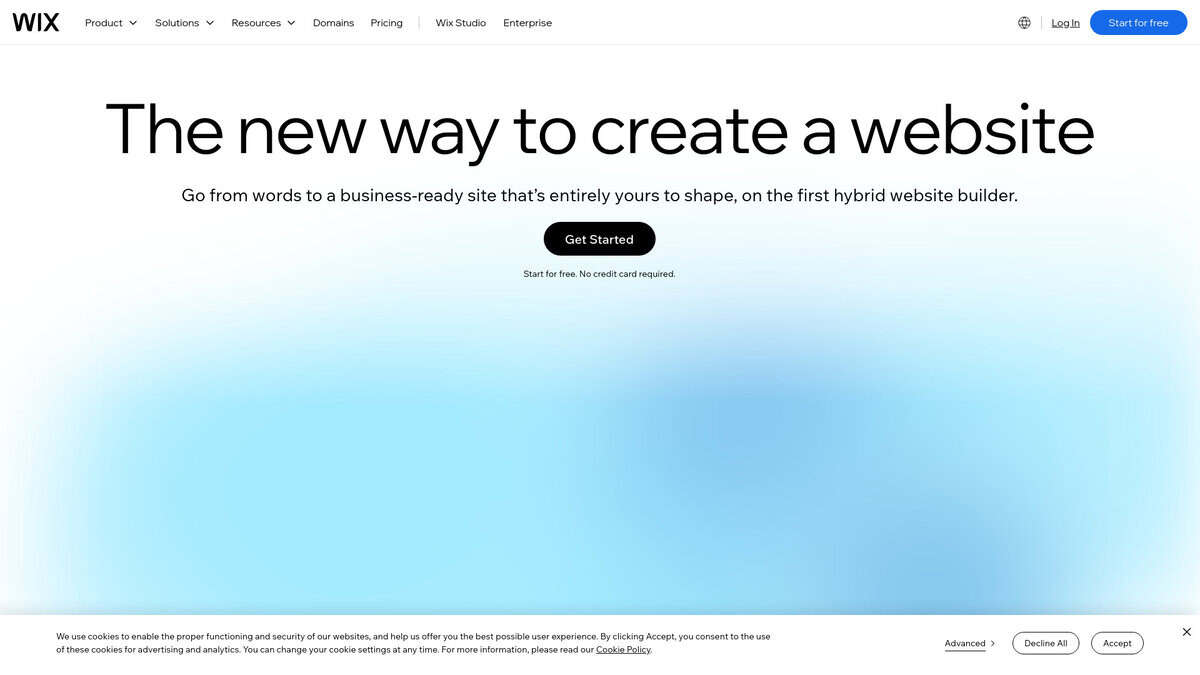
The thing that separates Wix Harmony from every other AI builder on this list is simple. You get both AI chat and a visual editor. Most vibe coding tools force you to describe every tiny change in words. With Wix, I’d click a button, drag it left, done. No prompt needed.
I tried describing a full site in one sentence. Pages, goals, design preferences, everything. Wix generated a complete draft with copy, layout, and structure. It wasn’t perfect, but the starting point was surprisingly solid. Most non-technical users would need maybe thirty minutes of tweaks before going live.
An independent review from The Wix Wiz gave Harmony 3.5 out of 5. Best for beginners and entrepreneurs. Clean, modern interface. Built-in responsive design. But missing a CMS, dynamic pages, and developer tools. If your site needs complex content management, this will frustrate you.
Here’s the thing though. Other tools in this list, like Lovable and Cursor, are built for building apps. Wix Harmony is built for building websites. If you want to sell products, take bookings, or run a blog, Wix includes all of that out of the box.
On the Wix Studio Forum, one user described building a responsive site in hours that previously took days. Another loved the speed but was frustrated by missing automations. The consensus is clear. Fast for simple sites. Limited for complex ones.
Pricing is straightforward. Free plan works, just shows Wix branding. Paid plans run from $17/mo up to $159/mo. TheFigCo confirmed all AI features are included with every plan. No separate credits. No upsells mid-build.

Cursor
Pricing | Free; Pro $20/mo; Pro+ $60/mo; Ultra $200/mo |
Best For | Developers building or editing websites with full code access |
Platforms | macOS, Windows, Linux |
Models | Claude, GPT-4o, GPT-5, Gemini, Grok |
Free Plan | Yes, limited to 2,000 completions/month |
Cursor is not a prompt-to-app generator. It is a code editor, forked from VS Code, with AI layered on top. You keep your familiar interface, extensions, and keyboard shortcuts. With over a million users and teams at half the Fortune 500, it has real traction.
What impressed me is Agent Mode. Describe a task and it plans, executes, tests, and iterates across your codebase. It runs terminal commands, reads errors, and adjusts on its own. There is also a built-in browser preview and design mode where visual edits push straight to real code.
Model flexibility is a genuine advantage. Switch between Claude, GPT-5, Gemini 2.0 Flash, or others depending on the task. No other tool on this list gives you that choice.
Community sentiment is split though. One developer built a full webshop in three months with Cursor. Others say they can create websites in five to ten minutes. But plenty report reliability issues and go back to plain VS Code.
There is no built-in deployment. You handle hosting through Vercel, Railway, or whatever you prefer. Frustrating for beginners, but it means zero vendor lock-in.
The free tier works for evaluation. Pro at $20 per month is where real work happens. If you want AI acceleration without giving up code ownership, Cursor is the strongest pick here.

Google Stitch
Pricing | Free (Google Labs experiment) |
Generations | 550/month (350 standard + 200 Pro) |
Best For | Rapid UI prototyping and design exploration |
Platforms | Web app |
Export Options | Figma, HTML/CSS, ZIP, MCP server |
I almost skipped Stitch during testing because it looked like another text-to-image gimmick. Then I prompted it for five interconnected screens of a fitness app and got a clickable prototype in under ten minutes. That changed my mind completely.
Where Stitch Actually Shines
The March 2026 Stitch 2.0 update transformed this from a toy into something genuinely useful. Multi-screen generation means you describe a whole flow and get interconnected screens with consistent styling. Voice Canvas lets you iterate by speaking instead of typing. It felt surprisingly natural during exploratory sessions.
But the real sleeper feature is DESIGN.md. It captures your design system, colors, typography, spacing, and component patterns in a markdown file that coding agents actually understand. As AgentDock Academy explains, you can extract one from any existing website or Stitch project, then feed it to Cursor or Claude Code when you move to implementation.
The Honest Limitations
Stitch output looks like polished wireframes, not production-ready designs. Bottom navigation buttons came out generic. When I wrote detailed prompts with specific constraints, it sometimes ignored them entirely. Users on Google’s own developer forum report similar frustration with prompt adherence failures and unpredictable undo behavior.
It is also completely single-player. No collaboration, no comments, no version history. If your team works together in Figma daily, Stitch is a solo exploration tool, not a replacement.
And it is still a Labs experiment. Tech Insider notes that Figma shares dropped 4% on announcement day and have fallen roughly 35% year-to-date, which tells you the market takes this seriously. But Google has killed products like this before.
The Workflow That Actually Works
After testing alongside other tools, I found the pattern. Start here to explore ideas quickly at zero cost. Export to Figma when you need precise control. Hand off the DESIGN.md file to a coding tool for implementation. It is not the whole pipeline. It is the fastest way to get from blank page to something visual.
Kimi AI
Pricing | From $19/mo (Moderato) |
Free Plan | Yes, but only 6 agent credits/day |
Best For | Recreating sites from screenshots or mockups |
Backend | Generates databases, auth, and API routes |
Context Window | 256K tokens (up to 1M on Allegretto+) |
What caught my attention about Kimi is that it takes a screenshot and turns it into a working website. I tested this with a complex landing page mockup. The result captured roughly 70-90% of the design on first pass. That matches independent analysis where a reference image improved layout fidelity by about 40%.
Most AI builders I’ve tested work only from text prompts. Lovable, Cursor, and Bolt.new don’t let you drop a screenshot and get a recreation. That’s Kimi’s real edge.
It goes beyond frontend too. Kimi generates databases, authentication, and API routes. The Agent Swarm architecture coordinates up to 300 sub-agents working in parallel on different layers of your site.
Two things to keep in mind.
The free tier is nearly useless for website building. You get 6 agent credits per day. Real work starts at $19/month. Also, Kimi is built by Moonshot AI, a Beijing-based company. If data sovereignty matters, that’s worth weighing.
For pure coding benchmarks, Claude scores higher. Kimi’s advantage is cost and that visual input workflow. I’d suggest it for designers or founders who have a mockup they want to rebuild quickly.
Replit
Pricing | Free / Core $20/mo / Pro $100/mo / Enterprise custom |
Billing Model | Effort-based (credits per compute usage) |
Best For | PMs, founders, and small teams building full-stack apps |
Built-in Services | Auth, PostgreSQL database, hosting, monitoring |
Key Limitation | Parallel agents locked to Pro ($100/mo) plan |
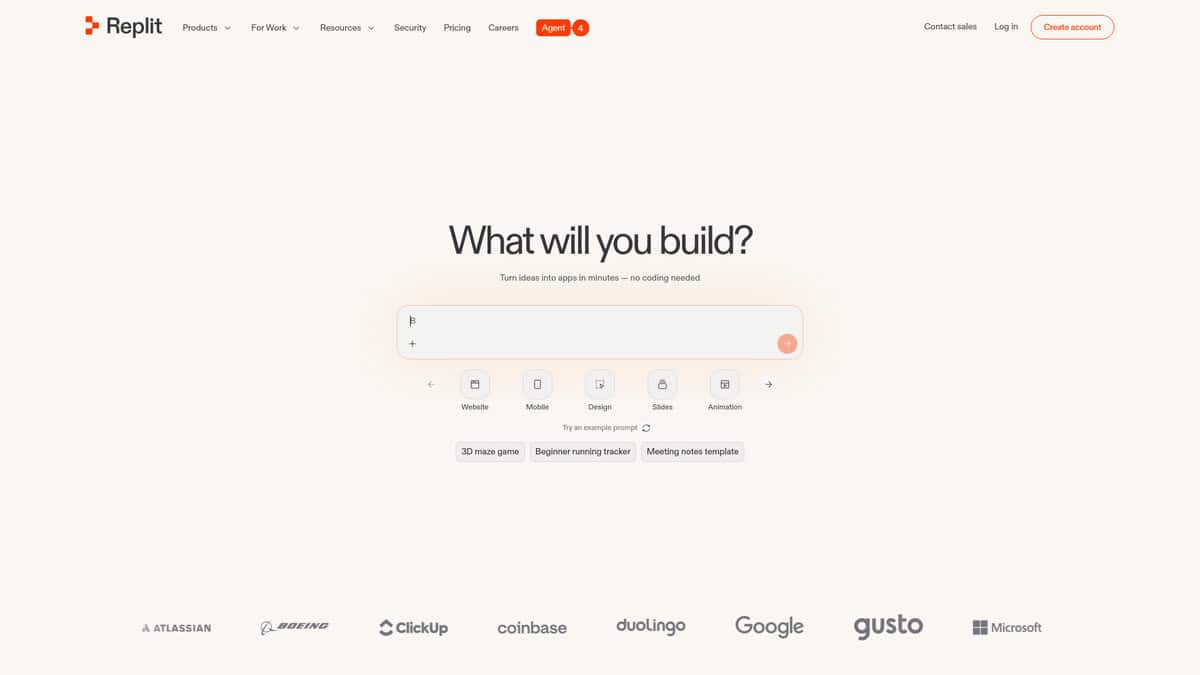
I tested Replit expecting another vibe-coding gimmick and came away genuinely surprised. You describe what you want, and Agent 4 builds the frontend, backend, database, and authentication all at once. No Supabase setup. No DIY plumbing. Everything just works together.
That all-in-one piece is the real differentiator here. Lovable needs you to bring Supabase. Bolt needs a DIY backend. Replit handles everything natively. One practitioner put it plainly: for serious multi-feature product building, Replit Agent 4 currently leads the field.
The pricing is where things get uncomfortable. Replit charges based on effort, meaning credits per compute usage. InfoWorld reported developer backlash over unpredictable costs. Analyst Jason Andersen noted refactoring often costs more than original creation. I kept my own test conservative, but Reddit users have reported nearly $2,000 in 24 days.
What genuinely impressed me was how practical this is for non-technical people. Product managers can prototype directly without waiting on engineering. Founders can show, not tell. The built-in deployment means you are not managing separate hosting either.
G2 ratings sit around 4.3 to 4.6 stars. Trustpilot is lower at 3.1, but that reflects billing frustration, not capability complaints. Even skeptics on Reddit acknowledge Replit crushes for ease of use and going start to finish.
It is the only tool in this category where auth, database, hosting, and deployment all come built-in. If you need a real application, not just a landing page, Replit deserves serious consideration.
Manus
Pricing | Free ($0), Pro from $20/mo |
Free Plan | 300 daily credits, 1 concurrent task |
Best For | Small businesses needing a site fast |
Ease of Use | High, chat-based interface |
Code Export | Yes, React/Tailwind, no lock-in |
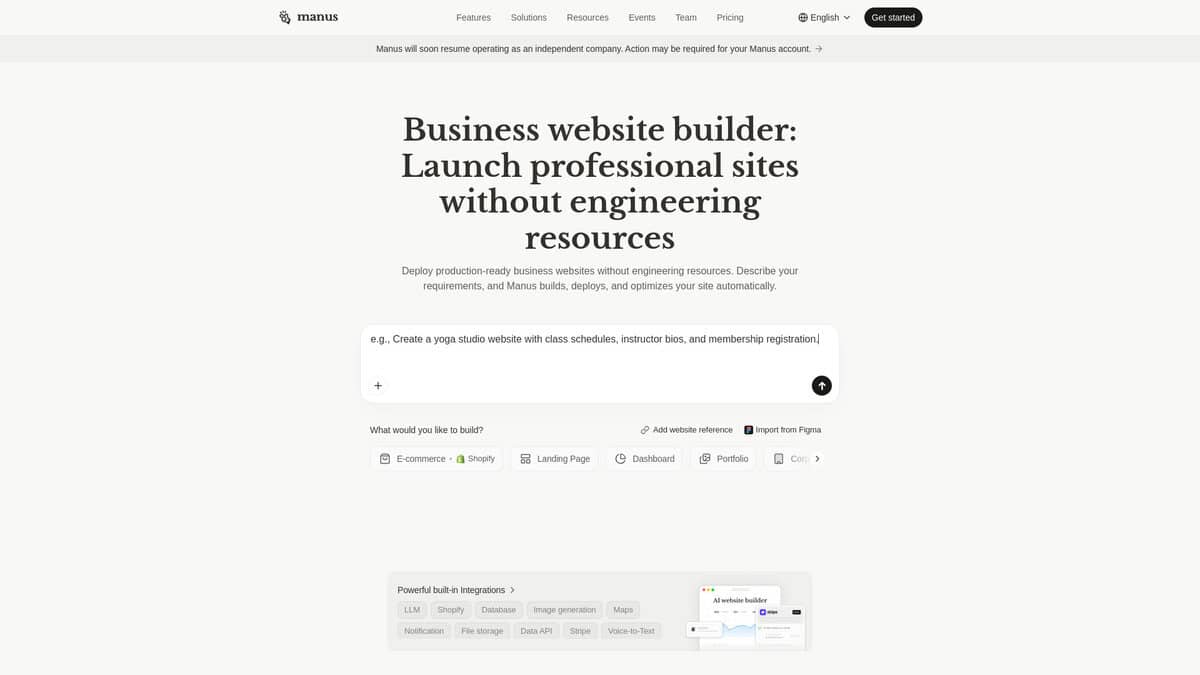
What stood out immediately is that Manus doesn’t ask you to pick a template or drag blocks around. You describe your business, your audience, and the vibe you want, and the agent goes off to research competitors, write copy, and build pages. I gave it a simple brief for a local coffee shop, and it returned a multi-page site with a booking flow in about ten minutes.
The whole thing runs in a sandboxed virtual machine, so you can watch it browse, code, and deploy in real time. One Reddit user described the design quality as “surprisingly competent”, noting it understood typography hierarchy and white space. I found the output got me about 70 percent of the way there. The final polish still needed a human eye before going customer-facing.
Pricing is the part that catches people off guard. A single website build can burn 500 to 1,000 credits, and the Standard plan starts at 4,000 monthly. One documented test showed a four-minute task consuming 152 credits. Failed tasks still eat credits with no refund, so I’d recommend starting with the free plan to gauge your actual burn rate before paying anything.
The strongest business advantage is code ownership. You export clean React and Tailwind code and host it anywhere. Wix and Squarespace lock you into their platform, but with Manus you keep full control. Just know that Manus currently carries some geopolitical uncertainty after its Meta acquisition was blocked earlier this year, so avoid putting sensitive business data into the tool.
If speed to launch matters more than pixel-perfect design out of the box, Manus is genuinely worth a test run on the free tier.


