
You’ve been told free AI art generators hand you trial-quality output and limits so tight you can’t finish one idea. I believed that too, until an image I made on a free tier got licensed and the client never asked which tool made it.
The rules shifted this year. According to DataCamp’s 2026 testing, free allowances now swing from about 2 or 3 images a day on ChatGPT to roughly 20 on Google’s Gemini, and xAI removed free image generation entirely in March 2026. Pick wrong and you hit a paywall before your third prompt.
So I ran the same prompts through every free tier I could get into. I checked what you’re actually allowed to do with the results, and I dropped the ones that quietly push you toward a card.
After all that, 7 free AI art generators in 2026 made the cut.
The Rundown
- Refine Art Without Rebuilding Prompts: ChatGPT, “You generate under a weekly limit, then tweak results with the Comments, Erase, and Remove BG toolbar on Images 2.5.”
- Edit One Thing, Keep the Rest: Gemini Nano Banana, “Type a change like warmer lighting and it edits that spot while your subject’s face and edges stay intact, watermark included.”
- Generate Stills Without Spending Credits: Google Flow, “Image generations never touch your 50 daily credits, so you can produce stills all day before spending anything on video.”
- Generate Without a Credit Cap: Bing Image Creator, “You get 10 fast creations plus unlimited Standard mode daily, under a soft 200-prompt ceiling most casual sessions never reach.”
- Export True SVGs With Editable Paths: Recraft, “Your 30 daily generations come as vectors you can open in Figma, though free outputs sit in a public gallery without a commercial license.”
- Swap Models Inside One Dashboard: Leonardo AI, “Your 150 daily tokens unlock Phoenix, FLUX.2 Pro, and Anime XL in one place, though free outputs go public.”
- Put Readable Type in Posters: Ideogram, “Your ten weekly credits buy up to 40 images with genuinely readable headline text, and Layerize fixes a typo without a re-roll.”
The Best Free Ai Art Generators
ChatGPT
Pricing | Free tier with rate-limited image generation |
Free Plan | Yes, images sit under a weekly limit |
Best For | Overall free art plus in-chat editing |
Image Engine | ChatGPT Images 2.5 as of August 2026 |
Learning Curve | Low, if you can type a prompt |
What stood out to me was the chat loop. Every generation stays in conversation history, so I regenerate variants instead of rebuilding prompts. I drag in reference images to keep a character or product consistent. With Images 2.0 and its Thinking mode, I watched it plan the layout before drawing anything.
April 2026 brought Images 2.0 with 2K outputs and wide aspect ratios. August’s Images 2.5 added an Edit toolbar where I click Comments, Erase, or Remove BG right on the image, plus a Sketch tool and Templates for product shots and posters. TechRadar’s 24-hour hands-on found that same toolbar workflow and faster generation.
Free users get image generation under a weekly limit visible in Settings; OpenAI doesn’t publish an exact count. Zapier’s comparison put ChatGPT’s model near the top of image leaderboards alongside Gemini’s. Gemini gives free users a higher daily quota and four images per prompt; ChatGPT returns one refined image. I liked that single result when the brief needed readable text.
Compared with the rest of this list, that matters. Ideogram is still my pick for text inside an image, and Bing Image Creator handles quick one-offs, but neither let me keep talking to the picture until it was right.
My main issue is consistency. After a late-July 2026 outage I noticed a real dip, flatter results from prompts that had worked the day before. I verify outputs closely now. Even so, nothing else here beat it for everyday free art.
Gemini Nano Banana
Best for | Editing existing images with subject consistency |
Free tier | Yes, with dynamic daily usage limits |
Standout feature | Natural-language edits that leave the rest intact |
Main drawback | Free cap is unpredictable and watermarked |
Pricing | Free; watermark removal on paid AI Ultra |
I gave it a plain product shot and asked for the background swapped. The object stayed sharp. Edges held. Nothing else in the frame drifted.
That edit is the whole pitch. Most free generators make you re-roll the entire image and pray. Here I typed “change the lighting to warm afternoon” and got one targeted change. I tried a portrait next, asked for the shirt colour swapped, and the face, hair, and expression came back identical. Fixing one thing did not mean regenerating the whole scene.
Consistency has a real ceiling. Google’s VP told CNBC the Pro model holds up to five characters and fourteen reference images at once. Impressive number. In practice, famous faces still drift on me, and the Help Community threads suggest anonymising your subject first.
Now the honest part. Free limits are dynamic, no fixed published count. Google says daily limits may change frequently, and one Reddit thread shows users seeing as few as two images a day. Plan around that. Free outputs also carry a visible watermark.
I’d pick this over ChatGPT for pure editing. Ideogram still owns typography, Recraft owns vectors. For “fix this photo,” Nano Banana is my default.
Google Flow
Free tier | 50 daily credits, no card required |
Image model | Nano Banana Pro, built into Flow |
Credit refresh | Starts with your first generation, no rollover |
Best for | Planning, images, characters and video in one place |
Key catch | Top Veo video mode costs more than a whole day’s credits |
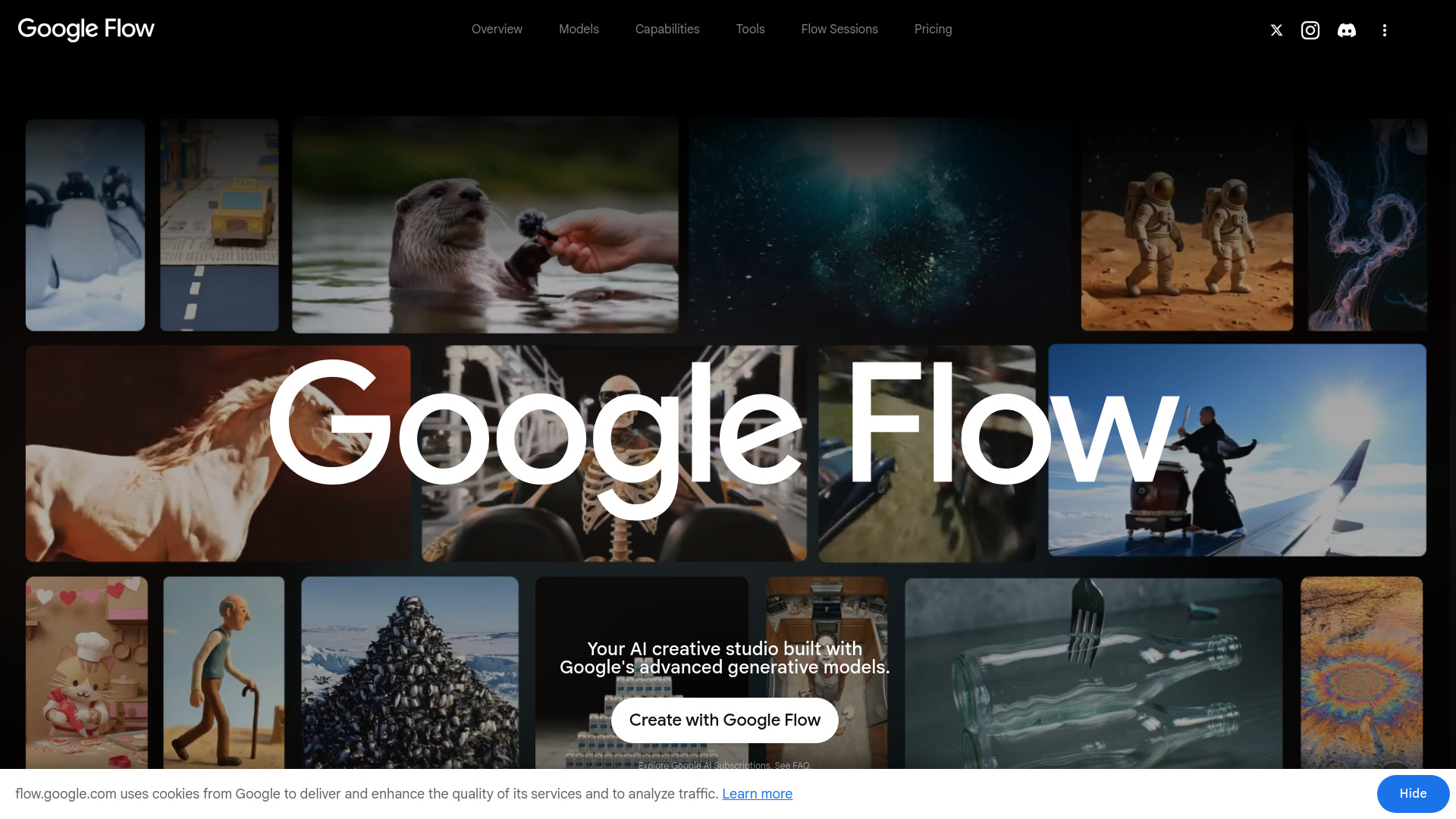
I signed up expecting the usual credit squeeze. Image generation here does not touch your daily 50 at all. Those credits cover video and extra actions. Most free tiers ration images first. This one does the opposite. I churned out stills for a long afternoon and the counter never moved.
The free terms are simple, and one creator’s walkthrough reports the same headline deal: 50 credits a day with no card needed. In my testing the refresh kicked in with my first generation of the day, not at midnight, and nothing carried over. That changes how you pace a session.
According to Google’s February 2026 Flow update, Whisk and ImageFX moved into Flow and Nano Banana became part of the core experience. That is when free image generation landed. Flow is now where those tools live.
This is what kept me coming back. I plan with the Agent, generate with Nano Banana, keep a character consistent across shots, use the built-in upscaler, then hand the still to Veo. ChatGPT and Bing Image Creator feel cleaner for pure images, and Ideogram still wins on typography, but nobody else lets me walk that whole path on one canvas.
One thing I almost overlooked. The free tier also includes Characters, Avatars, Scenebuilder and the Flow Tools panel. Small stuff, but I never had to export and jump elsewhere mid-project.
The catch is video. The top Veo mode costs more than a whole day’s credits, so I never reached it on free. The 1080p upscaler sits behind the paywall too. Late one night my free account was refused video generation while images kept working. I stopped saving credits for tomorrow, since they do not roll over.
Bing Image Creator
Pricing | Free, Microsoft account required |
Free plan | 10 Fast creations plus unlimited Standard mode |
Best For | Unlimited casual generation |
Hard limits | 200 prompts per 24 hours, 480-character prompts |
Export Options | PNG/JPG with C2PA provenance watermark |
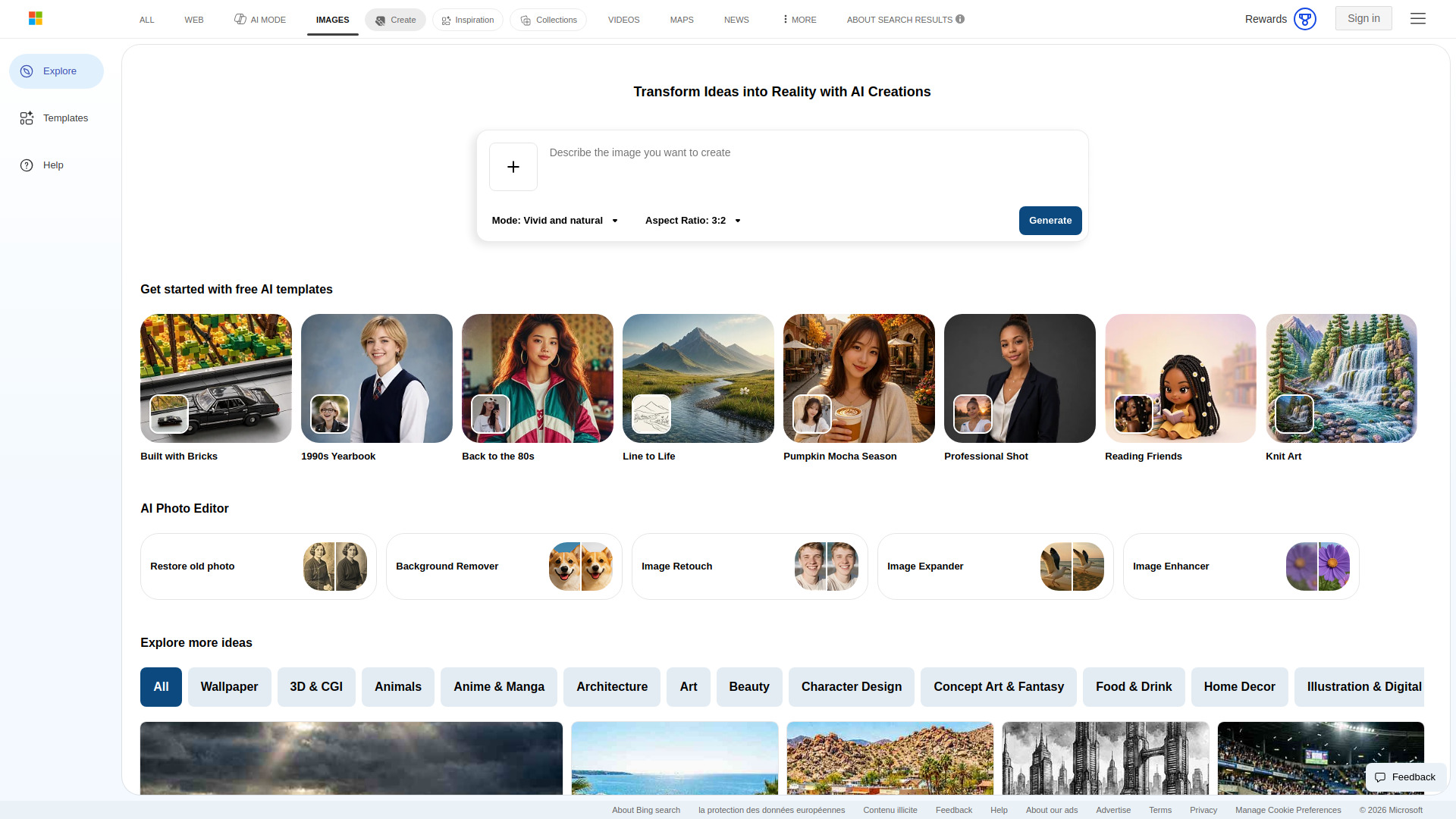
The first thing I checked was Bing’s live page, and the offer is exactly what I hoped for: signed-in users get “10 free creations in Fast mode” and “Unlimited creations in Standard mode.” No credits, no trial timer. That is a rare promise in 2026.
Unlimited is real for casual play, though it has a soft ceiling. Microsoft documents a 200-prompt-per-24-hour cap and a 480-character prompt limit. Editing an image counts toward that same cap. I never got close in a normal session.
One honest caveat: the engine has changed. The page now defaults to Microsoft’s MAI-Image-2.5-Flash and MAI-Image-2e, not DALL-E 3. Going through the r/bing thread on DALL-E 3 leaving, the complaints are familiar, and Microsoft has even rolled back a model swap before.
Speed is the other trade. Once Fast creations run out, Standard mode drags. Independent reviews put it at 2 to 5 minutes per image versus 10 to 15 seconds on Fast. I noticed the same drop. The content filter also trips on innocent prompts: named celebrities, historical figures, medical terms, brand names.
Useful extras: aspect ratios now cover 1:1, 16:9, 9:16, 3:2, 2:3, 7:4, and 4:7. Images carry C2PA provenance and stick around for 90 days.
Compared with the rest of this list, ChatGPT and Gemini Nano Banana look better but cap you faster. Leonardo and Recraft spend daily credits on game assets and design work. Ideogram handles text-in-image and commercial use better. Bing wins on sheer volume. Independent testing agrees: AIMLAPI’s 12-model test credits Bing as their “free / unlimited” pick.
Recraft
Free plan | 30 image generations per day, refreshing daily |
Best for | Icons, illustrations, vectors, brand graphics |
Export format | True SVG with editable paths |
Free-tier catch | Images public in a community gallery, no commercial license |
Learning curve | Mild, if you’ve used a canvas tool before |
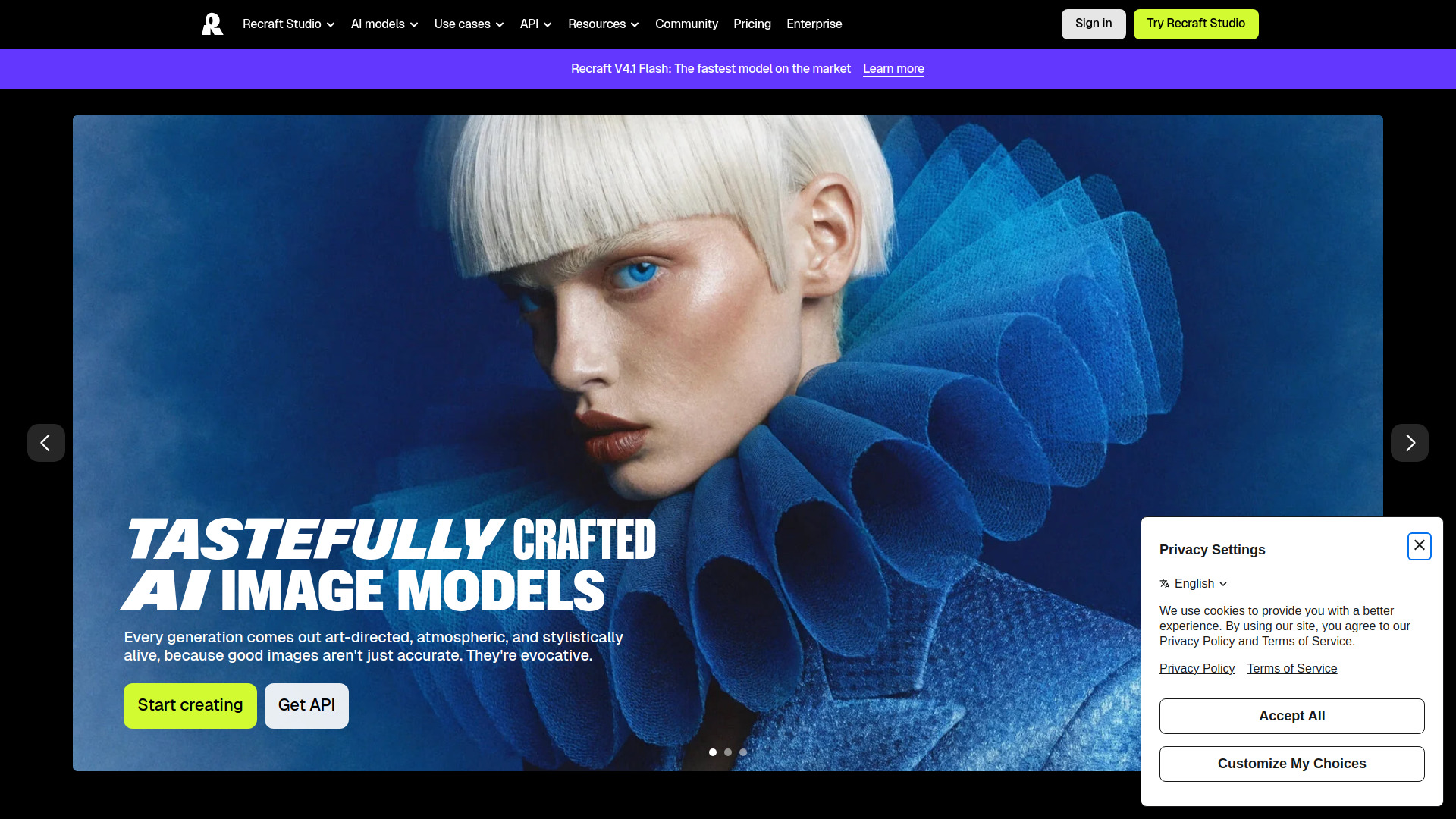
I came to Recraft for one thing: 30 free generations a day, plus vectors I could actually open and edit. That combination is rare. Most free generators hand you a flat PNG and call it done.
The SVG output is what sold me. Paths stay real, so the files drop straight into Figma or Illustrator without a fight. MindStudio’s vector-native explainer confirmed what I saw: these are trained vectors, not traced bitmaps pretending to be vectors. I ran a batch of interface icons through it. The curves needed nudging, but nothing like rebuilding from scratch.
My trick was saving styles. Create one, keep the ID, reuse it across every icon in a set. That is how I got a set that looked like one family instead of twelve strangers.
One sentence on raster rivals: ChatGPT image, Ideogram and Leonardo AI make nicer photographs, but I’d pick Recraft every time I need editable graphics I can resize later.
Now the catch. Recraft’s own pricing page says free-tier images live in the public community gallery and carry no commercial license. Fine for personal exploration, not fine for client deliverables. If you’re selling anything, upgrade first.
Reliability wobbles too. Trustpilot reviewers report credits consumed on failed generations, and I hit a couple of dead exports myself. Consistency was my main issue as well: the same prompt rarely gave me twice the same icon.
Would I recommend it? For free icon and illustration work in 2026, yes. For photorealistic faces, no.

Leonardo AI
Pricing | Free tier, paid plans if you outgrow it |
Free plan | 150 tokens/day, resets every 24 hours, no card |
Best For | Switching models for different styles |
Learning Curve | Moderate, plenty of knobs to turn |
Platforms | Web app |
The first thing I noticed was the model dropdown. Phoenix, Lucid Origin, FLUX.2 Pro, Anime XL, and third-party options like Veo 3, Kling, Nano Banana, and GPT Image 1 all sit in the same dashboard. That is unusual for a free account.
I tested a portrait, then an anime piece, then a rough concept sketch. Each wanted a different engine, and I never left the page. One account, several engines under the hood.
How far do 150 tokens actually go? In my testing, a basic Phoenix generation burned about 4 to 6 tokens, so I was getting 25 to 35 images a day on the lighter models. Tokens reset daily and do not roll over, so unused allowance just disappears.
The catch: free outputs land in the public community feed. I noticed it right away. Fine for experiments, less fine for client work. Also, the interface gives you a lot of controls, and beginners may fiddle longer than they generate.
Leonardo has been owned by Canva since 2024 and still runs its own lineup. Tracxn ranks it #2 among AI image startups in 2026, tied with Recraft.
Pick it if you like comparing styles daily. Skip it if you need private outputs or heavy batch volume.

Ideogram
Free plan | 10 slow credits weekly, up to 40 images |
Best for | Posters, logos and thumbnails with readable type |
Ease of use | Simple, though the free queue runs slow |
Privacy | Free generations publish to a public gallery |
Paid plans | Plus from $15/mo billed annually |
The pitch is 10 slow credits a week, which works out to 40 images on the cheapest setting. I signed in with Google. No card anywhere.
I typed a poster prompt with a headline baked in and hit generate. The type came back clean. Not almost readable, actually readable. I reran it a few times to check for flukes and the letters held.
Layerize is what I liked most. I spotted a typo in the output, opened the text layer, fixed it, and skipped regenerating the whole image. Magic Prompt also turned my AI prompt into something worth generating.
My main issue is privacy. Free generations land in Ideogram’s public gallery with no delete option. The queue is slow, and a 4-image batch cost 8 credits in Teknexia Hub’s test account, so 40 images evaporates faster than you’d think.
The safety filter over-blocked plain poster copy too. Minor, but irritating when you’re iterating.
There is a text ceiling as well. Short phrases held every run I did. Once I pushed past roughly six words, letters started dropping, and curved baselines made it worse. Other tools I tried for the same poster fell apart sooner than this one, which is why I kept returning.
ChatGPT and Gemini handle short phrases fine but aren’t built for poster typography. Recraft wins on editable SVG vectors, Leonardo is the all-rounder, and Bing Image Creator or Google Flow cover casual use.
If your work is going public anyway, the free tier is enough. I’d keep using it. If you need private drafts and no slow queue, Plus at $15/mo annual is the smallest jump.


