

You signed up for HeyGen to make avatar videos. Then you opened the tools menu and found a text-to-video generator, a translator covering 175 languages, and a PDF-to-video converter sitting there the whole time. Most creators I know touch two features and leave the rest untouched.
That matters more this year. HeyGen doubled to $200 million ARR in eight months, with more than 30 million users across 196 countries, according to the company’s own announcement. The platform keeps adding tools, and you’re paying for all of them whether you use them or not.
I went through the full toolbox and picked the ones that actually save you time as a content creator, not the ones with the flashiest demo page.
Here are the 11 HeyGen tools in 2026 that are actually worth your credits.
The Rundown
- When Writing Quality Is the Job: Claude, “You paste rough notes and get flowing scripts, hooks, and captions that actually hold your voice.”
- Design Everything From One Canvas: Canva, “Your fonts and colors sit in every template, so posts, thumbnails, and carousels stay on brand.”
- Batch Five Shorts in Minutes: CapCut, “Drop in a clip and styled auto captions land in seconds, built for TikTok, Reels, and Shorts.”
- Turn Long Podcasts Into Clips: OpusClip, “Feed it a full podcast episode and it hands back captioned vertical clips with a Virality Score to triage.”
- Never Film a Talking Head: HeyGen, “You paste a script and pick an Avatar V presenter, getting a lip-synced video in minutes, though credits burn fast.”
- Clone Your Own Voice: ElevenLabs, “Clone your voice from about a minute of audio, then narrate videos and dub them into new languages.”
- Direct Camera Moves by Prompt: Runway, “Prompt camera moves like dolly, orbit, and crane with frame-accurate timing when choreography is the whole point.”
- Edit Video Like a Document: Descript, “Edit a 40-minute interview by deleting words in its transcript, and watch the cuts land in the media.”
- Lock a Consistent Channel Style: Midjourney, “Build a moodboard once and every thumbnail background and brand art piece comes back in your look.”
- Prompt to Carousel in Minutes: Gamma, “Paste a blog URL and get a draft carousel or deck in your brand theme within minutes.”
The Best Ai Tools For Content Creators
Claude
Best for | Scripts, hooks, captions, newsletters, rewriting |
Pricing | Free tier available, paid Pro plan runs about $20 a month |
Standout strength | Most natural prose and voice-matching of the mainstream assistants |
Biggest limitation | No native image generation, and usage limits bite on heavy days |
My verdict | My overall pick whenever writing quality is the job |
Claude is my top pick for one boring reason. For content work, writing quality is the game. Everything else is decoration if you still have to de-bot every draft yourself.
I fed it rough notes and asked for video scripts, hooks, outlines, captions, and rewrites. What stood out to me was the tone. It writes full, flowing sentences instead of robotic bullet lists, and it holds my voice across a long document. A side-by-side test one creator published landed in the same place: Claude won long-form for being more natural and human, while ChatGPT took the short punchy formats. That matched my experience exactly.
The workflow features matter more than they sound. I dropped a voice guide and older captions into a Projects workspace, and suddenly I stopped re-explaining myself in every new chat. Styles let me switch between informal and thoughtful tones without rewriting the prompt each time. Repurposing one idea into a script, a caption, and a thread felt almost lazy.
Now the image reality check. Claude still does not generate photorealistic images in 2026, according to a Stackademic analysis. It does build charts, diagrams, SVGs, and interactive visuals. The workaround I liked: have Claude write ultra-detailed prompts for Midjourney or Flux, then bring the draft back into Claude to refine around it.
Two watch-outs. Usage limits bite on heavy days. I hit the wall mid-workflow more than once and had to wait for the reset. Also, ask for brevity explicitly on captions. Left unconstrained, Claude over-delivers and hands you three paragraphs when you wanted one line.
If your output is mostly video scripts, newsletters, blog drafts, and captions, this is the tool I would keep. If your output is mostly finished images, it will frustrate you.
Canva
Best for | Social posts, carousels, thumbnails, presentations, short videos |
Key AI tools | Magic Write, Magic Resize, Magic Layers, Magic Edit |
Pricing | Free plan is usable; Pro unlocks Brand Kit and Magic Resize |
Standout feature | Brand Kit applied across every format in one canvas |
Watch out for | Magic Expand still needs retries to look right |
If I were starting a brand new creator account in 2026 and could only install one design tool, Canva would be it. Not because the AI is the smartest I’ve tested. It isn’t. It’s because posts, carousels, thumbnails, presentations and short videos all come out of the same canvas, with your fonts and colors already sitting there. That saves me more hours than any flashy generation feature.
The adoption numbers back up what I saw. Metricool’s 2026 AI Study calls Canva the most-used design tool among social media pros, and their walkthrough of the suite counts more than 40 AI features now under the Canva AI umbrella, which replaced the Magic Studio name.
What I liked most was the boring stuff working quietly. You build a brand kit once, then every template you touch pulls in your palette and typefaces. Magic Resize takes one Instagram square and spits out Story, LinkedIn and Pinterest versions in seconds, which is the single biggest time-saver if you post to three or more platforms. I’d pair one or two saved templates per format with the brand kit and you never start from a blank page again.
On the AI side, I’d keep expectations honest. Magic Write is handy for captions, headlines and slide copy inside the editor, but for anything longer than a few lines I’d still open Claude. The photo tools are uneven. Background removal and Magic Edit were quick and clean when I tried them, while Magic Expand needed several regenerations before the result looked usable, a complaint shared in Julian Weber’s 2026 hands-on tutorial.
Who’s it for? Social media managers, solo creators and small business owners who need volume with consistent branding and don’t have a designer on payroll. Who should look elsewhere? Anyone chasing gallery-grade AI imagery (Midjourney still wins there) or cutting long-form video (CapCut and Descript handle that better). For everything else, Canva stays my default starting point.
CapCut
Best for | Short-form vertical video editing |
Standout feature | Auto captions, styled in one click |
Free tier | Usable editor, 1080p export |
Pricing | Standard $9.99/mo, Pro $19.99/mo |
Learning curve | Gentle, if you have edited before |
The first thing I tested was captions. I dropped in a 30-second talking-head clip, hit Text, then Auto Captions, then Generate. Subtitles landed in seconds. Changing the font once and applying it across the entire caption track saved me from the manual typing spiral I dread. Practitioners like Scotty Creates call these captions surprisingly accurate on clean speech, and that matched what I saw.
The timeline feels vertical-first. Trimming, beat-synced cuts, auto reframe to 9:16, background removal, and camera tracking all live where a short-form editor expects them. In my own timed run, five polished shorts took 18 minutes from the same file that took Descript 28 minutes for a full workflow. That lines up with my experience. Speed is the product here.
Where it creaks. Audio tools are basic. Long-form editing feels painful. CapCut’s own pricing page lists the Pro tier at $19.99 a month during 2026, and features that used to be free slid behind the paywall. In 43 Product Hunt reviews, that paywall is the most common gripe. I would start free, then upgrade only if 4K or watermark removal bites.
Pick CapCut if your pipeline lives on TikTok, Reels, or Shorts. Podcast and long-form work belongs in Descript; mining hours of footage belongs in OpusClip. Just note the ByteDance ownership angle if privacy matters to you.
OpusClip
Best for | Podcasters, interviewers, webinar repurposers |
Pricing | Free plan, Starter $15/mo, Pro $29/mo ($14.50/mo billed yearly) |
Standout feature | ClipAnything finds moments across the whole video, with a Virality Score per clip |
Biggest drawback | Credits meter per source minute, and you still discard 20-40% of output |
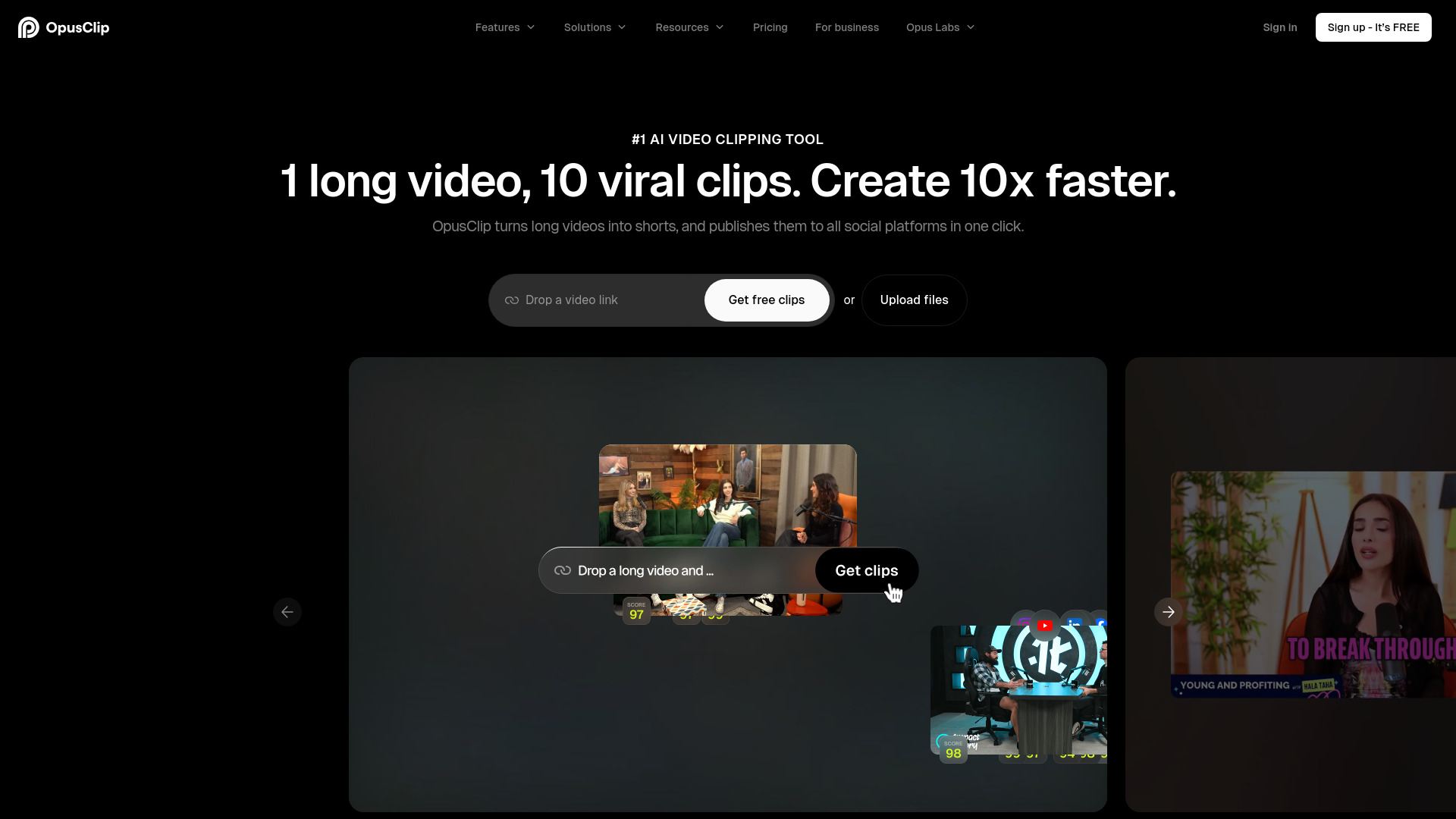
The first thing I noticed was the time collapse. I dropped in long talking-head footage and got back captioned vertical clips in minutes. Scrubbing, cutting, reframing, captioning. All of it, gone from my afternoon.
Then reality set in. Independent tests consistently throw out 20-40% of what it generates. A 14-day BIGVU test trashed roughly 40% of 50+ clips. I found the same pattern: expect a review pass before anything ships.
The Virality Score is worth understanding. It ranks clips. It does not predict views. ScaleReach’s 30-day paid test found clips scoring 80+ averaged about 2.3x the TikTok views of clips under 50. Useful as triage, not gospel.
Watch the credit math. One credit equals one source minute, so a 90-minute episode costs 90 credits before a single clip exists. Pro is where reframing and the scheduler unlock, and that is where the real workflow lives.
My main issue was context-blind cuts. Reddit sentiment collected by eesel keeps flagging the same thing: jokes sliced before the punchline. Chaotic multi-speaker and b-roll-heavy footage also confuses it.
If you publish a steady stream of clear-speech long video, I would try it. Low volume, a few clips weekly? CapCut does it free. Need to edit the source itself? Descript handles that better.
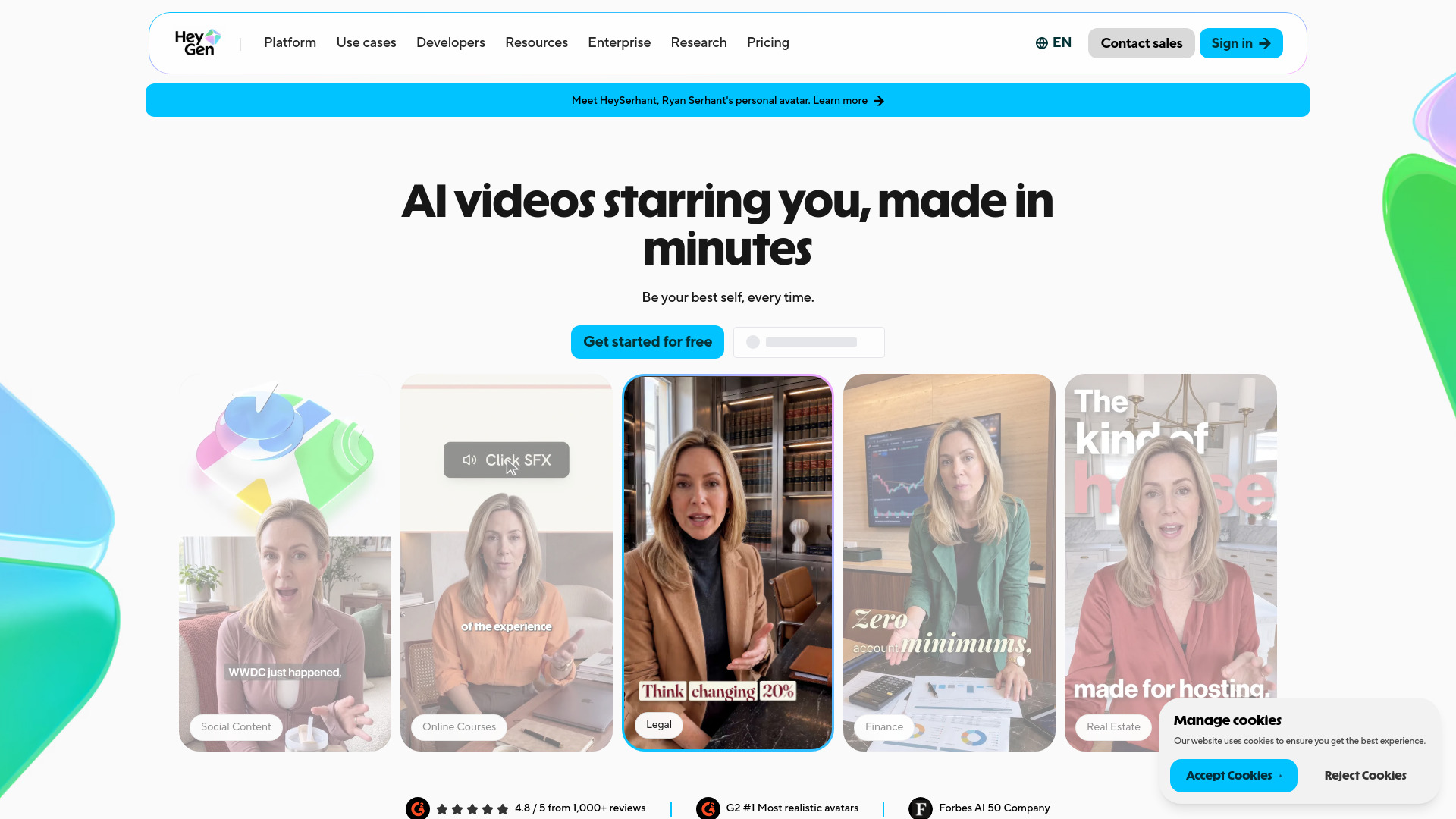
HeyGen
Pricing | Free plan, Creator $29/mo, Pro from $49/mo |
Free plan | 3 downloadable videos per month, tiled watermark |
Best For | Solo creators making talking-head style videos |
Learning Curve | Low, script-to-video in minutes |
Key Watch-Out | Credits burn fast on the newest avatars |
The first thing I did was paste a script and pick an avatar. Roughly three minutes later I had a presenter video with no mic and no ring light. That speed is the entire pitch.
HeyGen’s newest model, Avatar V, launched this year and it looks noticeably better than earlier versions. Faces move naturally and lip-sync holds. The $29 Creator tier also throws in voice cloning plus lip-synced translation into a long list of languages. Want a digital twin instead? You record a short selfie-style clip and it builds your own avatar.
Here is the catch I wish I had understood sooner. Credits, not minutes, are the real currency. One creator’s hands-on review puts the entry plan at roughly 10 minutes of premium avatar video per month, and Avatar V burns credits even faster than that. “Unlimited” really only covers the older Avatar III.
Source footage matters more than people expect. Feed it a good photo and have some patience and the results can be genuinely impressive. Push for hyper-realism, though, and one thread details minutes of training footage plus months of credits. Your input decides your output.
I’d recommend HeyGen to creators making YouTube talking-head videos, course modules, or ads who simply don’t want to film. Synthesia still looks slightly more polished on camera, but it costs more per minute and it rewrites your script by default. Enterprise training teams may lean Synthesia. You probably won’t.
One warning from my testing: renders occasionally stall, and older avatars will disappoint you if you expect Avatar V quality. Start on the free plan, judge the output yourself, then decide if the credits are worth it.
ElevenLabs
Best For | YouTube narration, podcasts, multilingual dubbing |
Starting Price | Free plan, then about $5/mo; Creator $22/mo for most creators |
Standout Feature | Instant Voice Clone from ~1 minute of audio |
Model Cadence | Scribe v2, Dubbing v2, and Eleven v4 all shipped in 2026 |
My Take | The default voice engine, with a few credit quirks |
What sold me first was the cloning. In AI Master’s hands-on test, one minute of his own audio produced roughly an 85% voice match. When I ran a script through a cloned voice, it held up well enough that casual listeners would not blink.
Day to day, the workflow is simple. Paste a script, pick a voice (Natasha and Aaron are my usual narration picks), hit generate. The stability and similarity sliders matter more than people expect. My first renders sounded flat until I tuned them.
Dubbing v2 is the sleeper win. When I dubbed a short test video into Spanish, it came back in about five minutes per language, and it kept my voice instead of swapping in a stranger. If you run a faceless channel, that is real audience growth for little effort.
Pricing is where it gets real. Creator at $22/mo unlocks Professional Voice Cloning and, in AI Master’s math, replaced a stack that ran about $105/mo. Commercial rights start at Starter.
The catches. Credits do not roll over on the free plan. Every regeneration burns more. Technical terms still trip it up, though the pronunciation dictionary fixes most of that. Longer scripts need splitting, since a single request will not take a whole chapter at once.
I would not call it lab-tested best, since no independent head-to-head benchmark exists yet. It is what creators actually default to.
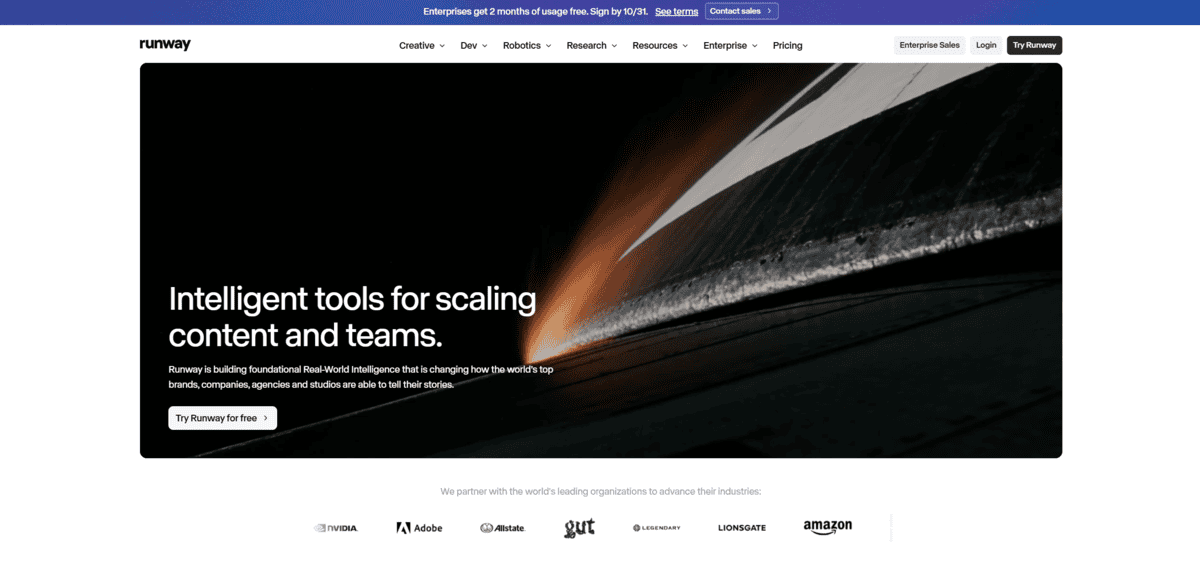
Runway
Flagship model | Gen-4.5, released December 2025 |
Pricing | Standard $15/mo, Pro $35/mo, Max $95/mo |
Free plan | 125 one-time credits, 720p, Gen-3 Alpha |
Output | 2 to 10 second clips, 720p, six aspect ratios |
Best for | Cinematic camera control and video-to-video effects |
The first thing I tested was camera timing. I asked for a slow dolly in, then a zoom after the third second. Gen-4.5 hit the beats almost frame for frame. That kind of choreography is rare in generated video.
Old Motion Brush and Director Mode sliders are gone. Camera moves now live in your prompt: dolly, orbit, crane, pan, tracking. A Camera Control panel handles pan and tilt, and keyframes cover start and end frames when I needed them precise.
At release, Gen-4.5 took the number one spot on Artificial Analysis’s Video Arena leaderboard, with Google’s Veo 3 second and OpenAI’s Sora 2 Pro seventh, per CNBC’s report. Runway also named its own failures in the launch notes: causal reasoning, object permanence, success bias. I appreciated the candor.
My tests matched part of that. Prompts stuck well, but faces and hands drifted across frames. Everything came out at 720p native, and the built-in 4K upscale only marginally helped. Curious Refuge’s independent hands-on test put Gen-4.5 around eighth place, behind Veo 3.1 and Luma Ray 3, with temporal consistency, visual fidelity and motion quality as the weak spots. Those were mine too.
No generated audio either. Every clip I made came out silent, so dialogue, ambience and sound effects have to come from somewhere else. That matters if one finished clip is the whole job.
Credits also burn fast on Gen-4.5. Treat your plan as a sampling budget rather than a production one, because retries add up quickly.
Aleph 2.0 is where Runway pulls ahead. Feed it an existing clip and edit in text: change the angle, relight the scene, swap an object. Nothing else I tested covered visual effects this directly.
If camera language drives your work, start here. If you need native sound or perfectly consistent frames, look elsewhere.

Descript
Best for | Podcasts, interviews, talking-head video |
Pricing (annual) | Free $0; Hobbyist $16; Creator $24; Business $50 per month |
Standout feature | Editing audio and video by editing the transcript |
Watch out for | Two usage meters: media hours and AI credits |
Platforms | Mac and Windows desktop app |
When I dropped a 40-minute talking-head file into Descript, it came back as a transcript. I edited the video by deleting words in a document. That shift sounds small. It is not. Scrubbing a timeline to find a rambling answer takes minutes. Highlighting it in the text takes seconds, and the cut lands in the media too.
I hit Remove Filler Words on an hour of tape. Every “um” and “you know” vanished in one action. Studio Sound surprised me more. My test clip had room echo and desk rumble, and one click got it close to a treated mic. Close enough that a laptop setup passes for a podcast rig.
Rooms handles remote guests in the browser, records each person locally so a shaky connection can’t wreck the take, and drops the files into the project already transcribed. Capture, edit, clips, one project. It mostly delivers.
For social, Create Clips pulls a handful of vertical and square clips out of one episode. Underlord does the same job from a prompt. Treat both as drafts. I rewrote every hook before posting.
Now the friction. Studio Sound applies to the whole file, not one bad section, and in my test it fell apart on audio that already had dropouts. Filler removal left visible jump cuts even with “Avoid harsh cuts” checked, and it ate a few words that mattered, which is how one r/Descript user put it. Hour-long projects felt slow too. Regenerate repairs short lines, but my testing stayed English-only, capped at 250 characters, single-speaker A-roll only.
Descript’s own pricing page lists Free $0, Hobbyist $16, Creator $24 and Business $50 a month on annual billing, and it meters two things at once, media hours and AI credits. Hobbyist cannot buy top-ups, so a heavy production month forces a Creator upgrade instead of a one-off bundle.
I would take Descript over CapCut for talking-head work because of the transcript, and over OpusClip because OpusClip only extracts clips while Descript edits the whole episode. HeyGen makes synthetic avatars. Descript edits real recordings. If capture quality is your biggest risk, Riverside is the better bet.
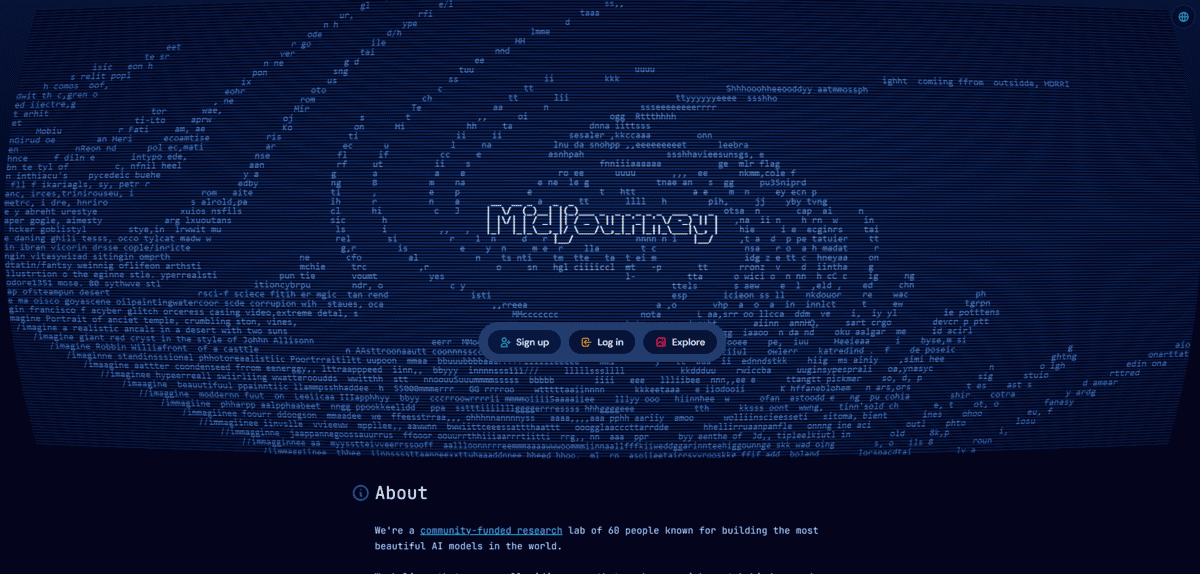
Midjourney
Best for | Creative visuals, thumbnails, brand art |
Latest model | V8.2, released July 24, 2026 |
Pricing | From $10/mo Basic, $30 Standard, no free tier |
Standout feature | Moodboards, style references, personalization |
Weak spot | Text rendering still unreliable |
The first thing I noticed was how rarely I threw an output away. I’d type a rough prompt for a thumbnail background and three of the four results were already usable. That consistency is what separates it from the free image generators I’ve dabbled with.
Style control is where I spent most of my time. I built a moodboard from about eight images matching the look I wanted, and every generation afterward carried that tone. What I liked more: a moodboard isn’t frozen. I swapped out two images when my look drifted, and the next batch followed the new direction. For anyone chasing a recognizable style across a channel, that beats raw resolution.
My main issue is text. If your thumbnail needs a headline baked in, don’t trust it. Lettering comes back misspelled or wobbly more often than not. I wasn’t alone there either. An early tester’s first-look writeup called text “better, but mixed,” nailing some runs and missing others. I generate the artwork clean, then drop copy in my editor.
Pricing is a real gate too. No free tier, so you test by paying. Midjourney’s own plan chart lists Basic at $10 a month and Standard at $30. Standard is the tier I’d pick for frequent work, since Relax mode gives you unlimited slow generations. Stealth Mode for private work only starts at Pro.
If your content lives or dies on visuals, I’d start here.
Gamma
Best For | Carousels and visual explainers |
Pricing | Free, Plus $9/mo, Pro $18/mo, Ultra $90/mo |
Free Plan | Yes, 400 one-time credits, adds a watermark |
Exports | PNG, PDF, PowerPoint, embed |
Learning Curve | Low, first draft in minutes |
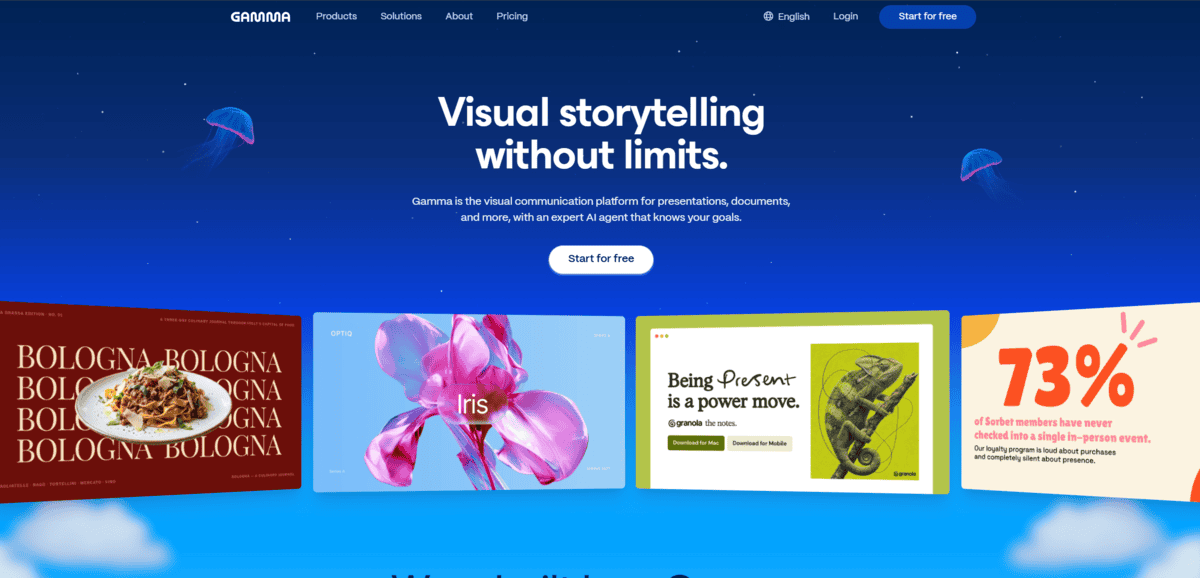
The first thing I tested was the fast path. I pasted a blog URL, picked the Social format, chose square for Instagram, and had a draft carousel in a few minutes. Toggling off weak sections took seconds.
What kept me coming back is one workspace for carousels, docs, and decks. I set my brand theme once and it applied to every slide. The AI image generation sits in the same flow, so I rarely left the editor to hunt for visuals.
Exports are flexible. PNG for Instagram, PDF for LinkedIn. If PowerPoint matters to you, go in with eyes open. Memeburn scored PowerPoint compatibility at only 6.8/10, and I hit the same rough edges. Exports needed cleanup.
Canva is the obvious alternative. I think it wins on manual design control. Gamma wins on speed and narrative structure, which is what I wanted for a quick carousel.
My real gripes: the free tier carries a watermark, and credits burn fast when you iterate on images. The annual refund window is something to watch too. Seven days, no refunds after that, and I only spotted it in the fine print.
For prompt-to-carousel work, I’d pick Gamma. For pixel-level design, I still wouldn’t.


