
Over 150 million people now use AI image generators every month, producing roughly 80 million images per day. The market exploded to $12.4 billion in 2026, and 87% of marketers now use these tools for visual content, according to recent industry research. The problem is obvious: dozens of tools claim the top spot, but most produce flat, generic output that looks nothing like what the demos promise.
You might have already wasted credits on a generator that gave you weird hands, blurry faces, or images that just look off. That frustration is real, and it is exactly why this list exists.
I narrowed it down to 10 generators that actually hold up in 2026, ranked by real output quality, pricing, and how well each one fits different creative needs.
The Rundown
- Text-Heavy Graphics Made Simple: ChatGPT Images, “Generate marketing visuals with 99% text accuracy by talking to it like an art director sitting next to you.”
- Infographics With Live Data: Nano Banana Pro, “Build information-rich graphics that pull real-time data from Google Search, free in the Gemini app.”
- Zero-Cost Image Generation: Google Flow, “Generate unlimited images without spending a single credit, since image creation is completely free on the free tier.”
- Carry One Style Across Images: Krea, “Upload reference images to extract and apply consistent visual style across dozens of generations without retraining.”
- Commercial Content Your Legal Team Can Approve: Adobe Firefly, “Generate images trained only on licensed content with contractual IP indemnification for enterprise-safe production.”
- Artistic Visuals Without the Art Director: Midjourney, “Get cinematic, stylized imagery that looks professionally art-directed without touching a single parameter or prompt modifier.”
- When Realism Matters Most: FLUX, “Produce camera-quality product shots and portraits with accurate physics, skin texture, and lighting that behaves.”
- True SVG Vectors From Prompts: Recraft, “Generate editable SVG vectors you can open directly in Figma or Illustrator without tracing or conversion.”
- Your Open-Source Production Pipeline: Stable Diffusion, “Run unlimited generations locally with over 100,000 custom LoRA models and zero per-image costs ever.”
- Compare 15 Plus Models in One Place: Leonardo AI, “Test the same prompt across Nano Banana, Flux, Seedream, and Leonardo’s own models within one subscription.”
The Best Ai Image Generators
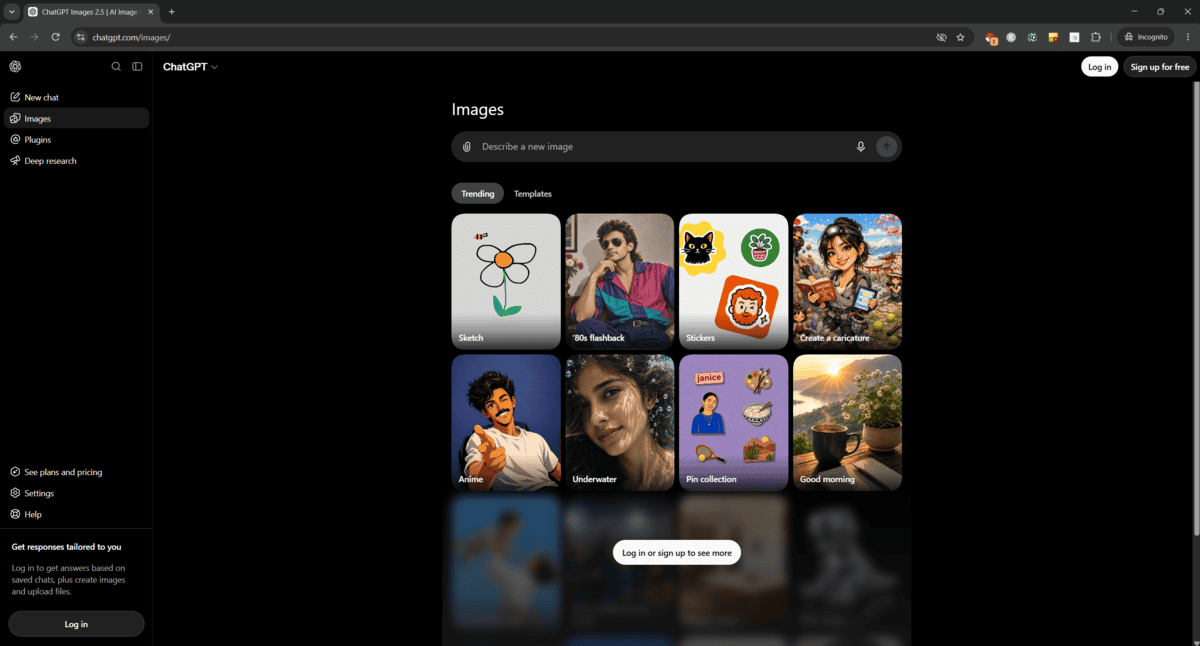
ChatGPT Images
Pricing | Free (5 images/day) / Plus $20/mo (50/day) / Pro $200/mo (unlimited) |
Resolution | Up to 2048×2048 (2K) on paid plans |
Best For | Marketing graphics, product visuals, social media content |
Learning Curve | Nearly zero |
Text Rendering | 99% accuracy (Zapier) |
I tested a lot of image generators for this roundup. ChatGPT is the one I kept recommending to non-designers.
The big shift happened in April 2026 when OpenAI launched Images 2.0 as a complete rebuild. The AI now reasons before it draws, which cuts visible errors by about 40% compared to the old DALL-E system. Then Images 2.5 dropped in August with a Comment tool that lets you click a spot on your image and type a one-line fix. It sounds small. It changes everything.
Here’s what I mean. I generated a product mockup, typed “swap the background to warm beige,” and got a clean result in under 20 seconds. No masks. No layers. No parameters. You just talk to it like an art director sitting next to you.
Text rendering is genuinely impressive. I tested bilingual event posters with Thai and English, and Zapier’s hands-on comparison confirms GPT Image 2 achieves 99% text accuracy with the standard Latin alphabet, far ahead of Midjourney. If your work involves labels, menus, or social posts with copy baked in, this matters.
It’s not perfect. Batch generation runs slower than Midjourney. I hit a noise amplification bug after several edits in one session that forced a restart. Complex physics like water splashes or glass reflections still look off. And ethical guardrails mean you won’t get public figures or copyrighted characters.
But at $20 a month bundled with everything else ChatGPT offers, the value is hard to argue with. For marketers and small business owners who need quick, good-enough visuals without a subscription to three separate tools, this is the starting point.
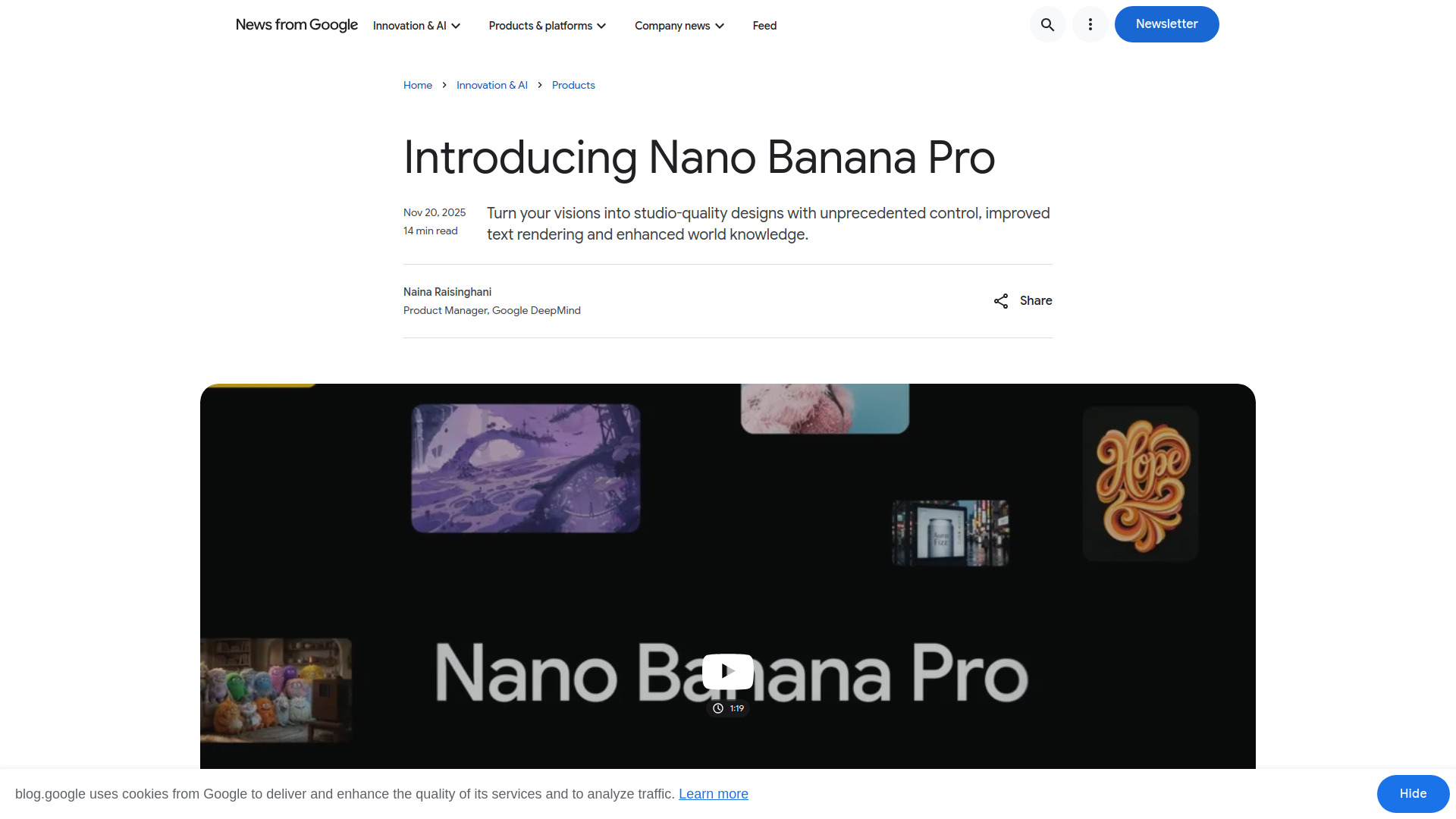
Nano Banana Pro
Pricing | Free in Gemini app (watermarked), ~$0.13–$0.24/image in AI Studio |
Free Plan | Yes, through Gemini app (includes visible watermark) |
Best For | Infographics, diagrams, posters, and text-heavy visuals |
Text Rendering | Rated 4/5 for text-in-image accuracy by FrankX.ai |
Search Grounding | Yes, pulls real-time data from Google Search |
I expected Nano Banana Pro to be another image model that slaps text on a picture and calls it an infographic. I was wrong, but not entirely.
Google built this model on Gemini 3 Pro specifically for information-rich graphics. It handles text rendering better than most competitors, handling taglines and short paragraphs without garbling letters. For longer text blocks though, it gets sloppier. I noticed consistent misspellings when I pushed beyond a dozen words.
The real differentiator is Google Search grounding. No other image generator natively pulls live data from a search engine. I built a weather infographic with current forecasts and it nailed the numbers. For educational content or explainer posts, this alone changes the workflow.
Where it struggles is the same place every image model struggles: brand consistency. If you hand it a vague prompt, you get clip art soup. I had to build detailed style guides and use two-step prompting (parse content first, apply style second) before outputs looked anything close to intentional.
In a side-by-side comparison with ChatGPT’s GPT Image 2, Nano Banana produced cleaner, illustrated layouts while ChatGPT went dense and photorealistic. Neither is strictly better. It depends on whether you want textbook-clean or atlas-packed.
If you make educational content, explainers, or social posts that need factual graphics, Nano Banana Pro deserves a spot in your rotation. Just don’t skip the style guide step.
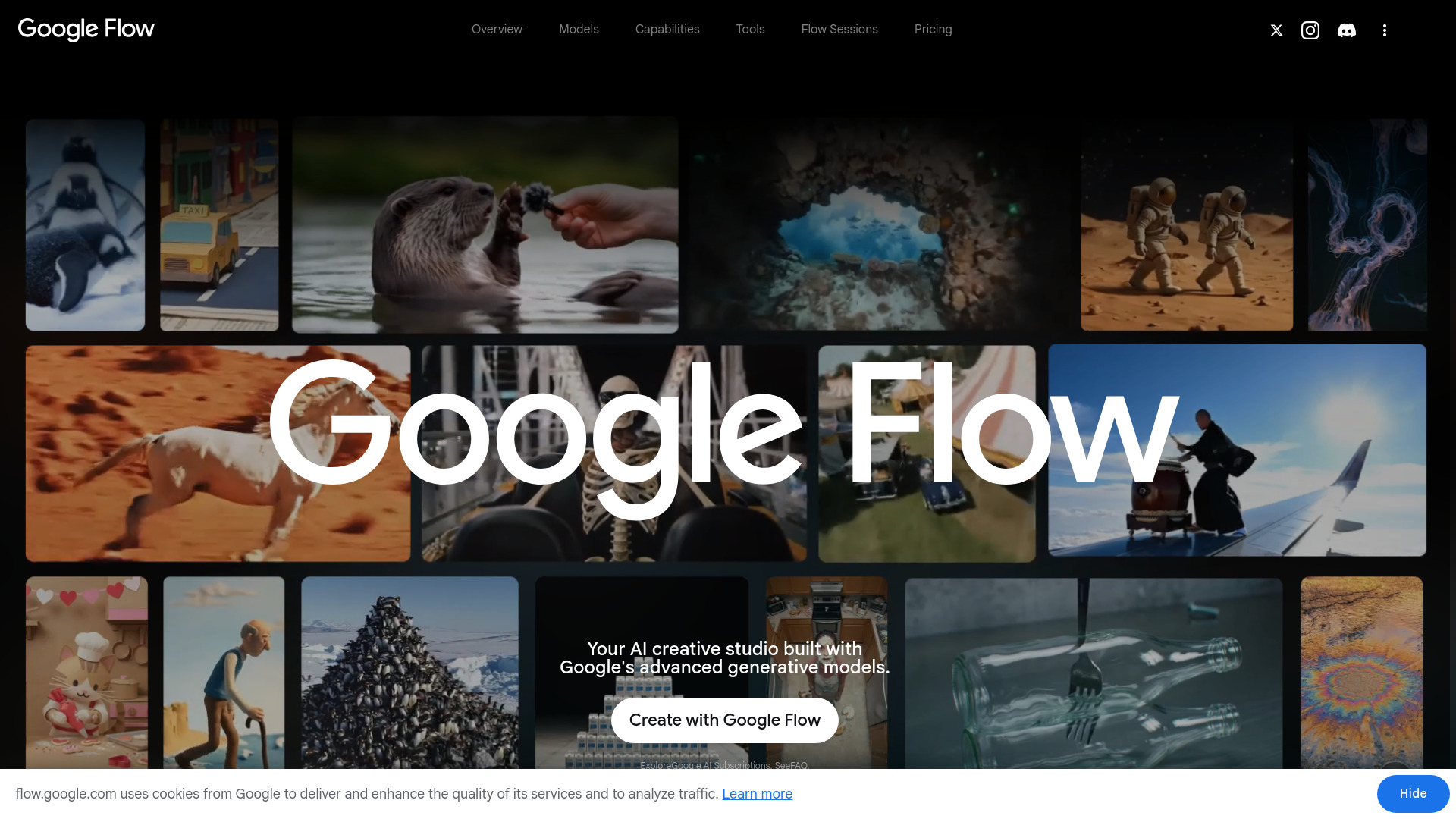
Google Flow
Pricing | Free (50 daily credits for video only) |
Image Cost | 0 credits per generation |
Default Model | Nano Banana 2 (512px to 4K) |
Best For | Social media, design concepts, creative exploration |
Availability | Not available in EU or UK |
When I first tested Google Flow for image generation, I kept waiting for the catch. There wasn’t one. Image generation costs literally zero credits on the free plan. Your 50 daily credits are only consumed by video creation.
The February 2026 merger of Whisk and ImageFX into Flow turned this into a proper creative studio. You generate an image, then immediately use it as input for video. The workflow stays in one place.
Nano Banana 2, the default model, supports up to 4K resolution and maintains consistency for up to five characters in a single image. For a free tool, that’s serious capability.
But I have to be honest about what I found. Some outputs looked genuinely great. Others had that unmistakable AI look. Newer competitor models sometimes produce more photorealistic results, which tracks with what I saw in side-by-side testing. Reddit discussions back this up, with users reporting quality fluctuations over time. An independent review still gave free image generation 4.5 out of 5, so the baseline is solid.
The big limitation nobody mentions upfront: Google Flow is not available in EU and UK regions due to regulatory requirements. A paid subscription does not override that geographic block.
For students, hobbyists, and content creators on a budget, this is the best free option available right now. Just don’t expect Midjourney-level polish on every generation.
Krea
Pricing | Free (100 units/day); Basic $10/mo; Pro $35/mo; Max $60-$105/mo |
Best For | Style transfer and reference-based image generation |
Ease of Use | Moderate. Real-time canvas is intuitive; credit system takes getting used to |
Platforms | Browser-based (desktop) |
Free Plan | Yes. ~50 Turbo generations per day on the free tier |
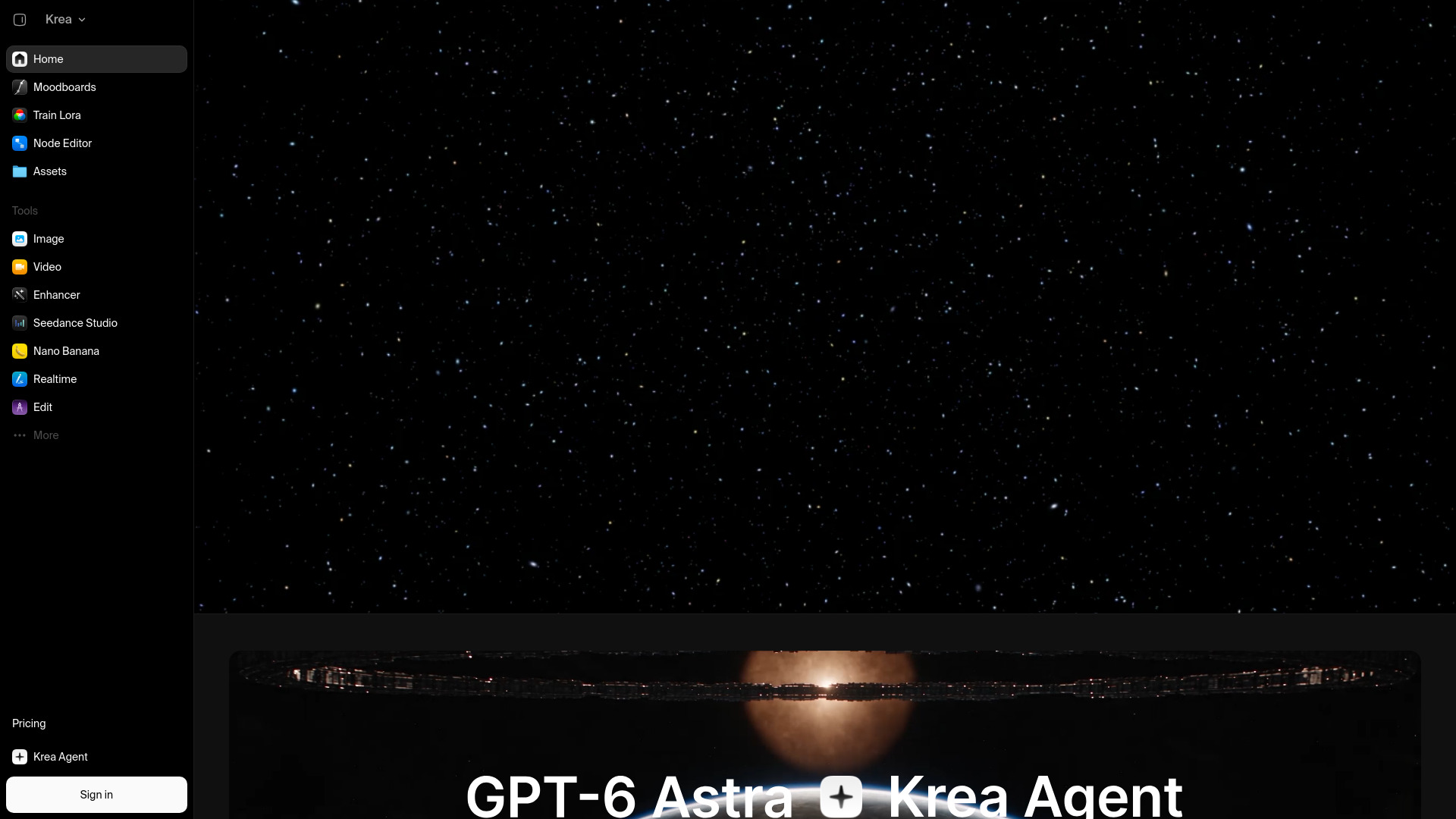
What drew me to Krea was its two-track approach to image-to-image. You can drop a single image into the style transfer slot and let it extract palette, texture, lighting, and composition language. Or upload up to 15 reference images that guide layout and color simultaneously.
I tested the style reference workflow first. It works best when you have a strong visual direction but need to apply it across multiple subjects. A Contra Labs benchmark put Krea 2 Large within 0.14 points of GPT Image 2 on style fidelity, which tracks with what I saw. The mood stayed consistent even when I changed prompts mid-session.
The multi-model access caught me off guard. Most tools lock you into one model family. Krea gives you over a dozen to switch between per generation. That flexibility matters when you’re exploring styles before committing to a final render.
I kept coming back to the real-time canvas though. You sketch, you prompt, and the image updates live. For rapid ideation it beats typing prompts and waiting every single time.
The credit system frustrated me. What starts feeling cheap at 2 units per Turbo generation adds up fast when you’re batch-producing product shots or experimenting with upscaling. GStory flagged the same issue: video generation gets expensive quickly, and the credits are not always easy to predict.
Text rendering is weak. If your images need on-screen copy, Avocado AI recommends Ideogram V3 or GPT-Image 2 instead. And some outputs carried a warm tint I couldn’t always shake.
My main takeaway: if your workflow depends on carrying one visual style across many images, Krea earns its spot. The style transfer system is genuinely useful for brand consistency across product lines. Just budget your credits carefully and don’t expect it to handle text-heavy layouts.
Adobe Firefly
Pricing | Free to $199.99/month |
Free Plan | 25 credits/month, no commercial use |
Best For | Commercial content production and brand-safe workflows |
Commercial Safety | IP indemnification for enterprise customers |
Ease of Use | Very easy, especially inside Creative Cloud apps |
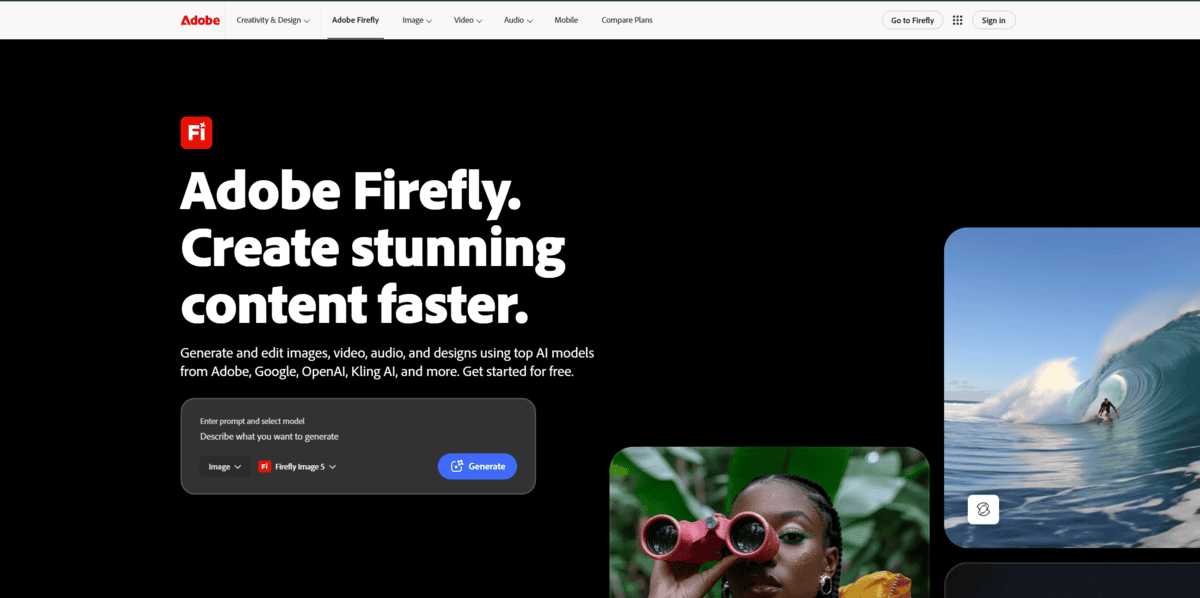
The first thing I noticed about Firefly is what it was trained on. Adobe built it exclusively on licensed Adobe Stock, public domain, and openly licensed content. This training data approach is the entire reason Firefly exists the way it does. When you generate something for a client campaign, your legal team can actually approve it.
I tested Firefly specifically for commercial use scenarios, and that licensed-training-data foundation shows up everywhere. It is the only mainstream AI image generator offering contractual IP indemnification. Midjourney’s own 2026 terms explicitly disclaim liability for third-party IP claims. That is a massive gap if you are producing client-facing content.
Where Firefly really shines is inside Photoshop and Illustrator. Generative Fill, Generative Expand, and text-to-vector generation work without leaving your existing workflow. If you already live in Creative Cloud, this feels less like adopting a new tool and more like getting a free upgrade. The AI Assistant introduced in 2026 lets you describe multi-step edits in natural language across Premiere, InDesign, and Frame.io.
Pricing jumped in January 2026. Adobe raised plan prices by 20-50%, which caught some teams off guard. The Standard plan at $9.99 per month gives you 2,000 credits and full commercial rights. Video generation eats credits much faster, at 25-100 per operation compared to 1-4 for images.
I will be honest about the tradeoff. Firefly produces clean, commercially safe images that look professional. But they lack the cinematic drama and artistic tension that Midjourney delivers. If you are building mood boards or concept art, Firefly will feel conservative. If you are producing marketing assets at scale, that conservative quality is exactly what keeps brands consistent.
Who should use it? If your legal team asks about copyright exposure on AI-generated assets, Firefly is the answer. Marketing agencies, enterprise design teams, and anyone producing content for distribution will find the indemnification alone justifies the subscription. If you are an independent artist chasing a specific aesthetic, Midjourney is probably the better fit.
Midjourney
Pricing | $10 – $120/month |
Best For | Artistic & stylized visuals |
Current Version | V8.2 (July 2026) |
Free Plan | None |
Learning Curve | Moderate to steep |
I kept coming back to one idea while testing Midjourney: it is not trying to be the most literal, it is trying to be the most beautiful. Default color grading, depth-of-field, and lighting produce images that look art-directed without touching a single parameter.
V8.2 is the current default as of July 2026. Midjourney describes it as more “creative, bold, sophisticated, and edgy.” The personalization system also got sharper. Spend enough time generating and the model starts understanding your taste.
Pricing is flat. Basic starts at $10 per month for roughly 200 images. Standard at $30 gives you 15 fast GPU hours plus unlimited relaxed generation. That relaxed tier is where Midjourney quietly becomes excellent value.
The Discord workflow still creates friction though. Commands, bot channels, waiting in queues, then a chain of buttons for variations. It works, but it is slower than typing a sentence in ChatGPT and getting an image back. If speed and simplicity matter more than polish, other tools in this list win that race.
Midjourney also lacks a public API. For anyone building automated pipelines or product integrations, that is a dealbreaker. It is a subscription-only creative tool, not a developer platform.
Character consistency across multiple images remains weak. As Julian Weber pointed out, it creates beautiful images but struggles to keep the same character recognizable across different scenes. Moodboards and style references help, but they do not fully solve it.
Where Midjourney genuinely shines is concept art, editorial illustration, and album covers. Any project that needs atmosphere over literal accuracy. The built-in image-to-video feature, turning stills into 5-second clips extendable to 21 seconds, is also unique among these tools. No other option here ships a video model alongside its image generator.
Penchan’s 2026 comparison confirms what I found in my own testing: Midjourney trails on benchmark scores for prompt adherence, but its default rendering taste is something users genuinely prefer. That gap between “technically accurate” and “actually beautiful” is where Midjourney lives.
If you write anime or manga-adjacent work, Niji 7 launched in January 2026 as a dedicated model. For everyone else, V8.2 is where to start.
FLUX
Pricing | ~$0.03/image (Pro API); ~$0.055/image (Replicate) |
Free Plan | FLUX Schnell, Apache 2.0, fully commercial |
Best For | Product photography, realistic portraits, brand assets |
Learning Curve | Moderate. Requires precise prompting for best results. |
Platforms | BFL API, Replicate, fal.ai, Together AI, local (ComfyUI) |
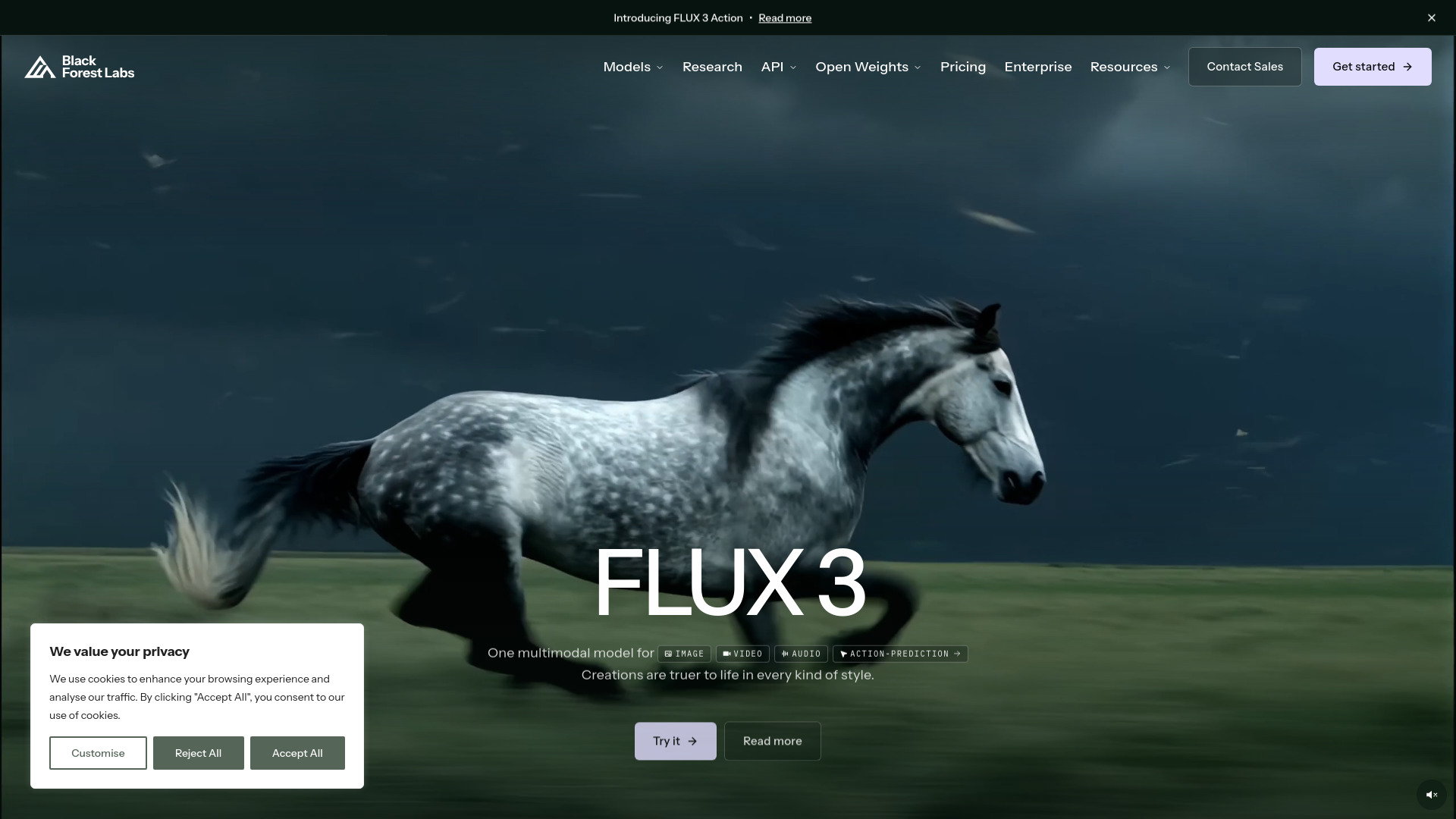
FLUX is for anyone who needs photorealistic images that look genuinely shot with a camera.
FLUX does one thing exceptionally well. It generates images that look real. Not artistically embellished. Not stylized. Real.
I tested it across product shots, portraits, and editorial covers. Across 40+ renders spanning product photography and ad creative, FLUX 2 Pro delivered photorealistic output nine times out of ten. In a July 2026 head-to-head against Midjourney V8.1, FLUX matched or beat Midjourney on accuracy and consistency for neutral photorealism. Where Midjourney adds its own aesthetic polish, FLUX gives you exactly what you asked for. Skin pores, fabric texture, lighting that behaves like physics. It just works.
The catch is that FLUX is literal. It does what you tell it, which means you need to tell it well. Lighting, composition, mood, all explicit. Midjourney fills in the gaps with its own taste. FLUX expects you to bring yours.
For e-commerce work, the multi-reference feature supports up to ten images without fine-tuning. The HEX color matching ensures brand colors stay exact. I found Raw Mode surprisingly good at producing that candid, unpolished photography feel without the usual AI sheen.
The learning curve is steeper than Midjourney. There is no centralized Discord community sharing tips and prompts. Knowledge is scattered across platforms. If you want the tool to interpret your vague ideas into beautiful images, Midjourney handles that better. But if photorealistic accuracy is what matters most, FLUX earns its spot.
Recraft
Pricing | Free, $10/mo, $27/mo, $48/mo |
Best For | Vector icons, logos, and branded graphics |
Key Feature | Native SVG vector output from prompts |
API | Yes, from $0.035/raster to $0.08/vector |
Ease of Use | Medium, designed for designers |
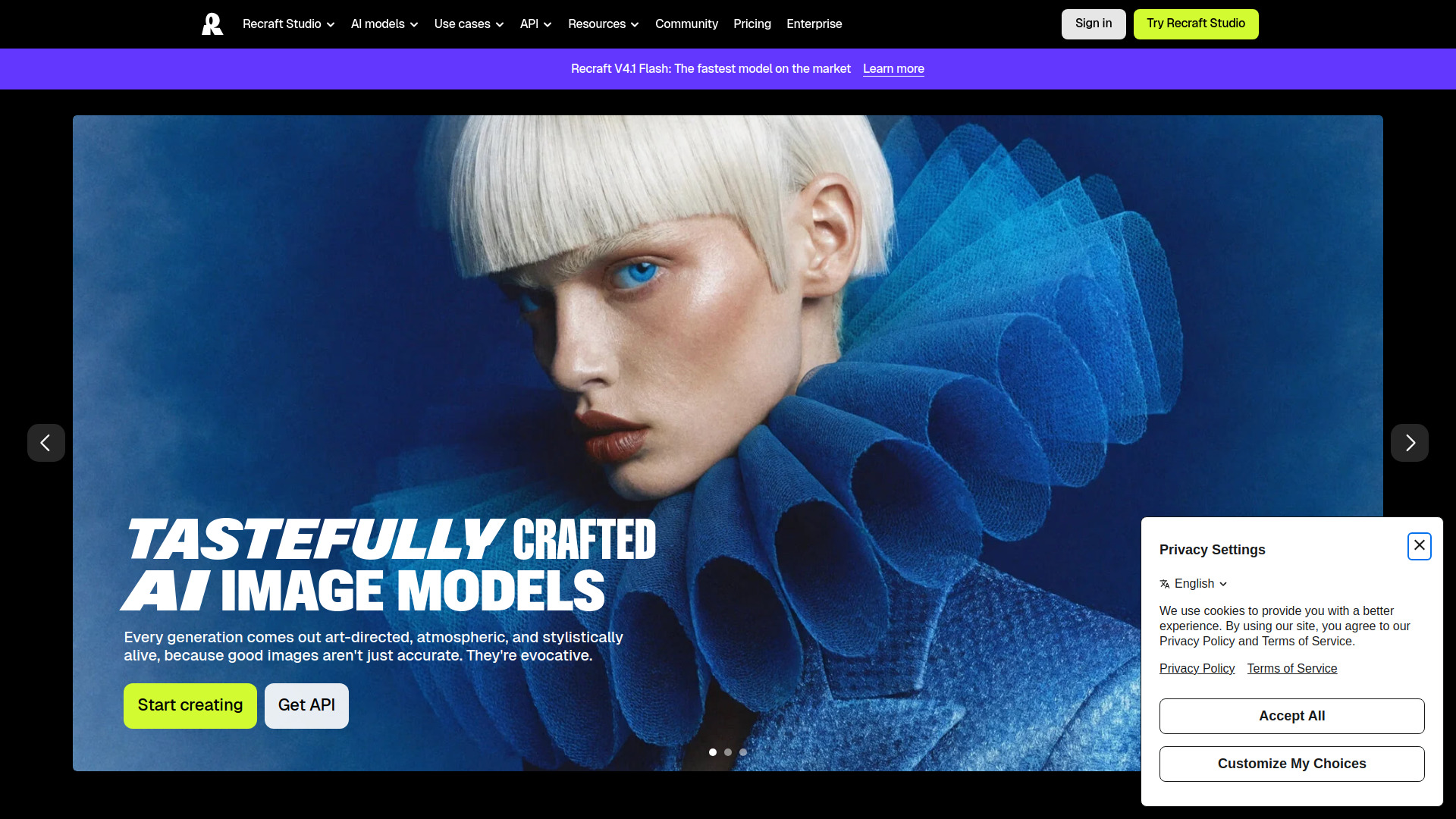
Recraft is the only AI image generator I found that outputs true editable SVG vectors directly from a prompt. Not a raster image traced after the fact. Actual clean paths you can open in Figma or Illustrator and move anchor points around.
When I dug into real-world results, one designer documented saving 2-4 hours of manual vectorization per project. That kind of time savings adds up quickly if you’re producing icons, logos, or UI assets on a deadline.
Two 2026 updates changed the workflow. The Vector Editor, which the company launched in July, lets you edit SVG paths point-by-point inside Recraft itself. No more round-tripping to Illustrator for minor fixes. Then V4 Styles arrived in August. You define a style once and apply it across dozens of outputs. For brand teams managing multiple clients, that consistency tool alone justifies the subscription.
Where it falls short matters too. Photorealism is not Recraft’s strength. For hyperrealistic product shots, Flux 2 Pro or Midjourney will outperform it. Raster output caps at 2048×2048. No video generation. I found documented complaints about infrastructure reliability, including export failures and credits deducted for broken generations.
Pricing starts free with 30 daily credits for evaluation. Pro runs $10/month with full commercial rights. The real value for teams is the API, where vectorizing an existing image costs just $0.011. If your work centers on vectors, icons, or branded assets, Recraft deserves a serious look.
Stable Diffusion
Pricing | Free (open-source) |
Free Plan | Fully open-source, no restrictions |
Best For | Customization, local workflows, production pipelines |
Ease of Use | Steep learning curve |
Platforms | Windows, macOS, Linux |
I expected Stable Diffusion to feel like a toy compared to Midjourney. It didn’t.
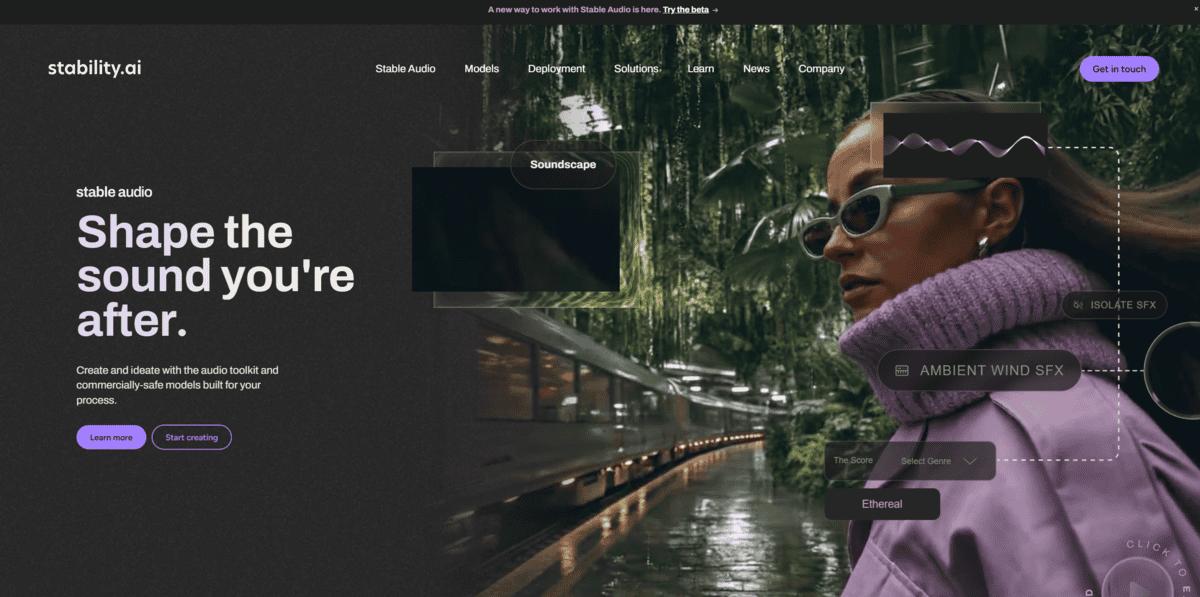
The LoRA ecosystem sets it apart from every other tool on this list. According to AI Productivity, Civitai hosts over 100,000 custom models. You can train your own using as few as 5 images on a gaming GPU, as BentoML notes. I trained one for about $2 in cloud costs. According to Tech Insider, LoRA now holds roughly 38.5% of the parameter-efficient fine-tuning market. That’s how dominant this technique has become.
ComfyUI is where things get serious. The node-based interface intimidated me at first, but it gives you control over every single step of generation. I built pipelines combining ControlNet for pose guidance with stacked LoRAs at different weights, then exported the whole thing as a JSON file I can revisit anytime. No other generator gives you this kind of workflow depth.
Running locally means zero per-image costs, no content filters, and no rate limits. As AI Tool Discovery explains, you need 4GB VRAM for SD 1.5 or 8GB for SDXL. Once your hardware is set up, you generate thousands of images a day at no extra charge.
Midjourney still wins for quick ideation. But once your work needs to become a repeatable production system with branded variants and consistent subject treatment, Stable Diffusion is where you land. The r/StableDiffusion community has over a million members for a reason.
Leonardo AI
Pricing | Free, $12/mo, $30/mo, $60/mo |
Best For | Comparing outputs across multiple AI models |
Models Available | 15+ from 5+ providers |
Custom Training | LoRA models, 10-50/month by plan |
Platforms | Web app, API |
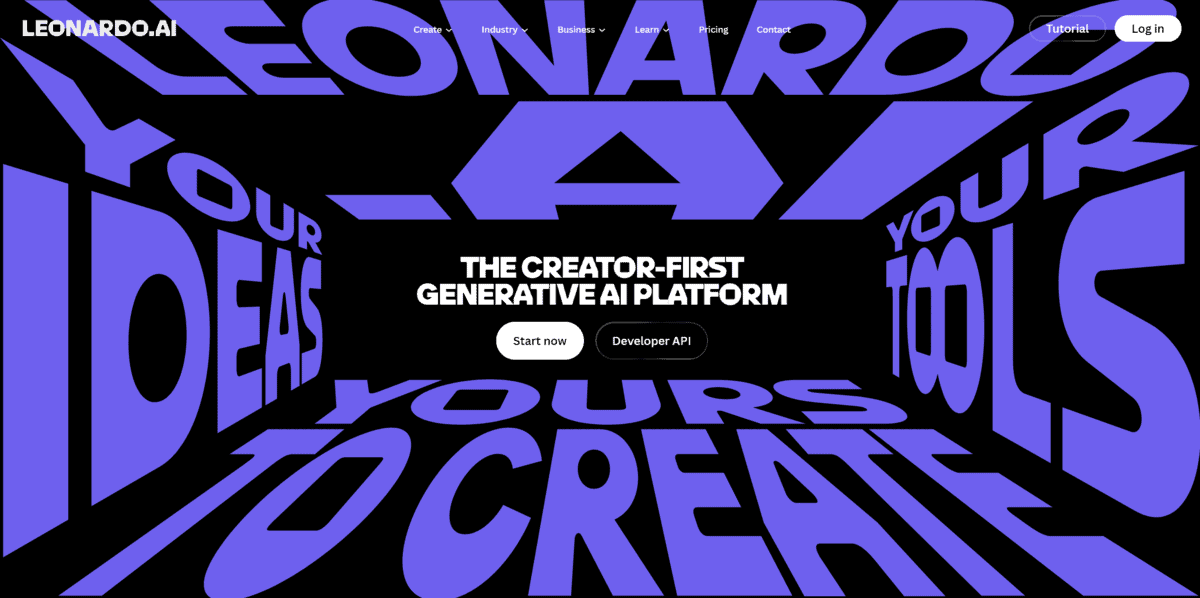
Leonardo AI gives you Google’s Nano Banana, OpenAI’s GPT Image, Black Forest Labs’ Flux family, ByteDance’s Seedream, and several of Leonardo’s own models all in a single dropdown. I spent time testing how it handles real creative workflows, and the multi-model access is genuinely useful. You can paste the same prompt, upload the same reference image, and flip between models to see how each one interprets the brief.
What I found most practical was the A/B comparison workflow. Rather than opening four browser tabs with four subscriptions, I could run the same concept through Lucid Realism for photorealism, Flux-2 Pro for detail, and Nano Banana for speed, then pick the result that fit. It turns model selection into an actual creative decision instead of a guess.
Leonardo also lets you train personal LoRA models that appear right in that same model dropdown. Flux Dev is the training base, and on higher tiers you get up to 50 custom models per month. I tested the Consistent Character Engine too, which locks a face or product style across dozens of generations without separate training. That’s something competitors haven’t matched yet.
Here’s the catch though. “Unlimited relaxed generation” only covers Leonardo’s own first-party models. Every third-party model, including GPT Image and Nano Banana, always burns tokens regardless of your plan. One analysis found that a single 8-second video clip costs roughly the same as 300 basic image generations. Token-heavy models like Lucid Realism run about 66 credits per image. Budget accordingly.
According to Tech Insider’s comparison, Leonardo is the only consumer tool bundling hosted generation, an editing canvas, LoRA fine-tuning, and a public API into one subscription. Midjourney still wins on raw visual polish, but I’d rather have the flexibility when I’m iterating quickly.


