
Most people assume AI art generators all produce similar quality. They’re wrong.
I used to think that too. Then I ran the same prompts through twelve different tools and got wildly different results. The gap between top-tier and bottom-tier tools is massive.
The AI image generation market hit $12.4 billion in 2026, with over 150 million monthly users generating 80 million images per day, according to Imagera AI research. I tested over a dozen generators this year, comparing real output across illustrations, product mockups, concept art, and print designs.
Here are the 9 best AI art generators in 2026 that actually hold up.
The Rundown
- If You Want Conversational Editing: ChatGPT, “Refine images through natural chat prompts while getting roughly 99% text accuracy across 48+ languages.”
- When You Need Multi-Edit Memory: Nano Banana, “Iterate on characters across multiple turns while the tool remembers your previous changes and keeps faces consistent.”
- For Cinematic Visual Quality: Midjourney, “Generate stylistically stunning artwork that interprets mood and composition with an almost human artistic sensibility.”
- If You Work With Vectors: Recraft, “Output native SVG and EPS files with editable paths you can open directly in Illustrator or Figma.”
- When Typography Matters Most: Ideogram, “Create posters, signage, and covers with roughly 90% text rendering accuracy that puts competitors to shame.”
- Your Safe Commercial Choice: Adobe Firefly, “Generate visuals trained only on licensed content with full IP indemnification across every paid plan.”
- For Game Asset Workflows: Leonardo AI, “Train custom models and lock character consistency across dozens of images using specialized model routing.”
- If Photorealism Is Non-Negotiable: FLUX, “Produce product shots and portraits that pass as real camera output at roughly three cents per megapixel.”
- Your Style Exploration Playground: Krea, “Compare over a dozen image models through a real-time canvas where visuals update live as you adjust parameters.”
The Best Ai Art Generators
ChatGPT
Pricing | $20/month (Plus); free tier available with limited generations |
Best For | Beginners, content marketers, casual creators |
Key Strength | Conversational editing and text-in-image rendering |
Text Accuracy | ~99% across 48+ languages |
Max Resolution | 4K (2K stable) |
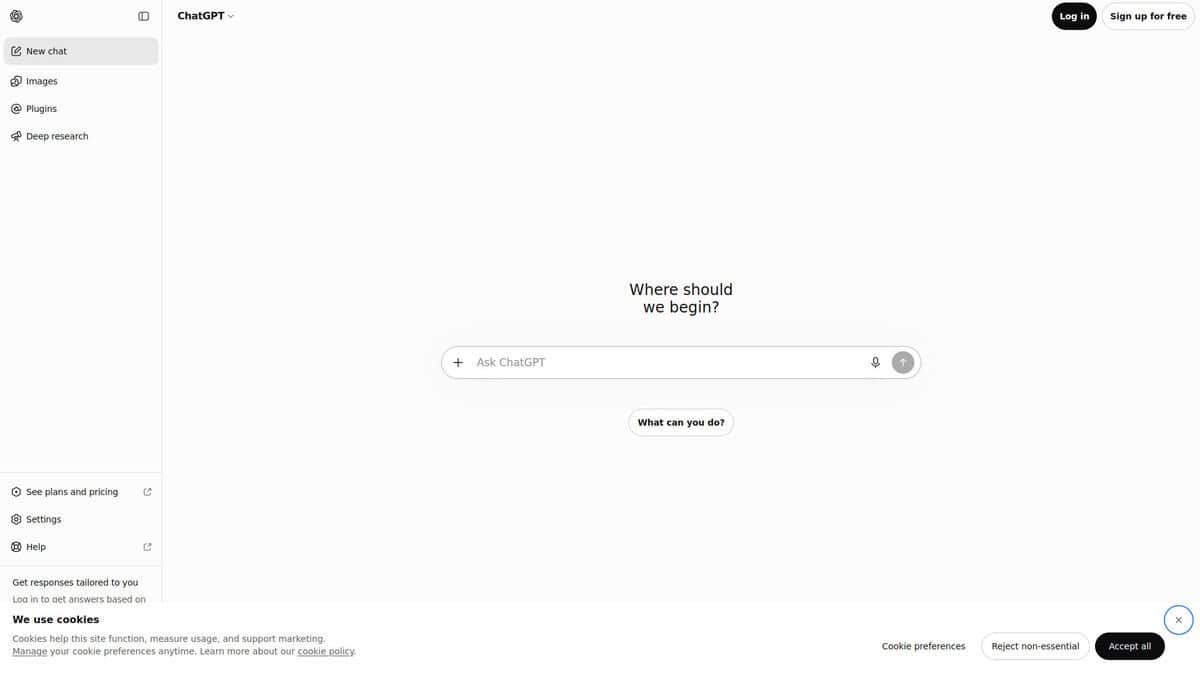
When I first tried GPT Image 2 after its April 2026 launch, what hit me was how little effort it took. I described a scene in two sentences, got something usable, then fixed it by just chatting. “Make the lighting warmer.” “Change the background to a coffee shop.” No prompt rewriting, no fiddling with parameters. That conversational loop is the real hook here.
The text rendering genuinely surprised me. Independent tests from Deep Dream Generator clocked it at roughly 99% accuracy across Latin, Chinese, Japanese, Korean, and Hindi scripts. If you’ve ever fought with Midjourney turning your poster headline into gibberish, this matters. I used it for social graphics with embedded copy and got clean results almost every time.
One thing I noticed quickly though. When I pushed hard, generating image after image to refine a concept, the Plus plan hit me with rate limits. According to Reddit users, these limits are dynamic and unpublished. Sometimes you get unlimited flow. Sometimes you wait 14 minutes after two images. It’s inconsistent, and during a creative sprint, that’s frustrating.
Style consistency also tripped me up. I could nail one gorgeous image and then struggle to get the next generation to match. Even copying the same prompt produces different aesthetics. For one-off images, no problem. For a branded series, you’ll burn through attempts.
And I’ll be honest. For pure artistic beauty, Midjourney still wins. ChatGPT gives you what you asked for. Midjourney gives you something gorgeous you didn’t know you wanted. Different strengths entirely.
But at $20/month bundled into Plus, with no separate subscription, it’s the easiest on-ramp. If you’re already paying for ChatGPT, image generation is included. No extra setup, no new interface. That accessibility is why it sits at the top of this list.
Nano Banana
Best For | Multi-turn image editing with character consistency |
Pricing | Free tier; AI Plus from $4.99/mo; AI Pro $19.99/mo |
Standout Feature | Remembers context across edits; up to 5 characters at once |
Limitation | Consumer app quality dropped after Nano Banana 2 replaced Pro |
Platforms | Gemini app, Google Workspace, AI Studio, API |
Nano Banana isn’t a standalone product. It’s Google’s community nickname for the image generation built into Gemini. You won’t find a separate app or dashboard. Everything happens inside Google’s chat interface, which is either convenient or frustrating depending on your workflow.
What pulled me in was the multi-turn editing. I could upload an image, ask for a change, then ask for another. Nano Banana remembers what it did before. Midjourney and ChatGPT’s image gen make you re-describe everything from scratch each time. That difference matters when you’re iterating on a character across ten different poses.
Community testing on Reddit confirmed it can hold up to 5 people and 14 objects consistent across edits. I found the trick is giving each reference image one job: one for identity, one for pose, one for style. Trying to combine everything into a single reference muddies the output.
The elephant in the room: Google quietly swapped Nano Banana Pro for the weaker Nano Banana 2 as the default in early 2026. The switch happened on February 26 via a remote update to the Android search app, replacing Pro across Fast, Thinking and Pro modes. Pro is still there behind a “Redo with Pro” button, but only for paying subscribers, and even that access feels unreliable.
If your work lives inside Google Workspace already, the integration is genuinely useful. I used it directly inside Slides and Ads without switching tools. Google’s own blog confirms the rollout across Ads, Slides, and Vids. It feels less like a standalone generator and more like a creative layer baked into tools I already use. The free tier is surprisingly capable for quick edits too. But if you want a dedicated image editing tool with fine-grained controls, this won’t replace that.
Midjourney
Pricing | $10 – $120/month |
Free Plan | None |
Best For | Artistic and cinematic visuals |
Latest Version | V8.2 (July 2026) |
Learning Curve | Moderate |
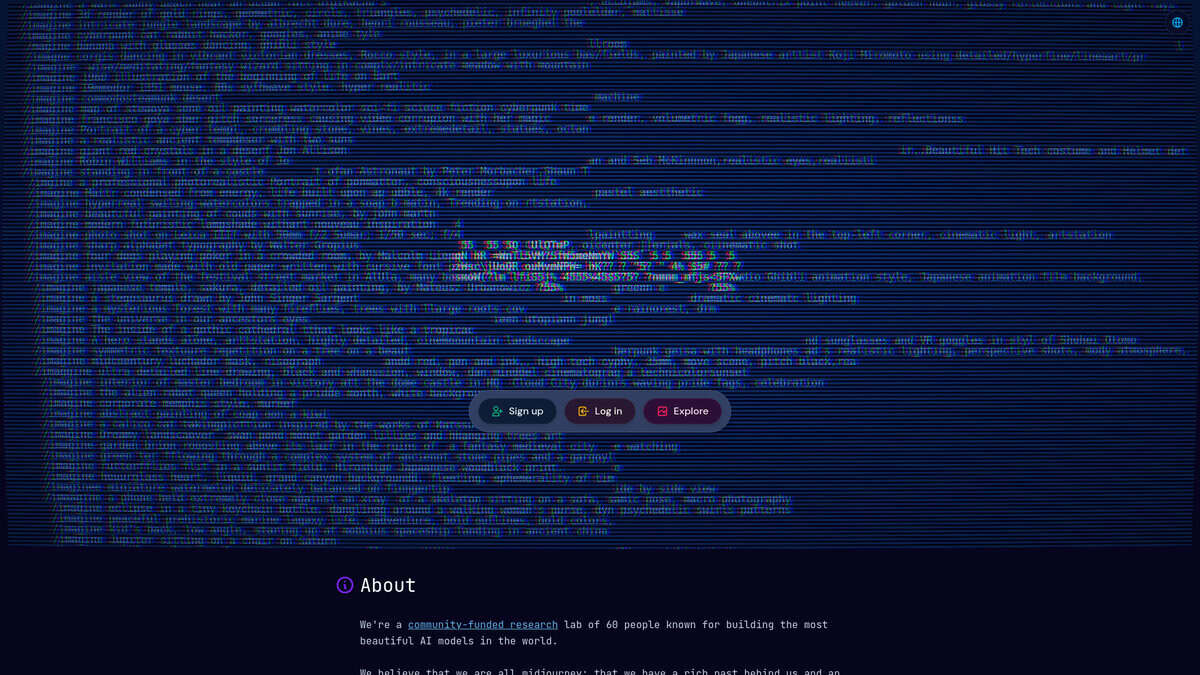
After testing dozens of AI image generators, Midjourney is still the one I reach for when the goal is a visually stunning result. It doesn’t just render prompts. It interprets mood, lighting, and composition in a way that feels closer to art direction than code output.
V8.1 brought a real jump. Native 2K images without upscaling, better prompt reading, and Raw mode for stripping away default styling. Then V8.2 landed in July and pushed the aesthetics further. Outputs are bolder and more sophisticated.
The personalization system is what makes Midjourney genuinely different. You train a style profile by selecting images you like, and the tool learns your taste over time. V8.2 improved this significantly. The old image-pair ranking was tedious. The new scrolling grid is faster, and you can create multiple profiles for different project styles.
Tradeoffs exist. No free tier means you pay before you try. Text rendering improved but remains unreliable for complex typography. Midjourney also faces three major copyright lawsuits, with zero IP indemnification for users, which matters for commercial work. Reddit discussions reflect growing sentiment that bundled tools like ChatGPT are “good enough” for casual use.
If artistic quality is your priority, Midjourney earns its reputation. For casual or text-heavy work, other options cost less and demand less.
Recraft
Best For | Vector assets, logos, icons, brand illustrations |
Pricing | Free (30 daily credits), Pro from $10/month |
Vector Output | Native SVG and EPS with editable paths |
Ease of Use | Moderate learning curve |
Platforms | Web-based editor |
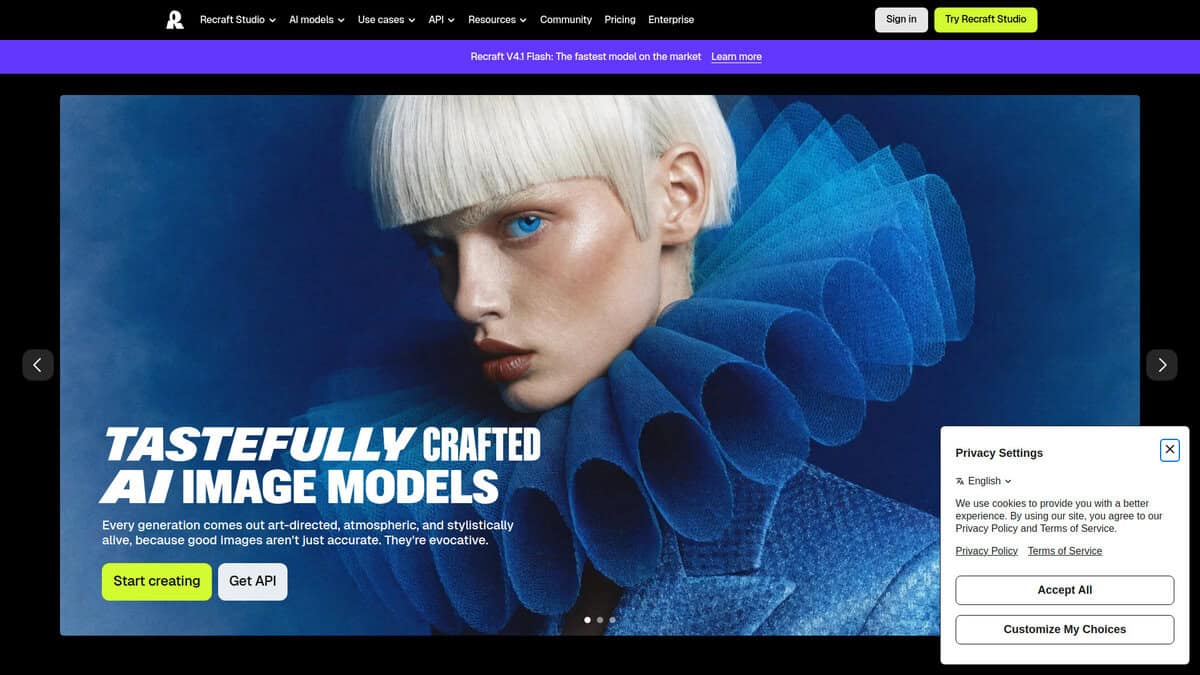
Most AI image generators hand you a flat raster file and call it done. Recraft does something different. It generates true SVG vector graphics with editable paths. You can open the output in Illustrator or Figma and drag anchor points around immediately. That alone changes how you use an AI tool inside a real design workflow.
I tested it for icon sets and logo exploration. The Vector mode produces clean, scalable output that holds up at any size. One user on YouTube described the vector quality as “insane,” and after trying it myself, I understand the enthusiasm. For simple logos and basic icons, the results genuinely skip the manual tracing step.
The brand style system caught my attention next. You upload reference images, define a reusable style, and apply it across batches of assets. The V4 Styles update from August 2026 finally fixed the style drift that plagued earlier versions. If you manage a brand kit, this matters.
A Vector Editor launched in July 2026. It lets you adjust anchor points, curves, and colors directly inside Recraft without exporting first. It is basic compared to Illustrator, but for quick tweaks it saves a round trip.
Here’s where I hesitated. Recraft sits at 1.6 out of 5 on Trustpilot with complaints about billing and credits consumed during failed generations. DesignWhine gave it 3.7 out of 5, praising the vectors while flagging reliability problems. The split tells me the technology is real, but the business side needs work.
Pricing is credit-based and complicated. According to Tech Insider, raster images cost $0.035 each, vectors $0.08, Pro Vector $0.33. I’d start with the free tier’s 30 daily credits before spending anything.
Ideogram
Starting Price | $15/mo (Plus, annual billing) |
Free Plan | 10 slow credits per week |
Text Rendering | ~90% accuracy in independent testing |
Best For | Posters, covers, ads, signage |
Known Limitation | Weaker photorealism than Midjourney |
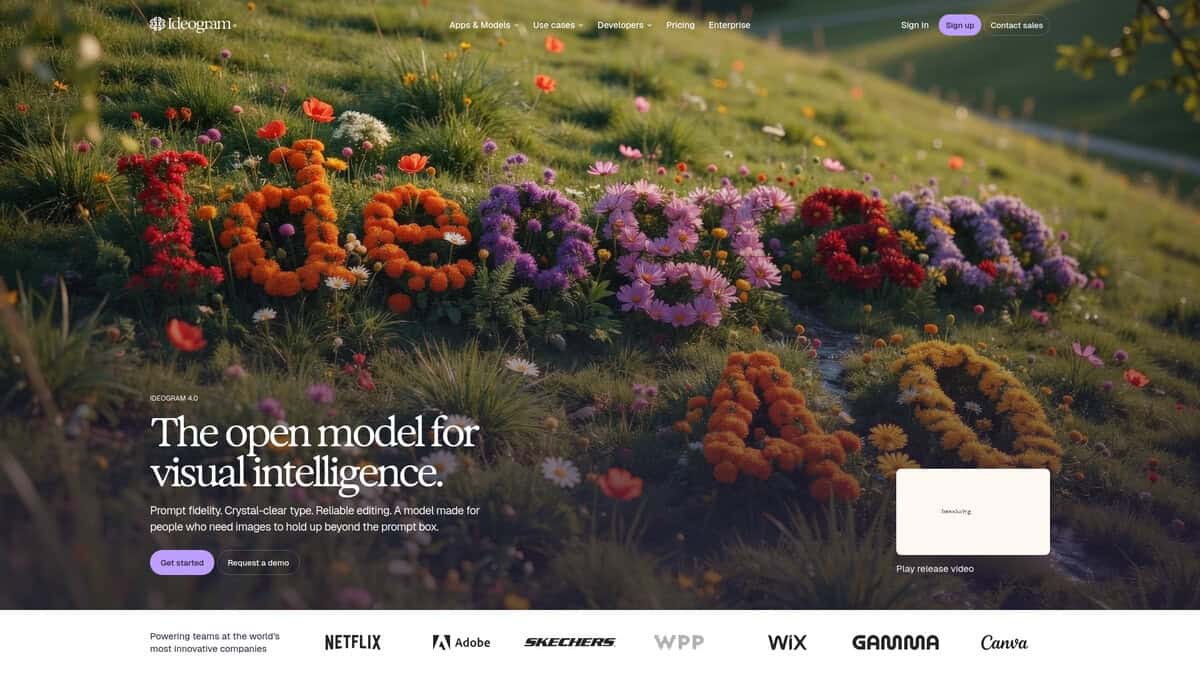
I kept seeing the same number everywhere: 90% text rendering accuracy. That figure comes from PXZ AI’s six-month test across 3,000-plus images. For context, Midjourney hits about 30% with short phrases. Ideogram’s advantage here isn’t subtle.
Digital by Default AI tested poster generation and found the compositions “surprisingly professional.” They highlighted how text and imagery actually integrate rather than feeling like separate layers. When I tried poster prompts myself, the text landed as a genuine design element, not an afterthought.
Pricing matters too. The Plus plan runs $15 per month on annual billing. Midjourney charges $30 for its Standard tier. That’s half the price for what you’d use Ideogram for specifically. You can try it free with ten slow credits weekly, though you’ll hit that ceiling fast during evaluation.
Here’s where I’d pump the brakes. Ideogram isn’t a Midjourney replacement. Photorealism is good, not exceptional. Multi-person scenes still get weird with faces and fingers. And there’s a workflow gap that caught me off guard: the text in your output isn’t editable. You’ll need to bring it into proper design software for final production work.
One more thing worth knowing: priority credits expire every billing cycle. No rollover. If you have a slow month, those credits are gone.
On Reddit, the design community has pretty much crowned it the Typography King. One thread I found called it the current champ for clean, accurate text in posters, logos, and signage. That reputation is earned.
If your work revolves around text-heavy visuals and you want the best text rendering available, this is where I’d start. For gallery-quality art or photorealistic portraits, look at Midjourney instead.
Adobe Firefly
Best For | Commercial projects requiring IP indemnification |
Training Data | Licensed Adobe Stock, open-source, public domain only |
Key Feature | IP indemnification on all paid plans |
Pricing | Free (25 credits/mo) / Premium ~$10/mo / CC All Apps ~$63/mo |
Biggest Limitation | 2000px max output on web app; narrower creative range than Midjourney |
For businesses that need AI visuals they can legally defend.
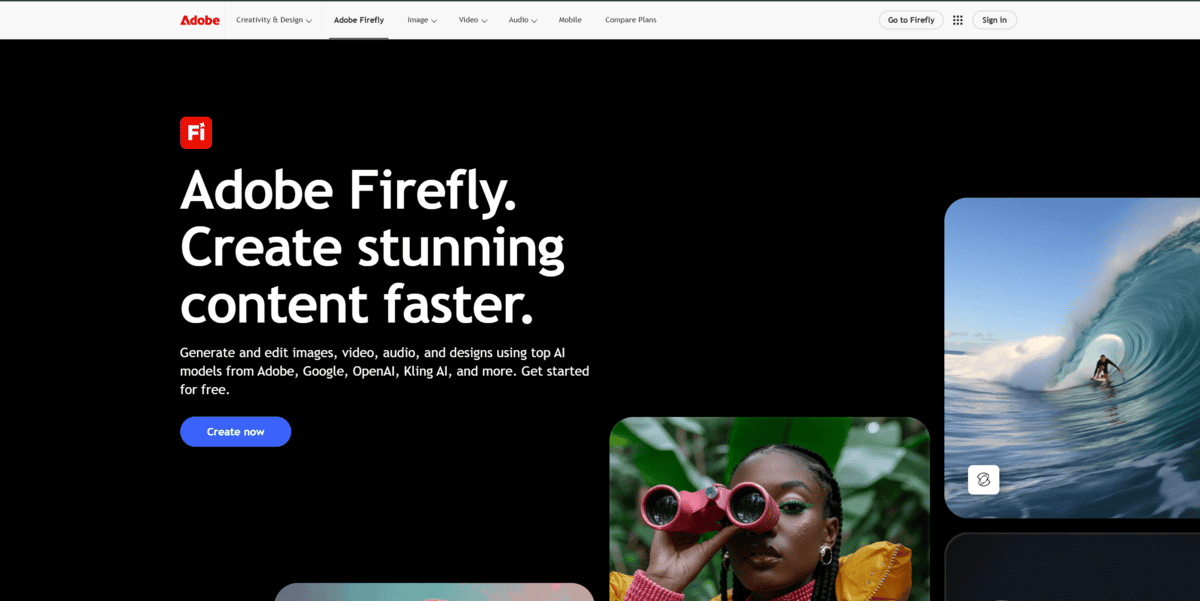
I kept asking myself the same question while testing Firefly: is the image quality worth the trade-off? Honestly, it depends on what you need. If you want breathtaking, fantastical art, Midjourney wins. But if you’re creating visuals for a client campaign, a product listing, or anything that faces the public, Firefly is the only tool I’d actually trust legally.
The reason is simple. Every other mainstream AI image generator trained on scraped web data. Firefly was trained exclusively on licensed Adobe Stock content, openly licensed material, and public domain works. That’s not a marketing talking point. It’s the legal foundation for IP indemnification that covers all paid plans. According to legal practitioners discussing Firefly’s commercial rights, this protection is meaningfully stronger than what any competitor offers.
The March 2026 update brought Firefly Image Model 5 with an Ultra Raw output mode that finally produces decent flat color profiles. Enhanced human rendering and improved lighting make skin tones look noticeably better than the previous generation. Firefly also now hosts over 30 partner models from Google, OpenAI, and Runway under a single login, which makes it more of a creative hub than a standalone generator.
One thing caught me off guard though. Every Firefly image gets Content Credentials automatically embedded, a transparency standard that helps with EU AI Act compliance. No competitor does this. That’s a real advantage for teams worried about upcoming regulation.
The catch? Creative range feels deliberately constrained. Adobe tuned these models for commercial accuracy, not wild artistic expression. And much of Firefly’s 2026 feature set still carries beta labels, meaning those features aren’t indemnified even on paid plans.
I’d say this: if legal risk keeps you up at night, Firefly is the answer. If you want the most beautiful AI art, keep looking.
Leonardo AI
Pricing | Free to $60/mo |
Free Plan | 150 tokens/day |
Best For | Creative control, game assets, character consistency |
Learning Curve | Moderate to steep |
Platforms | Web, API |
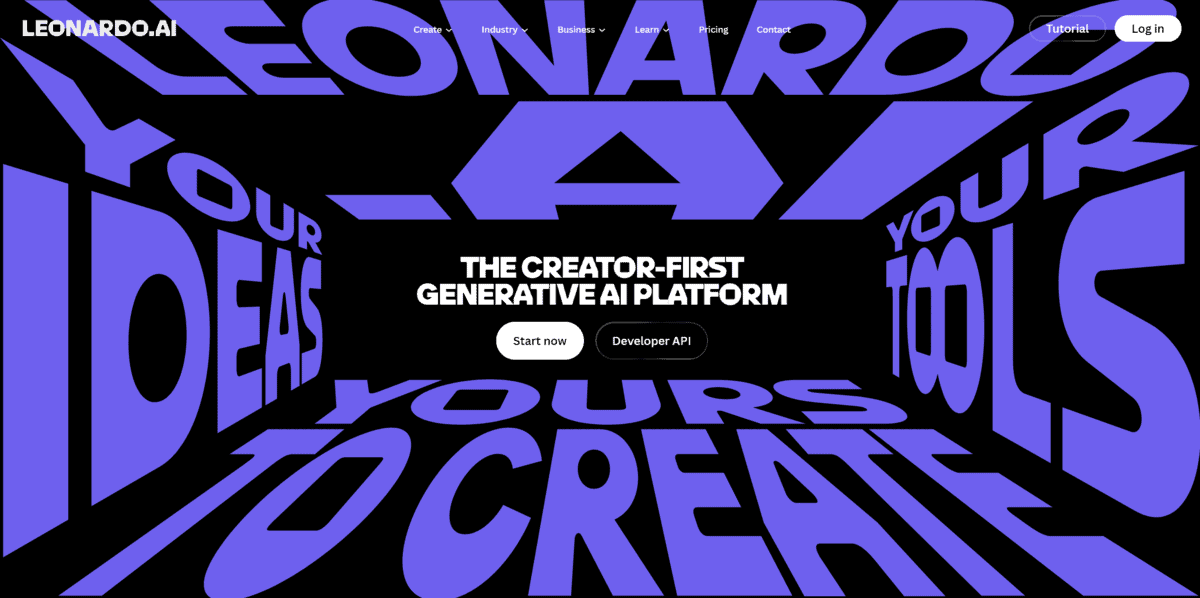
I tested Leonardo AI with game developers and concept artists in mind. The first thing I noticed is that it doesn’t feel like other AI art generators. Most tools are prompt-in, image-out. Leonardo gives you a full workshop instead.
The model hub architecture is the foundation here. Instead of one model doing everything, you route jobs to specialized engines. PhotoReal v2 handles photorealistic output. Alchemy Refiner adds detail passes. Prompt Magic v3 interprets complex prompts. Each one does a specific job well, and switching between them felt purposeful rather than confusing.
What I kept coming back to was the Canvas editor. You mask a region, type a new prompt for just that area, and adjust the Generation Strength slider. I replaced a character’s background without touching the subject. It felt more like photo editing than AI generation.
Character consistency is where Leonardo built its reputation with game devs. The Consistent Character Engine and LoRA training let you lock a face or style across dozens of images. From my testing, roughly 7 to 8 out of every 10 generations will be recognizably the same character. The remaining 2 or 3 drift slightly, usually in eye spacing or nose shape. Good enough for concept art and reference sheets, but you’ll curate before production.
The interface is denser than Midjourney. More settings, more decisions. If you want stunning images from three words, Midjourney is faster. But if you need to train a custom model on your character and generate 50 consistent poses, Leonardo is the one I’d pick.
Pricing runs on tokens. Tech Insider’s 2026 breakdown lays out the tiers clearly: Free at 150 tokens per day, Apprentice at $12 monthly with 8,500 tokens, Artisan at $30 with 25,000, and Maestro at $60 with 60,000. Annual billing saves about 20 percent. Not cheap at scale, but the depth of control per token is hard to match.
FLUX
Best For | Photorealism and product photography |
Pricing | From $0.014/image (klein) to $0.07/MP (max) |
API | Yes, primary access for Pro tier |
Ease of Use | Developer-focused, no consumer UI |
Platforms | API, third-party aggregators, self-hosted |
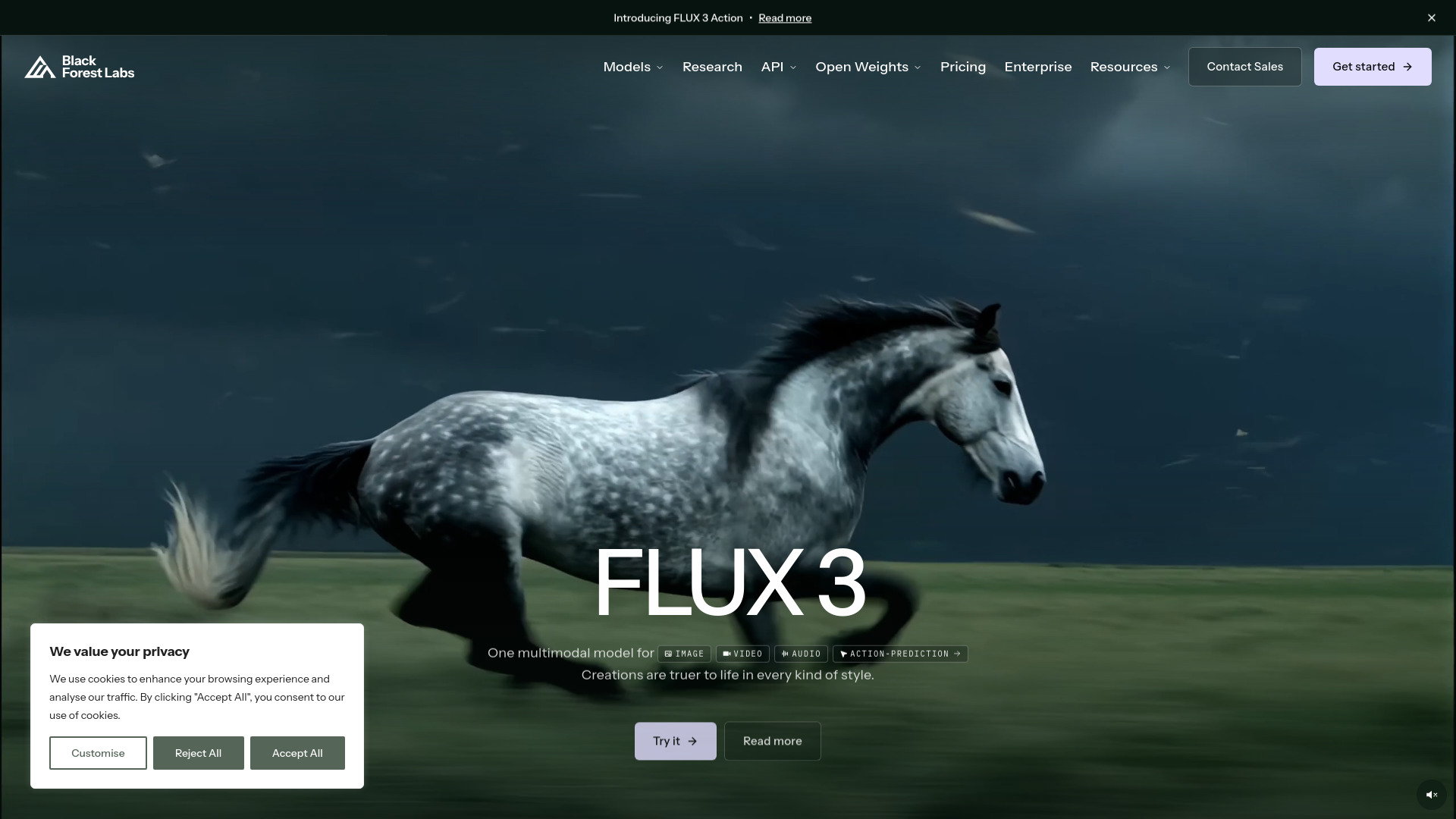
For anyone who needs images that look like real photographs, FLUX is the tool to beat. I ran FLUX 2 Pro through product shots, editorial portraits, and marketing campaigns. Skin texture, hair detail, material rendering all feel like actual camera output. It’s not just close to real photos. It often passes as them.
Against Midjourney v7, FLUX wins on literal prompt accuracy and speed. A head-to-head test of 24 prompts found FLUX 2 Pro’s median latency at about 12 seconds versus Midjourney’s 15 to 30 seconds. The same test confirmed FLUX won on photorealism, prompt fidelity, and text rendering. Midjourney still excels at stylized editorial mood, but for images that need to look like real photographs, FLUX pulls ahead. The community puts it simply: FLUX for the brain, Midjourney for the soul.
The per-image cost is hard to beat. FLUX 2 Pro runs about $0.03 per megapixel. A standard 1024×1024 image costs roughly three cents. If you’re generating hundreds of product variants, the savings add up fast.
FLUX isn’t perfect. There’s no polished consumer interface like Midjourney’s Discord or web app. It’s weaker at stylized, artistic output. Text rendering has improved but still trails dedicated typography tools. The Pro tier is API-only, which means some technical setup.
If you’re building e-commerce catalogs, brand campaigns, or any project where photographic realism matters most, FLUX deserves a serious look. For mood and artistic flair, you’ll likely prefer something else.
Krea
Pricing | Free tier (100 units/day), Basic $9/mo, Pro $35/mo, Max $70-105/mo |
Free Plan | Yes, ~50 Krea 2 Turbo generations daily, no commercial license |
Best For | Style experimentation and early-stage visual exploration |
Ease of Use | Moderate. Real-time canvas is intuitive, but model variety adds complexity |
Platforms | Web-based, browser only |
What immediately caught my attention was the model dropdown. According to Tech Insider, Krea “hosts more than a dozen image models under one roof” including Flux variants, Nano Banana Pro, Seedream, ChatGPT Image, Ideogram, and Recraft V4. The distilled Krea 2 Turbo variant needs just 8 diffusion steps and returns a result in about 2 seconds for 2 compute units. On the free tier, every account gets 100 compute units per day, which works out to roughly 50 free image runs daily without a credit card.
Krea 2 handles artistic styles particularly well. Oil painting, watercolor, concept art, architectural rendering. Each model in the lineup approaches these differently, and switching between them takes seconds.
The real-time canvas changed how I think about AI image generation. Instead of the usual prompt, wait, judge, repeat cycle, images update live as you adjust sliders or sketch. It feels less like prompting and more like steering a brush that paints back. The tactile feedback makes early exploration genuinely fun.
Here is where I would pump the brakes. Krea is brilliant for the early messy hours of a project when you need many directions fast. It is not where finished, client-ready work comes out. The real-time preview is lower fidelity than full generations. There is no vector export. Text rendering still lags behind tools like Ideogram. And the credit system frustrates users who forget to cancel before unused credits disappear.
For pure style experimentation, nothing I tested gives you this many visual starting points from one place.


