

I tried generating product mockups with three free AI image generators last month. Two hit me with a paywall after five images. The third produced outputs that looked like a corrupted screensaver.
Free AI image generation sounds generous until you actually use it daily. According to recent testing data, daily free limits range from 2 images to 100, and quality varies from “meme-grade” to “could pass for a stock photo.” Most tools give you just enough to get hooked, then cut you off or watermark everything.
I ran the same prompts through every major free tier this year to see which ones actually deliver. These are the 6 free AI image generators in 2026 that produce usable output without pulling out your wallet.
Here’s what you actually get for $0 with each one.
The Rundown
- Edit Through Dialogue: ChatGPT, “Iterate on images by describing changes in plain language until the output matches your vision.”
- Diagrams With Correct Labels: Gemini (Nano Banana), “Generate text-heavy graphics with Search Grounding that pulls real data from Google for accuracy.”
- Unlimited Free Image Generation: Google Flow, “Access unlimited daily image creation at no cost using Nano Banana 2 for professional-quality output.”
- Native Vector Files Included: Recraft, “Produce editable SVG logos and icons you can open directly in Illustrator or Figma.”
- Commercially Licensed Output: Adobe Firefly, “Generate marketing graphics trained on licensed content with built-in Content Credentials for legal safety.”
- 12 Models Under One Roof: Krea, “Switch between multiple AI engines and blend up to four style references on the free tier.”
The Best Free Ai Image Generators
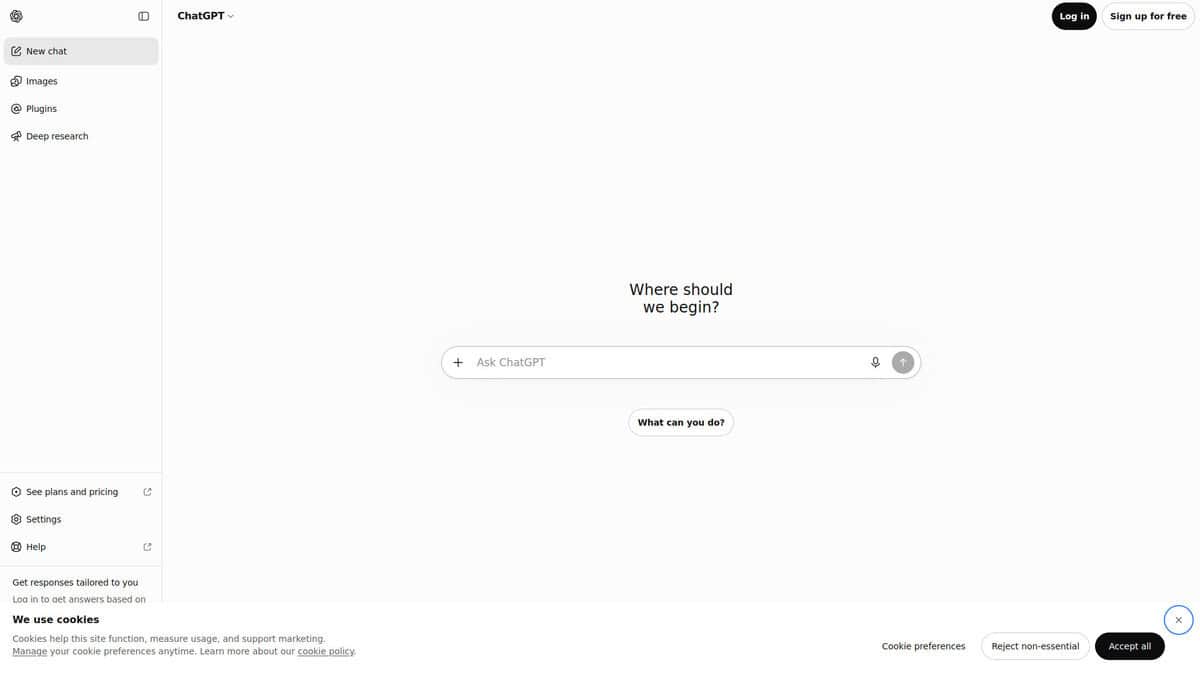
ChatGPT
Pricing | Free / Go $8/mo / Plus $20/mo / Pro $200/mo |
Model | GPT Image 2 |
Free Tier | ~2-3 images per session with cooldown periods |
Best For | Conversational editing and casual image creation |
Ease of Use | Very easy, no setup required |
I’ll be honest. I didn’t expect much from ChatGPT as an image generator. The model powering it now is GPT Image 2, which replaced DALL-E 3 earlier this year. TuringPost ranked it the strongest general-purpose choice out of 12 models compared. That got my attention.
What makes it stand out is the editing workflow. You generate an image inside a conversation, then say “make it more minimal” or “swap the background to blue” and it revises the same image. No new prompt. No canvas. No sliders. Brand strategist Jim MacLeod described it as feeling like collaborating with a creative partner. That matched what I experienced. You point at what’s wrong, and it fixes it.
Text rendering inside images has improved but stays inconsistent. TuringPost placed it among the top five for text-heavy layouts but recommends proofreading every word before publishing. Headlines usually land. Longer text sometimes breaks.
Now the catch. The free tier is tight. I hit the rate limit after two images and waited hours for access to return. Reddit users reported the same thing. The iterative editing that makes ChatGPT great needs multiple generations, and the free cap kills that flow. The $20 Plus plan is where the real experience lives.
Images carry a warm color cast that multiple reviewers have called the “ChatGPT look.” It won’t bother most people, but if you need something less obviously AI-generated, Gemini’s Nano Banana Pro produces more natural results. Where ChatGPT wins is pure accessibility. No credit system to track. You just open chat and start creating.
For casual use, quick social posts, or brainstorming visuals alongside text, it’s genuinely the easiest option. Just know those daily limits are real, and they’ll push you toward a paid plan faster than you’d expect.
Gemini (Nano Banana)
Free Plan | 3 images/day |
Best For | Infographics, diagrams, text-on-image |
Key Feature | Search Grounding for factual text accuracy |
Output Quality | Up to 4K (Nano Banana 2) |
Platforms | Web app, API |
Most AI image generators struggle with text. You ask for a timeline and get garbled nonsense where the labels should be. I tested Gemini specifically on this problem and it consistently surprised me. The words actually spell correctly. Labels on diagrams read properly. That alone puts it ahead of most free competitors.
The real magic is what Google calls Search Grounding. When you ask Gemini to generate an infographic about, say, renewable energy sources, it doesn’t just guess at facts. It pulls from Google Search to get product names, data points, and terminology right. I noticed this most on diagrams where accuracy matters more than aesthetics. A nutrition label came back with correct units. A process flow had the right terminology. That grounding doesn’t exist in any other free image generator I tested.
Hands-on guides demonstrate over twenty infographic types working well with Gemini, from timelines and Venn diagrams to iceberg charts and periodic tables. I tried several of these layouts myself. The spatial reasoning is genuinely impressive. Gemini understands that a funnel narrows, that a Venn diagram overlaps, that a timeline flows left to right. You can even upload a rough sketch as a layout reference and it follows the structure.
Here’s the honest caveat. GPT Image still handles longer text strings more cleanly. If you need a paragraph of small text rendered perfectly, ChatGPT’s model edges ahead. And some users have reported frustrating content filter issues in 2026, though those mainly affect character art rather than infographics.
At three free images per day with 4K output and factual grounding, Gemini is the only free option that makes text-heavy visuals actually usable. For quick diagrams and labeled graphics, I keep coming back to it.
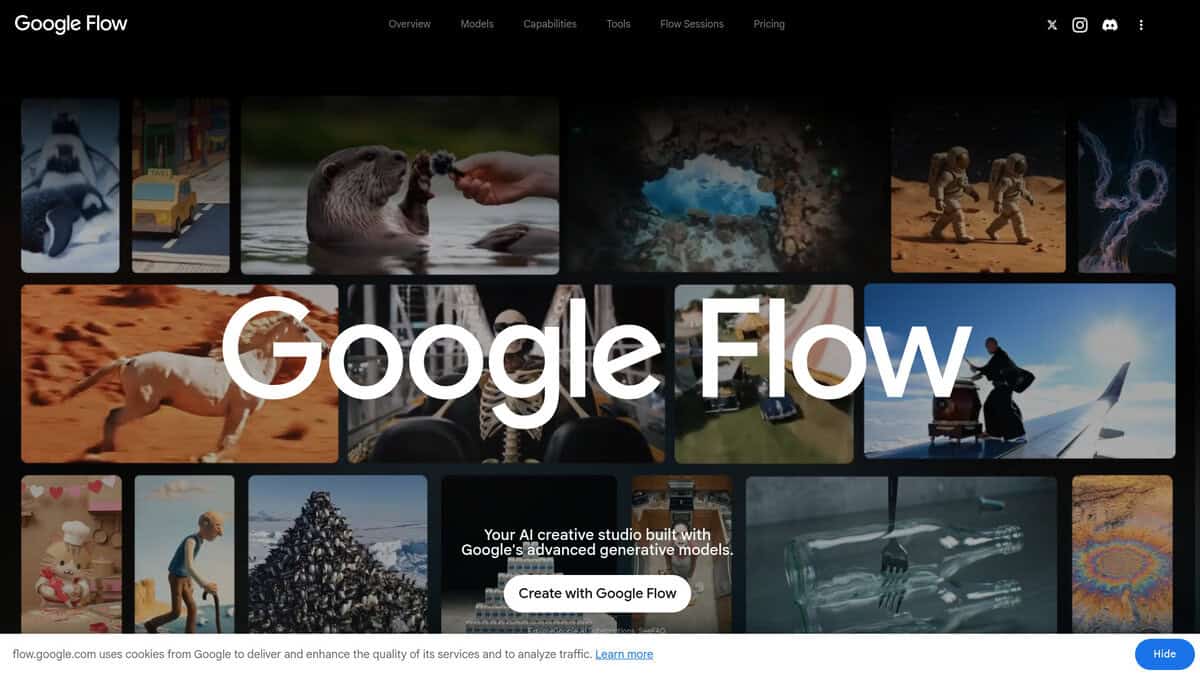
Google Flow
Pricing | Free (50 daily credits), AI Plus $4.99/mo, AI Pro $19.99/mo |
Free Plan | Unlimited image generation, 50 credits/day for other tools |
Best For | Professionals needing high-volume, high-quality AI images at no cost |
Ease of Use | Moderate learning curve, especially the Scene Builder |
Platforms | Web, integrated across Google ecosystem |
Google Flow gives away something most competitors charge for: unlimited, high-quality AI image generation with no subscription required.
I spent time with it after reading that Nano Banana 2 outperforms the premium Pro tier in most real-world tests. The independent testing held up. Hero images came back cinematic with natural lighting. Thumbnails had real contrast and personality. The speed shocked me too, roughly three to five seconds per generation.
The model supports precision text rendering and multilingual support, up to five characters with subject consistency, and resolutions up to 4K. For infographics and ad mockups, that text accuracy alone is a meaningful step forward. Google reports 1.5 billion images and videos created on Flow since its launch, which tells you this isn’t a niche experiment.
WhiskAILabs rated the free image generation at 4.5 out of 5, calling it genuinely unlimited rather than a stripped-down demo. That matched my experience. I hit no walls generating dozens of images in a row.
What frustrated me was the prompt adherence. Complex multi-element requests land about 85% of what you describe. You’ll iterate more than you’d expect. The credit system also lacks transparency on per-action costs, though image generation itself uses zero credits, so that mostly matters for video work.
The interface has a learning curve too. It’s a full creative workspace, not a simple prompt box. That depth is valuable once you get it, but your first session will feel exploratory rather than productive.
Compared to ChatGPT’s DALL-E or Adobe Firefly’s subscription model, Flow’s free unlimited image tier is unmatched in this list. If you work in the Google ecosystem already, the integration with Drive and Gemini makes it even more natural to adopt.
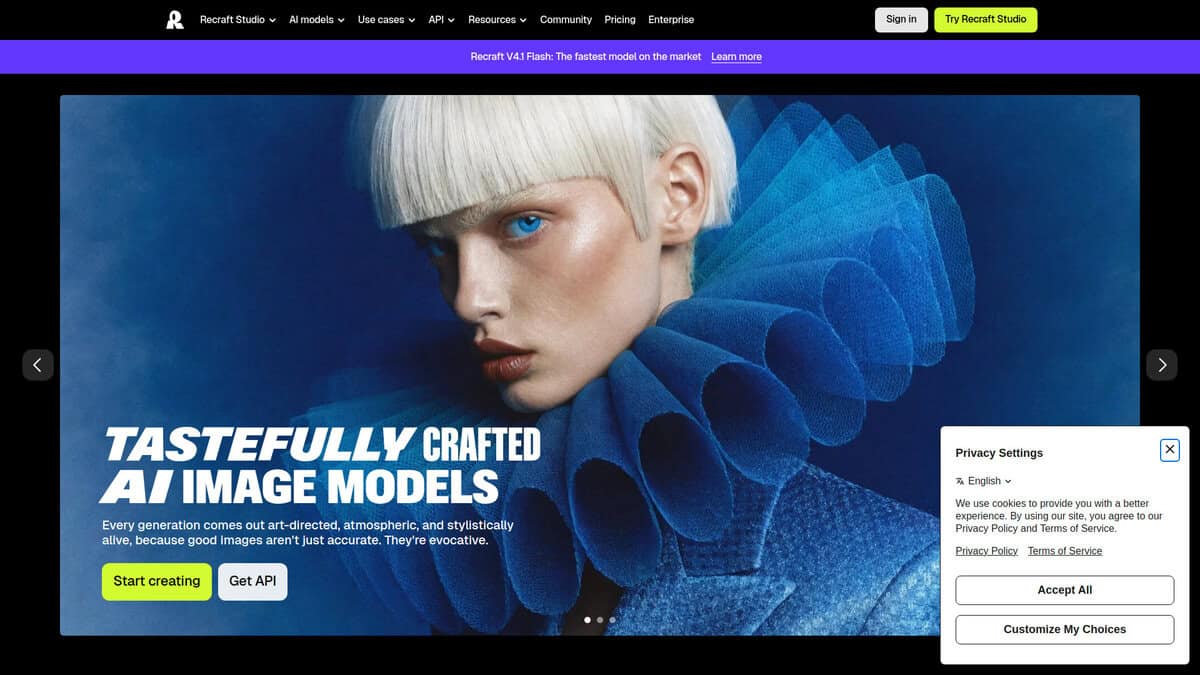
Recraft
Pricing | Free plan; Pro Basic from $10/month (annual) |
Free Plan | 30 credits/day, personal use only, images public |
Best For | Logos, icons, illustrations, and vector design assets |
Commercial Rights | Not on free plan; paid tiers grant full ownership |
Learning Curve | Moderate; interface takes some getting used to |
The first thing I noticed about Recraft is that it doesn’t just generate flat images. It produces actual SVG files with editable vector paths. Open the output in Figma or Illustrator and you can move individual anchor points, swap colors, adjust line weights. Every other free AI image tool I tested gives you a PNG and calls it done.
According to Tech Insider’s August 2026 breakdown, Recraft V4.1 ships eight model variants split across raster and vector output. That native SVG generation is the main thing that separates it from everything else on this list.
I also came to appreciate the style consistency system. You define a look once (color palette, line weight, illustration style) and apply it across dozens of generations. If you’re building an icon set or a batch of social assets, this saves real time. ChatGPT and Gemini handle single images fine, but neither offers batch consistency as a core feature.
Here’s the part you need to know before signing up. Recraft owns everything you create on the free plan. Your images become public in their community gallery, and commercial use is explicitly off-limits. CheckThat.ai’s pricing breakdown confirms 30 credits per day with no rollover, and the paid Pro Basic tier specifically lists “access to external AI models” as a feature, meaning the free plan limits you to Recraft’s built-in models. If you need commercial rights, Pro Basic at $10/month unlocks full ownership.
The interface isn’t the most intuitive either. It took me a few sessions to feel comfortable. Complex illustrations often need cleanup in Illustrator afterward. And if you’re after photorealism, Recraft isn’t the right pick. Other tools handle that better.
But for design-specific assets, the free tier is hard to beat. Users rate it 4.8/5 on Product Hunt, with the praise landing exactly where I’d expect: the vector output actually works in real design workflows. If scalable logos and icons are what you need, and the ownership terms don’t bother you, Recraft deserves a spot at the top of your shortlist.
Adobe Firefly
Pricing | Free tier available; paid plans from $9.99/month |
Free Plan | Limited daily generations on a curated set of models; exact count unpublished |
Best For | Commercially safe AI graphics for marketing and branding |
Ease of Use | Highly intuitive with preset styles and aspect ratio controls |
Output Speed | 4 images generated in approximately 5 seconds |
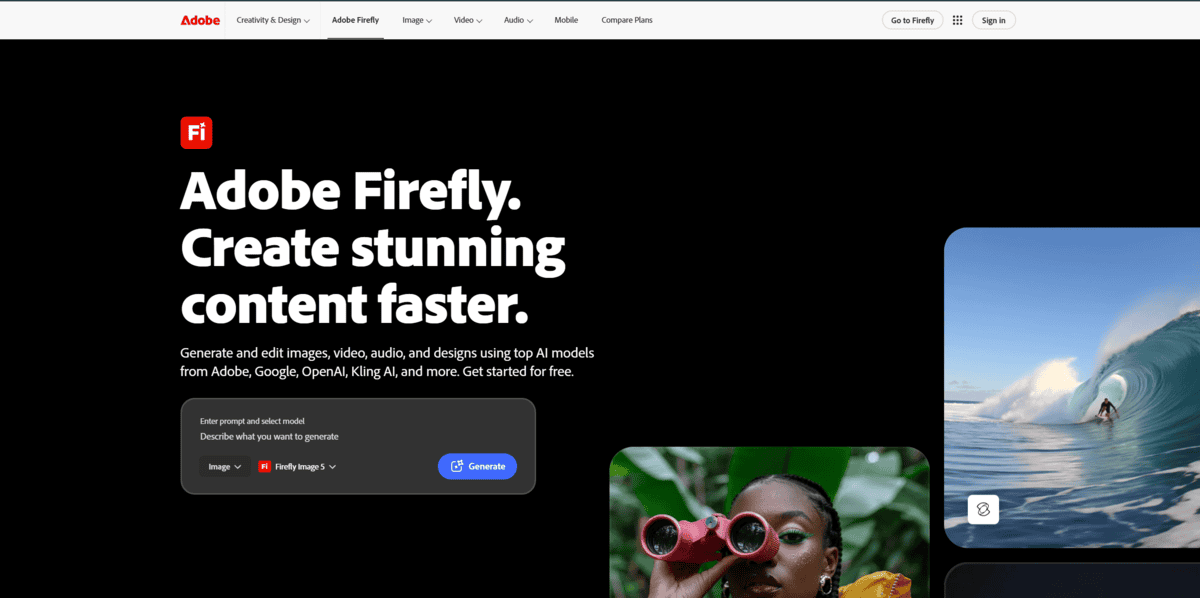
The first thing I noticed is how many times “commercially safe” appears when researching this tool. That’s not marketing fluff. Adobe trains its own first-party Firefly models on licensed Adobe Stock content and public domain images where copyright has expired. Every output comes with Content Credentials attached, and you don’t need to credit Adobe or add any attribution. For someone working on client graphics where legal questions might come up later, that matters more than image quality.
I tested the free tier expecting it to be unusable. It wasn’t. You get daily generations that refresh each day, though Adobe deliberately doesn’t publish the exact count. I found enough room to produce a handful of graphics per session before hitting the limit. It’s not going to replace a paid subscription for volume work, but it’s enough to evaluate the tool properly.
What stood out was the preset style library. I could pick reference styles before generating, which immediately gave my outputs a polished, commercial feel instead of the typical AI look. PCMag’s review confirmed this with their 3.5 out of 5 rating, praising the preset styles and reference image matching. The aspect ratio selector was also handy for producing graphics at standard ad dimensions without reformatting later.
I’ll be honest about the quality issues. The model occasionally produces distorted faces and weird artifacts, and there’s no negative prompt to exclude unwanted elements. Reddit users on r/Adobe have raised similar complaints about inconsistent results and the credit system. The generation quality is solid for social media posts and basic marketing assets but I wouldn’t trust it for high-end editorial work without heavy post-processing.
Speed impressed me. According to PCMag’s testing, Firefly generated 4 images in about 5 seconds. For iterating through variations quickly, that pace made a real difference.
I think for marketers and small business owners who need graphics they can legally use in paid advertisements without worrying about copyright implications, Firefly fills a genuine gap. The commercially safe training data, no-attribution requirement, and easy-to-use style presets create a workflow that’s hard to match elsewhere for free. Just don’t expect the raw image quality to compete with tools like Midjourney on artistic fidelity.
Krea
Pricing | Free plan: 100 compute units/day |
Free Plan | Yes, no credit card required |
Best For | Style experimentation |
Supported Models | 12+ (Krea 2, Flux, Seedream, etc.) |
Style Tools | Presets, influence slider, up to 4 style references |
I spent a few days poking at Krea’s style transfer features. The first thing I noticed was the influence slider. Drag it low and you get a hint of the reference’s color palette. Push it high and the texture and composition start creeping in. It’s a simple control, but it makes experimenting with styles feel hands-on rather than guesswork.
You can feed it up to 4 style references at once. Separately, there’s a composition reference slot that accepts 1 to 15 images. I used that to test how well Krea could merge the layout of a photo with the mood of a painting. The results were hit-or-miss, but the hit moments were genuinely exciting.
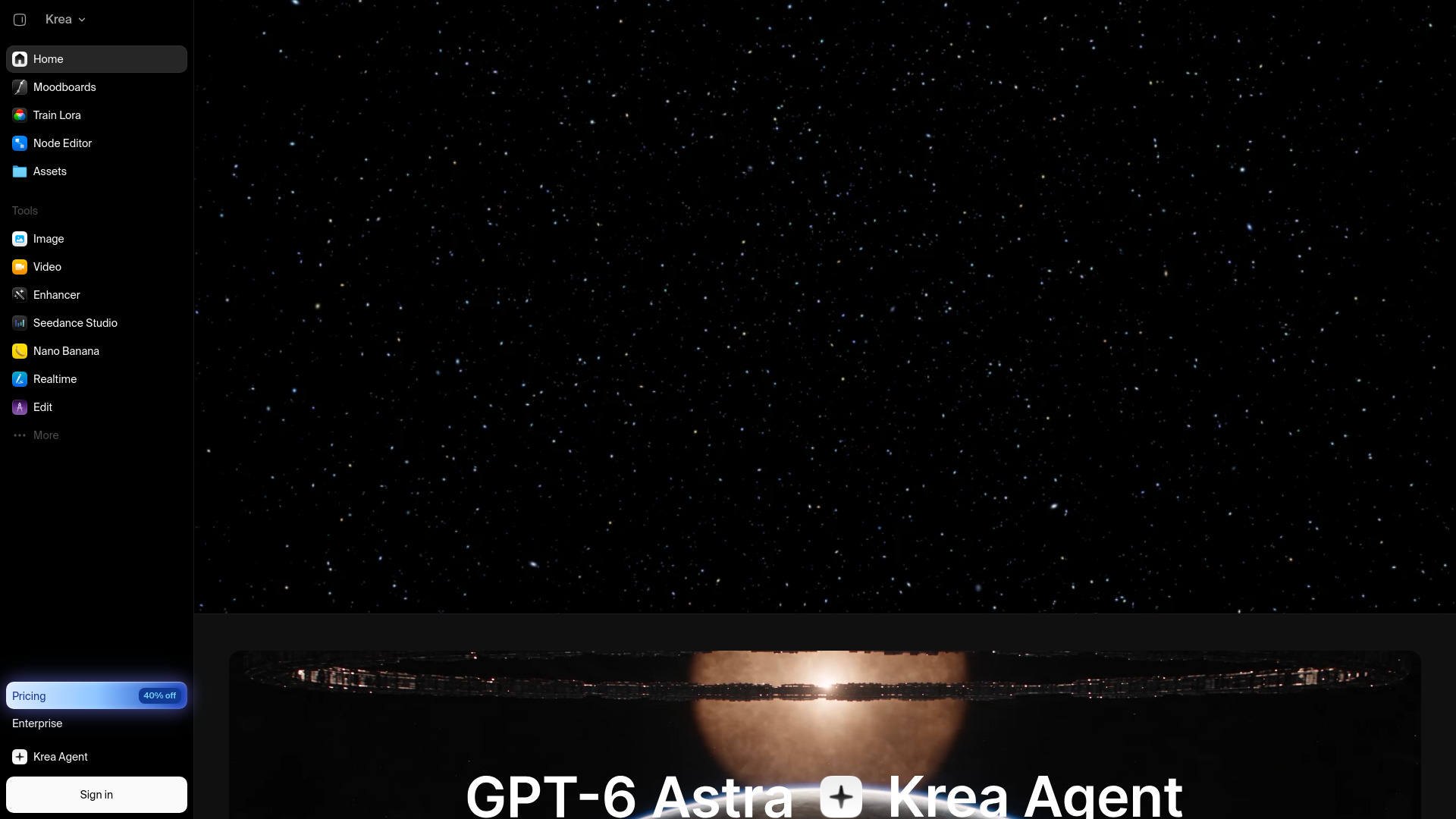
Krea packs more than a dozen models under one roof. You can switch between Krea 2 Turbo for speed, Flux for a different aesthetic, or Seedream for something else entirely. That variety is what kept me coming back. Instead of juggling five different apps, I could test the same prompt across multiple engines in minutes.
The free tier gives you 100 compute units a day. At 2 units per Krea 2 Turbo generation, that translates to roughly 50 quick images daily, according to Tech Insider. No credit card required, which I appreciated.
One thing you should know: the free plan doesn’t include a commercial license. If you’re generating images for personal projects or just exploring, it’s perfect. The moment you need to sell or publish, you’ll have to upgrade.
Reddit users call the style transfer “crazy good at blending styles,” though some note it’s still experimental and can be slow. I found that to be accurate. The feature works best when you’re patient and willing to iterate.
If you want to train your own style, Krea lets you do basic LoRA training with up to 50 reference images on the free tier. There’s even a public marketplace where you can share or discover styles others have trained.
For me, Krea’s real-time canvas sealed the deal. Seeing changes appear as I typed or sketched made style exploration feel fluid instead of frustrating. If you’re the kind of person who likes to tweak and see instantly, this tool earns its spot.


