
A 2026 side-by-side run gave four lip sync models the same face and the same voice line. Three matched the words. Only one handled the pauses.
That pause is where most tools break. The mouth keeps chewing through silence, or the last word gets clipped, and viewers feel the fake before they can name it. I’ve lost good takes to exactly that. Per Fuser’s hands-on comparison, HeyGen also runs about twenty times the per-second cost of LatentSync, so the wrong pick drains your budget and still ships a broken take.
I ranked these on the parts demos skip: mouth timing on silence, face hold through head turns, and what you pay per finished second.
The 7 best AI lip sync tools in 2026 start here.
The Rundown
- Fix a Line Without Reshoots: HeyGen, “Redraw the mouth on footage you already shot, then translate it across 175+ languages in your own voice.”
- Make a Portrait Sing: Hedra, “Animate one portrait and a vocal track into a full-face performance built for music videos and creative shorts.”
- Generate Dialogue With the Picture: Kling AI, “Build dialogue, mouth movement and the picture in one pass for cinematic character clips up to 15 seconds.”
- If Your Shot Is Messy: Sync Labs, “Re-sync mouths on footage with hands, profiles and over-the-shoulder angles at 4K face resolution through an API.”
- Act the Line Yourself: LivePortrait, “Animate a still portrait from a short webcam video of your own performance, free and self-hosted.”
- Shoot It on Your Phone: Captions, “Dub and re-animate your phone footage into about 30 languages, after parent company Captions rebranded to Mirage in 2025.”
- Localize Your Training Footage: Synthesia, “Translate camera-shot training footage into 140+ languages, with lip-synced dubbing metered at 240 credits per minute.”
The Best Ai Lip Sync Tools
HeyGen
Best for | Re-lip-syncing real footage and translating it |
Core workflow | Upload video, add new audio or typed script |
Render time | About 3 minutes in my tests for short clips |
Standout feature | Redraws only the mouth, keeps the performance |
Main drawback | Premium avatars burn about 20 credits per minute |
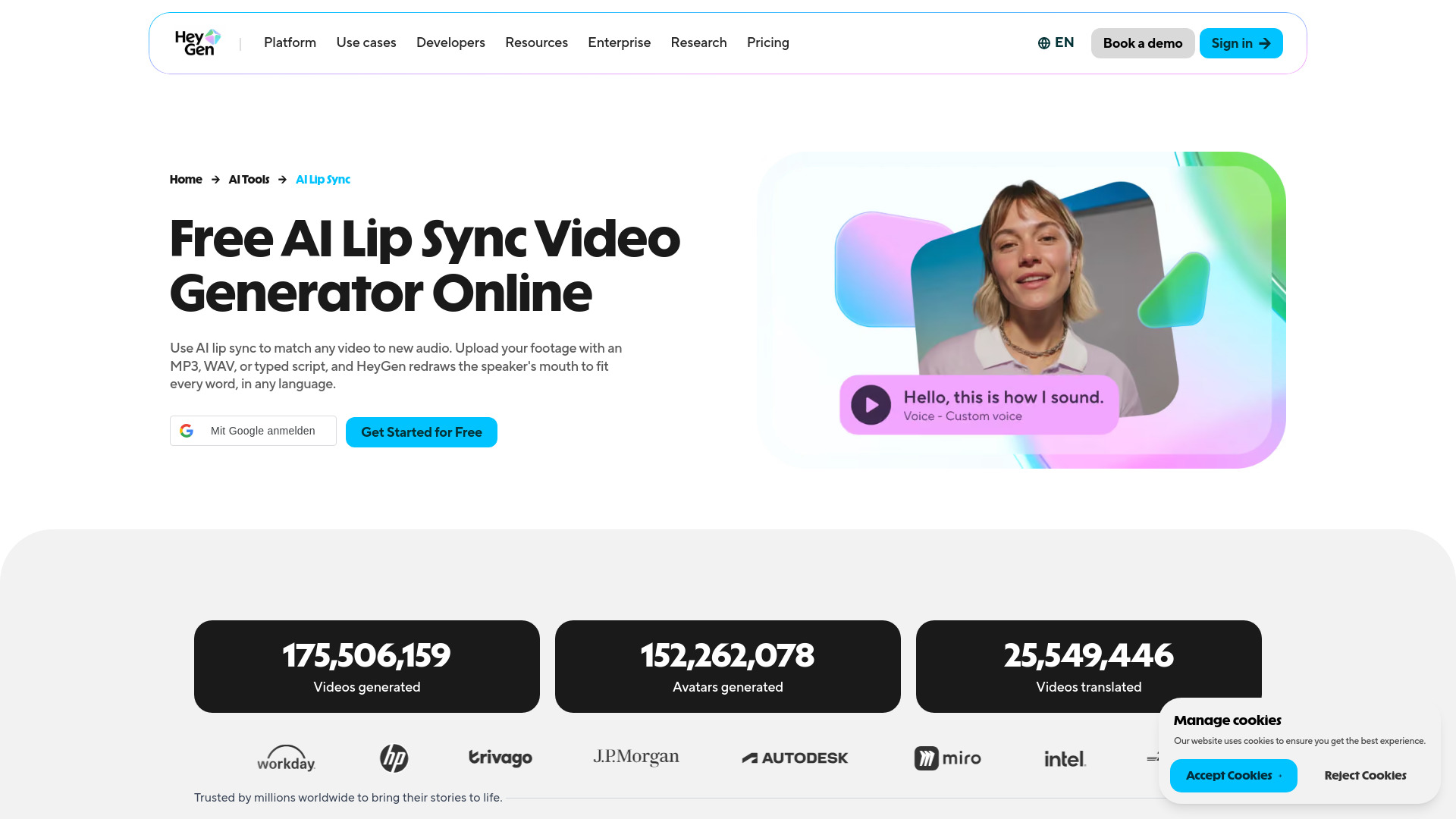
The first thing I tried was the part that sounded almost too tidy. I uploaded an MP4 of a talking-head clip, dropped in a fresh MP3, and watched the mouth get redrawn while everything else stayed put. Framing, body language, expressions. That restraint is the whole pitch.
HeyGen is the only tool in this list that runs the full loop. You re-lip-sync existing footage, build an expressive avatar twin, and translate into 175+ languages, by HeyGen’s own count, without leaving the app. Hedra starts from a still image and cannot re-voice real footage. Sync.so is an API engine with no avatar studio. If you want video-to-video plus translation together, the field is thin.
A June 2026 practitioner teardown put a five-minute explainer at 30-60 minutes of hands-on time, down from 4-8 hours. My own runs matched that. Short clips came back in about three minutes. I even fixed a flubbed line by re-uploading just that clip with corrected audio instead of reshooting.
Now the bill. In an independent comparison from Vidico, premium avatar minutes burned 20 credits each, real spend landed 40-60% above the sticker price, and translation added 5-10 credits per minute. The same comparison had HeyGen at 4.8/5 on G2 from 1,500+ reviews but 2.4/5 on Trustpilot, with complaints aimed at billing and support, not output quality. Budget for it.
Tonal languages also lose accuracy, and complex phrasing shows subtle drift. Run the free plan with your own script first. It is generous enough for a real test, and your footage will tell you more than any score.
Hedra
Best for | AI music videos from a still image plus an audio track |
Standout strength | Full-face expression, not just lip movement; up to 10 minutes in one generation (Hedra’s own claim) |
Main drawback | Credits burn fast and don’t roll over on lower tiers |
Pricing | Credit-based; free tier is watermarked, paid plans from roughly $15/month with commercial use |
Learning curve | Moderate; the UI moved in mid-2026, so old tutorials mislead |
The first thing I noticed is that Hedra doesn’t just flap a mouth over a waveform. I dropped in a portrait, uploaded a track, and got brows, blinks, head tilt, jaw motion. The face performs the vocal. That matters when the character is supposed to be singing, not presenting a slide deck.
If you follow older tutorials, you’ll hunt for a Lip Sync button that no longer exists. In the current build the whole flow lives under Video, then Avatar, then Models. Hedra’s two native models, Avatar and Character 3, are close enough that I wouldn’t stress about the choice.
Hedra advertises a take running exactly as long as your recording, up to ten minutes in one generation. That’s the headline spec. In theory you can hand it a full track instead of slicing a song into thirty-second renders. I’d still verify that on a real full-length song before betting a deadline on it.
My practical advice: match the character to the vocal, and retry the source image if the eyes look off. That tip comes from Kevin vs AI’s side-by-side singing tests and it saved me several wasted renders. Front-facing or three-quarter portraits work. Side profiles don’t. Clean audio helps too; heavy reverb on a mastered track jittered the mouth for me, so a vocal stem behaves better. For a full video, Hedra’s own docs recommend building short directed clips with recurring Elements for a consistent artist look, then assembling them in Composer. That’s how I’d shoot it.
Now the honest part. A current Hedra user in an r/heygen thread says lip sync is inconsistent between runs, and I’d agree. Budget for re-rolls. Draft at cheap resolution first, because credits vanish at cycle end on lower tiers, and one high-quality clip can eat a month’s allowance. I also wouldn’t expect it to sweep every blind comparison. It holds its own. It doesn’t run away with the win.
Against HeyGen, I found Hedra clearly more expressive with custom creative faces, while HeyGen suits corporate multilingual presenters. And unlike Sync Labs, which re-lips existing footage, Hedra builds a performance from one still. For a portrait-based music video, that’s the job you actually need.
Kling AI
Best for | Cinematic character videos that need speech or singing |
Standout strength | Native Audio builds dialogue and visuals in one pass |
Pricing | Paid, credits shown per clip |
Watch out for | Humanoid faces only, long peak queues |
Character support | Realistic, 3D and 2D humans, no animals |
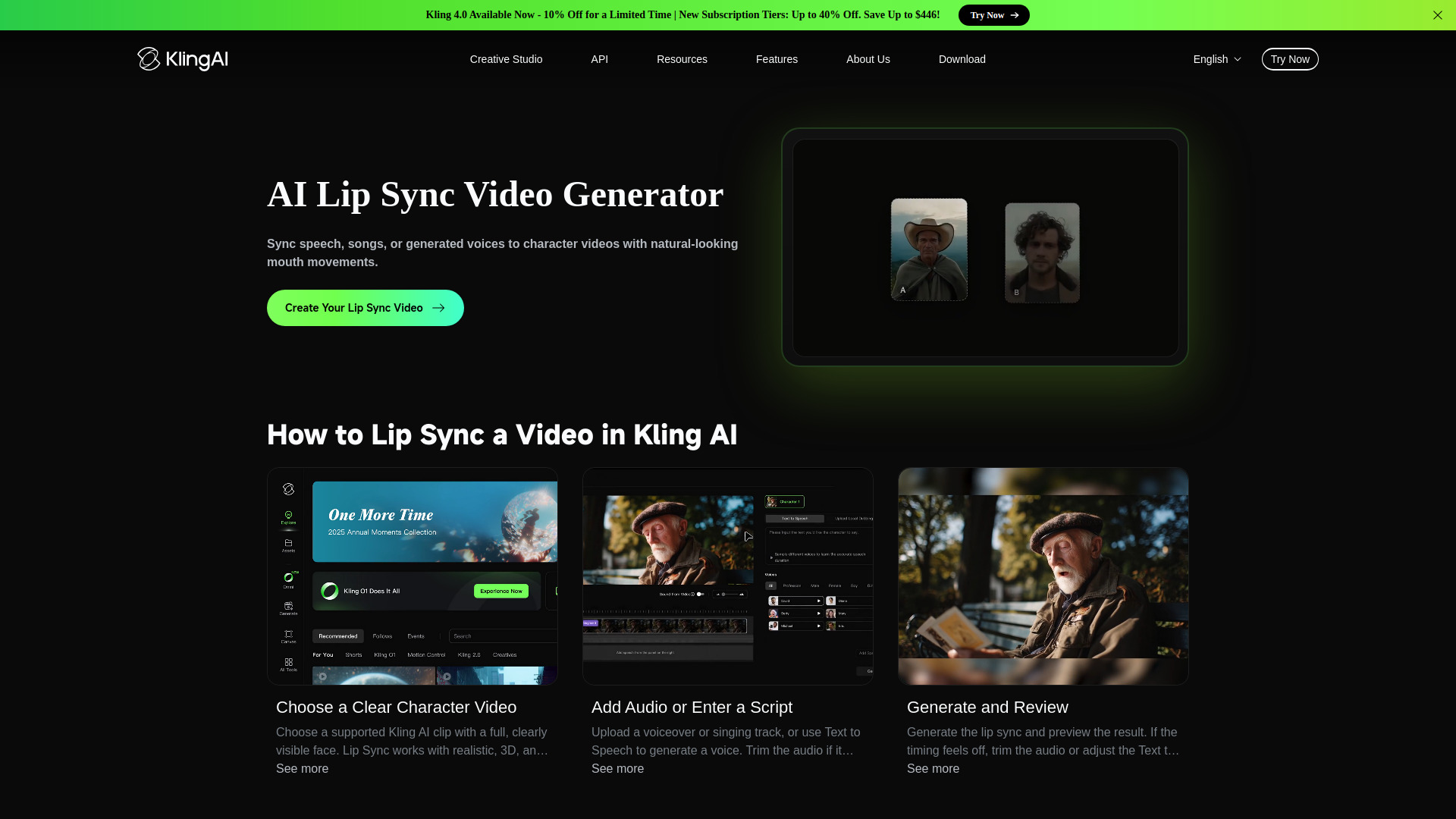
I ran both paths. Lip Sync is the older one: you add an uploaded voiceover or singing track to a clip that already exists. Native Audio in VIDEO 3.0 and 4.0 works differently. It generates dialogue, mouth movement, ambience and the picture together, so nothing gets composited over the face afterward. When a character turns mid-sentence, the motion and lighting survive intact.
Singing works, with a catch. Only humanoid faces sing. I prompted animals and the tool simply will not do it. Clips run 3 to 15 seconds, which means you are building scenes in slivers. Audio is a paid feature, and Kling shows your credit cost before you generate, so there are no nasty surprises afterward.
Plan on two or three takes. I had generations invent an extra line of dialogue, garble sung lyrics into mush, and one take delivered a calm line through visibly clenched teeth. The same three glitches show up in one filmmaker’s 4.0 Flash test. Weak references make it worse. I noticed drift when my starting image was soft or low detail. Clean, sharp references gave me far more consistent results.
Queues run long at peak times. I got cleaner renders generating off-peak. On the bigger question, Curious Refuge’s avatar head-to-head put HeyGen ahead of Kling Avatar 2.0 and Hedra from the same still and audio. I agree. If all you need is a photoreal presenter, HeyGen is the safer pick. For cinematic footage with dialogue in the same pass, this is the stronger one.
Sync Labs
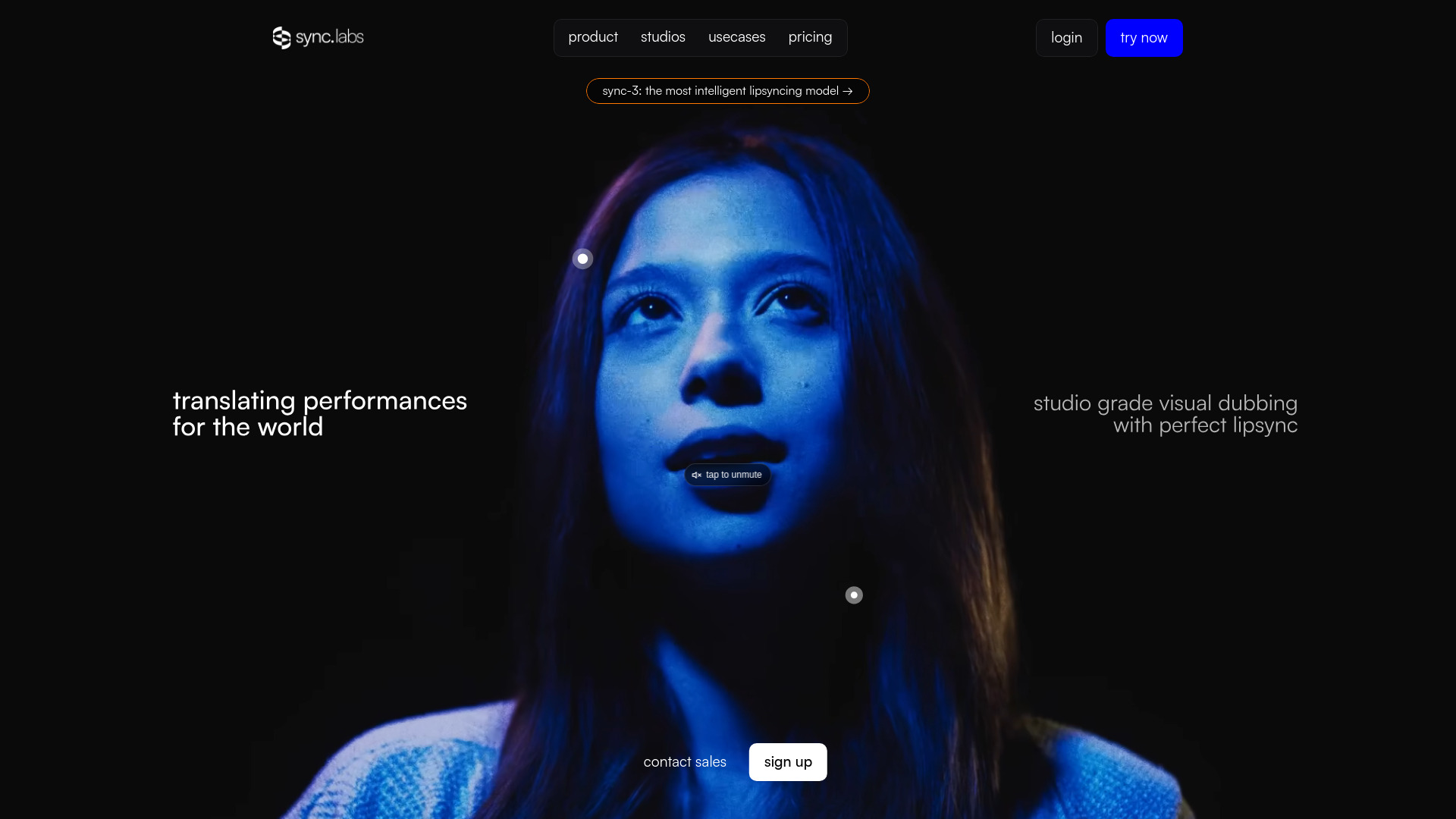
Best for | Re-syncing dialogue on real footage, hard angles included |
Model | sync-3, whole-shot generation at 4K native face resolution |
Pricing | $0.107 to $0.133 per second at 25fps, plus plan fee |
Free plan | One sync-3 render per month, 15 second cap |
Clean output | Watermark-free starting at the $19 Creator plan |
I fed it the shot I expected to fail: a tight close-up where a hand kept crossing the mouth. It held. That surprised me more than anything else.
The mechanics explain it. Sync Labs’ docs list sync-3 as generating the whole shot at once rather than stitching two-second chunks, with close-ups, partial faces, profile and over-the-shoulder angles handled natively, plus obstruction detection for hands, mics and scarves. Face resolution is 4K native.
It also fits into a real timeline. There’s a native Premiere plugin, a ComfyUI node, and a two-input API that only wants a video URL and an audio URL. No face boxes to draw.
The workflow is bare bones. Upload the clip, add the audio, wait for the render. Then scrub to the frames where the head turns or something crosses the face. That’s my real test.
I wanted a second opinion, so I checked independent scoring. Kompozy’s review gives sync-3 4.7/5 for accuracy and calls it best-in-class through close-ups, occlusions and hard angles. The reviewer discloses he runs a competing product, which I appreciated.
Speaker style survives the trip too. Cadence and expression come through, so the re-synced take still matches the performance you recorded. The each::labs practitioner guide argues the same thing: scene reading is what keeps side profiles and uneven light from breaking.
Know what it won’t do. It only re-syncs mouths on footage you already have. No avatar generation, no captions, no publishing. If you need a presenter from scratch, look elsewhere.
Money is the other watch-out. sync-3 costs about $0.11 to $0.13 per second at 25fps, billed on top of your plan. Clean output only starts at the $19 Creator tier. You get one free sync-3 render a month, capped at 15 seconds. Enough to test your ugliest shot before paying.
For post-production on footage I’ve already shot, that tradeoff makes sense to me.
LivePortrait
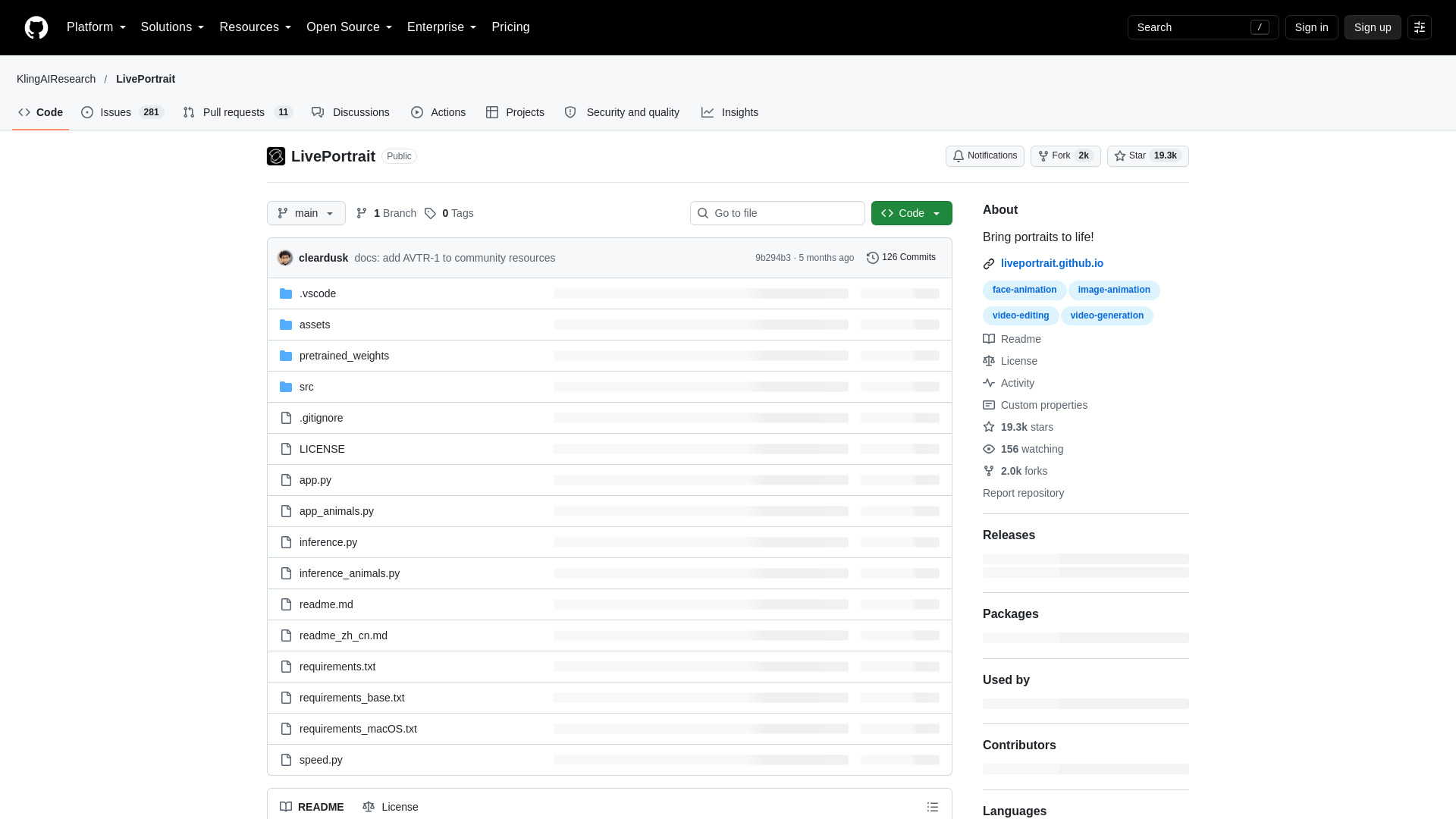
Best for | Animating a still portrait with your own performance |
Price | Free and open source, no watermark when self-hosted |
Platforms | Local Python/Gradio, Windows one-click installer, HuggingFace demo, ComfyUI |
Key feature | Transfers expressions, head pose and mouth motion from a driving video |
Biggest drawback | Video-driven, not audio-driven. You perform the line yourself |
I installed LivePortrait expecting a lip sync tool. It is not quite one. You give it a still portrait plus a short video of yourself acting out the line. Expression, head pose and mouth motion transfer onto your portrait. Audio just rides along from the driving video. Nothing gets synthesized.
That changes the workflow. Got a voice file and a photo? Wrong tool. HeyGen, Hedra and Synthesia take audio or a script. LivePortrait wants a performance. A commenter in an r/StableDiffusion thread on open-source lip sync put it well: if you already have footage of a speaker, LivePortrait is a good option because the model never has to predict mouth shapes from audio.
I recorded myself on my webcam, facing the lens, shoulders still. The repo’s input rules mattered more than I expected. Crop to 1:1, frame the head, minimize shoulder movement, start on a frontal, neutral face. The runs where I skipped that neutral first frame gave me the worst warping by far.
Setup is where free stops feeling free. You want Python, conda, FFmpeg and ideally an NVIDIA GPU. Apple Silicon runs, though the repo warns it may be roughly 20x slower than an RTX 4090.
ComfyUI softened things for me. It now ships a stock LivePortrait template built on Kijai’s LivePortraitKJ nodes. Watch the insightface dependency on first install. MediaPipe works as an alternative cropper. One tip from RunComfy’s workflow guide: wire the source video’s audio and FPS into the combine node, or the final MP4 drifts out of sync.
Native output sits around 512×512 unless you enable paste-back, and longer clips drift in identity. Even so, this is the only entry here that is genuinely free at unlimited volume with no watermark. If you will act out your own lines, take it. If you want audio in, video out, pay for a hosted tool.
Captions
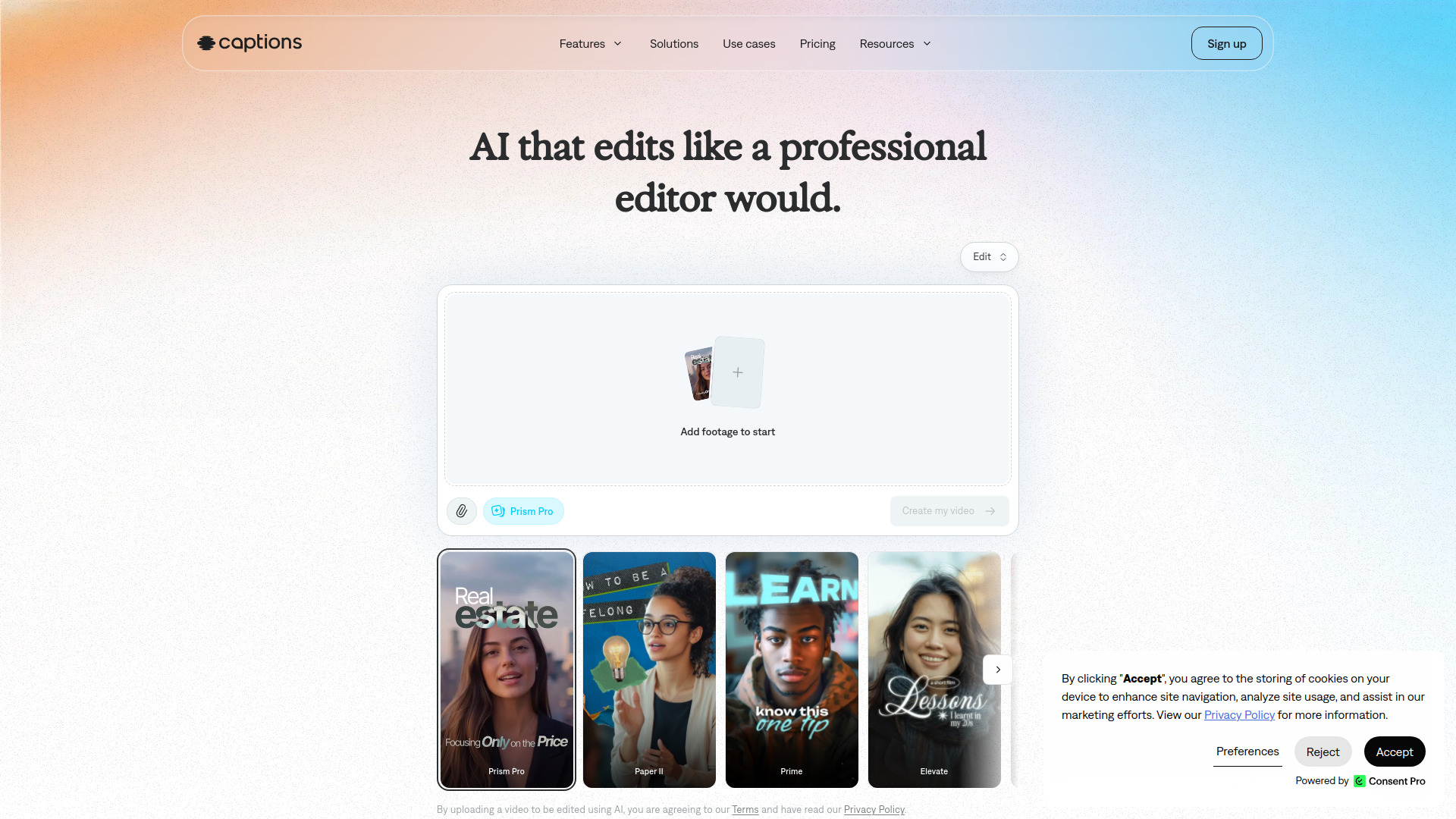
Best for | Translated social videos from phone footage |
Starting price | $24.99/mo (Max, required for Lipdub) |
Languages | Around 30 for Lipdub and dubbing |
Key feature | Lipdub mouth re-animation on dubbed dialogue |
Main drawback | Credit metering and export instability |
Captions is the pick for creators who shoot on a phone and want translated versions of their own face.
I ran a face-to-camera clip through Lipdub and picked Spanish. The app dubbed the audio, then re-animated my mouth to match. The result read as my performance, not a dubbed broadcast. An independent review by eesel landed on the same verdict, calling the lip-matched dubbing “surprisingly natural.”
What kept me interested was consolidation. I edited, fixed eye contact, added captions, and lip-synced the Spanish cut without leaving the app. For Reels and Shorts that saves a whole export dance. HeyGen reaches far more languages, roughly 175 against Captions’ around 30, but costs more at entry, $29 against $24.99. If you only need a handful of languages, that gap barely matters.
The pricing is where I’d slow you down. Free is a demo. The free plan carries zero usable AI credits, and AI Lipdub and AI Translate only unlock on Max at $24.99 with 500 credits. Basic sits at $9.99 with 200 credits but won’t lip-sync your translation. Credits roll over up to three times your monthly allowance, which softens the blow, but my generation costs still felt hard to predict.
Honest downside: the app is heavy. Users report lag, slow processing, crashes at export, and captions drifting out of sync after edits. I hit enough friction exporting to keep a backup render plan.
Privacy terms deserve a read before you upload your face. A caveat flagged by The Rundown: Mirage’s policy lists face- and voice-derived biometric data and model training among its uses, with training-data exclusion reserved for Enterprise.
If you want lip-sync as raw infrastructure, company docs suggest Mirage is shifting toward generative video and the Lipdub API is enterprise-only. For social workflow, though, Captions remains my phone-first recommendation.

Synthesia
Best For | Localizing existing presenter and training footage |
Pricing | From $18/mo on annual Starter, AI dubbing included |
Free Plan | First minute translated free, watermarked, no card |
Dubbing Cost | 240 credits per minute of lip-synced dubbing |
Languages | 140+ for translation, 134 for dubbing per the docs |
My test file was footage I never made in Synthesia. Camera-shot, cut in Premiere, dropped in as an MP4. It detected the source language, handed me a transcript to fix before spending credits, and I queued Spanish, German, French and Chinese in one job.
The speaker’s voice carries into every language. Mouth movements re-sync across the cuts. I left timing on Adaptive, the default, because pacing felt natural. There’s an Original mode if you need to hit a fixed slot.
Translation sits inside the plan cost. That mattered more than I expected. In a 50-video hands-on test, the author spent $95 on Synthesia versus $384 on HeyGen for the same workload. The same test caught 2 of 50 videos with lip-sync glitches needing a re-render. I hit one too. Keep a re-render in your budget.
A G2 comparison puts Synthesia’s reputation strength on multilingual translation, with reviewers rating languages 88% and setup ease 94%. HeyGen scores higher on avatar realism. That split matches what I saw.
My main issues. Burned-in on-screen text never translates, only spoken audio. Post-dub transcript fixes are Enterprise-gated. And credits burn fast if you also generate avatar videos, since both share one pool.
I’d still budget a native-speaker check on every language. Nothing here replaces it. But for dubbing footage you already own, this is the workflow I’d pick.


