

You launch an AI influencer account and the first three videos look great. Then the face starts drifting. By week two your followers are looking at someone who is supposed to be the same person.
That drift kills trust faster than a weak script ever could. And the ceiling here is high. Virtual influencers average 5.67% engagement against 1.89% for human influencers, according to 2026 influencer marketing data. One consistent persona is worth more than a folder of pretty one-offs.
I built a week of daily posts with seven generators this year and watched which ones keep the same face, land the lip sync, and charge you honestly per clip. The gap between the good ones and the rest surprised me.
Here are the 7 best AI influencer video generators in 2026 that survived that week.
The Rundown
- Clone Yourself Once, Post Daily: HeyGen, “Record one short take and generate consistent talking-head videos from your own cloned face and voice.”
- Keep One Face Across Clips: Higgsfield, “Lock a made-up influencer’s identity with Soul ID, then copy real motion onto them from reference clips.”
- When You’d Rather Own It: OpenArt, “Save one designed character and tag her in every prompt to keep the same face across images and video.”
- Ten Seconds Builds Your Twin: Captions, “Film one continuous take and turn any script into short creator-style videos at $24.99 a month on Max.”
- When Ads Must Not Read AI: Arcads, “Cast motion-capture-derived AI actors who blink, shift and lip-sync like real creators, priced around $110 a month.”
- Paste A Product Link First: Creatify, “Drop in a product URL and get script angles, image creatives and a vertical ad without writing anything yourself.”
- Translate One Video Everywhere: Synthesia, “Turn scripts into polished presenter videos and ship them in 140+ languages with lip-synced translation included.”
The Best Ai Influencer Video Generators
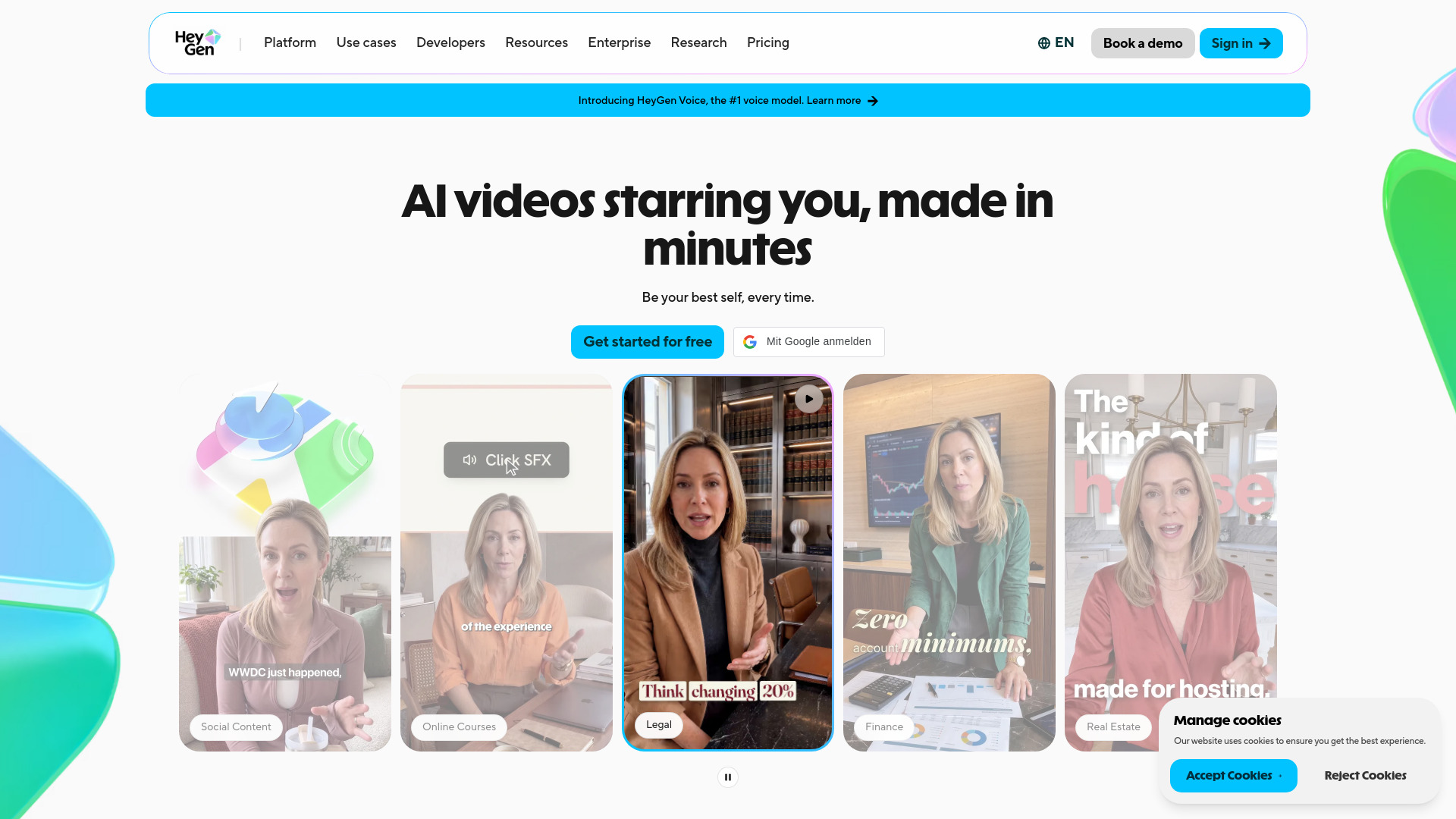
HeyGen
Pricing | Free tier, then Creator $29/mo, Pro $49/mo, Business $149/mo |
Best For | Talking-head posts from a reusable self-clone |
Setup | One short recording plus a spoken consent check |
Learning Curve | Low; scripting is the real work |
Watch Out For | Credit burn and a 4K paywall |
The setup surprised me with how fast it was. I recorded a short clip, read a consent phrase into my webcam, cloned my voice, then pointed the result at a script. My first render landed in minutes. After that, writing was the only real work.
The consistency is the real draw. Same face, same voice, same gestures, post after post. One short recording session gave me a twin I could aim at any script, and more source footage improves the quality. For anyone trying to keep a posting schedule without a daily camera session, that is the whole value.
Then the tells showed up. My eyebrows shot up in a way I never do. Faint rings appeared that were not in the source footage, and one render quietly dropped a line of script. Short videos work best. Push a clip past five or ten minutes and drift creeps in.
Budget first. One test render cost me 6 premium credits, and 4K sits behind a much pricier tier. The pricing ladder above matches an independent 2026 market report, which warns that credits make the headline price misleading. Count the finished videos you need each month before subscribing.
Delivery matters. The twin handles neutral, straight-to-camera talk well. Humor and warmth fall flat, and you cannot fake an unscripted feel. If your brand is a polished explainer, this fits. If your brand is deadpan comedy, it will not.
I also checked how real creators fared. A June 2026 profile by Upstarts Media documented Julia McCoy’s audience rejecting her avatar at first, then accepting it after about six months. She discloses the AI in every video. I would do the same, and expect a noisy first month either way.
For daily talking-head posts without a camera, I would use it. Anything needing real spontaneity, I would still film myself.

Higgsfield
Best For | Consistent AI-influencer personas on TikTok, Reels and Shorts |
Standout Feature | Soul ID identity lock, trained from 20+ photos in about 3-5 minutes |
Motion Transfer | Genjutsu mode, takes a 4-30 second reference clip |
Pricing | Credit-based, moves often; check the live pricing page |
Learning Curve | Moderate; prompting, consistency and motion all take practice |
What sold me on Higgsfield is Soul ID. I trained a character from 20-plus photos in a few minutes, then reused that exact face across clip after clip. Creator forums keep circling the same fear: generating standalone clips and hoping the character matches between cuts. Soul ID is the fix for that.
The other half is Genjutsu, the motion transfer mode. You hand it a reference clip, and your character performs the same movement, camera work and timing while cast and wardrobe change. ComfyUI’s partner-node docs spell out the limits: clips under 4 seconds get rejected, longer ones trim to 30, and a 12-second source returns 12 seconds. It defaults to 720p, so I set 1080p myself every time.
What I kept coming back to is consistency. Across my own batches, one synthetic character returned roughly 40 on-model picks out of 50 when I varied pose and lighting on purpose. That ratio held closely enough across sessions that I stopped spot-checking every export. Creator forums push the same test for a reason: a face that holds is the whole product here.
My main issue is credits. Clips run roughly 6 to 58 credits depending on the model, and users report a silent jump from 1 to 1.5 credits per second at 720p. Renders past 10 seconds take a while, and the queue is real. Identity also drifts when you stitch separately generated clips into one longer sequence. Pricing moved more than once during 2026, so check the live numbers before committing.
If you want a cloned talking head of yourself, HeyGen or Synthesia fits better. For cheap bulk UGC ad volume, Arcads or Creatify. Higgsfield wins when the job is an invented person who must look identical post after post, plus lifting motion from a reference clip. For that, I’d recommend it.

OpenArt
Best For | Owning a persistent AI influencer persona |
Character Creation | Reference image, text prompt, or guided builder |
Reuse Mechanic | Saved character tagged with @name in any prompt |
Commercial Use | Requires a tier above the cheapest plan |
Clip Length | Roughly 5 to 10 seconds per standard clip |
I built my influencer once. One reference image, four auto-generated views (front, close-up, full body, back), a name, a quick backstory. After that I never described her face again. I tagged @hername in every prompt and she showed up in a cafe, in a ski outfit, in a studio shoot, and in a short video as the same person. That habit is the whole product. Forget the name and OpenArt invents a stranger.
What sold me was the ownership angle. Arcads and Creatify rent you actors from a library you don’t control. HeyGen gives you a scripted presenter, mostly bust-up. Higgsfield’s Soul ID wants a batch of uploaded photos and needs re-anchoring per model. Here, a persona I designed from scratch became a saved asset I reference across images, video, and voice in one workspace.
I’ll be honest about the ceiling. In a r/generativeAI thread, creators were blunt: nothing holds a character perfectly across an entire ad series in 2026. One commenter’s drift hit a cliff around clip four. Their fix, which matched mine, is lock the face in static images first, animate an approved start frame, and never re-describe her in the video prompt.
The economics deserve a warning. One September 2026 review flagged what I hit too: commercial use, meaning sponsored posts or monetized influencer work, needs a paid tier above the cheapest plan, credits don’t roll over monthly, and in my testing video burned through them faster than images. I’d price your expected monthly output on OpenArt’s pricing page before committing.
One last thing. If you run an AI persona publicly, label it as AI. Audiences punish deception faster than they punish the format.
If you want a reusable face you actually own, this is the pick. For a single talking-head presenter, look elsewhere.
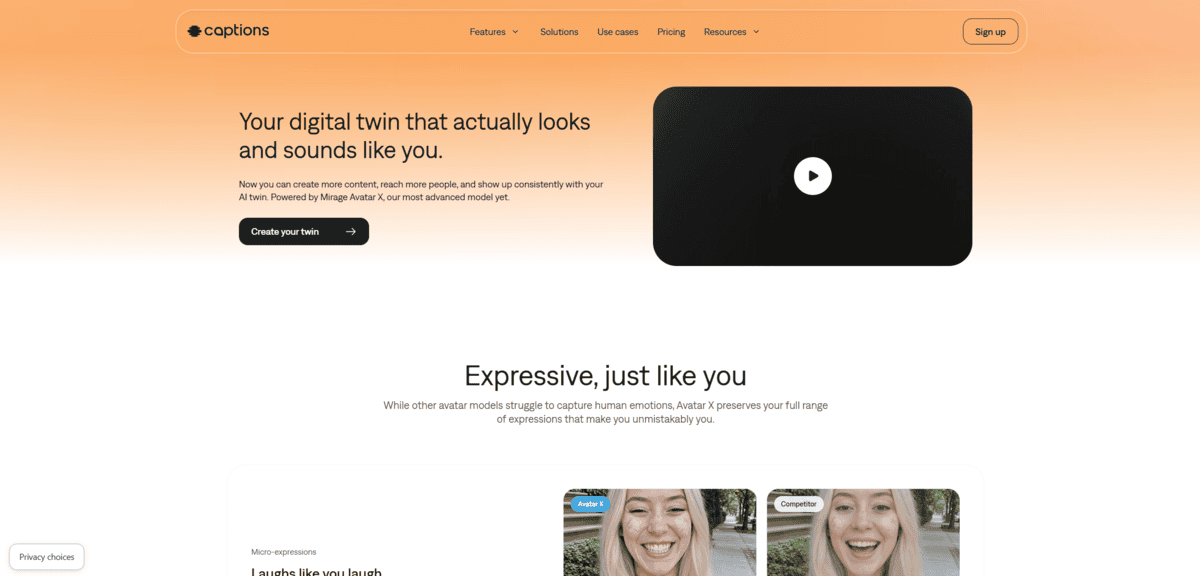
Captions
Best for | Creator-style face-to-camera content |
Free plan | Editing only, no AI generation |
Twin pricing | $24.99/mo Max plan, 500 credits |
Setup | One continuous 10-second take |
Ten seconds of filming is all it asks for, which surprised me. I filmed one continuous take in the app. That single clip built the twin with my face, my voice, and the small mannerisms I make when I talk. After setup, any script becomes a new video. No re-shoot, no lighting setup, no second take.
I tested it on the 2026 Mirage Avatar X model, which now powers every Captions avatar. Expressions, voice, and motion generate in one pass instead of being layered on top of each other. On short clips, the eye contact and lip-sync looked real to me.
I’ll be honest about the limit. Stretch a take toward 3 minutes and the polish slips. Expressions flatten. Lip-sync drifts a little at the edges. For daily short-form under 30 seconds, you likely won’t notice.
Now the part that stings. The free plan is editing only. Generation sits behind “Unlock Mirage video.” Twins require Max at $24.99/mo with 500 credits. Credits are what actually cost you money. An independent hands-on review puts it at about 16 credits per 6 seconds of generated video, with AI Edit running 10 to 40 credits per project. Retries burn credits too. Approve one video out of four tries and you’ll feel it. Credits do roll over up to 3x your monthly allowance, which helps. That same review prices HeyGen’s Creator plan at $29, so Captions is the cheaper way in.
On Trustpilot, Captions holds 4.5/5 from 521 reviews, above HeyGen, Higgsfield, and Creatify. The 1-star reviews cluster around billing and cancellation. Read the renewal terms before you commit.
I’d reach for this over Synthesia for anything creator-facing. Synthesia reads like corporate training. Captions reads like a person talking to a phone, which is the whole point here.
If you post daily short-form and hate re-shooting the same intro ten times, this is worth your time.
Arcads
Best for | UGC-style talking-to-camera ads that must not read as AI |
Actor realism | Motion-capture-derived actors, natural body language and lip sync |
Starting price (user-reported) | About $110/mo for roughly 10 videos, no public pricing page |
Biggest drawback | Credits metered by rounded-up actor-minutes, edits trigger full re-renders |
Trustpilot score | 2.6/5 across 183 reviews |
I came in skeptical. Arcads holds a 2.6/5 score across 183 Trustpilot reviews, with 48% of raters giving 1-star and 42% giving 5-star. Rarely have I seen a tool people either love or rage-quit. After testing it, I get both camps.
The actors are the reason. Arcads builds them from motion capture of real consenting performers, so blinking, weight shifts, and speech timing land right. The speech-to-speech mode let me record my own read and map its pacing and emotion onto the actor. When an ad needs to survive the Meta or TikTok scroll without screaming “AI,” this is the pick. HeyGen renders a polished spokesperson cheaper, but it looks like an avatar.
My workflow ran like this. UGC Studio for a consistent custom influencer, same face across every clip. Composite the real product photo into her hands. Animate with Veo 3.1 or Kling at 1080p. Three scene variations, then upscale, captions, translate. I finished assembly in CapCut. One user-reported trick I can see real value in: connecting the Arcads MCP server to Claude Code to go from a product page to a batch of audience-specific ads in an afternoon.
Now the blunt part. Credits are metered per actor-minute and rounded up, so a 15-second hook bills like a full minute. Edits trigger full re-renders. One agency user burned roughly 3,000 credits fixing a single small error. Sticker math lands near $110/mo for about 10 videos, roughly $11 each. Budget $15 to $20 per usable ad once retries pile up. The 3-day trial with 1,000 credits works as a smoke test for two short clips. Nothing more.
Who should get it: teams already outspending that per human UGC video, testing hooks at volume. Who should skip it: anyone wanting an all-in-one editor or only occasional use. The credit model punishes dabblers.
One credibility note. Arcads is backed by a $16M seed led by Eurazeo with Sequoia Scout, says it was already profitable, and reports 6,000+ clients generating around 100,000 video assets a month. This is not a weekend project collapsing next quarter.
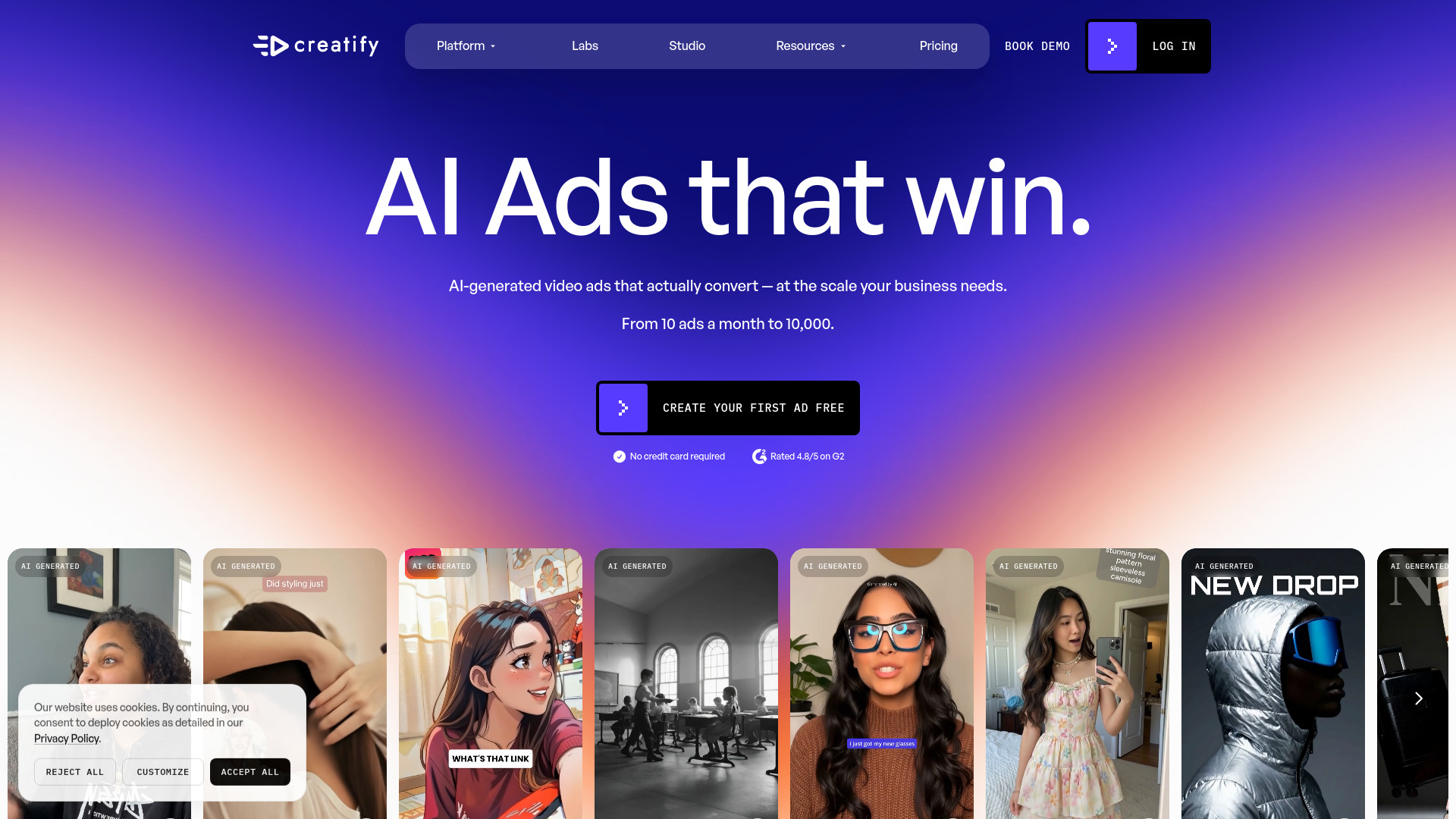
Creatify
| Best for | Product-page-to-ad volume for ecommerce |
|---|---|
| Starting point | Paste a product URL, no script needed |
| AI actors | 1,500+ avatars on higher tiers, reusable across variations |
| Free plan | 10 credits per month, enough for a couple of test ads |
| Watch out for | Agent and Ad Flow features burn credits unpredictably |
What drew me in was the starting point. Most avatar tools ask for a script first. Creatify asks for a product link.
I pasted a men’s retinol body lotion page and waited. Product name, category, description and selling points came back filled in, no typing on my end. Then it offered script angles: before/after, awareness-problem, user experience, question opening. I set the target audience to “men in their 30s”, picked an avatar, and got four image creatives for 2 credits before rendering a 15-second vertical ad. Minutes, not an afternoon. That matched a 2026 hands-on walkthrough I checked afterward.
The avatar library is the volume lever. That same walkthrough counted over 1,500 realistic faces on higher tiers, and reusing one person across a whole batch of variations keeps a campaign looking coherent. When I wanted control, AdFlow gives a node-based editor over script, voice, avatar and visuals per step. Quality checks also lock product claims and correct logos, which matters when you are shipping dozens of renders.
My main issue was credits, not output quality. The free plan’s 10 credits buys a couple of test ads. The Agent and Ad Flow features can eat credits faster than I expected, and watching a balance drain mid-session takes the fun out.
Reviews split hard. Creatify sits at 3.7/5 on Trustpilot from 842 reviews, with 76% five-star and 18% one-star; HeyGen rates 4.2 from roughly 5,000 and Arcads 2.6 from 187. The one-star crowd is mostly billing, cancellation and refunds, plus the occasional render where the presenter doesn’t match the script. The URL-to-video idea itself rarely takes the blame.
If your job is turning product pages into creator-style ads at volume, this is the pick. Polished script-first talking heads are HeyGen’s territory.
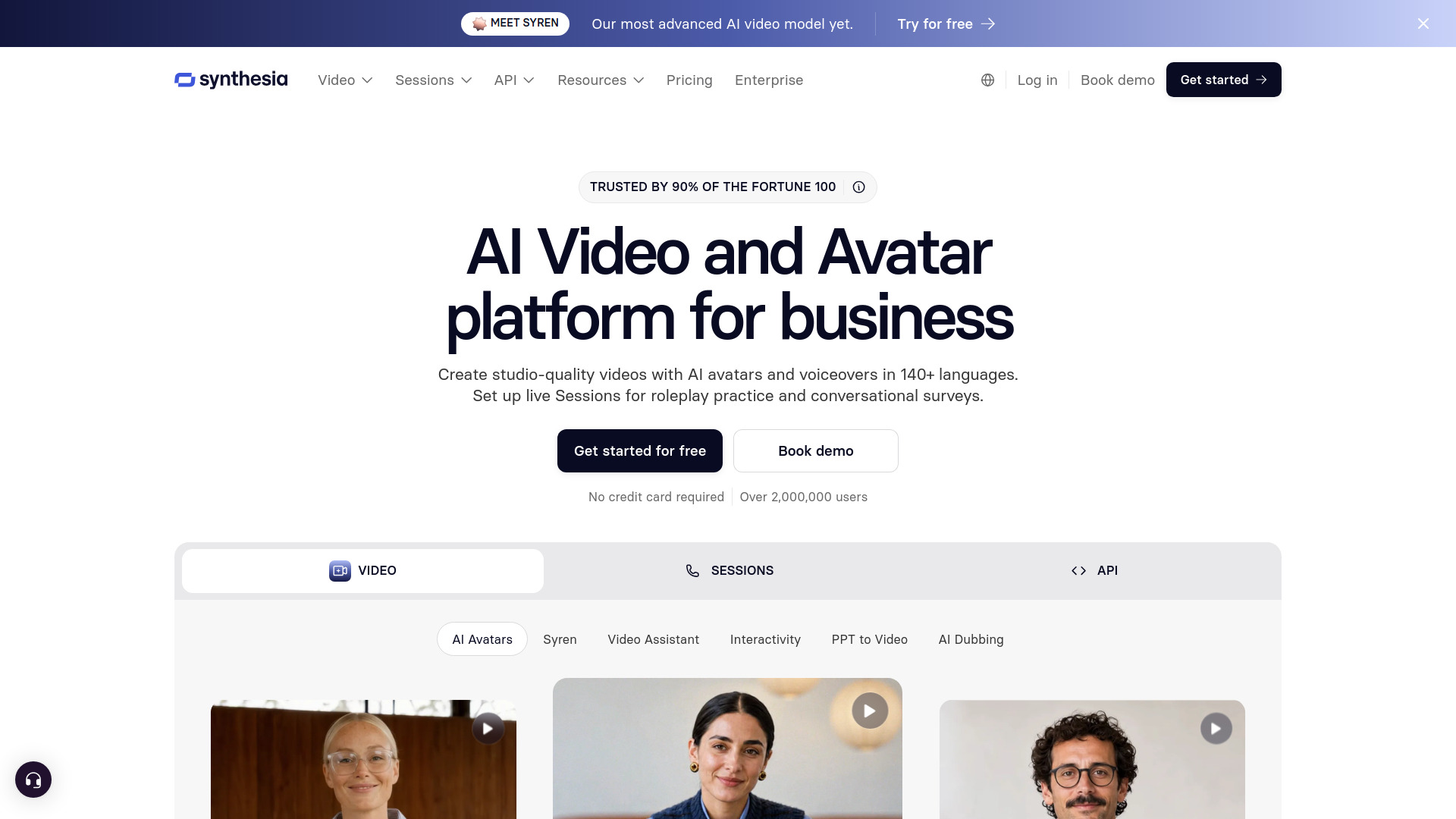
Synthesia
Pricing | Starter ~$18/mo, Creator ~$64/mo (annual) |
Free plan | 10 minutes/month, watermark, no MP4 download |
Avatars | Stock presenters plus custom personal avatar |
Best for | Structured educational and business video |
Rating | Techpresso reports 4.7/5 on G2 with 2,000+ five-star reviews |
Ideal for professional creators who want polished presenter video without a camera.
What stood out to me first was the choice in front of me. I could build a personal avatar from a few minutes of webcam footage, or pick a stock presenter. The custom path requires a live on-camera consent recording, no pre-recorded clip allowed, and mine appeared within a day.
Before committing, I watched a long-term user’s honest take, and months later I agree with their caveat: WEB WISE found the avatars still very easily identifiable as AI generated. The voice clone genuinely sounded like the person. The mouth movements did not, and in motion the avatar reads as AI.
Skip the custom work and the stock presenters handle ordinary business topics fine. The editing canvas feels like a slide deck, which suits courses and thought-leadership pieces. I also liked updating old videos by editing the script instead of re-filming anything.
Translation into 140+ languages ships built in, lip sync included. For anyone publishing multilingual versions, that mattered more than I expected.
My main issue was billing. Every re-render re-bills your minutes, and renders run 7 to 14 minutes each. I now lock the script completely before touching render. On Starter that works out near $1.80 per finished minute, so sloppy drafts get expensive fast. The free plan will not let you download the file either.
HeyGen won me over on expressiveness and cheaper custom avatars. Synthesia answers with cleaner output and included translation, plus brand governance backed by SOC 2 and ISO 42001. I would pick HeyGen for social clips, Synthesia whenever the video represents a company.
I’d recommend Synthesia to professional creators making educational, business or thought-leadership video, especially anyone avoiding the camera. Skip it if you want raw social-first or cinematic footage. That is simply not what this tool does.


