
HeyGen gets called the default talking head video generator so often that I nearly stopped checking whether it still was. Then I looked at what the rest of the field actually does now.
That check changed my mind about a few things. Workday cut content localization from weeks to minutes with HeyGen and doubled its output without new headcount, per HeyGen’s own customer story. I take that kind of leverage seriously, because the wrong pick here costs you money every month you keep paying for it.
So I lined the real contenders up on what actually decides it for me: lip sync that survives a full minute, per-minute cost I can predict, and a face that stays the same face from the first frame to the last.
I narrowed it down to the 8 best talking head video generators in 2026, with HeyGen as the benchmark every other one has to beat.
The Rundown
- Your Best Starting Point: HeyGen, “Generate script-to-presenter clips in minutes with convincing eye contact and lip-sync, though Avatar IV credits run out fast.”
- When Training Teams Buy: Synthesia, “Describe a topic and its AI Assistant drafts the script, scenes, and voiceover, with SAML/SSO and SCORM for L&D.”
- If You Film Yourself: Captions, “Polish your own footage with eye-contact correction, animated captions, and dubbing into 100+ languages, all from your phone.”
- Pile On Features Cheaply: AI Studios, “Turn scripts or documents into avatar videos with 150+ stock presenters and 80+ languages, starting around $24 a month.”
- Quizzes Branching And SCORM: Colossyan, “Drop quizzes and branching scenarios into SCORM-exportable lessons for onboarding and compliance, with 300+ presenters in 100+ languages.”
- If Replies Must Be Live: D-ID, “Animate a single photo into an expressive face that listens and replies out loud in real time, with an API.”
- Edit And Generate Together: VEED, “Generate a talking head and keep editing on the same timeline, with auto captions, B-roll tracks, and 4K exports.”
- One Replica, Two Formats: Tavus, “Use one trained replica for both scripted videos and live two-way conversations that read tone, posture, and gaze.”
The Best Talking Head Video Generators
HeyGen
Pricing | Creator $29/mo, Pro $99/mo |
Free plan | 3 videos per month at 720p |
Best For | Script-to-presenter videos in many languages |
Ease of Use | Short learning curve for stock avatars |
Watch Out For | Credit meters on Avatar IV |
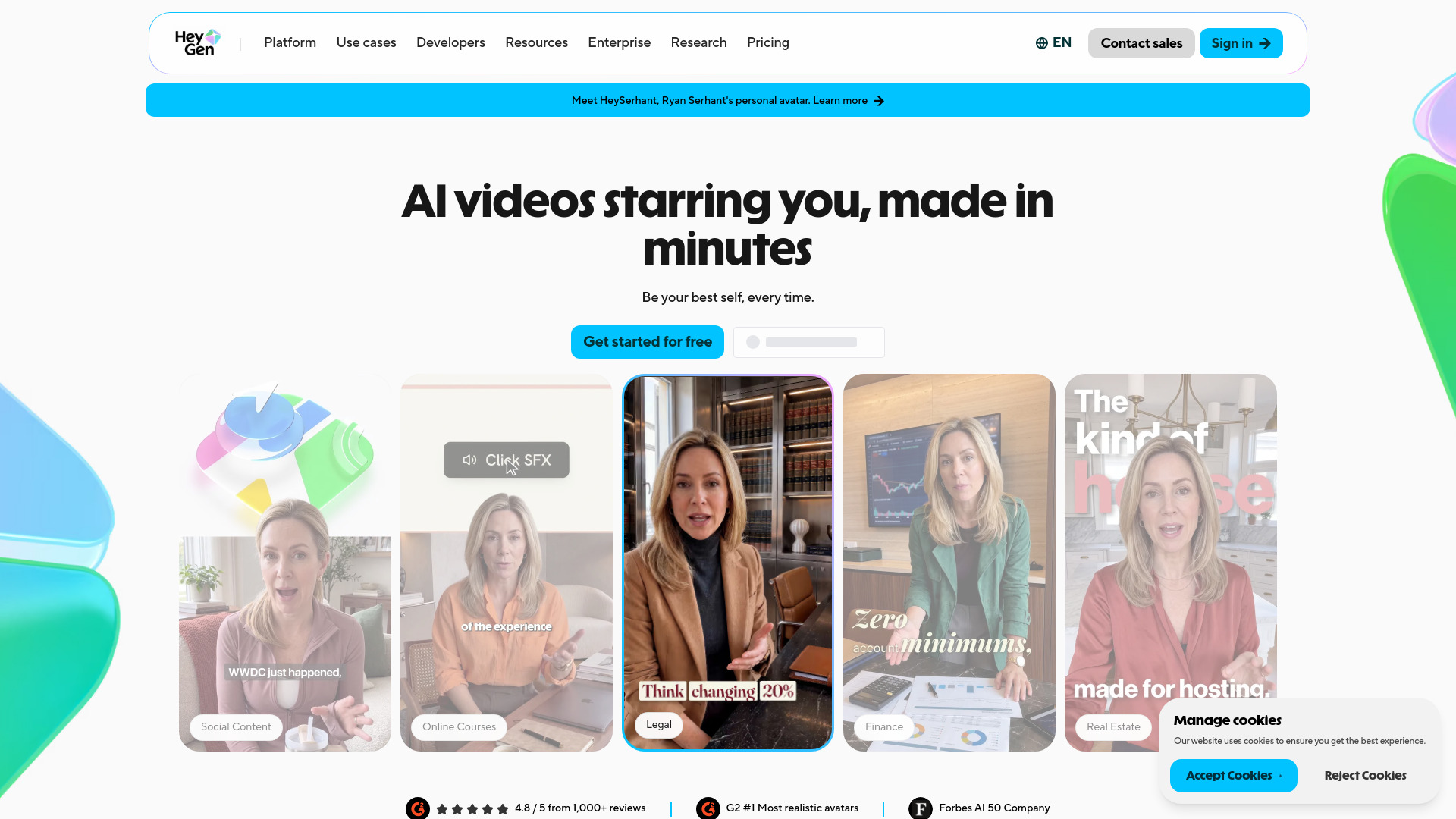
To see how easy it was to get started, I ran a quick test. Signed up, picked a stock avatar, pasted a short script, chose a voice, hit Generate. Under three minutes later I had a presenter clip. No camera, no mic, no retakes.
That first clip is what convinced me. The face holds eye contact, gestures land where they should, and the mouth actually matches the words. I also tried a digital twin, and it trained from a quick phone recording instead of a studio session. Much easier than I expected.
Language work is quietly strong. The lip-sync held in the non-English takes I ran. And EzUGC’s 30-day test found Video Agent goes from one prompt to a finished AI video in under 4 minutes, with generated B-roll dropped in.
Now the part that annoyed me. Creator is labeled unlimited, but Avatar IV meters about 20 credits per minute, and Creator hands you 200 credits (Vitaliy Lano’s breakdown), so roughly 10 minutes a month. A heavy month pushes you to Pro at $99/mo. I hit the same wall sooner than I liked.
Two more caveats. There is no built-in teleprompter if you plan to film yourself on a real camera. And photo avatar quality leans hard on your input framing. Get the headshot wrong and the output shows it.
I also opened the pricing pages for the rest of this list. Synthesia leans enterprise governance, Captions captions better with weaker avatars, AI Studios piles on features at lower quality, Colossyan suits L and D, D-ID is cheap photo-to-video but less realistic, VEED edits real footage, and Tavus does real-time conversation with a smaller library.
If you want one tool to start with, this is it. Just watch the credits.
Synthesia
Pricing | Free plan, Starter $18/mo annual, Pro $64/mo annual, Enterprise custom |
Best For | Training, onboarding, compliance, internal communications |
Ease of Use | AI Assistant builds a full draft from a text prompt |
Free Plan | 10 minutes, 9 avatars, watermark |
Enterprise Controls | SAML/SSO, SCORM export, audit logs |
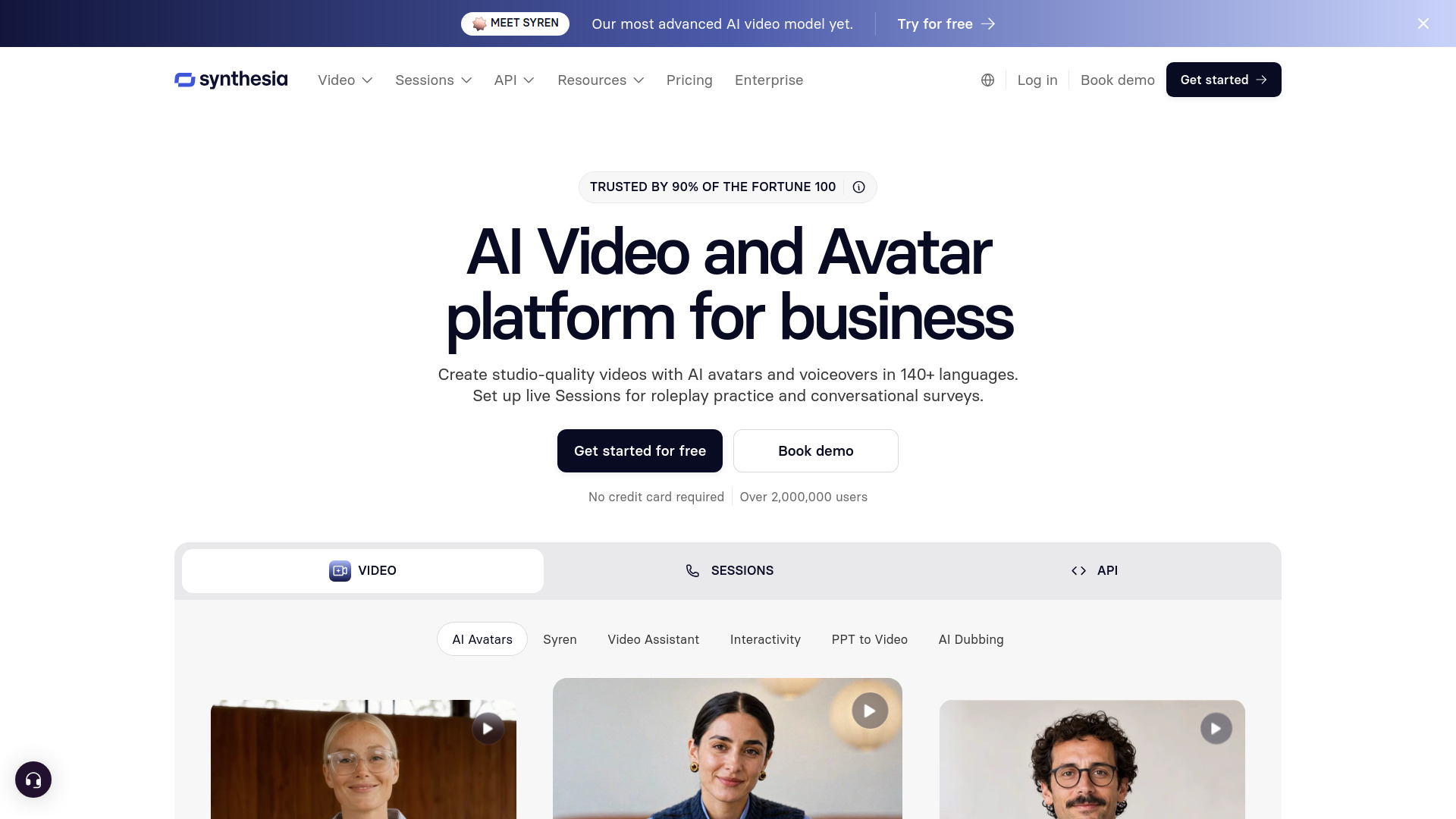
When I opened it in 2026, the pace of releases surprised me. Synthesia 3.0 arrived in October 2025 with Video Agents and Express-2 avatars. Express-3, the AI Assistant, Roleplay Sessions and Syren studio followed through the year.
I tried the Assistant first. You describe what the video should cover and it returns a script, scenes, avatar and voiceover in one pass. A three-sentence brief gave me a presentable training explainer quickly. Translate it into 160+ languages and the same course travels to every region you operate in.
I’ll be honest about the avatars. Short clips look convincing. Longer ones show slight stiffness in gestures, and fast speech drifts a little in lip-sync. Fritz.ai’s hands-on review hit the same uncanny valley feeling. For internal training, I found it easy to forgive.
Pricing needs a careful read. Minutes don’t roll over, re-renders count against the cap, and in my own testing per-seat minutes didn’t pool across editors. Custom avatars add $1,000 a year. Enterprise quotes stay opaque until you ask.
This is where I’d point training and comms teams. Security answers are ready for review: SOC 2 Type II, ISO 42001, SAML/SSO, SCORM export. For marketing videos where avatar realism carries the piece, HeyGen fits better.
Captions
Best For | Solo creators polishing their own footage |
Pricing | Free; Pro $9.99/mo editing only; Max $24.99/mo; Frontier from $69.99/mo |
Free Plan | Lets you explore, not export avatar video |
Platforms | iOS first, web and Android behind |
Standout | AI Twin built from a single photo |
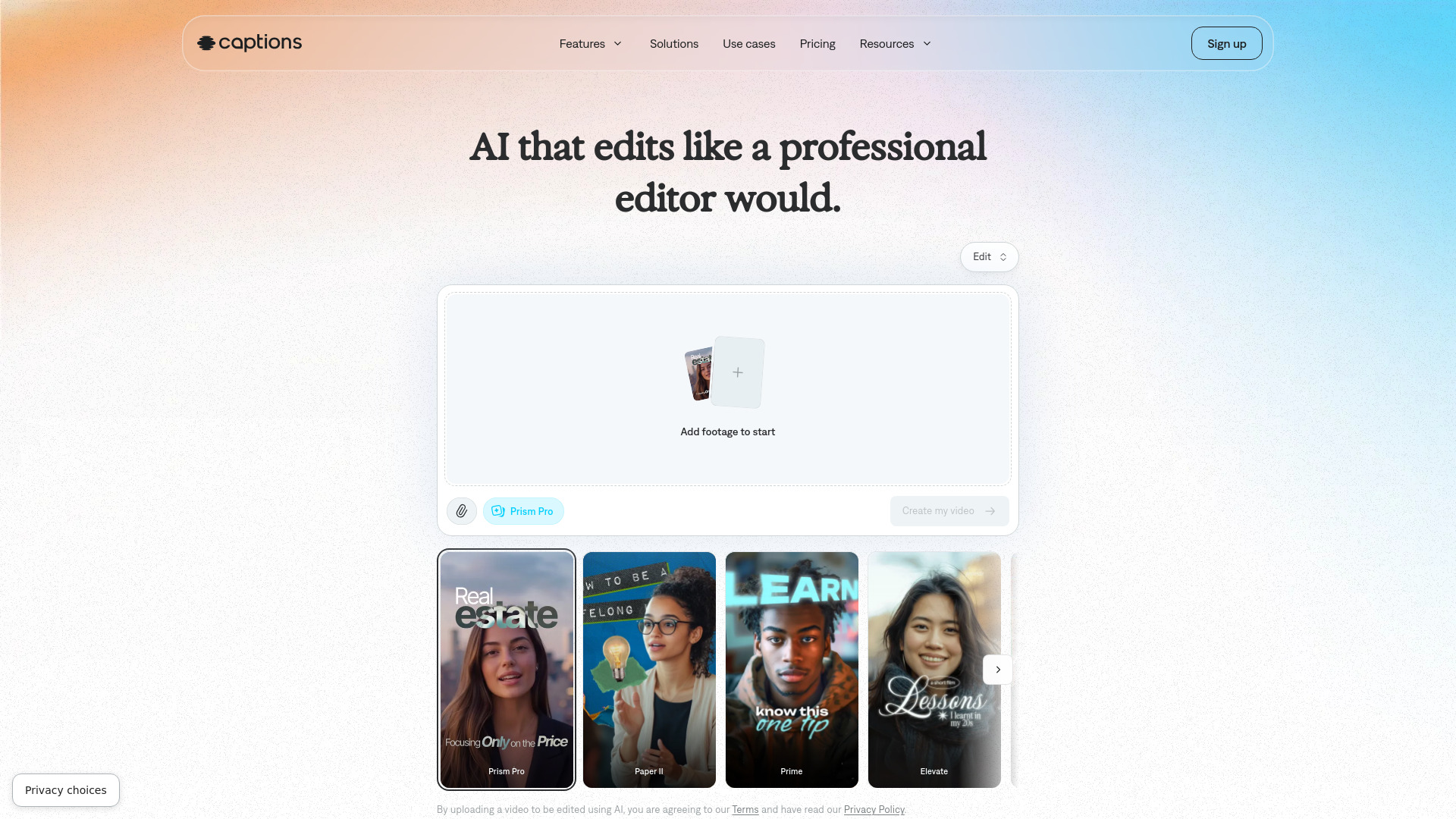
I’ll be honest, Captions confused me at first. It sells itself as a talking-head generator, yet it behaves more like an editor that also makes faces.
There are two ways in. Build an AI Twin from one photo, or pick a stock actor like Mark or Kate. I started with the stock actor.
What drew me in is the editing layer: eye-contact correction, auto cuts, animated captions, B-roll and music, plus dubbing into 100+ languages with lip-sync. That covers most of what a talking-head clip usually needs.
The free tier is a demo, not a door. I typed a prompt, chose an actor, and hit an “Unlock Mirage video” paywall. Generation never started.
Credits are where the real bill hides. TheRundown’s pricing breakdown confirms a credit-based system: Free ships with no generative credits, and Max gives you 500. Consumption varies by action, model and duration, so the headline price never reveals what a finished video actually costs. I’d budget for that before committing.
The two things I’d watch before paying are export reliability and the web build, which trails iOS. I didn’t get far enough on the free plan to stress-test either, so I’d verify both during a trial rather than assume.
Trustpilot sits at 4.4/5 across 510 reviews, with the 1-star crowd mostly angry about credit costs and plan-tier confusion. That matches exactly what I hit.
Choose it if you film yourself and want the polish, captions and dubbing handled automatically. Skip it if you need a scripted brand spokesperson or enterprise compliance paperwork. HeyGen and Synthesia cover that ground better.
Colossyan
Pricing | Professional $59/month, or $30/seat billed yearly |
Best For | Onboarding, compliance and skills lessons |
Ease of Use | Slide-based editor, quick to pick up |
Presenters | 300+ in 100+ languages (company figures) |
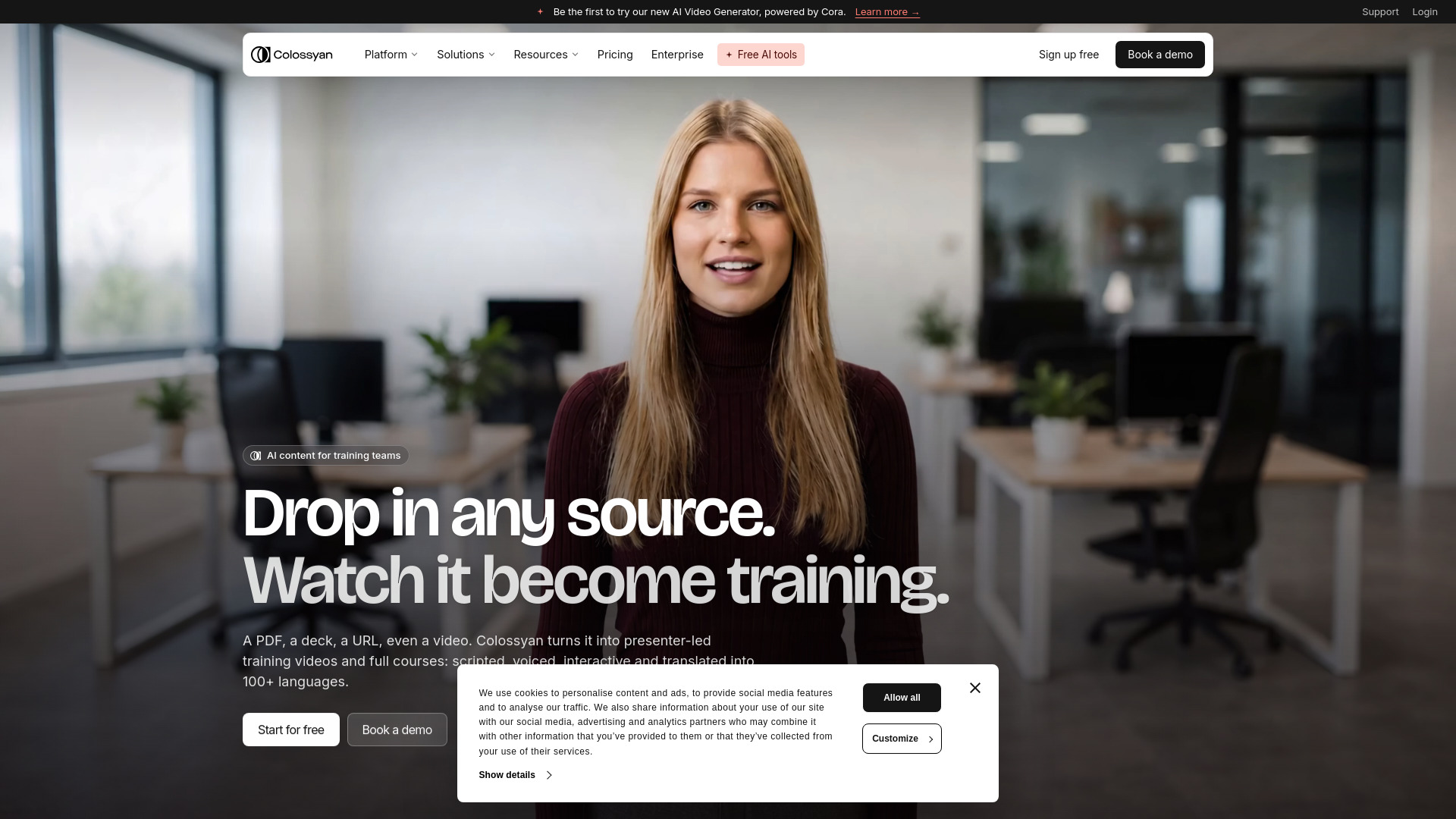
I tested Colossyan with training videos in mind: onboarding flows, compliance refreshers, product walkthroughs. That focus shows quickly. It wants you to build a lesson, not a promo clip.
What sold me was the interactivity. I dropped a quiz into the player, sent a wrong answer down a different branch, and it still exported as SCORM for an LMS. Two avatars can share the screen and respond to each other, which makes scenario practice feel less like a monologue. Nothing else in this roundup bakes branching in this tightly.
On the headline numbers, be careful whose they are. The company currently advertises 300+ presenters, 100+ languages, NEO 2 avatars with natural gestures, and a custom avatar built from one recording. Until I see an independent count, I read those as marketing figures.
Speed impressed me. Turning a document into a workable draft took minutes, and reviewers consistently rate it easy to pick up. I doubt an instructional designer here would need a tutorial.
The gripes repeat across sources. Faces stay a little stiff in emotional scenes, and Terry’s review pull found 25 separate G2 reviewers flagging thin emotional depth, with TrustRadius scoring custom avatar cloning just 5/10. I still think HeyGen and Synthesia produce more lifelike faces.
Cost also stings. Per Slicey’s 2026 pricing breakdown, the Professional plan runs $59 a month for 40 minutes, with NEO 2 output capped at 10 of those minutes. Want 600 more NEO 2 minutes? That is $1,500 a year. Do the division and you land near $1.50 a finished minute.
I’d pick it if you’re buying for training: quizzes, branching, SCORM, and localization across global rollouts. If you make marketing videos or chase hyper-real presenters at volume, look elsewhere.
D-ID
Best for | Expressive avatars and real-time interactive digital humans |
Standout feature | V4 expressions with sub-second response |
Pricing (2026) | Cheap trial, real cost starts at $29/mo Pro, commercial rights at $108/mo Advanced |
Output quality | 1080p in standard plans, 4K Enterprise only |
Watch out for | Stiff body below the face, credits don’t roll over |
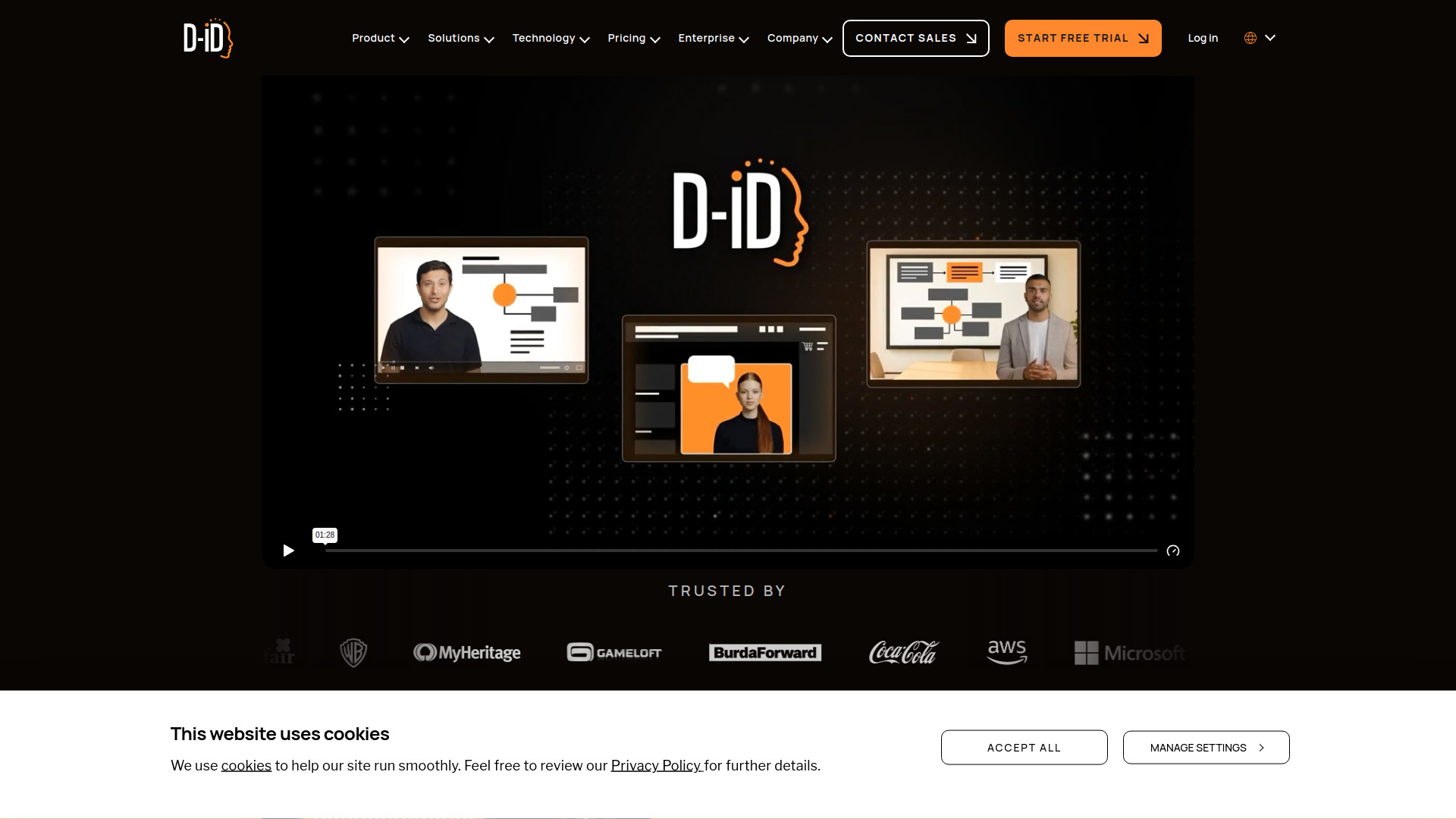
I spent a week with D-ID in early 2026, mostly on the V4 Expressive avatars. What stood out to me was the face. Eyebrows, small pauses, the way the mouth lands on the words. It feels less like a puppet and more like a person talking.
The real-time side is the interesting part. I fed it a single photo and had it answering questions out loud in seconds. Built-in knowledge meant I could ask follow-ups and it stayed on topic. There is also an API, which developers will care about.
Here is where it sits in this listicle. Synthesia is the more cinematic option. HeyGen is more polished for pre-recorded corporate avatars. Tavus wins on latency for developers. D-ID is the pick when the avatar has to listen, think, and reply out loud in a live chat. Close-up talking heads only, though. Body movement below the face is stiff, so full-body presenter videos are not its strength.
On price, there is a 14-day free trial, but it is three minutes and watermarked. Lite runs about $4.70-$5.90/month, Pro is $29/month, Advanced is $108/month. I cross-checked those numbers against Pexo’s D-ID review. Unused minutes do not roll over, which annoyed me. Commercial rights kick in at the $108 Advanced tier.
One honest note on output. 4K is Enterprise tier only. Standard plans cap at 1080p for Premium presenters, and 1280×1280 for standard ones. Do not expect one-click 4K export.
User sentiment is split. The Trustpilot rating sits at 3.9 out of 5. Fans praise the live interactive avatars, the lip sync, and the API. The recurring one-star complaint is that credits still get deducted when a generation fails or looks bad. My main issue was the same. I’d still recommend it if your avatar has to talk live.
VEED
Best For | Solo creators and small teams editing in one place |
Avatars | 60+ stock avatars, or a digital clone of yourself |
Free Plan | Yes, exports carry a watermark |
Pricing | Free, Creator, and Pro tiers |
Learning Curve | Low if you have used any web video editor |
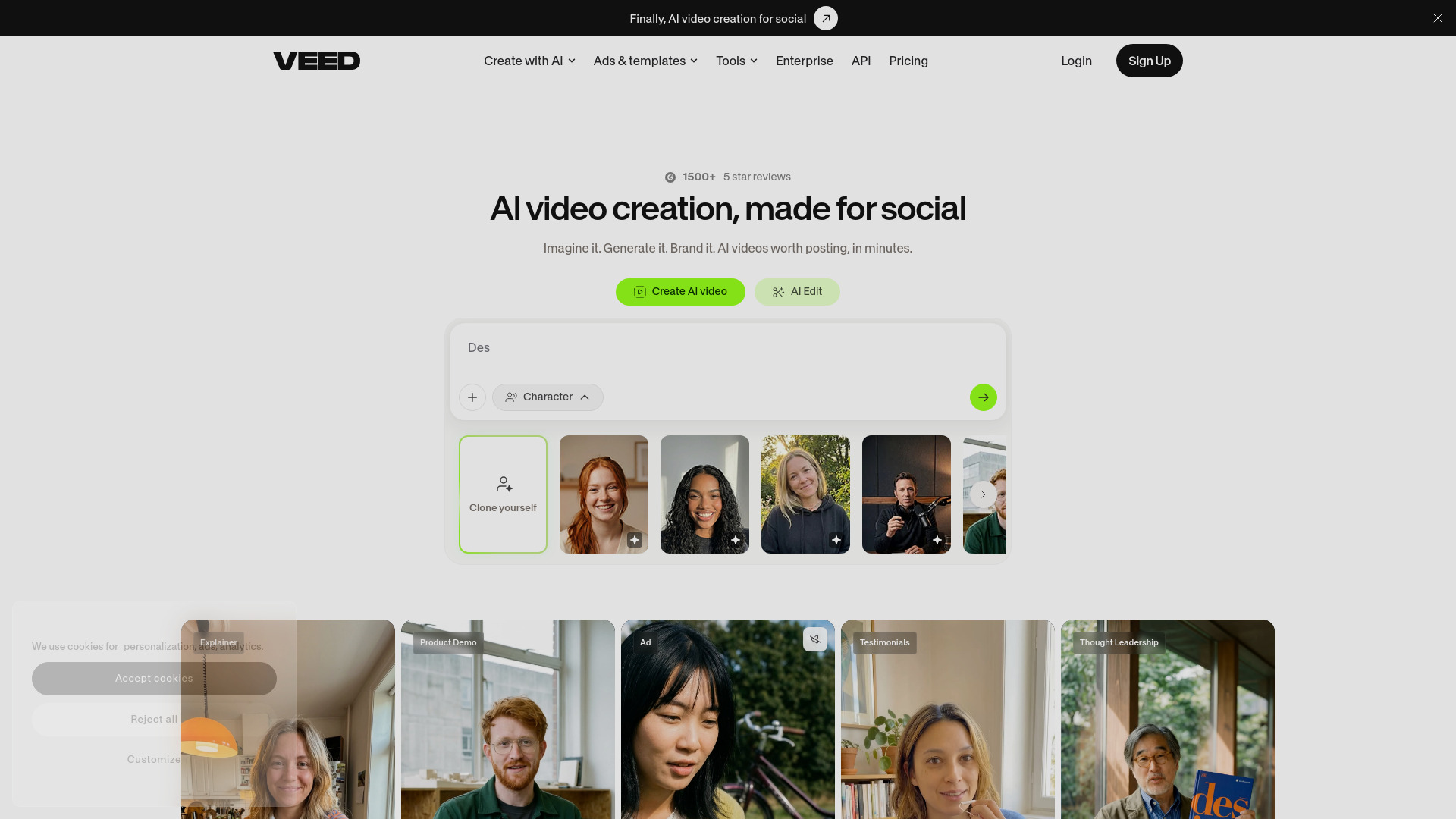
What sold me wasn’t the avatar. It was that the avatar and the editing timeline sit in the same place.
In my run I opened a project, dropped in a short script, picked a stock avatar, and had a talking head within minutes. Then I stayed right there. Captions came out on their own, I stacked B-roll on a second track, laid music underneath, then resized the same project vertical for TikTok and square for LinkedIn. No export-import shuffle across three apps. Eric Tech’s walkthrough of the same pipeline matched what I hit, down to Fabric 1.0’s inline emotion tags and clips running up to five minutes.
Fabric 1.0 turns a single still image into a talking video. That sounds gimmicky until you feed it an old frame and give it a fresh script. If you would rather clone yourself, VEED’s Personal Avatar records you once and builds a digital twin that can deliver the same script in other languages. Handy when you publish weekly and hate re-filming.
Pricing stays reasonable. The free tier stamps a watermark on exports, the entry paid tier runs about $9 a month billed yearly, and Pro at $24 a month yearly unlocks the full avatar toolset and 4K exports, per Genesys Growth’s 2026 comparison. Just watch the avatar and voice minute caps. They creep up fast if you generate a lot.
Honest limits. Avatar realism trails HeyGen, and Synthesia still wins for corporate training content. Long timelines lag in the browser, and big exports take their time. This is an editor you drive, not a hands-off content machine.
Pick VEED when captions, cuts and aspect ratios matter as much as the avatar itself.
Tavus
Best for | Live, two-way AI conversations with a consistent face |
Starting price | Free plan with 25 conversation minutes, then $59/mo |
Replica training | Stock replica in minutes; custom replica from 2 minutes of video |
Standout feature | One replica that generates videos and holds real-time chat |
Main limitation | Knowledge Base is English-only; free plan stops at the cap |
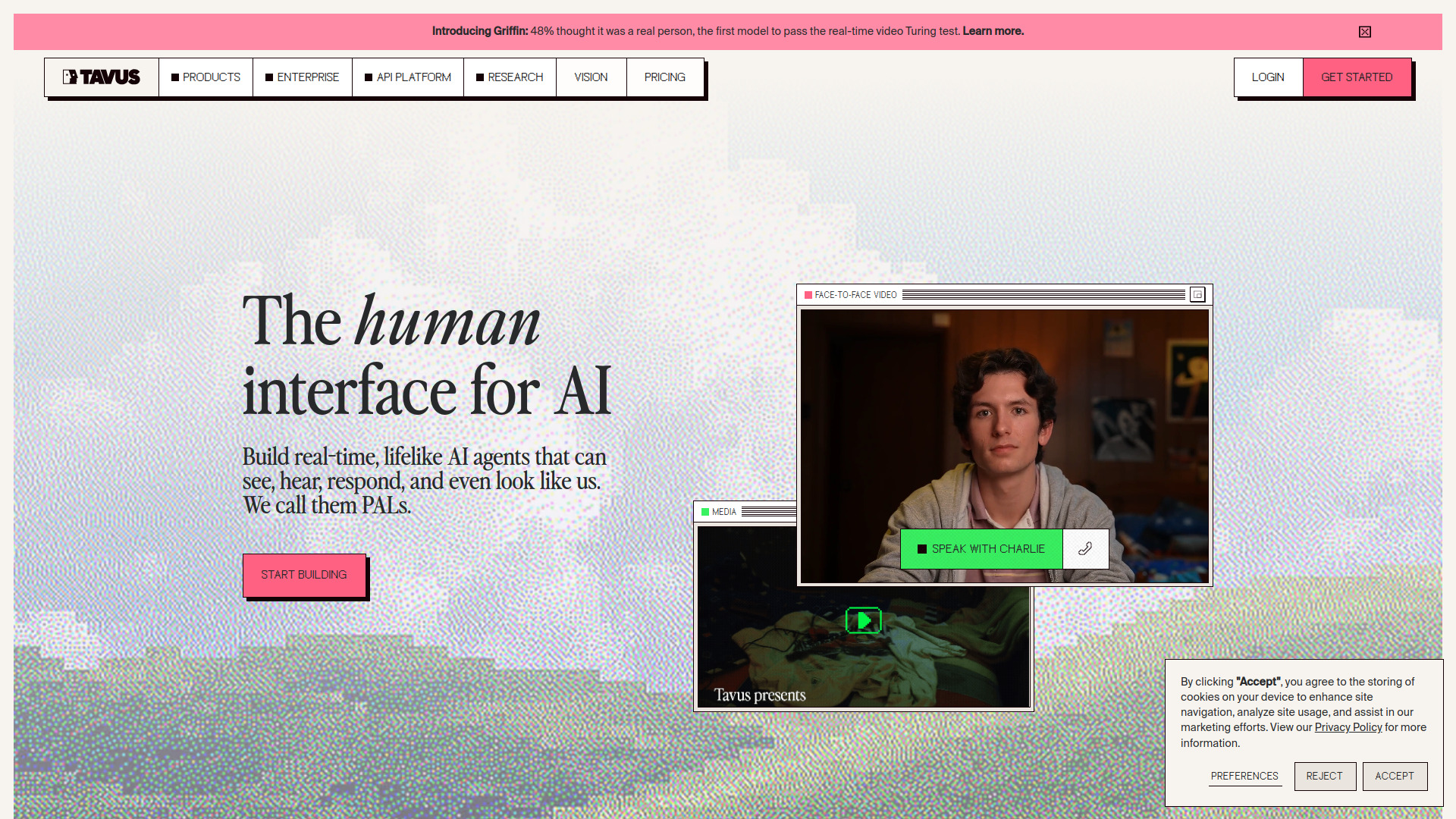
What stood out to me first: Tavus does two jobs with one face. You can generate a normal talking-head video, then drop the same replica into a live conversation. Most tools make me pick a lane.
I tried a Stock Replica first. It was usable in under five minutes. For a custom one, Tavus says two minutes of video trains your own replica in a few hours, and since May you can even start from a single photo.
The conversation quality is the real draw. Phoenix-4 renders in 1080p at 40fps with over ten emotional states I could dial in, while Raven-1 reads tone, posture and gaze. Replies land fast enough that the pause never breaks the flow.
I liked that I could script a walkthrough and still let a viewer ask follow-ups. One asset, two formats. That is genuinely rare here.
Pricing is where I paused. The free plan gives 25 conversation minutes, Starter sits at $59 a month and Growth at $397, per The Rundown AI’s independent listing. One catch: no overage on free or Starter. Hit the cap and the jobs simply stop.
If your work is scripted multilingual marketing clips, HeyGen wins. Governed enterprise training points to Synthesia. D-ID is the cheaper real-time option. I would take Tavus when the same replica must hold a live conversation too.
A few honest limits. The Knowledge Base is English-only, even though live conversation handles 30+ languages. Griffin, the newest model, is not available to customers yet. CellCog’s breakdown found its response delay slower than smaller open models, and the 48% figure comes from Tavus’s own 54-person study, not an outside evaluator.
I would keep conversation scopes narrow and specific. That is where this tool earns its price.


