
You’ve spent hours staring at a WordPress dashboard trying to get your site to look right. Setting up headers, arranging pages, tweaking fonts, fighting with themes that never quite work like the demo.
That grind is exactly why AI website builders for WordPress have exploded. The global website builder market reached $2.7 billion in 2026 and WordPress still powers 40.7% of all websites. But not every AI builder deserves your time.
I tested the ones claiming to make WordPress site building faster and easier. Some genuinely cut the work in half. Others just add another layer of complexity.
Here are the 5 best AI website builders for WordPress in 2026 that actually hold up.
The Rundown
- Full WordPress Site in Ten Minutes: 10Web, “You get a complete WordPress install with AI generation, managed Google Cloud hosting, and built-in speed optimization at $10/month.”
- AI Pages You Actually Control: Elementor AI, “The AI drafts your pages, and you edit every widget, style, and layout inside Elementor’s full visual editor.”
- Client Mockups in 60 Seconds: ZipWP, “You describe a business, and ZipWP produces a working WordPress site with pages, images, and content in under a minute.”
- One Prompt, Full Multi-Page Site: WordPress.com AI Website Builder, “You type one sentence describing your business and get a complete multi-page site you can refine through chat-based editing.”
- Three Designs From Five Questions: Bluehost WordPress AI Builder, “The AI asks five questions, generates three designs you compare side-by-side, and stays active after launch for ongoing edits.”
The Best Ai Website Builders For Wordpress
10Web
Pricing | $10-$23/mo (annual) |
Free Trial | 7 days, no credit card |
Best For | Non-technical users wanting full WordPress sites |
Platforms | Web-based, Google Cloud hosting |
Ease of Use | High for beginners |
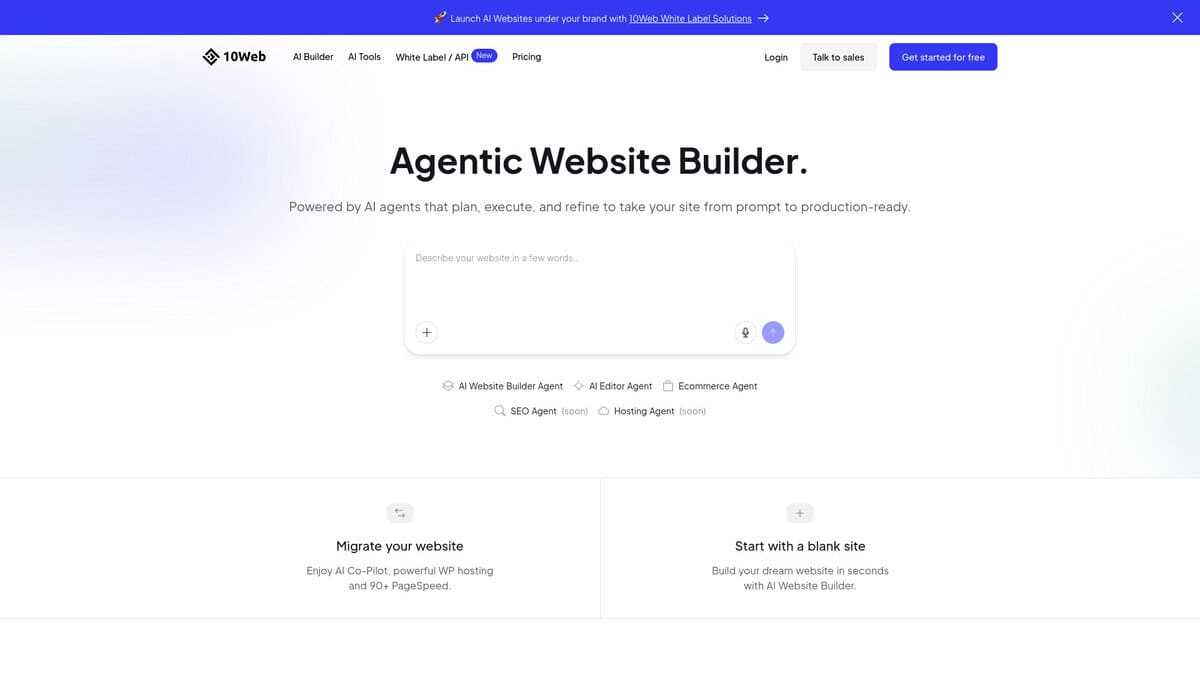
I tested 10Web expecting another mediocre AI site generator. What I got was a complete WordPress site in about ten minutes. Not a landing page. A real install with hosting, optimization, and WooCommerce ready to go.
The AI generates pages, layouts, and content from a single prompt. Their Agentic Website Builder uses ten specialized AI agents for design, content, SEO, and more. It sounds gimmicky. The output is genuinely useful. You edit everything through an Elementor-based drag-and-drop editor with no coding required.
Independent testing backs up the speed claims. TabsWire’s six-month monitoring found 99.97% uptime with mobile PageSpeed scores between 92 and 96 and 1.4-second load times. Darrel Wilson’s year-long Pingdom test recorded 1.22-second loads. Bluehost took 6.72 seconds on the same setup.
One caveat. The 90+ PageSpeed guarantee holds on clean builds. But adding common plugins like contact forms, popups, and review widgets will drop those scores. That’s WordPress reality, not just a 10Web thing. Real businesses need plugins, so factor in some degradation.
WooCommerce comes pre-installed with product pages, catalog generation, and Stripe payments. For simple stores, it works. Serious ecommerce gets expensive fast though. Subscription recovery, abandoned cart tools, and marketing plugins can easily add over $1,000 per year on top of the base plan.
Trustpilot shows 4.3 out of 5 from 2,368 reviews. Simple questions get fast answers. Technical WordPress issues take days and often end with generic responses. Multiple reader complaints confirm this. If you can handle basic troubleshooting, you’ll be fine.
At $10 per month, 10Web bundles hosting, AI generation, speed optimization, and security. Piecing those together separately costs three to five times more. The value is real. Go in with eyes open about the support and hosting dependency.
Elementor AI
Best For | WordPress users who want AI-generated pages they can fully edit visually |
Pricing | $19/month (1 site) or $45/month (agency, unlimited sites) via Elementor One |
Free Plan | No. Standard Pro plans ($59-$399/year) exist but include zero AI credits |
Key Workflow | AI Site Planner: brief to sitemap to wireframe to visual design |
Limitation | Credits reset monthly, don’t roll over, and consumption adds up fast |
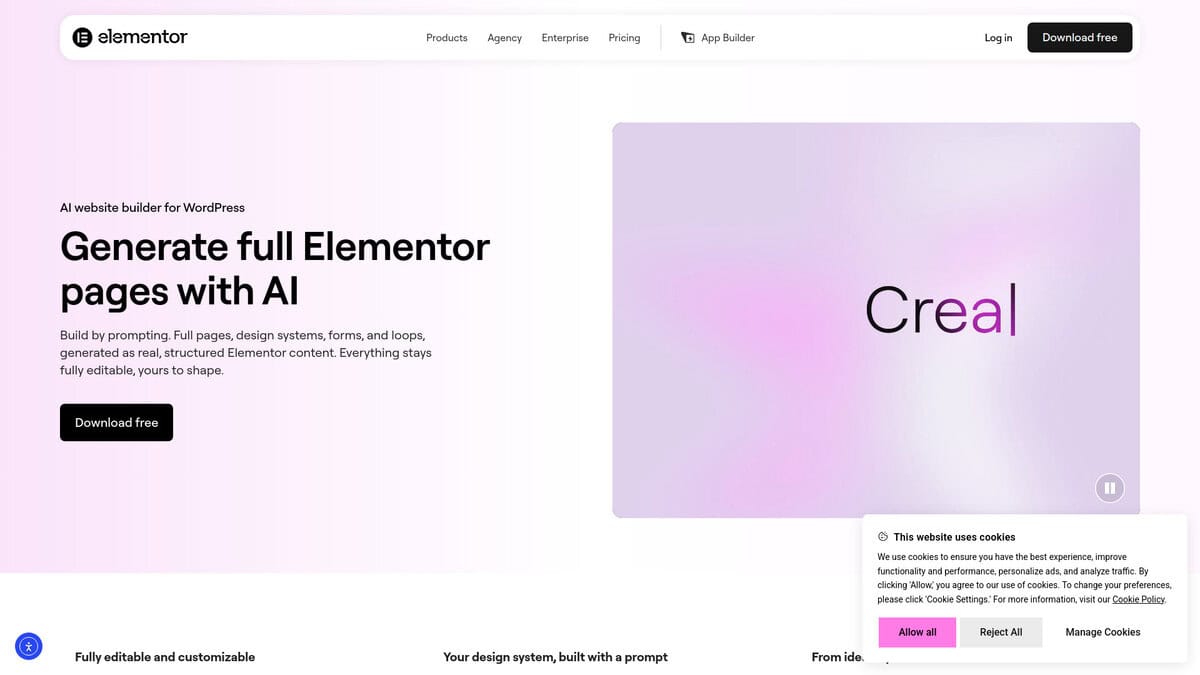
What drew me to Elementor AI was a simple promise: the AI generates a full page, and then you actually edit it inside Elementor. No locked output. No “export and figure it out yourself.” Every piece of generated content becomes native Elementor widgets you can drag, resize, restyle, or delete entirely.
The AI Site Planner walks you through a four-step process. You enter your business details, the AI proposes a sitemap, you approve or modify it, then it builds wireframes before finally generating the designed layout. I appreciated that I could intervene at each stage. It doesn’t just spit out a finished page and hope you like it.
There’s also a “Reference a website” feature where you paste a URL of a page you admire, and Elementor replicates parts of that design as a starting point. Honestly, this saved me more time than the text prompt workflow.
Once the AI finishes, you’re inside the full Elementor editor with over 100 Pro widgets, Theme Builder access, and complete CSS control. This is where the tool genuinely outperforms alternatives like 10Web, which uses a white-labeled free version of Elementor but restricts your structural CSS, or ZipWP, which generates fast but leaves you with limited granular editing.
Now, the credit system. At 1 credit per text prompt, 33 per image, and 40 per container layout, those 25,000 monthly credits shrink quickly if you’re building multiple pages. I saw Reddit users calling the consumption rates “insane”, and I get it. Credits don’t roll over either. Use them or lose them.
The interface also pushes upgrade prompts pretty aggressively, and the Angie AI assistant felt sluggish in my testing compared to the polished demos.
WPBeginner described Elementor as offering “unmatched customization for those willing to learn,” and that’s accurate. The learning curve is real. But if you’re building WordPress sites and you want AI to handle the first draft while you handle every design decision after, this is the most flexible option available.
ZipWP
Pricing | Free plan; Starter $99/yr; Pro $199/yr; Business $279/yr |
Free Plan | 2 AI site generations, sandbox sites expire after 24 hours |
Best For | Rapid prototyping and client mockups |
Site Portability | Exportable to any WordPress host |
Ease of Use | Very low barrier; no setup experience needed |
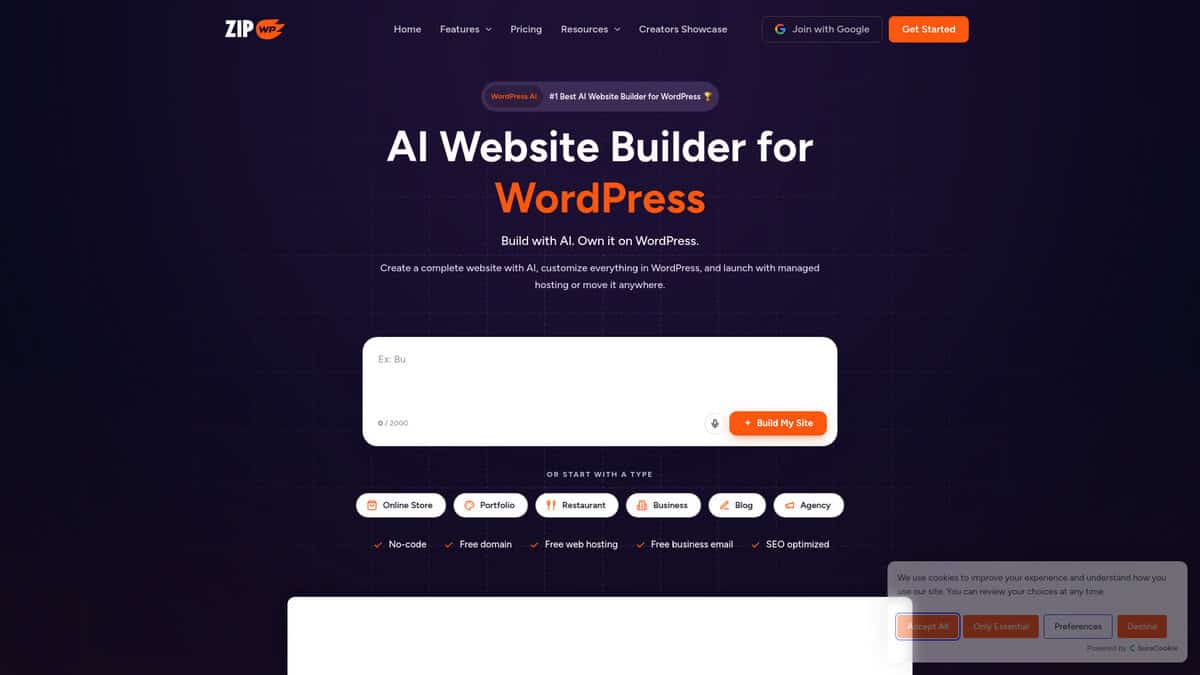
I timed ZipWP’s generation process myself. Fifty-seven seconds. That is how long it took to produce a working landscaping business website complete with homepage, inner pages, stock images, and a matching color scheme. The 60-second marketing claim holds up, and Plan Your Host’s independent testing landed on the same 40-60 second window.
What you actually get is not a mockup. It is a real WordPress installation running Astra and Spectra with five or six pages of contextual placeholder content baked in. You can edit everything inside standard WordPress. No proprietary lock-in. If you want to move the site to Cloudways, SiteGround, or anywhere else, standard migration plugins handle it fine.
The Blueprint system surprised me most. Save a working site setup as a reusable template. Share the link with a client or teammate. They clone the entire stack including theme, plugins, and layout into their own ZipWP account. If you build similar sites repeatedly, this alone justifies the paid plan.
There is a Chrome extension too. Pull business data from Google My Business, Yelp, or LinkedIn profiles and generate a draft site from that data directly. It is a handy shortcut when onboarding a new client who already has an online listing.
Where does it fall short? The content is functional but generic. You will spend time rewriting copy to match your actual brand voice. Design flexibility beyond the initial generation is basic. No custom breakpoints. No built-in SEO optimization. Agencies often find themselves installing Elementor or another page builder after ZipWP finishes its work.
The free plan is extremely limited. Two generations and a 24-hour sandbox. You need a paid plan for anything resembling real use.
Think of ZipWP as the fastest way from a blank screen to a structured WordPress first draft. It is not where you finish a project. It is where you start one.
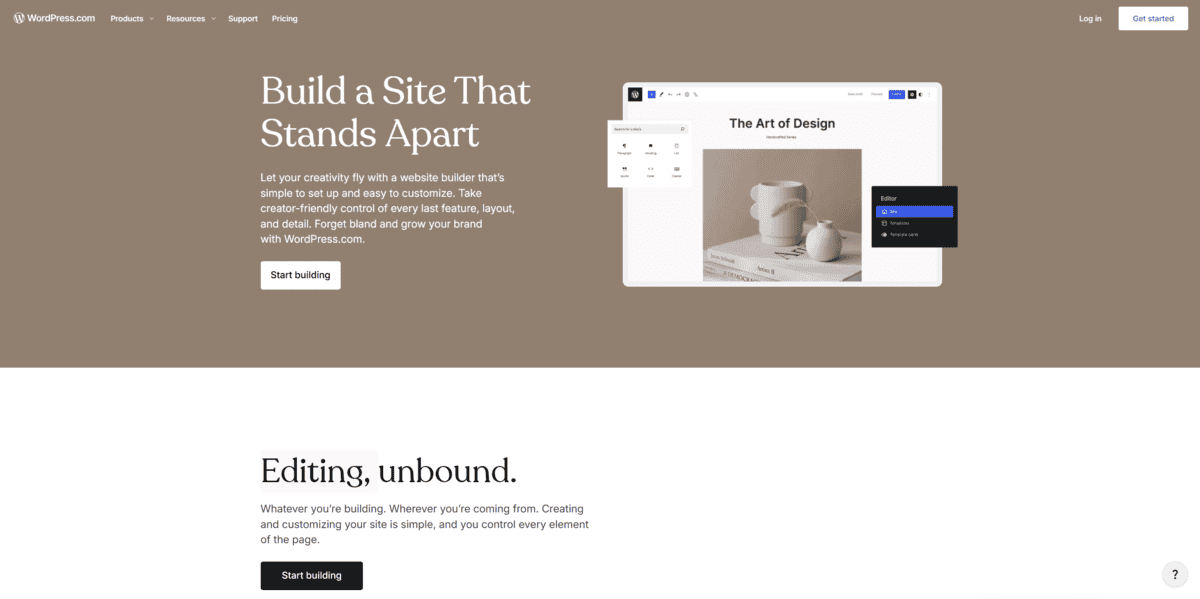
WordPress.com AI Website Builder
Fact | Value |
|---|---|
Pricing | Free plan available; paid plans from $2.75/mo |
Free Plan | 1GB storage, WordPress.com subdomain, 20-30 AI requests |
Best For | Beginners wanting a complete site from a text prompt |
AI Generation Speed | 2-5 minutes for full multi-page site |
G2 Rating | 4.4/5 |
For beginners who want to describe their site and have AI build it, I tested this tool expecting another generic builder. What surprised me was how simple the whole process felt. You type a sentence describing what you want, and within minutes you get a homepage, about page, contact form, blog section, placeholder images, and text that actually makes sense for your topic.
The chat-based editing is what makes this different from other WordPress AI builders. After the site generates, you can ask the chatbot to change your color palette or swap fonts. It feels like talking to a designer who listens. On paid plans, you can even connect external AI assistants like Claude or ChatGPT through MCP support to manage content via chat.
Here’s what I noticed right away. The AI image generator is weak. Independent testers at AllAboutCookies called it “subpar” and said it uses older-generation technology. The text generation also doesn’t follow instructions as well as I expected. You’ll probably rewrite most of the placeholder content yourself.
Design variety is another limitation. Crocoblock’s review noted that most generated layouts look similar, like variations of the same Twenty Twenty Four template. If you want something truly unique, you’ll need to customize heavily in the Block editor.
For beginners though, this tool solves the hardest part: getting started. No plugin installation, no theme hunting, no blank canvas paralysis. You describe what you want, the AI builds a foundation, and you edit from there. The free plan lets you test everything with 20-30 AI requests before committing to a paid plan.
If you’re building your first WordPress site and want the official WordPress.com experience, this is worth trying. Just know the AI creative output doesn’t match what you’d get from SeedProd or Divi AI.

Bluehost WordPress AI Builder
Feature | Details |
|---|---|
Pricing | $3.99/mo Starter hosting; $15.99/mo standalone |
Free Trial | 14-day trial with 5 AI credits |
Best For | Beginners, local businesses, first-time site owners |
Ease of Use | Very easy; guided questions, no coding needed |
Hosting Included | Yes; domain, SSL, CDN, backups on all plans |
I liked how this one starts. The AI asks five questions about your business, audience, and style preferences. Then it generates three full design options to compare. You pick one and watch it build live.
That three-choice setup quietly solves a big problem. Most AI builders hand you a single output and you either accept it or restart from scratch. Here you compare full layouts before committing. Metics Media’s walkthrough confirms this flow works exactly as advertised.
What kept my attention was that the AI stays involved after launch. You can chat with it to add pages, swap sections, or rewrite copy. Wikipedia confirms Bluehost has been WordPress.org’s recommended host since 2005. Speed and stability are solid too. A recent Reddit thread still finds Bluehost reliable and beginner-friendly, with its long WordPress.org endorsement holding up in 2026.
The credit system is worth understanding upfront. You get 20 AI credits per month on paid plans and each chat message costs one. Manual editing is unlimited and free. I noticed the AI designs start looking similar after a few prompts. Clean output, just not especially varied.
Renewal pricing jumps from intro rates, common across hosting but worth knowing. You cannot install or switch plugins and themes while the AI builder runs. For pixel-level control or complex builds, Elementor AI or 10Web fits better. But for a straightforward small business site with hosting and AI building in one checkout, this is practical.


