
Feedough / AI resources / Claude skills
Claude Skills Library
24 Claude skills from our skills lists, each with the problem it fixes, what it costs, where it runs and how to install it. We scouted the internet for skills with real human reviews; open any skill for what people found.
Add a skill in your tool
No skill for your job? Make one with the AI Skill Generator
Browse 24 Claude skills
Impeccable
pbakausBest for: Reviewing and fixing pages you already have
Install npx impeccable install, or the Claude Code plugin marketplace
Frontend Design
anthropicsBest for: Building a new page from a blank brief
Install Claude Code plugin from the official marketplace, or npx skills add
Taste Skill
LeonxlnxBest for: A full landing page or portfolio from one brief
Install npx skills add with design-taste-frontend, or the Claude Code plugin
Emil Kowalski's Skills
emilkowalskiBest for: Motion, easing and interaction polish
Install npx skills@latest add emilkowalski/skills
UI UX Pro Max
nextlevelbuilderBest for: A first design system for a new site or MVP
Install Claude Code plugin marketplace, or npm install -g ui-ux-pro-max-cli then uipro init –ai claude
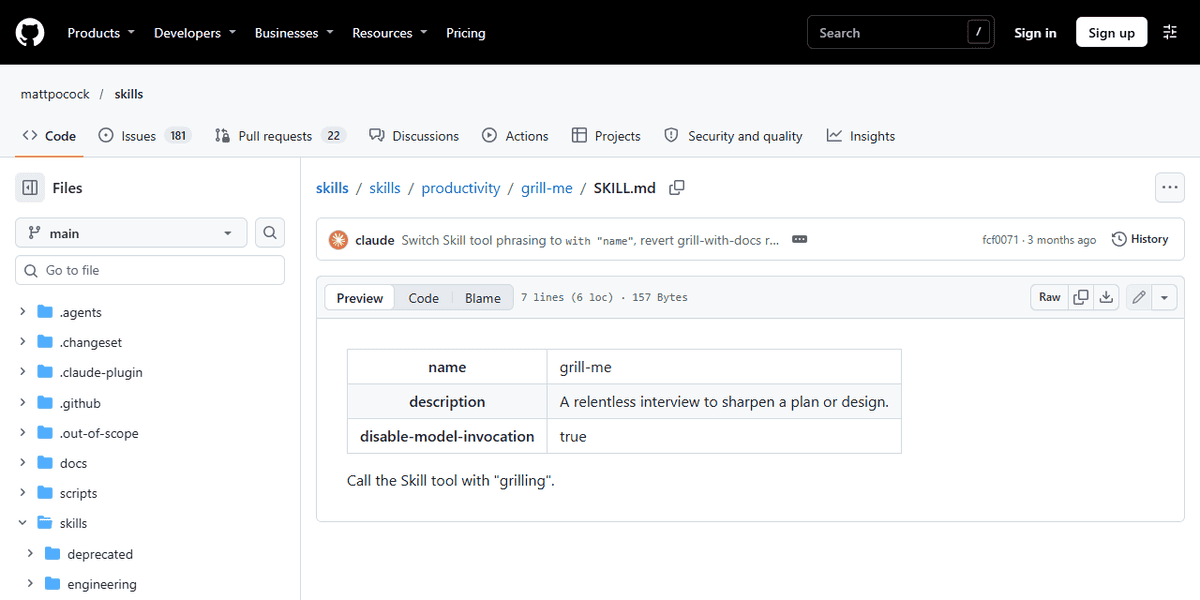
Grill Me
mattpocockBest for: Agreeing the plan before anything gets built
Install Plugin, or npx skills add with grilling
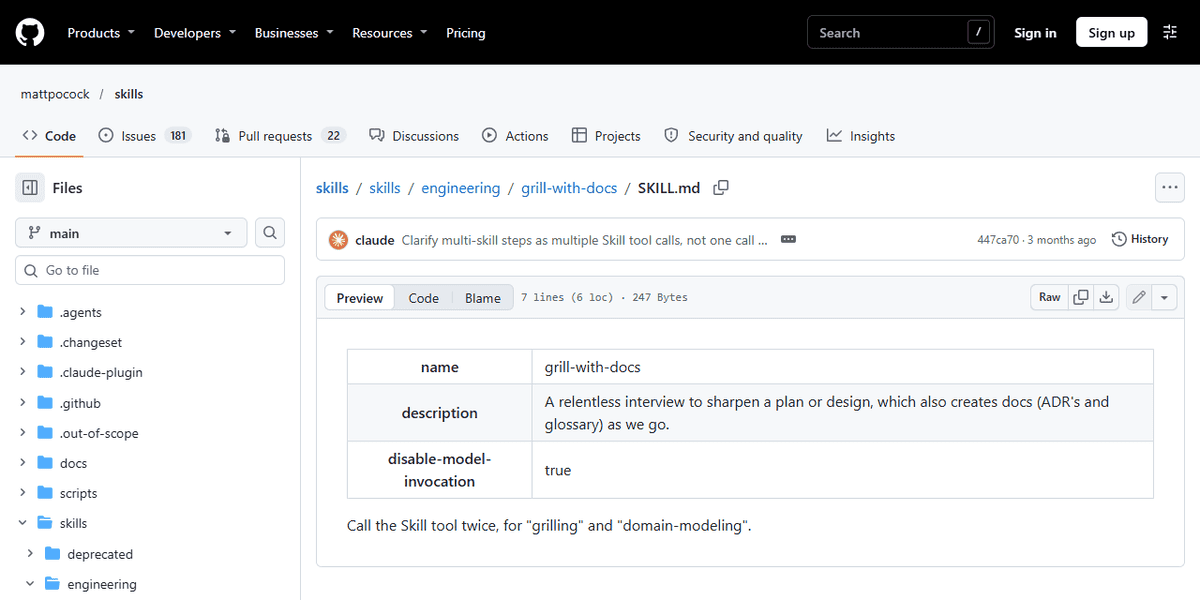
Grill With Docs
mattpocockBest for: Coding in a real repo with lasting decisions
Install Plugin, or npx skills add
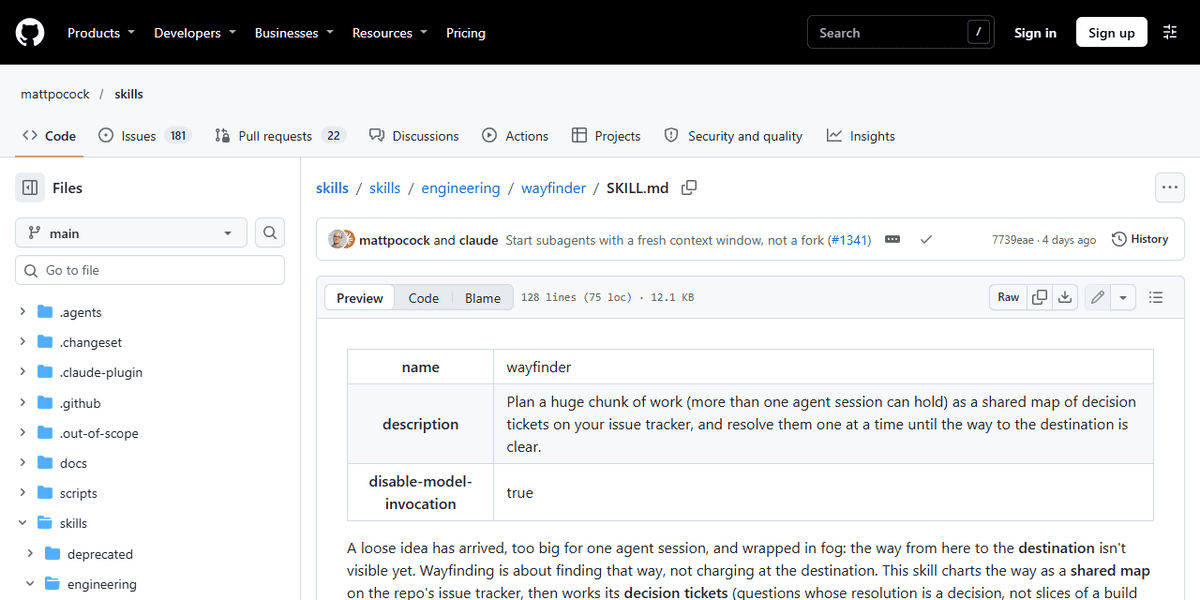
Wayfinder
mattpocockBest for: Planning work that spans many sessions
Install Plugin, or npx skills add
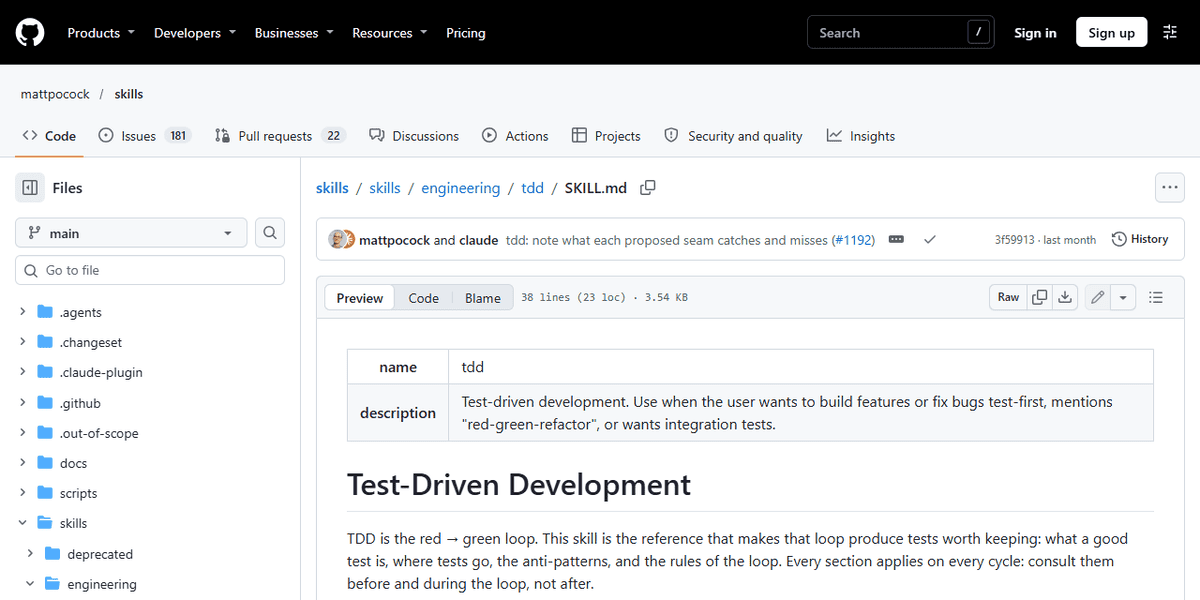
Diagnosing Bugs
mattpocockBest for: Hard bugs and performance regressions
Install Plugin, or npx skills add
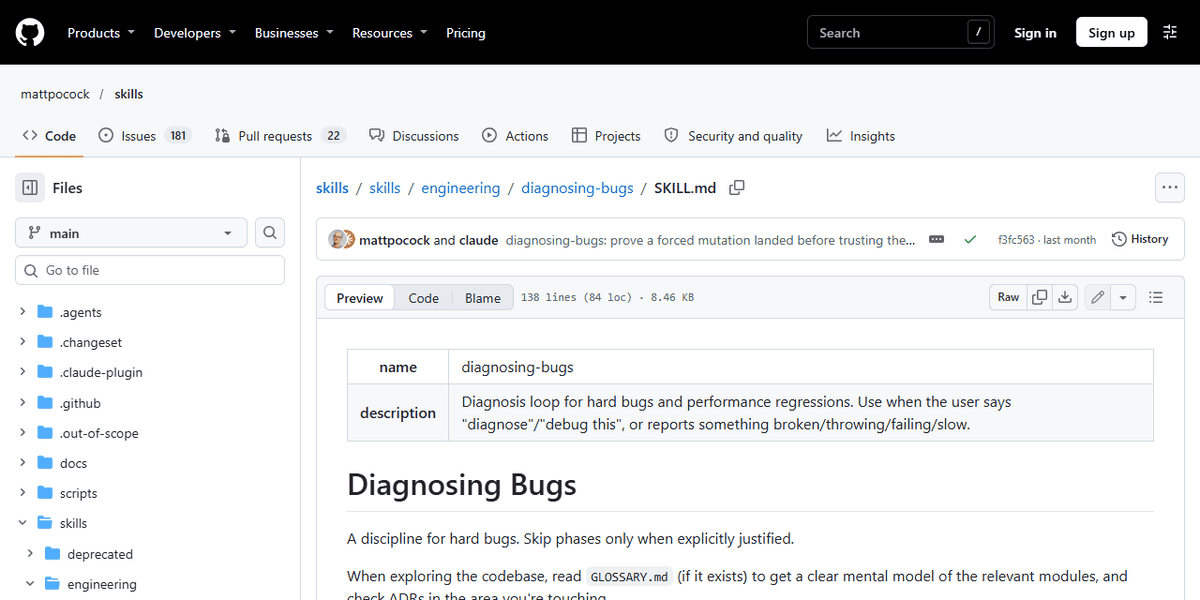
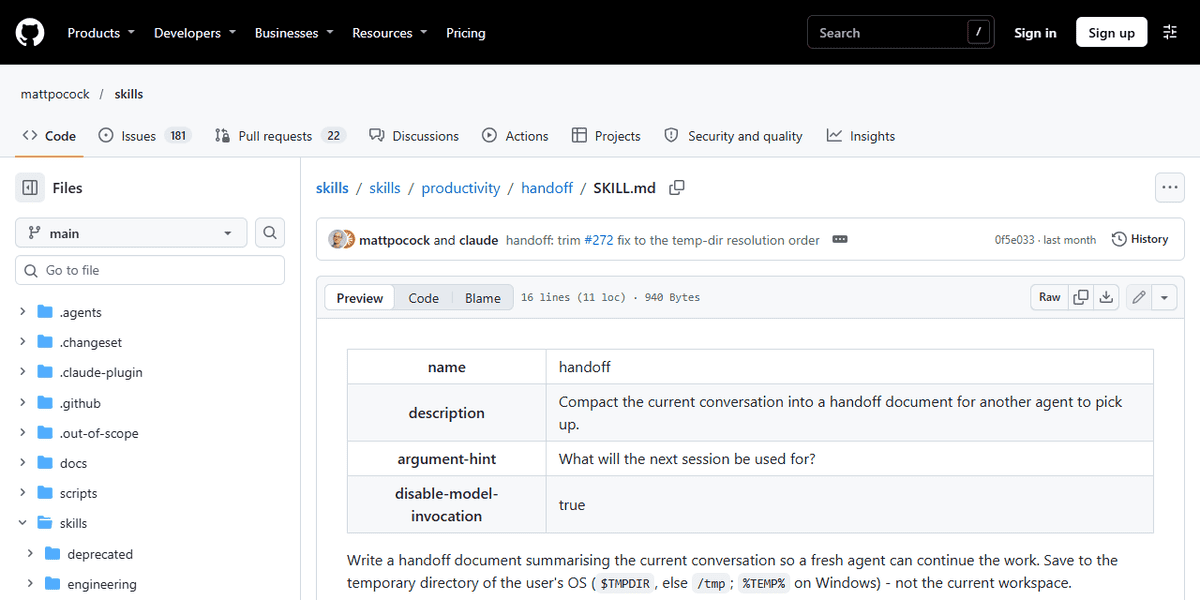
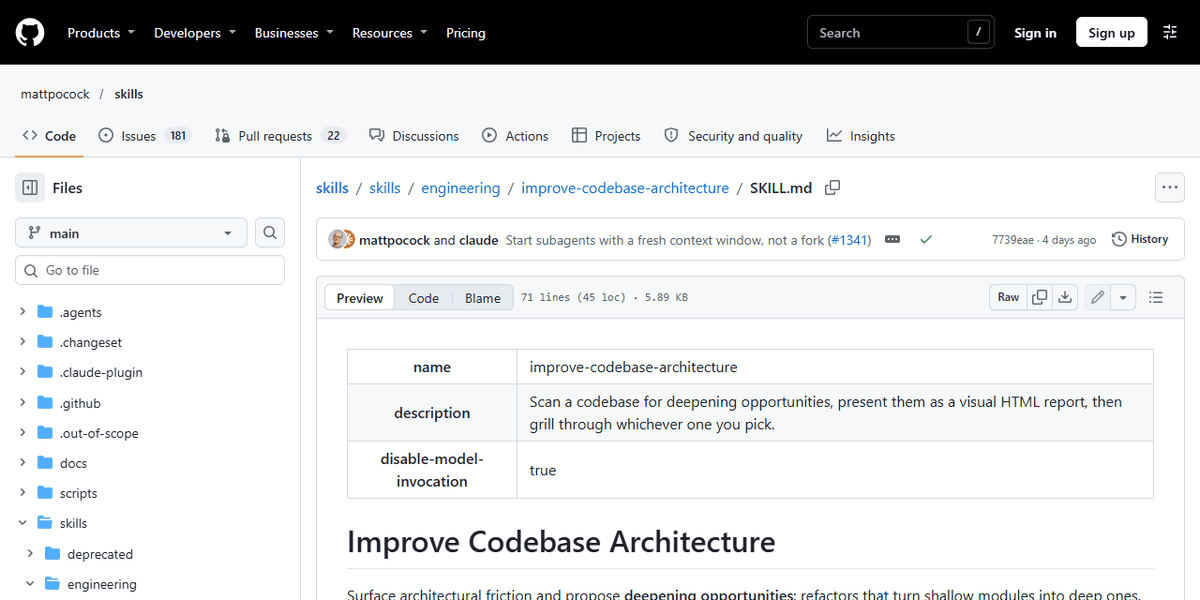
Improve Codebase Architecture
mattpocockBest for: Older repos with tangled modules
Install Plugin, or npx skills add
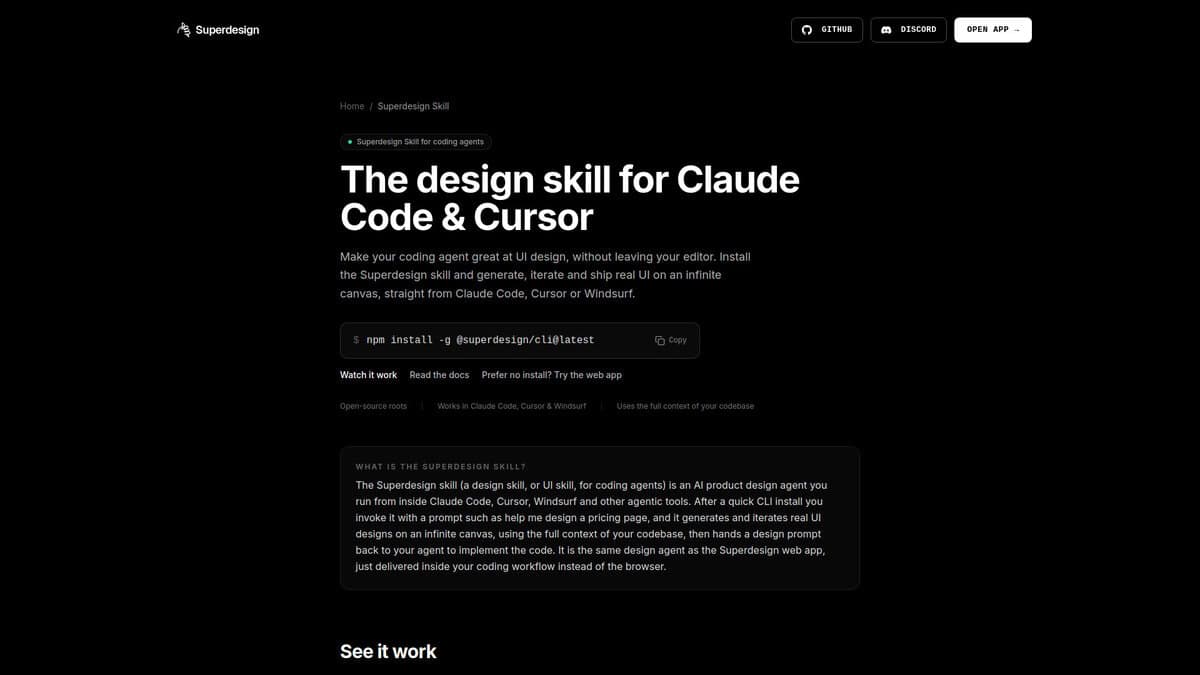
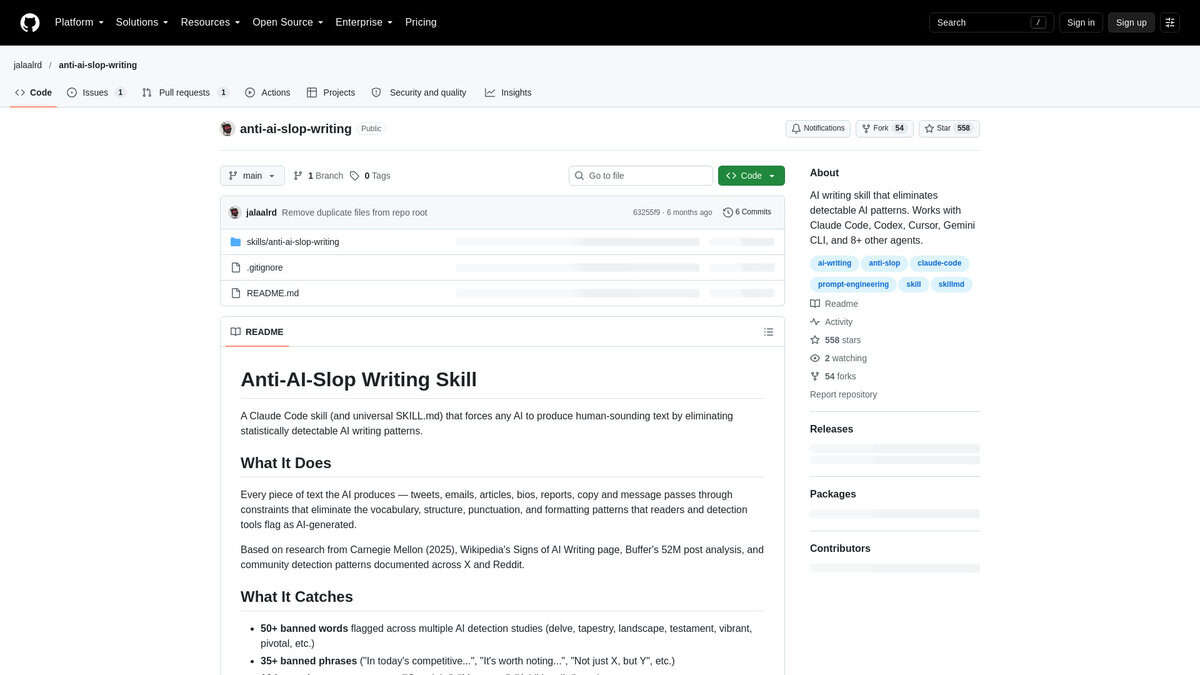
No AI Slop
petergyang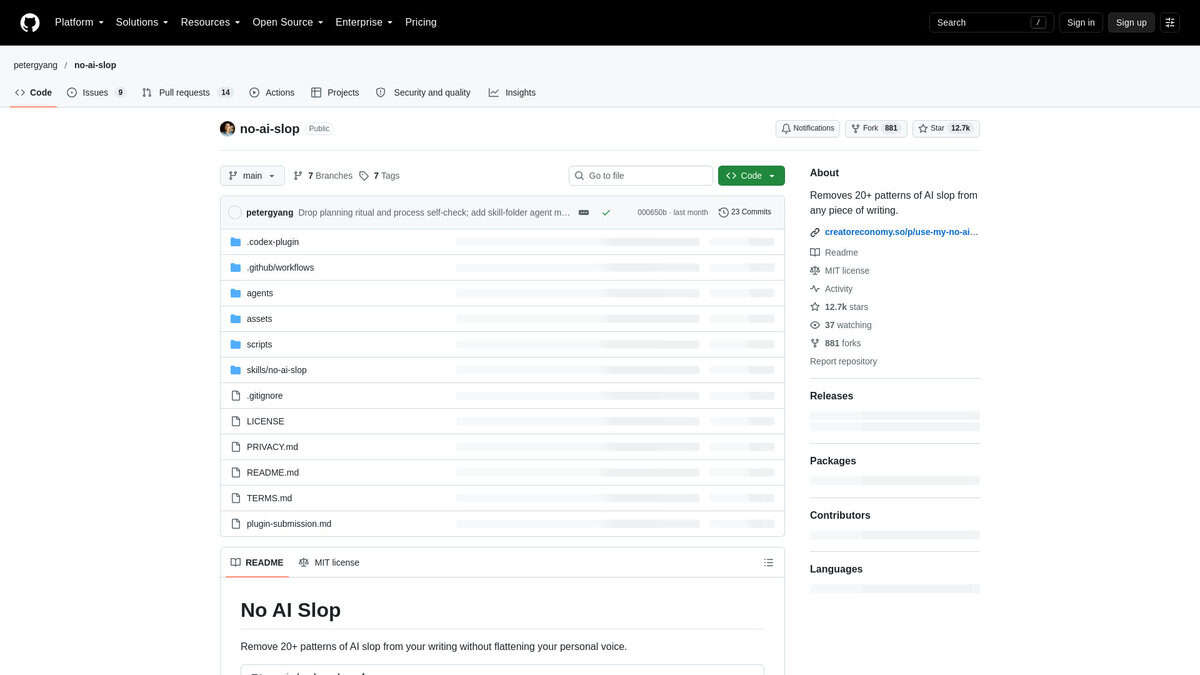
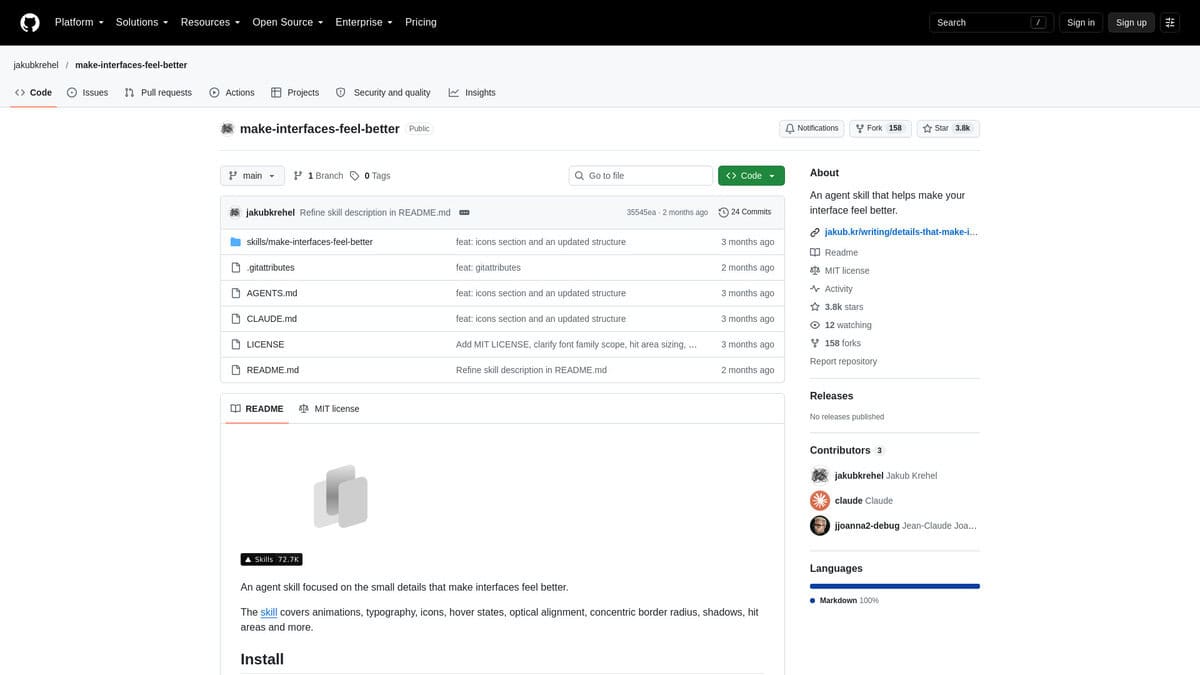
Better Icons
better-auth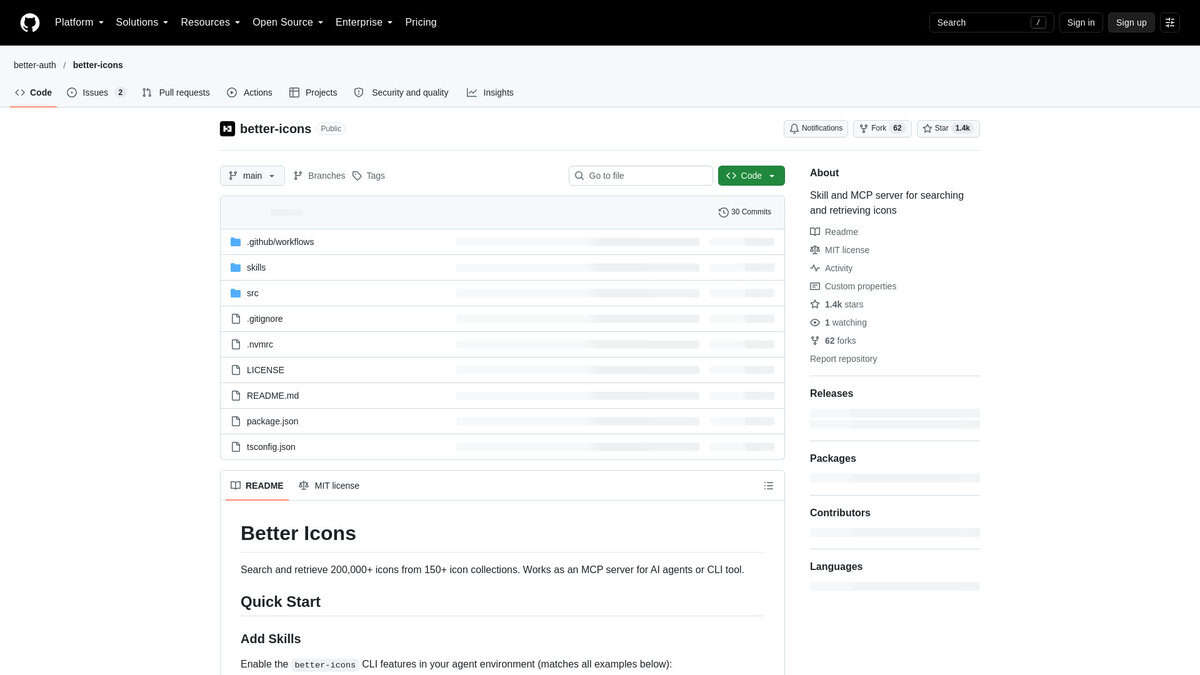
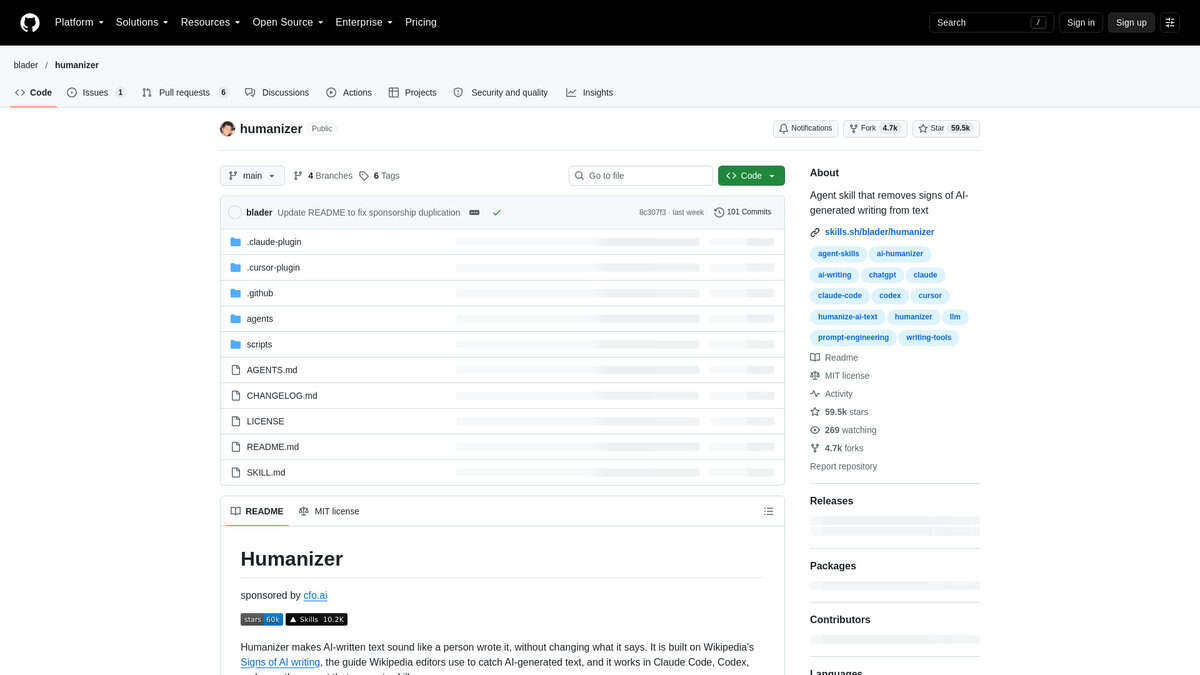
GSAP Skills
greensockBest for: Scroll pinning, scrubbed timelines, complex transitions
Install Claude Code plugin marketplace or npx skills add

Three.js Animation
CloudAI-X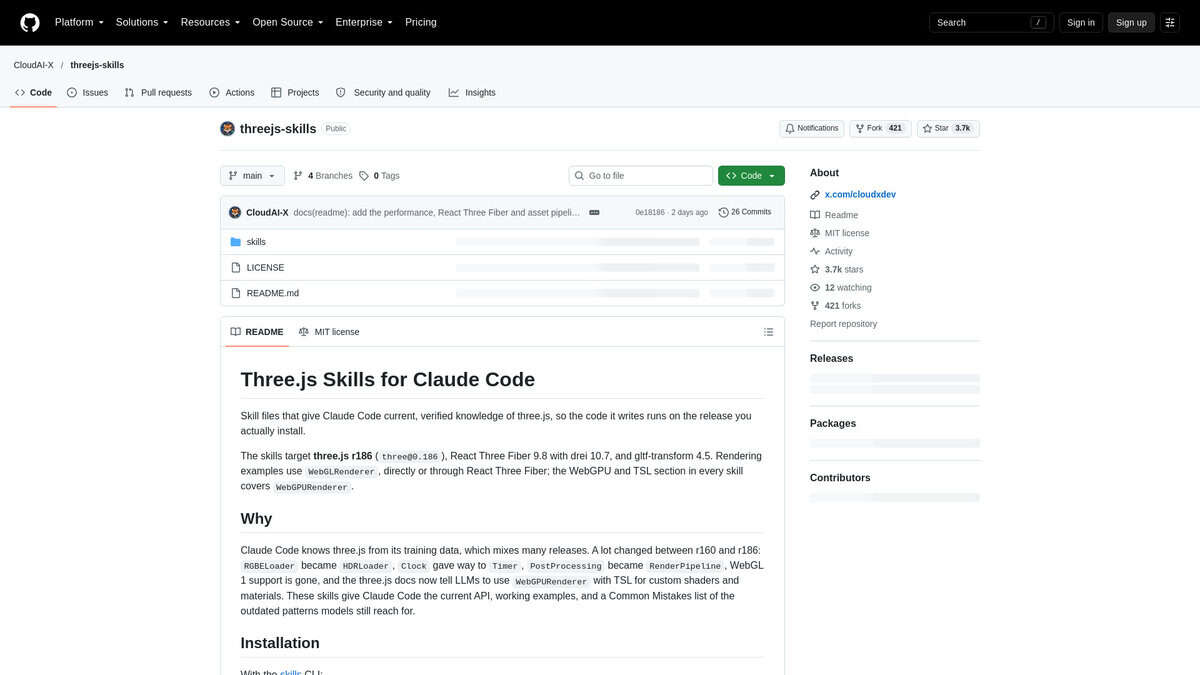
Rive Skills
BowTiedSwan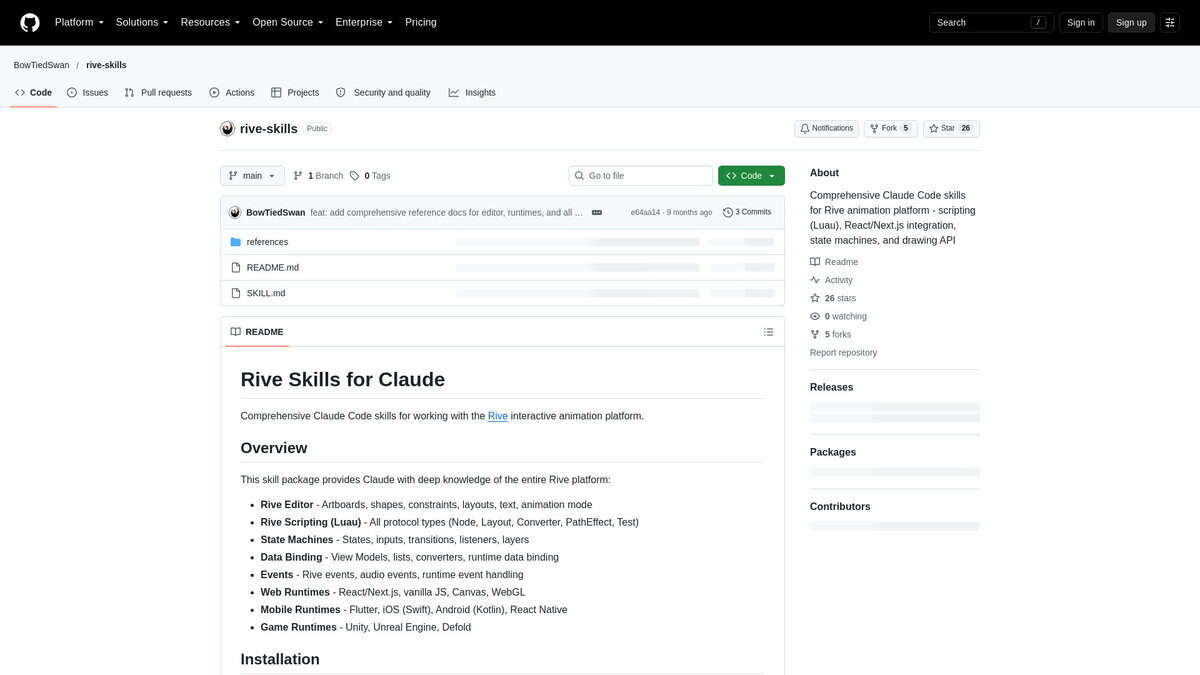
Wiggle
talknerdytome-labs
Best for: Animated text, captions, explainers, social clips
Install One terminal command

Text-to-Lottie
diffusionstudio
No skills match.
What Are Claude Skills?
A skill is a folder with a SKILL.md file of instructions. It can also carry optional scripts and files. Claude reads the skill when a task matches its description and follows those instructions instead of working from its defaults.
Skills use the open Agent Skills format. That format is shared across tools, so a skill built for one assistant often works in others. This page collects every skill from Feedough’s skill lists, and each new list adds its skills here when it publishes.
How We Pick These Skills
We scouted the internet for skills with real human reviews, and we read those sources ourselves: GitHub issues, Hacker News threads, YouTube demos and each skill’s own README.
Every write-up on this page says what the skill fixes, what it does, what people found in one named source per point, and when to skip it. Every listed skill links to its source on GitHub. Prices come from the skill’s licence or page, and most are free and open source.
Are Claude Skills Safe to Install?
Some public skills run scripts or download files. Read SKILL.md and any scripts before you install. A skill runs its instructions inside your tool, so its scripts can reach files on your machine.
Every skill listed here links to its source on GitHub, so you can open the folder and check what it contains before adding it. Most listed skills are free and open source, which means the code is open to read. Skip a skill when you cannot tell what its scripts do.
Claude Skills FAQ
How do I install Claude skills?
In the Claude app, upload a skill as a ZIP. In Claude Code, drop the folder into your skills directory, ~/.claude/skills/, or install a plugin with /plugin. Feedough has step-by-step guides for each tool.
Do Claude skills work outside Claude?
Skills use the open Agent Skills format, so many also work in Claude Code, Cursor, Codex, GitHub Copilot, Gemini CLI and OpenCode. Check each skill's README for the tools it supports.
Are Claude skills free?
Prices come from each skill's licence or page, and most are free and open source. Open source also means you can read the skill's code and instructions before installing it.
How do I make my own Claude skill?
Feedough's AI Skill Generator writes a skill from your own examples. Find it at feedough.com/ai-skill-generator/. A skill is a folder with a SKILL.md file, plus optional scripts and files. You can also write SKILL.md yourself.