

Last year a wedding photographer asked me to review her site. It took 8 seconds to load, the gallery crashed on mobile, and she was losing $3,000 a month in potential bookings because of it. We rebuilt her portfolio on the right platform and her inquiries doubled in two months.
Your website builder determines whether clients stay or bounce. According to research from 2025, 94% of potential clients check a photographer’s website before deciding to book, and they spend just 3.2 seconds evaluating it before moving on or diving deeper.
I went through the most popular website builders this year specifically for photographers. Not general purpose builders with a photography template tacked on. These are platforms that actually understand how visual portfolios need to work.
Here are the 8 best website builders for photographers in 2026 that I would actually recommend to someone running a real photography business.
The Rundown
- Bundle Gallery, Website, and CRM Together: Pixieset, “Replace three or four separate subscriptions with one platform that handles client galleries, portfolio sites, booking, invoicing, and commission-free print sales for $28 per month.”
- Send Proofing Galleries Straight from Lightroom: Format, “Push galleries directly from Adobe Lightroom using the built-in plugin, then let clients favorite, watermark, and download images through password-protected proofing rooms.”
- Store Unlimited Photos at Full Resolution: SmugMug, “Upload unlimited uncompressed images on every paid plan and manage high-volume shoots with smart galleries that auto-sort by tags, dates, or keywords.”
- Already Paying for Lightroom: Adobe Portfolio, “Spin up a polished gallery site at zero extra cost since it is included with every Creative Cloud subscription, and watch Lightroom edits sync automatically.”
- Need Full Design Control and AI Tools: Wix, “Describe your photography style to the Harmony AI agent and refine the result with a pixel-level drag-and-drop editor that also includes built-in background removal and object erasing.”
- Run Your Entire Business from One Dashboard: Zenfolio, “Combine portfolio websites, client proofing galleries, print sales through partner labs or self-fulfillment, BookMe scheduling, and automated email marketing under a single login.”
- Prefer One Flat Fee Over Commissions: PhotoBiz, “Pay a single $29 per month rate for website, unlimited galleries, CRM, invoicing, contracts, bookings, and email marketing with zero commission on any sale.”
- Launch a Portfolio Site in 30 Seconds: Kleap, “Describe your photography business to the AI, get a complete mobile-first site with gallery layouts and booking in under a minute, then export the code if you ever leave.”
The Best Website Builders For Photographers
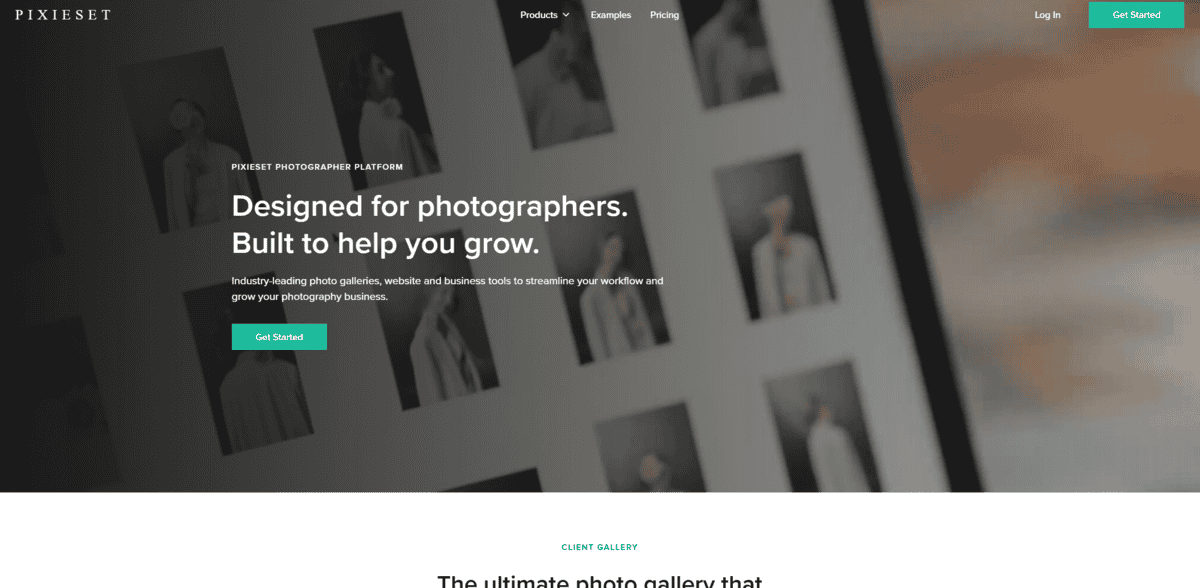
Pixieset
Pricing | Free plan available, Suite from $28/mo (annual) |
Best For | All-in-one photographer workflow |
Ease of Use | Very easy, no coding needed |
Platforms | Web-based, mobile app |
Customer Support | Ticket-based, no phone support |
I tested Pixieset expecting another gallery tool with a website bolted on. What I found was something closer to a complete business system that bundles portfolio, galleries, and booking into a single login. The Studio Manager became the central hub. A client inquiry flows into a project, then you send a contract for e-signature, issue an invoice with payment schedules, and automatic reminders handle the follow-up. All of it connects directly to the gallery. No separate CRM required.
The client gallery is where Pixieset truly earns its reputation. Clients open a full-bleed cover image, browse organized sets rather than a flat folder, favorite images, leave comments, and order prints without leaving the page. One photographer developed a clever upsell method by including extra selects beyond the contracted amount inside the gallery. Clients who would never have asked for more images end up purchasing because the buying path has zero friction.
The print store runs commission-free on paid plans. You set your own margins, Pixieset’s partner labs handle fulfillment automatically. A photographer on Christine Dammann’s detailed pricing breakdown confirmed the Suite bundle at $28/month saves up to 37% compared to subscribing to each tool separately.
What surprised me is how the pieces connect. Your website portfolio pulls directly from client galleries. No re-uploading images for your portfolio site. A wedding photographer reported ranking first page on Google for competitive local keywords using a Pixieset site. The SEO tools cover page titles, meta descriptions, URL slugs, and AI alt text on the Pro plan. Not as deep as WordPress, but genuinely sufficient for local visibility.
The free plan lets you test everything with 3GB storage and unlimited galleries, but the 15% commission on store sales pushes you toward paid plans fast. Customer service is the one consistent frustration across every source I checked. It’s ticket-based, not phone-based. Account recovery issues especially can feel frustratingly rigid. Some photographers also eventually outgrow Pixieset when they need deeper customization or advanced SEO control.
For most portrait, wedding, and headshot photographers running the full cycle from inquiry through gallery delivery and print sales, Pixieset replaces what would otherwise be three or four separate subscriptions. That all-in-one simplicity is its real selling point.
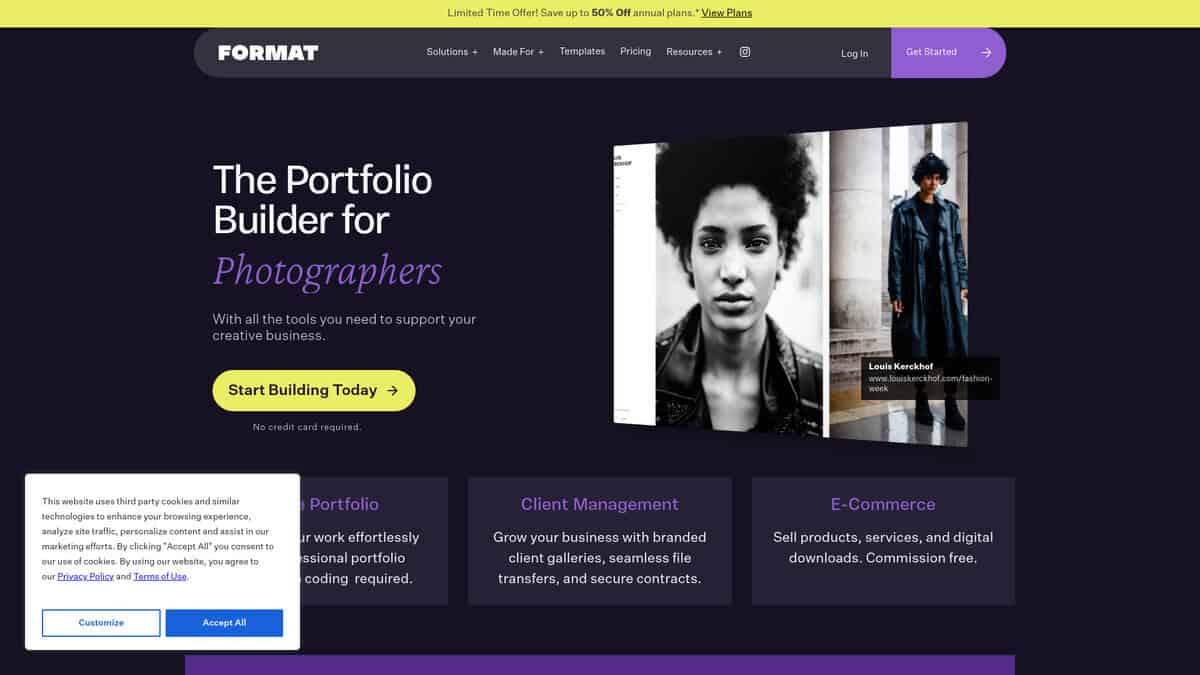
Format
Pricing | $10/mo (Basic), $12/mo promo (Pro, renews at $24/mo), $15/mo promo (Pro Plus, renews at $36/mo). Annual billing. |
Free Trial | 14 days, no credit card required |
Best For | Photographers needing client proofing, watermarked galleries, and Lightroom integration |
Online Store | Commission-free. PayPal only. Pro plan caps at 15 products. |
User Rating | 4.7/5 on Capterra (207 reviews) |
The first thing I noticed is how intentional the design constraints are. Unlike Squarespace or Wix, Format doesn’t try to be everything. Your photos stay front and center. Templates are clean and professional without flashy distractions.
What makes Format genuinely different is the client workflow. Every plan includes password-protected galleries where clients can favorite images, apply watermarks, and control downloads. There’s also a Lightroom plugin for pushing galleries straight from Adobe. If you deliver work to clients regularly, this alone justifies the price.
Here’s where I’d pump the brakes though. That $12/mo Pro rate is a first-year promotional price. It jumps to $24/mo at renewal. The Basic plan ($10/mo) is limited to 10 pages, 70 images, and no store, so Pro is really where the platform becomes useful.
The store is commission-free, which sounds great on paper. But it only accepts PayPal, allows one product variation per item, and has no tax management or print lab integration. Fine for selling a few prints or digital downloads directly to clients. If you need automated print fulfillment, SmugMug or Pixieset are stronger picks.
One thing Format does well is listening to feedback. I saw constant template and workflow improvements during my testing, and recent user reviews consistently praise the support team. The platform scores 4.7/5 on Capterra from 207 verified reviews, outperforming Squarespace, SmugMug, and Zenfolio.
Format is the right choice if your priority is client proofing and clean portfolio presentation. It’s not the right choice if you need a full online store or design flexibility beyond templates.
SmugMug
Price (Annual) | Direct $20/mo, Portfolio $23.50/mo, Pro $37/mo |
Sales Commission | 15% on all print and digital sales |
Lightroom Integration | Two-way sync plugin with full gallery management |
Print Labs | Bay Photo, WHCC, Loxley Colour |
Unlimited photo storage at zero compression on every paid plan. That’s what drew me to SmugMug first. I’ve seen platforms claim generous storage, then quietly compress files or cap you at 100GB. SmugMug doesn’t play that game.
If you shoot weddings or events and come home with thousands of images, the advantage is obvious. You dump everything at full resolution and forget about limits. SmartGalleries let you set up rules based on tags, dates, or keywords so galleries update automatically. No manual sorting after a 12-hour shoot day.
The Lightroom integration genuinely impressed me. The two-way sync plugin lets you manage galleries entirely from within Lightroom, and edits push through automatically. If Lightroom is your main tool, you won’t bounce between apps to get images online.
SmugMug connects to Bay Photo, WHCC, and Loxley Colour for print fulfillment. Clients browse and order, SmugMug handles payment, printing, and shipping. No self-fulfillment option though. Every order goes through their partner labs.
Then there’s the 15% commission on all sales. That’s significantly higher than competitors like Zenfolio, which charges 7%. For photographers doing serious print volume, that 8% difference compounds into real money. User reviews consistently flag the commission as the biggest reason photographers consider leaving.
The interface feels dated. Template customization requires CSS knowledge, and settings are scattered between the Customizer and dashboard. But if you’re processing 10,000+ images a season and print revenue matters, I haven’t found another platform that handles that volume without blinking.
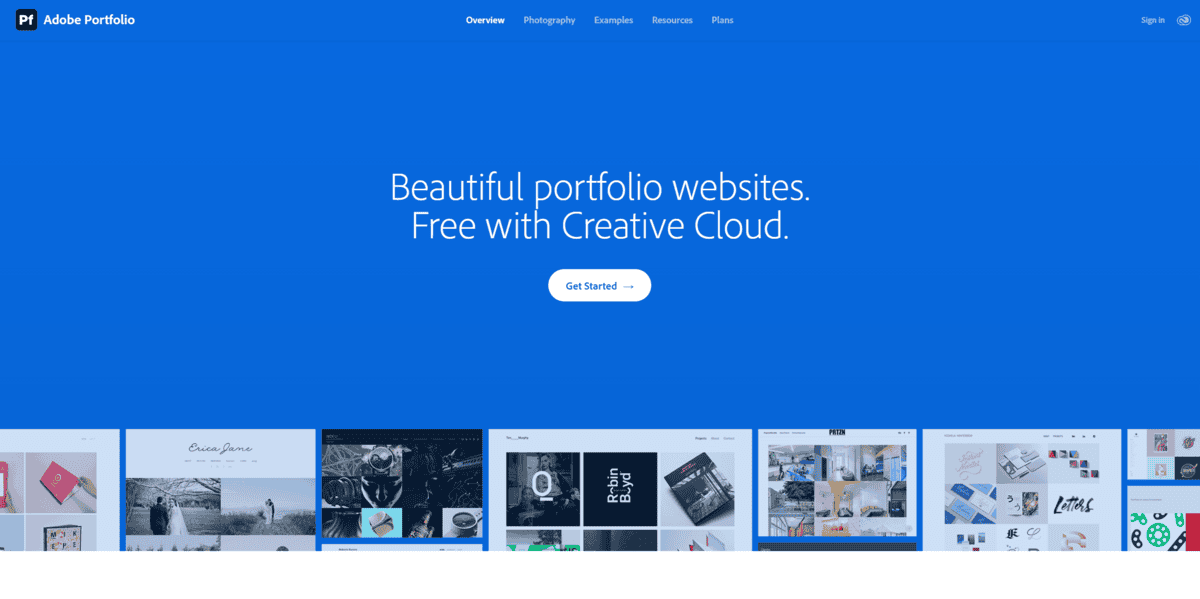
Adobe Portfolio
Best For | CC subscribers who need a clean portfolio, not business tools |
Price | $0 extra (requires any CC plan, starting at $11.99/mo) |
Key Feature | Lightroom edits sync automatically to galleries |
Biggest Limitation | No e-commerce, client galleries, or blog |
Setup Speed | Live in under an hour |
I kept coming back to one thing while testing Adobe Portfolio: it’s already sitting inside your Creative Cloud subscription. Adobe claims over 33 million paid CC subscribers worldwide, and most of them have no idea this tool exists.
The Lightroom integration is the real draw. I’d edit a photo, push it to a synced collection, and the changes showed up on my Portfolio gallery without re-uploading anything. Color adjustments, crop changes, clarity tweaks, all of it synced automatically. A photographer writing for Digital Photography School calls this “the #1 reason that Adobe Portfolio shines.” I get it. That kind of workflow saves serious time when you’re constantly tweaking edits.
One heads-up: if you use Lightroom Classic, you need to sync collections to Creative Cloud first before publishing. Direct integration only works with Lightroom CC and Lightroom Mobile. The extra step is minor but worth knowing about upfront.
Behance projects also sync to Portfolio automatically, which gives you a second channel for discovery without any extra work.
Setup was fast. I went from zero to a live site in well under an hour. Templates are clean and image-focused, though they clearly show their age. Most date back to around 2015 or 2016, and newer platforms like Squarespace have left them far behind visually. No CSS access means you’re stuck with what Adobe gives you.
Here’s the part that matters most. Adobe Portfolio has no e-commerce, no client proofing, no booking, no built-in blog. If you need to sell prints or manage client galleries, you’ll need something else entirely. A thread on the Lightroom Queen Forums paints a bleak picture of Portfolio’s roadmap, with users describing Adobe as having essentially moved on from active development. And if you cancel your CC subscription, your site goes offline immediately with no grace period.
For photographers who just want a polished gallery and already pay for Lightroom or Photoshop, the math is hard to argue with. You’re essentially getting a portfolio site at zero marginal cost.
Wix
Pricing | $17-$159/mo (annual billing) |
Free Plan | Yes (limited features, Wix branding) |
Best For | Custom design and flexibility |
AI Features | Wix Harmony + Aria agent + Photo Studio |
App Marketplace | 900+ third-party apps |
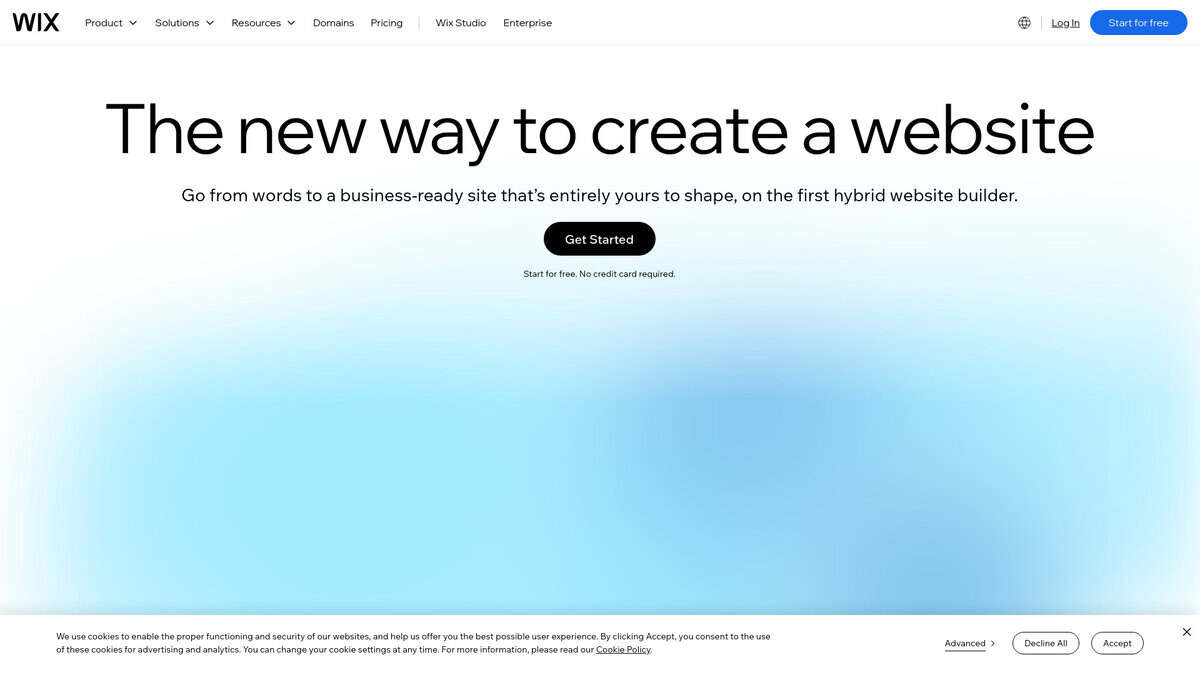
All About Cookies gave Wix a perfect 5.0/5 for photography builders in 2026, and I quickly understood why. The customization depth here puts it in a different league than the specialist tools in this list.
What caught my attention first was Wix Harmony. You describe your photography style and niche in plain language, and the AI agent Aria builds a complete portfolio site. From there, you refine through conversation or switch to full drag-and-drop editing. That hybrid approach felt surprisingly fluid.
The built-in AI Photo Studio is another standout. I could remove backgrounds, erase objects, and enhance images without leaving the editor. No other photography-focused builder in this list offers that natively. For someone managing a busy portfolio, it saves real time.
The Pro Gallery gives you 12 customizable layouts with hover effects and per-image quality controls. However, I ran into a limitation that Reddit users have also confirmed: mobile customization is restricted. Those hover animations and layout tweaks you set on desktop often don’t carry over cleanly.
Here’s where I’d pump the brakes. The Light plan at $17/month only gives you 2GB of storage. That fills up fast with high-resolution images. As LitExtension documents, you really need the Core plan at $29/month minimum for 50GB and basic e-commerce.
If you value creative freedom and want AI tools baked directly into editing, Wix is hard to beat. Budget for the Core plan from the start and be prepared for some mobile gallery quirks.
Zenfolio
Pricing | $9, $23, or $40/month |
Best For | Photography businesses wanting one dashboard |
Commerce Fee | 7% on fulfilled orders |
Storage | 15GB to unlimited by plan |
Templates | 25 total |
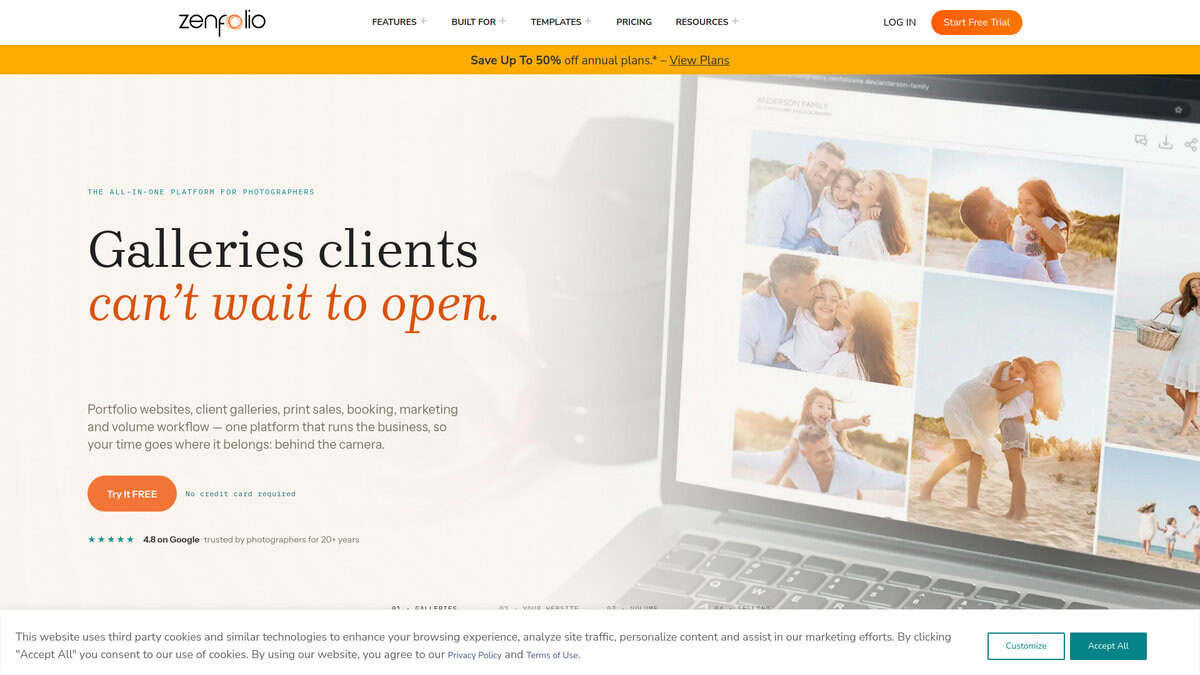
I picked up Zenfolio expecting another pretty portfolio builder. What I found was closer to a full business operating system for photographers. Website, client galleries with proofing, print sales through lab partnerships or self-fulfillment, booking via BookMe, and even automated email marketing all live under one roof. That integration is the real draw.
The selling setup genuinely impressed me. Creative Bloq rated it 9/10 and specifically noted it was “significantly more straightforward than Shopify” for photography sales. I agree. Setting up a price list and connecting it to a gallery took minutes, not hours.
They shipped six major features in the first seven months of 2026. The one I keep thinking about is Zia, their built-in AI assistant launched in April. It walks you through troubleshooting galleries, optimizing SEO, or configuring print products without leaving the platform. Not groundbreaking AI, but genuinely helpful when you are stuck on a specific task.
SMS gallery delivery with frictionless magic link access launched in June. Clients tap a text link and see their photos instantly without logging in. That alone removes a huge headache from the delivery process.
The trade-offs are real though. That 7% commerce fee adds up fast. If you sell $15,000 annually through the platform, you are paying roughly $1,050 in fees. Pixieset and ShootProof offer commission-free selling from their basic paid tiers, so this is worth weighing carefully.
The 14-month auto-archiving policy is the complaint I saw most in Reddit discussions. Galleries that go untouched for 14 months get archived automatically, and clients lose access until you manually restore them. If you maintain active galleries, this likely will not bite you. But for anyone with large back catalogs, it is a genuine problem.
Website Planet gave it 4.5/5 overall with 4.7/5 for ease of use, but Cybernews rated it 3.7/5 and flagged below-average page load performance, clocking over 3 seconds for images to start displaying. Only 25 templates are available. Your site will not look radically different from other Zenfolio sites out there.
I would recommend Zenfolio for photographers running a real business with client work, print sales, and scheduling needs. If you just want a clean portfolio with no selling tools, simpler options exist. But for managing the entire business from one place, nothing else at this price point comes close.

PhotoBiz
Price | $29/mo flat rate |
Free Plan | First month free trial |
Commission | 0% on all sales |
Best For | Studio photographers running larger operations |
Support | US-based phone, chat, email |
What stood out immediately is the pricing model. One flat $29/mo rate covers website, unlimited client galleries, CRM, invoicing, contracts, bookings, and email marketing. No separate subscriptions for each piece. No commission on sales. When you stack that against what a photographer normally pays for these tools separately, the value is clear.
The studio management suite is where PhotoBiz differentiates itself from general builders like Squarespace or Wix. Everything is native. You send an invoice, book an appointment, or sign a contract without leaving the platform. For someone running sessions and managing multiple clients, this kind of consolidation matters.
I was curious about the AI Website Creator, so I tested it. You upload images, pick a style, answer a few prompts, and it builds the site including copy and SEO-ready alt text. It’s solid enough to launch with, though you’ll still want to refine things. PPA selected it for their Hot Ones 2026 guide for the third consecutive year, which carries weight in the photography world.
Feedback is polarized though. On Trustpilot, the rating sits at 4.0/5 with most reviews either very positive or very negative. Long-time users praise the support and all-in-one setup. Others complain about the ordering flow being complicated and a $10 surcharge for files over 4MB. Cancellation also requires a phone call, which frustrated some users.
If you’re running a studio and want one subscription for your entire business workflow, this is worth a serious look. Just know the design flexibility doesn’t match Squarespace, and the ecommerce proofing can feel clunky at times.

Kleap
Pricing | Free → $12/mo → $39/mo → $99/mo |
Free Plan | 750 AI credits/mo, 9% Stripe transaction fee |
Best For | Fast AI-generated portfolio sites |
Ease of Use | Very easy, minimal manual setup |
Mobile Optimization | Built mobile-first from the ground up |
What caught my attention right away is that Kleap was built mobile-first. Not mobile-responsive. Mobile-first. That’s a different philosophy entirely, and for photographers whose clients mostly browse portfolios on phones, the difference shows in the final result.
I tested it by describing a hypothetical portrait photography business to the AI. Within roughly 30 seconds, Kleap had generated a complete site with gallery layouts, copy, and navigation. That speed is genuinely hard to ignore compared to spending hours arranging templates in Squarespace or Format.
SoftwareAdvice users rate it 4.9 out of 5, with one reviewer noting you can do in five minutes what takes five hours on WordPress. I found that to be about right. The AI handles the tedious parts so you can focus on how your images actually look.
Here’s what I need to be upfront about though. Kleap does not appear in any independent photography website builder roundup I found this year. Tools like Format, Pixieset, and SmugMug dominate those lists because they offer client proofing galleries, Lightroom integration, and print lab partnerships. Kleap has none of that.
What it does offer is booking integration, basic e-commerce through Stripe, and something most photography builders don’t: code export. If you ever want to leave, you take your site with you. That’s a real advantage.
The pricing model deserves attention. Free plans carry a 9% Stripe transaction fee on sales. That drops to 3% at $12/mo and all the way down to 1% at $99/mo. If you’re selling prints or booking sessions, that fee structure matters more than the monthly price.
AI credits are the other gotcha. The free plan includes 750 monthly credits, but generating and refining a single site eats through a noticeable chunk. Serious portfolio work will probably push you toward the $39/mo Grow plan.
If you need a portfolio site tomorrow and don’t want to fuss with templates, Kleap is worth trying. But the moment you need client proofing or a Lightroom workflow, you’ll feel the gaps.


