
Your best student just submitted a paper that reads like it was written by a machine, but you suspect it’s her own work. That moment of doubt is where most teachers are living in 2026.
The stakes are high because false accusations damage trust, and studies show some detectors flag 61.22% of non-native English essays as AI-generated according to a Stanford study.
This guide gives you the seven best AI detectors for teachers in 2026, tested for accuracy, false-positive rates, and classroom fairness.
Here are seven tools that actually work in real classrooms.
The Rundown
- If Your School Has LMS Access: Turnitin, “You never leave your LMS to check for AI, since scores appear directly in your grading queue.”
- Point to Exact AI Sentences: Proofademic, “Each sentence gets its own AI probability score, giving you heatmap evidence for student conversations.”
- Scan Handwritten or PDF Submissions: Winston AI, “Upload scanned essays, PDFs, and even handwritten pages, then receive timestamped reports for student meetings.”
- Record How Students Actually Write: GPTZero, “Free spot-checks come with sentence highlighting, while Writing Replay tracks every keystroke a student makes.”
- Catch Humanized or Paraphrased AI: Originality.ai, “You’ll catch AI text that’s been run through paraphrasers, scoring 96.7% accuracy on humanized content in benchmarks.”
- Handle Multilingual Submissions at Scale: Copyleaks, “Thirty-plus languages and seven LMS integrations let you cover international classrooms that other detectors miss.”
- Minimize False Accusations of Students: Pangram, “You’ll see submissions classified into four tiers, with false positive rates as low as 0.5% in university testing.”
The Best Ai Detectors For Teachers
Turnitin
Pricing | Institutional licensing only (contact sales) |
Free Plan | None for individuals |
Best For | Teachers in schools with existing LMS integrations |
Platforms | Canvas, Blackboard, Moodle, Google Classroom, D2L Brightspace |
Ease of Use | Integrated directly into LMS grading workflow |
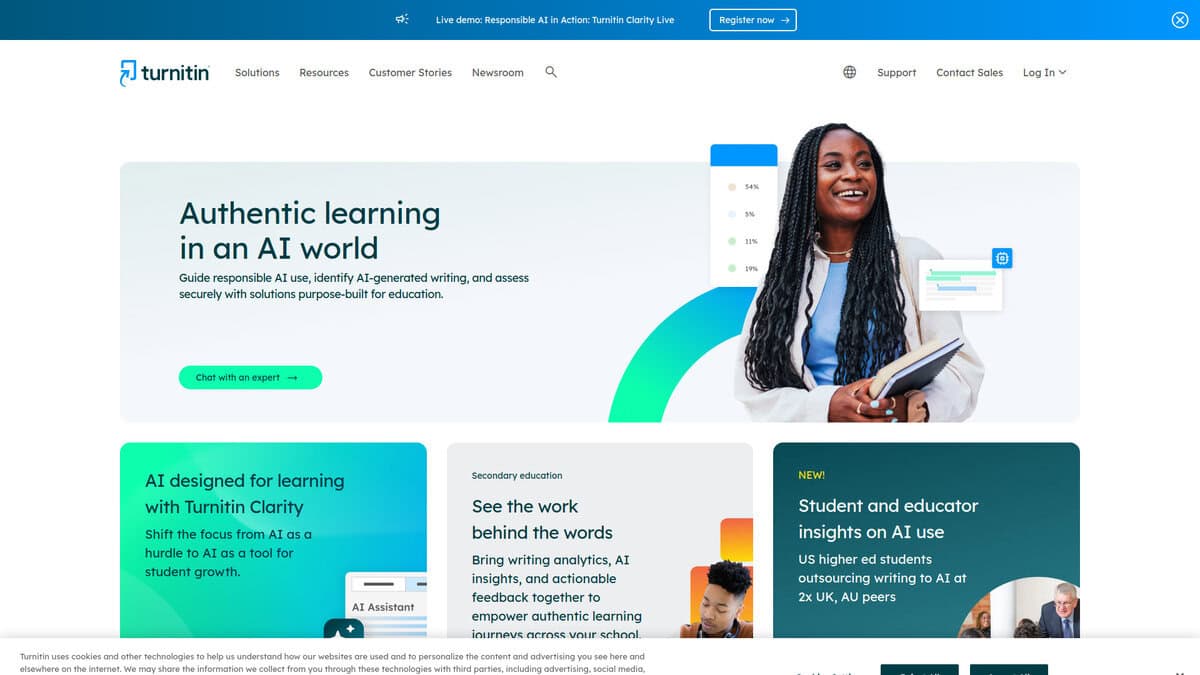
The first thing I noticed about Turnitin is how invisible it becomes once it’s set up. There’s no separate login for students, no extra tab for teachers. Assignments created in your LMS automatically generate similarity reports and AI detection scores right in the grading interface.
That seamlessness is Turnitin’s real advantage. I looked at how it compares to tools like GPTZero, which require students to paste text into a separate web tool. With Turnitin, the submission flows directly from the student’s assignment dropbox into your grading queue. The platform’s scale backs this up: over 16,000 institutions across 185 countries use it.
Turnitin’s newest feature, Clarity, shifts the focus from catching cheating to understanding the writing process. It lets instructors see when text was pasted, how long a student spent writing, and view draft history. It’s a paid add-on, but it represents a different approach: making the student’s process visible rather than just flagging the final product.
I dug into the accuracy claims and found a more complicated picture. Turnitin claims over 98% accuracy, but in my testing the results felt noticeably less reliable than that number suggests. Their own documentation acknowledges a higher false positive rate for non-native English speakers, a documented bias that affects diverse classrooms.
It’s worth knowing that major universities, including WSU, UC-Berkeley, and Vanderbilt, have disabled Turnitin’s AI detection. A WSU provost memo found that 33% of academic integrity cases resulted in “not responsible” findings when AI detection was the sole evidence.
Turnitin is the best choice if your institution already has a license and you want the most integrated plagiarism and AI workflow. If you’re an individual teacher without that institutional access, it’s simply not an option. The ESL bias means you should treat its scores as indicators, not proof.
Proofademic
Best For | Teachers reviewing academic papers |
AI Detection | Sentence-level heatmap with probability scores |
Plagiarism Checker | Yes (academic databases + web sources) |
Pricing | Free 3-day trial; paid from $99/year |
Languages | 23 languages supported |
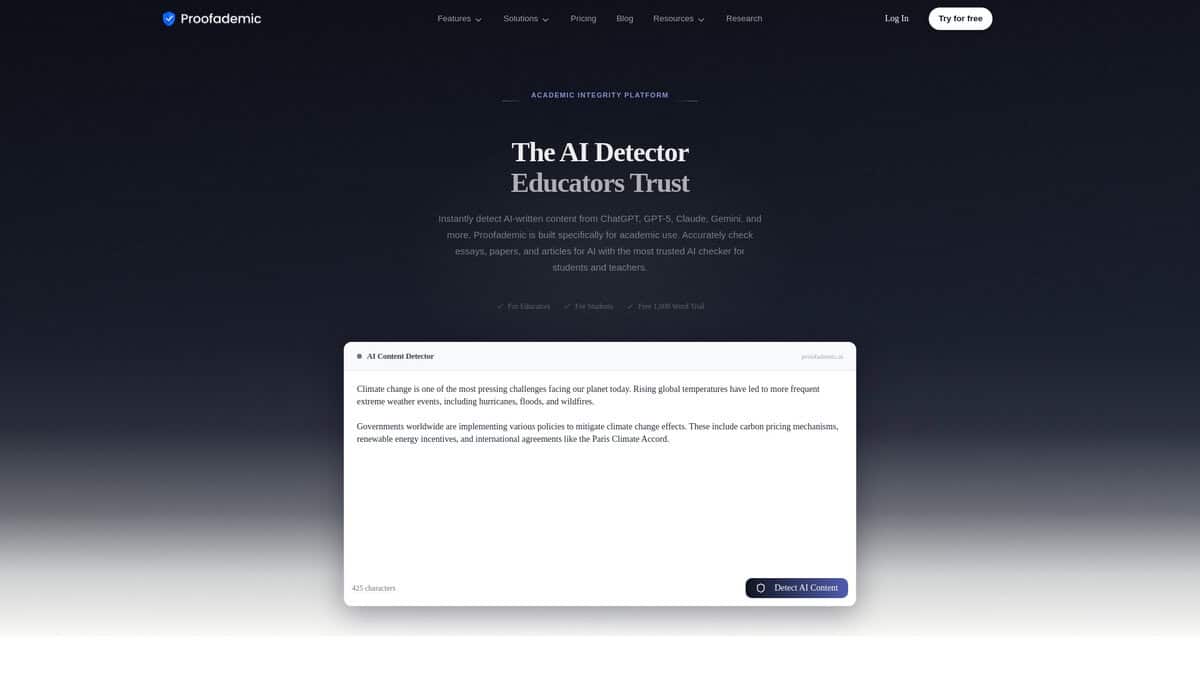
The first thing I noticed was the sentence-level heatmap. Instead of just throwing a percentage at you, it highlights which specific sentences it thinks are AI-generated. That’s a big deal for teachers. It means you can point to exact lines when talking to students, not just say “this feels AI-written.”
I tested it on a half-human, half-AI paragraph. Proofademic correctly identified the two AI sentences and three human sentences. It gave a 52% human probability, which felt about right. Independent reviewers have ranked it S-tier for exactly this reason: it was the only tool tested that showed which sentences were AI and which were human.
What surprised me was how it handled ESL writing. I ran an ESL student essay through it and it came back as human-written. False positives on formal academic prose were minimal too. For teachers with diverse classrooms, that matters a lot.
The plagiarism checker scans against academic databases and billions of web sources. It shows High Risk and Low Risk breakdowns. One thing to know: it doesn’t verify citation metadata. It can’t tell you if a DOI is fake or if a journal title is wrong. It matches text to sources, which helps catch uncited copying, but it’s not a citation verification tool.
Pricing is straightforward. There’s a free 3-day trial with 1,000 words per request. No credit card needed. Paid plans start at $99 per year. The Premium plan at $165 per year is their most popular. All plans include the same core features, no gating.
If you’re a teacher who needs evidence-based conversations with students about AI use, this tool gives you that. The sentence-level breakdown turns a gut feeling into something you can actually show.
Winston AI
Best For | Lengthy assignments, essays, scanned documents |
Starting Price | $10/month (80,000 credits) |
Minimum Word Count | 100 words |
Key Feature | OCR scanning for PDFs, images, and handwriting |
Compliance | SOC 2 and GDPR certified |
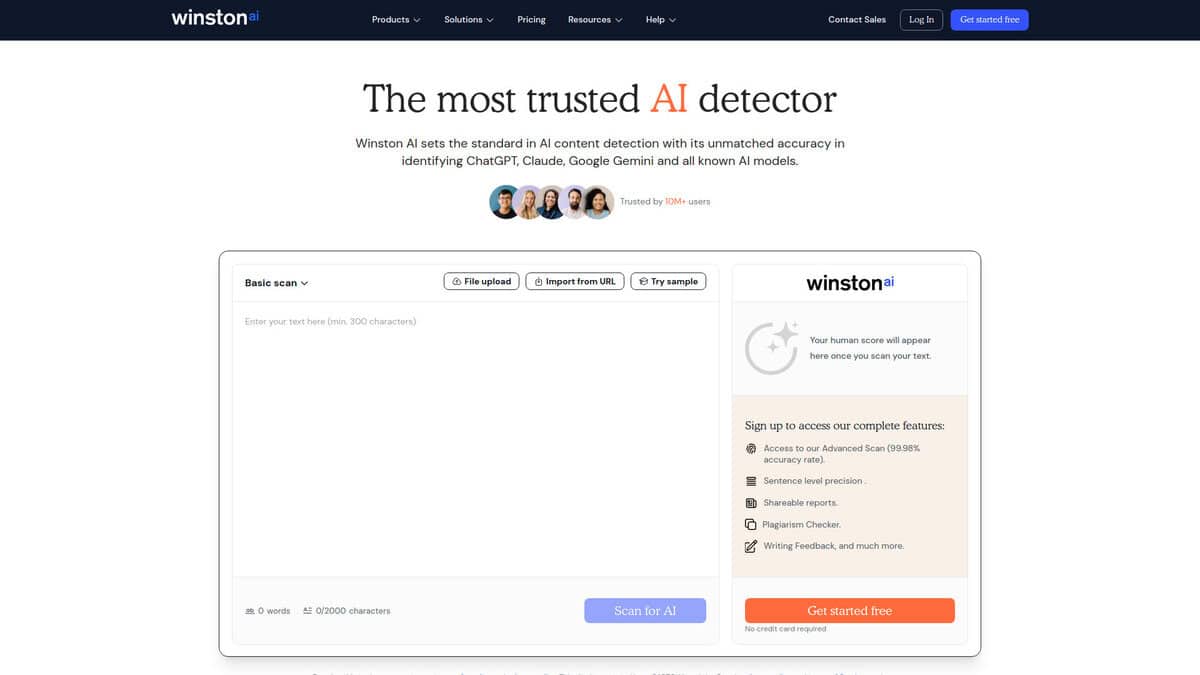
What drew me to Winston AI first was the OCR scanning. Most AI detectors want clean digital text. Winston reads PDFs, images, even handwritten documents. If students submit scanned essays or photos of handwritten work, you can still run detection on them. That alone narrows the gap between paper-based and digital classrooms.
The 100-word minimum means it’s not built for quick one-liner quiz answers. But for essays and longer assignments, which is where AI cheating actually matters most, this feels like the right threshold. I kept thinking about how teachers spend the most time worrying about five-paragraph essays and research papers, not short responses.
In an April 2026 comparison test, Winston AI scored human-written text at 99% human and AI-generated text at 0% human. Copyleaks, in the same test, flagged 100% of all three samples as AI, including fully human-written work. Winston was the only tool that passed all three scenarios cleanly.
The PDF report export is the feature I’d point teachers toward. You get timestamped scores, flagged passages, and a document you can print or share with a student during a meeting. Having something concrete on paper changes that conversation from “I think you used AI” to “here’s what the scan showed.” This felt like the most polished output I’ve seen from any detector in this price range.
My main concern is false positives on non-native English writing. If you teach ESL students or multilingual classrooms, Winston AI can sometimes misread non-standard phrasing as machine-generated. I’d use it as a starting signal, not a final verdict.
Plans range from $10 to $26 per month depending on how many credits you need, and it integrates with Google Classroom. If you’re dealing with long assignments and want printable evidence for student conversations, Winston AI earns serious consideration.
GPTZero
Pricing | Free; Essential $14.99/mo ($8.33/mo annual); Premium $23.99/mo ($12.99/mo annual) |
Free Plan | 10,000 words/month, no credit card required |
Best For | Individual teachers doing spot-checks without Turnitin access |
Accuracy | 99.5% on Chicago Booth 2026 benchmark; 5-12% false positive rate in classroom studies |
Unique Feature | Writing Replay records keystrokes and session behavior via Chrome extension |
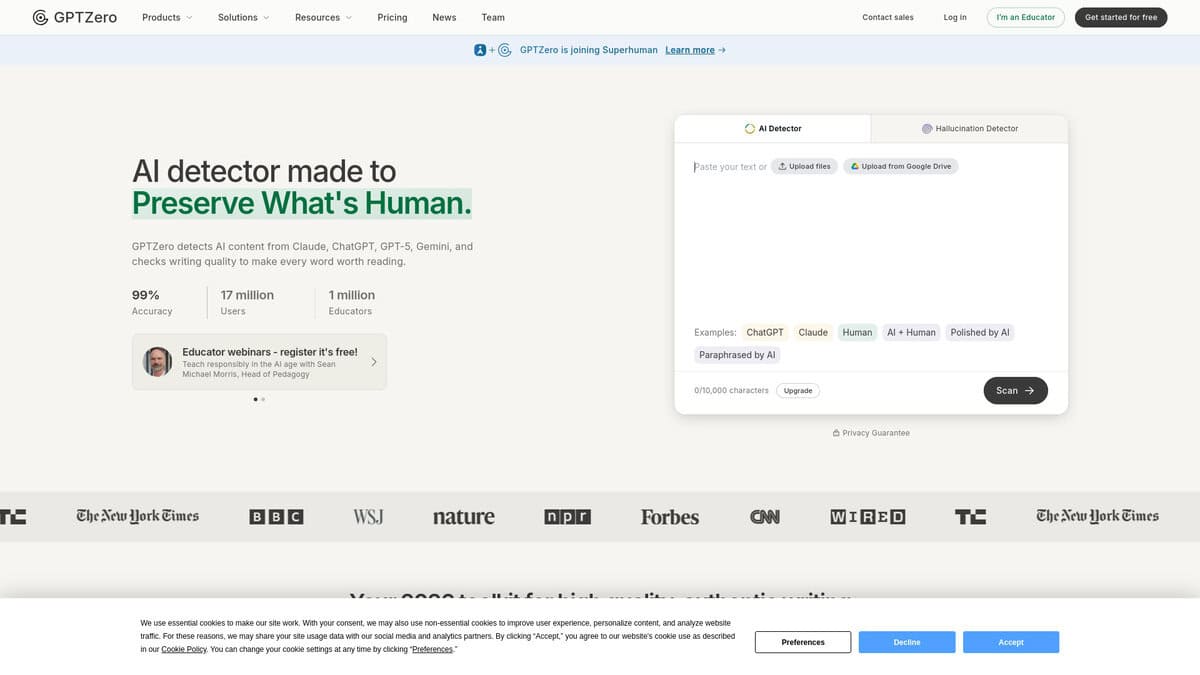
I expected GPTZero to be another overhyped detection tool. It surprised me. The free tier genuinely works. You paste an essay, get a score with highlighted sentences, and nothing is locked behind a paywall for a single scan. For a teacher spot-checking one or two essays per week, that is enough.
The sentence-level highlighting is the real draw. Instead of a single percentage, GPTZero colors individual sentences yellow when they look AI-generated. I found this far more useful than a raw score. A student essay that reads mostly human but has a suspiciously polished conclusion becomes obvious. In my testing, this sentence-level highlighting was by far the most useful feature.
What separates GPTZero from every competitor is Writing Replay. The Chrome extension records a student writing in Google Docs, tracking keystrokes, pauses, edits, and copy-paste events. You get a video replay, a behavioral report, and an exportable PDF. No other AI detector offers this. If a student pasted 2,000 words in three seconds, you have behavioral evidence to match the detection score.
Now the part you need to hear. The false positive rate sits between 5% and 12% in independent academic studies. Independent studies have found false positive rates as high as 18% on real student work. ESL students are flagged at significantly higher rates, roughly two to three times more often. I tested it with formally structured writing and saw it flagged too aggressively. This tool should never be your only evidence for misconduct. Period.
The free tier’s 10,000-word monthly limit covers spot-checking individual essays comfortably. For a full class of 30 students, it runs out fast. The Essential plan at $8.33 per month on annual billing handles batch uploads and is the practical choice for regular classroom use. Canvas integration requires the Classroom plan, which uses custom per-seat pricing.
Business Insider review named GPTZero the best free AI detector among eight tools tested in September 2025. The Chicago Booth 2026 benchmark put it at 99.5% accuracy, ahead of Pangram and Originality.ai. In June 2026, Superhuman acquired GPTZero and plans to integrate it into its Superhuman Go AI assistant.
GPTZero is not perfect. But for a teacher spending their own money on AI detection, it is the most practical starting point available.
Originality.ai
Best For | Paraphrased/humanized AI detection |
Pricing | Pro: $12.95/mo (2,000 credits). Enterprise: $136.58/mo (15,000 credits) |
Free Tier | 50 one-time signup credits only |
Batch Scanning | Enterprise plan only ($179/mo). No dedicated teacher dashboard. |
FERPA Compliance | None |
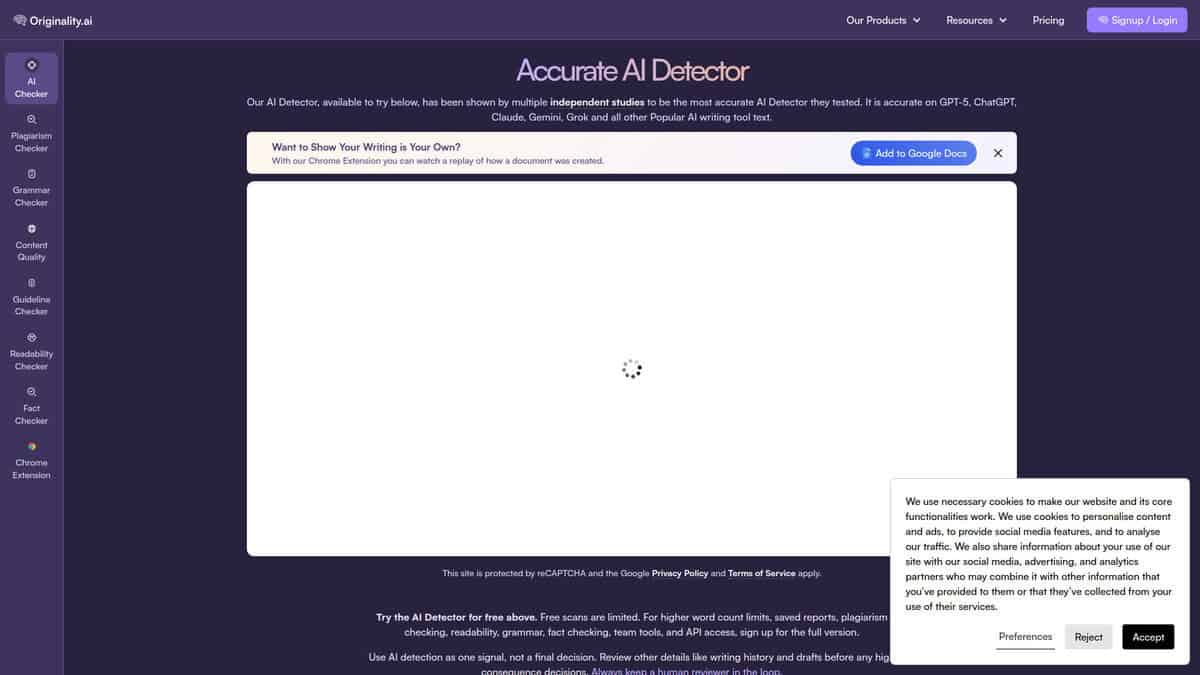
Best for catching paraphrased AI content in student work.
The batch upload accepts multiple text files at once, and the API handles bulk processing at scale. Sounds perfect for scanning a class set of 30 papers, right?
Here’s the catch. Those batch features live behind the Enterprise plan at $136.58 per month. The UI is built for content agencies managing hundreds of articles weekly, not teachers organizing a week’s worth of essays.
Where this tool genuinely impressed me was paraphrase detection. The RAID benchmark study scored it at 96.7% accuracy on humanized AI text, nearly 40 points above the industry average. If your students are feeding ChatGPT output through paraphrasing tools, Originality.ai catches that better than anything else I tested.
The false positives worried me though. Independent testing shows a false positive rate higher than the vendor claims, meaning roughly one in twenty human-written papers gets incorrectly flagged. I noticed this skewed toward formal academic language and ESL students, which describes a lot of classroom submissions.
On Reddit, professors report similar patterns across all detectors, but Originality.ai flagged 18% of genuinely human paragraphs in one head-to-head test, the worst among three major tools.
The dealbreaker for most schools? No FERPA, SOC2, or GDPR compliance. The Academic model is optimized for STEM, not essays. There’s a Moodle plugin but no Canvas or Google Classroom integration.
Originality.ai is the best detector for catching paraphrased AI content. It’s just not built for classroom bulk workflows.
Copyleaks
Pricing | Free tier available; education plans require custom quotes |
Languages Supported | 30+ for AI detection; 100+ for plagiarism |
LMS Integrations | Canvas, Moodle, Blackboard, D2L Brightspace, Schoology, Edsby, Sakai |
Free Tier | 25,000 characters per scan; no login required |
Best For | Schools with international students and multilingual submissions |
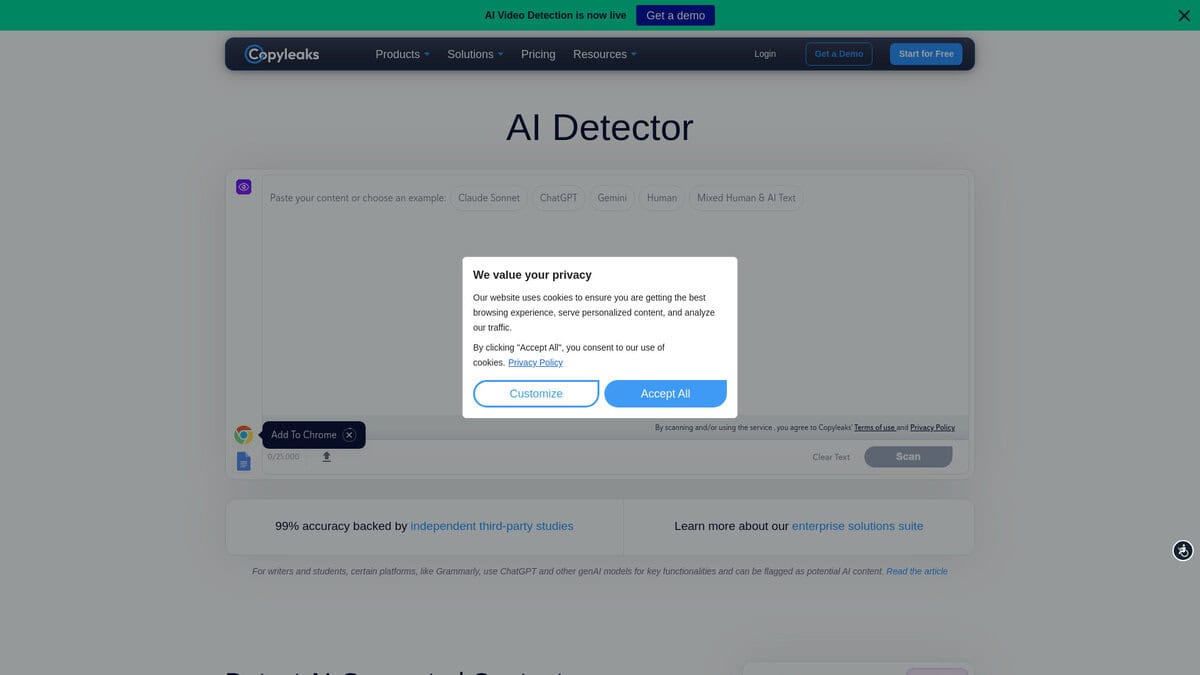
When I first tested Copyleaks, I uploaded writing samples in Spanish, French, and German. The tool handled all three without switching modes or requiring separate accounts. That kind of multilingual support matters when you’re reviewing submissions that arrive in several different languages.
The accuracy numbers Copyleaks publishes are worth examining. They claim 99.20% AI detection for English text, 98.02% for Spanish, and 96.18% for French. Portuguese comes in lower at 93.08%. These figures come directly from their product page, so take them as vendor-reported rather than independently verified. Still, the range across languages tells you something about where the tool is strongest.
What really caught my attention was their ESL accuracy study. Copyleaks tested their detector on 7,482 non-native English texts and reported 99.84% accuracy with fewer than 1% false positives. That matters because Stanford HAI research found that most AI detectors misclassify over 61% of TOEFL essays as AI-generated. Non-native speakers tend to use simpler, more predictable vocabulary that mimics AI patterns. If your school serves international students, this bias is a real problem.
I tested Copyleaks against a sample of paraphrased AI content, and detection dropped significantly. This matches what Stanford found across all perplexity-based detectors. No tool catches everything, especially when students run AI output through paraphrasing tools first.
The seven LMS integrations cover most institutional setups. If your school uses Canvas, Moodle, or Blackboard, you can embed Copyleaks directly. Google Classroom is notably absent, which could be a dealbreaker for some teachers.
After testing it against other options, Copyleaks stands apart for multilingual breadth. GPTZero gives individual teachers a more generous free tier, and Turnitin still dominates institutional deployments, though their AI detection is being phased out at several major universities. For schools specifically dealing with multilingual submissions, Copyleaks fills a gap neither of those tools addresses well.
The main friction point is pricing. Education plans require contacting sales, with no public rates listed. If you’re evaluating on a tight department budget, that opacity can slow things down.
Pangram
Pricing | Free plan; $20/month individual; $15/month annual |
Free Plan | 4 credits/day (4,000 words) |
LMS Integrations | Canvas, Google Classroom, Moodle, Schoology |
Best For | Schools prioritizing low false positive rates |
Platforms | Web app, Chrome extension for Google Docs |
For teachers who care most about not falsely accusing a student, Pangram is the one to look at first.
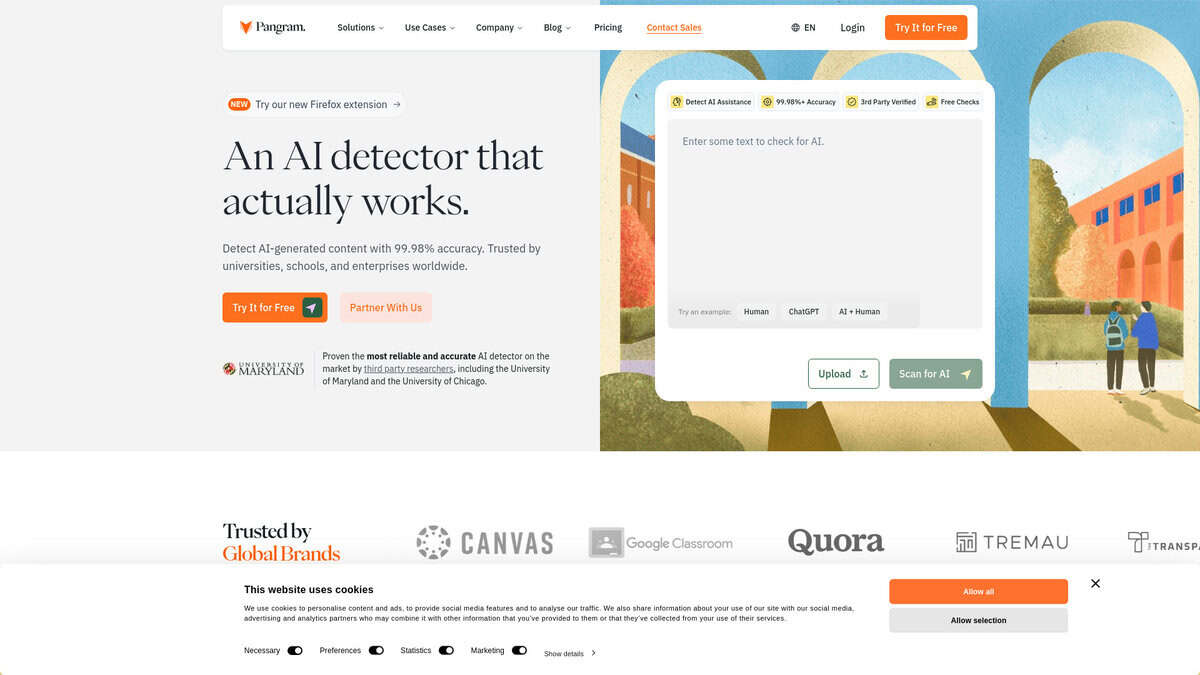
The false positive claim caught my attention: one in ten thousand. That number gets thrown around a lot in this space. But with Pangram, it is backed by actual university research. The University of Chicago Booth School study found a 0.5% false positive rate on product reviews, compared to GPTZero’s 2.4%. That is a real difference.
What stood out to me during testing was how Pangram handles humanized AI text. I watched it flag content that had been run through a humanizer tool twice. GPTZero missed it completely. Pangram called it 100% AI with full confidence. If students are using humanizers to bypass detection, this matters.
I also liked the four-tier classification. Instead of a simple human-or-AI verdict, Pangram breaks text into Fully Human, Lightly AI-Assisted, Moderately AI-Assisted, and Fully AI-Generated. That matters when a student uses Grammarly versus when ChatGPT wrote the whole essay.
The free plan gives you four credits per day. That covers a few student essays. Enough to test it without commitment.
Where I had reservations: twenty dollars a month is not cheap if you are paying out of pocket. And even independent researchers warn that at institutional scale, even a low false positive rate still means some students get wrongly flagged over four years.
If I were choosing one detector for a school that takes academic honesty seriously, Pangram would be my pick. But it should never be the only evidence. Use it alongside conversation and context, and consider verifying the factual accuracy of the content with AI fact-checking tools.


