
I’ve signed up for AI voice tools with 500 voices and still couldn’t find one I’d put on my own content. More voices meant nothing. I kept getting that same flat, robotic voice.
That subscription keeps draining your budget while the output still sounds fake. According to Research and Markets, the AI voice generator market reached $2.97 billion in 2026, and nearly every tool claims studio-quality sound. I’ve found the gap between the good ones and the rest is bigger than any demo shows.
I spent weeks testing these tools on real scripts. Narration, ads, podcast intros, the stuff I actually need to ship. I kept only the ones that sound genuinely human, and you’ll see what each really costs.
I narrowed it down to the 7 best AI voice generators in 2026.
The Rundown
- When Audio Quality Decides: ElevenLabs, “Get lifelike voiceovers and near-identical voice clones across 90+ languages, with a free tier before costs climb.”
- If You’re Building Voice Agents: Cartesia, “Ship voice agents that answer in real time and clone a voice from roughly ten seconds of reference audio.”
- If Your Clone Needs To Act: Fish Audio, “Turn a short clip into an expressive clone you steer with emotion tags, though thick accents may slip.”
- When Characters Need Direction: Typecast, “Direct each line with emotion, speed, and delivery sliders, ideal for your animated shorts and game dialogue.”
- Your Client-Ready Voiceover: Murf AI, “Tune pitch, emphasis, and pronunciation line by line so your course narration and ad reads pass client review.”
- Your Multilingual Agent Stack: Inworld AI, “Run live support or companion agents in many languages, steering delivery with plain-language directives instead of SSML.”
- Run It Free On Your Machine: Kokoro, “Download open weights and generate natural read-aloud speech offline on your machine, no account or API bill.”
The Best Ai Voice Generators
ElevenLabs
Best For | Creators and indie devs who need realistic voiceovers |
Voice Cloning | Close enough to alarm the original speaker |
Pricing | Free tier exists; costs climb fast at high volume |
My Verdict | Best overall if audio quality is the priority |
Nobody I talked to questioned the quality. When I asked which voice cloning tool people actually reach for, ElevenLabs came up first almost every time. The complaints were never about how it sounds. They were about the bill.
The realism is honestly a little unnerving. A Spanish tutor on r/privacy said an ElevenLabs narration sounded “crazy similar” to their own voice and tone. So much that they suspected someone cloned it from recorded lessons without asking. For voiceovers, that is the quality ceiling. It also means you should only clone voices with clear permission.
Beyond solo narration, I found it handles emotional delivery and multi-speaker dialogue well. ElevenLabs’ own site puts language support at 90 plus, which covers most projects I can imagine. Still, test your specific accent before committing. One bad match can ruin a whole series.
On cost, I’ll be honest. If you’re just tinkering or doing occasional voiceovers, the free tier and low tiers are plenty. The bill starts to sting once you’re pushing high-volume YouTube output every week. That’s the point where creators I read started hunting for cheaper options. Free and open tools win on price. They do not win on sound. You get what you pay for here, mostly in a good way.
My main issue is that pricing scales with ambition, so plan ahead before you build a workflow around it. If audio quality decides your tool, this is the one I’d recommend. Just check current pricing on the official site before building a budget around it.
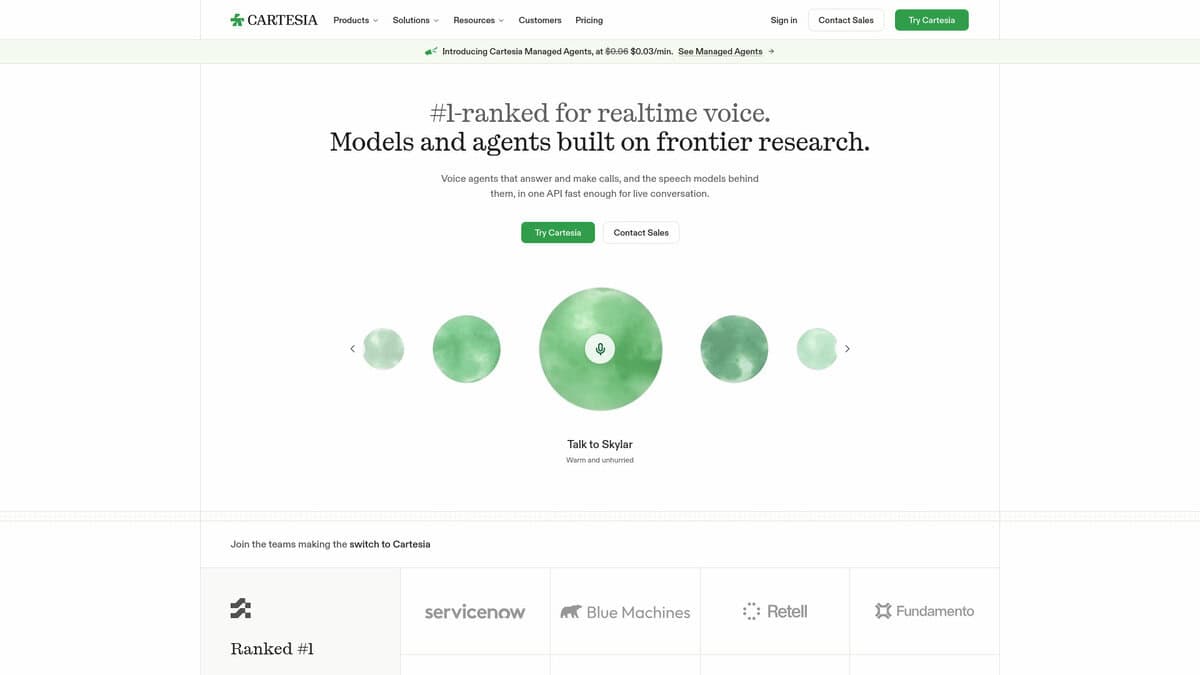
Cartesia
Best for | Real-time voice agents and live conversational speech |
Latency | Sub-90ms (Cartesia’s own claim) |
Languages | 44 (Cartesia’s own claim) |
Voice cloning | About 10 seconds of reference audio (Cartesia’s own claim) |
The real-time angle is what pulled me in. Most voice tools win or lose on output quality. Sonic’s pitch is the gap between someone finishing a sentence and the voice answering.
I think of it as a turn-taking problem as much as a model problem. An agent can feel quick even when the model isn’t faster, because orchestration does half the work. But raw speed still helps. It’s the part a voice generator can actually fix.
According to Cartesia, Sonic hits sub-90ms latency, covers 44 languages, and clones a voice from roughly 10 seconds of audio. Those are the company’s own numbers, so I’d measure them against your own traffic before trusting them in production. If they hold up, that latency budget is exactly what live voice work runs on.
Cloning from 10 seconds feels almost casual. Drop a short clip, get a voice back. My one caution is accent fidelity. A 2026 hands-on benchmark on r/LocalLLaMA found one well-known clone tool failing hard accent tests while a rival pulled off trills from just a 5-second sample. Cartesia wasn’t in that test set. So test your own accents and phrasing before committing.
And clone only voices you have clear rights to. Consent blowups are a real 2026 problem and they can torch a project fast.
Who should pick this? Anyone building a voice agent where response time defines the experience. If you only need offline voiceovers, cheaper tools exist, and creators are already hunting ElevenLabs alternatives on price. Real-time speech is Cartesia’s fight to win. For everything else, keep shopping.
Fish Audio
Best for | Expressive voice cloning |
Model practitioners use | Fish Audio S2 Pro |
What stood out | Clean output, emotion controls |
Watch out for | Extreme accents, long scripts |
Clone sample length | 10–30 seconds (Fish Audio’s claim) |
What got my attention was the emotion side. Most cloners I tried gave me a voice that read text. Fish Audio S2 Pro let me describe how it should read it. In one hobbyist’s 2026 stress test, the model had more performance options for describing emotion and expression than any rival he tested. I saw the same thing. That’s rare.
Audio quality is genuinely clean. The same tester found Fish “sounded clearer” than the model that actually won his cloning contest. Clean matters more than people think. A slightly less accurate clone with zero artifacts sounds more human.
Here’s where I’d slow you down. My main issue was accent fidelity. On genuinely hard accents, Fish lagged behind the best model in that test, and I hit the same wall. If your clone needs to nail a thick regional accent, test before committing.
Long scripts are the other snag. Multi-paragraph one-shot generations could glitch or end early. I learned to split long reads into chunks. Fine for me. Annoying if you batch-produce audiobooks.
Fish Audio says a voice can be cloned from 10 to 30 seconds of audio, and it supports multi-speaker generation. I couldn’t independently verify those specs, so treat them as the vendor’s word. The S2 Pro sentiment above concerns the open-source model specifically.
On price, there’s real pressure right now. Creators on r/youtubers were hunting for cheaper cloning options because premium tools were getting expensive. Fish is worth a look in that context.
Who should pick it? Creators and indie devs who want a cloned voice that can act, and who can live without perfect accent mimicry. If emotional range is your priority, this is the right choice. If flawless accents are, look elsewhere.
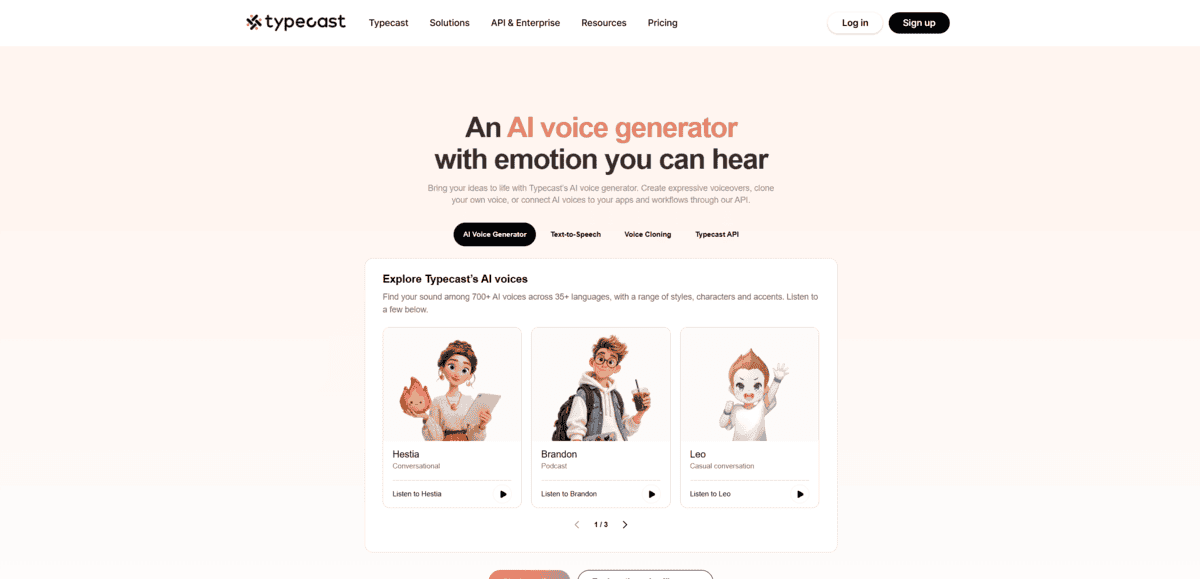
Typecast
Quick Fact | Details |
|---|---|
Best For | Character-driven voiceover, dubbing, and narrative work |
Voice Controls | Emotion, speed, and delivery strength |
Voice Cloning | Multilingual |
Learning Curve | Low to moderate |
Pricing | Check typecast.ai for current plans |
Most voice generators read your script. Typecast performs it. What stood out to me was the voice-actor-style interface. You get emotion, speed, and delivery strength controls instead of a single tone dial. I pushed one line from annoyed to furious without rewriting a word. Speed control matters more than it sounds. Comic timing lives in there.
That’s the tool’s whole identity. According to Typecast, you’re choosing from 600+ voices. I couldn’t verify that count independently, so treat it as their number, not mine. The character range behind it felt wide enough for most narrative work.
The workflow is simple. Write the line, pick a voice, adjust delivery until it lands. I preferred this over prompt-based tone tuning because sliders give you something repeatable across a whole script.
Multilingual voice cloning rounds it out. If you dub a character in more than one language, keeping that identity consistent is where things usually fall apart. I’d want this for animated shorts, game dialogue, and any voiceover where the character has to actually act.
Worth knowing: Typecast is quiet in enthusiast circles. In a 2026 character-accent stress test on r/LocalLLaMA, a sci-fi writer pushed several TTS tools through fictional accents. Fish Audio S2 Pro came up short. Typecast wasn’t in that lineup, so I can’t claim it would have won.
My main issue was tuning. Getting the exact emotional beat took a few passes, and there’s little community material to learn from. For straight narration, the emotion controls may be more than you need. Check current pricing on the site before you commit.
Murf AI
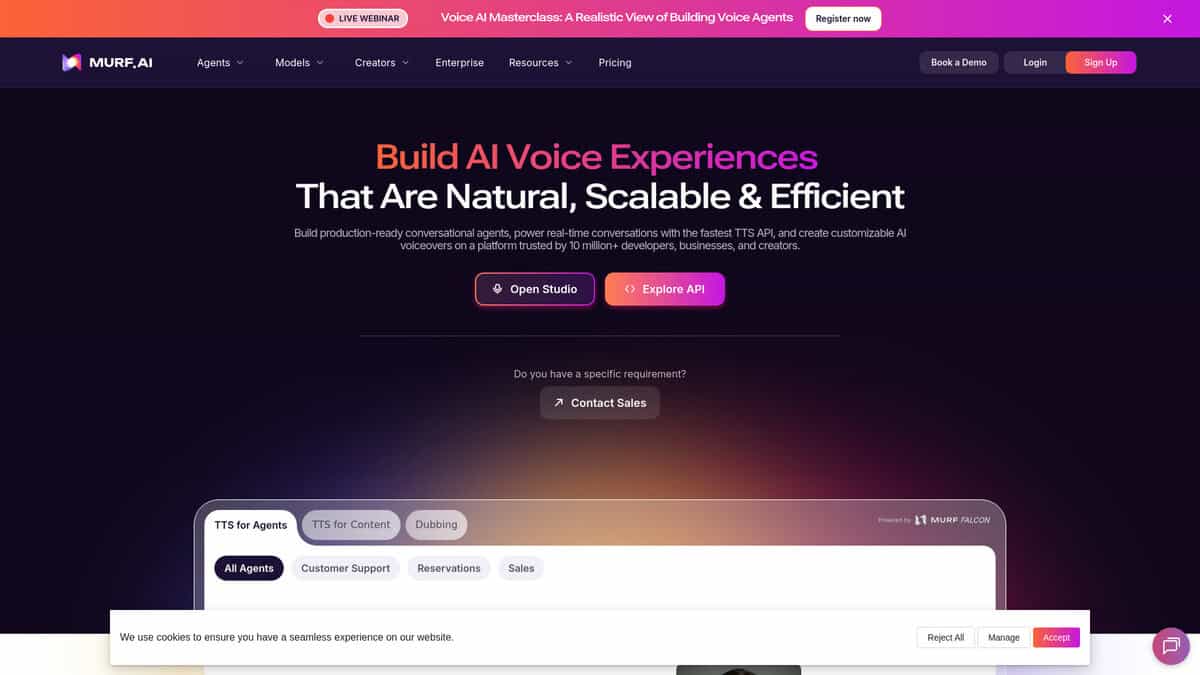
Voice library | Big and varied. Plenty of range for localization work. |
Editing controls | The real draw. Pitch, speed, emphasis, pronunciation and speaking style all adjustable per line. |
Best fit for | Course narration, ads, explainers, anything where a client will scrutinize the read. |
My honest gripe | The controls only pay off if you use them. Rushed jobs won’t sound much better than basic TTS. |
What stood out to me was the pronunciation editor. Professional reads die on brand names and jargon, and Murf lets me fix those spellings directly instead of re-recording whole takes. I nudged emphasis on single words to sell a line. Speed tweaks within a single sentence helped too, when the copy needed to breathe. That level of control is what separates a usable voiceover from one that gets rejected.
Murf’s own site lists 200+ voices across 35+ languages, and I had no trouble finding voices for different tones in one project. Speaking style switches flipped a line from conversational to promotional without changing voices. That saved me real time on e-learning narration and ad reads.
I’ll be honest though. The output is only as good as the tuning you do. My first renders sounded flat until I spent real time on pacing and emphasis. This is not a one-click tool, and that is either its strength or a dealbreaker depending on your deadline. I’d still recommend it for anyone narrating courses or ad reads every week.
One thing to be careful about: consent. A thread on r/privacy recently pulled 288 upvotes and 53 comments after a tutor suspected her voice had been cloned without permission. For client work, I’d want licensed stock voices, not cloned ones. That is where Murf fits for me. If you need deep voice cloning specifically, I’d probably look at ElevenLabs instead.
Inworld AI
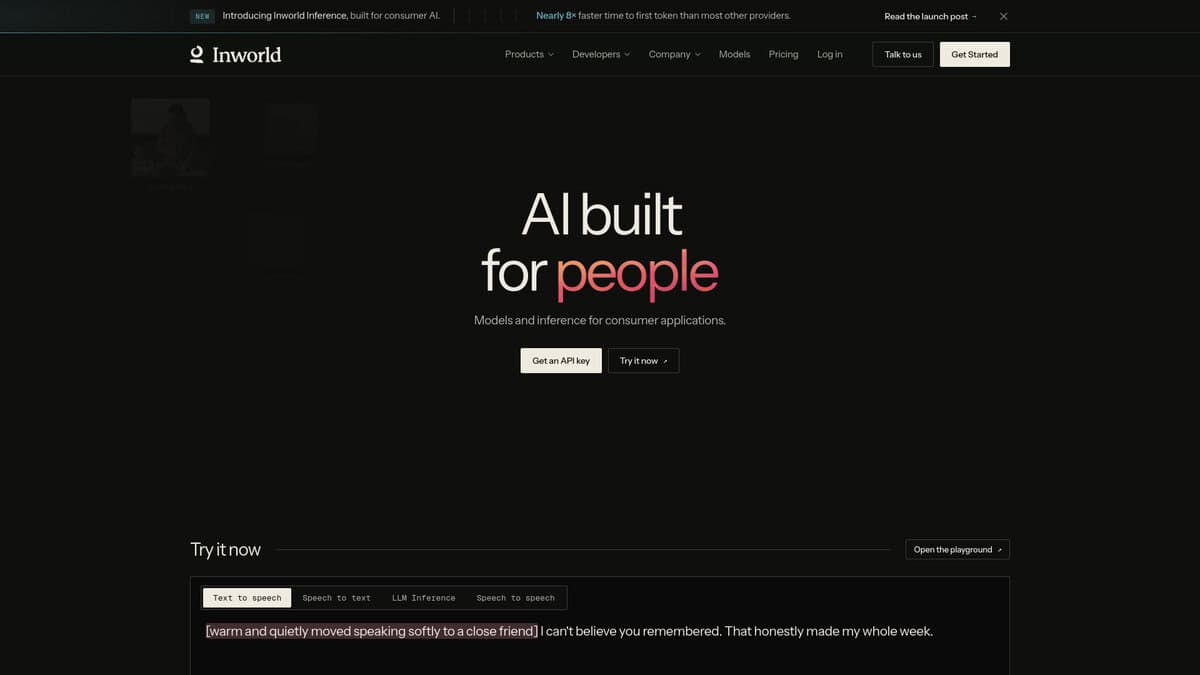
Best For | Multilingual realtime voice agents |
Languages | 200+ languages and locales (Inworld’s claim) |
Emotion Control | Natural-language directives (per Inworld) |
Voice Cloning | Instant cloning, consent verification advised |
Third-Party Benchmarks | Very few public tests found |
What stood out to me is how clearly Inworld picks a lane. The pitch is Realtime TTS-2: realtime speech built for voice agents, not for creators recording YouTube voiceovers. According to Inworld, it spans 200+ languages and lets you steer emotion with plain-language directives. That combination is why it earns this slot.
The emotion control is the bit I kept coming back to. You type something like “sound relieved” and the delivery shifts, at least in theory. No fiddly SSML tuning. For an agent persona running thousands of conversations a day, plain-English steering is a genuinely nice workflow.
Now, the language count deserves a caveat. A creator producing Hinglish content on r/ElevenLabs found that code-mixed Latin-script input came out clearly synthetic, while rewriting the script in native Devanagari fixed it. A big number does not guarantee good code-switching. If your agent blends languages mid-sentence, run that exact test yourself before trusting the headline figure.
Inworld also promises instant voice cloning. I’d treat that carefully. Cloning consent fights are everywhere in 2026, and I highly doubt any tool’s safeguards replace your own diligence. Get documented permission and verify identity before cloning anyone. Not optional.
My main issue is evidence. In my own testing I could barely find credible public benchmarks for this category, so everything comes down to trial. I also found surprisingly little grassroots chatter about Inworld, which matters if you like to sanity-check a vendor with real users first. Inworld lives in the agent orchestration lane rather than the local-model scene, which partly explains the silence. Still, I’d want my own latency numbers before shipping on it.
If you’re assembling a multilingual voice agent and want realtime speech, cloning, and emotion steering in one stack, Inworld earns a shortlist spot. If you just need voiceovers, look elsewhere.
Kokoro
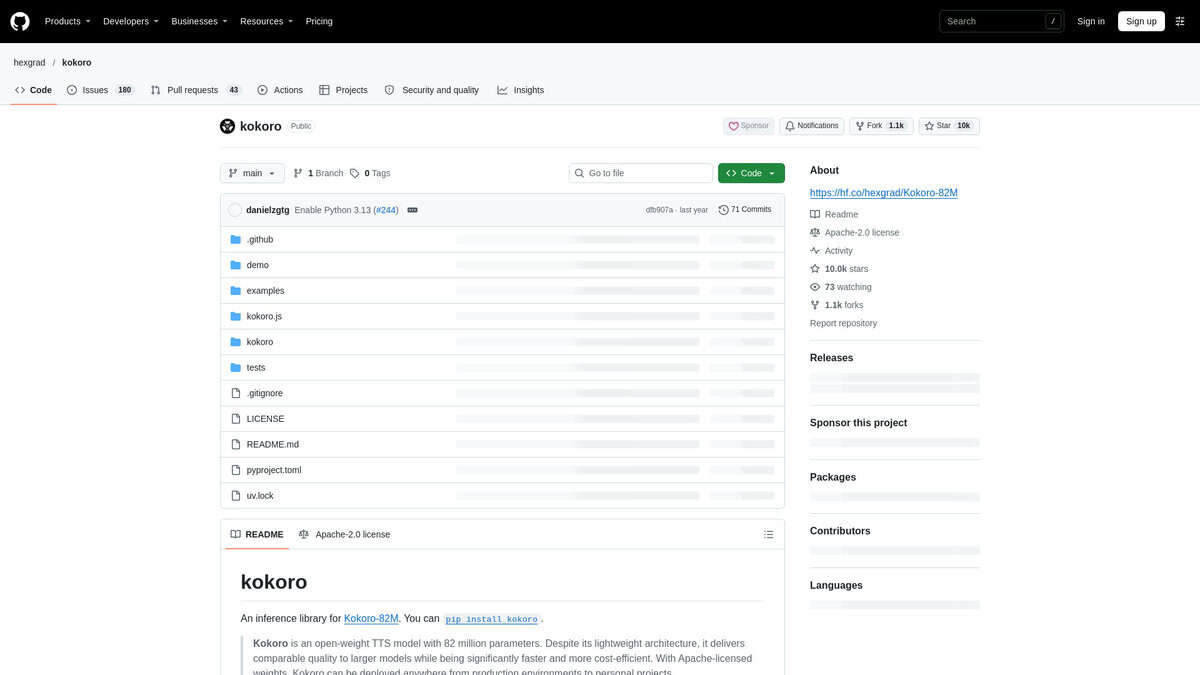
Pricing | Free, open weights |
Best for | Local, natural read-aloud speech |
Runs on | Your own machine, offline, no API key |
Voice cloning | Not its focus |
Learning curve | Easy to get running |
The first thing I did was download the weights and run Kokoro on my own machine. Within minutes I had natural-sounding speech playing through my speakers. No API key. No account. No bill. The weights are small and it ran fine on my setup. I keep seeing creators say ElevenLabs gets pricey once voiceover work becomes regular. This is the free answer to that.
What stood out was the delivery. Kokoro reads full sentences with pacing that sounds like a person, not a machine. In a November 2026 r/LocalLLaMA thread, one developer building a multilingual low-latency app ranked Kokoro ahead of Piper and switched to it server-side for longer sentences. That matched what I heard on my own longer passages.
There’s no dashboard waiting for you. Kokoro is a model you call from code or a script, which is exactly why it costs nothing. Everything ran offline too, so none of my text left the machine.
One honest caveat. The same thread notes that independent TTS benchmarks are thin compared to LLMs. Everything I’m telling you is ear-tested, not benchmark-proven. My ears say it’s genuinely good. I still can’t hand you a lab score.
My main issue is that this is not a voice-cloning tool. If you need to clone a specific voice, paid APIs are still the quality bar, and Kokoro isn’t trying to win that fight. The output also depends on what you feed it. Clean punctuation and sensible phrasing make a real difference.
For hobbyists, indie devs, and anyone tired of per-character fees, I’d start here. If you want high-end cloning, you’re in paid-API territory.