

You sign up for a free AI video generator, type your prompt, and hit generate. Two clips later your credits are gone and a watermark sits across everything you made.
That’s most free tiers in 2026. The market is worth $946.4 million this year, per Grand View Research, but free plans are where tools quietly hide their real limits. Pick the wrong one and you lose a weekend to exports you can’t use.
I checked what each free plan actually hands you. How many clips before the paywall. What resolution you get. Whether the watermark leaves.
Here are the 7 free AI video generators in 2026 I’d actually sign up for.
The Rundown
- Best Free Video With Sound: Google Flow, “Spend 50 free credits a day on Veo 3.1 Lite clips that arrive with native sound.”
- If Your Scene Has People: Kling AI, “Turn a still into footage where people walk naturally, though free exports stay watermarked and non-commercial.”
- Your Daily Creative Playground: Leonardo AI, “Spend 150 Fast Tokens daily across images, video and presets, with no credit card and public creations.”
- Skip Prompt Writing Entirely: PixVerse, “Pick an effect, drop in a photo, and post a 540p vertical clip to TikTok the same minute.”
- If You Want Seedance Free: Dreamina, “Refresh your credits daily and spend them on Seedance 2.0 and Mini drafts, with a watermark on everything.”
- Map Real Moves Onto Characters: Viggle, “Give it a full-body photo and it copies any template’s moves onto your character, five clips daily.”
- When You Need Narration: Fliki, “Paste a blog or script and get a finished narrated video from 300 voices in 80+ languages.”
The Best Free Ai Video Generators
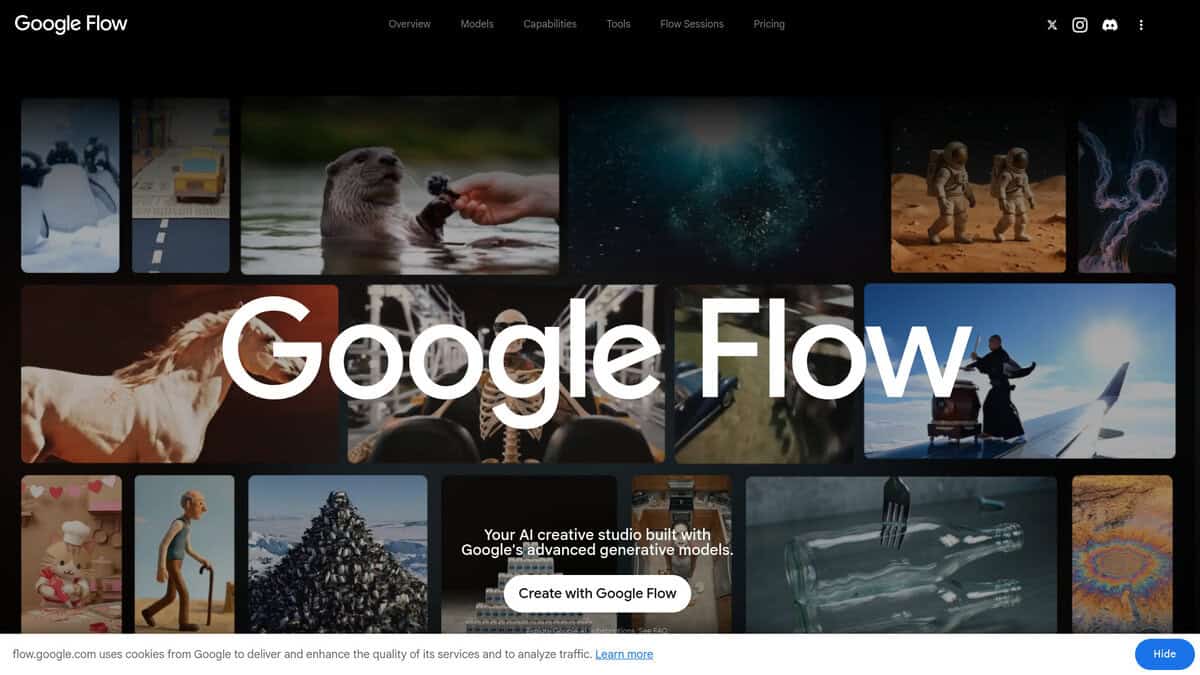
Google Flow
Best for | Free AI video with native audio |
Free credits per day | 50, every account |
Cost per Veo 3.1 Lite clip | 10 credits |
Clips you get free | About 5 a day |
Main catch | Peak-hour video blocks, no free 1080p upscale |
Google Flow wins this category because it gives you the most usable free video of any tool I tested in 2026. The product also changed shape three times this year, so older reviews describe something that no longer exists. Whisk and ImageFX got folded in during February, which made image generation free and fed it straight into video. The Flow Agent arrived in May for all users. And Veo 3.1 Lite, the model that makes the free tier actually work, landed in March.
The number: 50 credits daily, subscription or not. Veo 3.1 Lite costs 10 credits, so five clips. A head-to-head test by Hishaam Ahmed walks through the same math: 50 daily credits buys five Lite clips, and image generation costs nothing. Nothing rolls over either, and the refresh fires on your first generation of the day, not at midnight.
My routine settled into three Lite drafts plus one Fast take. Exactly 50 credits. I’d iterate on the prompt at 10 credits a pop, then spend 20 on the keeper once it behaved. Failed generations cost nothing, which took some of the sting out of duds.
The limits are real. I kept getting shut out of video generation from roughly 2 PM to 5 PM UTC as a non-subscriber. No 1080p upscaling without paying. Veo 3.1 Quality needs 100 credits and is simply out of reach. Credit costs stay opaque until you learn the table, and prompts followed my intent most of the time, but not always. Scenebuilder took me a session or two before it clicked. A user who ran Flow daily for two weeks landed on the same worry: the credits bite hard once you lean on the tool.
For context, PixVerse and Kling both gave me less usable free output. PixVerse clips came watermarked and softer than Flow’s, and Kling’s free output carries a watermark with no commercial use. I’ll admit Runway and Kling can look better in blind tests. Flow wins on what zero dollars buys you.
One last tip: Google’s own pages contradict each other about eligibility. Sign in and confirm your counter shows 50 before you plan a project around it.

Kling AI
Best for | Realistic human and camera motion |
Inputs | Text-to-video and image-to-video |
Free tier | Daily free credits from Kling’s own free-credits page; exports carry a watermark |
Clip style | Short clips, strongest on walking people, faces and controlled camera moves |
Watch out for | Slow peak-hour queues, credits spent on failed generations |
When I ran the same prompts across a few tools in this list, Kling kept producing the clip I actually wanted to keep. People walk like people. Weight lands. Camera drift feels directed, not random. It was the first free tool I reached for whenever a scene had a person in it.
That lines up with what I found outside my own testing. In a nine-model comparison on r/StableDiffusion, the tester ranked Kling second overall and said it “delivers consistently great results”. Commenters on the runner clip named it one of the two best for human motion. I agree with that read.
Image-to-video gave me the most value. I fed it a decent still and a short motion prompt, and the result looked close to real footage. Text-to-video works too, but it needs more retries. Big wild action scenes warp. Fast physics falls apart. Keep shots simple and it behaves.
The free tier is usable but stingy. Kling’s own free-credits page confirms daily credits plus a watermark on free exports. In my account, credits reset every 24 hours and never carried over, so use them or lose them. Failed generations still burned my credits, so I learned to draft prompts in a cheaper tool first and spend Kling credits only on the winner.
Queues got slow at peak times for me, and that frustrated me most. Clips stay short too. If you need watermark-free output for anything public, you will need a paid plan. For realistic motion on zero dollars, I still think it is worth the patience.
Leonardo AI
Best for | Daily creative experimentation |
Free allowance | 150 Fast Tokens per day |
Token reset | Every 24 hours, no rollover |
Credit card | Not required |
Watch out for | Creations are public |
The daily reset is what hooked me. Leonardo’s own pricing page gives free accounts 150 Fast Tokens every 24 hours, no credit card required. Nothing rolls over. Skip a day and those tokens vanish. I groaned at first, then realized it just means you actually open the tool instead of banking credits forever.
Those tokens come from one shared pool. Images, video, presets, editing tools, all of it. I liked generating a still, pushing it through Motion 2.0 Fast, then iterating, all in the same window. Models from Veo and Kling sit in the same menu as Leonardo’s own. The token cost also shows up right on the Generate button, which saved me from a few expensive clicks. Video-heavy days drain the 150 far faster than image days. That caught me off guard.
Here is the part I will not sugarcoat. Video quality is not Leonardo’s strong suit. My renders took minutes, and the motion often looked stiff. A clip of a sip from a cup came out wrong. A long text-to-video prompt looked visibly artificial. When I ran that same prompt through Veo 3, the result was noticeably more convincing.
Two more things to know before you commit time. Free creations show up in the public gallery. Leonardo keeps the IP, though a commercial licence comes included even on the free plan.
My own gripes aside, sentiment runs warmer than my video tests. Leonardo holds a 4.7 out of 5 aggregate on Trustpilot. The sharpest one-star grumble I scrolled there tracked the same theme I hit: tokens running out fast, then slower queues once they do.
I’d treat Leonardo as a daily playground, not a finish line. Ideate here, polish elsewhere. If the 150 stops stretching, paid tiers exist, but I’d squeeze the free plan first.
PixVerse
Pricing | Free; paid from $10/month |
Free Plan | 60 credits signup, 30 daily, 540p, watermark |
Best For | Effect-driven short clips for TikTok/Reels |
Export | Native 9:16 vertical clips |
I signed up for the free plan to see if it could handle quick social-effect clips. According to PixVerse’s own plan page, the Basic plan gives 60 credits on signup and 30 per day, up to 540p with a watermark, and paid tiers start at $10/month. I never needed to upgrade for testing.
What stood out to me was the Effect Center. You pick an effect like AI Hug or Earth Zoom, upload a photo, and get a five-second vertical clip. Zero prompt writing. I tried a Muscle Surge style transformation and had something postable in under a minute. If you make short-form content, that speed matters more than cinematic polish. The native 9:16 output means no cropping before posting to TikTok or Reels.
Text-to-video and image-to-video also work on free, but credits burn fast. Retries are the real cost. One usable clip ate a big chunk of my daily allowance. My main issue was the strict content filter, which rejected a few perfectly normal photos of mine. Credits don’t roll over either, so unused ones vanish at reset.
Quality-wise, PixVerse V6 did well in an independent same-prompt test, scoring 8/10 on action and transformation clips, ahead of Kling 3.0. That’s exactly the genre of social-effect clips it targets. Dialogue and talking prompts scored lower at 6/10. If you need speech-synced output, look elsewhere.
I’d recommend PixVerse to hobbyists and social makers who want free, effect-driven clips with no editing skills. The watermark and 540p ceiling bother me less than the expiring credits. Google Flow feels more cinema-oriented and Kling has stronger realistic motion, but PixVerse wins on renewable daily credits and one-tap effects. Skip it for long-form or commercial work without paying.
Dreamina
Best for | Daily Seedance testing on a $0 budget |
Free tier | About 60-120 credits a day, refreshing, no card needed |
Watermark | Yes on free exports, removal is a paid feature |
Standout feature | Recurring daily credits on real Seedance models |
Main limitation | A day’s credits buy 1-2 short 5s drafts |
The first thing I noticed: Dreamina does not hand you one signup pool and wish you luck. Free credits refresh daily, and no card was required to start.
That recurring drip is why I kept it in my rotation. Most free trials leave you stranded by day two. A small budget that never stops suits slow testers like me.
How far it stretches depends on region and model. Atlas Cloud’s pricing guide puts the allowance around 60 to 120 credits a day. At roughly 60 credits per 5-second 720p draft on Seedance 2.0 or Mini, I got one, sometimes two, clips.
Seedance 2.5 is the part you will want and mostly cannot have. It runs 30-second clips, up to 50 mixed references, and a long-video mode. Observed rates hit about 390 credits for 15 seconds at 720p. One creator’s 30-second multi-reference render cost 1,110 credits. A whole free day will not buy one attempt.
So free users live on 2.0 and Mini. Motion there was clean enough for drafts and quick tests, which is what free credits should fund anyway.
My main issue was the watermark burned into every free export. Removing it is paid. Reference-image uploads were region-gated, strict filters cancelled prompts that looked innocent, and evenings got noticeably slower.
The aggregate score is 1.7 out of 5 on Trustpilot, but that is only 31 reviews, mostly billing and support disputes. Generation quality was not what people were angry about.
If the drip ever dries up, watch for promos. US users recently saw 98% off the first month at $0.29, renewing near $15. ByteDance also runs short free-generation windows.
I’d recommend Dreamina for solo creators who want to poke at Seedance a little every day. If you need longer, watermark-free videos at zero cost, keep looking.
Viggle
Best For | Character animation, dance clips, memes |
Free Plan | 5 videos/day, watermarked |
Output | Short clips, roughly 4-15 seconds |
Learning Curve | Low, template-driven |
Main Catch | One render at a time |
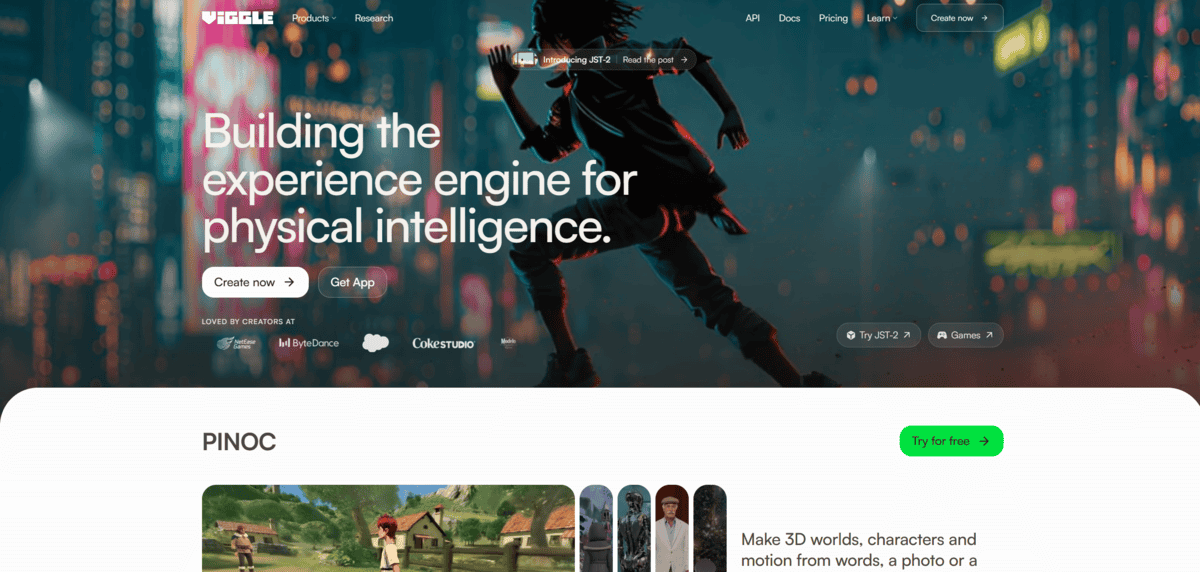
Where prompt-driven tools want a whole scene invented from text, Viggle made me do the opposite. I signed up without a card, uploaded a full-body photo on a plain background, picked a dance from the 8,000+ template library, and had a watermarked clip back in about two minutes.
That split matters. Kling AI and Google Flow generate footage from a prompt. Viggle takes a character you supply and maps motion onto it, either from a template or a video you upload. The same Blueny walkthrough shows the loop end to end, and one trending template there had reached 87,000 users.
The free tier also unlocks Real-Time Swap, which let me dance on webcam and watch my character copy me live on screen, plus Multi-Track for swapping several people in one scene, though that one is limited without paying.
My main issues were the watermark, the one-at-a-time queue, and the clip length. Most of mine landed around 4 to 15 seconds. Output is silent, so I added music in a separate editor every time.
Expect glitches on fast moves, hands, and fussy outfits. Forum regulars on Taptu advise simple backgrounds, one centered subject, clips under 5-7 seconds, and three or four reruns to keep the best. That advice matched mine exactly.
Treat it as a chaotic meme machine and you will have fun. If I were picking one free tool just for character animation, this is where I would start. Want long-form cinematic video or watermark-free commercial output? Look elsewhere. Also check the privacy policy before uploading real people’s photos, since free-tier uploads may be used for training.
Fliki
Free plan | 3 credits per month, no card required |
Free voices | 300 voices across 80+ languages |
Free export | 720p with Fliki watermark, no commercial rights |
Platforms | Browser only |
Best for | Script, blog or PPT to narrated video |
Best for beginners who want a finished narrated video, not a raw clip.
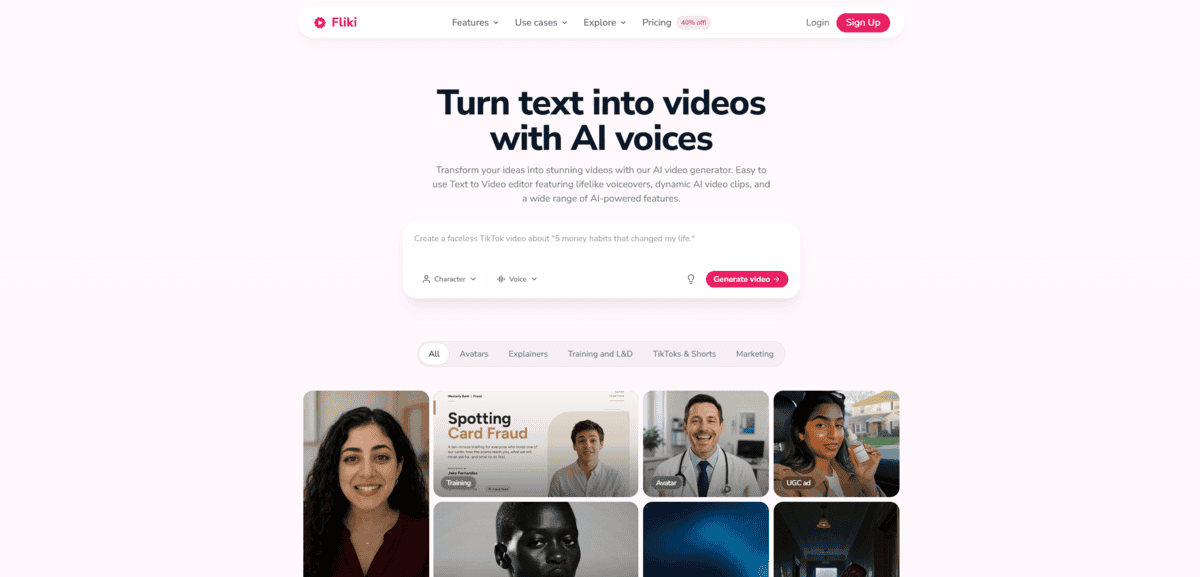
I signed up with just an email and three credits landed immediately. Then I pasted a blog URL and waited. What came back was a full narrated video: script, voiceover, visuals, captions, music. That is the whole difference here. Most tools on this list hand you a silent five-second clip. Fliki hands you the finished piece.
The voice picker is where I got genuinely excited. I tried a handful of the 300 free voices in different languages and several sounded natural enough to publish. If narration is the point of your video, this library is why you would pick Fliki over rivals.
Now the honest math. Three credits buy roughly a few minutes of narrated video, and per Fliki’s own pricing page, that works out to about 0.5 credits per minute when stock footage carries the visuals. Lean on AI-generated clips instead and the credits evaporate. I learned to skip AI media and save my quota. Also note that editing text reprocesses audio and charges you again, and credits reset monthly with no rollover.
Export reality check: 720p, watermarked, no commercial rights. Perfect for testing ideas and personal posts. Not something to build a monetized channel on.
I’ll be honest about the friction too. September 2026 reviews on Trustpilot describe generation failures that still burn credits and scripts getting quietly shortened. One reviewer watched a 3-minute script shrink to about 1:37. Support replies are slow.
An independent four-tool test in March 2026 gave Fliki 3.8/5, praising its best-in-group voice quality while flagging unpredictable credit burn.
Per Fliki’s own v5 announcement in late September 2026, the editor added a Copilot start and a script-review step, though Series and explainer workflows stay paid-only. Free users get the core pipeline, which is plenty.
I’d try it for a week of free renders, then decide whether narration matters enough to pay.